Millennia PC Game Download for Windows 10/11
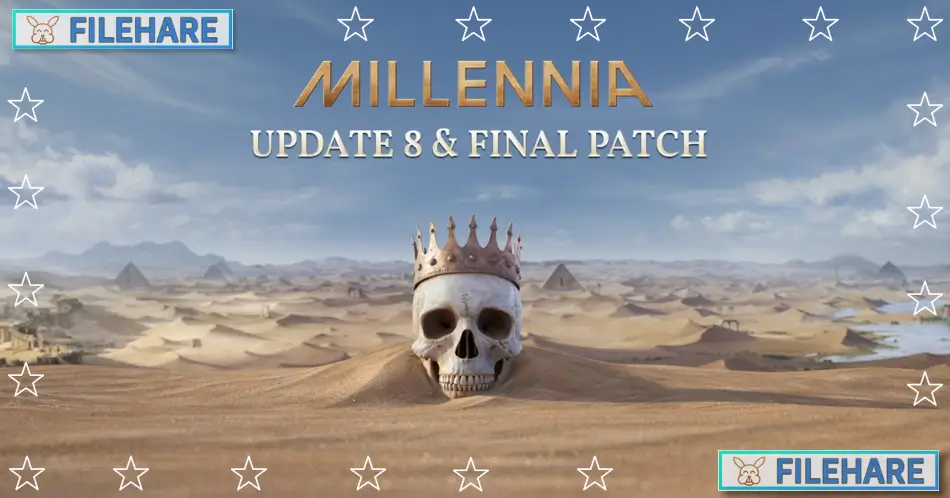
Millennia is a 4X strategy game developed by C Prompt Games and published by Paradox Interactive. The game was released on March 26, 2024, for PC through Steam. C Prompt Games is led by veteran strategy game developers Rob Fermier, Ian Fischer, and Brian Sousa, who have previously worked on titles like Age of Empires II, Age of Mythology, and StarCraft II. The game takes you through 10,000 years of human history, from the Stone Age to the near future, where you build and manage your own civilization.
Table of Contents
Millennia Gameplay
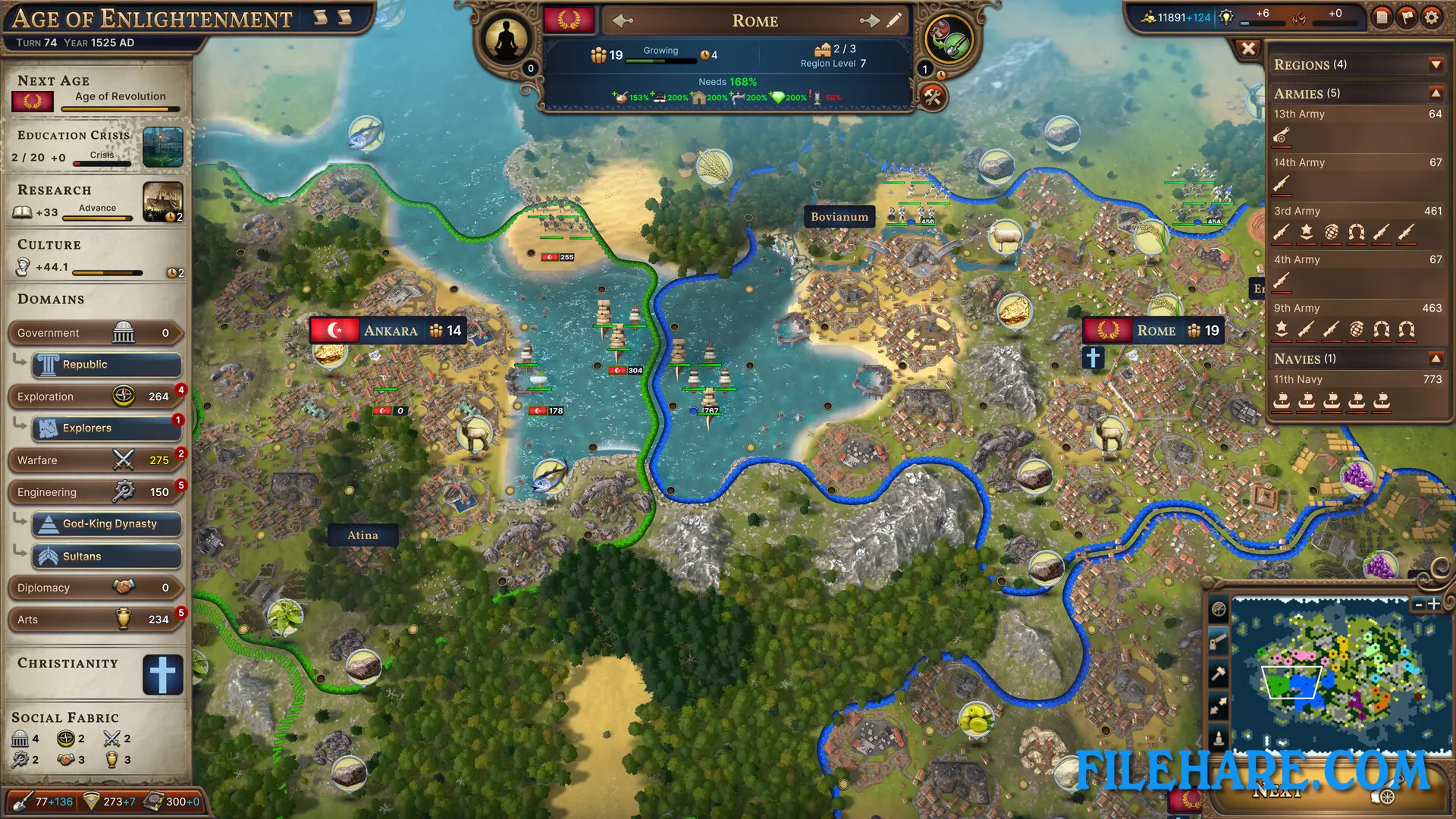
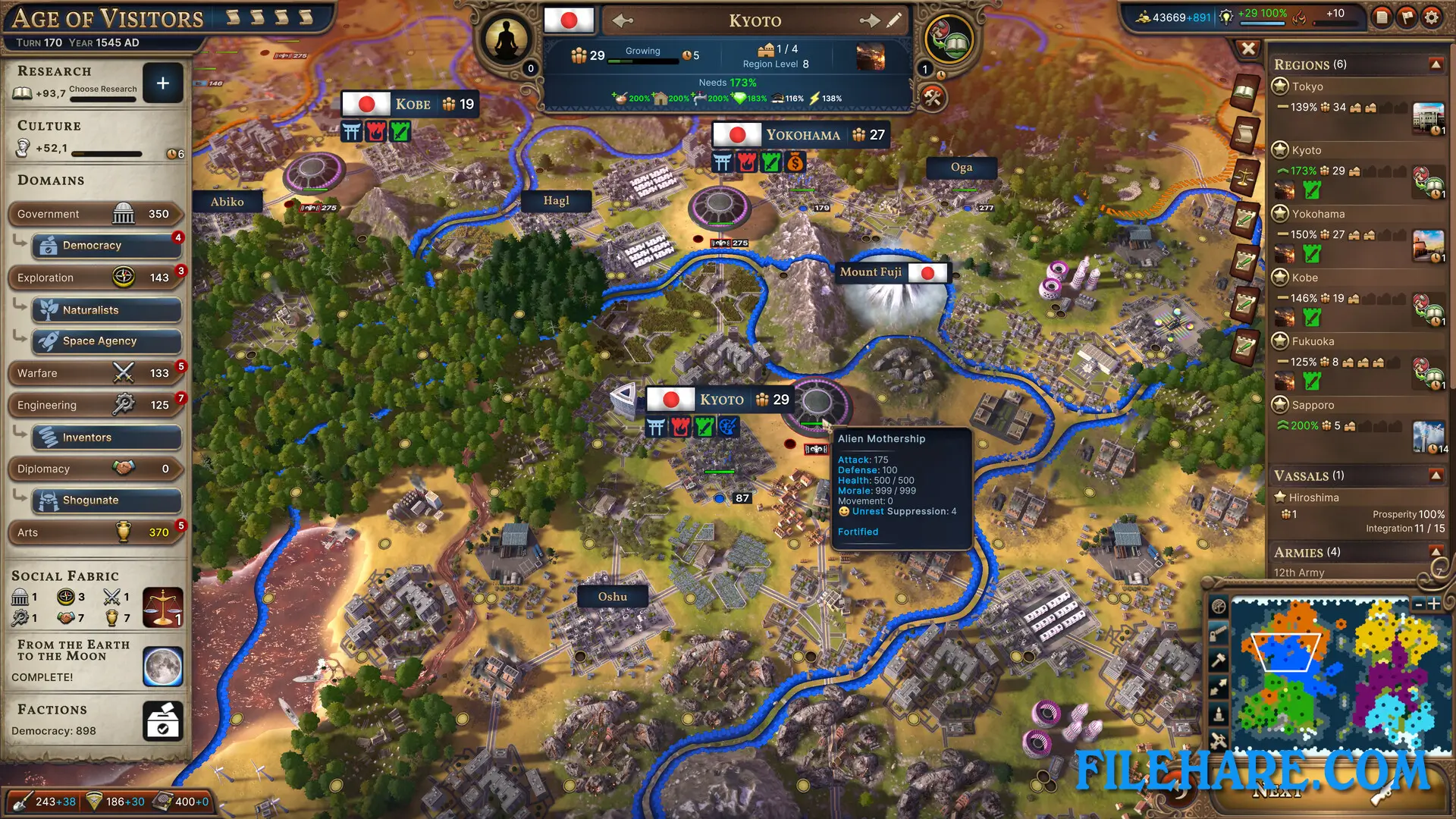
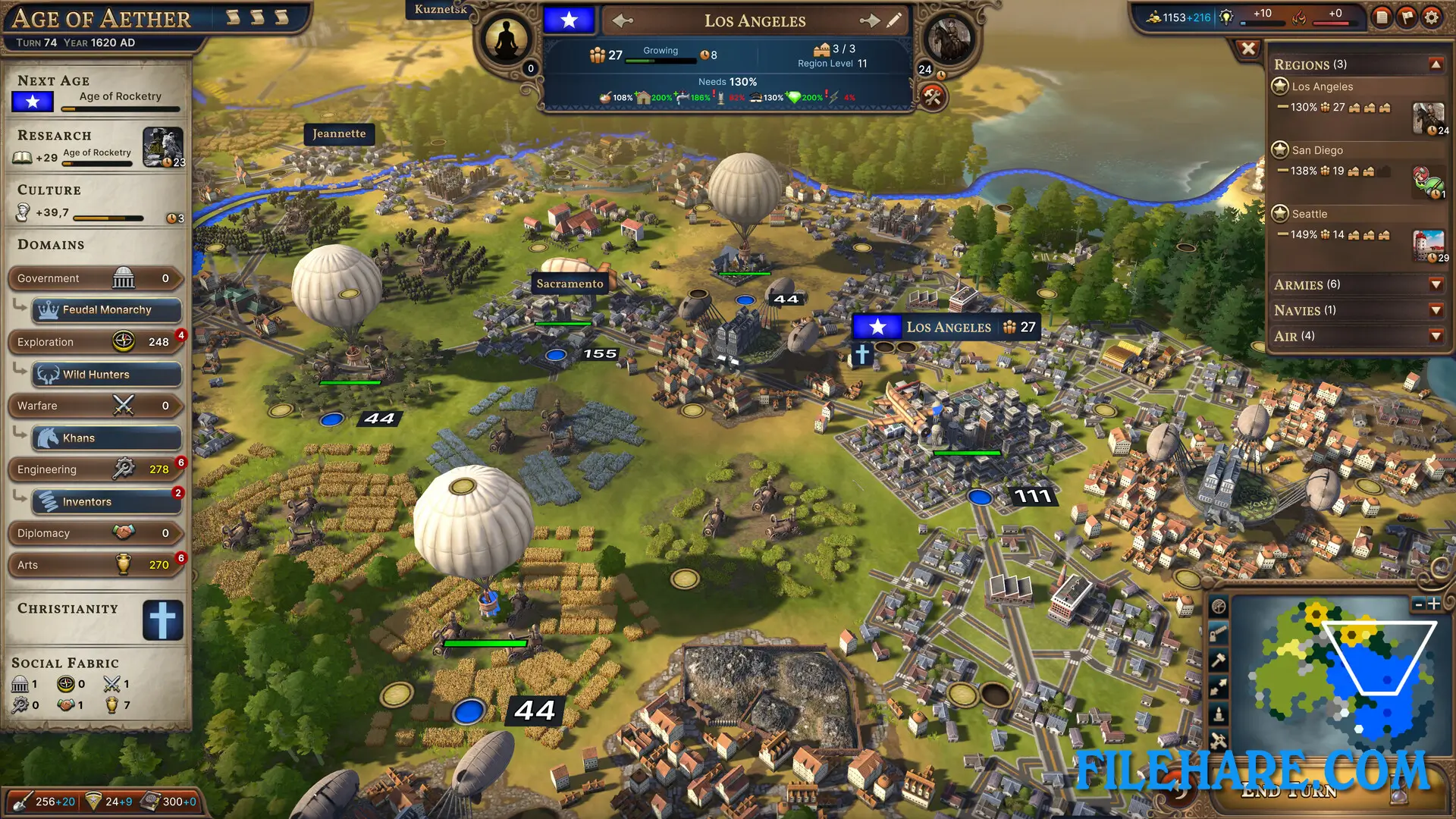
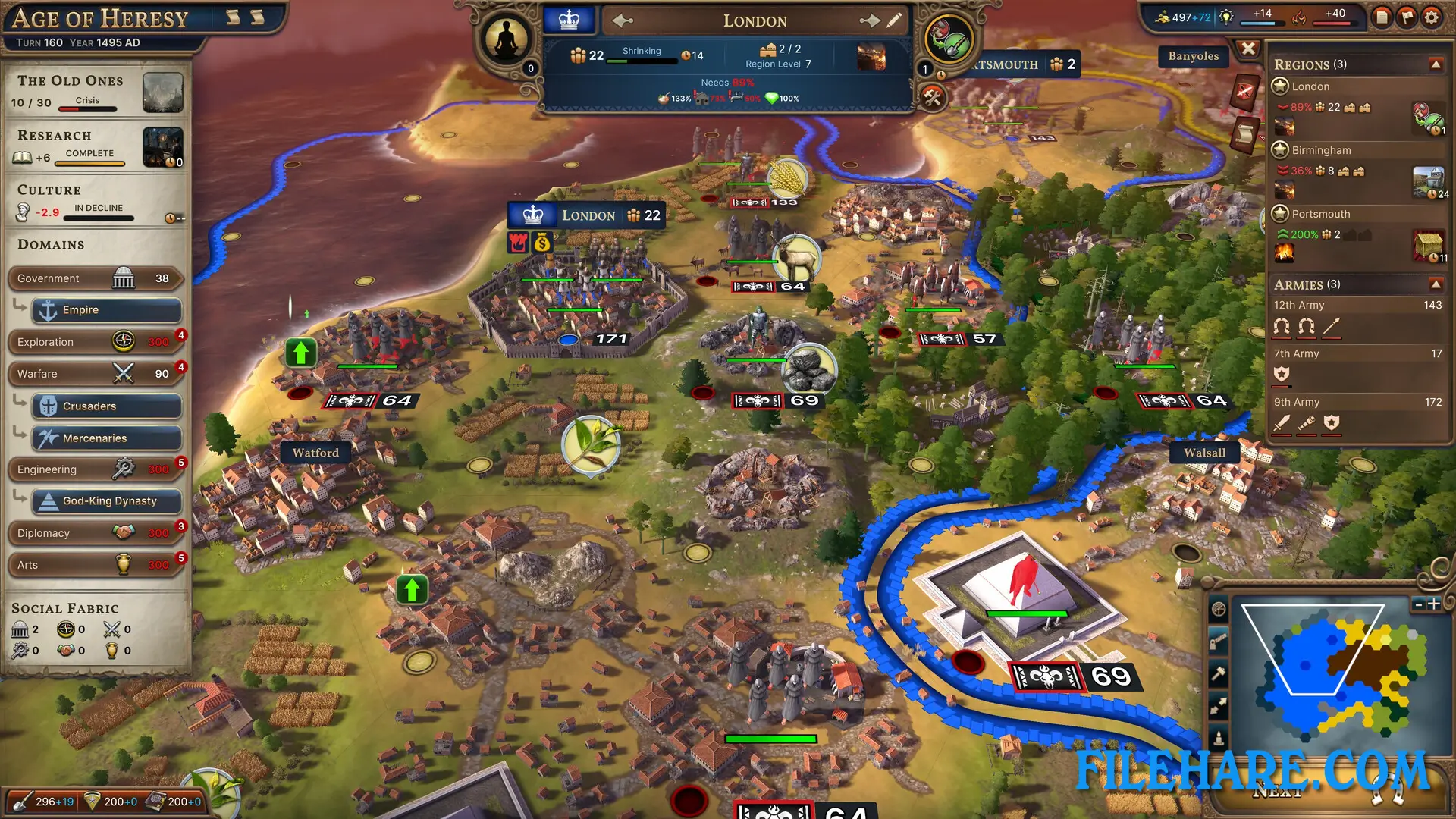
This is a historical 4X game where you control a nation and guide it through ten ages. The game uses a hex-based map where you build cities, manage resources, and expand your territory. You start in the Stone Age and advance through time periods like the Iron Age, Classical Age, Medieval Age, Renaissance, and eventually reach modern times and beyond. You can enter Variant Ages or Crisis Ages. A Variant Age gives you alternate versions of history, like an Age of Heroes instead of a normal Iron Age. Crisis Ages happen when things go wrong and can result in an Age of Ignorance, Age of Plague, or Age of Blood. The game uses six Domains that you must develop: Exploration, Government, Warfare, Diplomacy, Engineering, and Arts.
Millennia Features
At the start of a game, you choose National Spirits that define what your nation is known for. You can be a nation focused on exploration, scholarship, warfare, or trade. You can select multiple National Spirits as you move through the ages. The game has an economic supply chain system where you gather raw materials like logs, iron, and stone, then use Improvements to refine them into more valuable goods. For example, logs become lumber, which can become paper, then books. Iron becomes ingots, then tools or weapons. Managing this production chain is important for developing your nation. You can build Outposts to extend your reach without creating full cities.
The game includes a multiplayer mode where you can compete against other players. Two expansion DLCs have been released: Ancient Worlds, which adds new Ages and content, and Atomic Ambitions, which introduces nuclear technology and Cold War themes.
Recommended System Requirements
Requires a 64-bit processor and operating system
- OS: Windows 11
- Processor: Intel Core i7-9700K | AMD Ryzen 5 5600X
- Memory: 16 GB RAM
- Graphics: Nvidia GeForce GTX 1060 (6GB) | AMD Radeon RX 590 (8GB)
- DirectX: Version 11
- Storage: 10 GB available space
Gameplay Screenshots
| Name | Millennia |
|---|---|
| Developer | C Prompt Games |
| File Size | 2.64 GB |
| Category | Strategy |
| Minimum System Requirements | |
| CPU | Intel Core i5-6600K | AMD Ryzen 3 2300X |
| RAM | 8 GB |
| Graphics | Nvidia GeForce GTX 660 (2GB) | AMD Radeon R9 380 (4GB) |
| Free Disk Space | 10 GB |
| Operating System | Windows 10 / 11 (64-bit) |
| User Rating | |
To buy this game, visit the Store Page
How to Download and Install Millennia PC Game?
We have simple instructions for you to download and install the PC game. Before following the steps, Ensure your PC meets the minimum system requirements for Playing the game on your PC.
- First, click on the DOWNLOAD button and you will be redirected to the final Download page. Then, Download the Game on your PC.
- Once you have downloaded the Millennia PC Game, Open the folder where you saved the Game.
- Then Right-click on the Zip file and click on the "Extract files" option from the dropdown menu. If your computer does not have a Zip file extract software installed, you must first install it. (such as WinRAR, 7Zip software)
- After Extracting the Zip file, Open the Millennia PC Game folder.
- Then, double-click on the Setup.exe file to Install the Game.
- If asked, provide administrator permissions for the installation to proceed. Click Yes to continue.
- Follow the on-screen installation wizard to install the game on your PC.
- After the installation, if you get any missing ".dll" errors or the Game is not launching, open the Readme.txt file located in the game folder and follow the instructions shown in the document file to play the game.
Done!. Now, you can launch the game from your desktop.