GTA Vice City Definitive Edition PC Game Download

Grand Theft Auto Vice City Definitive Edition is an upgraded version of the 2002 title that many old players still remember well. Rockstar Games released this PC version in November 2021, along with two other games from the same series, as one combined pack. The update uses a new graphics engine that gives sharper visuals, better lighting, and smoother movement. The city streets look more colourful now, and the water and sky have a cleaner shine. Players who never tried the old game can now play it on modern PC hardware without needing old fixes or patches. The controls, camera angle, and menu design are also easier to use than the 2002 version.
Table of Contents
The Story of Tommy Vercetti
The main character of this PC game is Tommy Vercetti, a man who just got out of prison and moves to a sunny city full of palm trees, beaches, and neon signs. A business deal goes very wrong early in the story, and Tommy has to work hard to fix his position among the local criminals. He slowly builds a criminal business across the city, dealing with gangs, drug traders, and corrupt police officers along the way. As the story moves forward, Tommy becomes a powerful name in Vice City, controlling several businesses and properties. Rockstar kept the same story and characters from the original game, without changing the plot or dialogue in this update.
Gameplay and New Additions
Players can drive many kinds of vehicles, such as cars, motorbikes, and boats, across the city. Combat controls received an upgrade, and players can now switch weapons faster using a new selection wheel, similar to later Grand Theft Auto games. Radio stations return with the same songs from the 1980s that match the colourful visual style of the city. Rockstar fixed many bugs and camera problems that were present in the old PC version. This Definitive Edition gives players a smoother way to explore Vice City on modern computers, while the mission structure and map layout stay unchanged from the 2002 release.
Missions and Map Size in Vice City
The map of Vice City Definitive Edition is based on Miami during the 1980s, with two main islands connected by a bridge. Players move between the islands as the story opens up new areas for them to explore. Along with the main missions, there are side activities such as taxi driving, delivery runs, and vigilante police work for extra money. The city includes beach areas, downtown streets, and industrial zones, so players get a good amount of variety for driving and side content. Radio stations, shops, and safehouses are placed across the map, so players can save progress and buy new items during missions.
Vehicles Available in Vice City Definitive Edition
Vice City Definitive Edition includes many types of vehicles for players to use across the map. Cars, motorbikes, boats, and a few aircraft options are available for players to drive during missions and free roam. Some vehicles move faster and turn better than others, so players often pick a vehicle based on the mission they are doing. Players can also find rare and special vehicles parked in certain spots around the city, which are useful for completing tasks that need extra speed or strength. Driving controls on PC support both keyboard and controller input, so players have more options for how they want to play.
Recommended System Requirements
Requires a 64-bit processor and operating system
- OS: Windows 10
- Processor: Intel Core i7-6600K / AMD Ryzen 5 2600
- Memory: 16 GB RAM
- Graphics: Nvidia GeForce GTX 970 4GB / AMD Radeon RX 570 4GB
- Storage: 10 GB available space
- Sound Card: DirectX compatible
Gameplay Screenshots
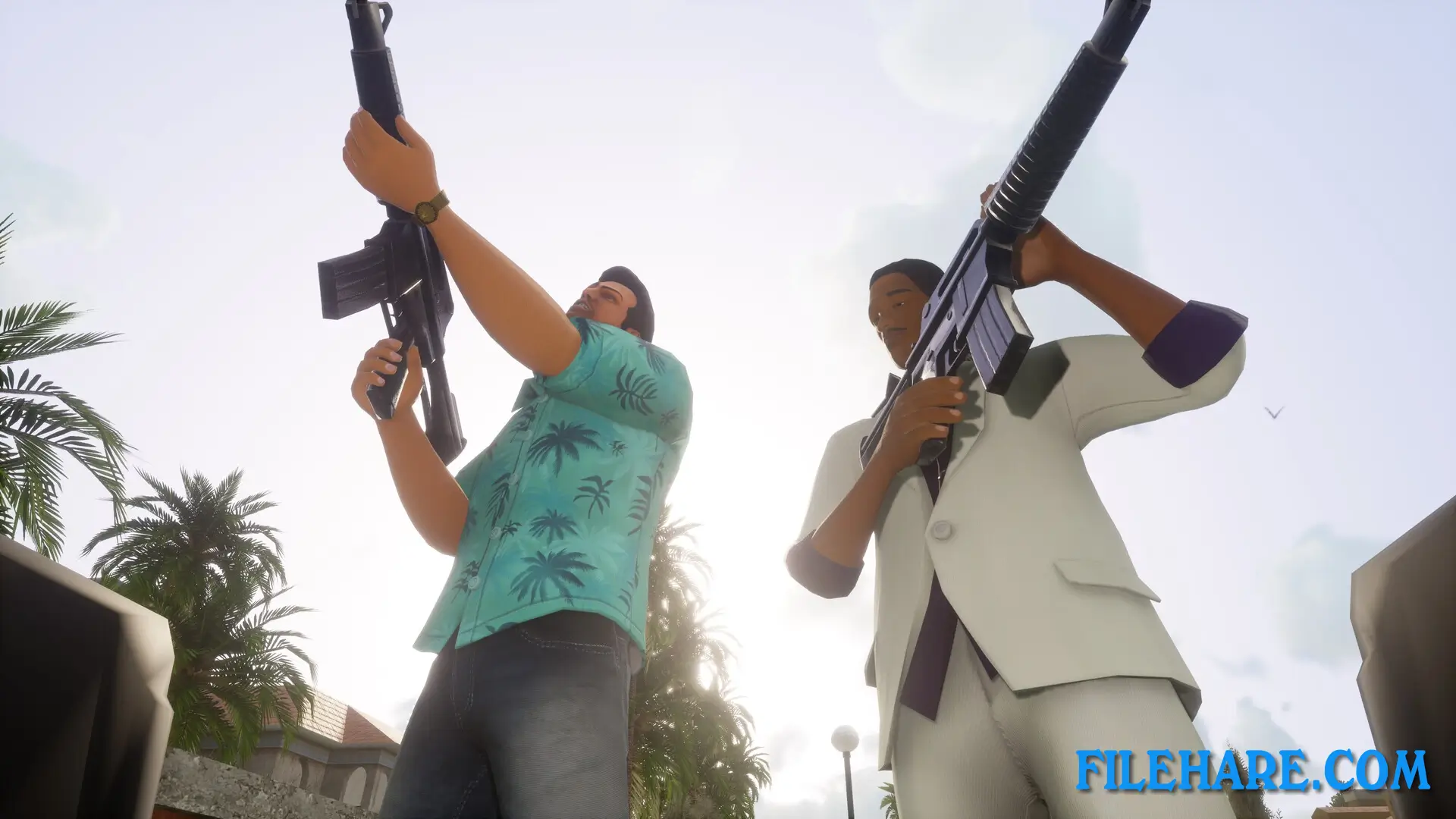
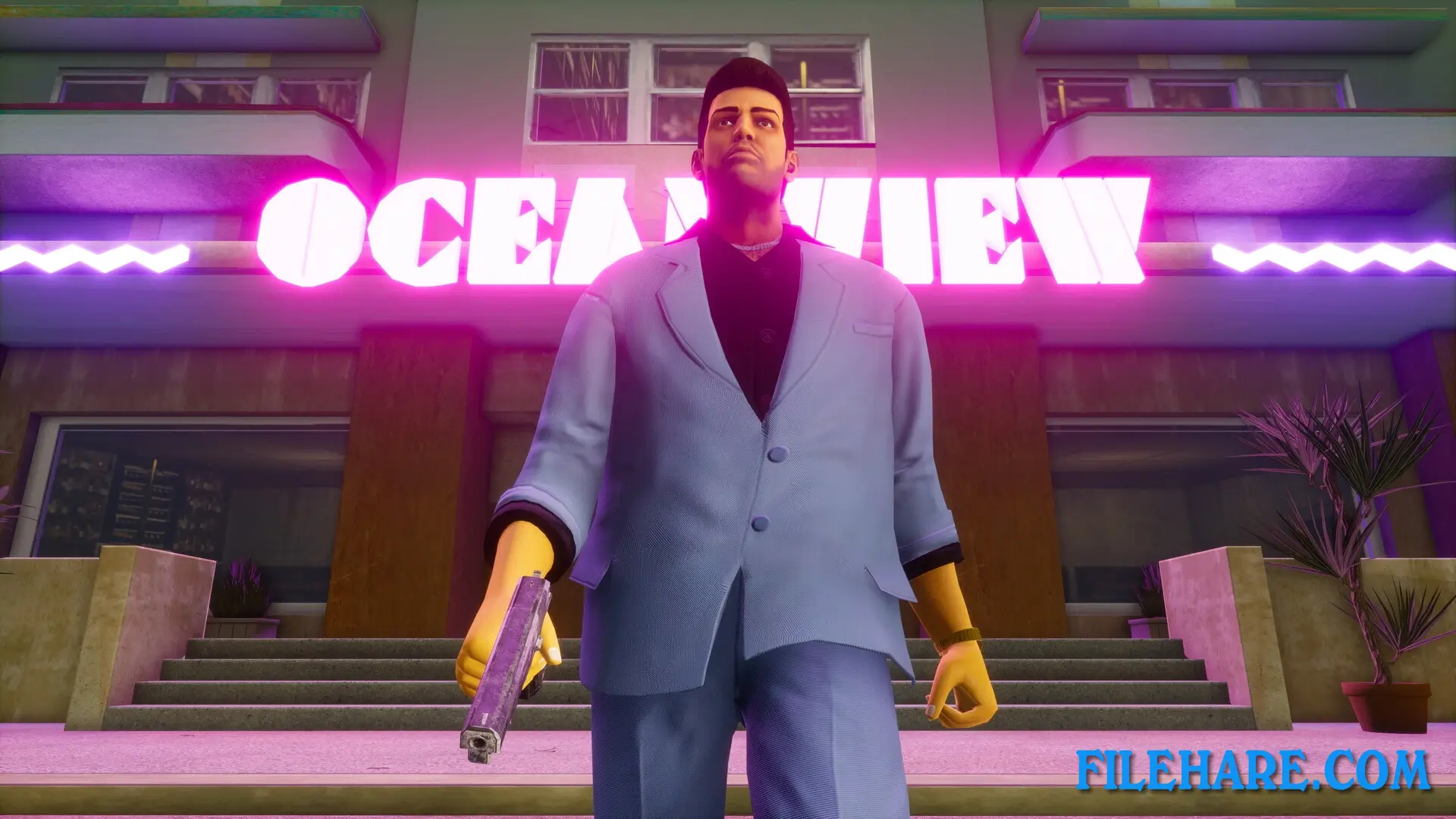
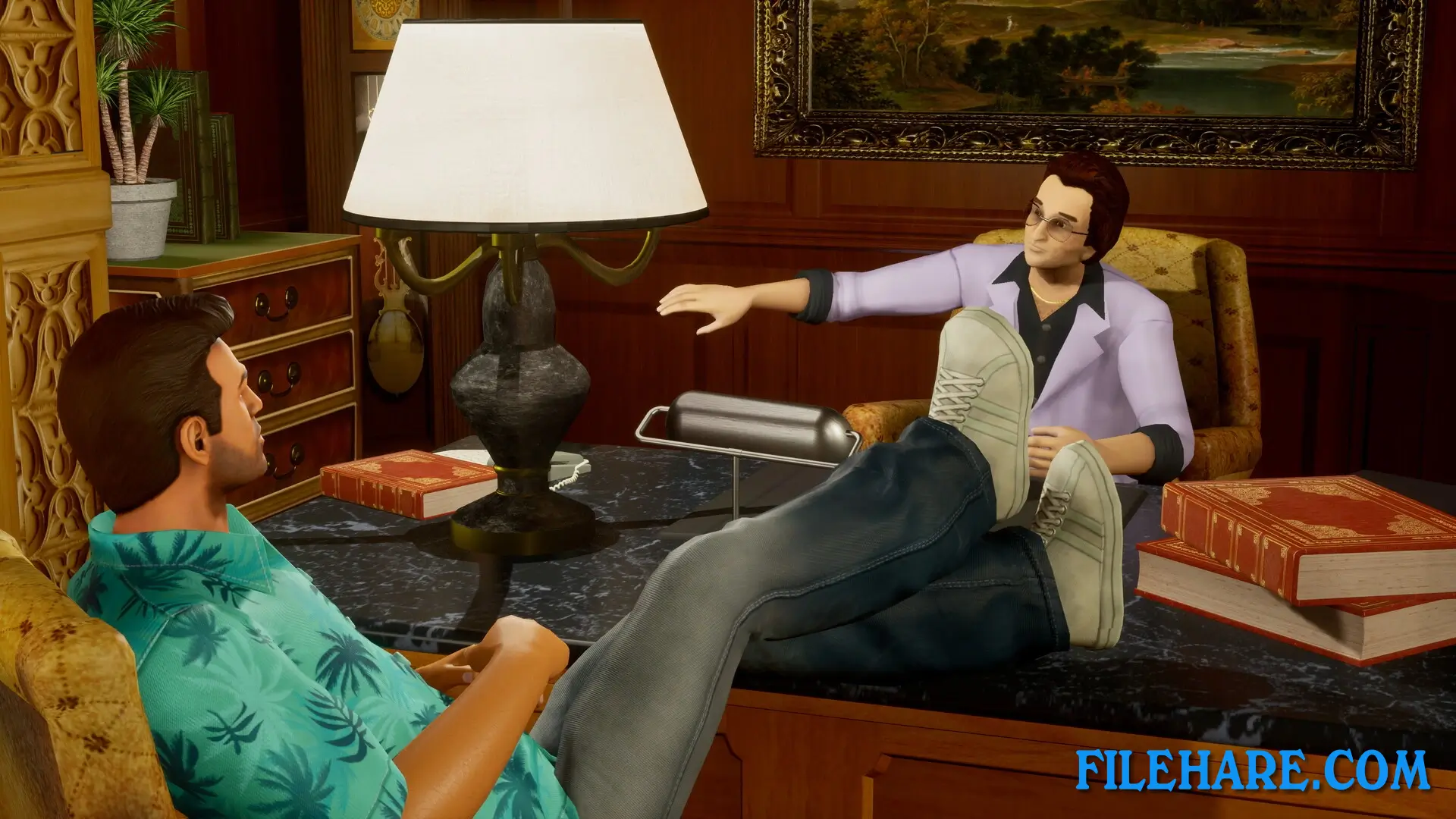
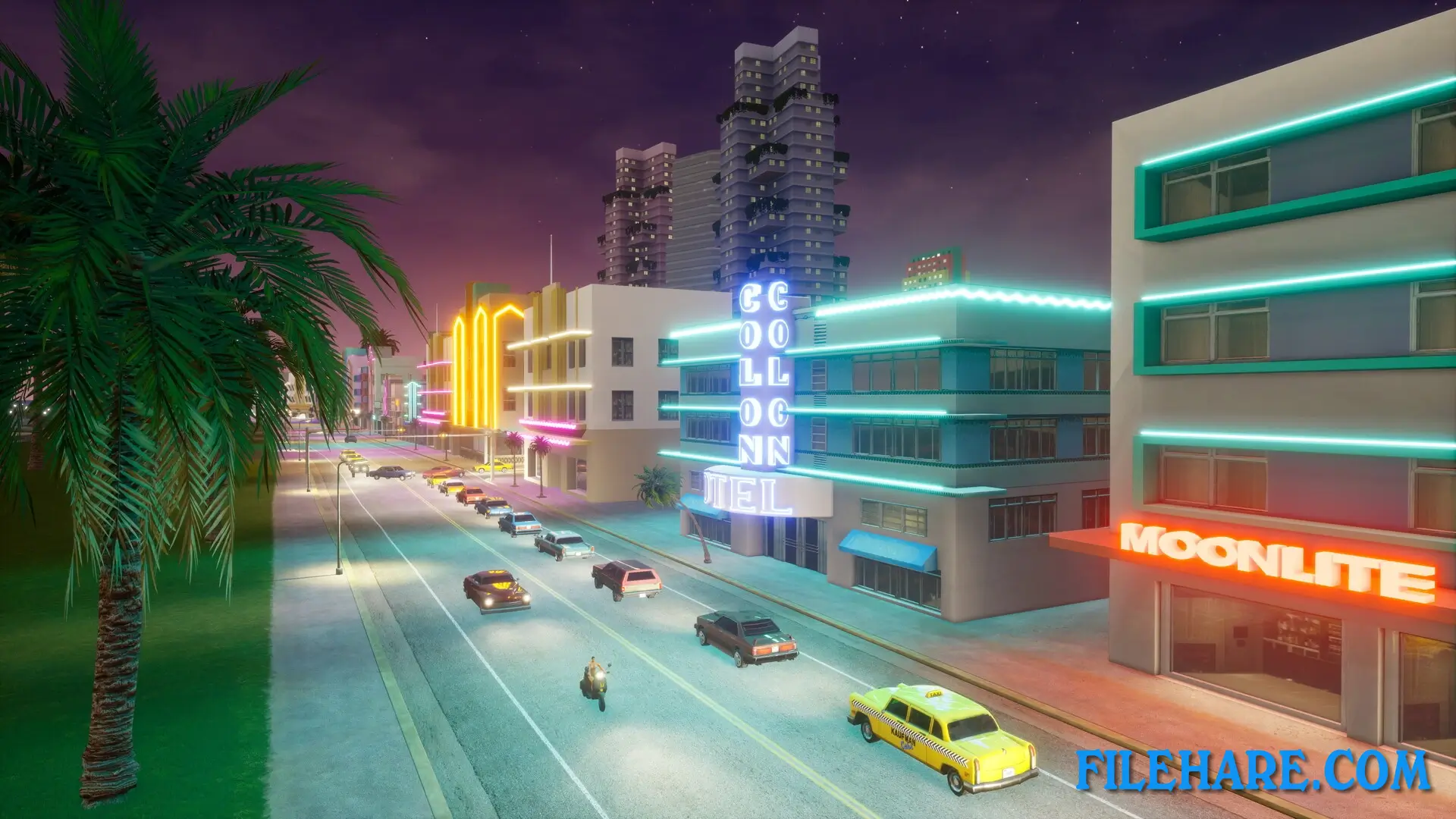
| Name | GTA Vice City Definitive Edition |
|---|---|
| Developer | Rockstar North |
| File Size | 9.20 GB |
| Category | Action, Adventure |
| Minimum System Requirements | |
| CPU | Intel Core i3-6100 3.7 GHz / AMD FX-8320E 3.2 GHz |
| RAM | 4 GB |
| Graphics | 1 GB |
| Free Disk Space | 12 GB |
| Operating System | Windows 10 / 11 / 8 / 7 (64-bit Only) |
| User Rating | |
To buy this game, visit the Store Page
How to Download and Install GTA Vice City Definitive Edition PC Game?
We have simple instructions for you to download and install the PC game. Before following the steps, Ensure your PC meets the minimum system requirements for Playing the game on your PC.
- First, click on the DOWNLOAD button and you will be redirected to the final Download page. Then, Download the Game on your PC.
- Once you have downloaded the GTA Vice City Definitive Edition PC Game, Open the folder where you saved the Game.
- Then Right-click on the Zip file and click on the "Extract files" option from the dropdown menu. If your computer does not have a Zip file extract software installed, you must first install it. (such as WinRAR, 7Zip software)
- After Extracting the Zip file, Open the GTA Vice City Definitive Edition PC Game folder.
- Then, double-click on the Setup.exe file to Install the Game.
- If asked, provide administrator permissions for the installation to proceed. Click Yes to continue.
- Follow the on-screen installation wizard to install the game on your PC.
- After the installation, if you get any missing ".dll" errors or the Game is not launching, open the Readme.txt file located in the game folder and follow the instructions shown in the document file to play the game.
Done!. Now, you can launch the game from your desktop.









after downloading the direct X also files are missing
Yes but if you have windows 8 and above.. direct x will be installed directly or you can download and install that seperately
If you get a missing DLL error, check for a Redist folder and install DirectX, VCRedist, and other required tools in the Game folder.
Keybord is not working how to fix this in the game
Just run the Laucher.exe
It’s working on my windows 10
Thank you so much for this GTA VC pc game. its working on my windows 11