Selfloss PC Game Download for Windows 10/11/7/8
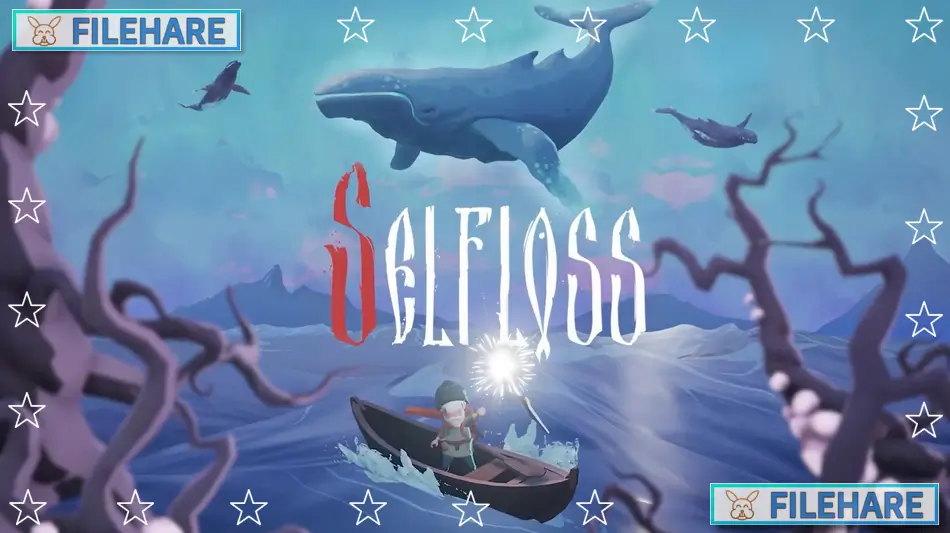
Selfloss is an adventure game about a healer on an emotional quest to cure his wounded soul. This game was developed by Goodwin Games and published by Maximum Entertainment and Merge Games. The game was released on September 5, 2024, for PC via Steam. Console versions for PlayStation 5, Xbox Series X and S, and Nintendo Switch were released on September 12, 2024.
Table of Contents
Selfloss Story
The game takes place in a fantasy land inspired by Slavic and Icelandic mythology. You play as Kazimir, an old healer who has suffered a deep wound in his soul after losing someone close to him. He travels by boat and on foot to find a special ritual called Selfloss that can heal his pain. During his trip, Kazimir meets many people who are also dealing with their own grief and sadness. He helps them by performing healing rituals to ease their suffering. The land is being taken over by a mysterious dark force called Miasma, which creates dangerous creatures. Kazimir must use his magical staff to fight these enemies while searching for the cure to his soul wound. The game is about themes of grief, loss, and finding hope again.
Selfloss Gameplay
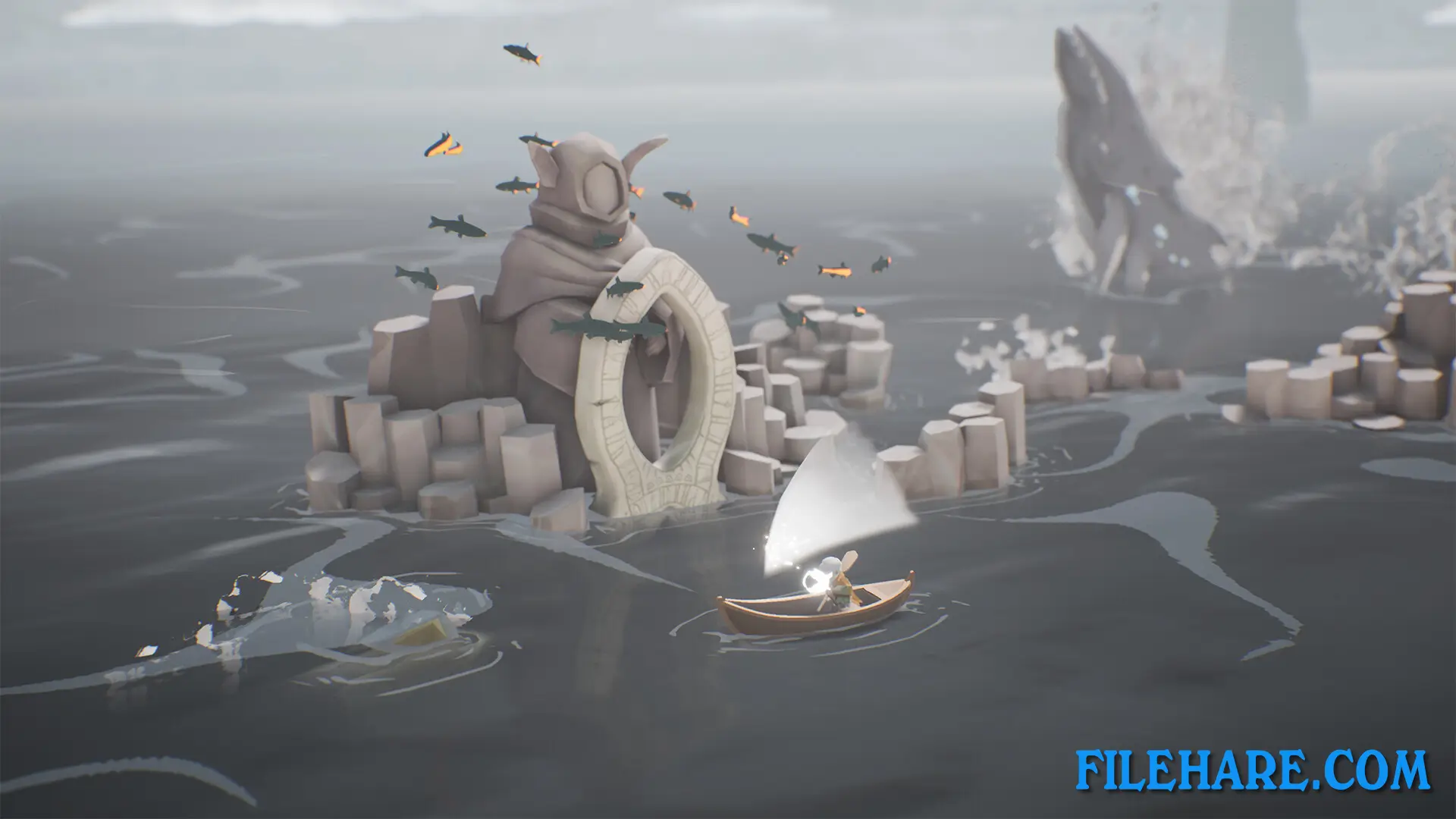
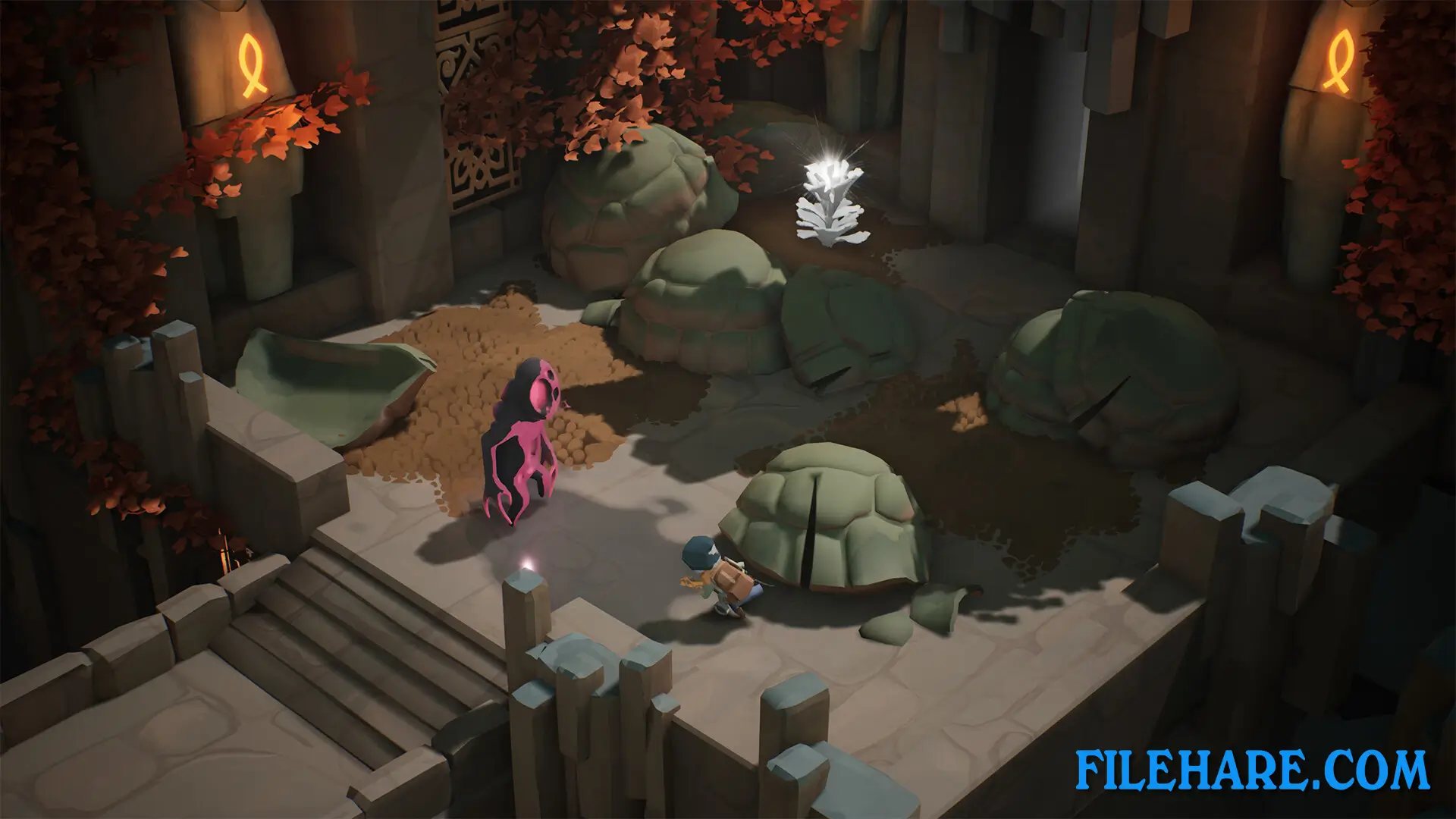
The game is an action-adventure where you control Kazimir as he explores the environment on foot or by boat. The magical staff is the most important tool in the game. You can control both Kazimir and his staff at the same time or separately, which creates unique gameplay situations. You use the light from your staff to defeat enemies that are created by the Miasma. The staff also helps you navigate rivers and waters by powering your small boat. The game has many environmental puzzles that you need to complete to move forward. These puzzles can often be solved in more than one way, so that players can be creative. The story is told without using spoken words. Instead, characters show their thoughts through images that appear above their heads.
Selfloss Features
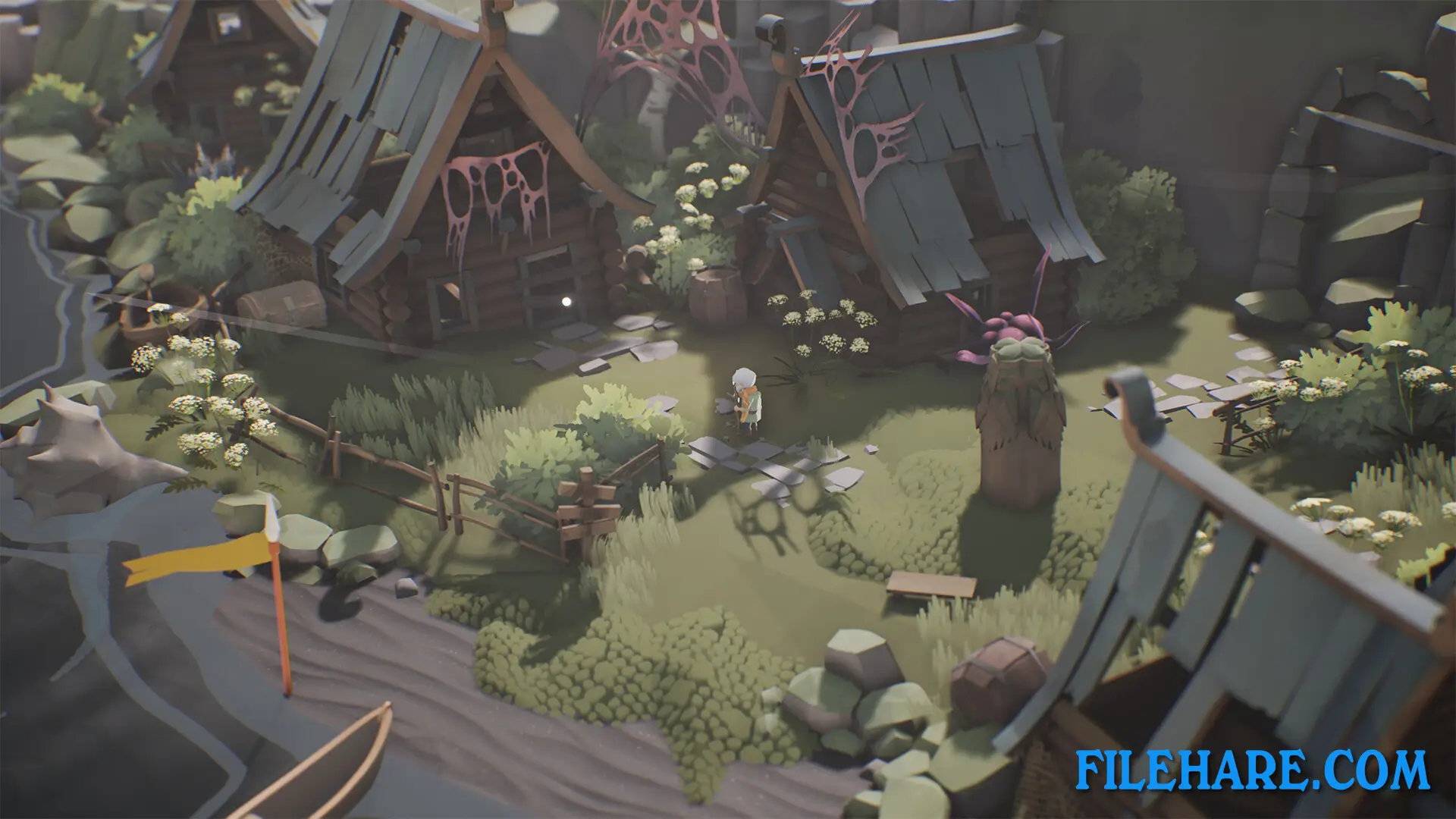
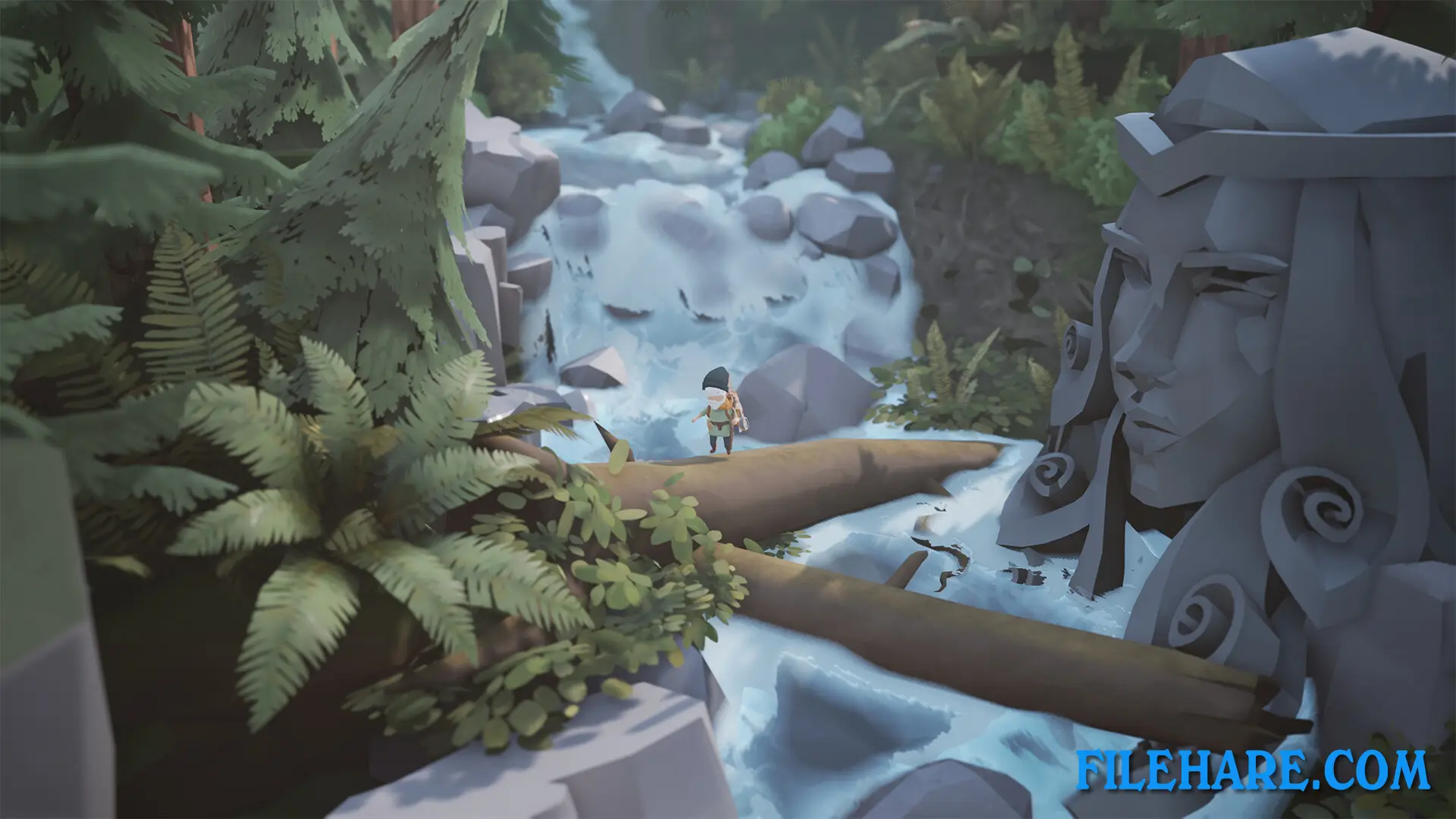
The game has a unique visual style that looks like a storybook. It is set in a world where whales are worshipped as gods, which makes it stand out from other fantasy games. The environment is modeled after the vast and beautiful Iceland landscape. You meet various inhabitants during your travels who need your help with their problems. The music in the game was composed by Arigto. The game offers different methods to complete its challenges. The entire experience is focused on telling a story about healing and moving forward from pain.
Recommended System Requirements
Requires a 64-bit processor and operating system
- OS: Windows 7 / Windows 10
- Processor: Intel I5
- Memory: 8 GB RAM
- Graphics: Nvidia GTX 960 / AMD Radeon R9 285
- DirectX: Version 11
- Storage: 4 GB available space
Gameplay Screenshots
| Name | Selfloss |
|---|---|
| Developer | Goodwin Games |
| File Size | 1.18 GB |
| Category | Adventure, Puzzle |
| Minimum System Requirements | |
| CPU | Intel Core i3 CPU |
| RAM | 4 GB |
| Graphics | Nvidia GTX 650 / AMD Radeon HD 7750 |
| Free Disk Space | 4 GB |
| Operating System | Windows 10 / 11 / 7 / 8 (64-bit) |
| User Rating | |
To buy this game, visit the Store Page
How to Download and Install Selfloss PC Game?
We have simple instructions for you to download and install the PC game. Before following the steps, Ensure your PC meets the minimum system requirements for Playing the game on your PC.
- First, click on the DOWNLOAD button and you will be redirected to the final Download page. Then, Download the Game on your PC.
- Once you have downloaded the Selfloss PC Game, Open the folder where you saved the Game.
- Then Right-click on the Zip file and click on the "Extract files" option from the dropdown menu. If your computer does not have a Zip file extract software installed, you must first install it. (such as WinRAR, 7Zip software)
- After Extracting the Zip file, Open the Selfloss PC Game folder.
- Then, double-click on the Setup.exe file to Install the Game.
- If asked, provide administrator permissions for the installation to proceed. Click Yes to continue.
- Follow the on-screen installation wizard to install the game on your PC.
- After the installation, if you get any missing ".dll" errors or the Game is not launching, open the Readme.txt file located in the game folder and follow the instructions shown in the document file to play the game.
Done!. Now, you can launch the game from your desktop.