JOY OF PROGRAMMING – Software Engineering Simulator PC Game Download
JOY OF PROGRAMMING – Software Engineering Simulator is a 3D programming puzzle game where you use real Python code to automate machines, robots, drones and more. Developed by Prof. Scherer and published by PlayWay S.A., the game was released on January 18, 2025 for Windows PC. It started as an Early Access title on January 30, 2024 before its full release. This is not a casual game, but one of the most challenging titles on Steam that offers a real programming experience with thinking, debugging and problem-solving.
Table of Contents
JOY OF PROGRAMMING – Software Engineering Simulator Gameplay
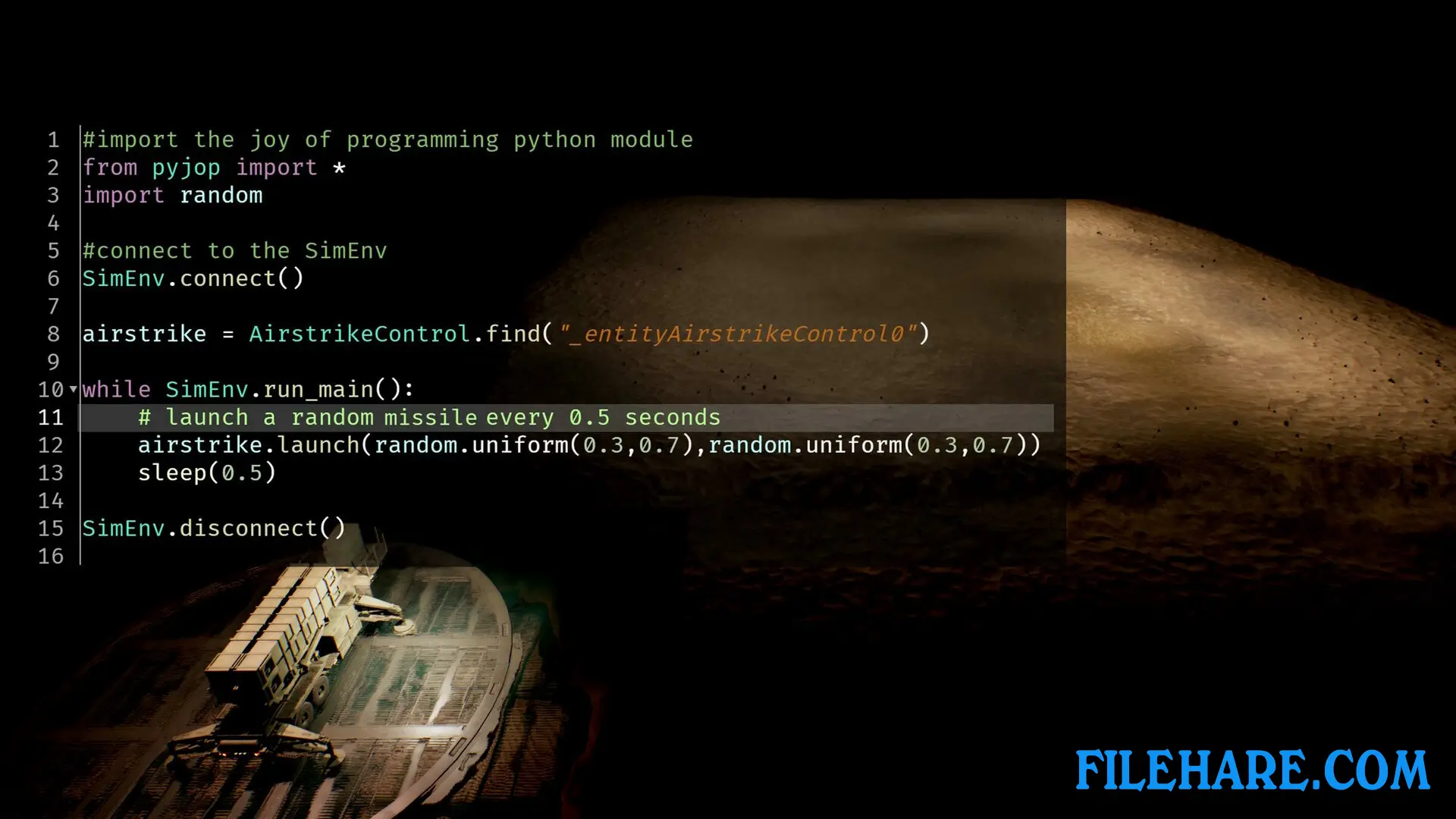
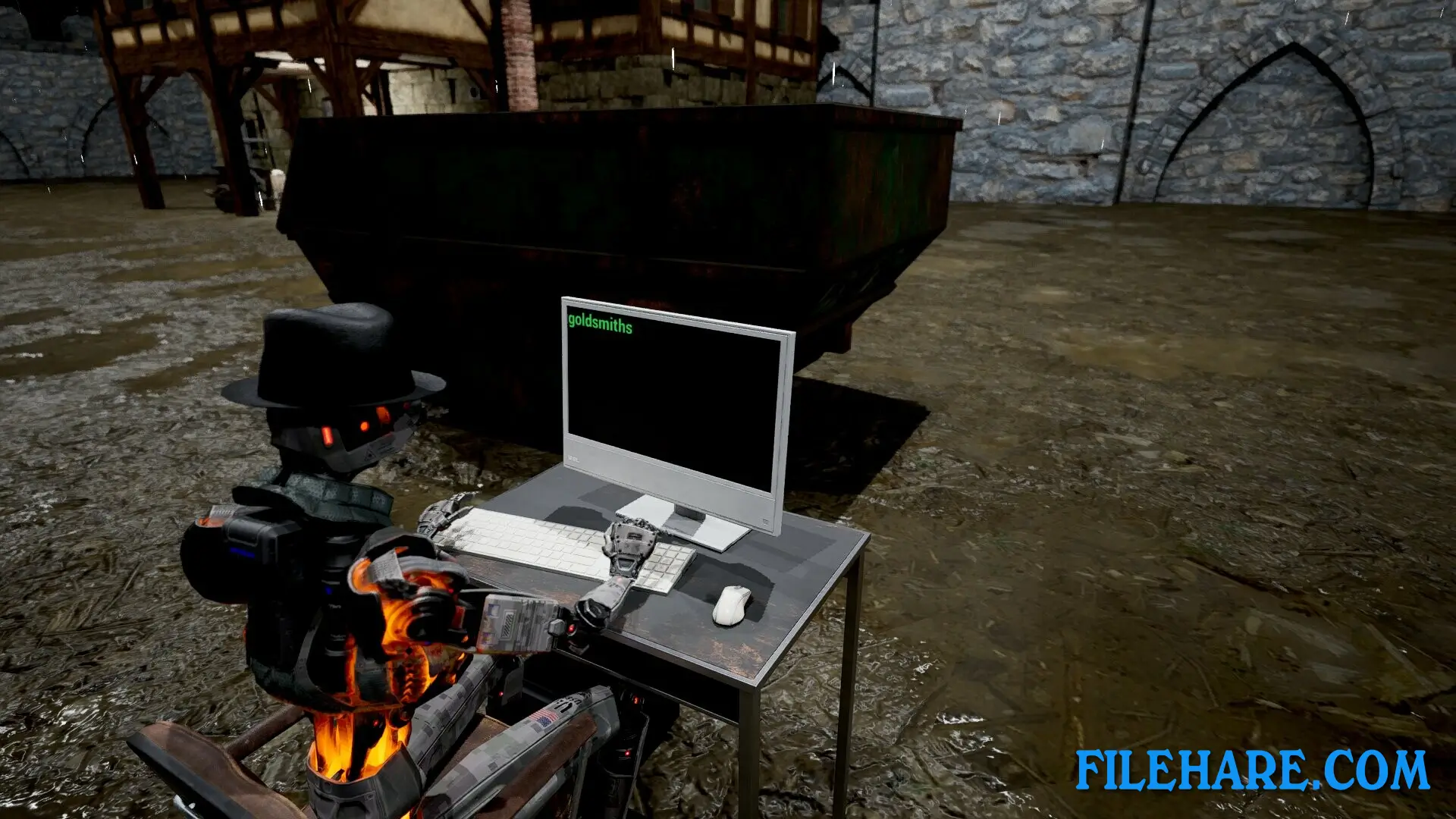
You write actual Python code to complete various programming challenges. The game teaches you to program self-driving vehicles, crack passwords, automate logistics systems, and use image processing to guide missiles. You can stabilize robots with control feedback systems, write navigation code for cars, and apply computer vision to count coins or identify objects.
The game uses fully functional Python code with popular packages like numpy, pandas, scipy, pillow, and sklearn. There is no fake programming language or pseudo code. You execute real Python on your PC, so you need to be careful with the code you run. The game includes tutorial levels to help you understand the programming concepts. As you complete levels, you earn stars that unlock new programming features and better machinery.
JOY OF PROGRAMMING – Software Engineering Simulator Features
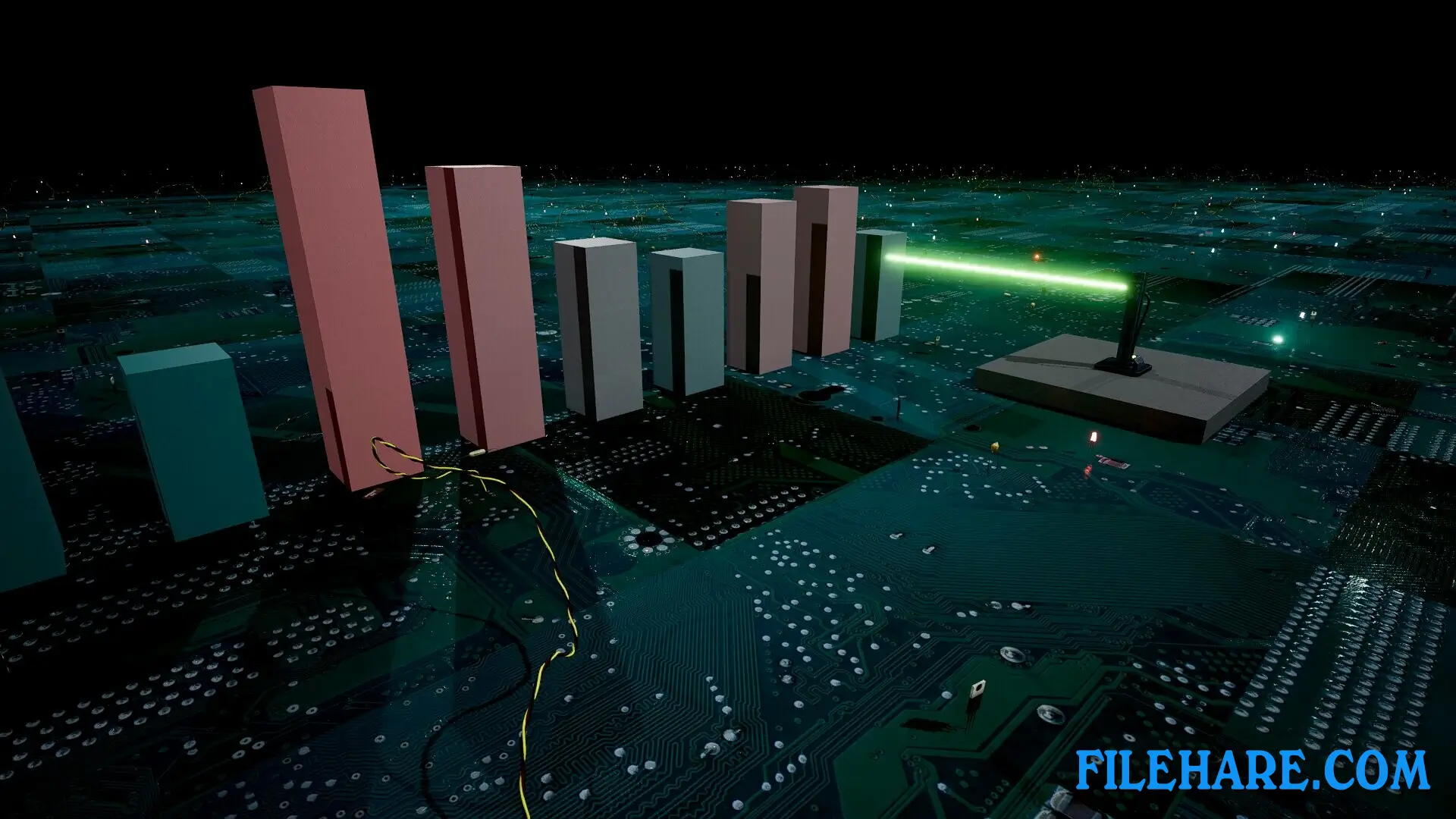
The game offers many types of programming challenges from simple to very complex tasks. You can automate logistics to transport items quickly, design graphical user interfaces for smart home dashboards, and solve classical algorithms and data structures problems. The game also includes accurately controlling sniper rifles and using brute-force techniques to unlock passwords. You can create your own puzzles using the included level editor and share them with other players through the Workshop.
The game provides immediate feedback on your code and shows performance metrics so you can compare your solutions with others anonymously. When you complete all levels in one category, you earn certificates for your achievement. Prior programming knowledge is recommended to enjoy this game fully, as it requires genuine programming skills and critical thinking to succeed.
Recommended System Requirements
Requires a 64-bit processor and operating system
- OS: Windows 10/11, x64 only
- Processor: Core i7 9700k, Ryzen 7 3700X
- Memory: 16 GB RAM
- Graphics: RTX 2070
- DirectX: Version 12
- Storage: 12 GB available space
- Additional Notes: SSD recommended
Gameplay Screenshots

| Name | JOY OF PROGRAMMING – Software Engineering Simulator |
|---|---|
| Developer | Prof. Scherer |
| File Size | 6.39 GB |
| Category | Simulation |
| Minimum System Requirements | |
| CPU | Intel Core i5 8400, Ryzen 5 2600 |
| RAM | 8 GB |
| Graphics | GTX 1070 |
| Free Disk Space | 12 GB |
| Operating System | Windows 10 / 11 (64-bit) |
| User Rating | |
To buy this game, visit the Store Page
How to Download and Install JOY OF PROGRAMMING – Software Engineering Simulator PC Game?
We have simple instructions for you to download and install the PC game. Before following the steps, Ensure your PC meets the minimum system requirements for Playing the game on your PC.
- First, click on the DOWNLOAD button and you will be redirected to the final Download page. Then, Download the Game on your PC.
- Once you have downloaded the JOY OF PROGRAMMING – Software Engineering Simulator PC Game, Open the folder where you saved the Game.
- Then Right-click on the Zip file and click on the "Extract files" option from the dropdown menu. If your computer does not have a Zip file extract software installed, you must first install it. (such as WinRAR, 7Zip software)
- After Extracting the Zip file, Open the JOY OF PROGRAMMING – Software Engineering Simulator PC Game folder.
- Then, double-click on the Setup.exe file to Install the Game.
- If asked, provide administrator permissions for the installation to proceed. Click Yes to continue.
- Follow the on-screen installation wizard to install the game on your PC.
- After the installation, if you get any missing ".dll" errors or the Game is not launching, open the Readme.txt file located in the game folder and follow the instructions shown in the document file to play the game.
Done!. Now, you can launch the game from your desktop.