Academy Love Saga: Tennis Angels EX PC Game Download

Academy Love Saga: Tennis Angels EX is an adult RPG, simulation, and sports game developed by Tora Creatives and published by Tora Creatives, Lewdonymous, Fantasize Games, and Secret Labo. The game was released on PC on April 18, 2025. It runs on Windows and is also verified as playable on the Steam Deck. The game has 86% positive reviews on Steam from over 1,500 players. It combines tennis sports gameplay with romance, dating sim mechanics, and adult content.
Table of Contents
Academy Love Saga: Tennis Angels EX Story
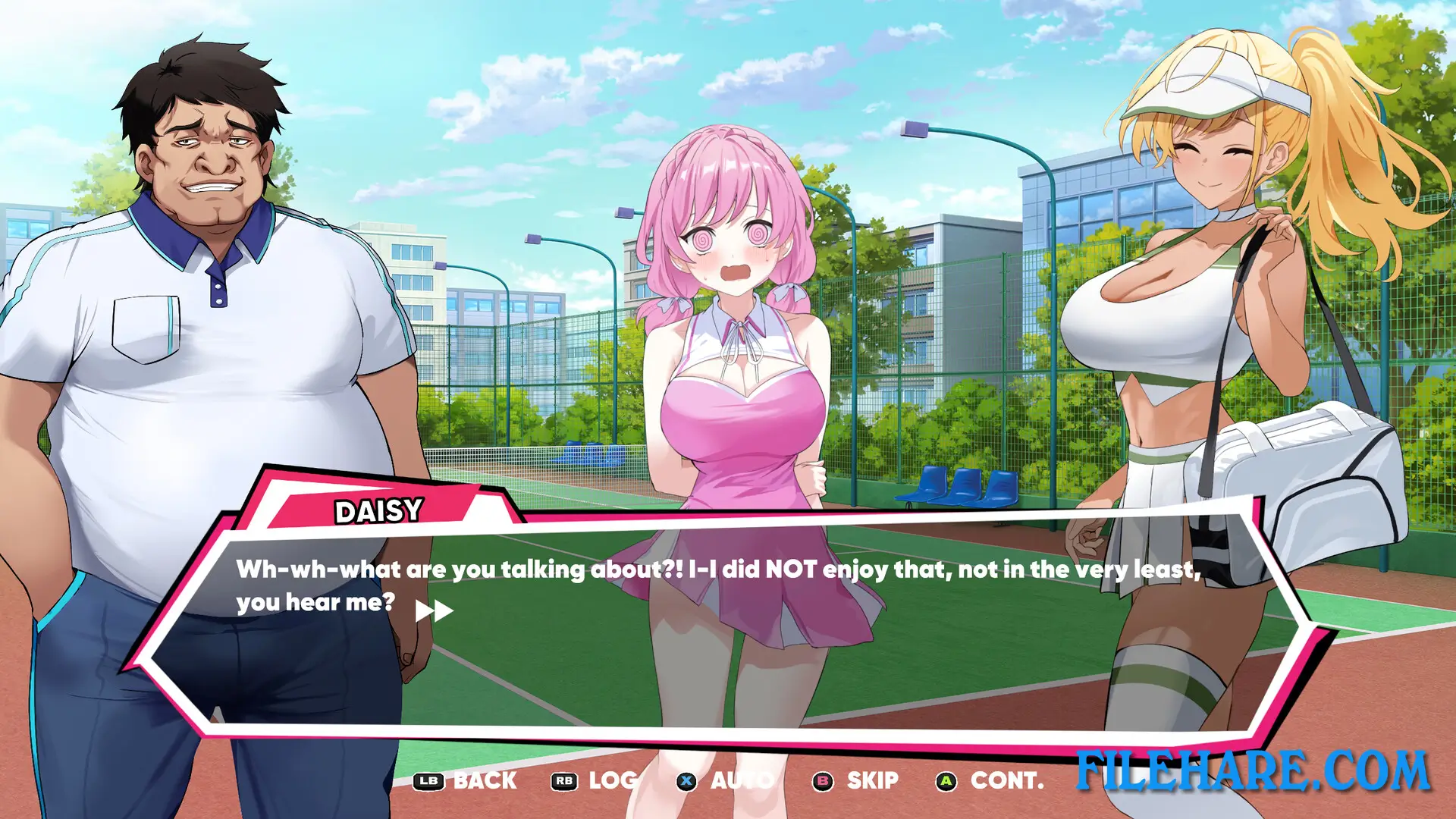
In Academy Love Saga: Tennis Angels EX, the player takes on the role of a retired tennis coach who has been hired at a prestigious sports academy to lead the school’s all-female tennis club. The problem is that none of the girls in the club wants him there. The story follows his attempt to win over his female club members by proving himself both on and off the tennis court. As the player spends time training and competing with the girls, individual Love Stories tied to each character become available and reveal more personal moments between the coach and each girl.
Academy Love Saga: Tennis Angels EX Gameplay
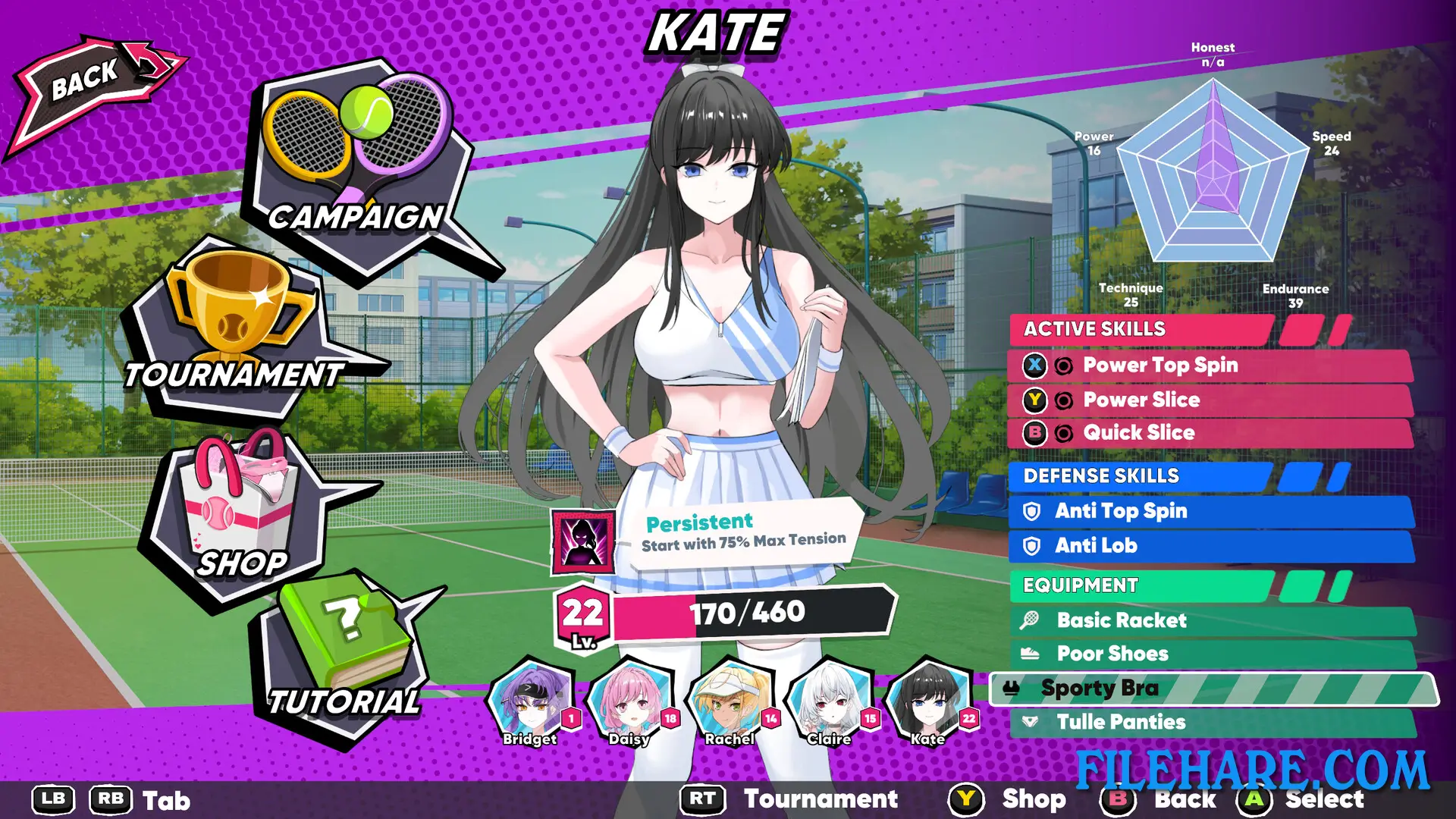
Academy Love Saga: Tennis Angels EX plays as a tennis action game with RPG and simulation mechanics. On the court, the player controls matches using charged shots to place the ball into good positions on the opponent’s side, or can rush the net for close-range play. Stamina must be watched during matches because running out puts the player at a big disadvantage. A Tension meter builds up during play, and once it is full, the player can use special skills to overpower the opponent. Outside of matches, the player trains the female characters to raise their stats and unlock new skills. Equipment can also be purchased to improve performance on the court. After winning matches in the Global Underground Tournament, the player can unlock adult scenes with the defeated opponents.
Academy Love Saga: Tennis Angels EX Features
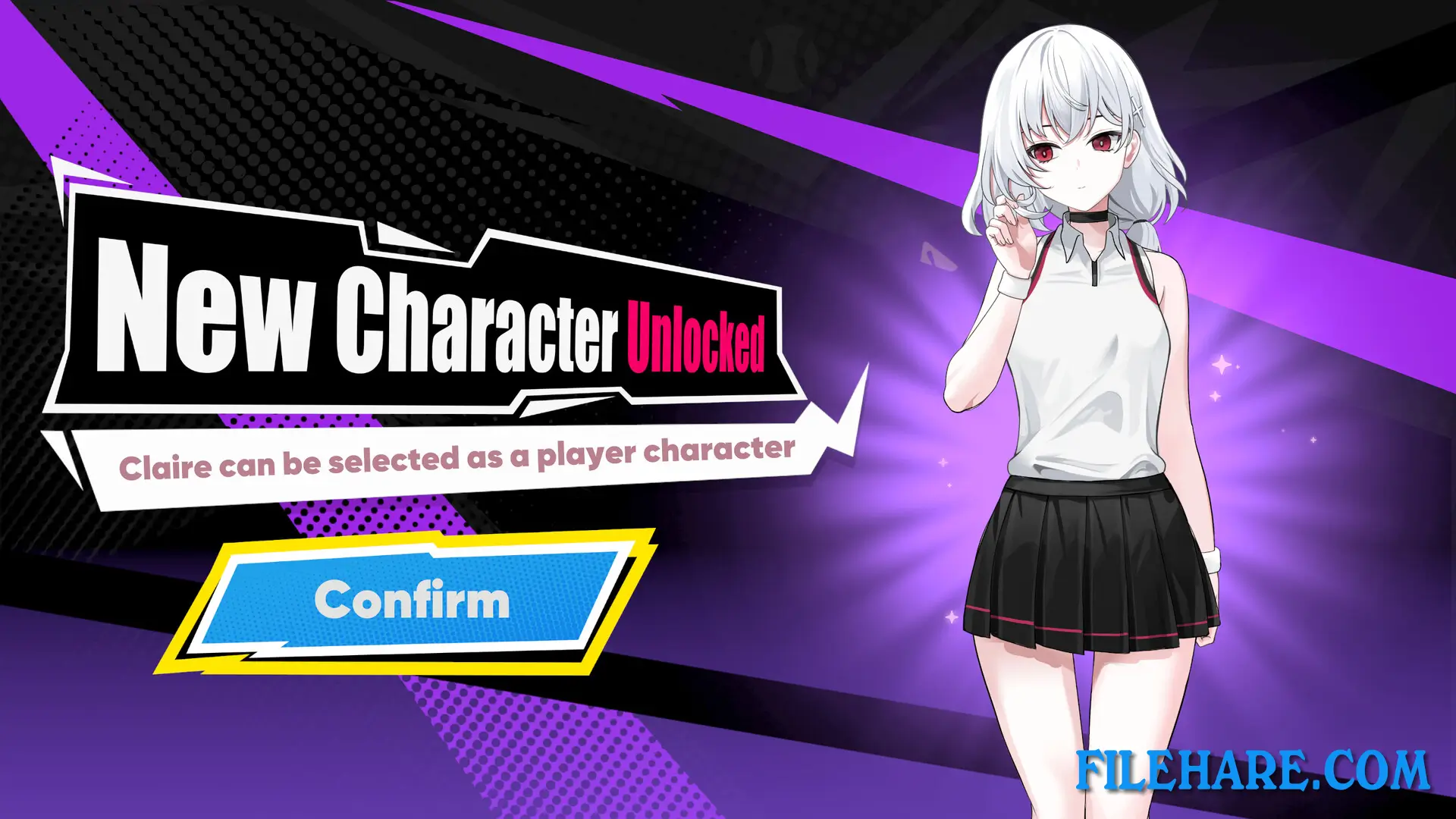
The game includes a Campaign Mode where the player unlocks the cast of female tennis players one by one. A Digital Art Book DLC was released on August 21, 2025, and includes character illustrations, sketches, and early concept material from the game’s development. Full controller support is included along with Steam Achievements, Steam Cloud saves, and Family Sharing. The game supports six languages: English, Japanese, Korean, Russian, Simplified Chinese, and Traditional Chinese.
Recommended System Requirements
Requires a 64-bit processor and operating system
- OS: Windows 7 or newer, 64-bit
- Processor: Intel Core i5-4670K / AMD Ryzen 5 1500X
- Memory: 4 GB RAM
- Graphics: GTX 1050 / AMD HD 7970
- Storage: 4 GB available space
Gameplay Screenshots

| Name | Academy Love Saga: Tennis Angels EX |
|---|---|
| Developer | Tora Creatives |
| File Size | 1.24 GB |
| Category | Adult |
| Minimum System Requirements | |
| CPU | Intel Core i3-6100 / AMD FX-8350 |
| RAM | 2 GB |
| Graphics | GTX 580 / AMD HD 7870 |
| Free Disk Space | 2 GB |
| Operating System | Windows 10 / 11 / 7 / 8 (64-bit) |
| User Rating | |
Buy this game to support the developer. Store Page
How to Download and Install Academy Love Saga: Tennis Angels EX PC Game?
We have simple instructions for you to download and install the PC game. Before following the steps, Ensure your PC meets the minimum system requirements for Playing the game on your PC.
- First, click on the DOWNLOAD button and you will be redirected to the final Download page. Then, Download the Game on your PC.
- Once you have downloaded the Academy Love Saga: Tennis Angels EX PC Game, Open the folder where you saved the Game.
- Then Right-click on the Zip file and click on the "Extract files" option from the dropdown menu. If your computer does not have a Zip file extract software installed, you must first install it. (such as WinRAR, 7Zip software)
- After Extracting the Zip file, Open the Academy Love Saga: Tennis Angels EX PC Game folder.
- Then, double-click on the Setup.exe file to Install the Game.
- If asked to allow the program to make changes to your device, click Yes to continue.
- After the installation, if you get any missing ".dll" errors or the Game is not launching, open the Readme.txt file located in the game folder and follow the instructions shown in the document file to play the game.
Done!. Now, you can launch the game from your desktop.