Batman: Arkham Knight Premium Edition PC Game Download
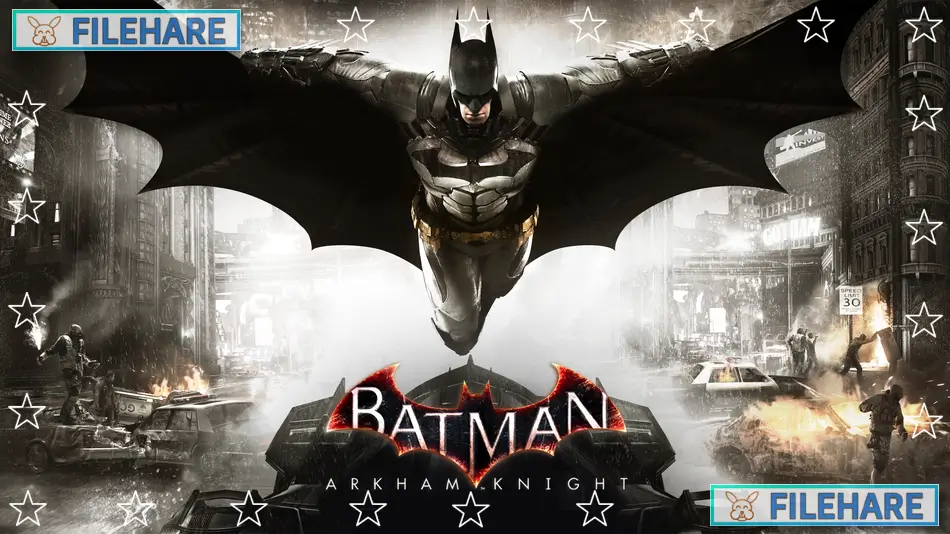
Batman: Arkham Knight Premium Edition is an action-adventure game that was developed by Rocksteady Studios and published by Warner Bros. Interactive Entertainment. The game was released on June 23, 2015, for PC, PlayStation 4, and Xbox One. The Premium Edition includes the base game plus the season pass, which contains additional story missions, challenge maps, character skins, and more downloadable content that expands the game experience beyond the main campaign.
Table of Contents
Batman: Arkham Knight Story
The game takes place one year after the events of Batman: Arkham City. Scarecrow returns to Gotham City with a plan to release a powerful new fear toxin that will terrorize the entire population. He has united many of Batman’s enemies, including Penguin, Two-Face, Harley Quinn, and Riddler, under his command. A new villain called the Arkham Knight also appears, leading a private military force with advanced weapons and tanks. Batman must stop Scarecrow’s plan while dealing with multiple supervillains across Gotham and find out who the Arkham Knight really is. The story also involves the psychological effects of Joker’s infected blood from the previous game.
Batman: Arkham Knight Gameplay
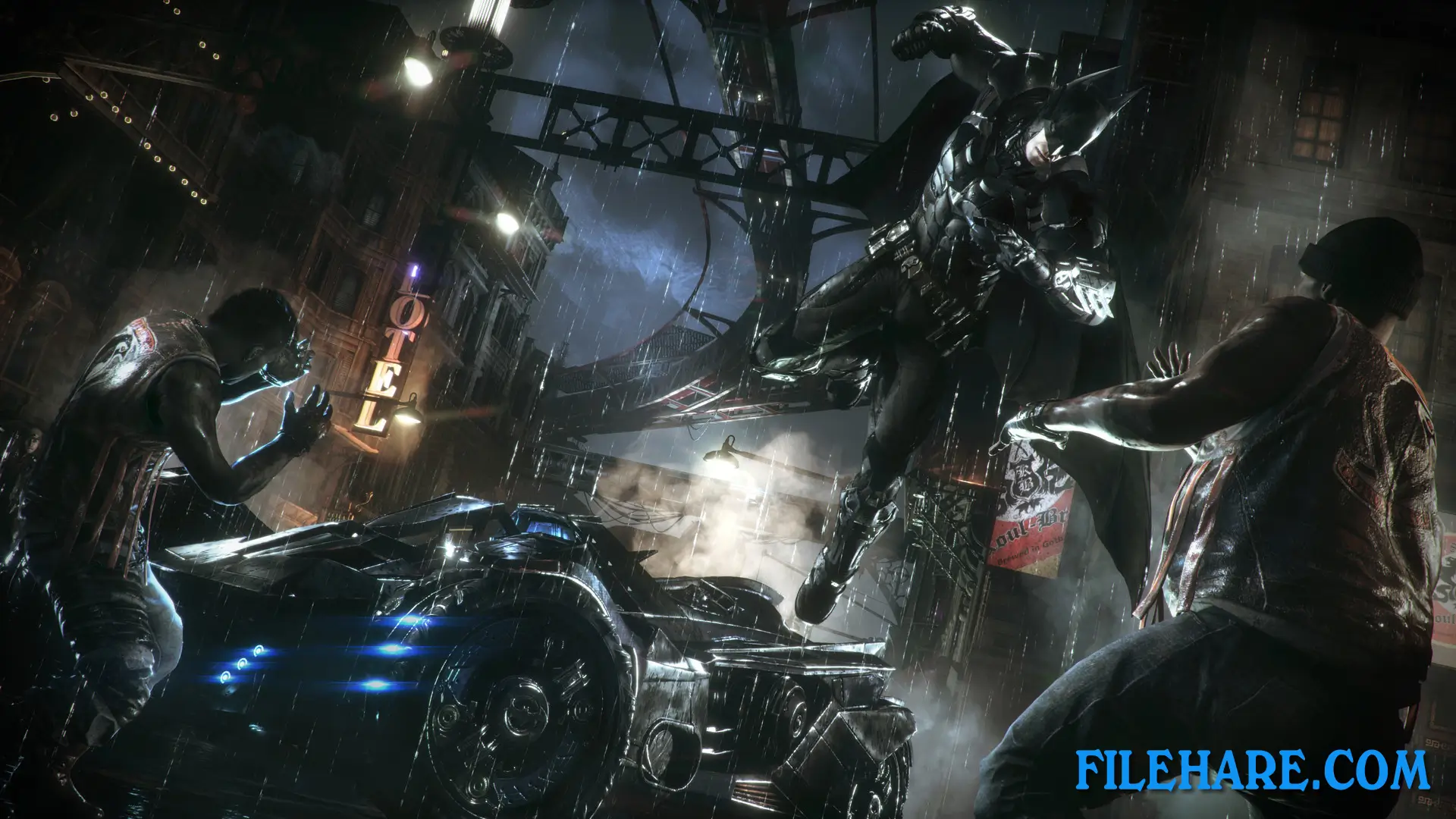
Batman: Arkham Knight continues the action-adventure gameplay from previous games in the series. You control Batman as he glides through Gotham City, fights criminals using the FreeFlow combat method that allows you to chain attacks and counters together, and uses detective vision to investigate crime scenes. The game introduces the Batmobile as a playable vehicle for the first time in the series. You can drive it through the streets, use it in tank battles against enemy drones, and call it remotely when needed.
The Batmobile has two modes. Pursuit mode is for regular driving and chasing vehicles, while Battle mode transforms it into a tank with weapons to fight enemy drones. The car also helps Batman reach certain areas by launching him high into the air for longer gliding distances.
Batman: Arkham Knight Features
The game world is much larger than previous Arkham games, featuring all of Gotham City to explore. You can complete side missions that involve tracking down other villains like Riddler, who has placed 243 riddles and trophies throughout the city. Other side missions include stopping Two-Face’s bank robberies, shutting down Penguin’s weapon operations, and rescuing firefighters from burning buildings. The Premium Edition’s season pass adds extra story content featuring other characters like Batgirl, Robin, Nightwing, Red Hood, and Catwoman.
Recommended System Requirements
Requires a 64-bit processor and operating system
- OS: Win 7 SP1, Win 8.1 (64-bit Operating System Required)
- Processor: Intel Core i7-3770, 3.4 GHz | AMD FX-8350, 4.0 GHz
- Memory: 8 GB RAM
- Graphics: NVIDIA GeForce GTX 760 – 3 GB Memory Recommended | AMD Radeon HD 7950 – 3 GB Memory Recommended
- DirectX: Version 11
- Storage: 55 GB available space
Gameplay Screenshots
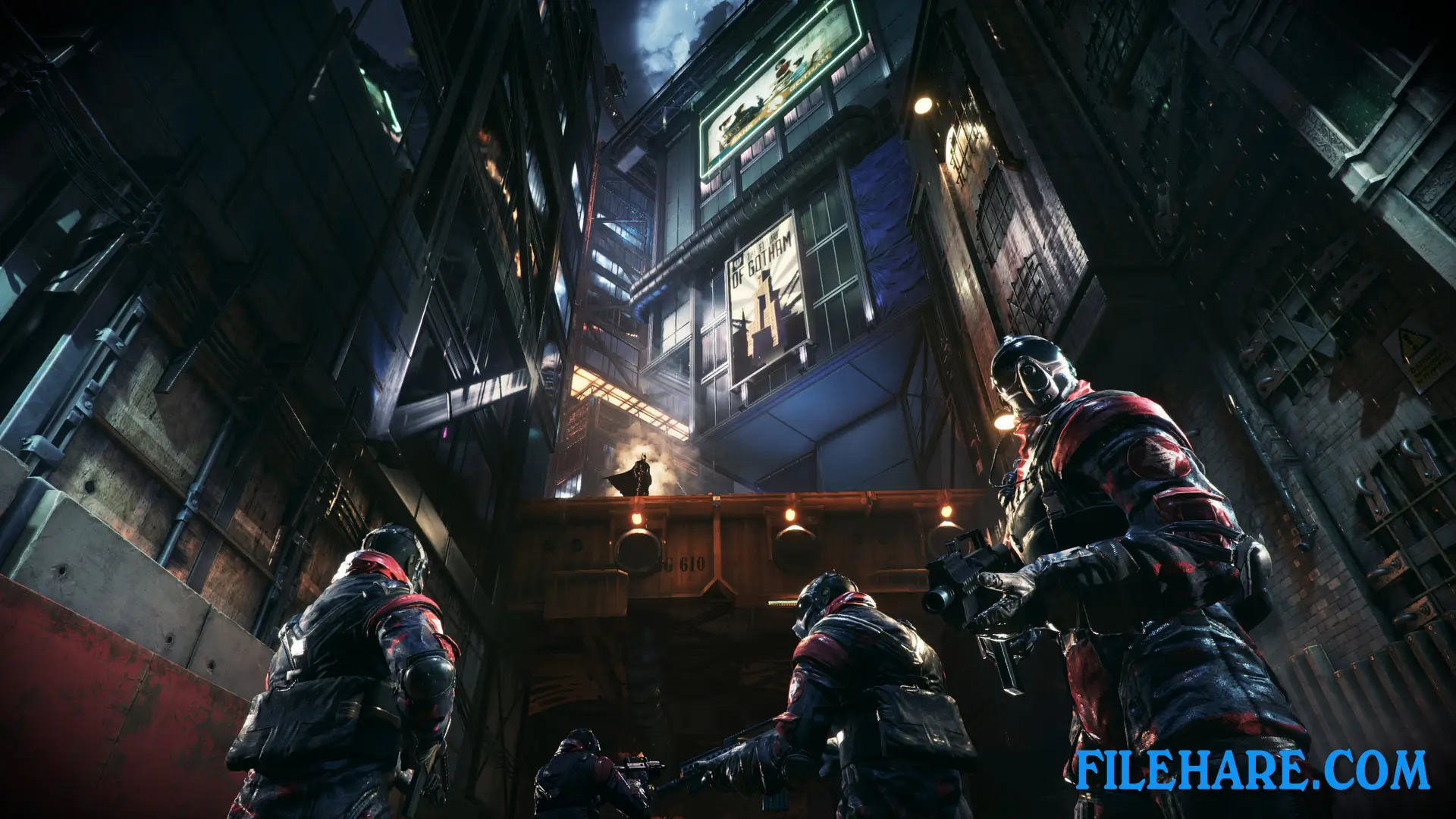
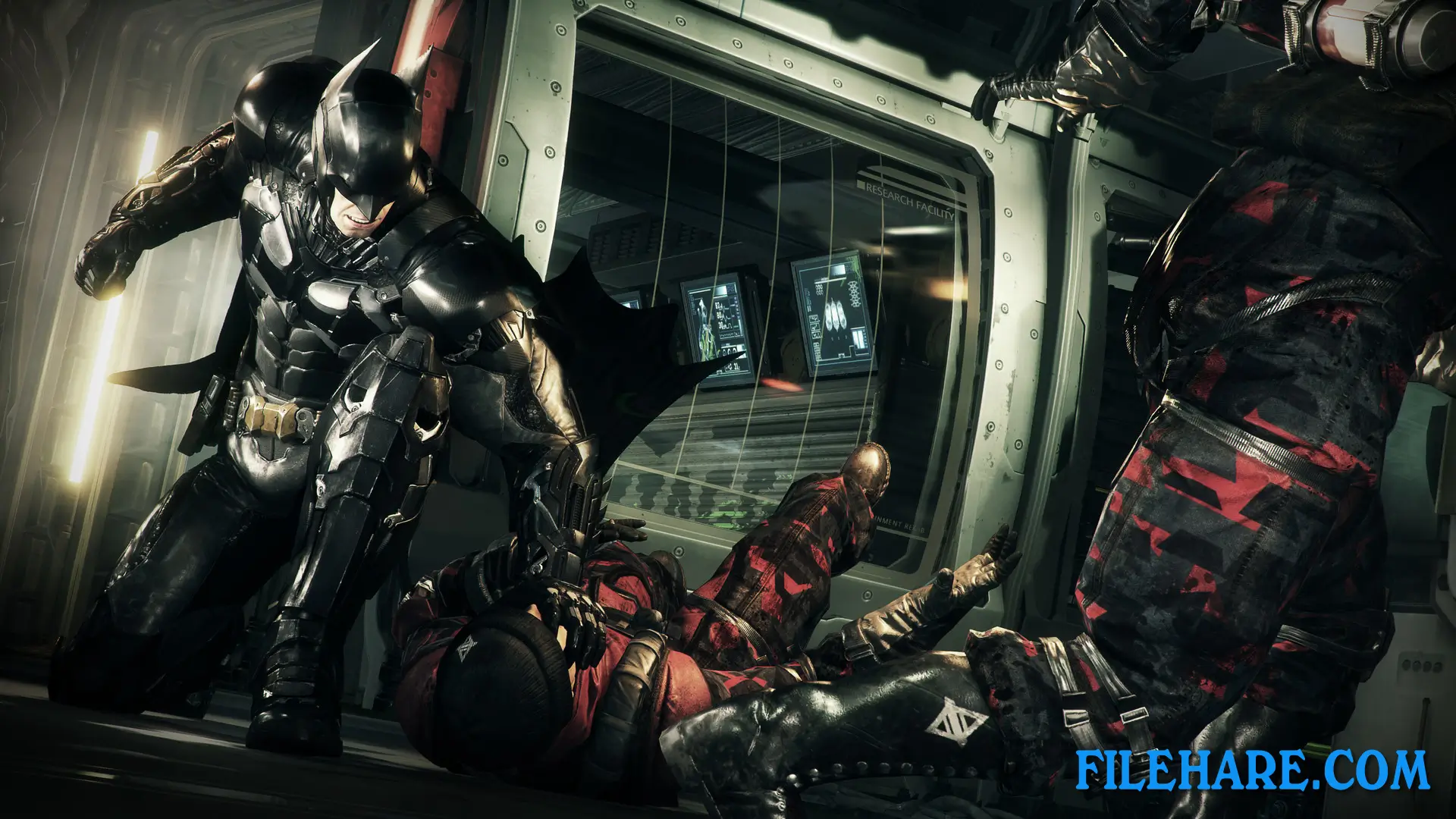
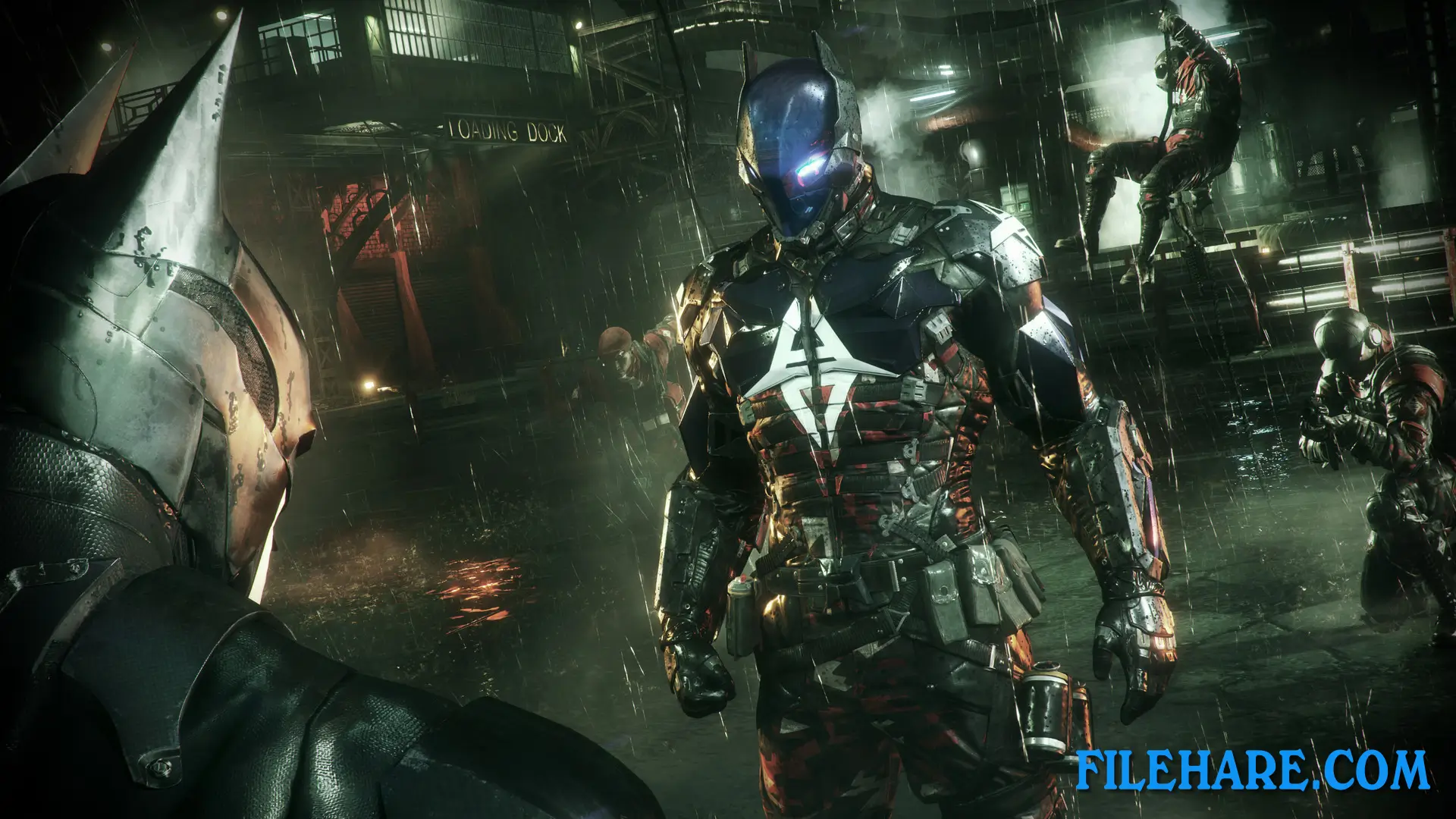
| Name | Batman: Arkham Knight Premium Edition |
|---|---|
| Developer | Rocksteady Studios |
| File Size | 26.12 GB |
| Category | Action |
| Minimum System Requirements | |
| CPU | Intel Core i5-750, 2.67 GHz | AMD Phenom II X4 965, 3.4 GHz |
| RAM | 6 GB |
| Graphics | NVIDIA GeForce GTX 660 (2 GB Memory Minimum) | AMD Radeon HD 7870 (2 GB Memory Minimum) |
| Free Disk Space | 45 GB |
| Operating System | Windows 10 / 11 / 7 / 8 (64-bit) |
| User Rating | |
Buy this game to support the developer. Store Page
How to Download and Install Batman: Arkham Knight Premium Edition PC Game?
We have simple instructions for you to download and install the PC game. Before following the steps, Ensure your PC meets the minimum system requirements for Playing the game on your PC.
- First, click on the DOWNLOAD button and you will be redirected to the final Download page. Then, Download the Game on your PC.
- Once you have downloaded the Batman: Arkham Knight Premium Edition PC Game, Open the folder where you saved the Game.
- Then Right-click on the Zip file and click on the "Extract files" option from the dropdown menu. If your computer does not have a Zip file extract software installed, you must first install it. (such as WinRAR, 7Zip software)
- After Extracting the Zip file, Open the Batman: Arkham Knight Premium Edition PC Game folder.
- Then, double-click on the Setup.exe file to Install the Game.
- If asked to allow the program to make changes to your device, click Yes to continue.
- After the installation, if you get any missing ".dll" errors or the Game is not launching, open the Readme.txt file located in the game folder and follow the instructions shown in the document file to play the game.
Done!. Now, you can launch the game from your desktop.