Breeze of Passion PC Game Download for Windows 10/11/7/8

Breeze of Passion is an adult visual novel adventure game developed and published by L7team. The game was first released in Early Access and then officially launched on October 21, 2024, on PC. It is a single-player game that runs on Windows, Mac, and Linux, and is also playable on Steam Deck. The game is story-driven and centers on relationships, hotel management, and life in a small seaside town.
Table of Contents
Breeze of Passion Story
The player takes on the role of a young man who used to live a comfortable life in a big city. He is asked to leave that life behind and go to a small seaside town to help run a hotel owned by a family friend, a businesswoman who trusts him to manage and grow the business. At first, he is not sure about this new responsibility, but things change as he gets to know the town and the people in it. The story takes the player along as the young man builds relationships with the women in the town, handles the hotel, and deals with unexpected events in his new life in Sunville. The game has two main endings, and the final choice involves five animated variations depending on which character the player spent the most time with.
Breeze of Passion Gameplay
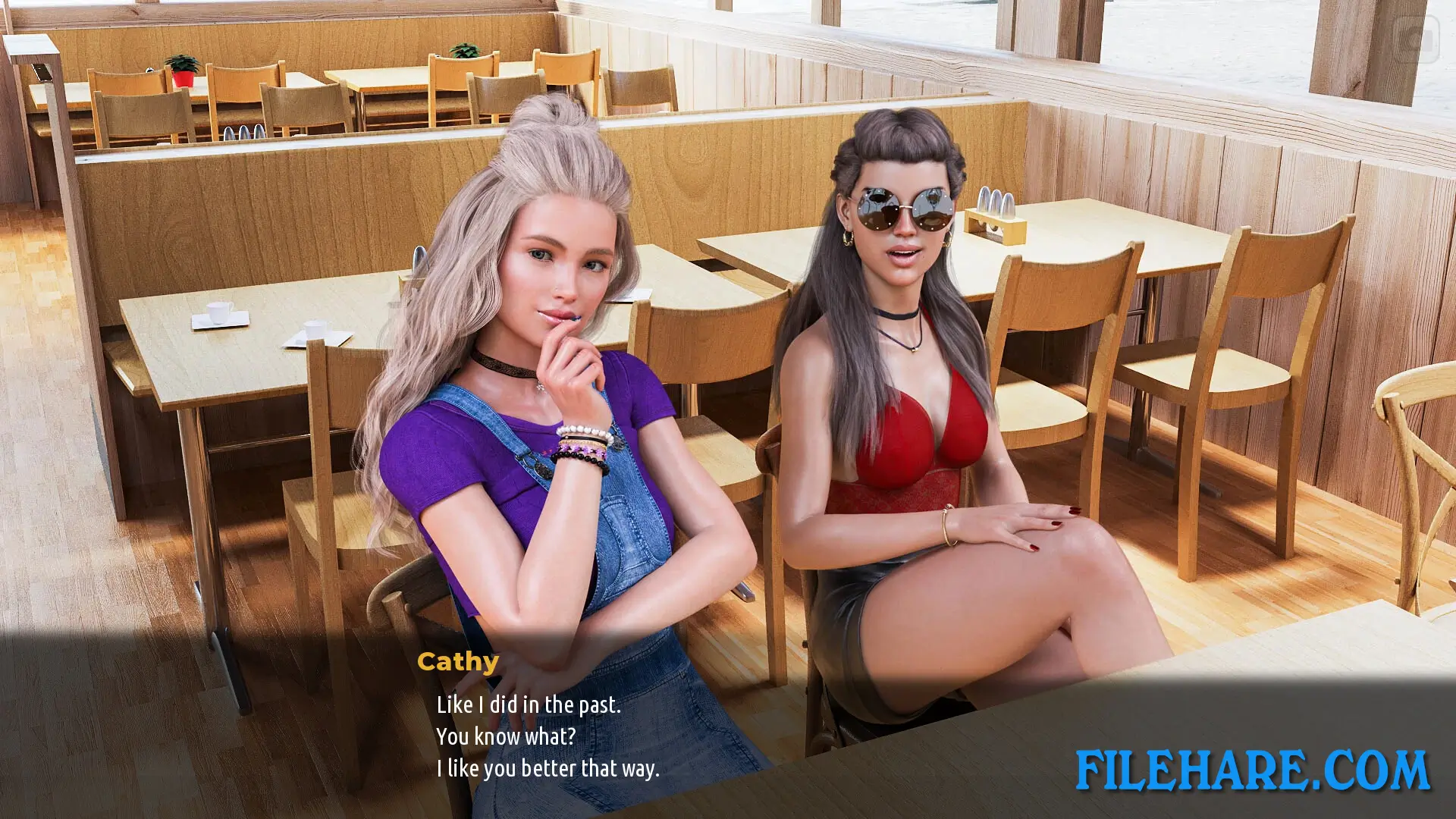
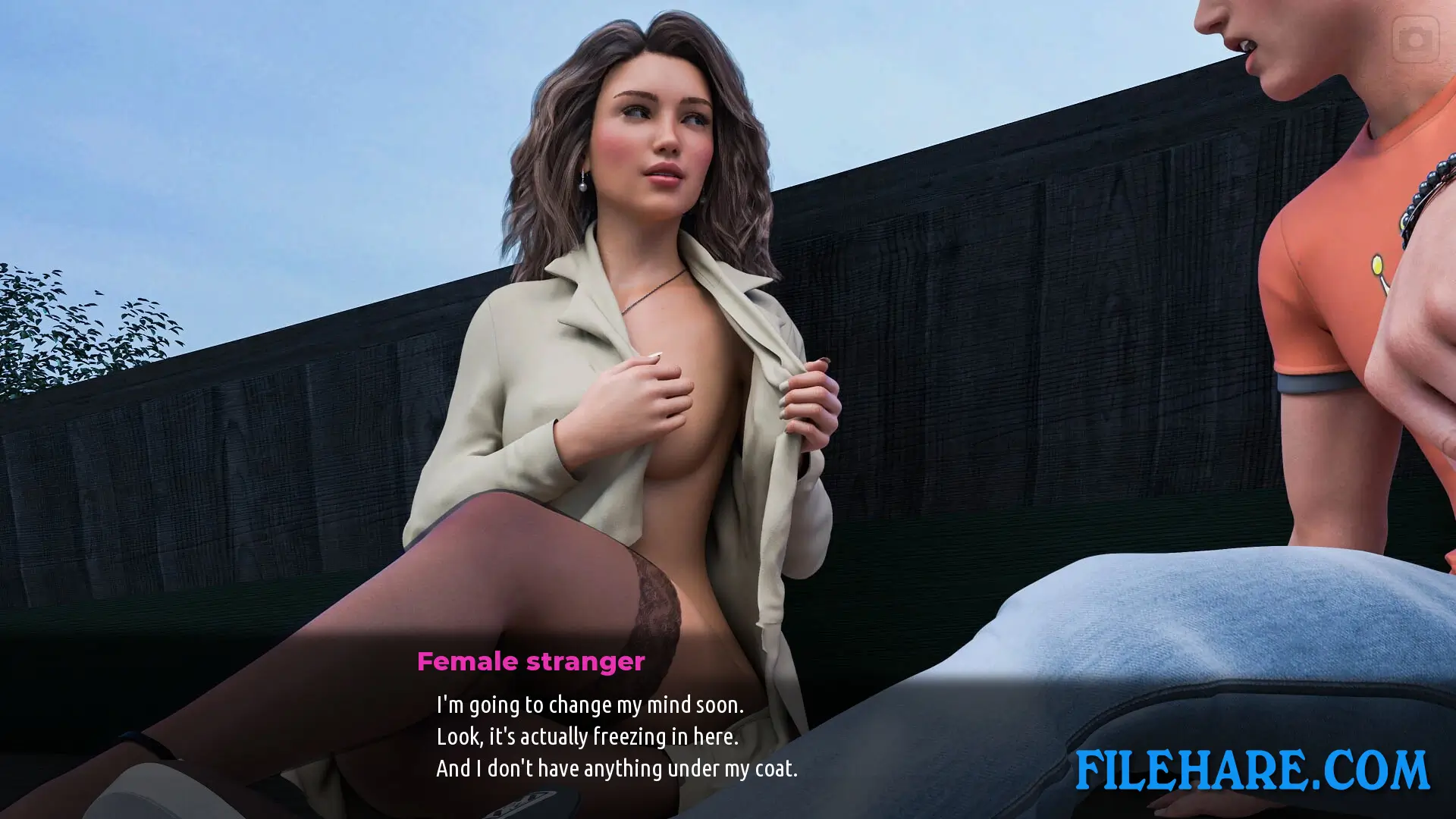
Breeze of Passion is played as a visual novel with open-map exploration. The player can move around a city map to find events and meet new characters. The game uses a smartphone feature that lets the player take photos and exchange videos with characters. The player reads dialogue and watches animated scenes as the story moves forward. Animation speed can be adjusted by the player. A Lovebar tracks the relationship status with each female character in the game. The story takes around 10 to 11 hours to complete, and the game has a branching story with two main endings.
Breeze of Passion Features
Breeze of Passion has several notable features that make it stand out. The game has a large cast of female characters, including the hotel waitress, the city mayor, and several MILFs, all with unique roles in the story. The game uses high-quality 3D graphics and close-up animations. Two DLC packs are available, called Extra Content and Deep Inspection, which add more story content and scenes. The game supports 12 languages, including English, German, Russian, French, Spanish, Italian, Polish, Czech, Arabic, Turkish, Ukrainian, and Simplified Chinese. It also supports Steam Achievements, Steam Trading Cards, and Steam Cloud.
Gameplay Screenshots


| Name | Breeze of Passion |
|---|---|
| Developer | L7team |
| File Size | 7.11 GB |
| Category | Adult |
| Minimum System Requirements | |
| CPU | Intel/AMD 2.0 GHz dual-core |
| RAM | 2 GB |
| Graphics | OpenGL 2.0 or DirectX 9.0c compatible |
| Free Disk Space | 8 GB |
| Operating System | Windows 10 / 11 / 7 / 8 |
| User Rating | |
Buy this game to support the developer. Store Page
How to Download and Install Breeze of Passion PC Game?
We have simple instructions for you to download and install the PC game. Before following the steps, Ensure your PC meets the minimum system requirements for Playing the game on your PC.
- First, click on the DOWNLOAD button and you will be redirected to the final Download page. Then, Download the Game on your PC.
- Once you have downloaded the Breeze of Passion PC Game, Open the folder where you saved the Game.
- Then Right-click on the Zip file and click on the "Extract files" option from the dropdown menu. If your computer does not have a Zip file extract software installed, you must first install it. (such as WinRAR, 7Zip software)
- After Extracting the Zip file, Open the Breeze of Passion PC Game folder.
- Then, double-click on the Setup.exe file to Install the Game.
- If asked to allow the program to make changes to your device, click Yes to continue.
- After the installation, if you get any missing ".dll" errors or the Game is not launching, open the Readme.txt file located in the game folder and follow the instructions shown in the document file to play the game.
Done!. Now, you can launch the game from your desktop.