Builder Simulator PC Game Download for Windows 10/11/7/8
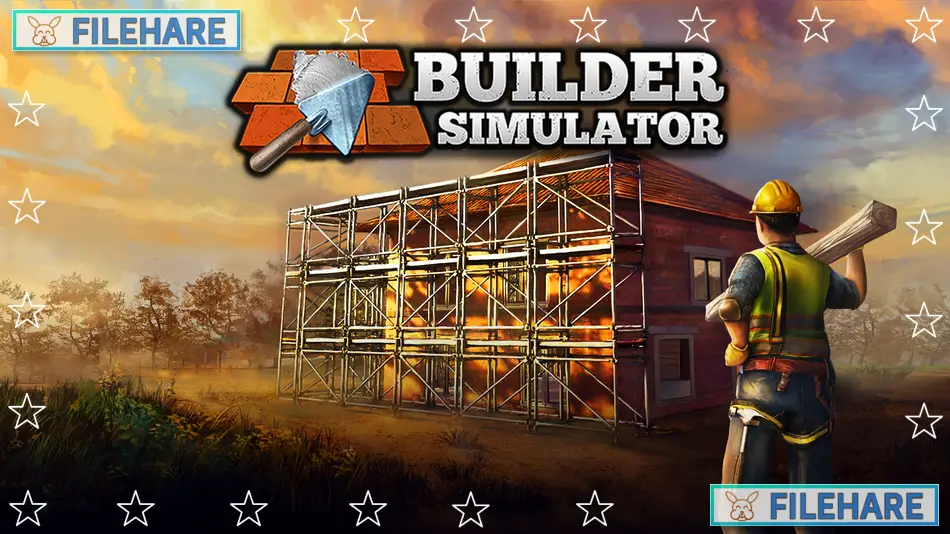
Builder Simulator is a construction simulation game where players can build houses from the ground up. The game was developed by Live Motion Games and Frozen Way, and published by Live Motion Games, Frozen Way, and Frozen District. It was released on June 9, 2022, on PC via Steam. The game is perfect for anyone who dreams of creating their own house, brick by brick.
Table of Contents
Builder Simulator Gameplay
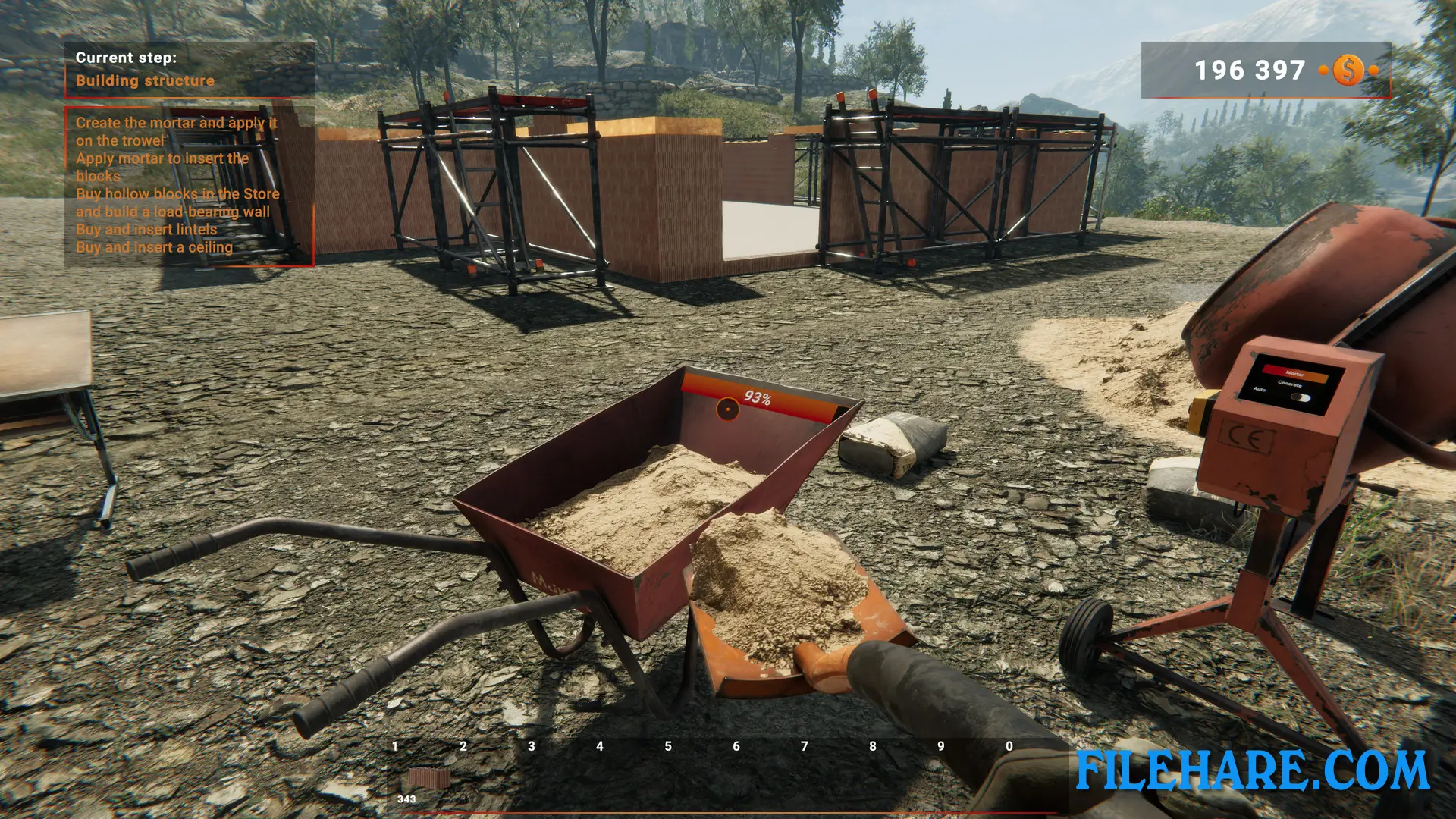
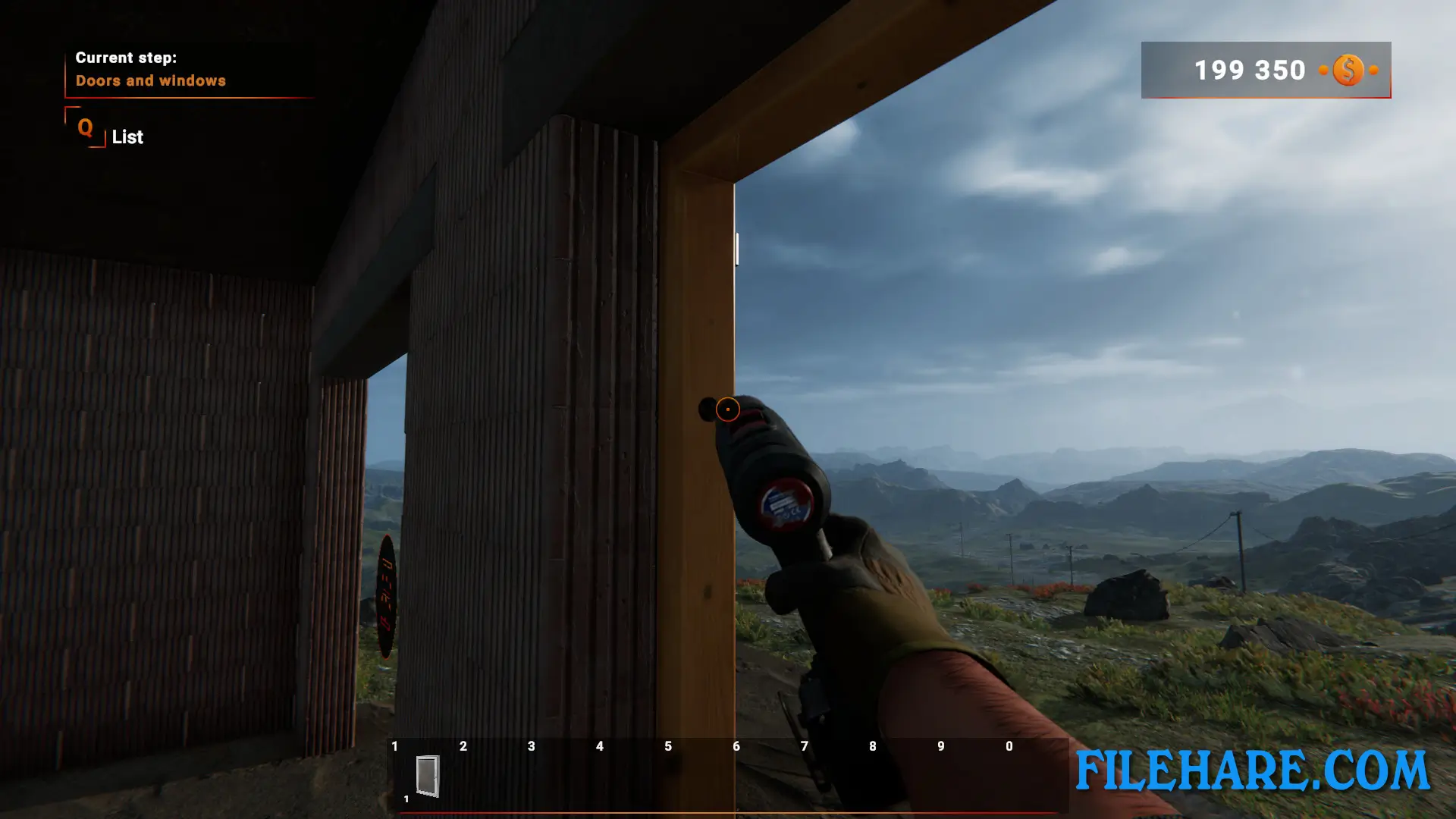
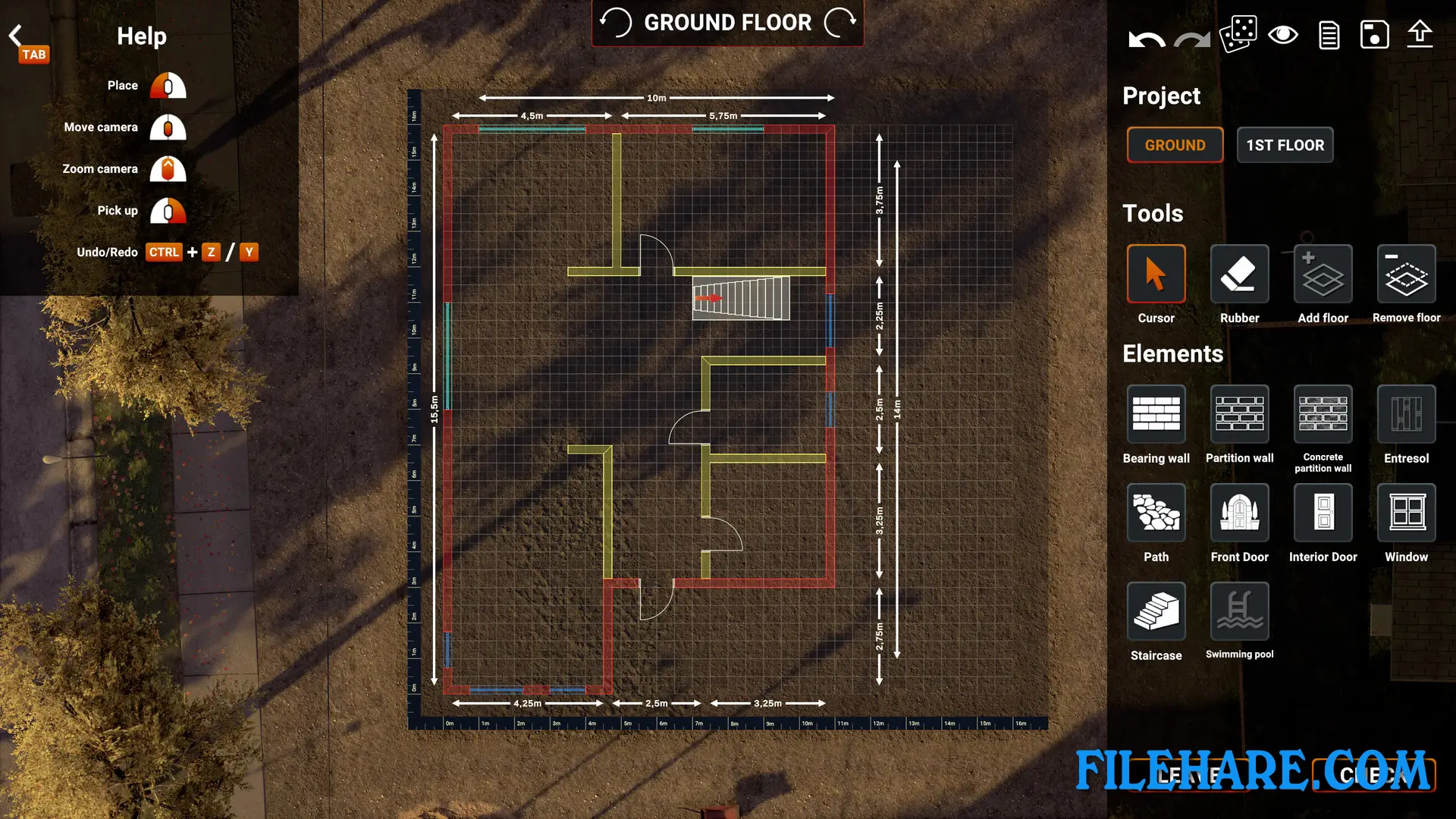
The game starts with planning and designing houses on a drawing board. Players can create their own designs using lines, curves, and squares, or choose from ready-made projects. After finishing the design, players need to buy the needed materials like bricks and cement before starting construction. The actual building process involves several steps. Players must dig the foundation, build walls, install windows and doors, and work on the roof. The game offers two difficulty levels. On easy mode, the game provides full instructions and guides players through every step of construction. On hard mode, players get no help and must rely on their own skills to complete the building.
Builder Simulator Features
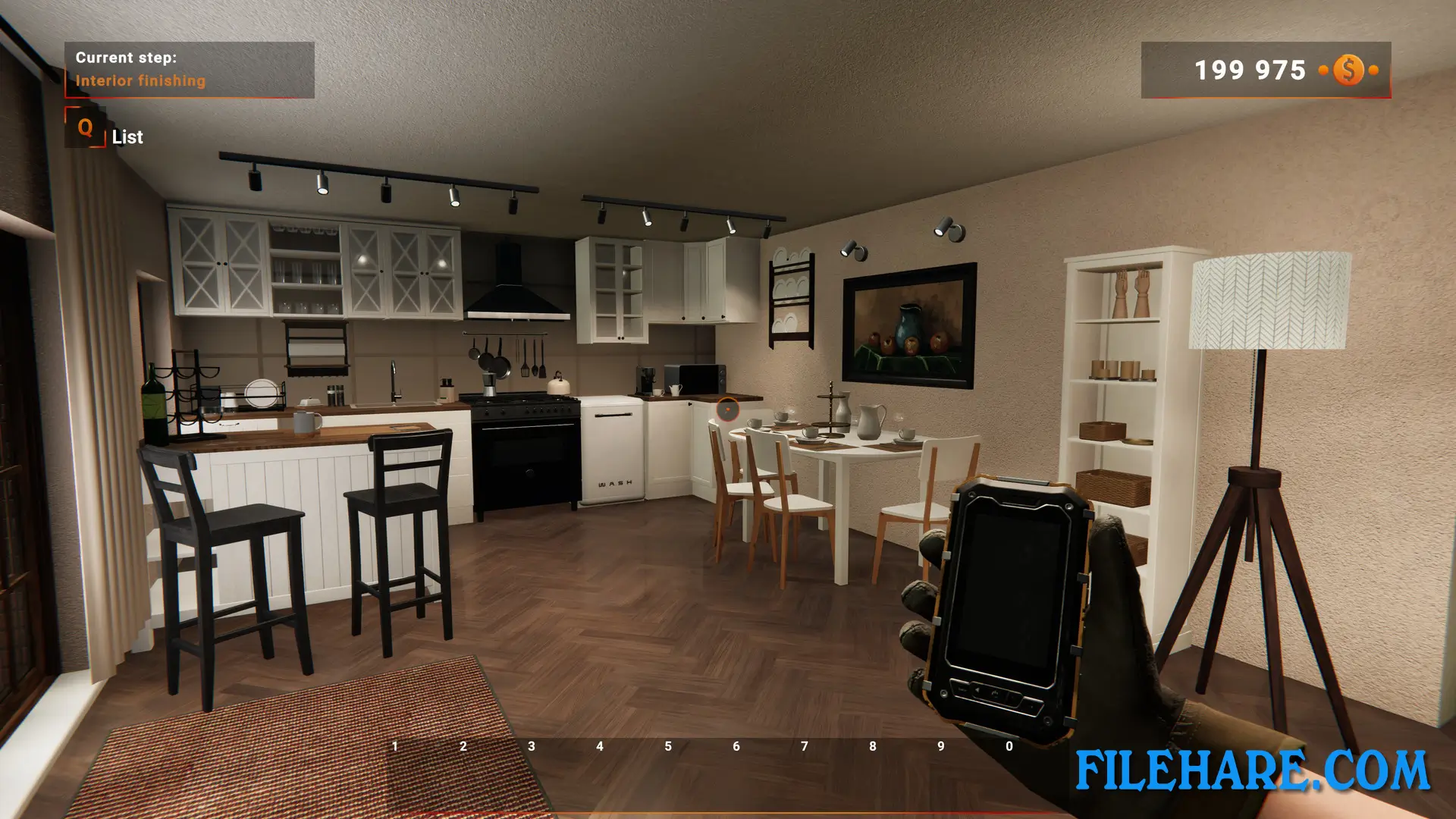
The game includes several important features that make construction fun. Players can finish the exterior of their houses by painting walls and completing the elevation work. There is also an Interior Design mode where players can focus on decorating the inside of houses without worrying about construction work. This mode allows players to place and scale furniture according to their taste. The game has a Community Builder feature where players can share their house designs with others around the globe. Players can also download and build houses based on projects uploaded by other players. The game offers contracts that players can complete to earn money and unlock new items. There is also a Planner mode that makes it simple to design house layouts.
Recommended System Requirements
Requires a 64-bit processor and operating system
- OS: Windows 10
- Processor: i5 9400f or Ryzen 5 3600
- Memory: 8 GB RAM
- Graphics: GTX 1060 6GB
Gameplay Screenshots
| Name | Builder Simulator |
|---|---|
| Developer | Live Motion Games, Frozen Way |
| File Size | 5.44 GB |
| Category | Simulation |
| Minimum System Requirements | |
| CPU | Intel i5 4460 or AMD ryzen 5 1600 |
| RAM | 6 GB |
| Graphics | GTX 750TI 2GB |
| Free Disk Space | 7 GB |
| Operating System | Windows 10 / 11 / 7 / 8 (64-bit) |
| User Rating | |
Buy this game to support the developer. Store Page
How to Download and Install Builder Simulator PC Game?
We have simple instructions for you to download and install the PC game. Before following the steps, Ensure your PC meets the minimum system requirements for Playing the game on your PC.
- First, click on the DOWNLOAD button and you will be redirected to the final Download page. Then, Download the Game on your PC.
- Once you have downloaded the Builder Simulator PC Game, Open the folder where you saved the Game.
- Then Right-click on the Zip file and click on the "Extract files" option from the dropdown menu. If your computer does not have a Zip file extract software installed, you must first install it. (such as WinRAR, 7Zip software)
- After Extracting the Zip file, Open the Builder Simulator PC Game folder.
- Then, double-click on the Setup.exe file to Install the Game.
- If asked to allow the program to make changes to your device, click Yes to continue.
- After the installation, if you get any missing ".dll" errors or the Game is not launching, open the Readme.txt file located in the game folder and follow the instructions shown in the document file to play the game.
Done!. Now, you can launch the game from your desktop.