Cursed Armor 2 PC Game Download for Windows 10/11
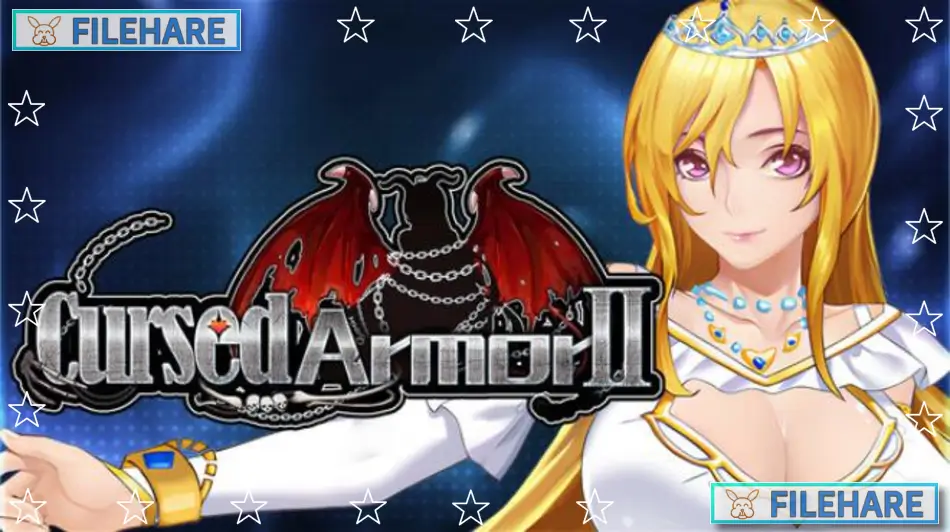
Cursed Armor 2 is an adult RPG and adventure game developed by Wolfgame and published by Mango Party and Mango Party News. It was released on October 30, 2025, for PC on Windows. The game is intended for adult players only and contains mature content. It is the official sequel to the first Cursed Armor game and continues the story of the same heroine, Lilina, in a new chapter of her adventure.
Table of Contents
Cursed Armor 2 Story
After a tragic event, Lilina’s original powers are sealed away. She wakes up to find herself transformed, now bearing the face of Imperial Princess Sofia and wielding the mysterious abilities of a Spirit Witch. With this new identity and power, Lilina sets out on a new quest to locate ancient relics and break the seal on a cursed armor called Cecelia. The story is directly connected to the events of the first game, and a story recap is included so new players can follow along without having played the original. The game has a large main storyline with multiple side quests and several possible endings based on how the player moves forward.
Cursed Armor 2 Gameplay
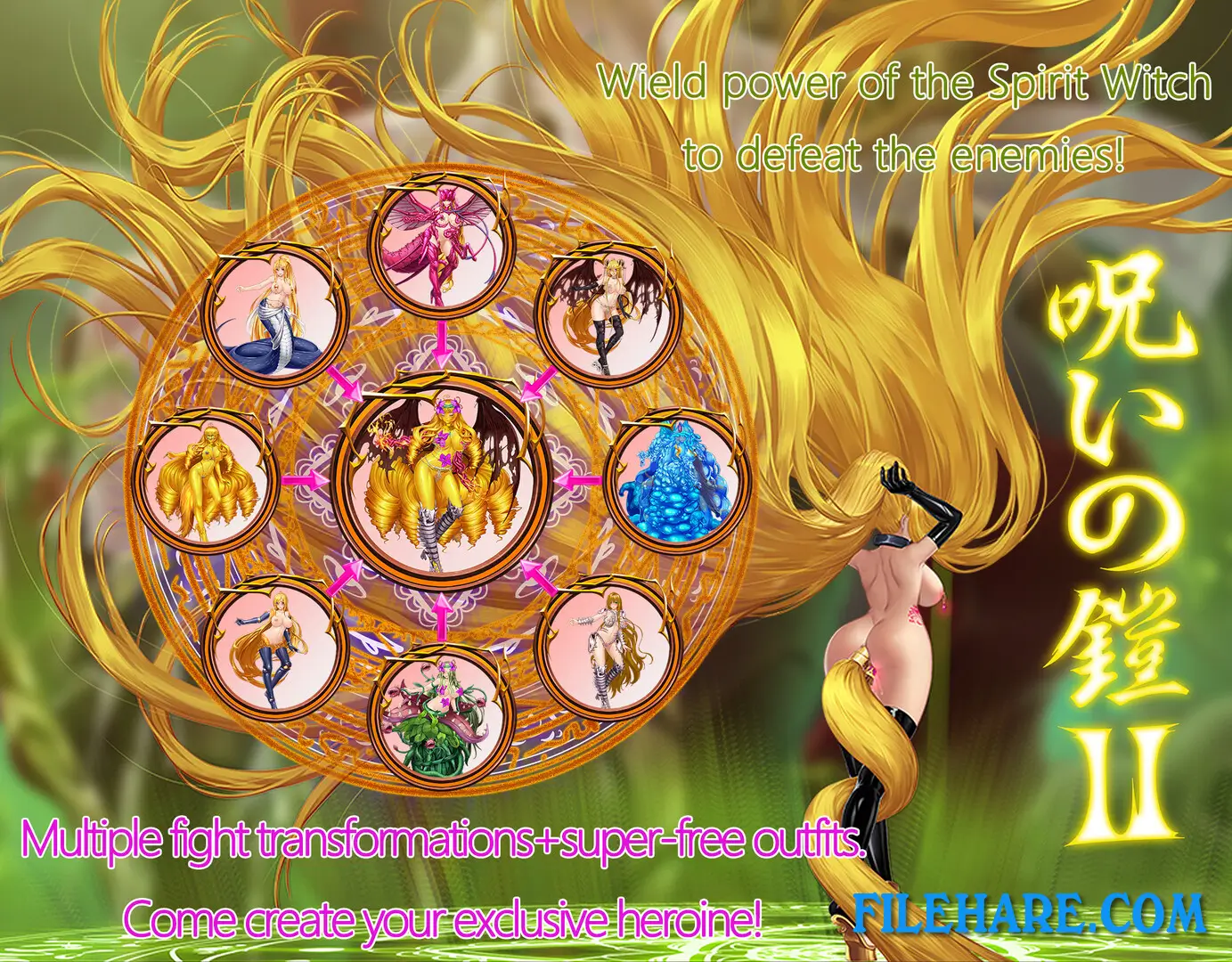
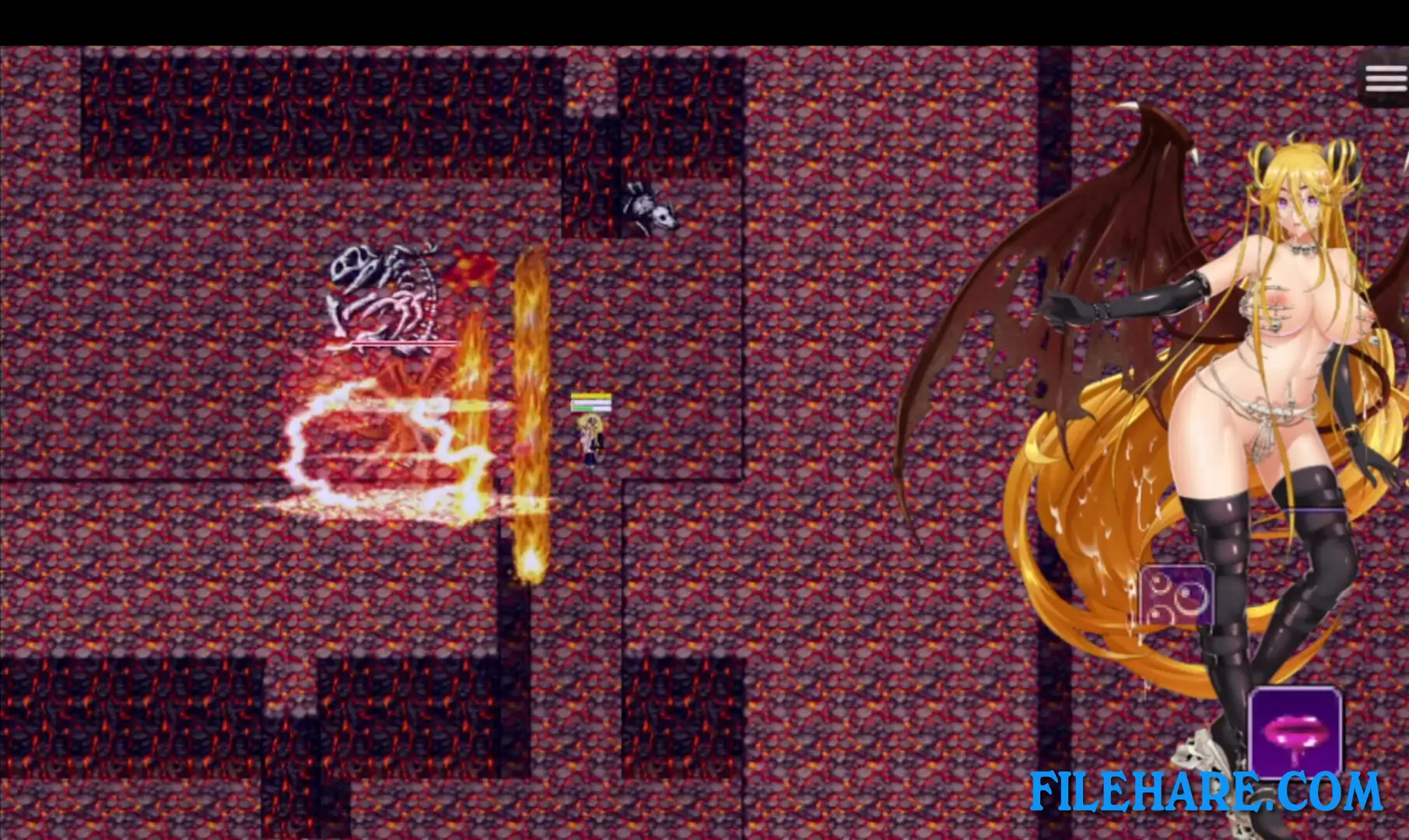
Cursed Armor 2 is a real-time action RPG. The player controls Lilina from a top-down pixel view and can move freely around the map, dodge incoming attacks, and use skills during combat. A key part of the gameplay is a transformation system where Lilina can switch between 9 different transformation forms, with each form carrying its own set of abilities. The player selects which form to use based on the type of enemy or situation at hand. Adult scenes and events are woven into the main story and side quests and trigger at various points during play.
Cursed Armor 2 Features
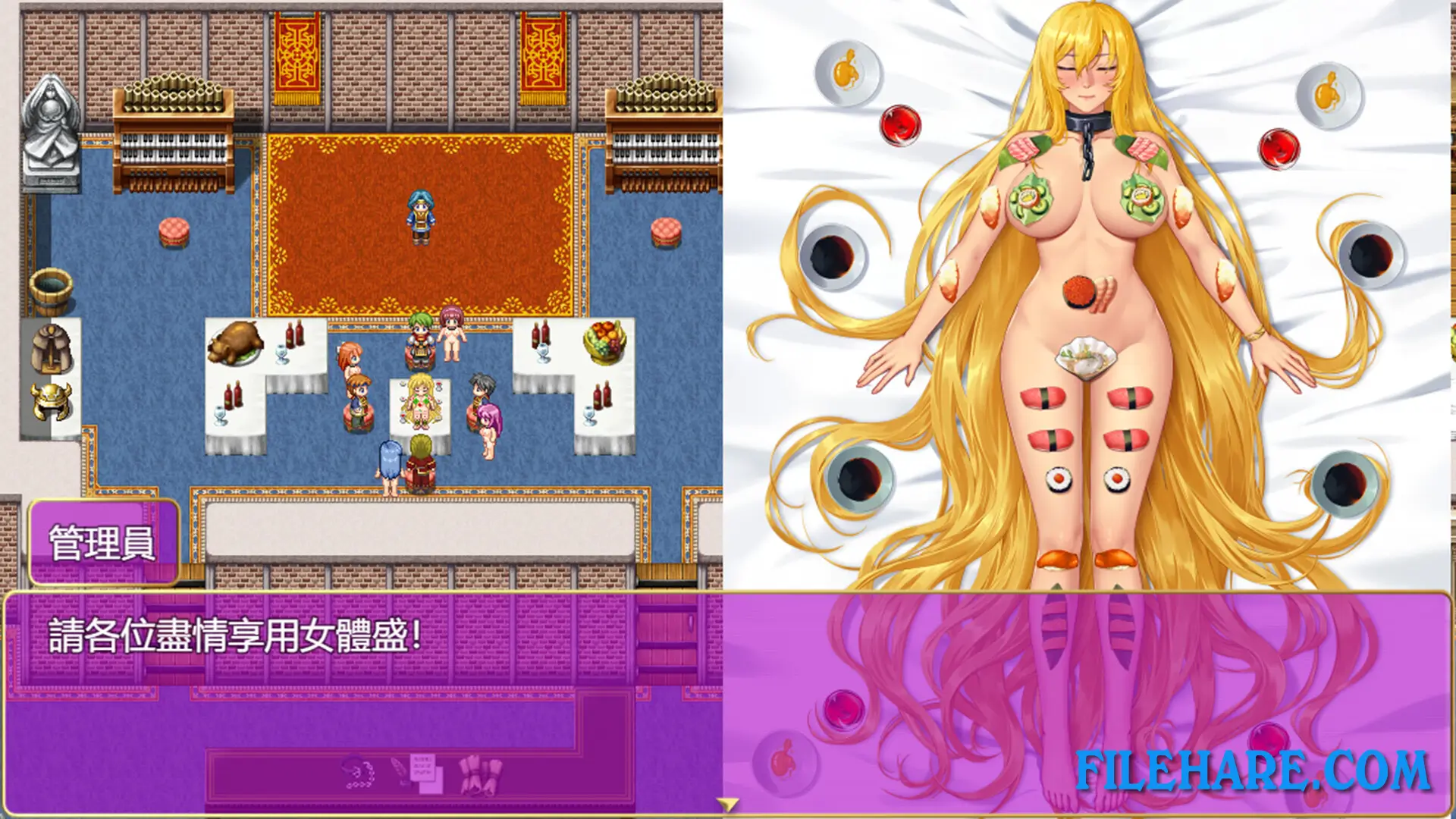
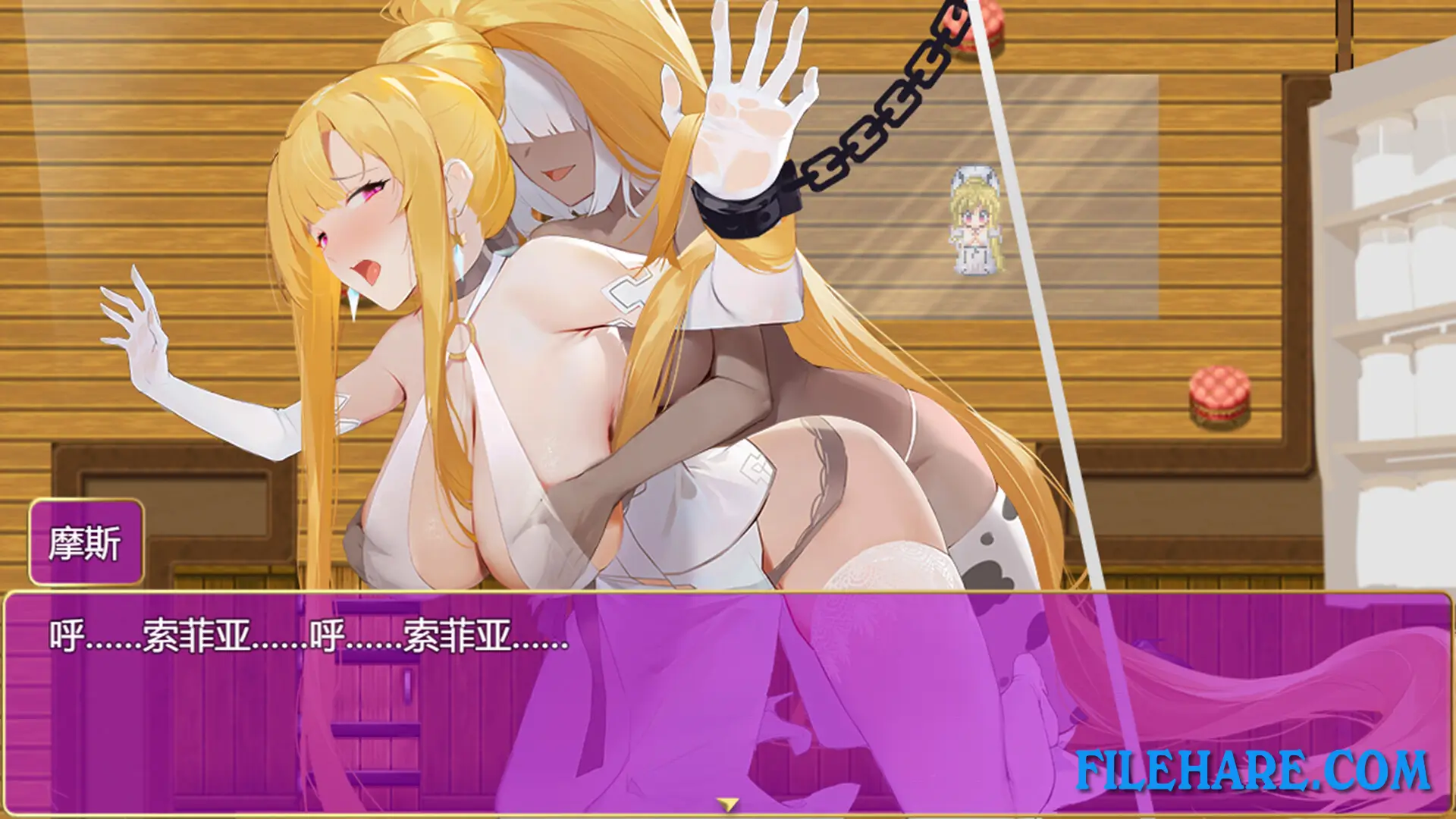
The game includes over 100 CGs with more than 20 outfit variants, and features detailed variations and interactive adult content. A wide range of side quests contain adult events spread across the full game. The game supports Steam Achievements and Steam Cloud saving. It is also verified as playable on Steam Deck. Languages supported include English, Simplified Chinese, Traditional Chinese, and Japanese.
Gameplay Screenshots
| Name | Cursed Armor 2 |
|---|---|
| Developer | wolfgame |
| File Size | 3.45 GB |
| Category | Adult |
| Minimum System Requirements | |
| CPU | Intel Core i5 10th gen or above |
| RAM | 8 GB |
| Graphics | GeForce GTX 960 4GB or above |
| Free Disk Space | 5 GB |
| Operating System | Windows 10 / 11 |
| User Rating | |
Buy this game to support the developer. Store Page
How to Download and Install Cursed Armor 2 PC Game?
We have simple instructions for you to download and install the PC game. Before following the steps, Ensure your PC meets the minimum system requirements for Playing the game on your PC.
- First, click on the DOWNLOAD button and you will be redirected to the final Download page. Then, Download the Game on your PC.
- Once you have downloaded the Cursed Armor 2 PC Game, Open the folder where you saved the Game.
- Then Right-click on the Zip file and click on the "Extract files" option from the dropdown menu. If your computer does not have a Zip file extract software installed, you must first install it. (such as WinRAR, 7Zip software)
- After Extracting the Zip file, Open the Cursed Armor 2 PC Game folder.
- Then, double-click on the Setup.exe file to Install the Game.
- If asked to allow the program to make changes to your device, click Yes to continue.
- After the installation, if you get any missing ".dll" errors or the Game is not launching, open the Readme.txt file located in the game folder and follow the instructions shown in the document file to play the game.
Done!. Now, you can launch the game from your desktop.