Electrician Simulator: Complete PC Game Download for Windows 10/11
Electrician Simulator is a profession simulation game developed by Take IT Studio and published by Gaming Factory and Ultimate Games S.A. The game was released on September 21, 2022, for PC through Steam. In this game, you play as a young electrician who takes over the family business from your father. You perform electrical jobs at customer homes and repair broken electrical items in your workshop. The game teaches you about basic electrical work while providing a fun and relaxing experience.
Table of Contents
Electrician Simulator Gameplay
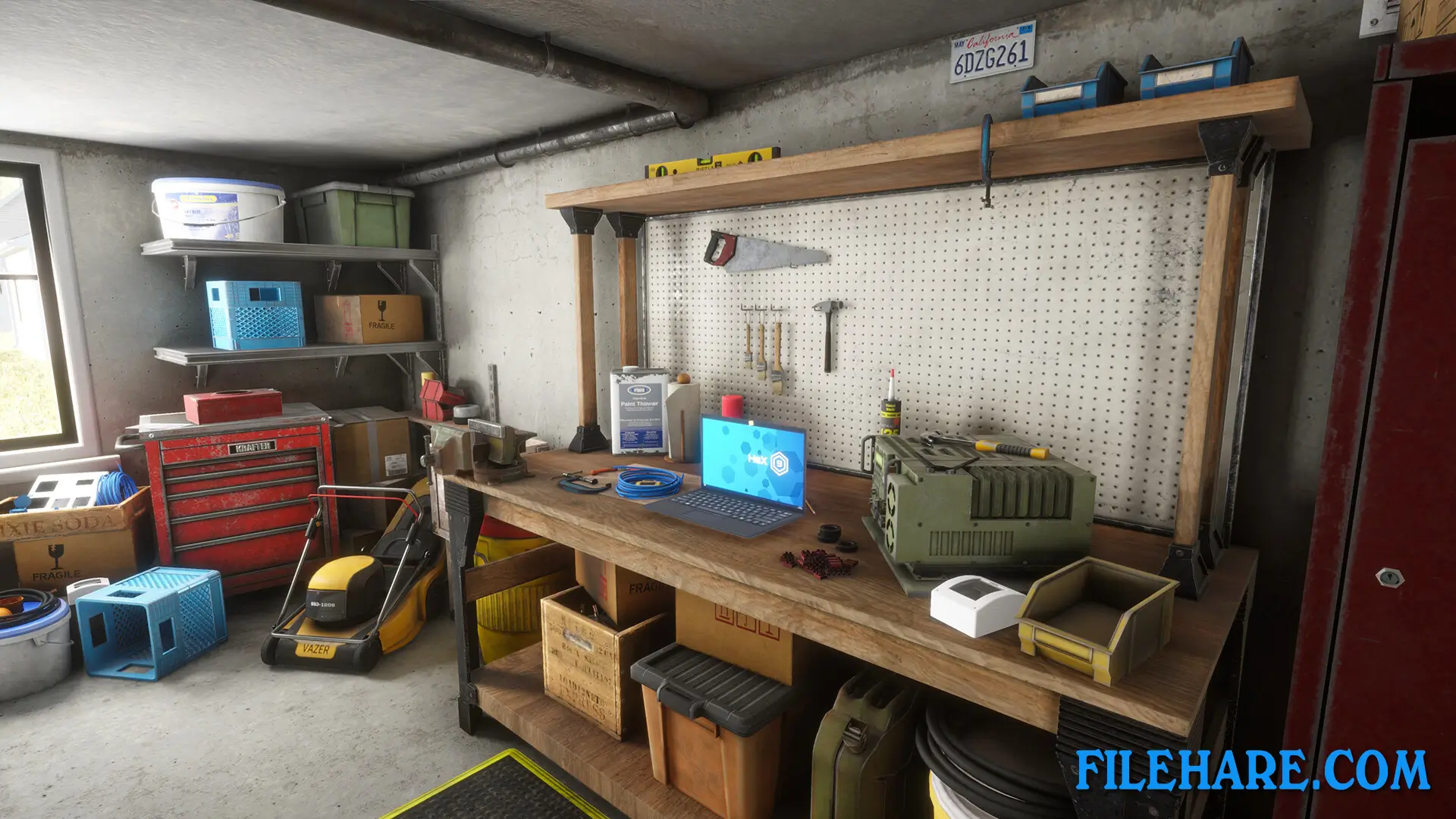
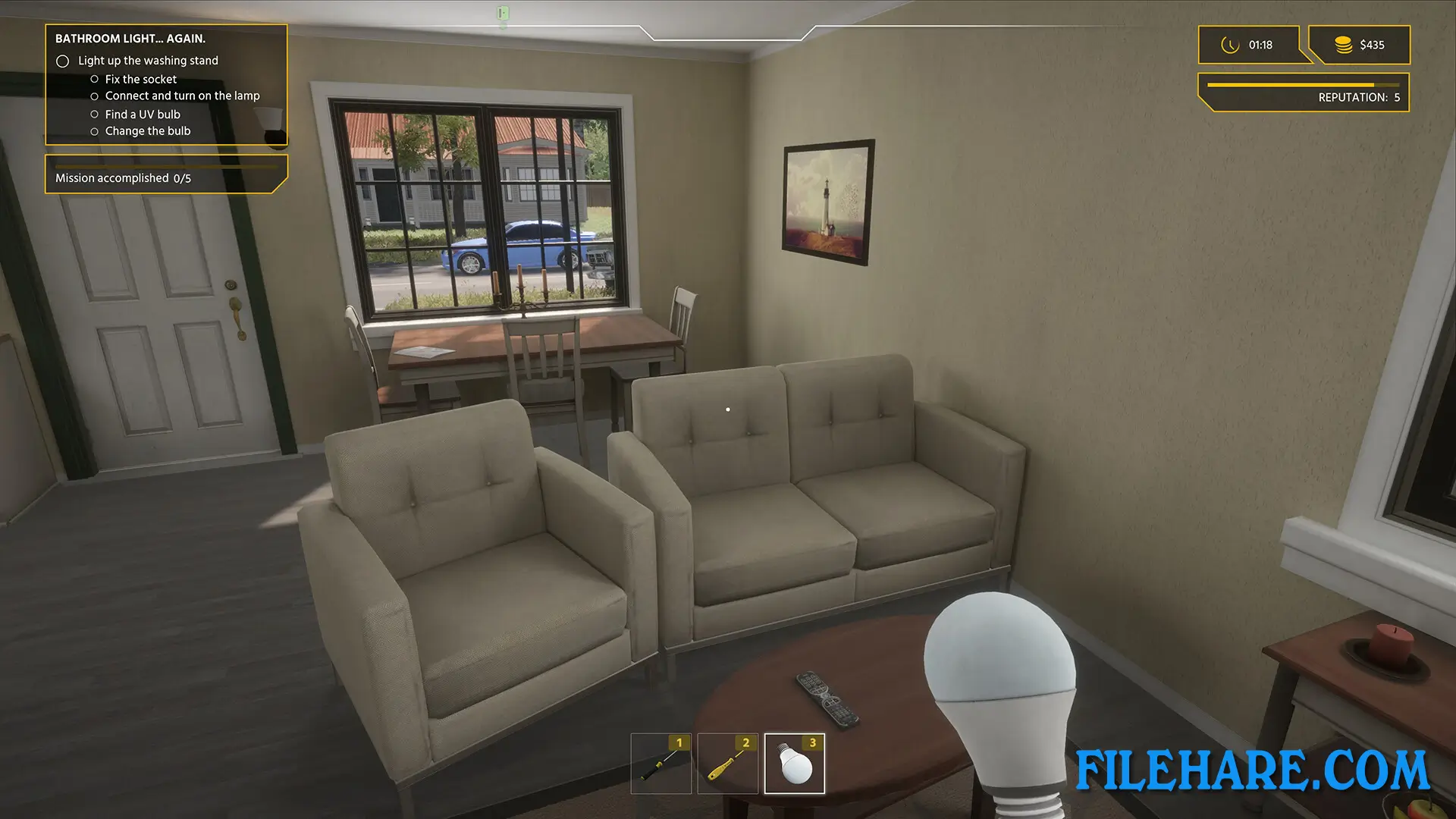
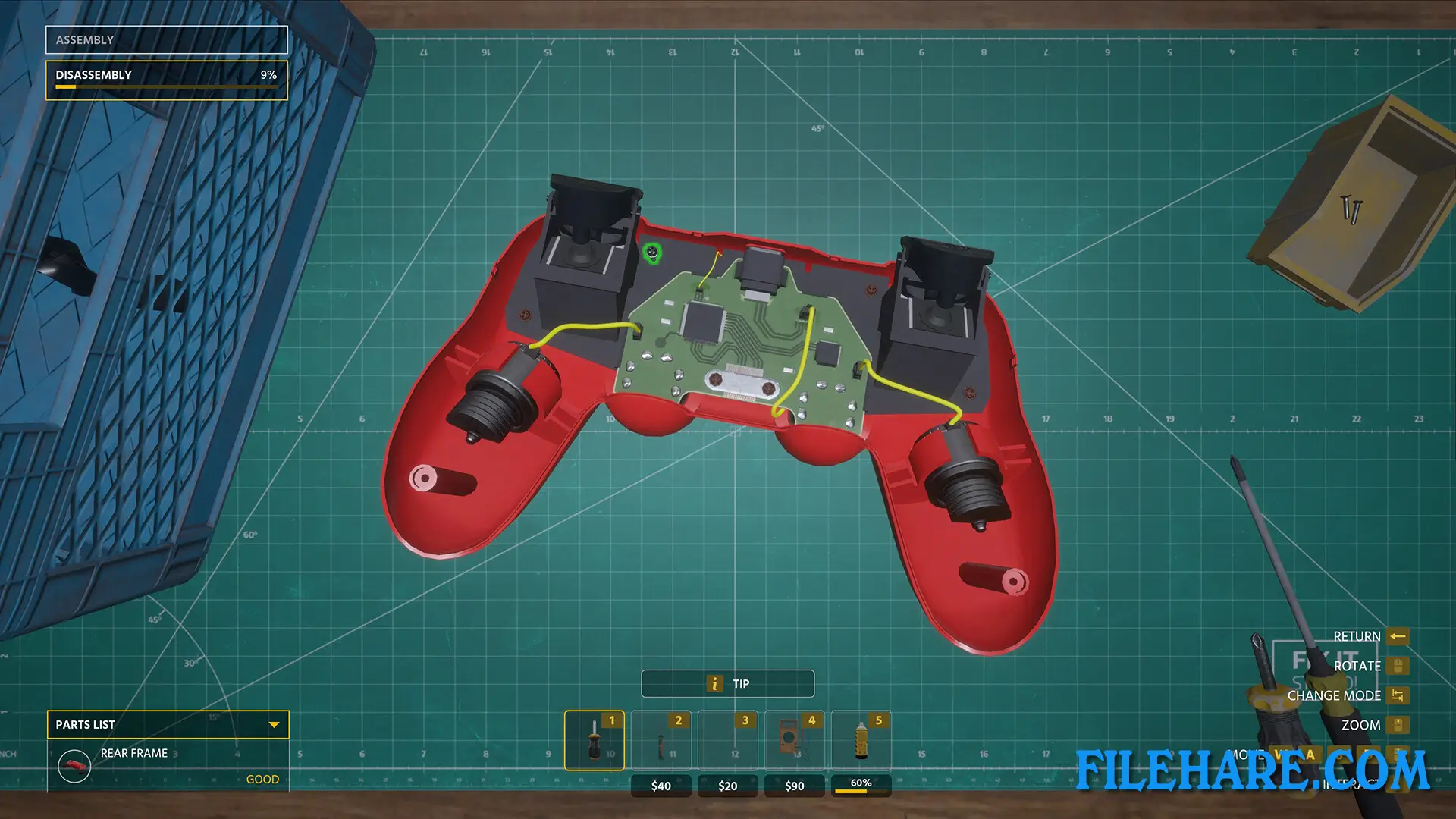
The gameplay focuses on completing various electrical jobs for customers. You visit homes to install sockets, replace light bulbs, lay electrical wires, and fix damaged electrical equipment. Jobs range from simple tasks like changing bulbs to complex assignments like installing complete electrical grids in buildings. At your workbench, you repair broken items such as gamepads, remote controls, speakers, kitchen appliances, and other electrical devices. You must check all connections carefully because mistakes with electricity can cause problems.
The game uses a first-person view where you handle tools and components directly. You earn money from completed jobs, which you can use to buy new tools and upgrade your garage. The game includes procedurally generated houses, so each location looks different. You receive job requests through your inbox and can choose which tasks to accept. As you complete more jobs, you gain experience and unlock new tools and equipment.
Electrician Simulator Features
The game offers many types of electrical jobs. You can customize and decorate your home garage to make it your own workspace. You use realistic electrician tools, including screwdrivers, wire strippers, voltage testers, and cable detectors. The game provides educational value by teaching basic electrical principles in a safe virtual environment. You can upgrade your equipment as you progress and take on more difficult installations. The missions include story-based tasks that introduce you to different customers and situations.
Recommended System Requirements
Requires a 64-bit processor and operating system
- OS: Windows 10 64-bit
- Processor: AMD Ryzen 5 1600
- Memory: 16 GB RAM
- Graphics: GeForce GTX 1060 6GB
- DirectX: Version 9.0c
- Storage: 4 GB available space
- Sound Card: DirectX compatible
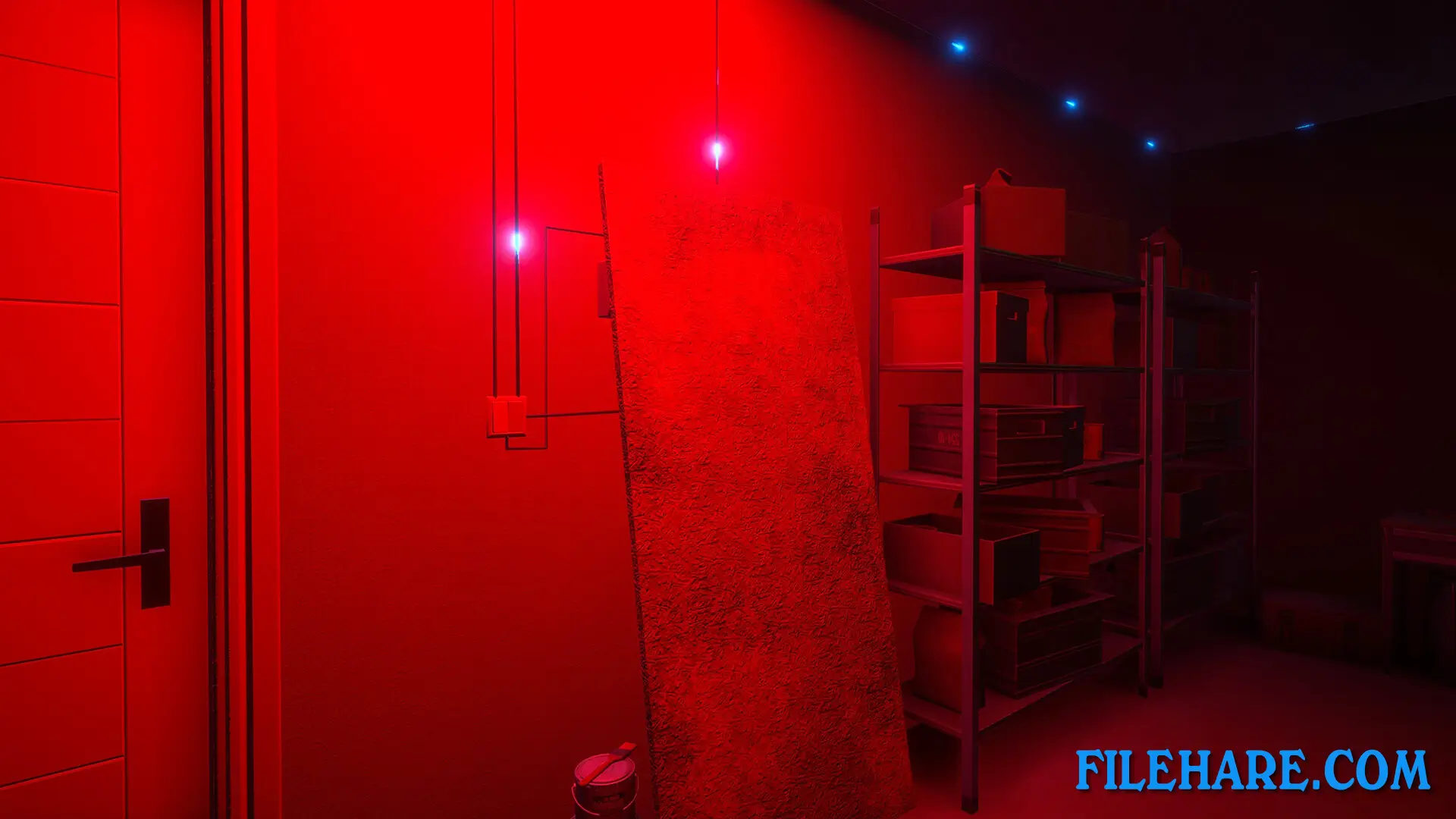
Gameplay Screenshots
| Name | Electrician Simulator: Complete |
|---|---|
| Developer | Take IT Studio! |
| File Size | 5.24 GB |
| Category | Simulation |
| Minimum System Requirements | |
| CPU | Intel Core i5-8400 / AMD Ryzen 5 1600 |
| RAM | 8 GB |
| Graphics | GeForce GTX 970 / AMD Radeon RX 580 |
| Free Disk Space | 7 GB |
| Operating System | Windows 10 / 11 (64-bit) |
| User Rating | |
Buy this game to support the developer. Store Page
How to Download and Install Electrician Simulator: Complete PC Game?
We have simple instructions for you to download and install the PC game. Before following the steps, Ensure your PC meets the minimum system requirements for Playing the game on your PC.
- First, click on the DOWNLOAD button and you will be redirected to the final Download page. Then, Download the Game on your PC.
- Once you have downloaded the Electrician Simulator: Complete PC Game, Open the folder where you saved the Game.
- Then Right-click on the Zip file and click on the "Extract files" option from the dropdown menu. If your computer does not have a Zip file extract software installed, you must first install it. (such as WinRAR, 7Zip software)
- After Extracting the Zip file, Open the Electrician Simulator: Complete PC Game folder.
- Then, double-click on the Setup.exe file to Install the Game.
- If asked to allow the program to make changes to your device, click Yes to continue.
- After the installation, if you get any missing ".dll" errors or the Game is not launching, open the Readme.txt file located in the game folder and follow the instructions shown in the document file to play the game.
Done!. Now, you can launch the game from your desktop.