Escape from Ghosts PC Game Download for Windows 10/11
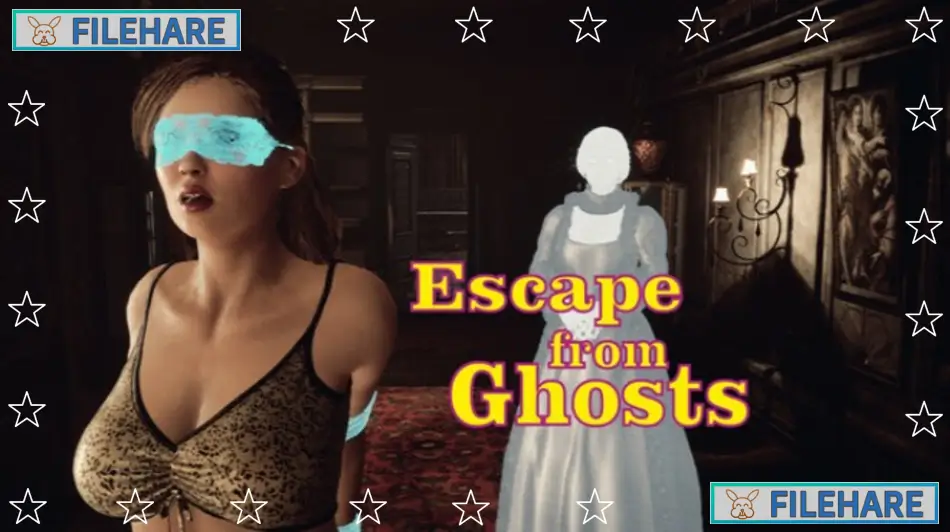
Escape from Ghosts is an action simulation game for PC. Alex8778 developed and published the game. It was released on March 5, 2025. This is a third-person action game with adult content and bondage themes. The game runs on Windows and supports English, Spanish, Portuguese-Brazil, Simplified Chinese, Japanese, and Russian languages. It received mixed reviews with 76% approval from players on Steam. The game is single-player only.
Table of Contents
Escape from Ghosts Story
A young female vlogger goes on a mission to hunt for ghosts. She searches for paranormal activity, and her hunt turns out to be successful when she encounters real ghosts. However, her supernatural encounter goes wrong. She finds herself in a dangerous situation where she is restrained and tied up. Now the vlogger must figure out how to escape from this frightening predicament while dealing with the ghosts and her restraints. Her survival depends on her ability to free herself and escape from the supernatural threat.
Escape from Ghosts Gameplay
This is an action simulation game where you control a character whose hands and feet are tied together. You must move around while being physically restrained, which creates demanding and realistic movement challenges. The game has 42 levels spread across 3 locations. Conditions and difficulty vary throughout the levels. You face different types of restraints, including having your hands bound to your feet, being suspended by the legs, or being blindfolded. Moving around while tied up requires careful control and timing. You must navigate through each level to reach the exit while dealing with your restraints. The game supports both keyboard and controller input, though partial controller support means some features may work better with keyboard.
Escape from Ghosts Features
The game offers unique character customization where you can change hairstyles and outfits. You can also modify colors to personalize your character’s appearance. A photo mode allows you to capture images during gameplay. The game uses 3D graphics with a third-person perspective view. Physics mechanics affect how the restrained character moves and interacts with the environment. Steam achievements are available to unlock. The game is verified for Steam Deck compatibility. This is the fourth game from developer Alex8778, who has previously released similar titles. The game contains nudity and sexual content along with violence and crime themes.
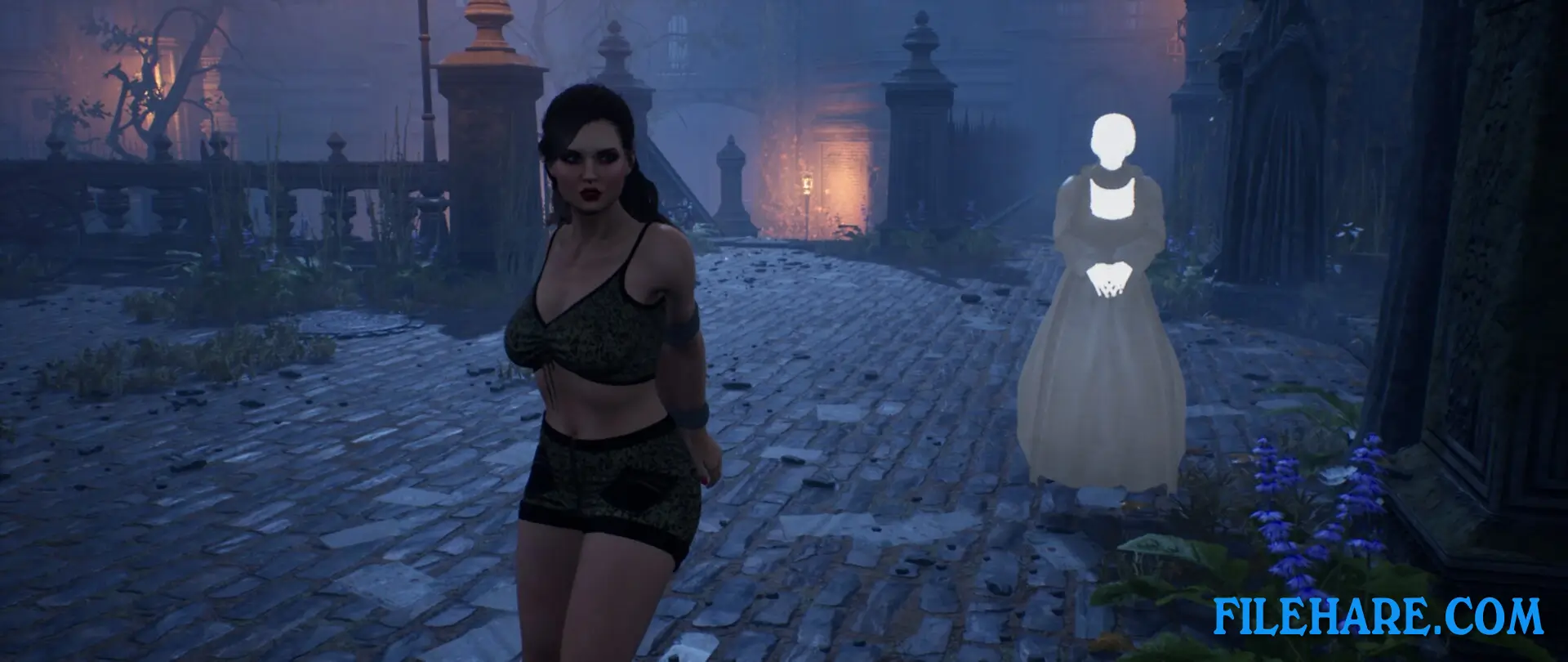
Gameplay Screenshots
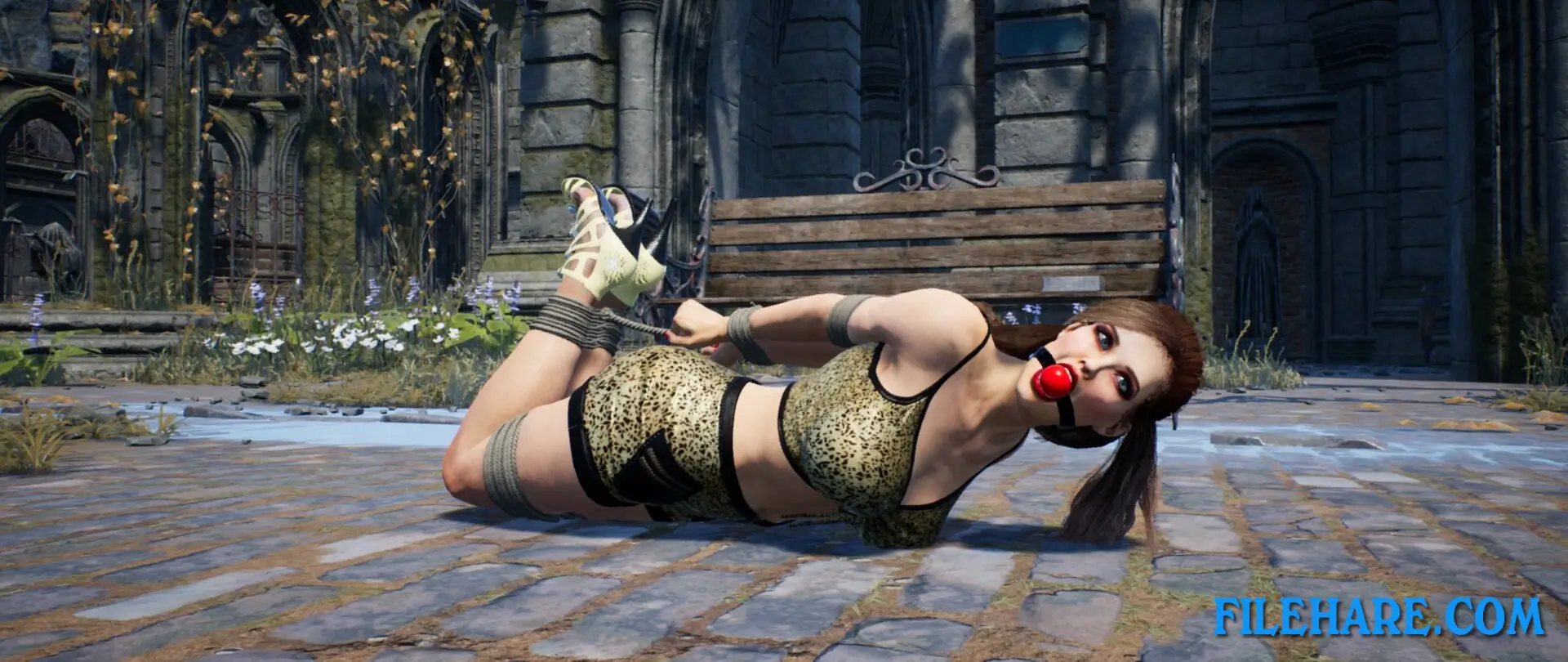
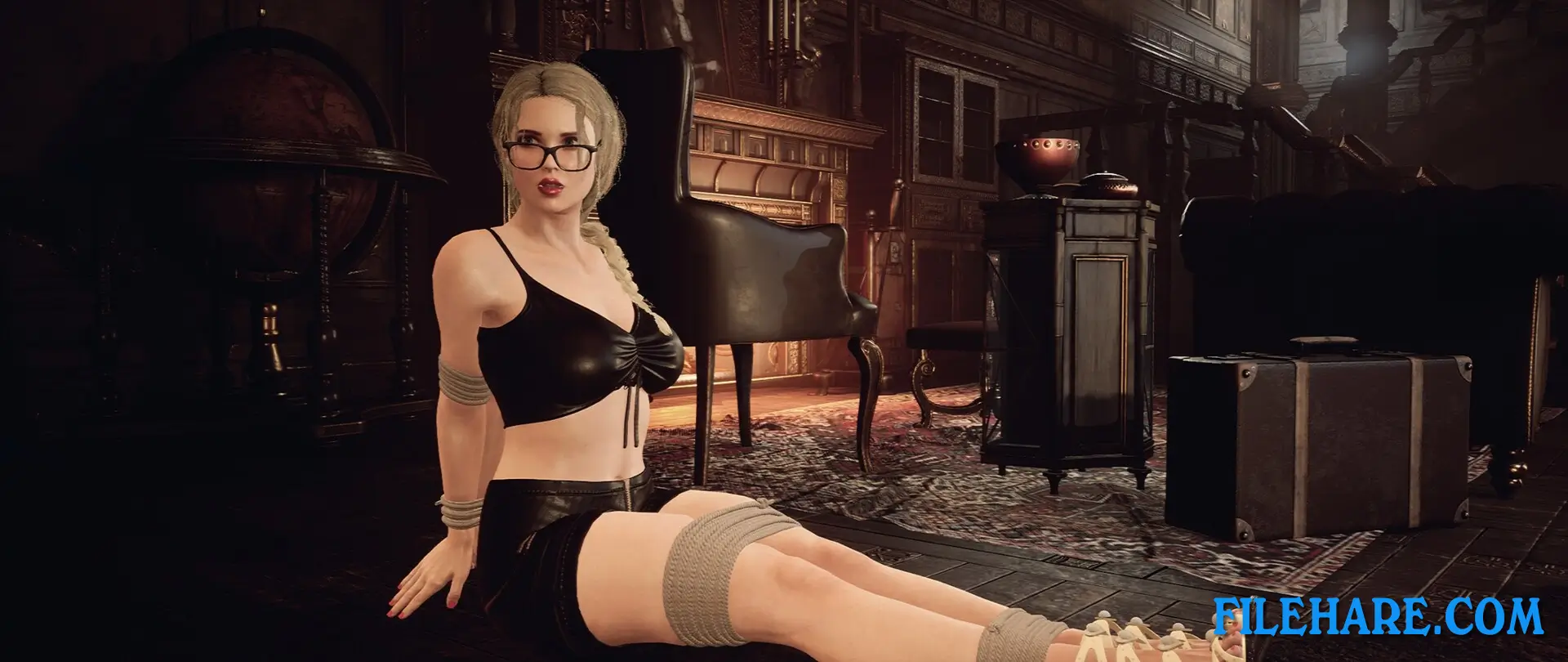
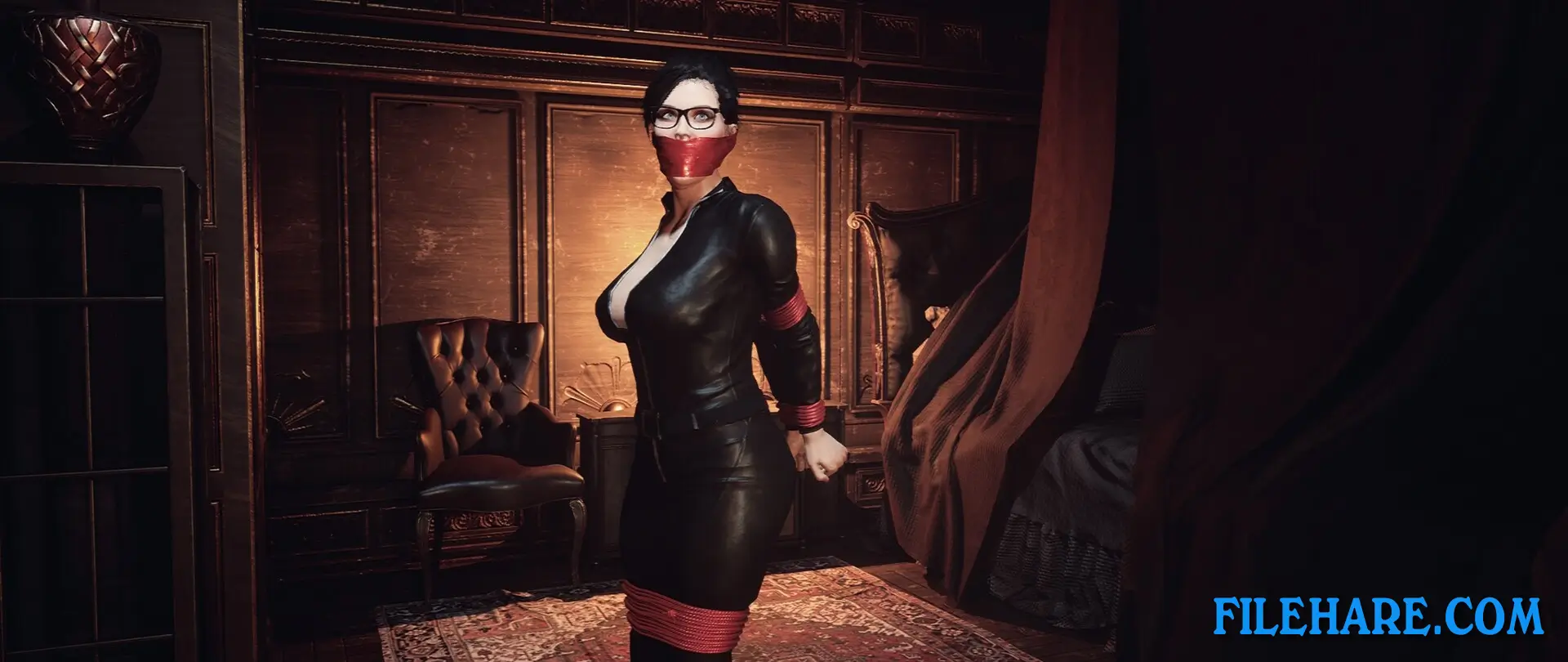
| Name | Escape from Ghosts |
|---|---|
| Developer | Alex8778 |
| File Size | 4.93 GB |
| Category | Adult |
| Minimum System Requirements | |
| CPU | Intel i5 |
| RAM | 8 GB |
| Graphics | Nvidia GeForce GTX 1660 |
| Free Disk Space | 14 GB |
| Operating System | Windows 10 / 11 (64-bit) |
| User Rating | |
Buy this game to support the developer. Store Page
How to Download and Install Escape from Ghosts PC Game?
We have simple instructions for you to download and install the PC game. Before following the steps, Ensure your PC meets the minimum system requirements for Playing the game on your PC.
- First, click on the DOWNLOAD button and you will be redirected to the final Download page. Then, Download the Game on your PC.
- Once you have downloaded the Escape from Ghosts PC Game, Open the folder where you saved the Game.
- Then Right-click on the Zip file and click on the "Extract files" option from the dropdown menu. If your computer does not have a Zip file extract software installed, you must first install it. (such as WinRAR, 7Zip software)
- After Extracting the Zip file, Open the Escape from Ghosts PC Game folder.
- Then, double-click on the Setup.exe file to Install the Game.
- If asked to allow the program to make changes to your device, click Yes to continue.
- After the installation, if you get any missing ".dll" errors or the Game is not launching, open the Readme.txt file located in the game folder and follow the instructions shown in the document file to play the game.
Done!. Now, you can launch the game from your desktop.