Farmer Life Simulator PC Game Download for Windows 10/11
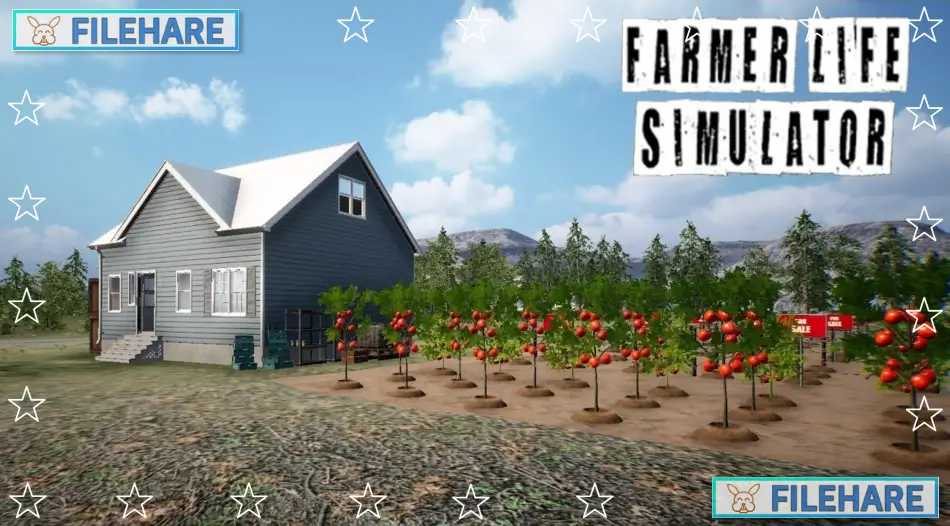
Farmer Life Simulator is a simulation game where you manage a farm and complete agricultural tasks. The game was developed by DNA ARMY GAMING and published by DNA ARMY GAMING. It was released on August 21, 2021, for Windows PC. Players run their own farm by growing crops, raising animals, and selling products to earn money. The game provides a simple approach to farm management where you complete daily tasks to build and expand your farming operations. You experience the routine work of running a farm business.
Table of Contents
Farmer Life Simulator Gameplay
You start with basic equipment and a small plot of land. Your goal is to grow your farm by planting crops, harvesting them, and selling the produce for profit. The game includes resource management, where you must plan your budget carefully to purchase seeds, tools, and livestock. You take on various farming activities, including tilling soil, planting seeds, watering crops, and collecting harvests when ready.
The game has animal husbandry, where you can raise livestock such as cows, chickens, and pigs. You must feed and maintain your animals to get products like milk, eggs, and meat. The game includes trading mechanics where you sell your farm products at markets to generate income. You use the money earned to buy better equipment and expand your farm size. Time management is important as you must complete tasks efficiently within daylight hours.
Farmer Life Simulator Features
The game offers multiple types of crops to plant, including vegetables, grains, and fruits. You can purchase and operate different farming machines, like tractors and harvesters, to speed up work. The game has an economy where prices fluctuate, so you must decide the best time to sell your goods. You can upgrade your tools and machinery as you earn more money. There are various farm buildings you can construct, including barns, silos, and storage facilities.
The game provides a first-person perspective where you directly perform tasks around the farm. You can explore your farmland freely and organize your operations as you prefer. The game includes basic graphics that show farm environments with fields, buildings, and animals.
Recommended System Requirements
Requires a 64-bit processor and operating system
- OS: Windows 10 (64-Bit)
- Processor: Intel Core i5 6600K
- Memory: 8 GB RAM
- Graphics: NVIDIA GeForce GTX 970
- DirectX: Version 10
- Storage: 17 GB available space
Gameplay Screenshots
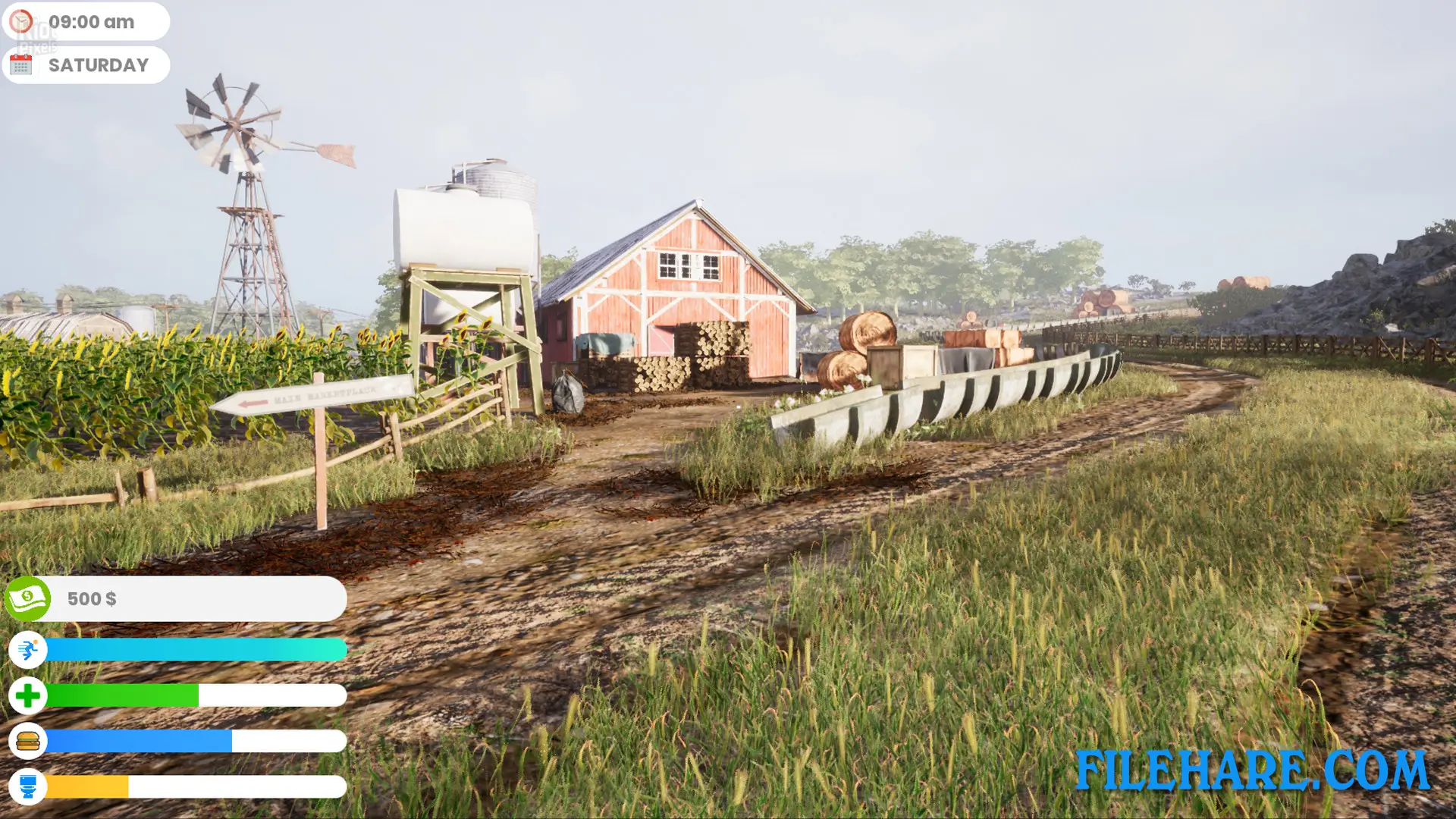
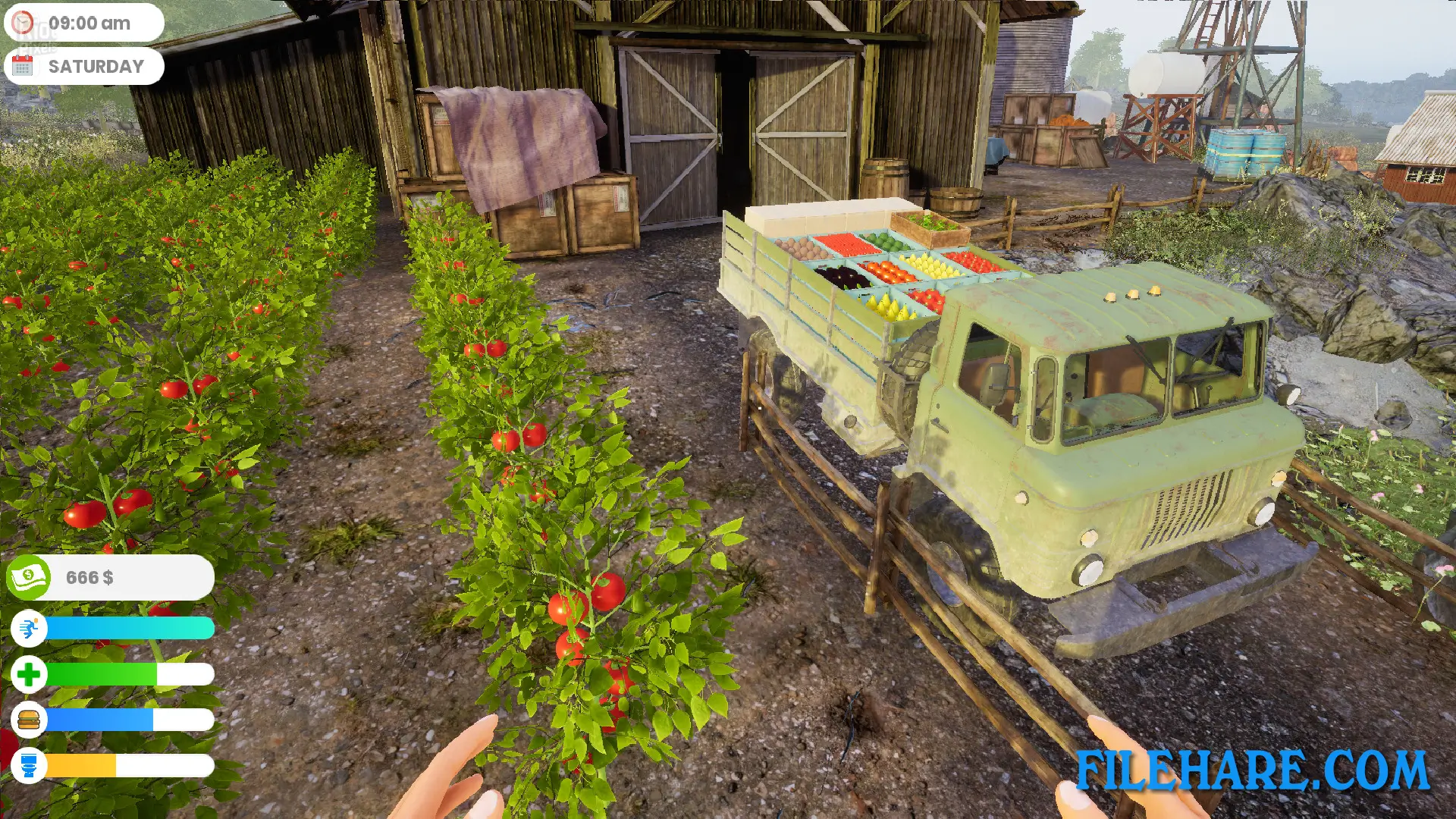
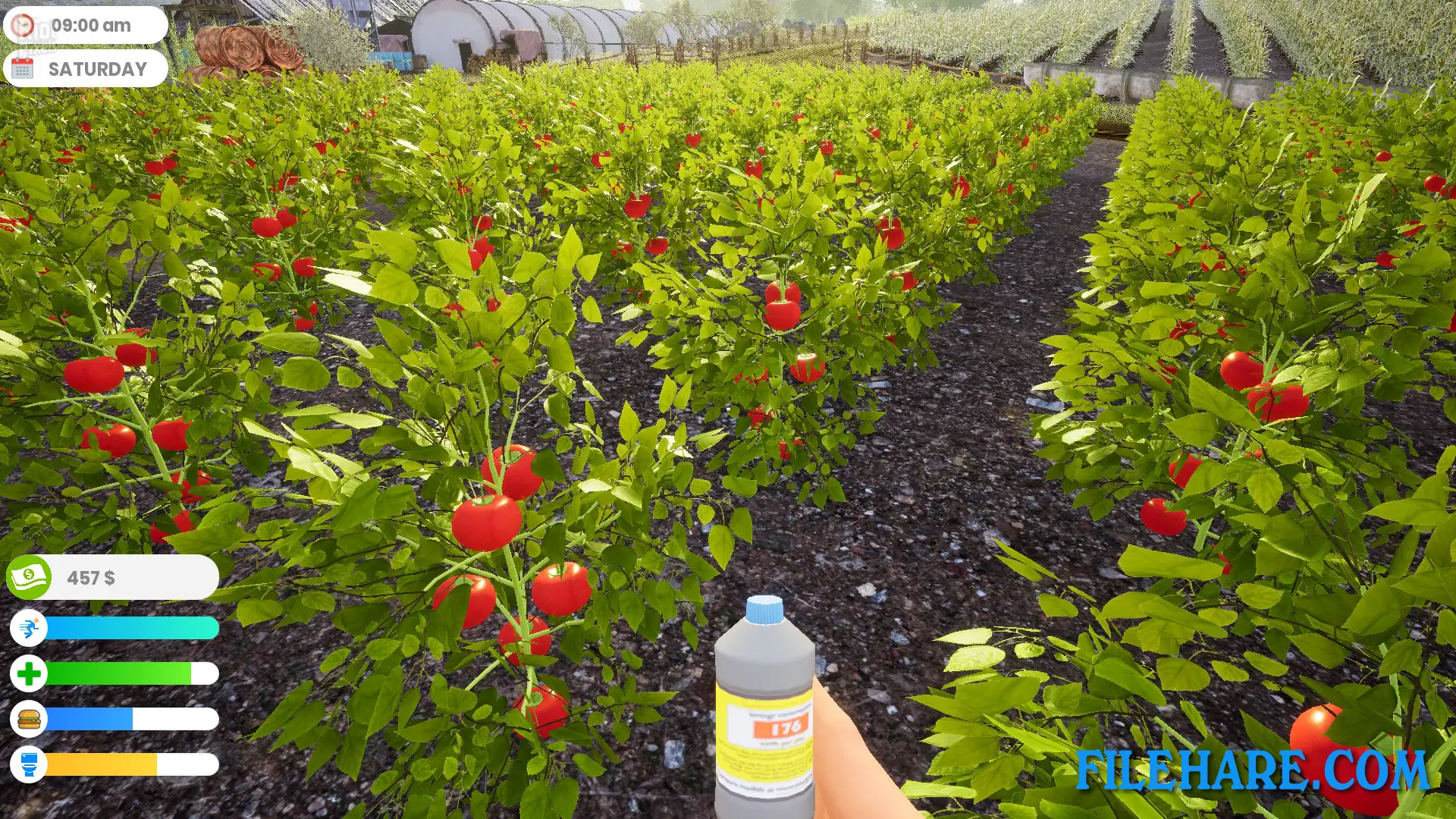
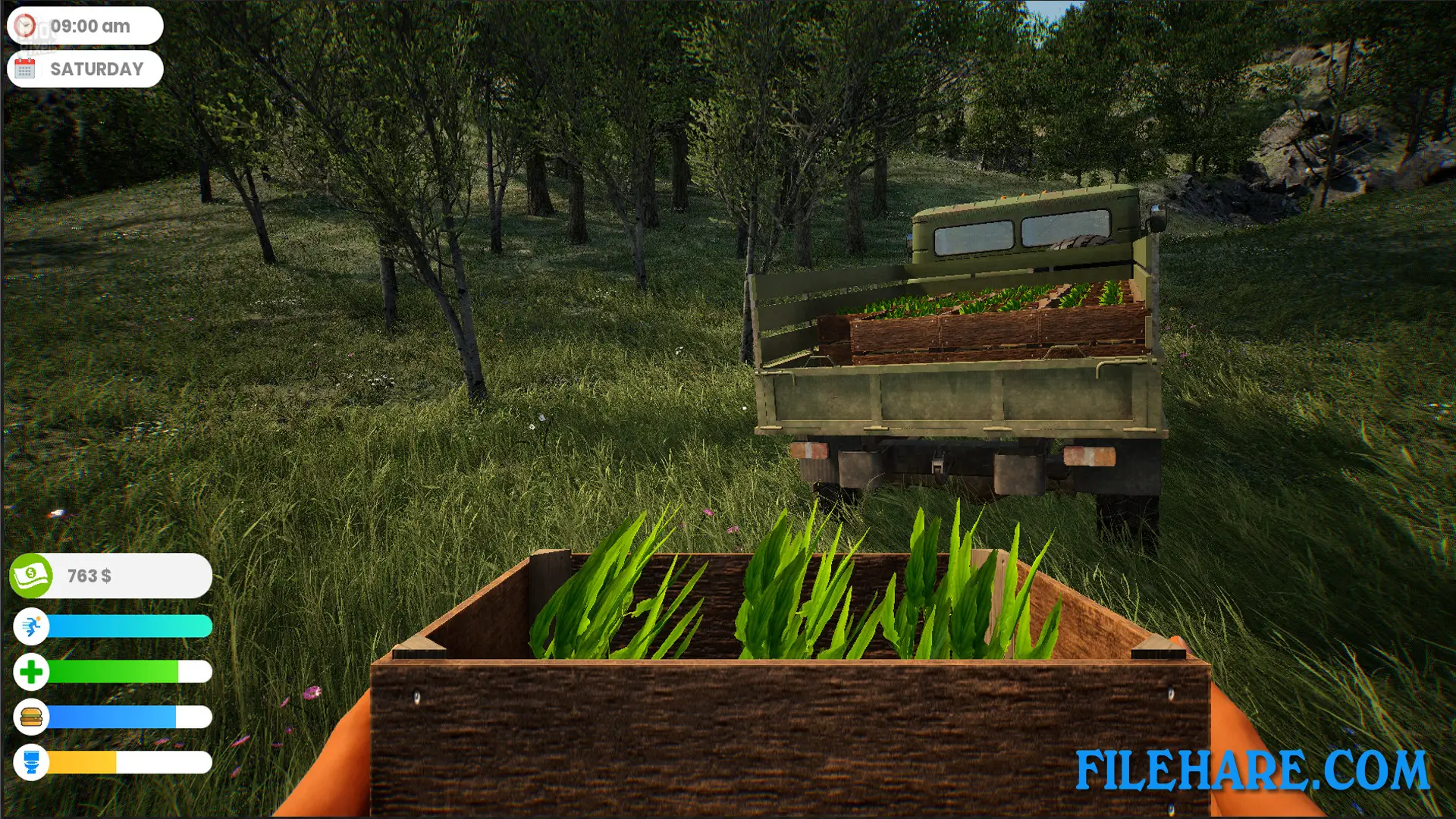
| Name | Farmer Life Simulator |
|---|---|
| Developer | DNA ARMY GAMING |
| File Size | 6 GB |
| Category | Simulation |
| Minimum System Requirements | |
| CPU | i5-3570 3.4 GHz 4 Core |
| RAM | 4 GB |
| Graphics | GTX 770 2GB or higher |
| Free Disk Space | 17 GB |
| Operating System | Windows 10 / 11 (64-bit) |
| User Rating | |
Buy this game to support the developer. Store Page
How to Download and Install Farmer Life Simulator PC Game?
We have simple instructions for you to download and install the PC game. Before following the steps, Ensure your PC meets the minimum system requirements for Playing the game on your PC.
- First, click on the DOWNLOAD button and you will be redirected to the final Download page. Then, Download the Game on your PC.
- Once you have downloaded the Farmer Life Simulator PC Game, Open the folder where you saved the Game.
- Then Right-click on the Zip file and click on the "Extract files" option from the dropdown menu. If your computer does not have a Zip file extract software installed, you must first install it. (such as WinRAR, 7Zip software)
- After Extracting the Zip file, Open the Farmer Life Simulator PC Game folder.
- Then, double-click on the Setup.exe file to Install the Game.
- If asked to allow the program to make changes to your device, click Yes to continue.
- After the installation, if you get any missing ".dll" errors or the Game is not launching, open the Readme.txt file located in the game folder and follow the instructions shown in the document file to play the game.
Done!. Now, you can launch the game from your desktop.