Farming Simulator 17 PC Game Download for Windows 10/11/7/8
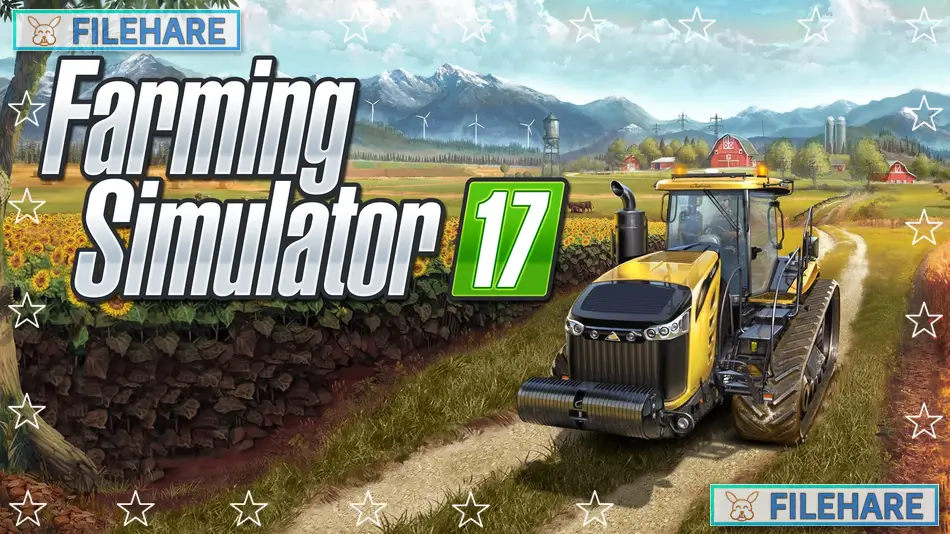
Farming Simulator 17 is a farming simulation game developed by GIANTS Software and published by Focus Home Interactive. The game was released on October 25, 2016, for PC, PlayStation 4, and Xbox One. A Mac version came out on December 9, 2016. Later, a Nintendo Switch version was released on November 7, 2017. This is the seventh main game in the Farming Simulator series and became very popular with simulation game fans.
Table of Contents
Farming Simulator 17 Gameplay
You take the role of a modern farmer who must manage all parts of a farm. You start with some basic equipment and must grow your farm business. You can grow many types of crops like wheat, barley, corn, canola, potatoes, sugar beets, soybeans, and sunflowers. Soybeans and sunflowers are new crops that were not in earlier games. You need to plow your fields, plant seeds, fertilize the crops, and harvest them when they are ready. You can sell your crops to earn money.
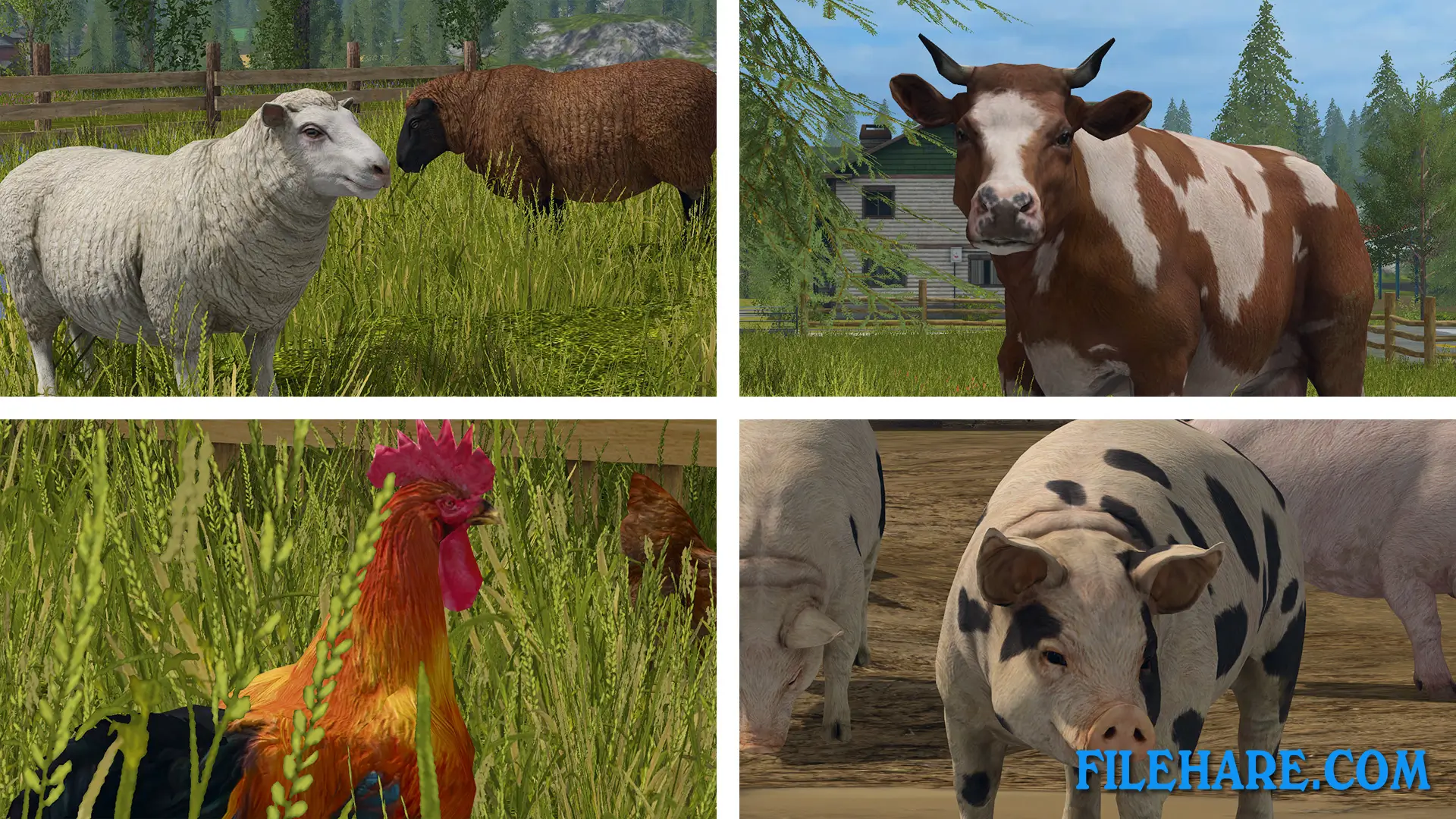
The game has a new crop growth mechanic where you can fertilize fields multiple times to get better yields. You can also plow fields after several harvests and remove weeds to improve your crops. You need to take good care of your animals. You can raise cows, sheep, chickens, and pigs. Pigs are new animals in this game. You feed them and collect products like milk, wool, and eggs to sell. The game also includes forestry work, where you can cut down trees and sell the wood. You can drive trucks and trailers to transport your goods or use trains to deliver products to different places.
Farming Simulator 17 Features
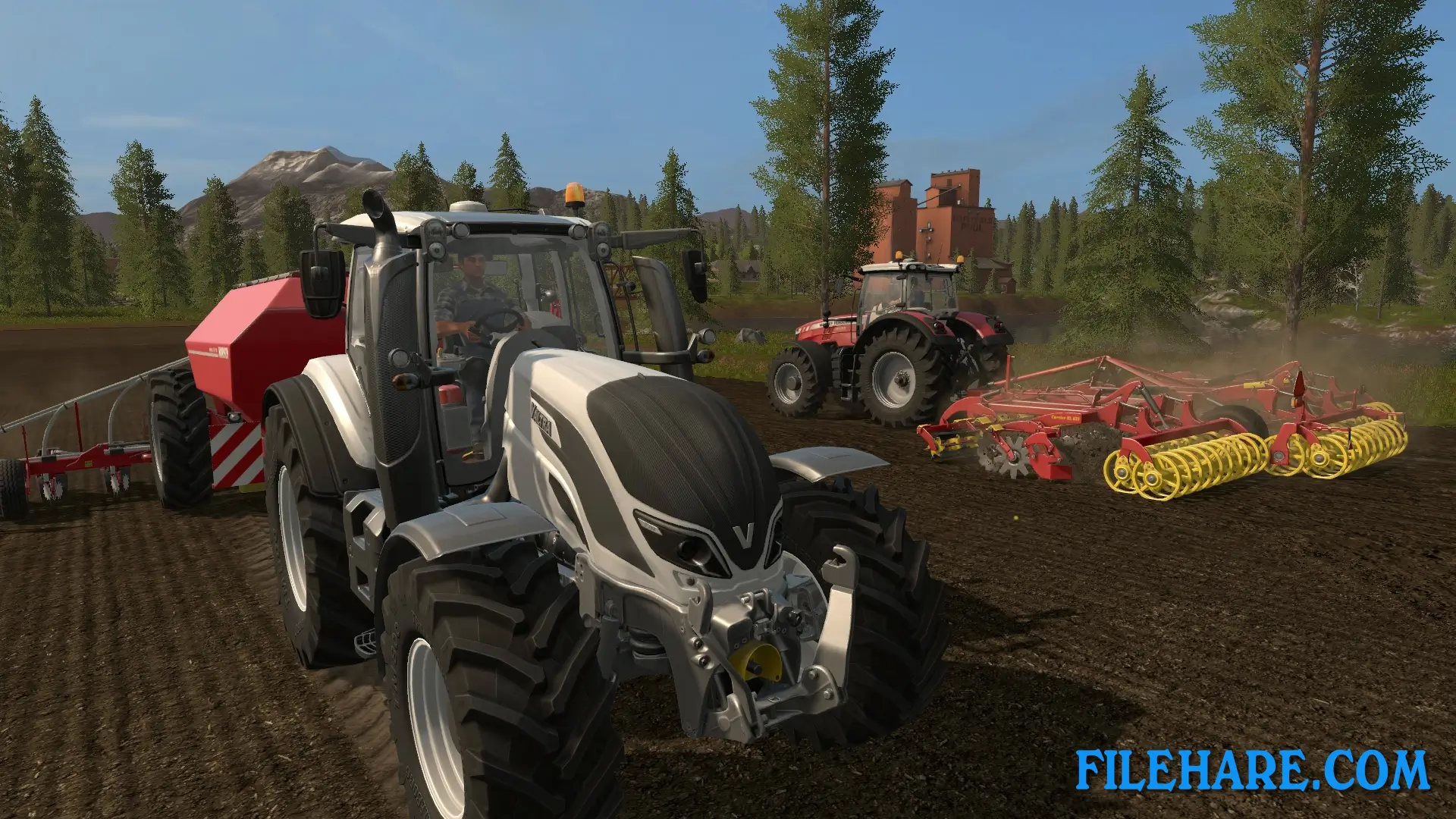
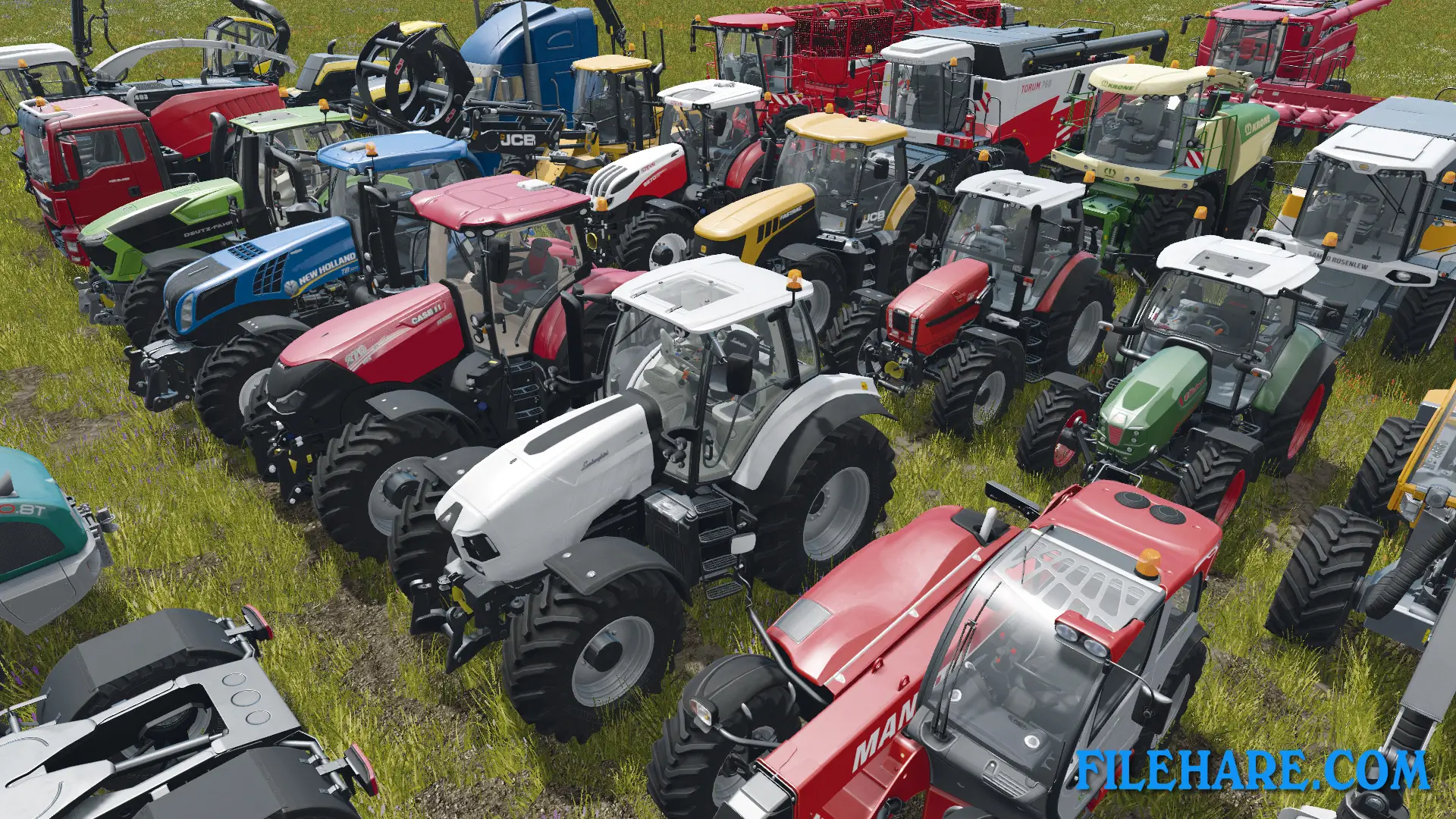
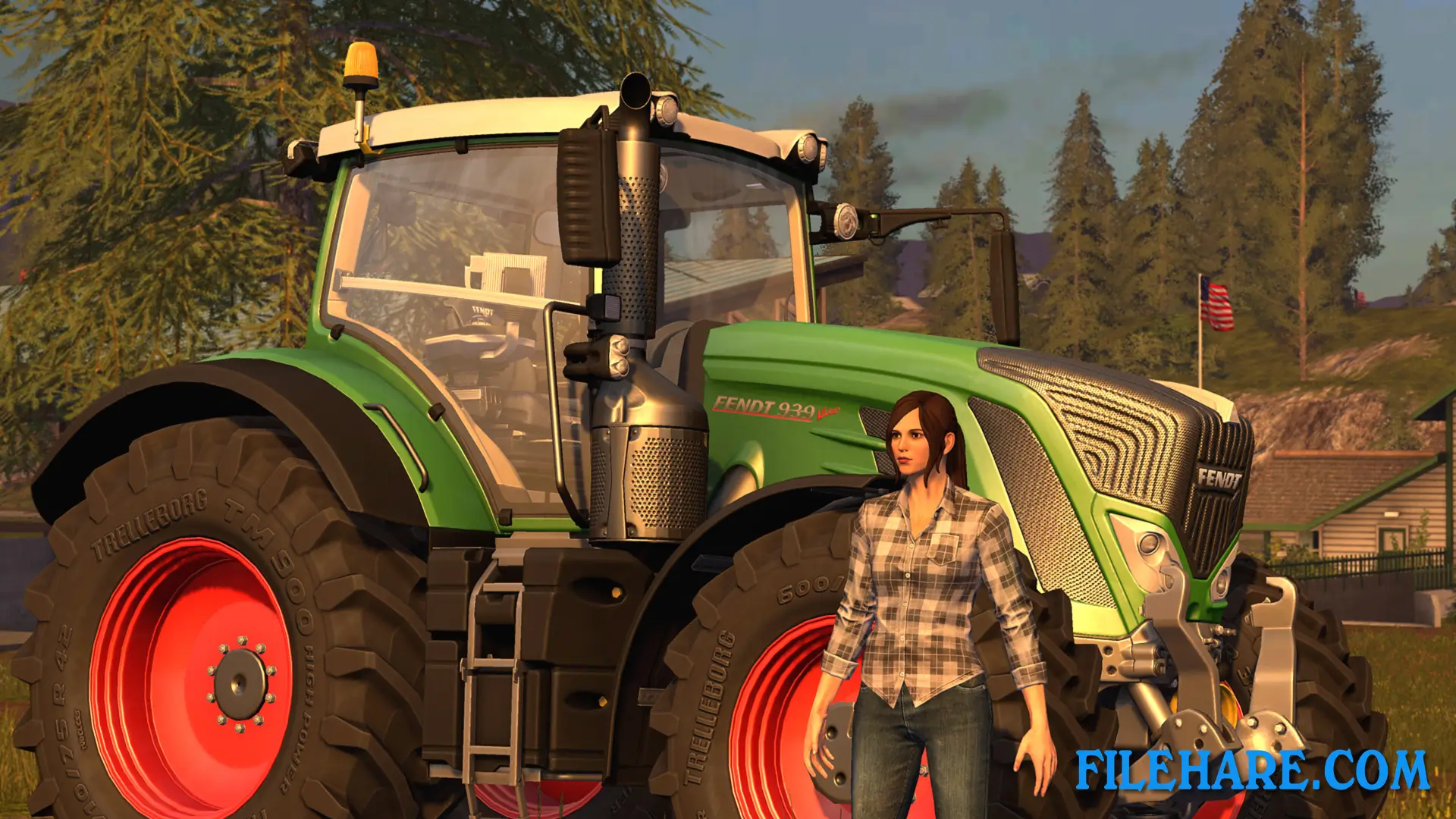
The game has over 250 vehicles and equipment from more than 75 real manufacturers. New brands include Challenger, Fendt, Valtra, and Massey Ferguson. All vehicles look like real machines. You can drive tractors, combines, harvesters, plows, seeders, and many other farm tools. The game has two big maps to explore. One is set in a North American environment with large fields and American-style farms. The other map is in a European location with smaller fields. Both maps have hundreds of acres of land to work on. You can play alone or with friends in multiplayer mode with up to 16 players online.
The game supports mods created by other players, so you can download new vehicles, maps, and tools to add more content. The Platinum Expansion adds a South American map with sugarcane fields and new vehicles from companies like Case IH, Stara, and Randon. This expansion brings the total number of vehicles to over 270.
Gameplay Screenshots
| Name | Farming Simulator 17 |
|---|---|
| Developer | GIANTS Software |
| File Size | 4.19 GB |
| Category | Simulation |
| Minimum System Requirements | |
| CPU | Intel/AMD 2.0 GHz dual-core |
| RAM | 2 GB |
| Graphics | Nvidia Geforce GTS 450 Series, AMD Radeon HD 6770 graphics card or better (min 1GB VRAM) |
| Free Disk Space | 6 GB |
| Operating System | Windows 10 / 11 / 7 / 8 |
| User Rating | |
Buy this game to support the developer. Store Page
How to Download and Install Farming Simulator 17 PC Game?
We have simple instructions for you to download and install the PC game. Before following the steps, Ensure your PC meets the minimum system requirements for Playing the game on your PC.
- First, click on the DOWNLOAD button and you will be redirected to the final Download page. Then, Download the Game on your PC.
- Once you have downloaded the Farming Simulator 17 PC Game, Open the folder where you saved the Game.
- Then Right-click on the Zip file and click on the "Extract files" option from the dropdown menu. If your computer does not have a Zip file extract software installed, you must first install it. (such as WinRAR, 7Zip software)
- After Extracting the Zip file, Open the Farming Simulator 17 PC Game folder.
- Then, double-click on the Setup.exe file to Install the Game.
- If asked to allow the program to make changes to your device, click Yes to continue.
- After the installation, if you get any missing ".dll" errors or the Game is not launching, open the Readme.txt file located in the game folder and follow the instructions shown in the document file to play the game.
Done!. Now, you can launch the game from your desktop.