Flashing Lights – Police, Firefighting, Emergency Services (EMS) Simulator PC Game Download
Flashing Lights – Police, Firefighting, Emergency Services (EMS) Simulator is a first response simulator game that puts you in the role of emergency service workers. The game was developed by Nils Jakrins and published by Excalibur Games. It first came out in Early Access on June 7, 2018, and had its full release on May 15, 2023. This game allows you to experience the daily work of police officers, firefighters, and medical emergency staff in an open city environment.
Table of Contents
Flashing Lights Gameplay
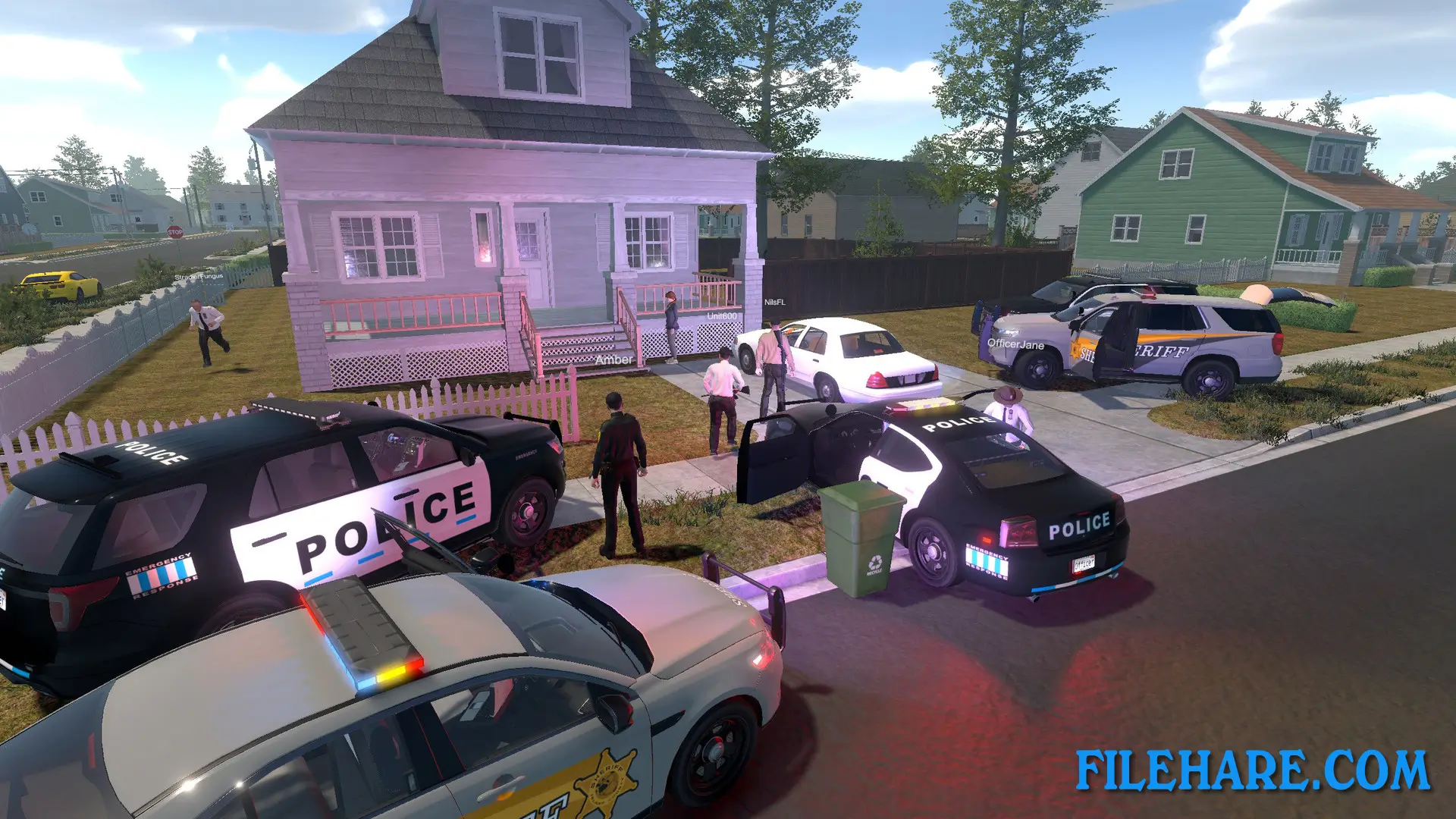
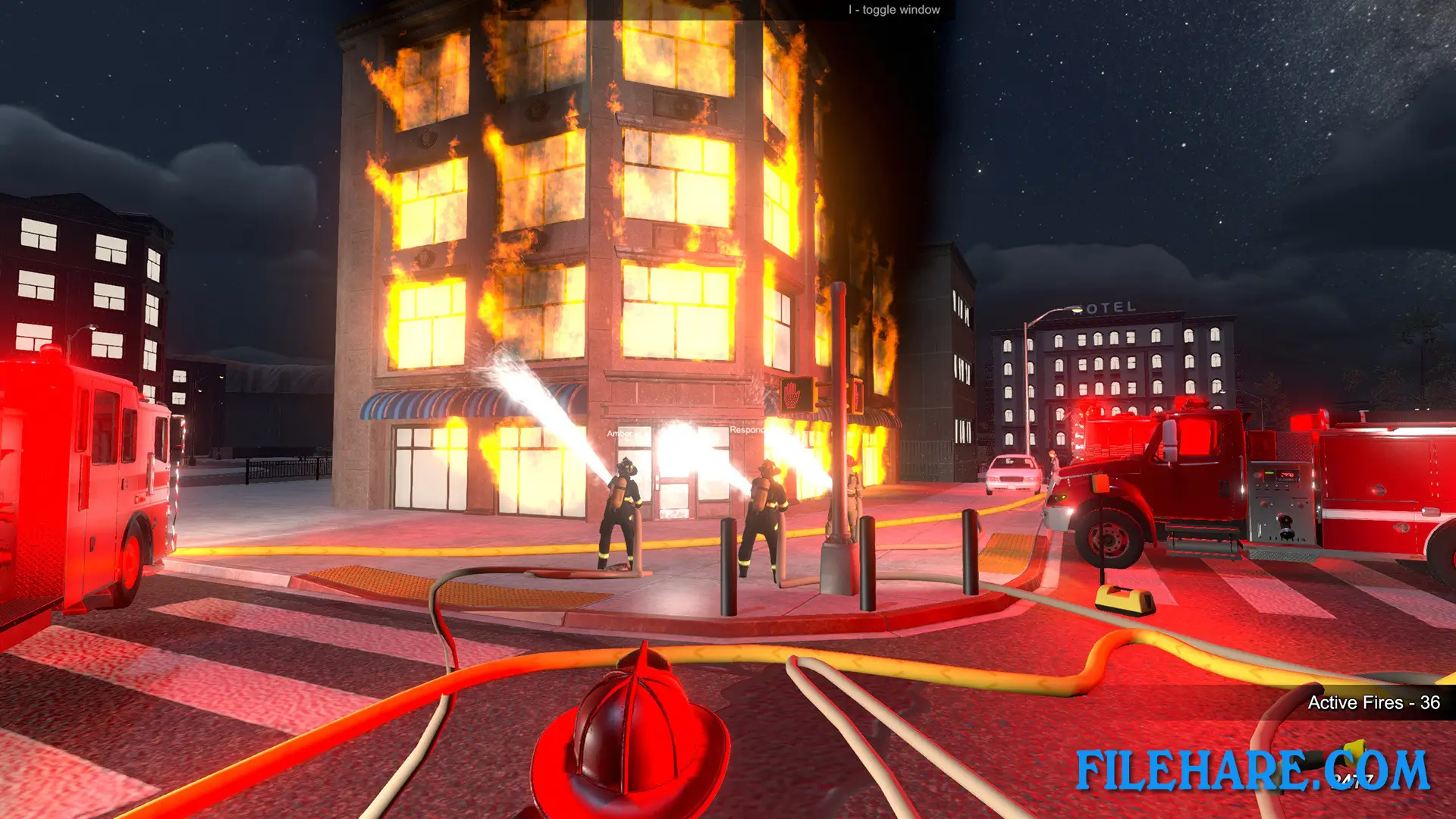
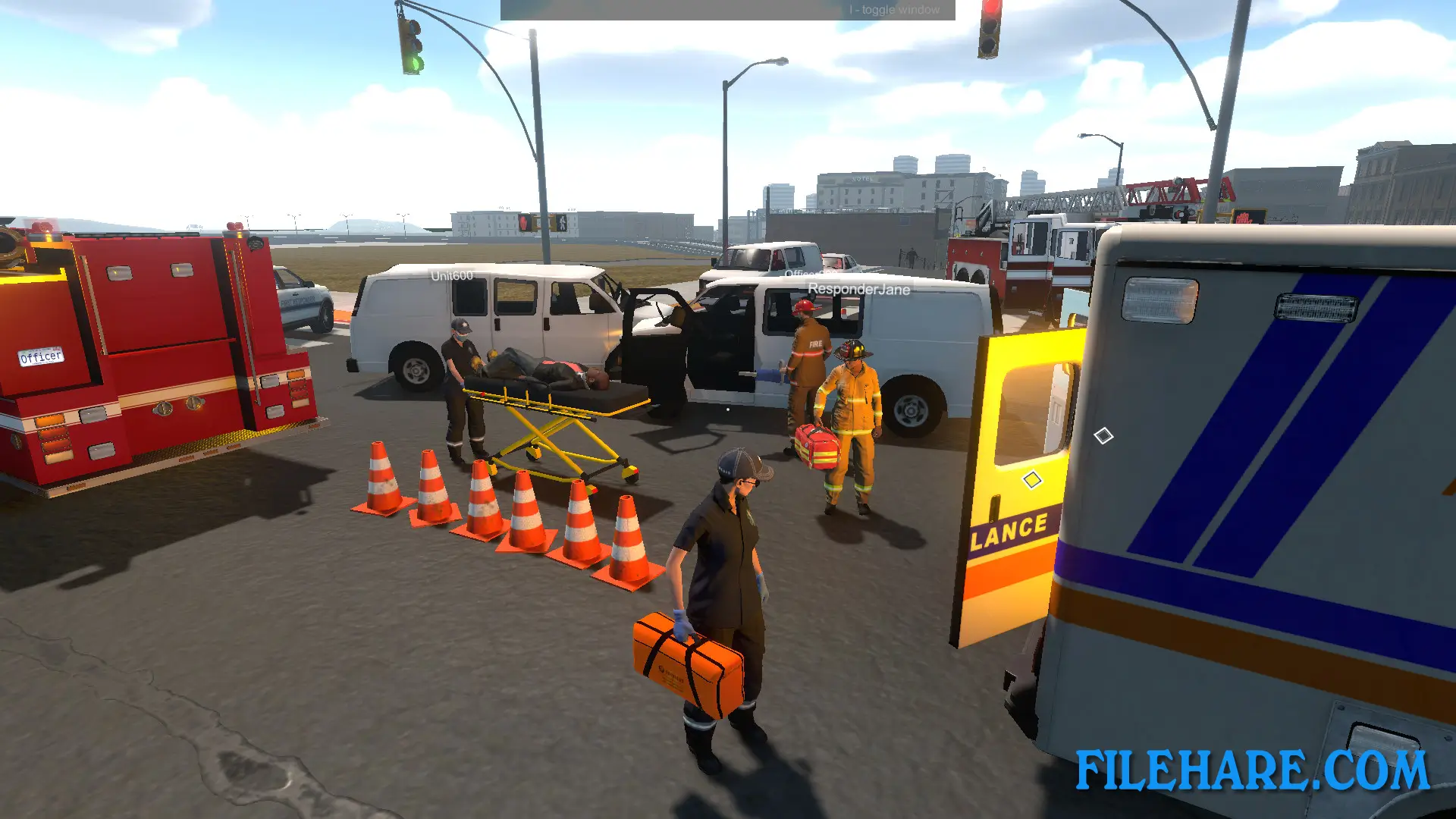
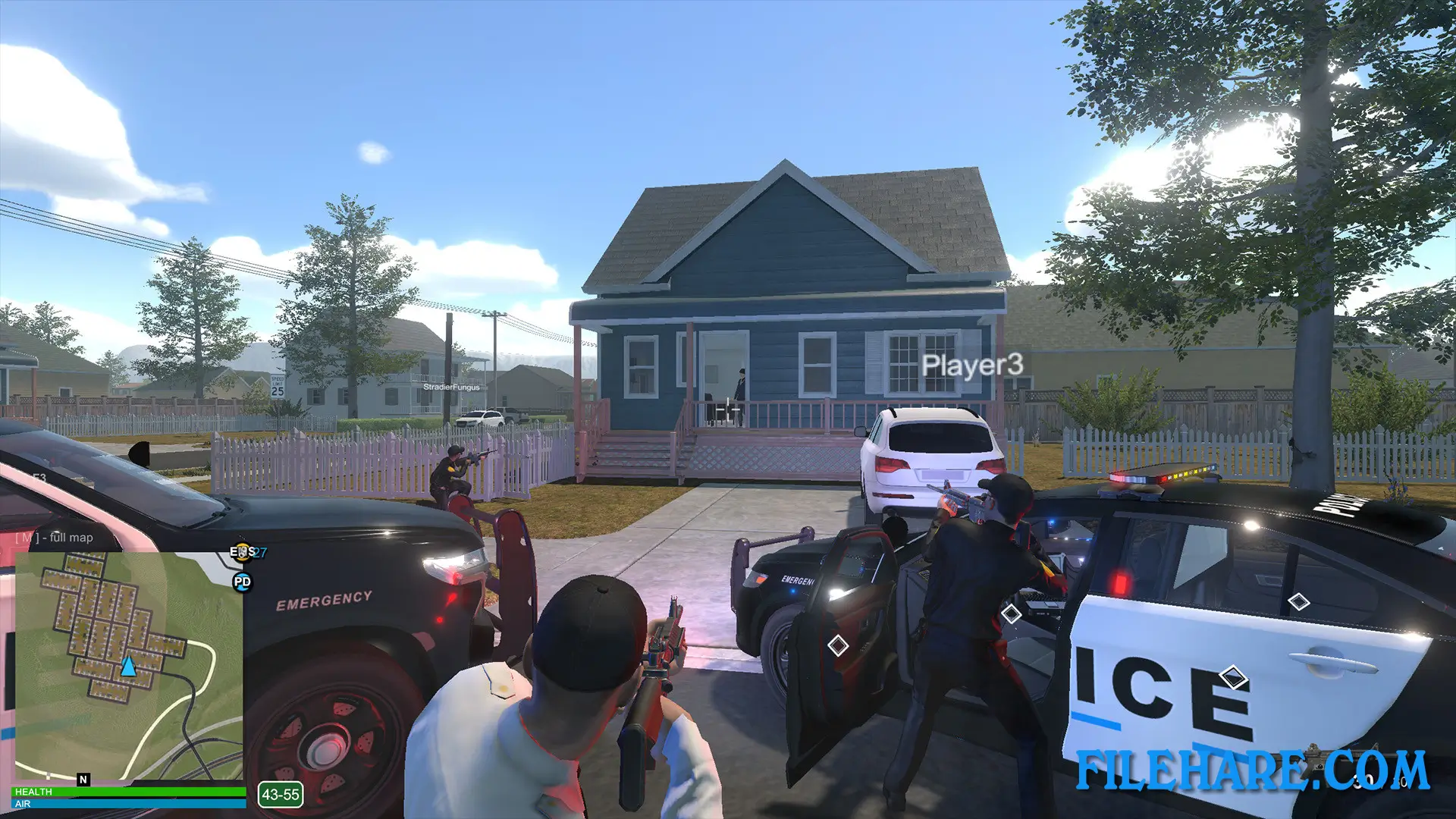
The game gives you the option to join one of three emergency departments: police, fire department, or emergency medical services. You can play alone or team up with up to 10 other players in online co-op mode. When you play as police, you respond to criminal activities, hand out parking tickets, chase criminals in fast car pursuits, and use equipment like speed radars and traffic cones. As a firefighter, you fight fires with hoses and extinguishers, rescue trapped civilians using spreaders, and cut open crashed vehicles so medical staff can help injured people inside. When working as EMS, you diagnose injuries, treat patients, and transport them safely using medical kits, stretchers, and ambulances. The game takes place in an open city that measures about 3.5 kilometers by 3.5 kilometers. You receive different emergency calls based on which department you choose.
Flashing Lights Features
The game includes separate vehicles and equipment for all three emergency services. Police get fast cars perfect for chasing suspects. Fire department receives fire trucks loaded with firefighting tools. EMS workers drive ambulances stocked with medical supplies. The game has official mod support built right into it, so you can browse and install player-created content without leaving the game. These mods include vehicle designs from emergency services around the world and different uniform options. In multiplayer mode, you can split your team between the three services and work together to handle emergencies. The city has a day and night cycle, and the types of emergencies change depending on the time. At night, you might see more drunk drivers and street fights. Recent updates have added K9 units for police and fire departments.
Gameplay Screenshots
| Name | Flashing Lights – Police, Firefighting, Emergency Services (EMS) Simulator |
|---|---|
| Developer | Nils Jakrins |
| File Size | 1.12 GB |
| Category | Simulation |
| Minimum System Requirements | |
| CPU | Intel Core i3 2GHz or equivalent |
| RAM | 4 GB |
| Graphics | AMD RX 400 Series / NVidia 700 series with 1GB vram or above |
| Free Disk Space | 7 GB |
| Operating System | Windows 10 / 11 / 7 / 8 (64-bit) |
| User Rating | |
Buy this game to support the developer. Store Page
How to Download and Install Flashing Lights – Police, Firefighting, Emergency Services EMS Simulator PC Game?
We have simple instructions for you to download and install the PC game. Before following the steps, Ensure your PC meets the minimum system requirements for Playing the game on your PC.
- First, click on the DOWNLOAD button and you will be redirected to the final Download page. Then, Download the Game on your PC.
- Once you have downloaded the Flashing Lights – Police, Firefighting, Emergency Services EMS Simulator PC Game, Open the folder where you saved the Game.
- Then Right-click on the Zip file and click on the "Extract files" option from the dropdown menu. If your computer does not have a Zip file extract software installed, you must first install it. (such as WinRAR, 7Zip software)
- After Extracting the Zip file, Open the Flashing Lights – Police, Firefighting, Emergency Services EMS Simulator PC Game folder.
- Then, double-click on the Setup.exe file to Install the Game.
- If asked to allow the program to make changes to your device, click Yes to continue.
- After the installation, if you get any missing ".dll" errors or the Game is not launching, open the Readme.txt file located in the game folder and follow the instructions shown in the document file to play the game.
Done!. Now, you can launch the game from your desktop.