Futa Fix Dick Dine and Dash PC Game Download for Windows 10/11

Futa Fix Dick Dine and Dash is a casual simulation visual novel game for PC. Cyberframe Studios and Kupaa Games developed the game, and Critical Bliss published it. The game was released on December 21, 2020. This is an adult visual novel with futanari themes and mature content. The game is compatible with Windows and supports both English and Simplified Chinese languages. It received very positive reviews with 85% approval from players on Steam.
Table of Contents
Futa Fix Dick Dine and Dash Story
Emily is the main character who faces a sudden and unexpected change in her body. She mysteriously develops male anatomy, which causes her libido to increase dramatically. This physical change makes her daily life difficult. She works at a diner and finds it hard to focus on her job without becoming distracted by her female coworkers. Emily must deal with this new situation while maintaining her relationships and her work.
The game explores themes of self-acceptance as Emily tries to understand and accept her new body. She can pursue romantic relationships with four female coworkers at the diner. These include Rachael, Linda, Lilly, and Kate. Each woman has her own personality and can be romanced through different story routes. Emily must navigate her feelings and desires while building connections with these women.
Futa Fix Dick Dine and Dash Gameplay
This is a visual novel where you read text and make decisions. You control Emily and choose how she responds to situations and which relationships she pursues. The game has multiple romance routes, one for each of the four female characters. You can replay the game to experience all the different routes and see how relationships develop. The game includes adult scenes that are fully animated with high-quality visuals. These scenes use transcribed sound effects and dialogue to enhance the experience.
The game takes approximately two hours to complete a single route. You can view all adult scenes through a gallery after unlocking them. The game autosaves your progress and allows manual saving.
Futa Fix Dick Dine and Dash Features
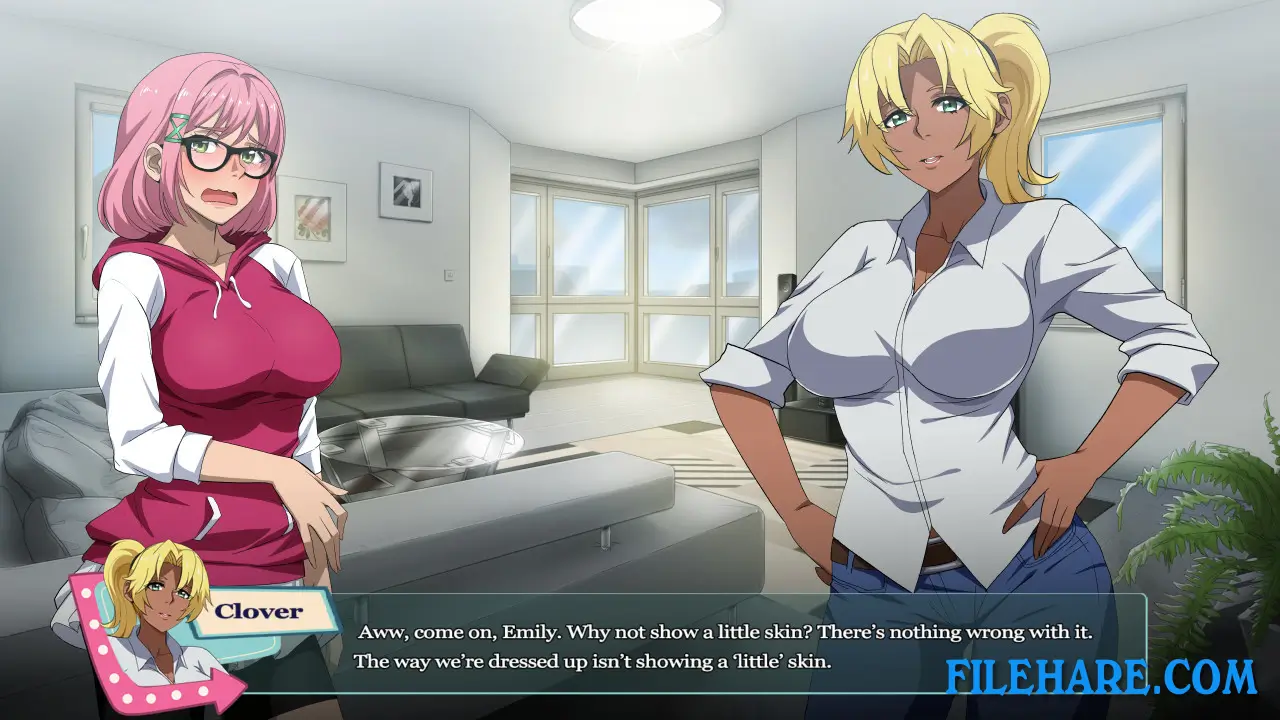
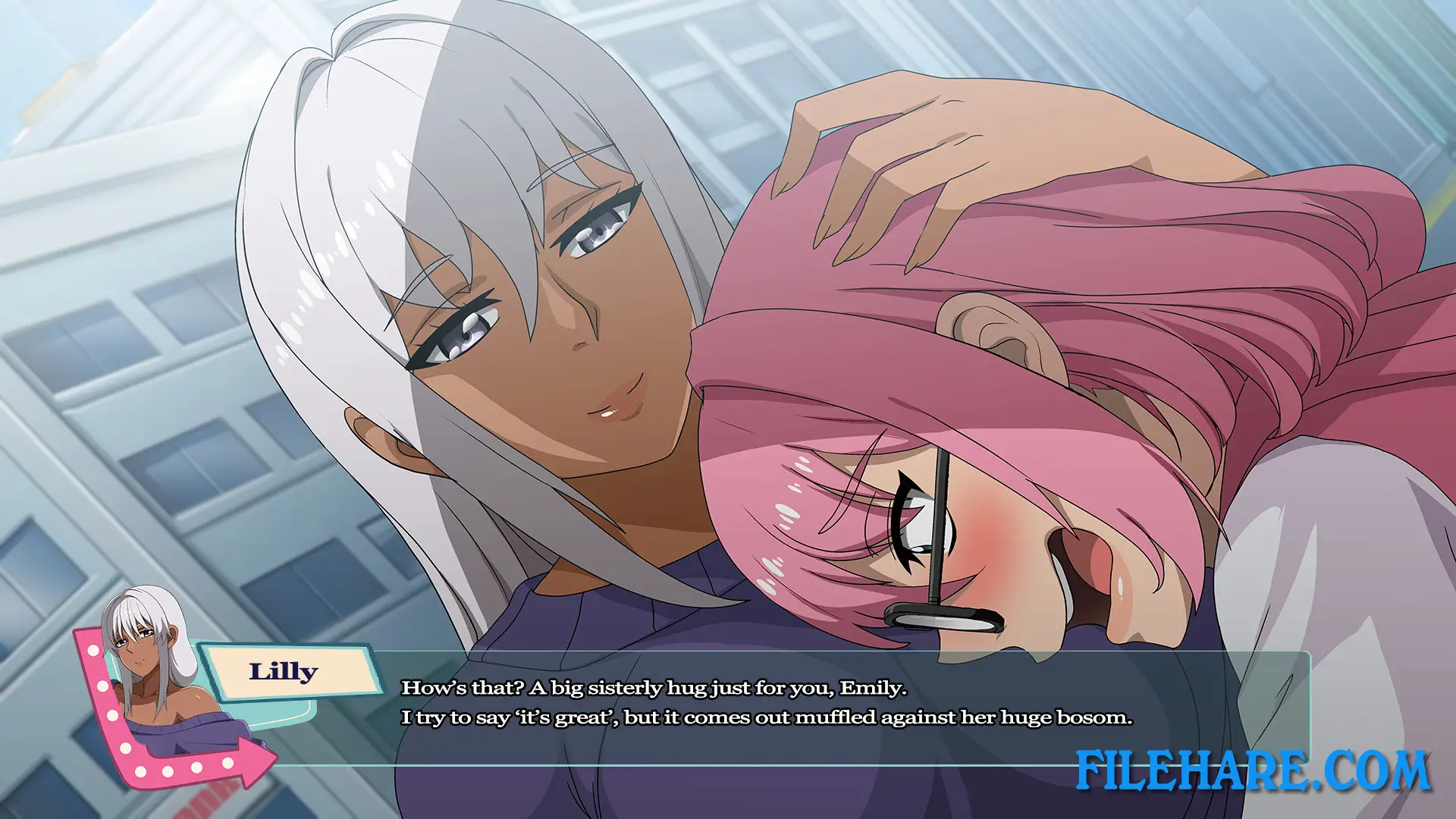
The game features Emily as the protagonist, along with four romanceable characters. Rachael, Linda, Lilly, and Kate each offer unique romance paths. The game uses high-quality 2D anime artwork with detailed character designs. All intimate scenes are fully animated rather than static images. Steam achievements can be unlocked by completing different routes and viewing all adult scenes. The game is single-player only. It handles adult themes while respecting character boundaries and consent. The developers focused on creating realistic characters with genuine emotions rather than just adult content.
Recommended System Requirements
Requires a 64-bit processor and operating system
- OS: Windows 10 64-bit +
- Processor: Intel i5 2.3GHz or AMD A9 2.9GHz
- Memory: 2 GB RAM
- Graphics: GeForce GTX 970 or AMD RX 560 2GB equivalent
- Sound Card: DirectSound (DirectX) compatible sound card
Gameplay Screenshots

| Name | Futa Fix Dick Dine and Dash |
|---|---|
| Developer | Cyberframe Studios, Kupaa Games |
| File Size | 1020 MB |
| Category | Adult |
| Minimum System Requirements | |
| CPU | Intel i5 2.3GHz or AMD A9 2.9GHz |
| RAM | 2 GB |
| Graphics | Integrated graphics |
| Free Disk Space | 2 GB |
| Operating System | Windows 10 / 11 (64-bit) |
| User Rating | |
Buy this game to support the developer. Store Page
How to Download and Install Futa Fix Dick Dine and Dash PC Game?
We have simple instructions for you to download and install the PC game. Before following the steps, Ensure your PC meets the minimum system requirements for Playing the game on your PC.
- First, click on the DOWNLOAD button and you will be redirected to the final Download page. Then, Download the Game on your PC.
- Once you have downloaded the Futa Fix Dick Dine and Dash PC Game, Open the folder where you saved the Game.
- Then Right-click on the Zip file and click on the "Extract files" option from the dropdown menu. If your computer does not have a Zip file extract software installed, you must first install it. (such as WinRAR, 7Zip software)
- After Extracting the Zip file, Open the Futa Fix Dick Dine and Dash PC Game folder.
- Then, double-click on the Setup.exe file to Install the Game.
- If asked to allow the program to make changes to your device, click Yes to continue.
- After the installation, if you get any missing ".dll" errors or the Game is not launching, open the Readme.txt file located in the game folder and follow the instructions shown in the document file to play the game.
Done!. Now, you can launch the game from your desktop.