Futanari★Coffee shop PC Game Download for Windows 10/11

Futanari★Coffee shop is an adult management simulation game developed and published by W77Games. The game first launched in Early Access on January 29, 2025, and its full release came on January 20, 2026. It is a single-player PC game available on Windows. The game supports ten languages, including English, Simplified Chinese, Japanese, Traditional Chinese, Russian, Korean, French, German, Spanish, and Portuguese.
Table of Contents
Futanari★Coffee shop Story
The player takes on the role of a young futanari woman who grew up in a wealthy family. she opens a coffee shop as a personal hobby. The story is set around her daily routine of running this café, hiring maid staff, and slowly building close relationships with the girls who work there. As the business grows, so do the personal connections between the protagonist and her maids, leading to adult-themed events and scenes. The story is simple and light in tone, centered on café life, business growth, and romantic relationships.
Futanari★Coffee shop Gameplay
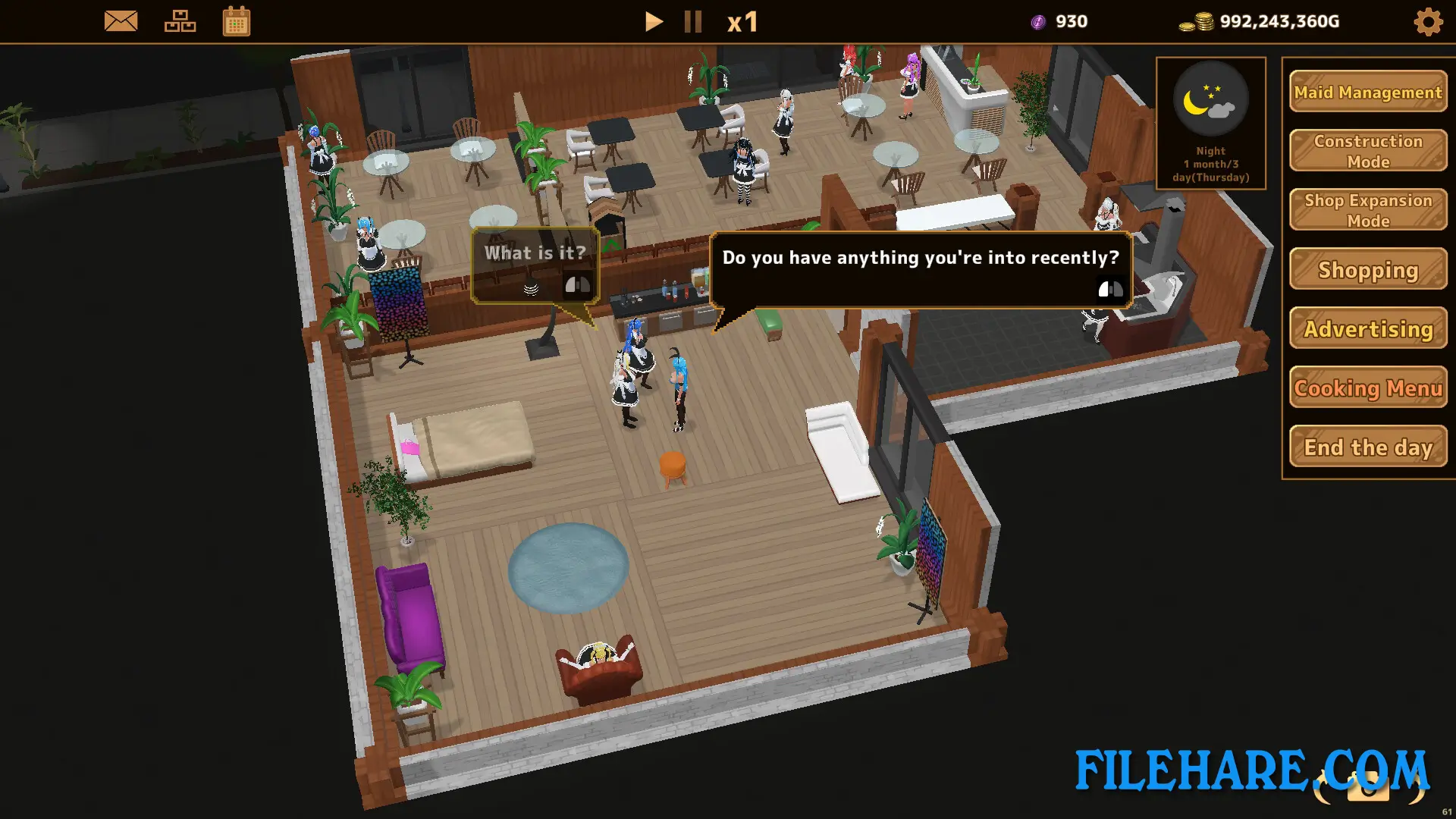
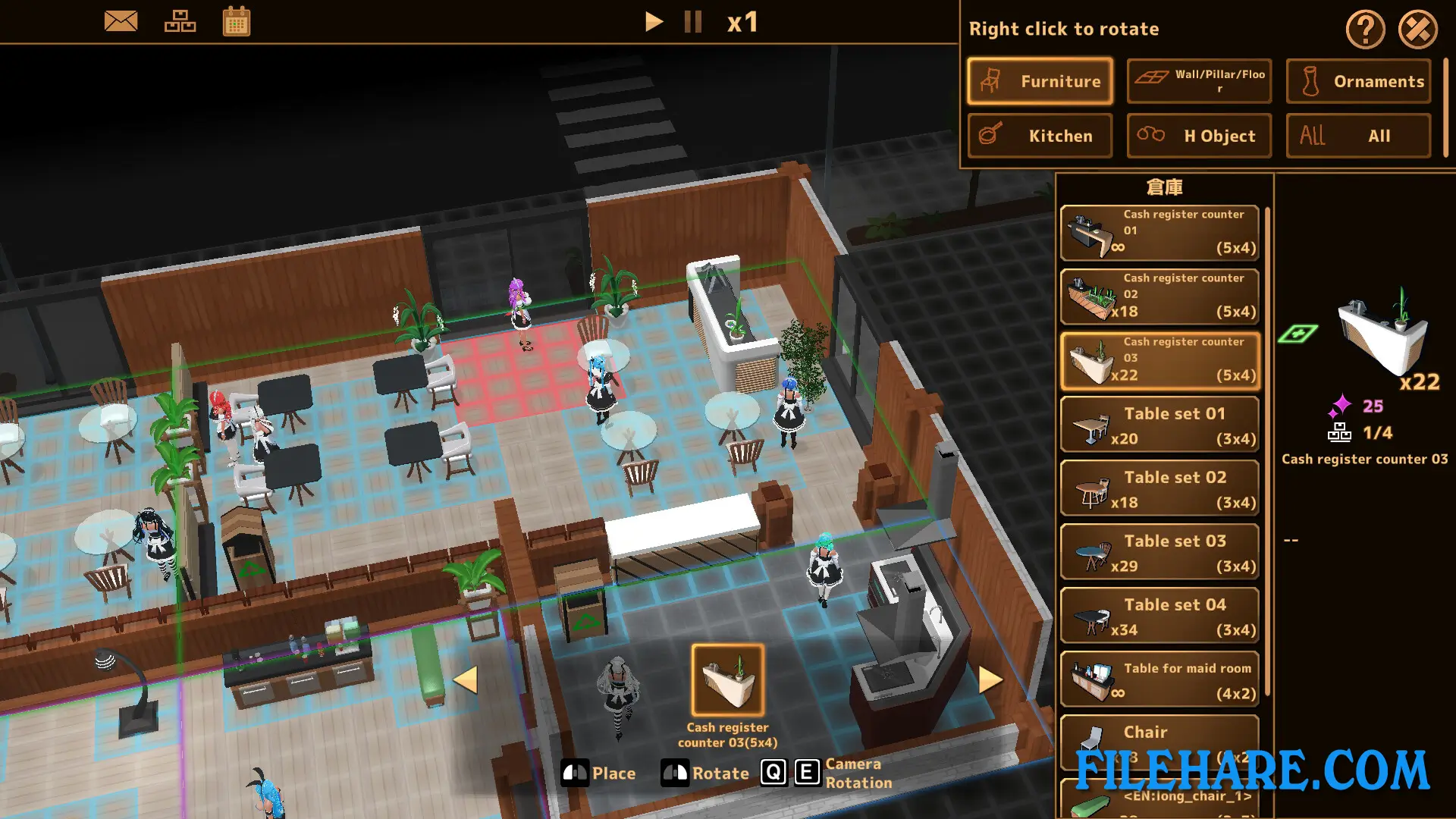
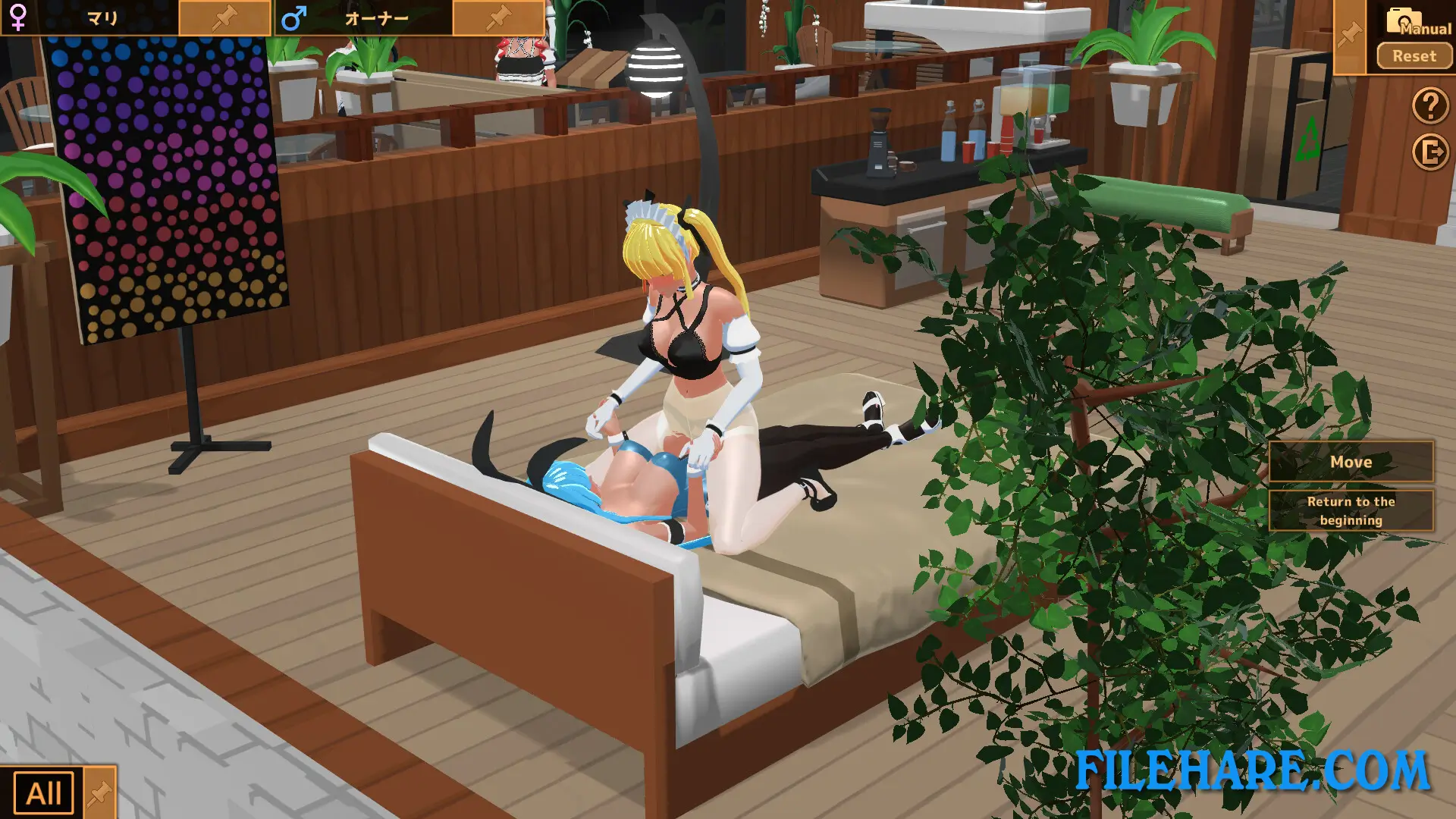
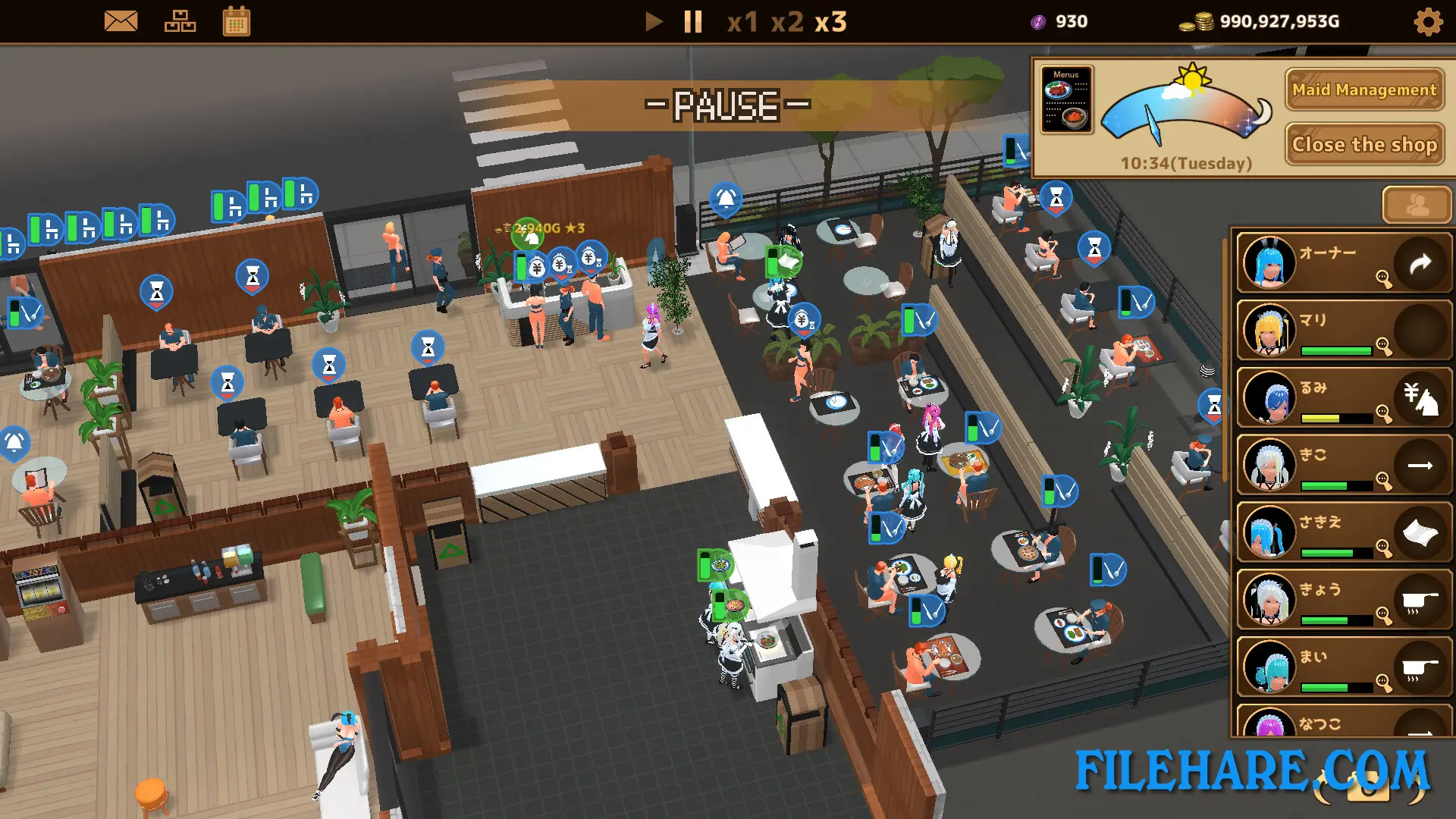
Futanari★Coffee shop is a top-down management simulation with RPG and dating sim features. During the day, the player runs the coffee shop by serving customers and managing resources. As money increases, the player can hire more maid staff to handle the workload. Over time, business operations can be automated so the café runs more efficiently without constant input. At night, the player can invest in expanding the shop to bring in more income. Outside of business tasks, players can give gifts to maids to raise their affection levels. Higher affection leads to adult content scenes with the characters.
Futanari★Coffee shop Features
The game features anime-style 3D visuals with a cute and colorful look. Players can hire a cast of beautiful maid characters, each with their own look and background. The affection and gift-giving system lets players build relationships with individual maids over time. Business automation is a key part of the game, allowing the shop to grow without needing constant manual control. The game also includes character customization options and supports Steam achievements. Futanari★Coffee shop is currently rated very positively by players on Steam, with over 90% of reviews being favorable.
Recommended System Requirements
Requires a 64-bit processor and operating system
- OS: Windows 10/11
- Processor: 64-bit processor
- Memory: 6 GB RAM
- Graphics: RTX 2060 SUPER
- DirectX: Version 11
- Storage: 4 GB available space
Gameplay Screenshots
| Name | Futanari★Coffee shop |
|---|---|
| Developer | W77Games |
| File Size | 487.74 MB |
| Category | Adult |
| Minimum System Requirements | |
| CPU | Intel/AMD 2.0 GHz dual-core |
| RAM | 4 GB |
| Graphics | GTX 1050 |
| Free Disk Space | 2 GB |
| Operating System | Windows 10 / 11 |
| User Rating | |
Buy this game to support the developer. Store Page
How to Download and Install Futanari★Coffee shop PC Game?
We have simple instructions for you to download and install the PC game. Before following the steps, Ensure your PC meets the minimum system requirements for Playing the game on your PC.
- First, click on the DOWNLOAD button and you will be redirected to the final Download page. Then, Download the Game on your PC.
- Once you have downloaded the Futanari★Coffee shop PC Game, Open the folder where you saved the Game.
- Then Right-click on the Zip file and click on the "Extract files" option from the dropdown menu. If your computer does not have a Zip file extract software installed, you must first install it. (such as WinRAR, 7Zip software)
- After Extracting the Zip file, Open the Futanari★Coffee shop PC Game folder.
- Then, double-click on the Setup.exe file to Install the Game.
- If asked to allow the program to make changes to your device, click Yes to continue.
- After the installation, if you get any missing ".dll" errors or the Game is not launching, open the Readme.txt file located in the game folder and follow the instructions shown in the document file to play the game.
Done!. Now, you can launch the game from your desktop.