GameDev Life Simulator PC Game Download for Windows 10/11/7/8

GameDev Life Simulator is a simulation game that puts you in the role of a solo game developer. The game was developed and published by Octo Games. It was released on PC via Steam on February 18, 2023. In this game, you experience what it is like to work as an independent game developer. You start with nothing and work your way up to become successful in the gaming industry. The game shows you the real problems and challenges that developers face when they work alone.
Table of Contents
GameDev Life Simulator Gameplay
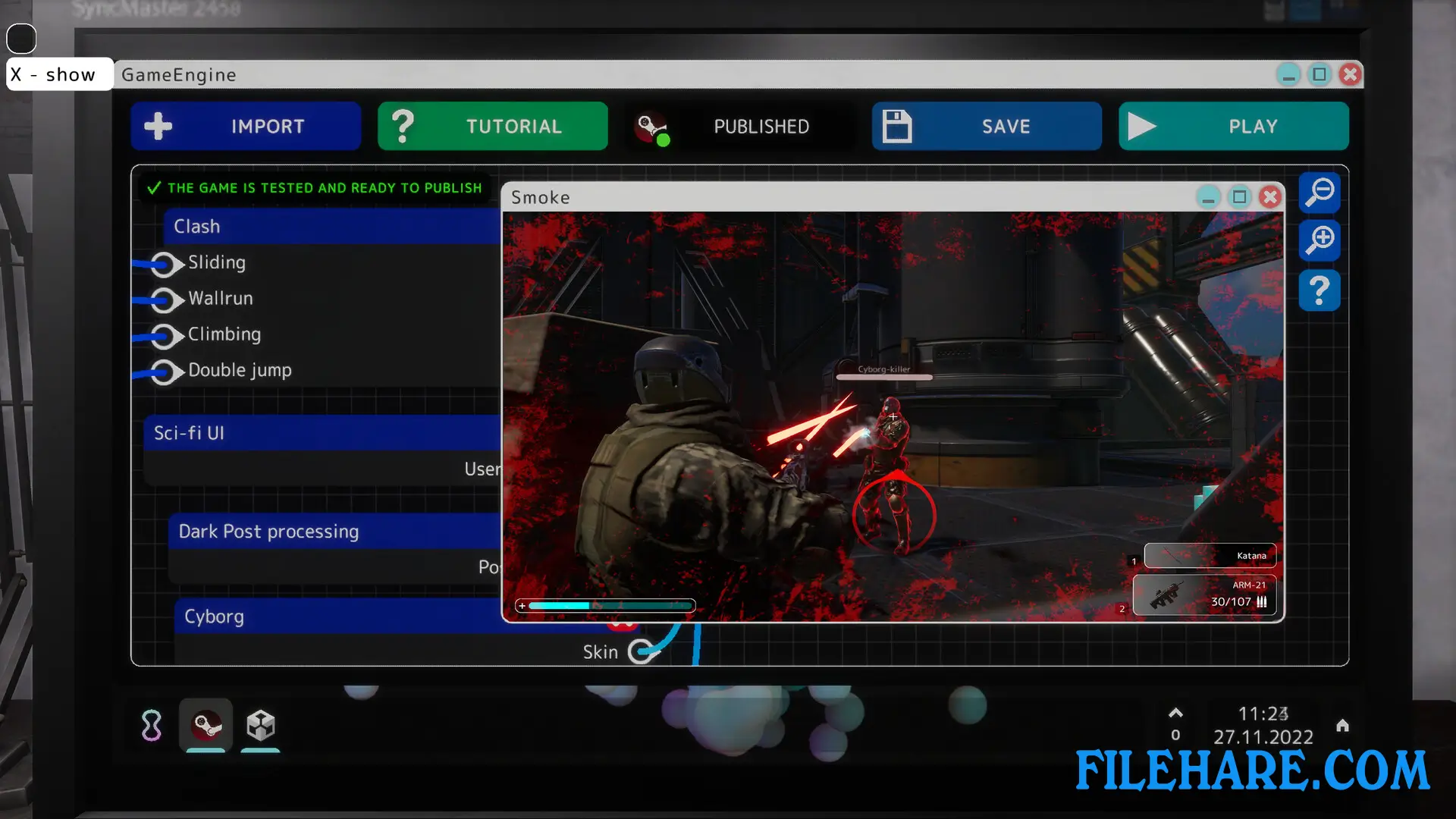
The gameplay centers around developing and publishing your own video games. You sit at your computer and begin the game development process by choosing several important factors. First, you pick a genre for your game, such as action, racing, or strategy. Then you select a topic that fits well with your chosen genre. You must name your game and choose a cover image for it. After that, you decide which platforms your game will run on and set the price and size. You can also add extra options like multiplayer or early access.
Once you have set up your game, you go through three development phases. In these phases, you adjust sliders to decide which parts of your game are more important. Your staff and their skill levels affect how good your game becomes. After development, you receive scores and ratings from reviewers. The better your scores, the more money you can make. Then you need to collect boxes from the factory and deliver them to stores in the mall to sell your games.
GameDev Life Simulator Features
The game includes several important features that make it realistic. You must take care of your character’s basic needs like eating and sleeping. When you make mistakes during development, you learn from them for future projects. You can hire staff members to help you create better games. As you earn money, you can decorate your office and workspace to make it look better. The game also lets you expand your business as you become more successful. You start as a beginner developer and can work your way up to become a professional. The game simulates real life problems that developers face, such as managing time and money while trying to create quality games that people will want to buy.
Gameplay Screenshots
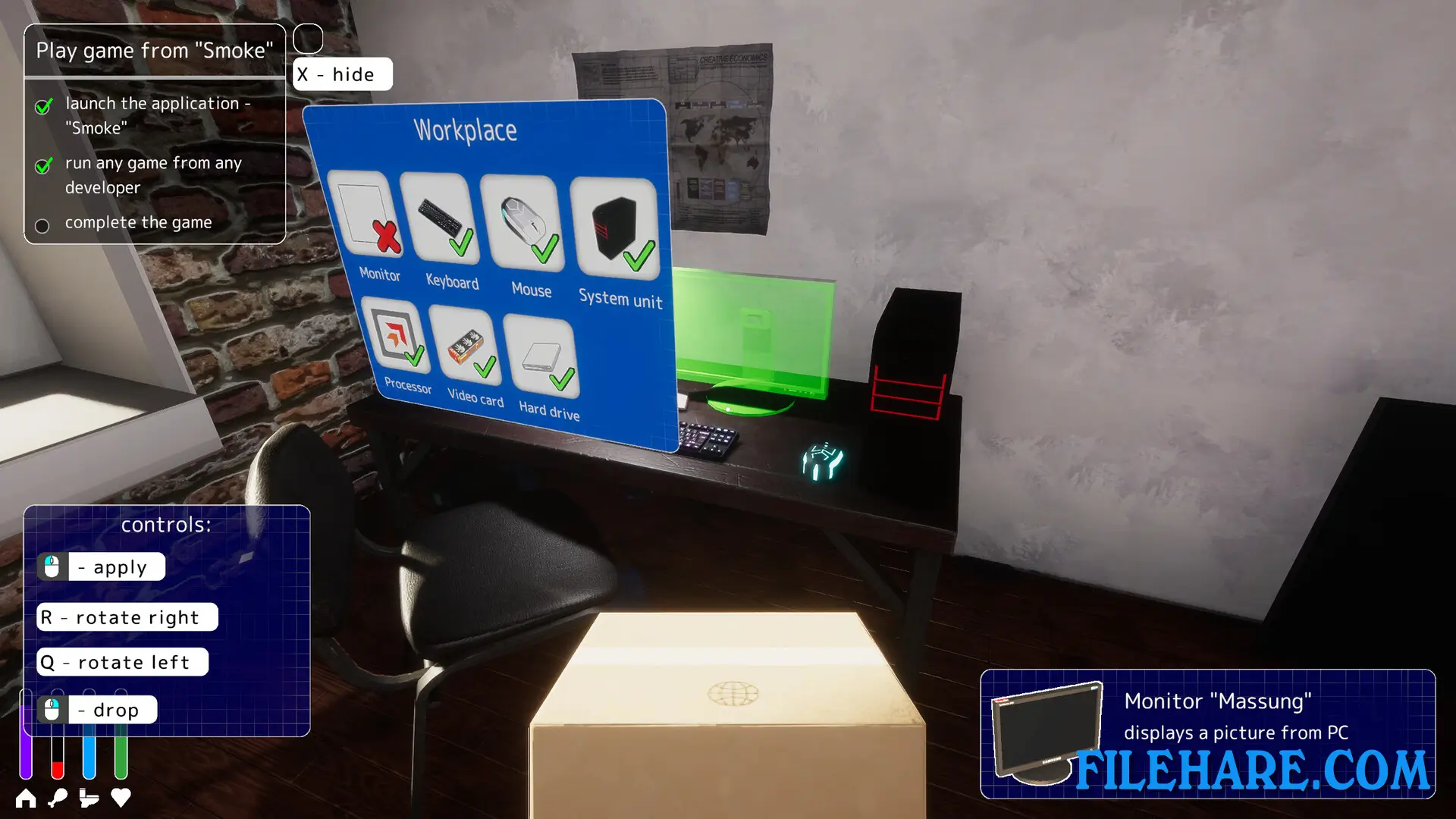
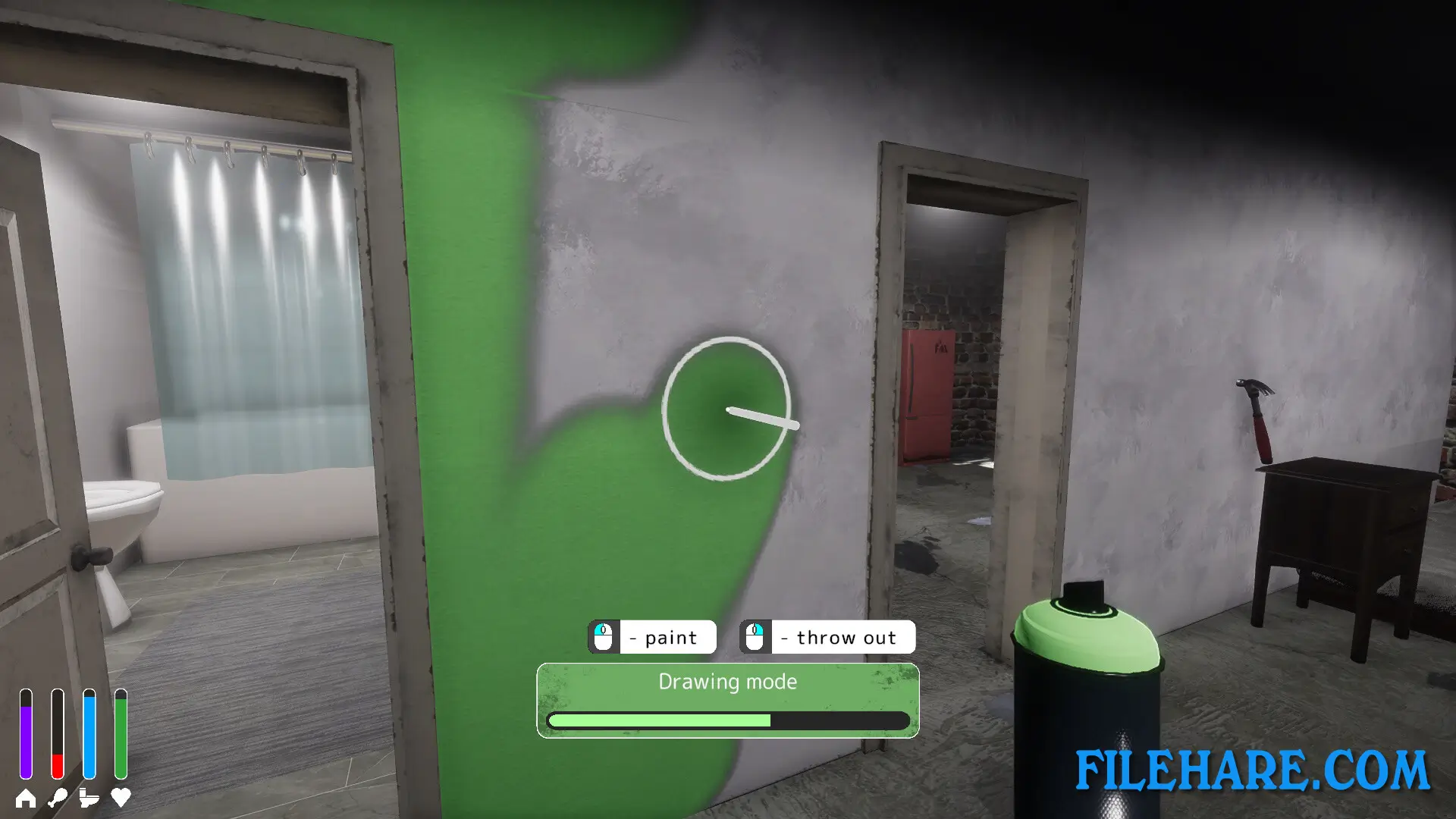
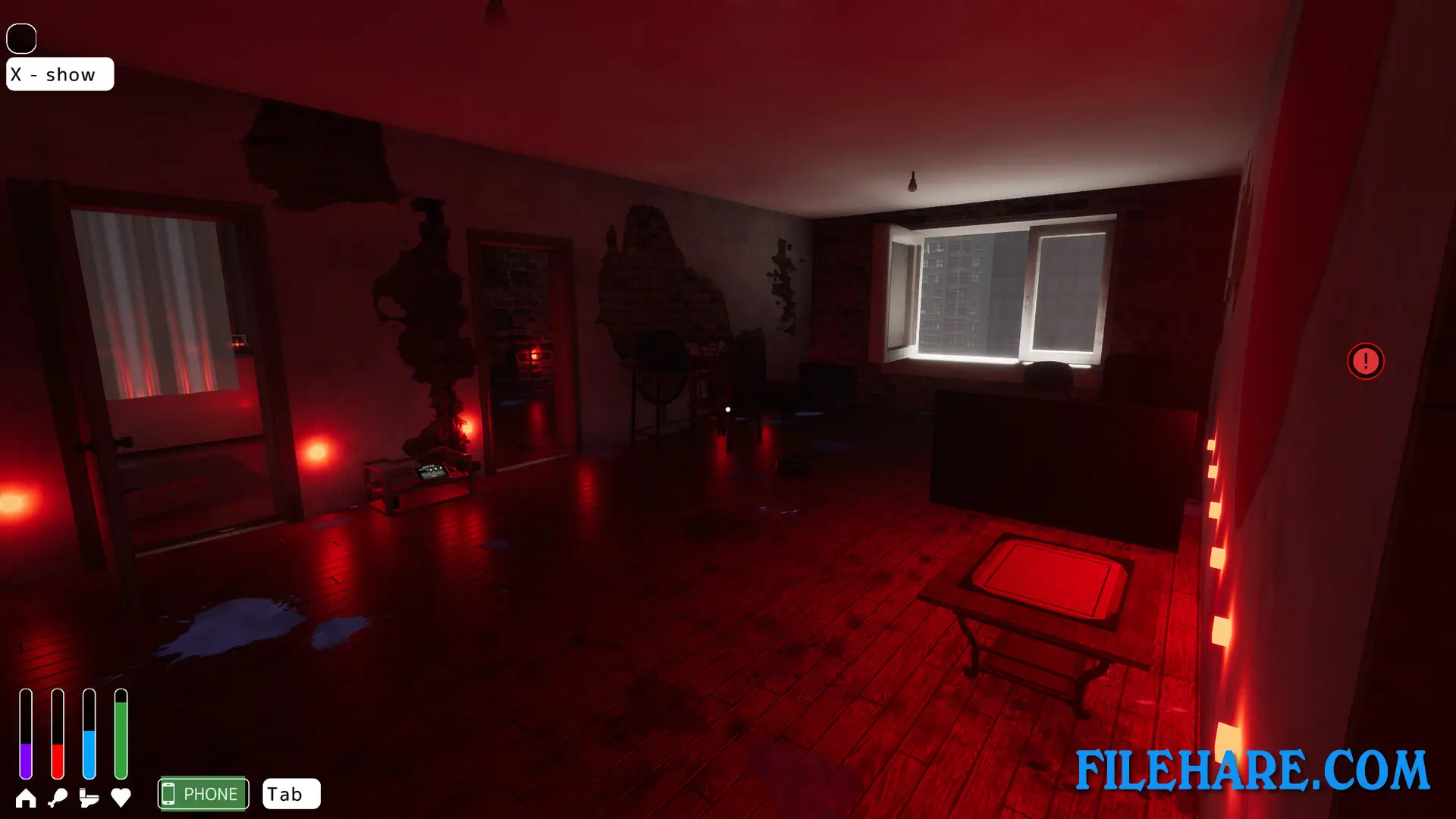
| Name | GameDev Life Simulator |
|---|---|
| Developer | Octo Games studio |
| File Size | 1.78 GB |
| Category | Simulation |
| Minimum System Requirements | |
| CPU | Intel/AMD 2.0 GHz dual-core |
| RAM | 4 GB |
| Graphics | Integrated Graphics (Direct X compatible) |
| Free Disk Space | 4 GB |
| Operating System | Windows 10 / 11 / 7 / 8 |
| User Rating | |
Buy this game to support the developer. Store Page
How to Download and Install GameDev Life Simulator PC Game?
We have simple instructions for you to download and install the PC game. Before following the steps, Ensure your PC meets the minimum system requirements for Playing the game on your PC.
- First, click on the DOWNLOAD button and you will be redirected to the final Download page. Then, Download the Game on your PC.
- Once you have downloaded the GameDev Life Simulator PC Game, Open the folder where you saved the Game.
- Then Right-click on the Zip file and click on the "Extract files" option from the dropdown menu. If your computer does not have a Zip file extract software installed, you must first install it. (such as WinRAR, 7Zip software)
- After Extracting the Zip file, Open the GameDev Life Simulator PC Game folder.
- Then, double-click on the Setup.exe file to Install the Game.
- If asked to allow the program to make changes to your device, click Yes to continue.
- After the installation, if you get any missing ".dll" errors or the Game is not launching, open the Readme.txt file located in the game folder and follow the instructions shown in the document file to play the game.
Done!. Now, you can launch the game from your desktop.