Girl Who Shrunk the Neighbors PC Game Download for Windows 10/11

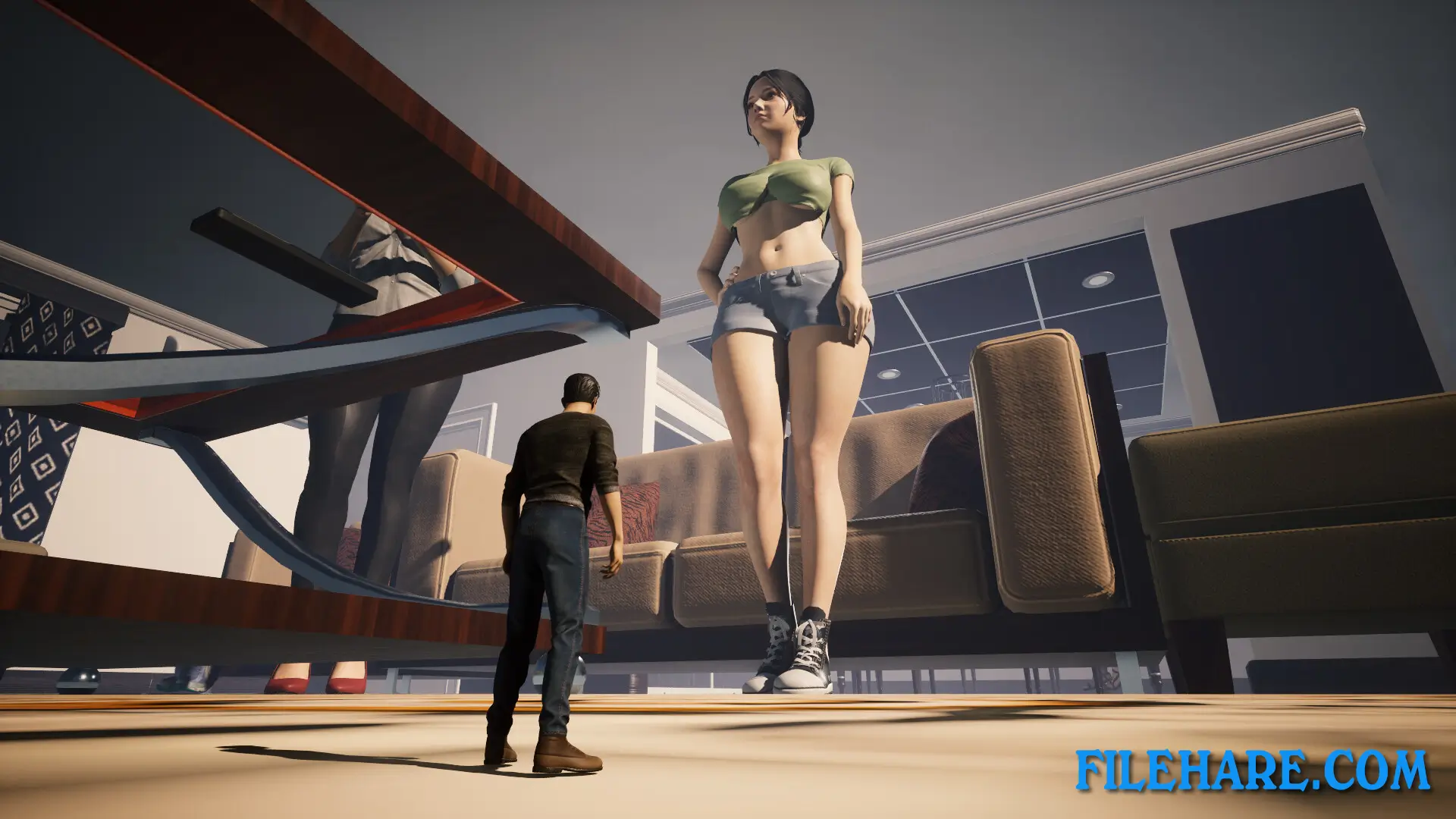
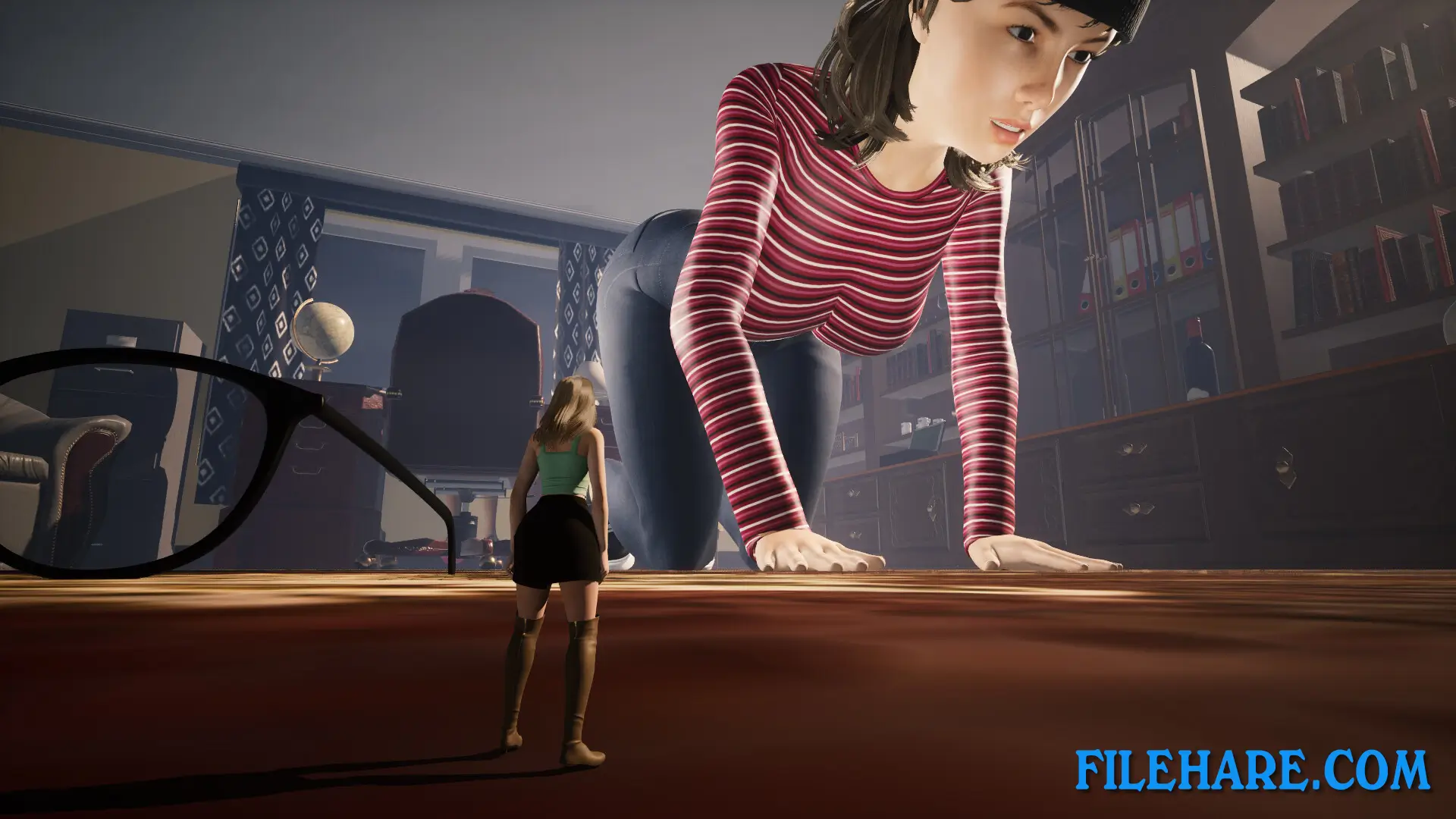
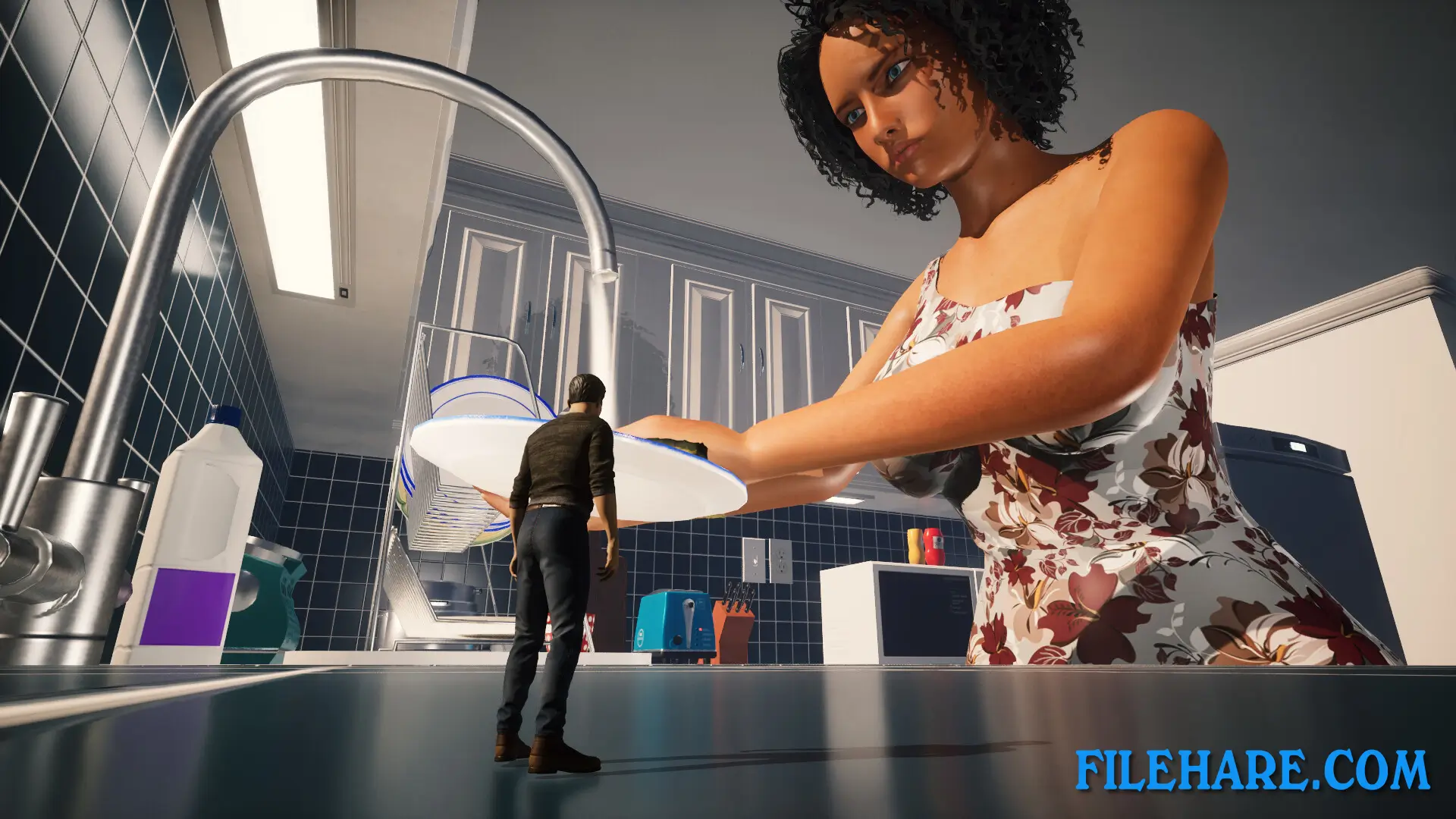
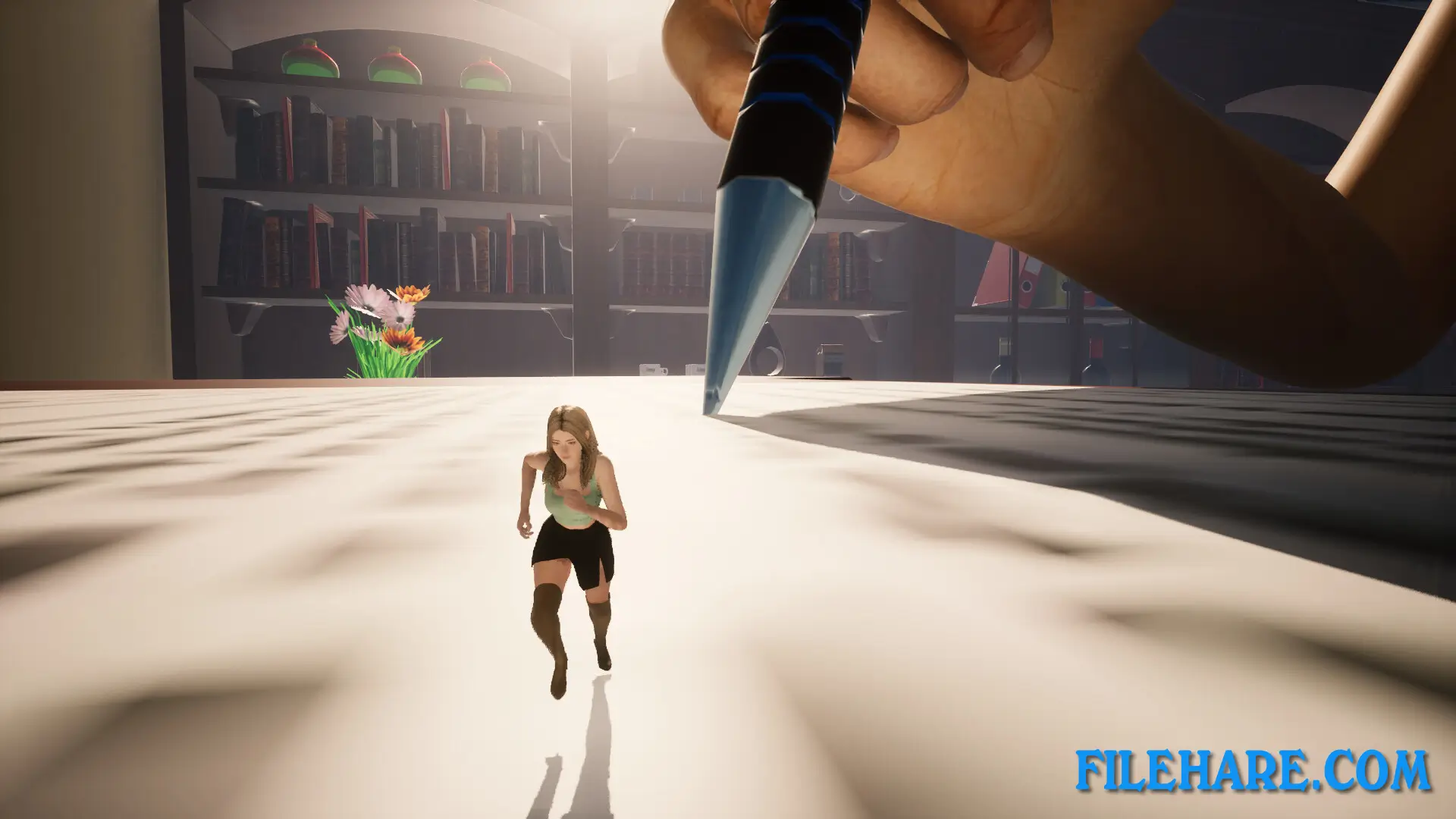
Girl Who Shrunk the Neighbors is an adult action-adventure game developed and published by RP Game Design Pty Ltd. It was released on March 24, 2025. The game is a single-player 3D experience with sexual content, violence, and strong language. It is set in a suburban neighborhood and features a giantess theme where the player and other characters are shrunk down to the size of bugs.
Table of Contents
Girl Who Shrunk the Neighbors Story
The story begins on a weekend when your neighbor’s stepsister invites friends over to his stepmother’s house. When the group starts playing loud music, you and other neighbors decide to go over and complain. You arrive with your girlfriend, and as soon as you all get close to the group, everyone shrinks down to the size of bugs. It turns out the stepmother is a scientist who accidentally shrunk everyone with a shrink ray. Now you and the rest of the neighborhood must find a way to get the attention of a giantess girl so you can be returned to normal size.
Girl Who Shrunk the Neighbors Gameplay
The game is played in third-person and first-person view in a 3D open environment. You can freely roam the area and even take control of an ant or a fly to move around. Players can switch between playing as a boy or a girl. The game includes climbing mechanics that allow you to scale surfaces in the environment. There are many death scenes in the game that visually show what happens to the player character in various situations. The game is story-driven and focuses on the experience of being tiny in a normal-sized household.
Girl Who Shrunk the Neighbors Features
The game offers free roam gameplay with the ability to control both an ant and a fly as alternate forms of movement. Players can choose to play as either a male or female character. A first-person mode is available alongside the standard third-person view. The climbing mechanics allow players to move across objects and surfaces in the environment. The game includes multiple death scenes that are shown visually. It contains sexual content, bad language, and violence, and is available only in English with full audio and subtitles supported.
Recommended System Requirements
Requires a 64-bit processor and operating system
- OS: Windows 11 64 Bit
- Processor: Core i7-10700K or Ryzen 5 7600
- Memory: 16 GB RAM
- Graphics: GeForce GTX 1660 Super or Radeon RX 590 8GB
- DirectX: Version 12
- Storage: 4 GB available space
- Sound Card: DirectX Compatible
Gameplay Screenshots
| Name | Girl Who Shrunk the Neighbors |
|---|---|
| Developer | RP Game Design Pty Ltd |
| File Size | 2.82 GB |
| Category | Adult |
| Minimum System Requirements | |
| CPU | Intel Core i7-10700 or Ryzen 5 6600H |
| RAM | 8 GB |
| Graphics | GeForce GTX 1060 6GB or Radeon RX 470 4GB |
| Free Disk Space | 4 GB |
| Operating System | Windows 10 / 11 (64-bit) |
| User Rating | |
Buy this game to support the developer. Store Page
How to Download and Install Girl Who Shrunk the Neighbors PC Game?
We have simple instructions for you to download and install the PC game. Before following the steps, Ensure your PC meets the minimum system requirements for Playing the game on your PC.
- First, click on the DOWNLOAD button and you will be redirected to the final Download page. Then, Download the Game on your PC.
- Once you have downloaded the Girl Who Shrunk the Neighbors PC Game, Open the folder where you saved the Game.
- Then Right-click on the Zip file and click on the "Extract files" option from the dropdown menu. If your computer does not have a Zip file extract software installed, you must first install it. (such as WinRAR, 7Zip software)
- After Extracting the Zip file, Open the Girl Who Shrunk the Neighbors PC Game folder.
- Then, double-click on the Setup.exe file to Install the Game.
- If asked to allow the program to make changes to your device, click Yes to continue.
- After the installation, if you get any missing ".dll" errors or the Game is not launching, open the Readme.txt file located in the game folder and follow the instructions shown in the document file to play the game.
Done!. Now, you can launch the game from your desktop.