Hell’s 8th Avenue: Miori’s Mysterious Notebook PC Game Download

Hell’s 8th Avenue: Miori’s Mysterious Notebook is an adventure RPG game for PC. Magical Ponpon developed the game, and Saikey Studios published it. The game was released on August 22, 2025. This is a detective game with horror elements and mature content for adult players. It runs on Windows and supports English and Japanese languages.
Table of Contents
Hell’s 8th Avenue: Miori’s Mysterious Notebook Story
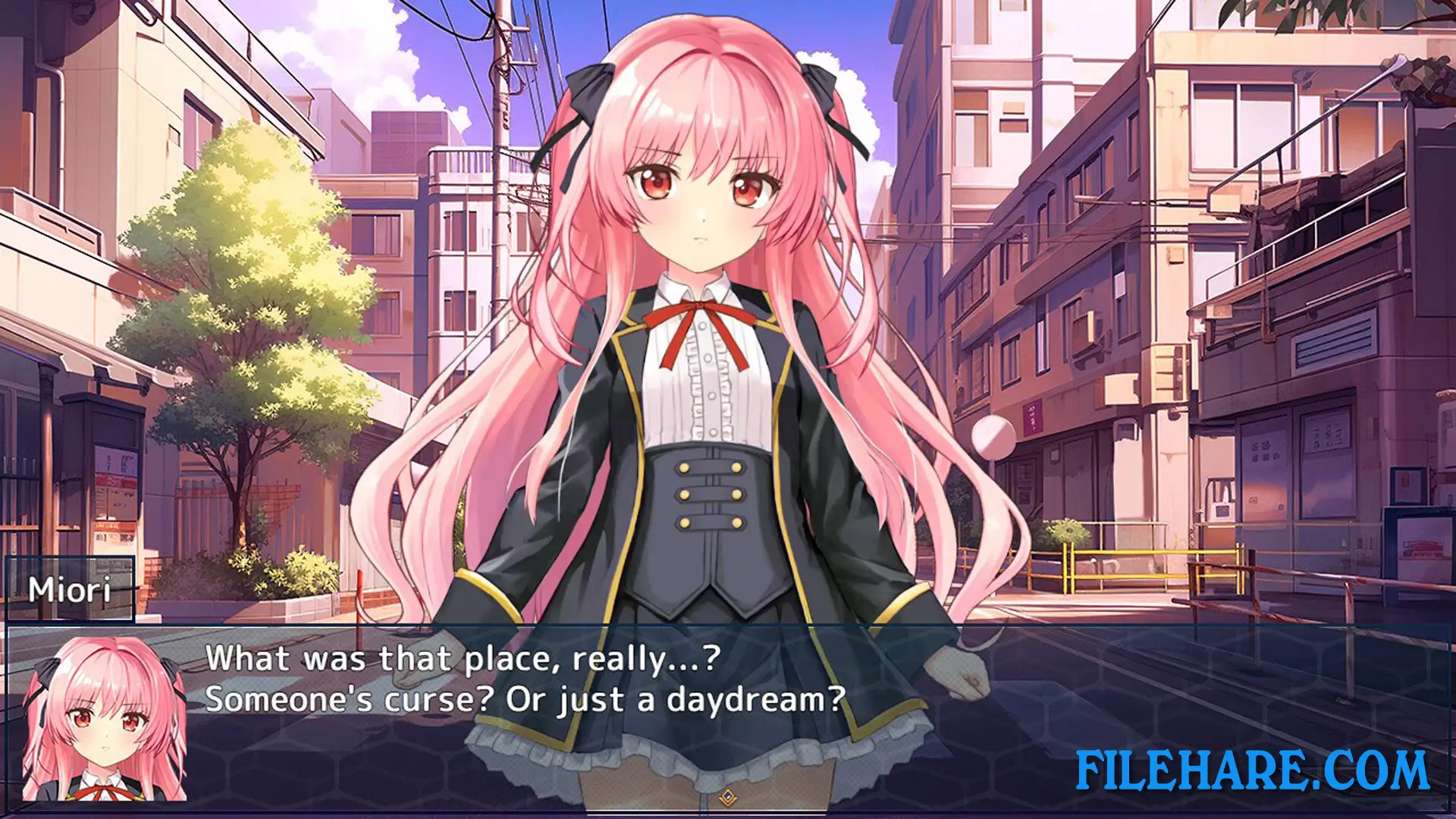
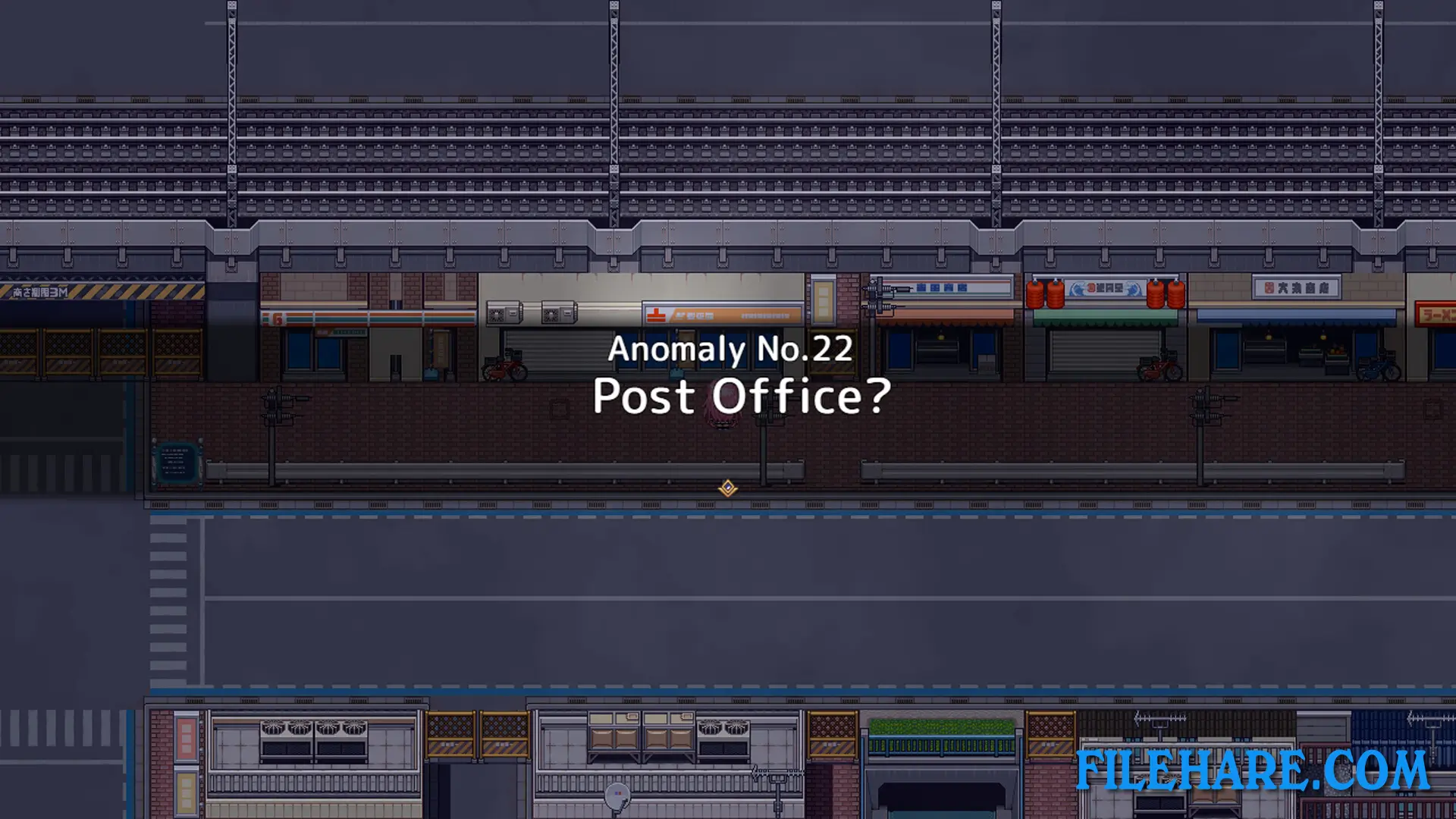
Miori Shihoin works as a female detective who specializes in investigating paranormal phenomena and anomalies. One day, she receives a request to find a missing person. The person disappeared in a mysterious place called Illusory 8th Street. When Miori arrives at the entrance, she discovers this is a cursed location that traps people with spiritual powers in an endless loop. To escape and break the loop, Miori must reach 8th Street by moving forward and making correct observations. The game asks how long it will take Miori to escape from Illusory 8th Street and whether she can make it out without being broken by the curse.
Hell’s 8th Avenue: Miori’s Mysterious Notebook Gameplay
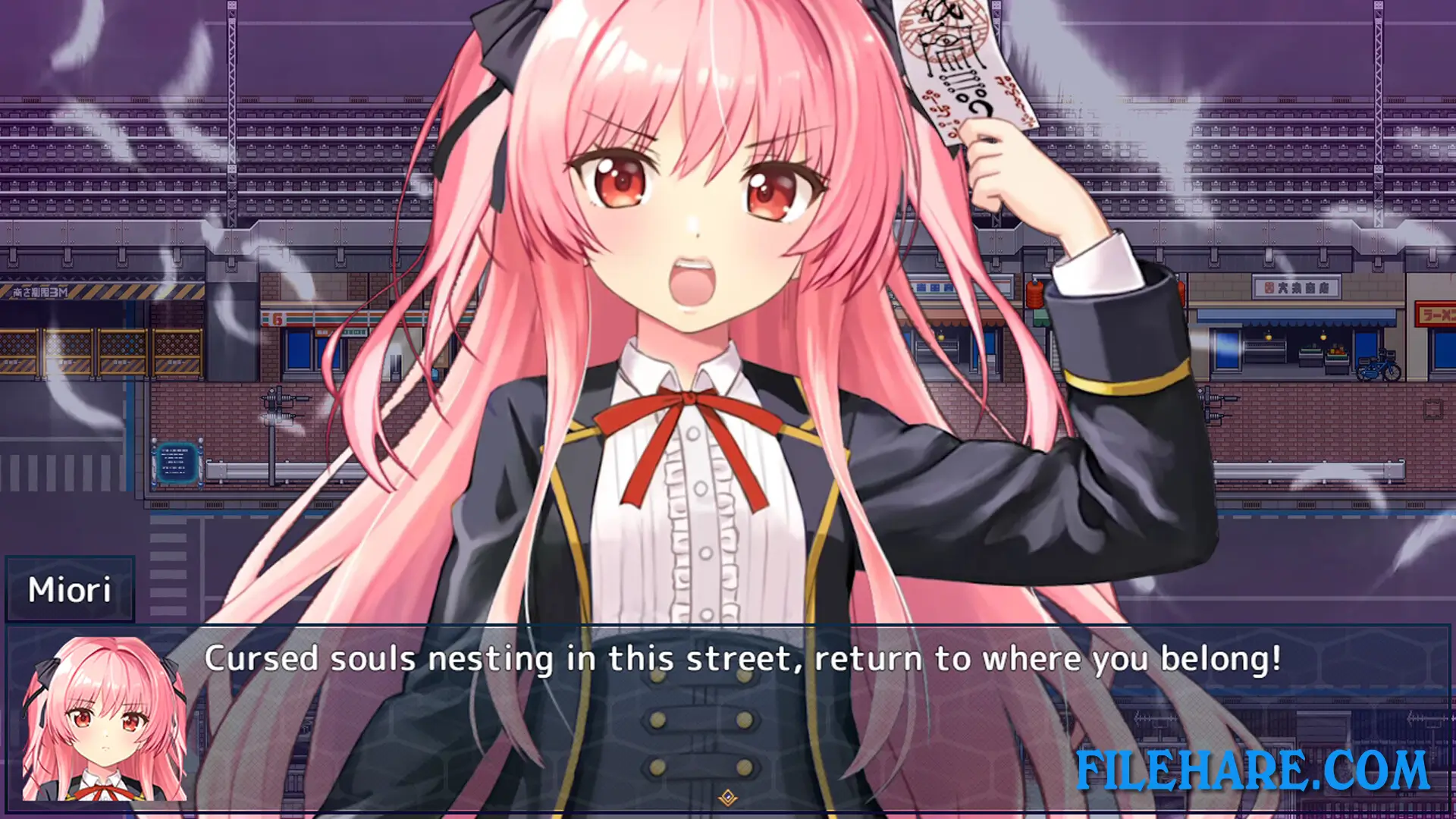
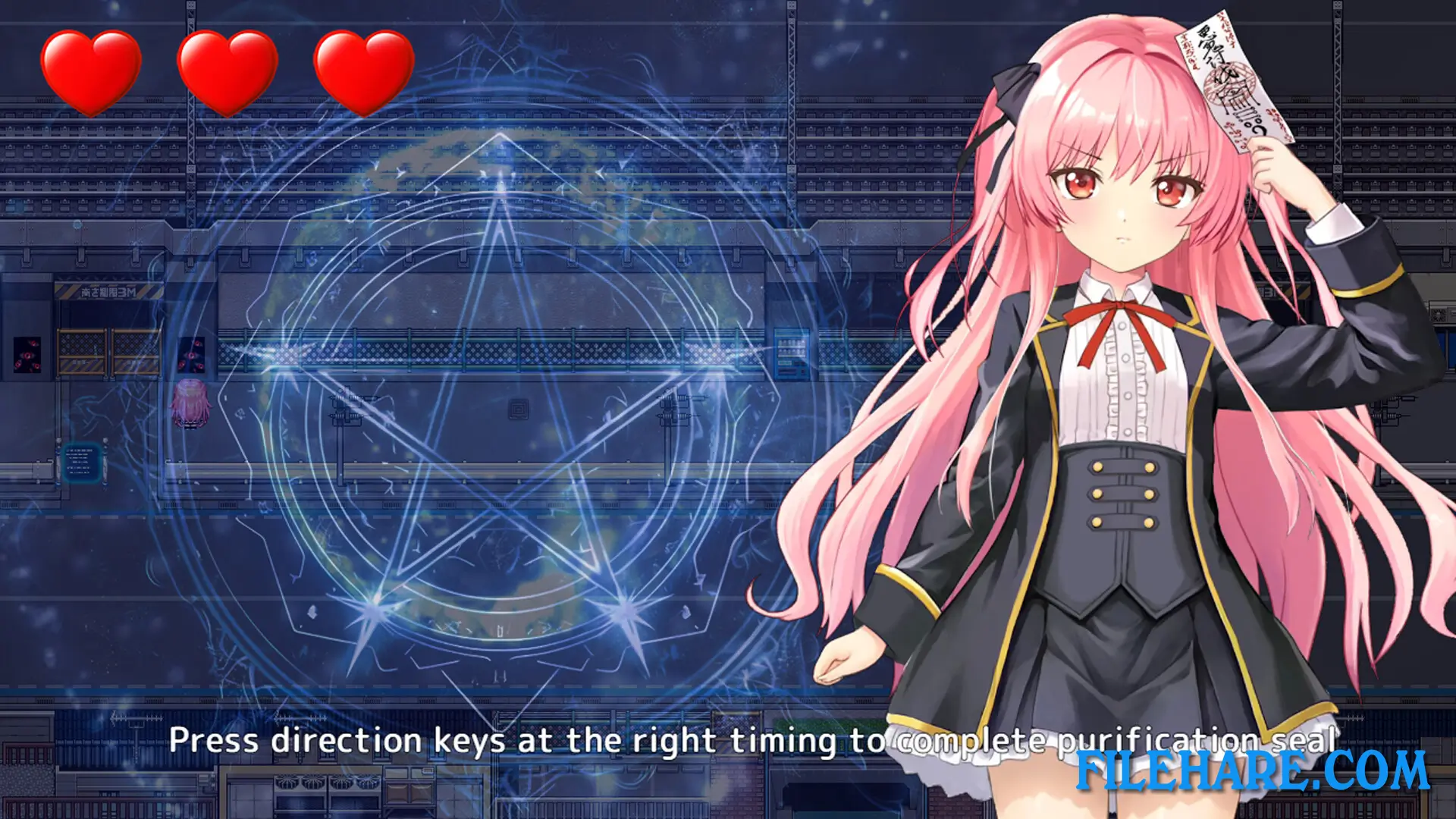
You play as Miori and must use your observation skills to detect anomalies as you move through the cursed streets. The game requires you to look carefully at your surroundings and spot when something is wrong or unusual. If you find an anomaly, you must pass under the overpass. If there is no anomaly, you continue moving forward. The game includes Quick Time Events (QTE) where you must press buttons at the right time to dispel anomalies and purify the area. You can adjust the difficulty of these QTE sections or turn them off completely if you prefer. When you fail a QTE, Miori becomes more restrained. The game has a Purification Mode where you challenge yourself to find all anomalies before time runs out. Every mistake sends Miori back to the start, so you must make all correct observations in a row to escape.
Hell’s 8th Avenue: Miori’s Mysterious Notebook Features
The game tests your attention to detail and observation skills throughout the gameplay. It includes beautifully animated scenes that show what happens during encounters. Ghost-like effects and horror elements appear randomly during the game to create a spooky feeling. Some dialogue contains mild cursing. The game has voice acting for characters. AI was used in parts of the background art and as a reference for character poses, costumes, and composition. Steam achievements can be unlocked by completing specific tasks. The game is single-player only and focuses on your personal detective experience as Miori.
Gameplay Screenshots
| Name | Hell’s 8th Avenue: Miori’s Mysterious Notebook |
|---|---|
| Developer | Magical Ponpon |
| File Size | 1.88 GB |
| Category | Adult |
| Minimum System Requirements | |
| CPU | Intel Core2 Duo or better |
| RAM | 4 GB |
| Graphics | DirectX 9/OpenGL 4.1 capable GPU |
| Free Disk Space | 2 GB |
| Operating System | Windows 10 / 11 / 7 / 8 / 8.1 |
| User Rating | |
Buy this game to support the developer. Store Page
How to Download and Install Hell’s 8th Avenue: Miori’s Mysterious Notebook PC Game?
We have simple instructions for you to download and install the PC game. Before following the steps, Ensure your PC meets the minimum system requirements for Playing the game on your PC.
- First, click on the DOWNLOAD button and you will be redirected to the final Download page. Then, Download the Game on your PC.
- Once you have downloaded the Hell’s 8th Avenue: Miori’s Mysterious Notebook PC Game, Open the folder where you saved the Game.
- Then Right-click on the Zip file and click on the "Extract files" option from the dropdown menu. If your computer does not have a Zip file extract software installed, you must first install it. (such as WinRAR, 7Zip software)
- After Extracting the Zip file, Open the Hell’s 8th Avenue: Miori’s Mysterious Notebook PC Game folder.
- Then, double-click on the Setup.exe file to Install the Game.
- If asked to allow the program to make changes to your device, click Yes to continue.
- After the installation, if you get any missing ".dll" errors or the Game is not launching, open the Readme.txt file located in the game folder and follow the instructions shown in the document file to play the game.
Done!. Now, you can launch the game from your desktop.