Highrise City PC Game Download for Windows 10/11
Highrise City is a city-building simulation game developed by Fourexo Entertainment and published by Deck13. The game was initially released in Early Access on March 24, 2022, for PC through Steam and GOG. After spending over a year in development with player feedback, the full version was officially released on September 4, 2023. The game was primarily developed by a single person for seven years before a small team joined to help complete the project, taking a total of nine years to finish.
Table of Contents
Highrise City Gameplay
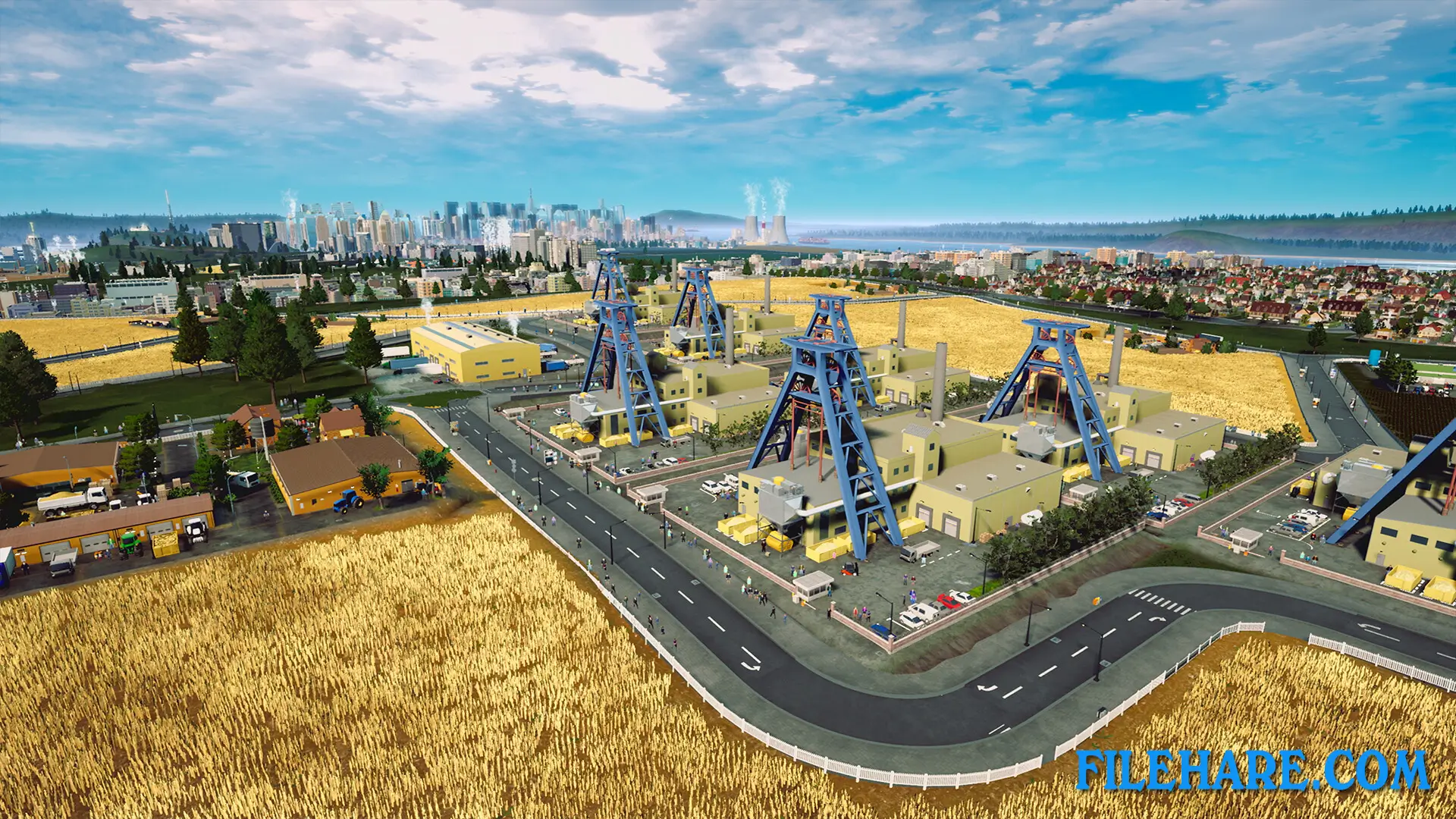
This is a city-building and economic management simulator where you construct cities while managing complex production chains. Unlike traditional city builders, which focus mainly on infrastructure and traffic. You start by building basic residential zones and connecting them with roads. However, your main goal is to establish factories and industries that produce goods needed by your citizens. Your city can support up to one million inhabitants divided into five population classes, from workers to executives. You need to provide housing, jobs, and goods for all these people.
The game requires careful planning of where to place factories, residential areas, and commercial zones. You must manage transportation networks to move goods between production facilities efficiently. Traffic management is important, but the primary challenge comes from balancing your resource production with citizen demands. If your supply chains fail, your city will stop growing, and people will leave.
Highrise City Features
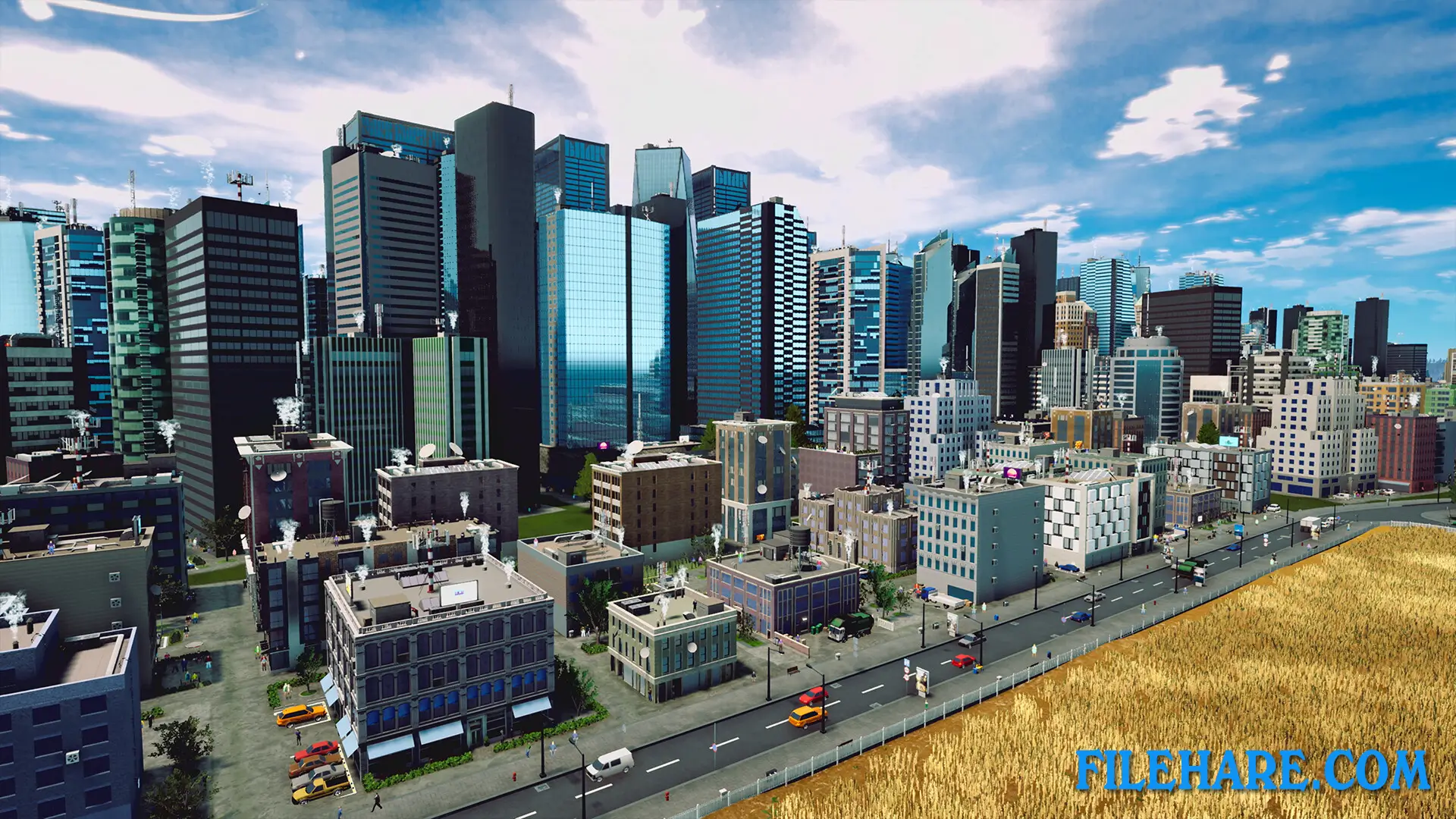
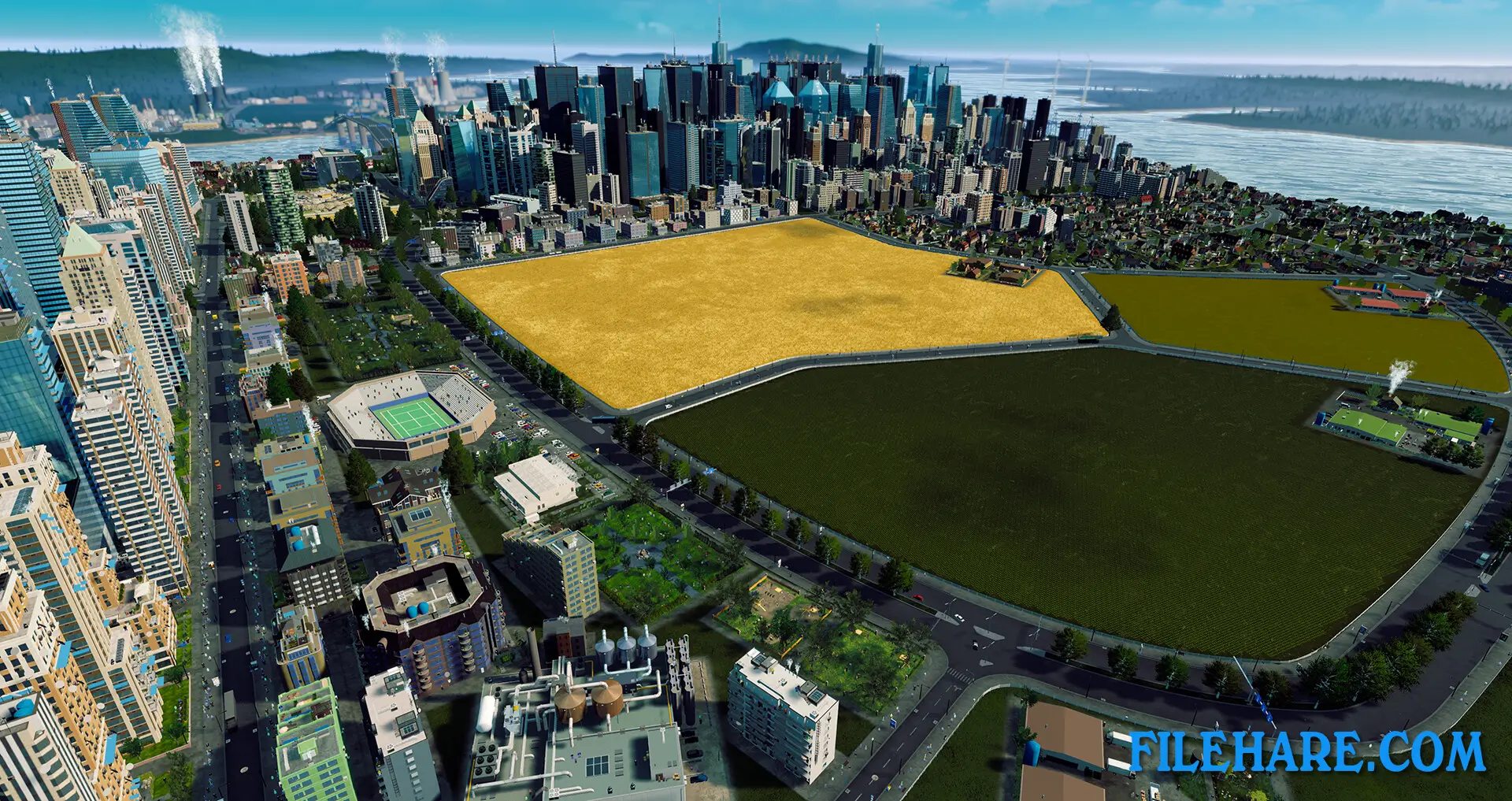
The game allows you to build cities up to 194 square kilometers in size with up to 30,000 buildings. You can have up to 5,000 vehicles and 20,000 people visible on screen at the same time. The game includes a building editor. You can also adjust game rules and create your own road types through modding support. There are three DLC expansions available. The Metro and Planes DLC adds underground metro systems and airports for faster transportation. The Vacation Season DLC, released on August 5, 2024, introduces tourism mechanics where you build hotels, beaches, and attractions to welcome visitors. The game received mostly positive reviews with a 79 percent approval rating on Steam and scored well with critics.
Recommended System Requirements
- OS: Windows 10
- Processor: Ryzen 9 3900X @ 3800MHz
- Memory: 32 GB RAM
- Graphics: GeForce GTX 1080 Ti / Radeon RX 5700 XT
- DirectX: Version 11
- Storage: 25 GB available space
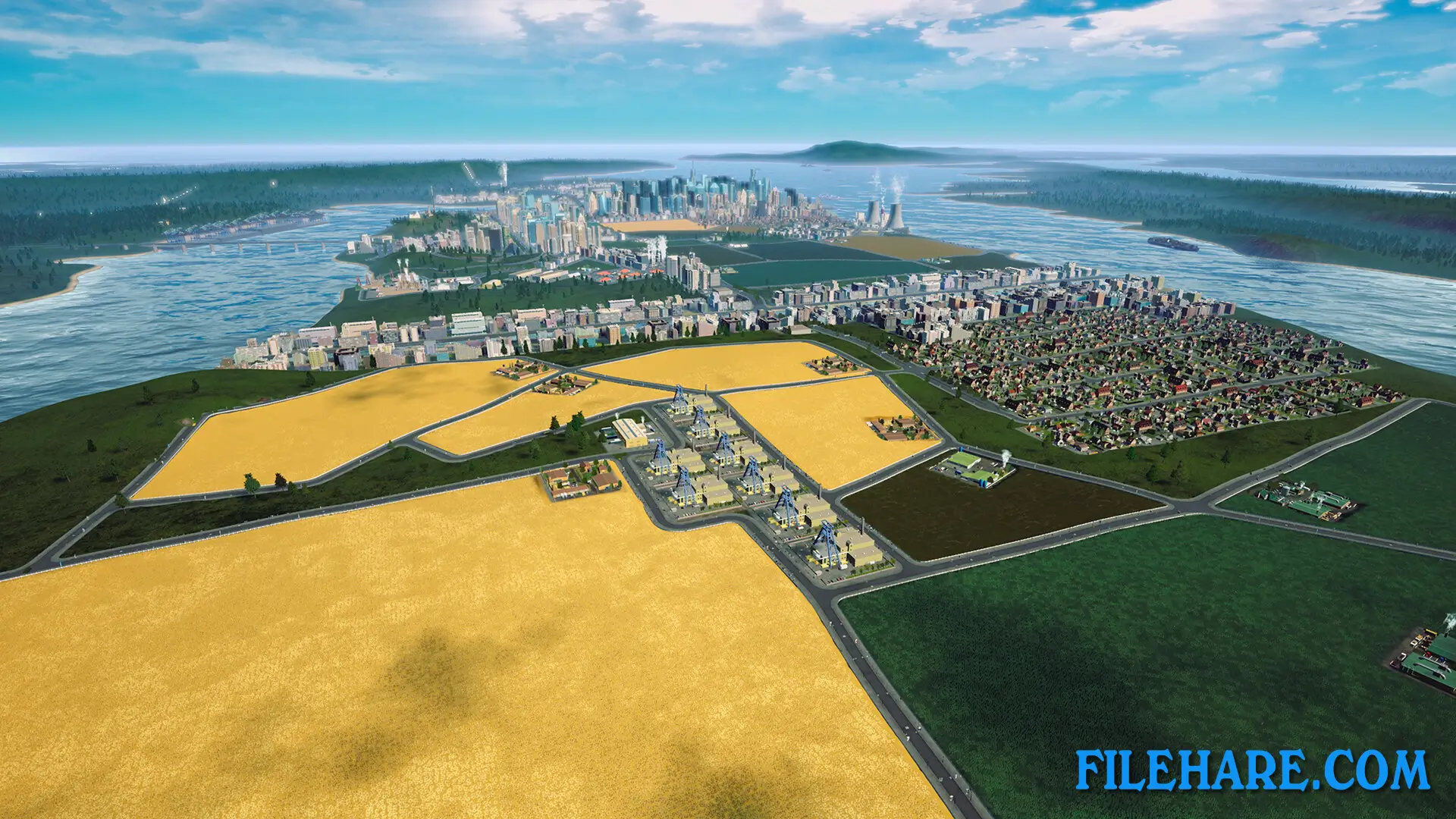
Gameplay Screenshots
| Name | Highrise City |
|---|---|
| Developer | Fourexo Entertainment |
| File Size | 5.36 GB |
| Category | Simulation |
| Minimum System Requirements | |
| CPU | Intel Core i7 7700 @ 3.6Ghz |
| RAM | 16 GB |
| Graphics | GeForce GTX 760 Ti |
| Free Disk Space | 25 GB |
| Operating System | Windows 10 / 11 |
| User Rating | |
Buy this game to support the developer. Store Page
How to Download and Install Highrise City PC Game?
We have simple instructions for you to download and install the PC game. Before following the steps, Ensure your PC meets the minimum system requirements for Playing the game on your PC.
- First, click on the DOWNLOAD button and you will be redirected to the final Download page. Then, Download the Game on your PC.
- Once you have downloaded the Highrise City PC Game, Open the folder where you saved the Game.
- Then Right-click on the Zip file and click on the "Extract files" option from the dropdown menu. If your computer does not have a Zip file extract software installed, you must first install it. (such as WinRAR, 7Zip software)
- After Extracting the Zip file, Open the Highrise City PC Game folder.
- Then, double-click on the Setup.exe file to Install the Game.
- If asked to allow the program to make changes to your device, click Yes to continue.
- After the installation, if you get any missing ".dll" errors or the Game is not launching, open the Readme.txt file located in the game folder and follow the instructions shown in the document file to play the game.
Done!. Now, you can launch the game from your desktop.