How To Punish A Witch PC Game Download for Windows 10/11/7/8
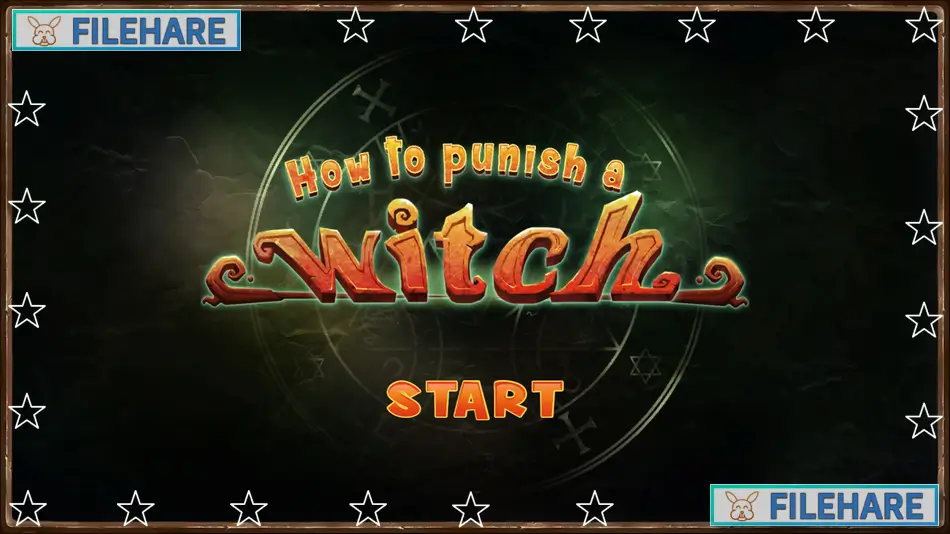
How To Punish A Witch is a casual adult game developed by Peach Beach and published by Raging Usagi Corporation. The game was released on June 23, 2020, on PC. It is a single-player title available on Windows only. The game supports English and is a compact, budget-priced casual title combining a target-shooting mini game with adult anime artwork. It includes Steam Achievements and is the second game of its type from developer Peach Beach.
Table of Contents
How To Punish A Witch Story
Witches and warlocks secretly live among ordinary people in the same society. In the past, witches tortured the player character, a warlock, leaving him with a desire for revenge. The warlock has now returned to confront the witches and make them pay for what they did. The story is simple and short, serving mainly as a backdrop to set up the gameplay rather than a detailed plot. The tone is adult and lighthearted, and the story is told mainly through text and static anime artwork.
How To Punish A Witch Gameplay
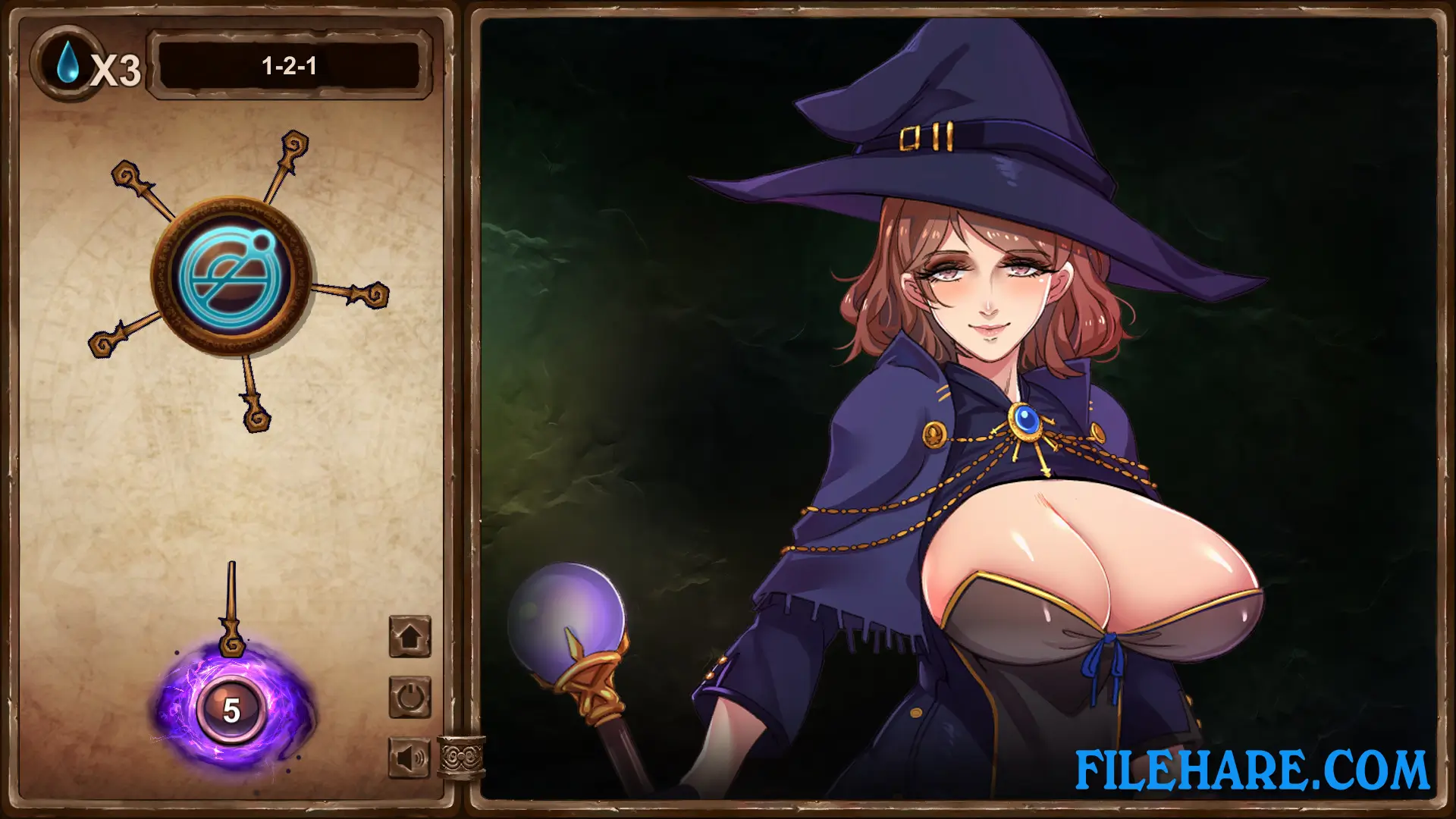
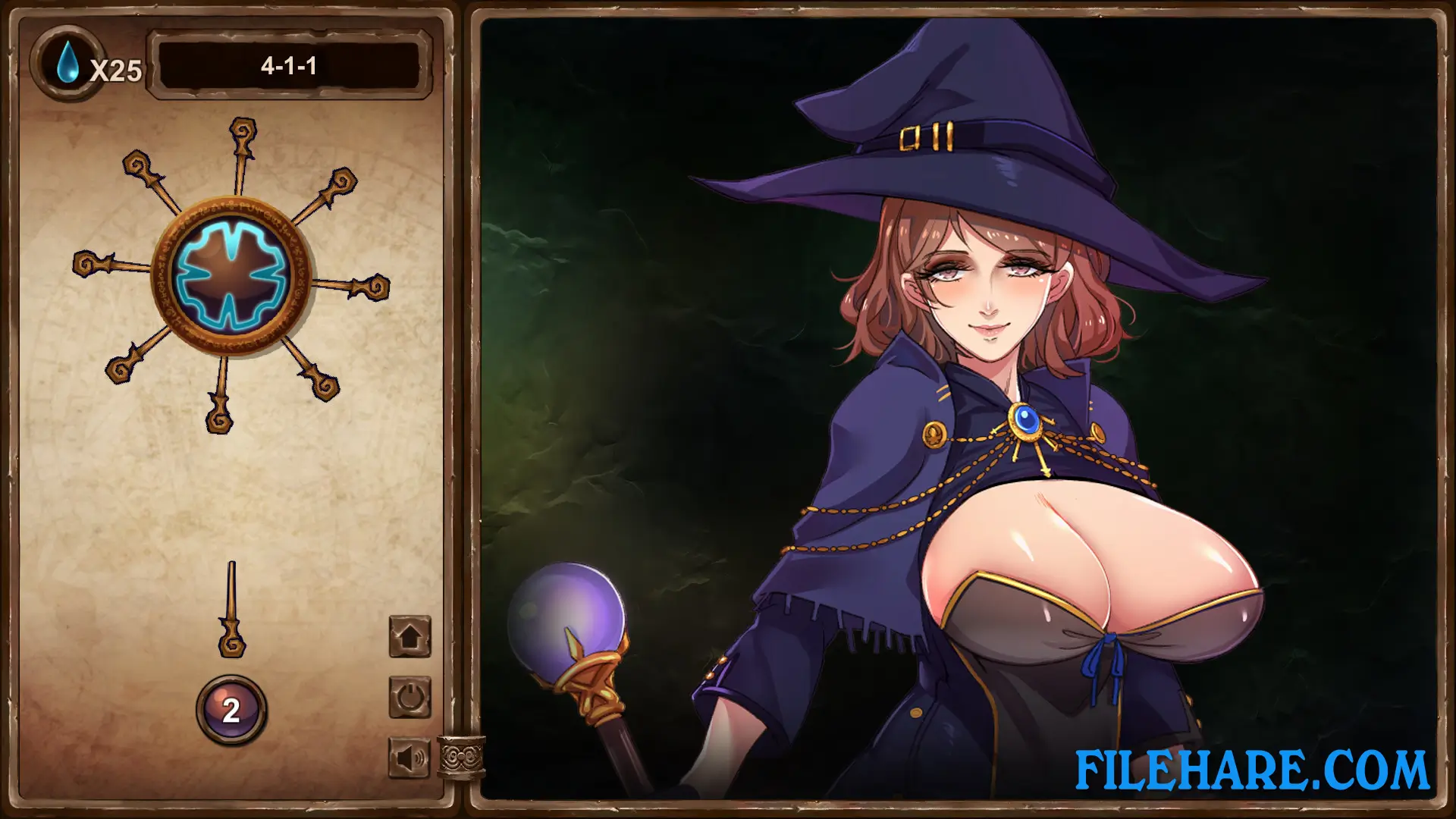
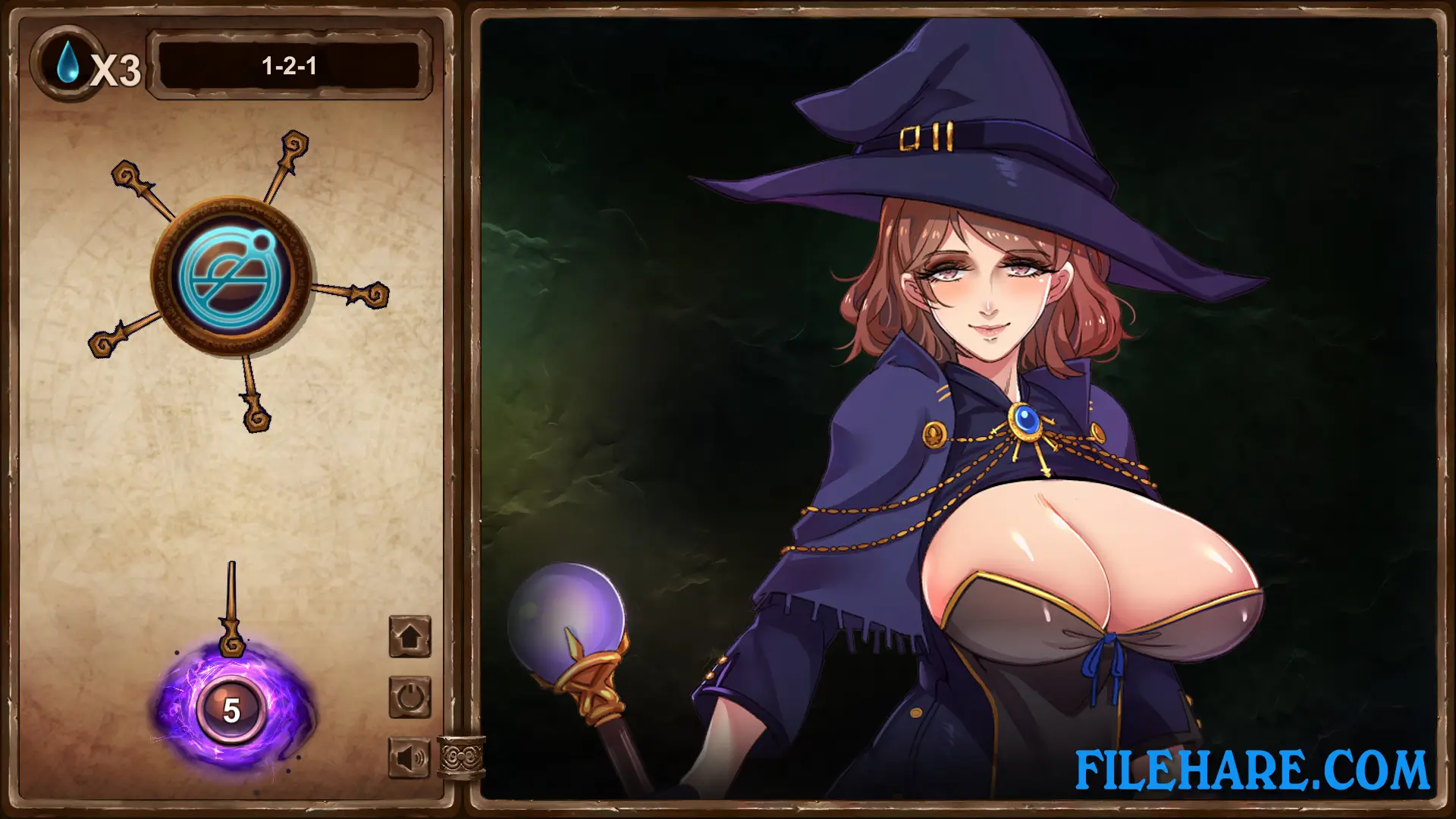
The game is a target-shooting casual title controlled entirely with one hand using the mouse. The player fires energy shafts at a spinning target by left-clicking the mouse button. The goal is to hit the witch’s weak spot a set number of times to complete each level. The key rule is that a fired shaft must not touch any shaft already stuck in the target — if it does, the player loses that attempt. Every time the player completes a sub-level without losing, they gain a life. If the player hits an existing shaft and loses, the total number of shafts required for that level goes down by one. The game contains over 100 levels in total, with difficulty increasing as the player advances further.
Gameplay Screenshots
| Name | How To Punish A Witch |
|---|---|
| Developer | Peach Beach |
| File Size | 262.44 MB |
| Category | Adult |
| Minimum System Requirements | |
| CPU | Intel Core i3 |
| RAM | 512 MB |
| Graphics | Any |
| Free Disk Space | 512 MB |
| Operating System | Windows 10 / 11 / 7 / 8 |
| User Rating | |
Buy this game to support the developer. Store Page
How to Download and Install How To Punish A Witch PC Game?
We have simple instructions for you to download and install the PC game. Before following the steps, Ensure your PC meets the minimum system requirements for Playing the game on your PC.
- First, click on the DOWNLOAD button and you will be redirected to the final Download page. Then, Download the Game on your PC.
- Once you have downloaded the How To Punish A Witch PC Game, Open the folder where you saved the Game.
- Then Right-click on the Zip file and click on the "Extract files" option from the dropdown menu. If your computer does not have a Zip file extract software installed, you must first install it. (such as WinRAR, 7Zip software)
- After Extracting the Zip file, Open the How To Punish A Witch PC Game folder.
- Then, double-click on the Setup.exe file to Install the Game.
- If asked to allow the program to make changes to your device, click Yes to continue.
- After the installation, if you get any missing ".dll" errors or the Game is not launching, open the Readme.txt file located in the game folder and follow the instructions shown in the document file to play the game.
Done!. Now, you can launch the game from your desktop.