In a Bit of Tales PC Game Download for Windows 10/11/8

In a Bit of Tales is a PC game developed by Daybloom Project and published by Prejordria Interactives. It was released on 27 May 2025. This game offers several short horror stories collected under one name.
Table of Contents
In a Bit of Tales Gameplay
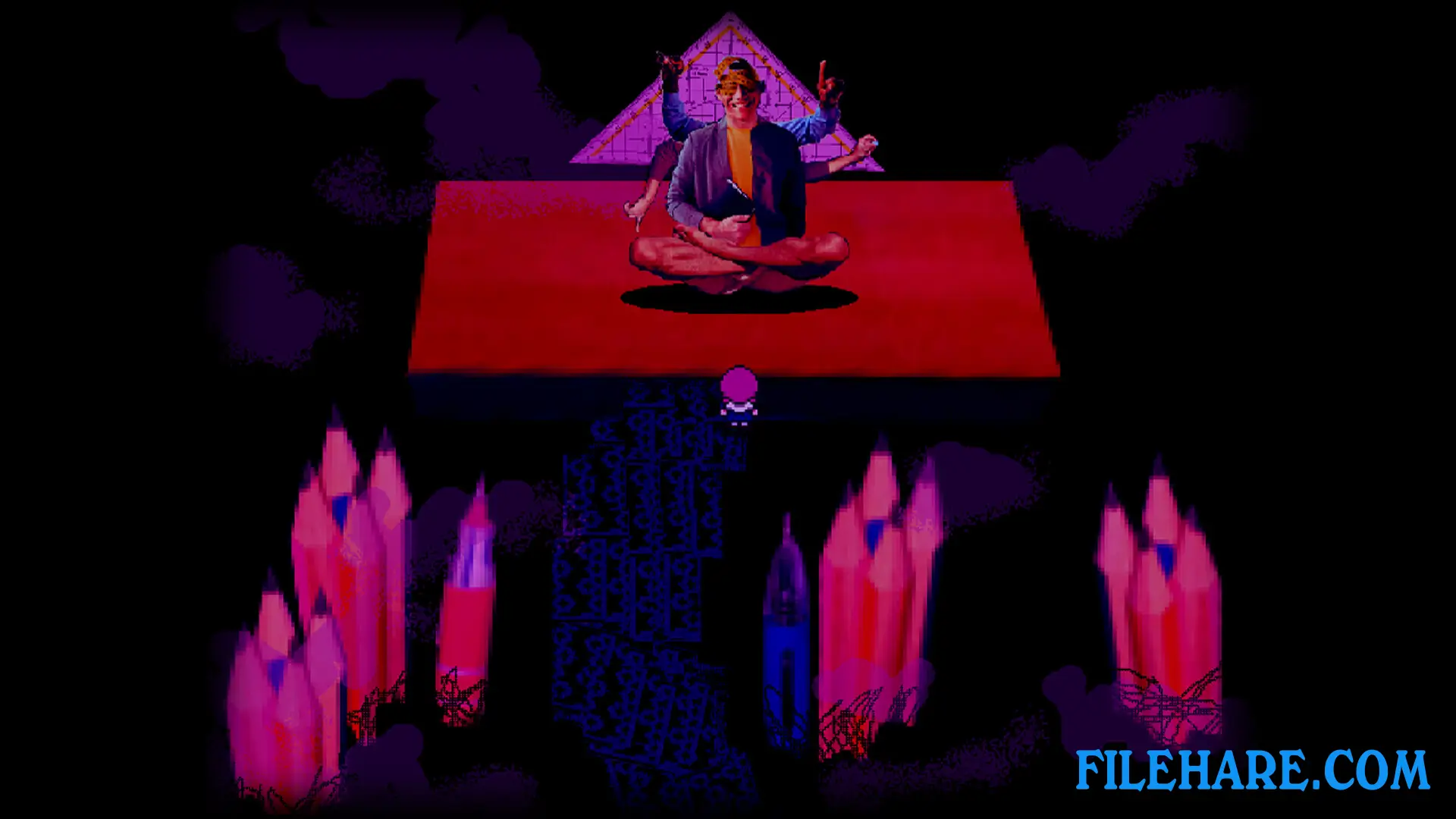
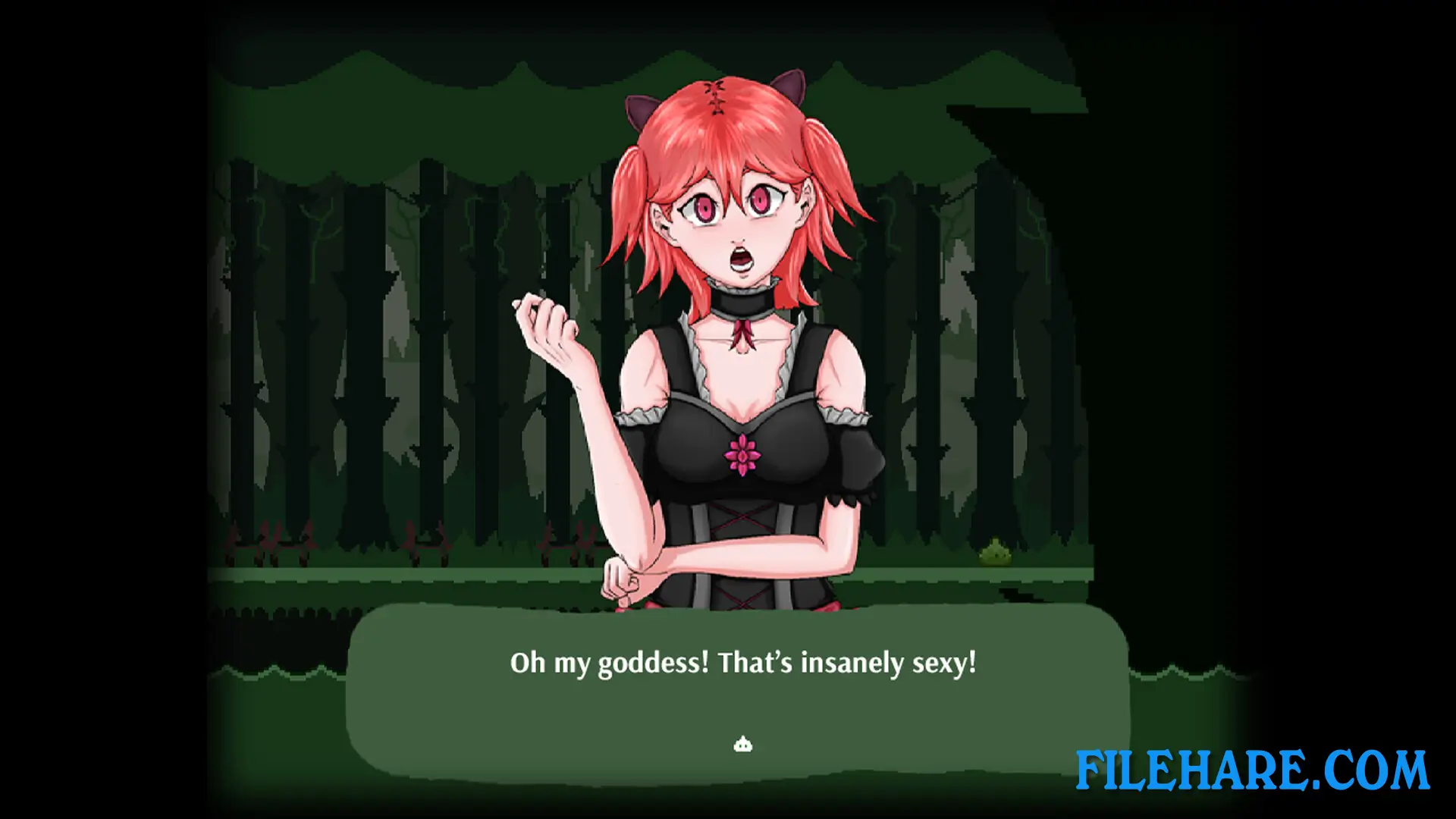
The game is made as an anthology horror collection. You play as a main character who enters short stories, each called a “Bit.” There are seven of these Bits. The style changes with each Bit. Some Bits use 2D pixel graphics. The game involves exploring scenes and experiencing strange and scary events. You move from place to place, watch, walk, and see what happens. The game is single-player. It uses a simple interface, and you see what the protagonist sees.
In a Bit of Tales Features
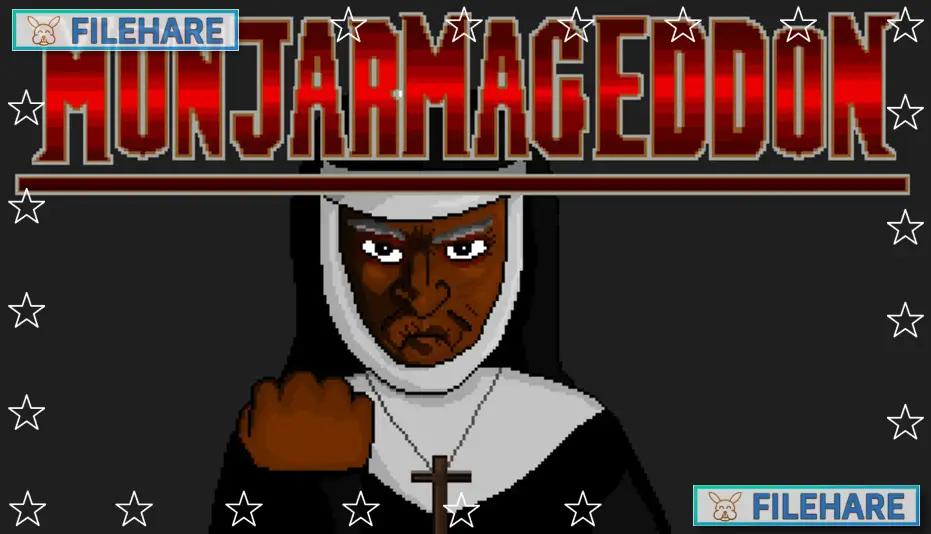
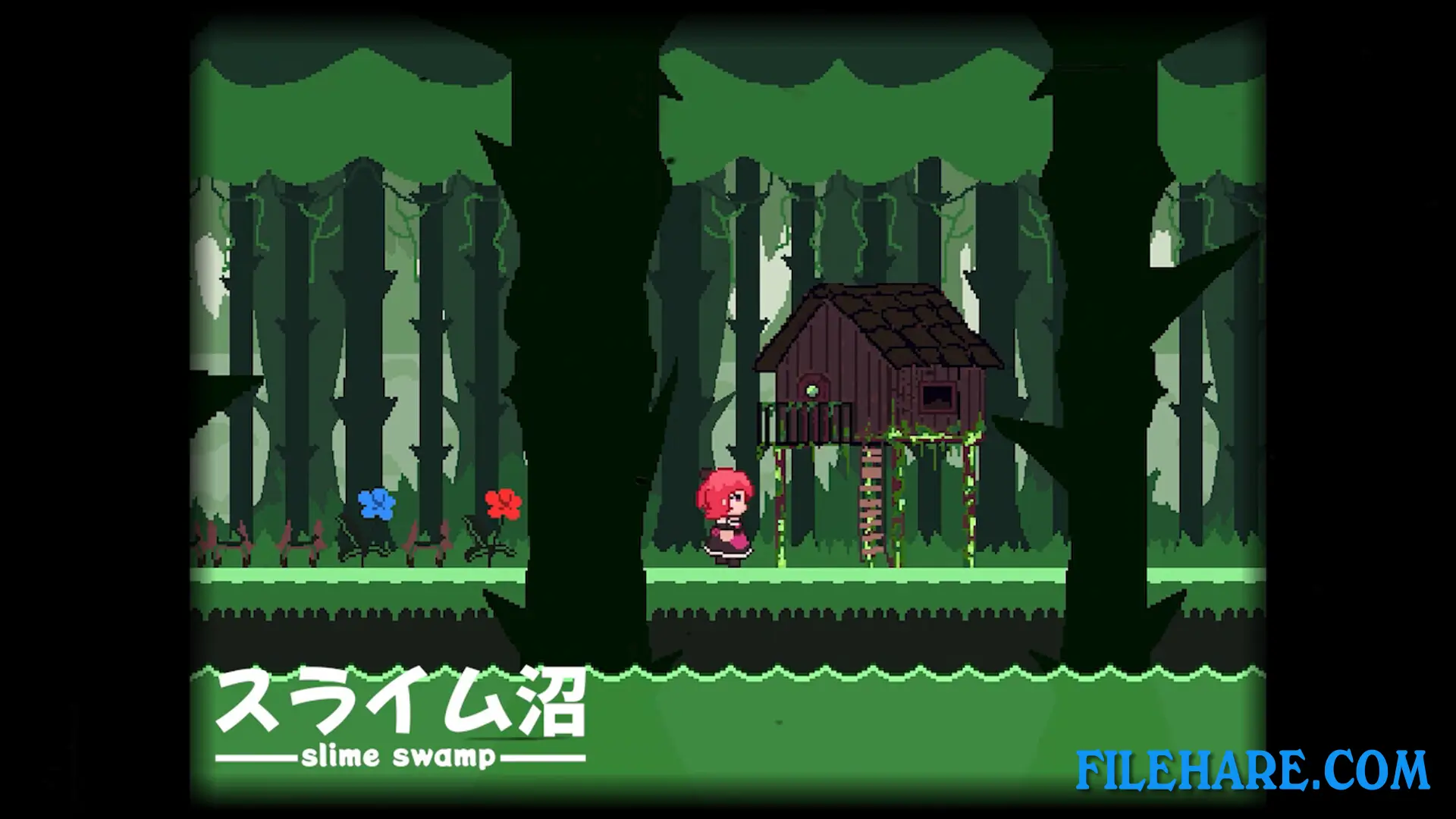
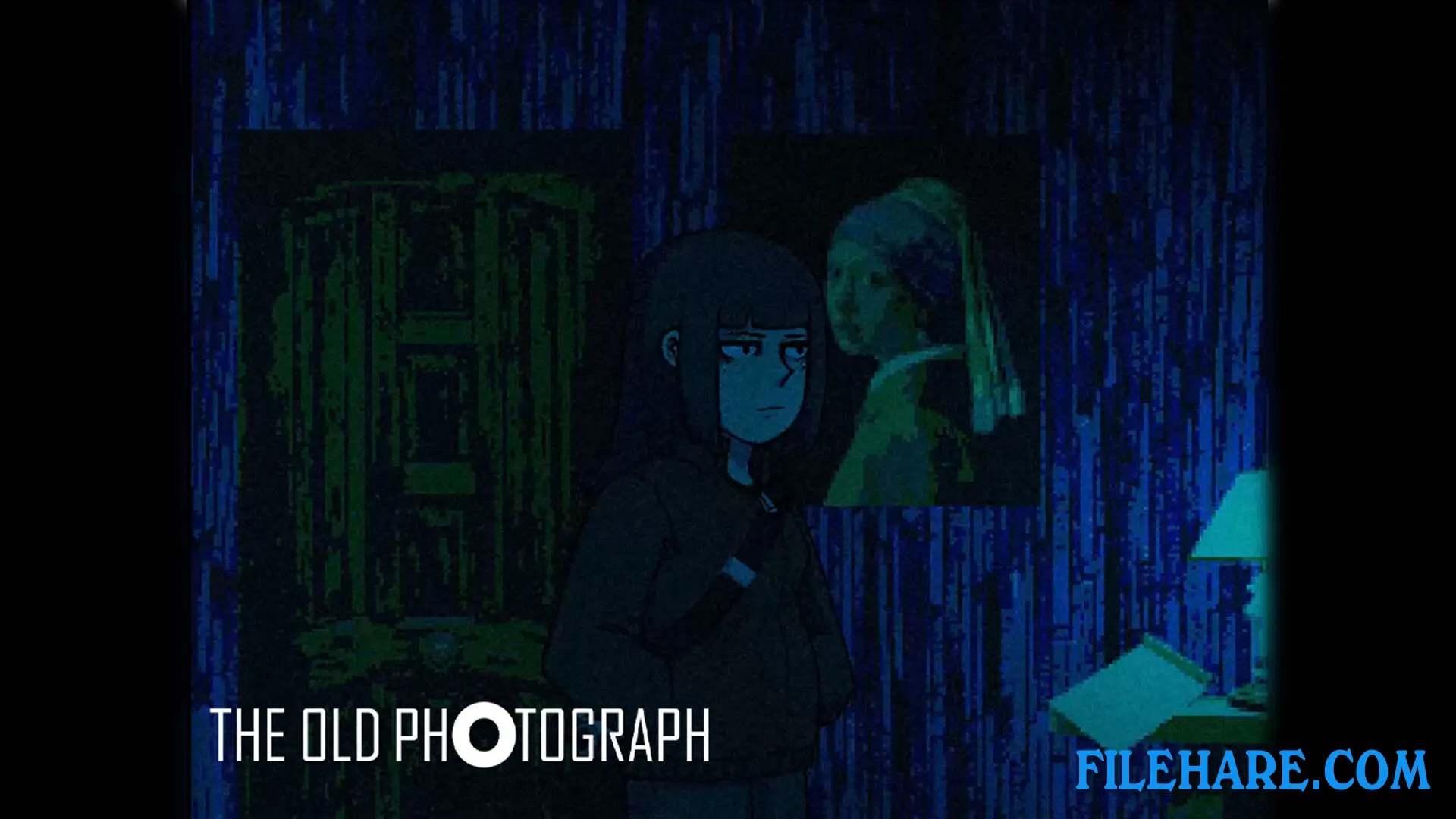
The game includes seven unique horror tales. Some of these are named “Maria,” “Metamorphosis,” “Slime Swamp,” “Is It Truly Satan?,” “Shut Your Eyes,” “Butterfly’s Lament,” and “The Old Photograph.” The length of each tale is short — usually around 5 to 30 minutes long. The graphics style is pixel art. The game uses simple 2D visuals and atmospheric design. There are scary themes and sometimes disturbing scenes. The stories show horror in many ways: ghostly schools, mysterious cults, strange nightmares, and tragic memories.
The game has many short horror experiences. Because each story is short and different, a player can finish one and start another in little time. For players who like short horror games with simple controls and changing moods, this game may be a good fit.
Gameplay Screenshots
| Name | In a Bit of Tales |
|---|---|
| Developer | Daybloom Project |
| File Size | 535 MB |
| Category | Adult |
| Minimum System Requirements | |
| CPU | Intel Core i3-4340 or better |
| RAM | 8 GB |
| Graphics | Compatible OpenGL / VRAM 1GB or better |
| Free Disk Space | 1 GB |
| Operating System | Windows 10 / 11 / 8 |
| User Rating | |
Buy this game to support the developer. Store Page
How to Download and Install In a Bit of Tales PC Game?
We have simple instructions for you to download and install the PC game. Before following the steps, Ensure your PC meets the minimum system requirements for Playing the game on your PC.
- First, click on the DOWNLOAD button and you will be redirected to the final Download page. Then, Download the Game on your PC.
- Once you have downloaded the In a Bit of Tales PC Game, Open the folder where you saved the Game.
- Then Right-click on the Zip file and click on the "Extract files" option from the dropdown menu. If your computer does not have a Zip file extract software installed, you must first install it. (such as WinRAR, 7Zip software)
- After Extracting the Zip file, Open the In a Bit of Tales PC Game folder.
- Then, double-click on the Setup.exe file to Install the Game.
- If asked to allow the program to make changes to your device, click Yes to continue.
- After the installation, if you get any missing ".dll" errors or the Game is not launching, open the Readme.txt file located in the game folder and follow the instructions shown in the document file to play the game.
Done!. Now, you can launch the game from your desktop.