Insect Swarm PC Game Download for Windows 10/11/7/8
Insect Swarm is a top-down flying shooter game developed and published by Parallel Portal. The game was originally released in early access on June 1, 2022, and received its full version release on September 11, 2024, for PC. Players take on the role of a lone survivor stranded on a barren desert planet where they must battle against millions of alien insects called Blood Insects. The game offers action-packed combat where players pilot an aircraft and can switch to a Mecha mode to fight using both ranged weapons and melee attacks against endless waves of enemies.
Table of Contents
Insect Swarm Story
The game takes place on a desert planet that was discovered during space exploration a few years ago. Mining companies found valuable minerals on the planet’s surface that contained extremely high energy levels. People quickly established mining bases to extract these precious resources. However, during one mining operation, a terrifying roar came from underground, and countless alien creatures called Blood Insects crawled out from beneath the surface. These minerals turned out to be crystals formed from the concentrated blood of these insects. The large mining vehicles had accidentally disturbed the insects sleeping underground, triggering a fierce attack. The Blood Insects destroyed almost all mining bases and equipment in retaliation. As one of the workers, you failed to evacuate in time and now must survive on this hostile planet while fighting back against the insect hordes. Your ultimate goal is to escape this nightmare or destroy the entire planet to end the threat permanently.
Insect Swarm Gameplay
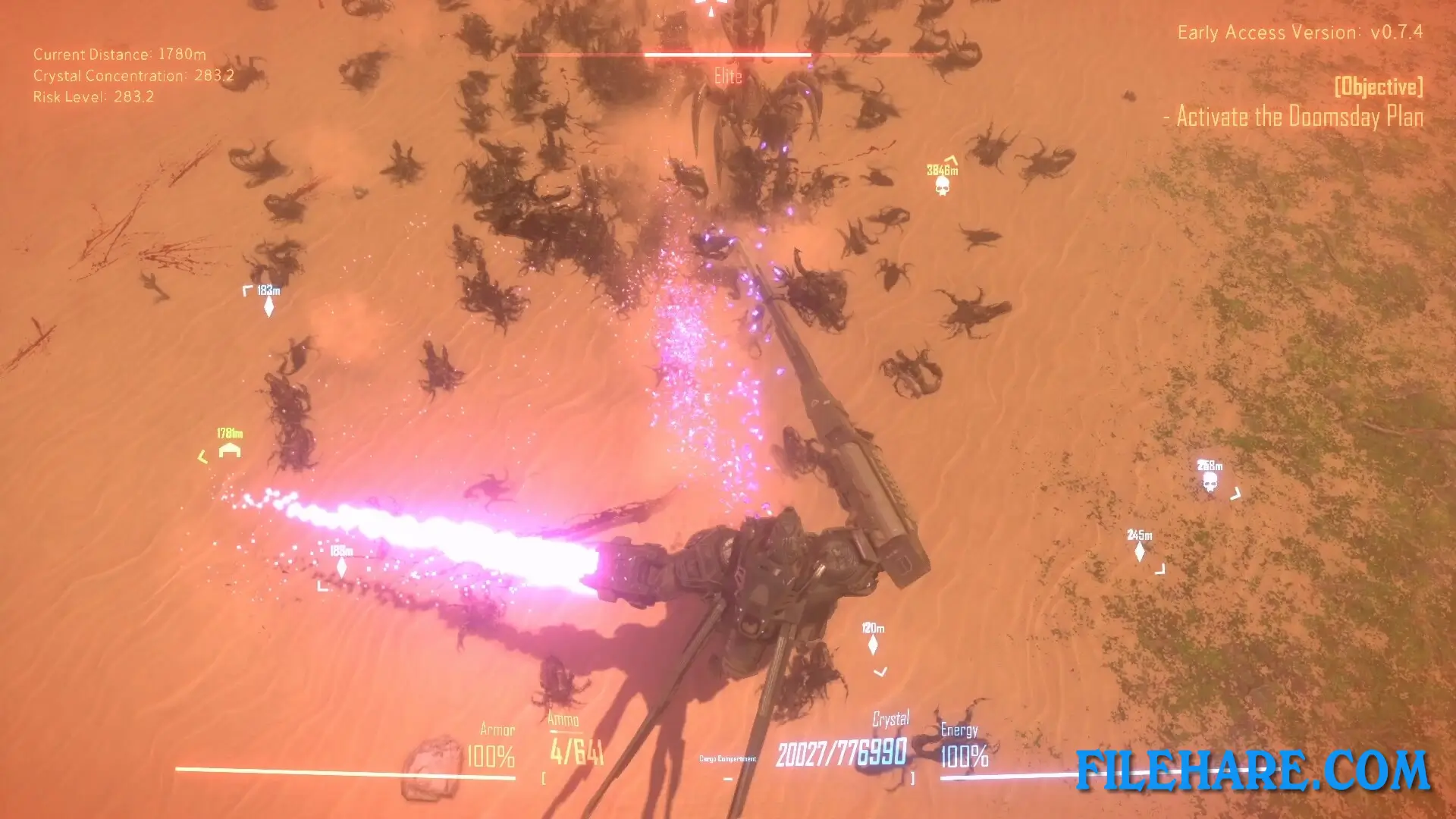
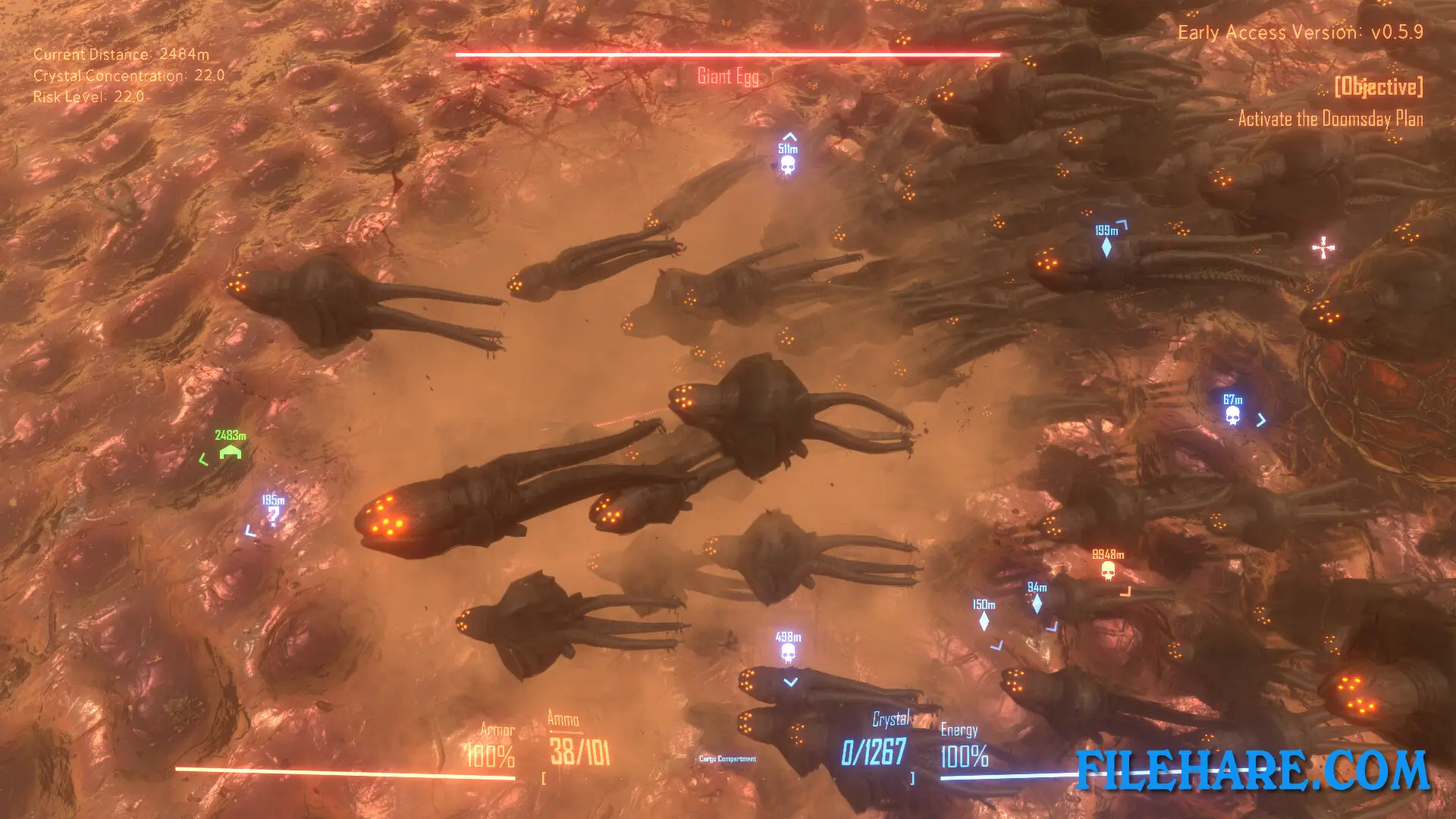
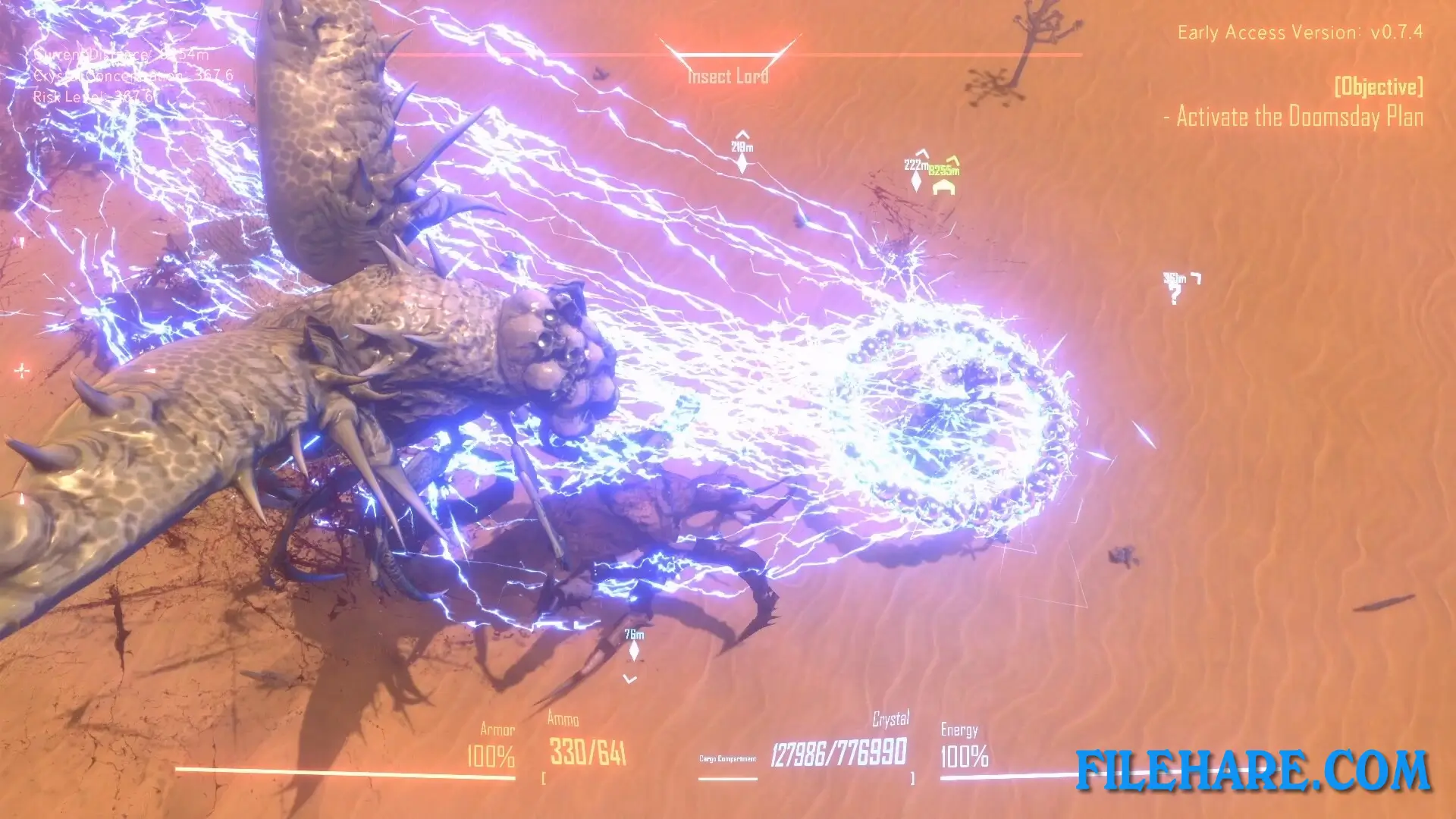
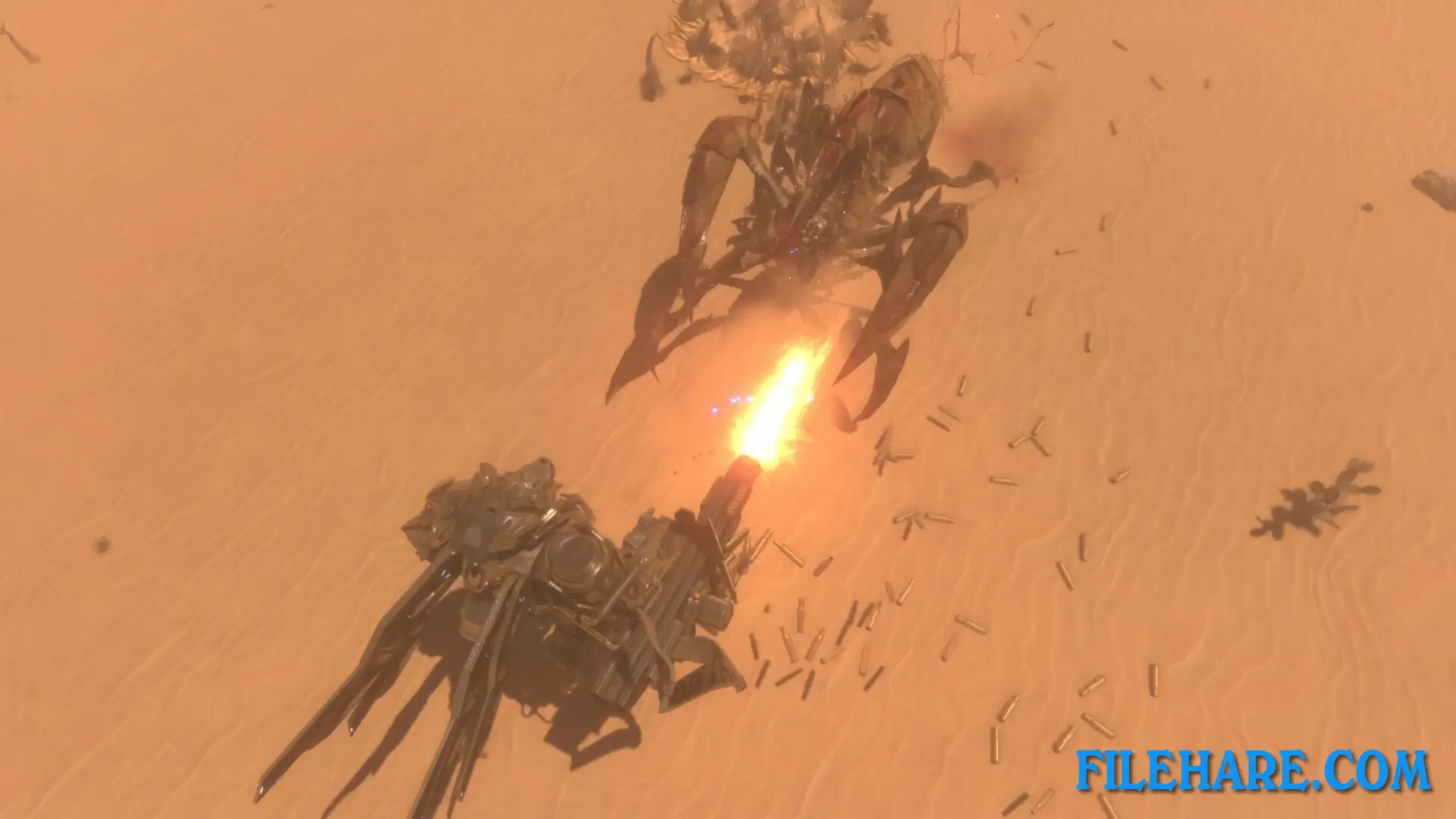
Insect Swarm combines flying combat with ground-based Mecha action in a top-down perspective. Players control their character using the keyboard for movement while using the mouse to aim and shoot. The game features a borderless open map where players can explore freely without restrictions. You can carry one main weapon and one secondary weapon at the same time during combat. A key feature is the ability to switch into Mecha mode, which equips your character with a melee weapon that has extended reach and a heavy Gatling gun for close-range combat. The game requires you to fight against massive numbers of insects that attack in swarms. Players collect resources scattered throughout the map after defeating enemies. These resources are used to upgrade your airframe and weapons. The upgrade system has no level cap, allowing unlimited progression as long as you have enough materials. Combat involves both shooting from your aircraft and switching to Mecha form for more powerful attacks when surrounded by enemies.
Insect Swarm Features
The game offers full controller support along with keyboard and mouse controls. Players earn Steam achievements and can save their progress using Steam Cloud functionality. The resource collection system allows you to gather materials from defeated insects and use them to improve your equipment continuously. Weapons include various firearms and a Gatling gun for the Mecha mode. The isometric 2.5D visual style presents the action from a tilted overhead angle. Single-player mode focuses on survival against increasingly difficult insect waves. The game supports multiple languages, including English, Chinese, Japanese, Korean, and several European languages.
Recommended System Requirements
Requires a 64-bit processor and operating system
- OS: Windows 10 64-bit
- Processor: Intel Core i7
- Memory: 8 GB RAM
- Graphics: GeForce GTX 1080
- Storage: 10 GB available space
Gameplay Screenshots
| Name | Insect Swarm |
|---|---|
| Developer | Parallel Portal |
| File Size | 2.91 GB |
| Category | Indie |
| Minimum System Requirements | |
| CPU | Intel Core i5 |
| RAM | 4 GB |
| Graphics | GeForce GTX 960 |
| Free Disk Space | 10 GB |
| Operating System | Windows 10 / 11 / 7 / 8 (64-bit) |
| User Rating | |
Buy this game to support the developer. Store Page
How to Download and Install Insect Swarm PC Game?
We have simple instructions for you to download and install the PC game. Before following the steps, Ensure your PC meets the minimum system requirements for Playing the game on your PC.
- First, click on the DOWNLOAD button and you will be redirected to the final Download page. Then, Download the Game on your PC.
- Once you have downloaded the Insect Swarm PC Game, Open the folder where you saved the Game.
- Then Right-click on the Zip file and click on the "Extract files" option from the dropdown menu. If your computer does not have a Zip file extract software installed, you must first install it. (such as WinRAR, 7Zip software)
- After Extracting the Zip file, Open the Insect Swarm PC Game folder.
- Then, double-click on the Setup.exe file to Install the Game.
- If asked to allow the program to make changes to your device, click Yes to continue.
- After the installation, if you get any missing ".dll" errors or the Game is not launching, open the Readme.txt file located in the game folder and follow the instructions shown in the document file to play the game.
Done!. Now, you can launch the game from your desktop.