Jerez’s Arena Ⅲ PC Game Download for Windows 10/11/7/8
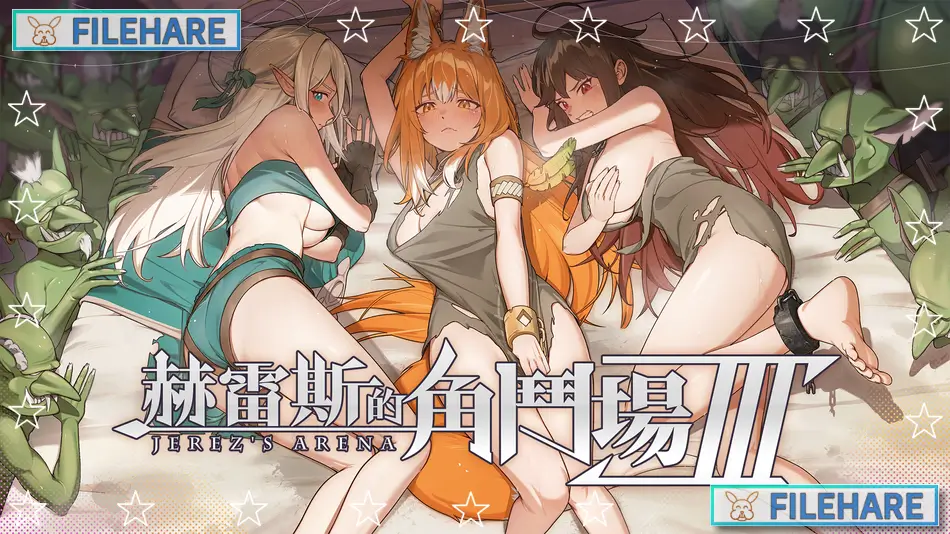
Jerez’s Arena Ⅲ is an adventure, RPG, and strategy game developed by WorkNite Games and Work To Night. It was published by Alice Publication and Eternal Alice Media. The game was released on June 23, 2025, for PC on Steam. It can also be played on Mac and is compatible with the Steam Deck. The game has received very positive reviews, with around 90% of players rating it positively on Steam.
Table of Contents
Jerez’s Arena Ⅲ Story
The story is set in a place called Jerez. A foxkin tribe had been living peacefully in a quiet valley for many years. The village chief, Banro, lived with his wife and two daughters, named Oretti and Melanie. One day, slave traders attacked their village and took Oretti away. She was then sold to a cruel ruler named Gulos, who controls one of the darkest parts of Jerez. In this grim place, Oretti meets two other women — Shanta, who has lost all hope, and Ailofen, a legendary Elven Empress known for her skill in the underground arena. Oretti must survive under Gulos’s cruel control, remove a magical slave mark placed on her, and find allies strong enough to help her break free and return to her family.
Jerez’s Arena Ⅲ Gameplay
Jerez’s Arena Ⅲ is a classic RPG with visual novel sections and combat. The player controls Oretti as she moves around the dark areas of Jerez, speaks with other characters, and takes part in arena battles. The combat in the game is turn-based, where the player and enemies take turns to attack. The monsters in this game are not just looking to hurt Oretti — they also try to humiliate her during battle. The player must fight wisely to protect Oretti’s dignity and keep her moving toward freedom. The game takes around 6 hours to finish on average.
Jerez’s Arena Ⅲ Features
The game is a single-player experience with multiple endings depending on how the player handles the story. It includes visual novel scenes with detailed character artwork and story text. The game features adult and NSFW content, so it is for mature players only. It supports Steam Achievements and Steam Cloud saves. Players can also adjust text size, which is helpful for easier reading. The game has colour alternative options and custom volume controls. It is available in English, Traditional Chinese, Simplified Chinese, Japanese, Korean, and Russian. A digital art book is also available as a downloadable add-on for players who want extra content from the game.
Recommended System Requirements
Requires a 64-bit processor and operating system
- OS: Windows 10 64-bit
- Processor: Core i5
- Memory: 4 GB RAM
- Graphics: HD Graphics
- Storage: 4 GB available space
Gameplay Screenshots

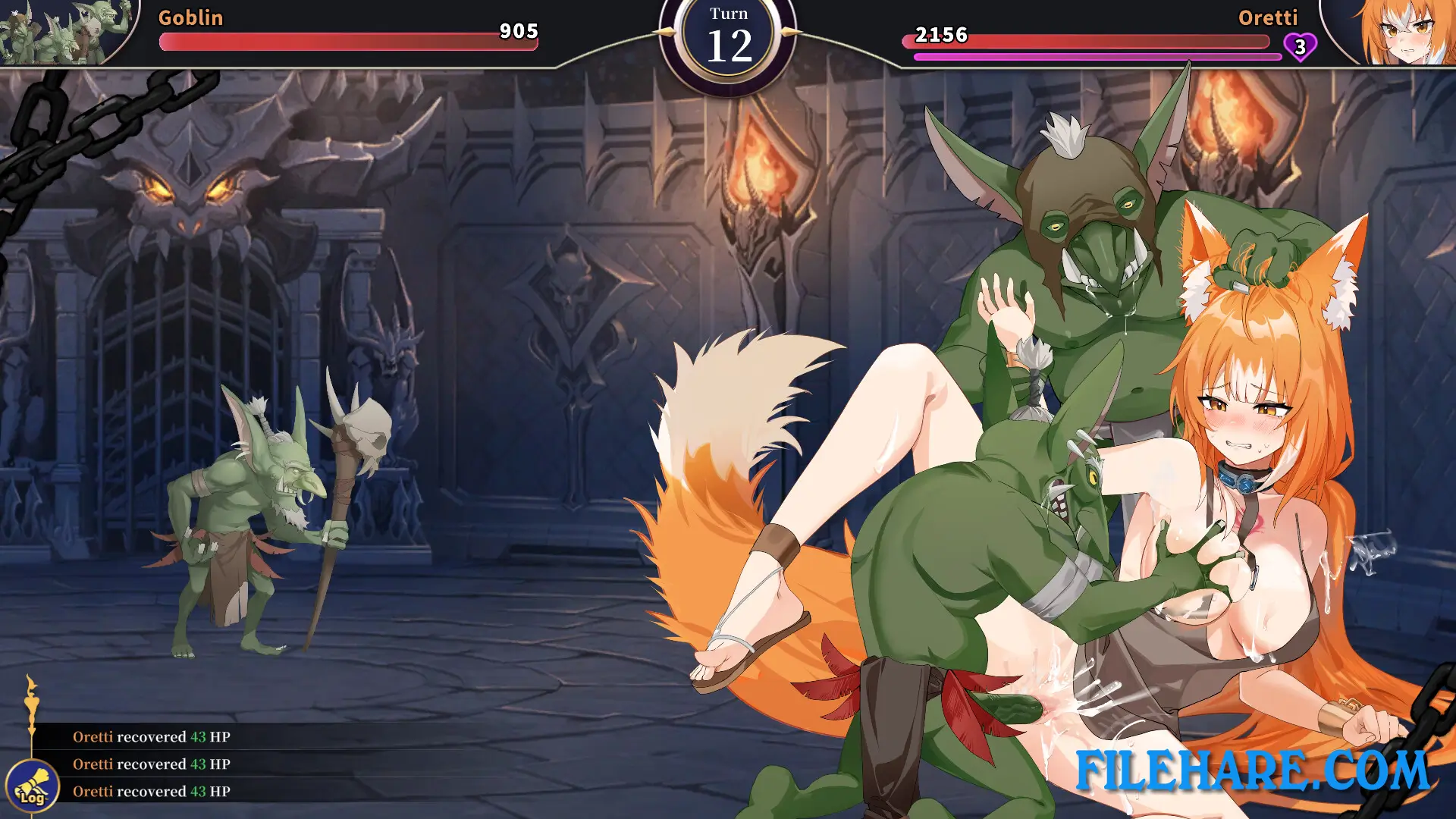

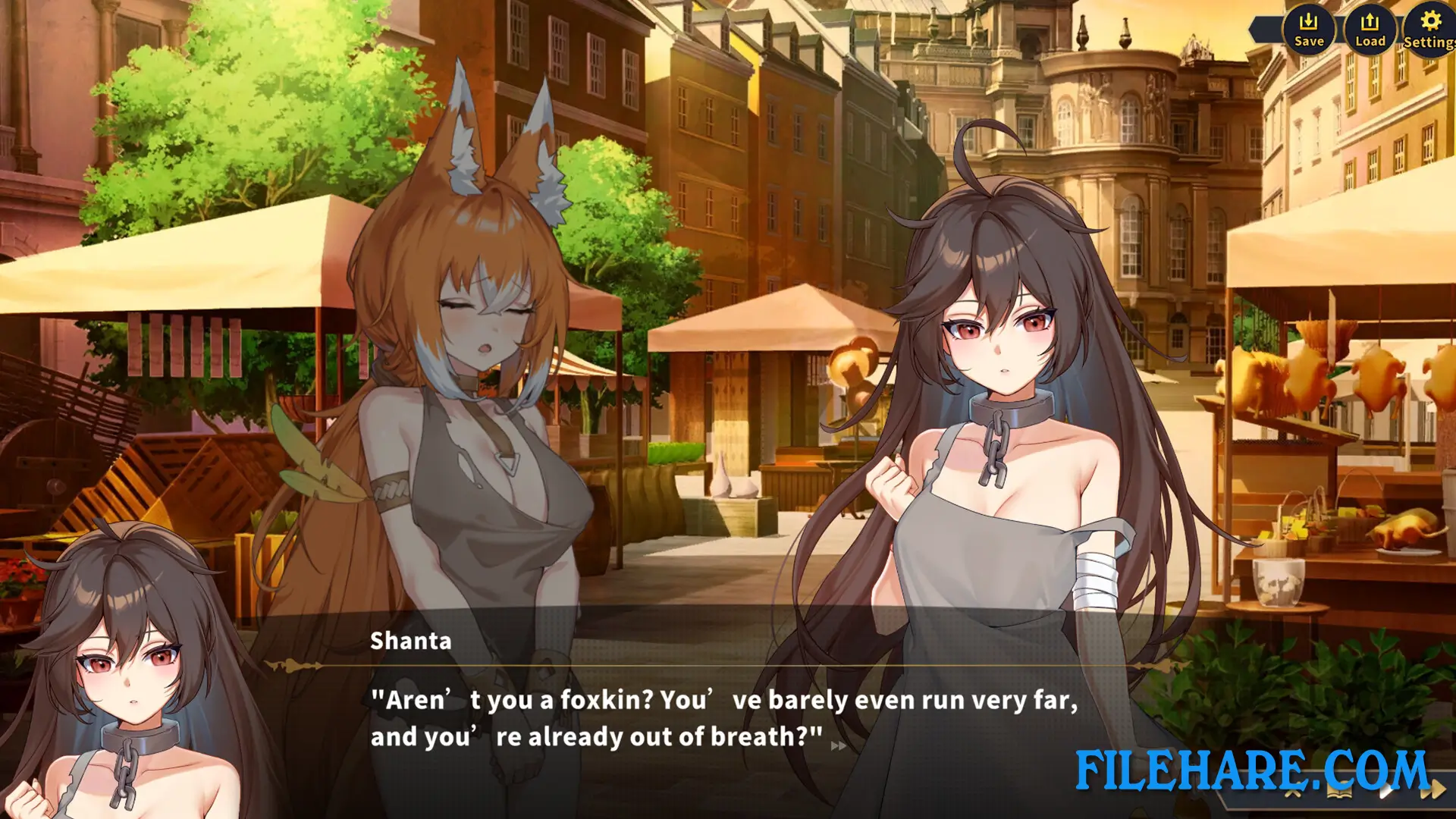
| Name | Jerez’s Arena Ⅲ |
|---|---|
| Developer | WorkNite Games |
| File Size | 1.28 GB |
| Category | Adult |
| Minimum System Requirements | |
| CPU | Intel Core i3 |
| RAM | 2 GB |
| Graphics | HD Graphics |
| Free Disk Space | 2 GB |
| Operating System | Windows 10 / 11 / 7 / 8 (64-bit) |
| User Rating | |
Buy this game to support the developer. Store Page
How to Download and Install Jerez’s Arena Ⅲ PC Game?
We have simple instructions for you to download and install the PC game. Before following the steps, Ensure your PC meets the minimum system requirements for Playing the game on your PC.
- First, click on the DOWNLOAD button and you will be redirected to the final Download page. Then, Download the Game on your PC.
- Once you have downloaded the Jerez’s Arena Ⅲ PC Game, Open the folder where you saved the Game.
- Then Right-click on the Zip file and click on the "Extract files" option from the dropdown menu. If your computer does not have a Zip file extract software installed, you must first install it. (such as WinRAR, 7Zip software)
- After Extracting the Zip file, Open the Jerez’s Arena Ⅲ PC Game folder.
- Then, double-click on the Setup.exe file to Install the Game.
- If asked to allow the program to make changes to your device, click Yes to continue.
- After the installation, if you get any missing ".dll" errors or the Game is not launching, open the Readme.txt file located in the game folder and follow the instructions shown in the document file to play the game.
Done!. Now, you can launch the game from your desktop.