Knock on the Coffin Lid: Complete Edition PC Game Download

Knock on the Coffin Lid: Complete Edition is a deckbuilding game developed and published by RedBoon, an indie studio from Russia. The game was first released on PC through Steam on August 8, 2024, after spending five years in Early Access. The Complete Edition, which includes the base game and the Nightmares of Millenis expansion, was later released for PlayStation 5 and Xbox Series consoles on May 21, 2025.
Table of Contents
Knock on the Coffin Lid Story
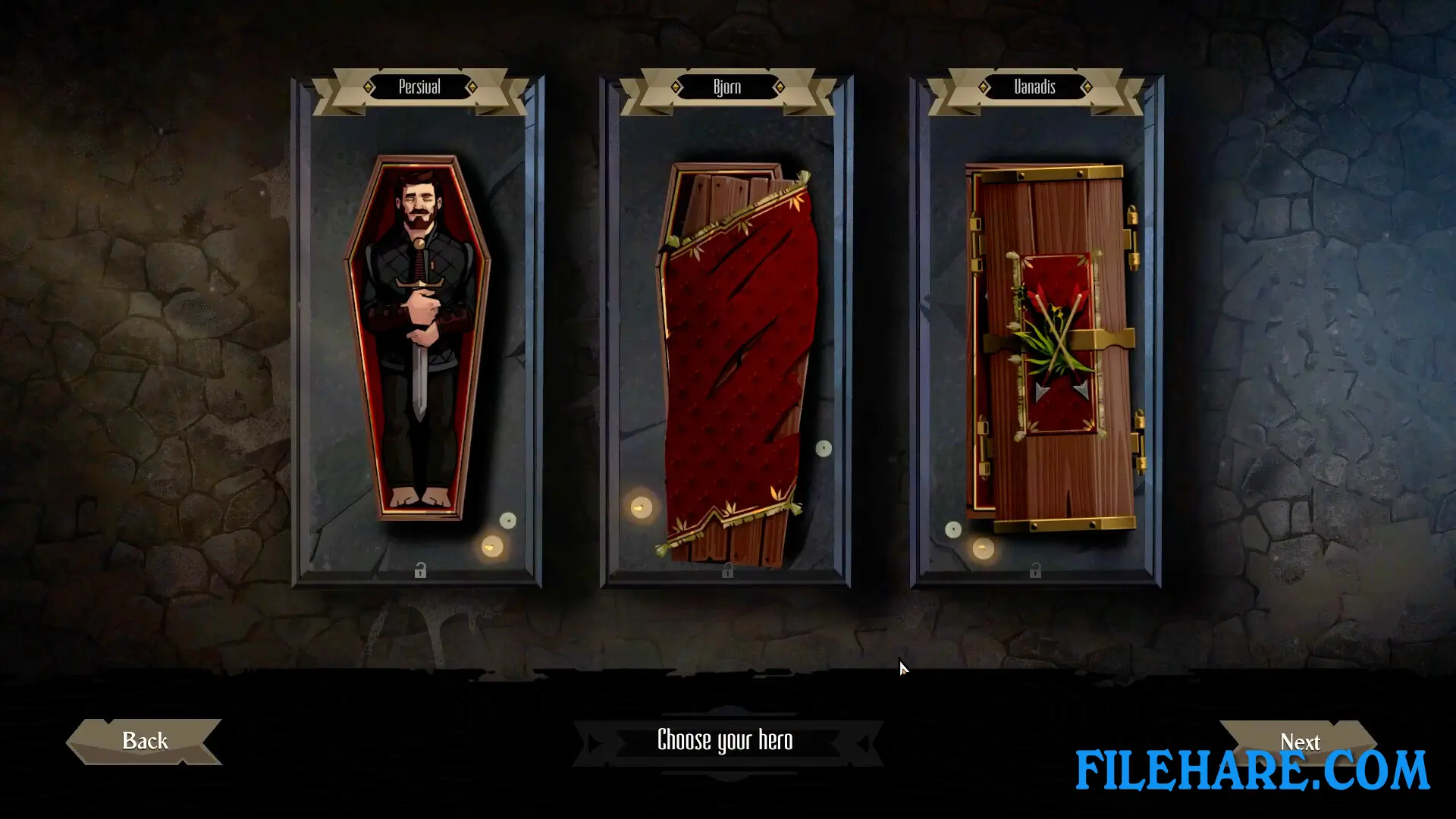
The story begins when you wake up inside a cold crypt, far from your home and without any memories of what happened to you. An unknown stranger is with you, and to get your memories back, you must find out the truth about your own death. You will travel through three different regions to return home and solve dangerous mysteries. The game takes place in Midian, a medieval fantasy land. You must choose who will sit on the empty throne of the Northern Gate. Your decisions will determine if goblins stay as slaves or become rulers, whether orcs will control the Crimson Steppes, or if elves will survive. The game lets you play as three main heroes, and you can unlock 12 different subclasses as you progress through the story.
Knock on the Coffin Lid Gameplay
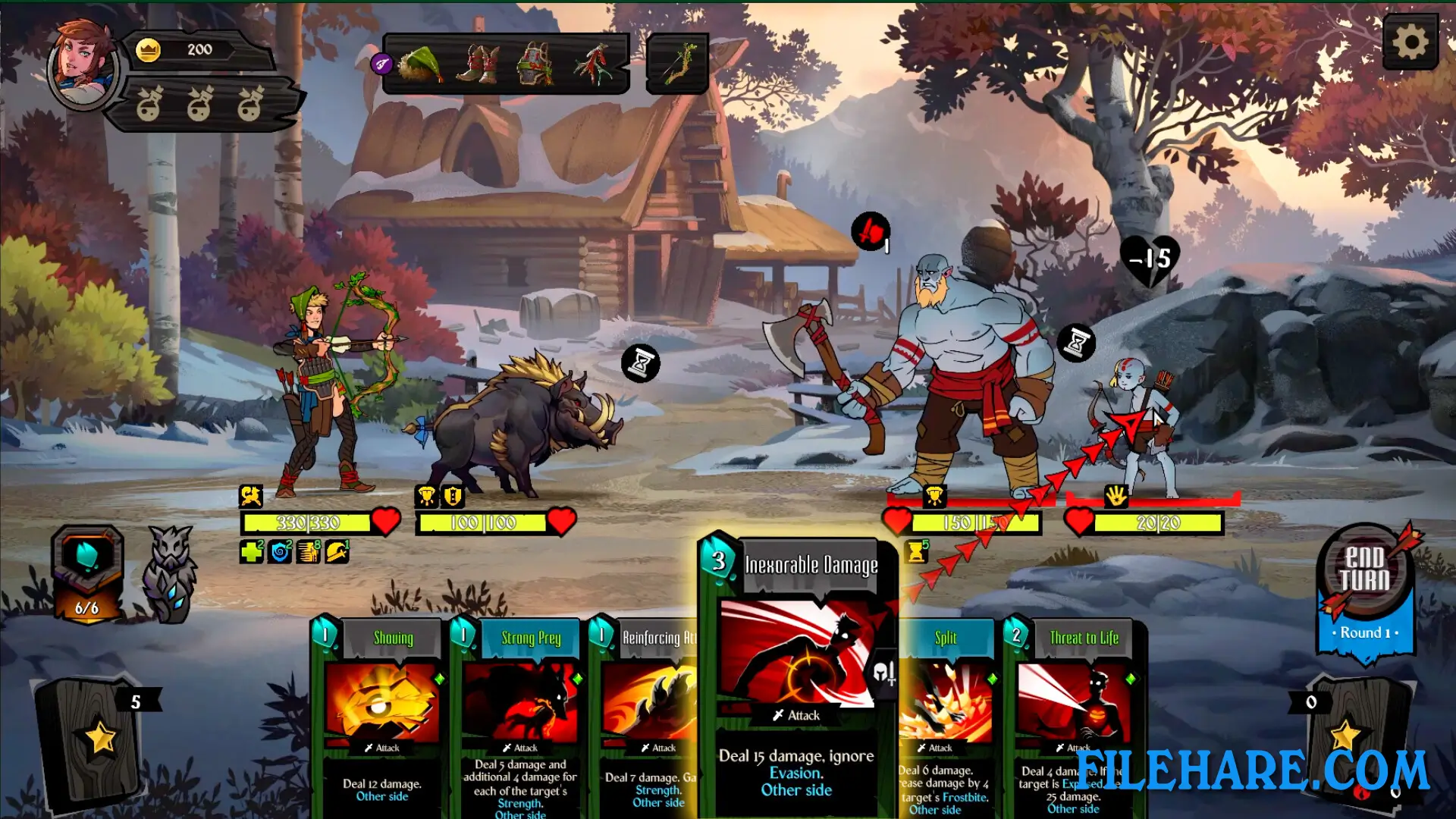
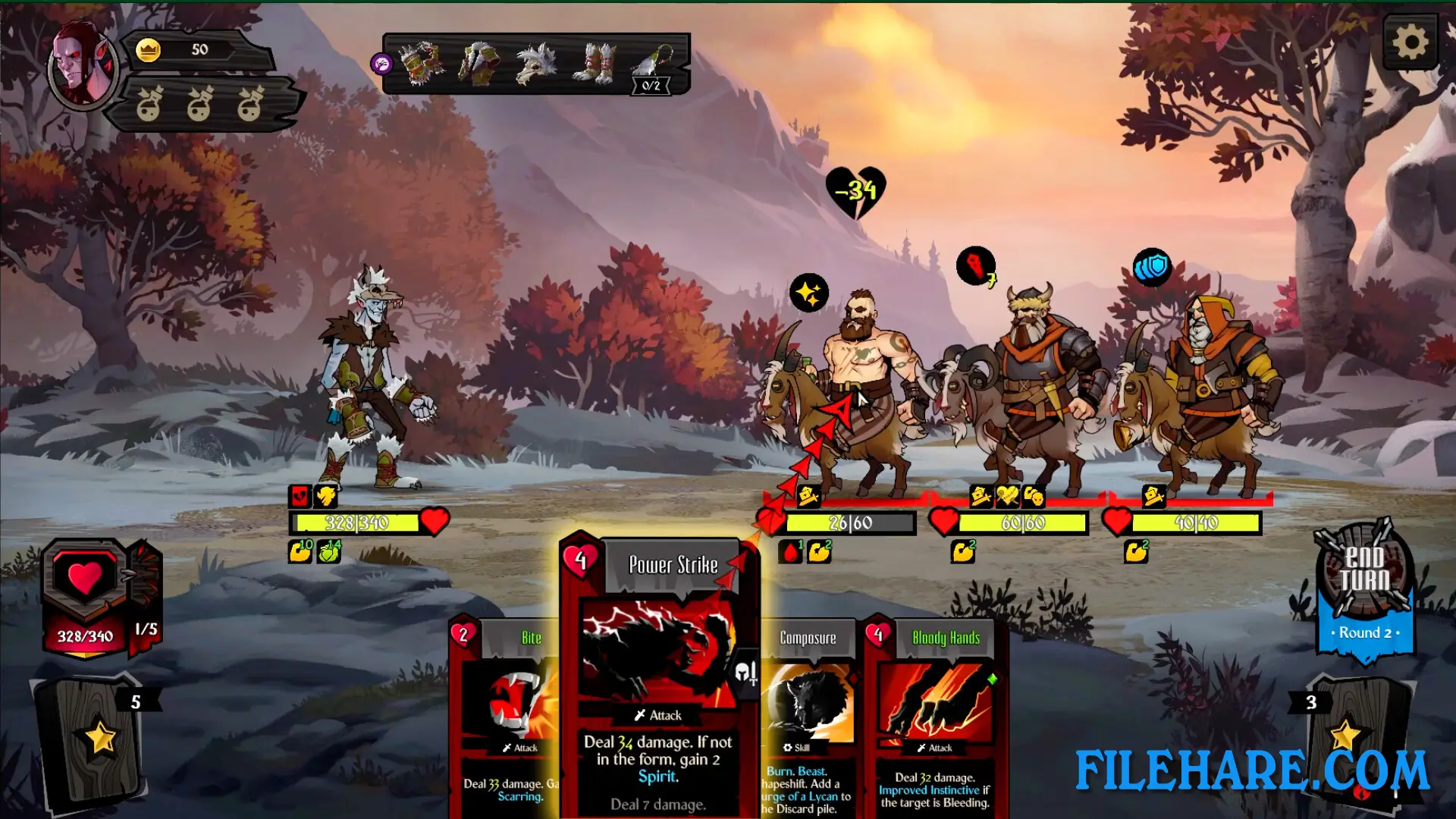
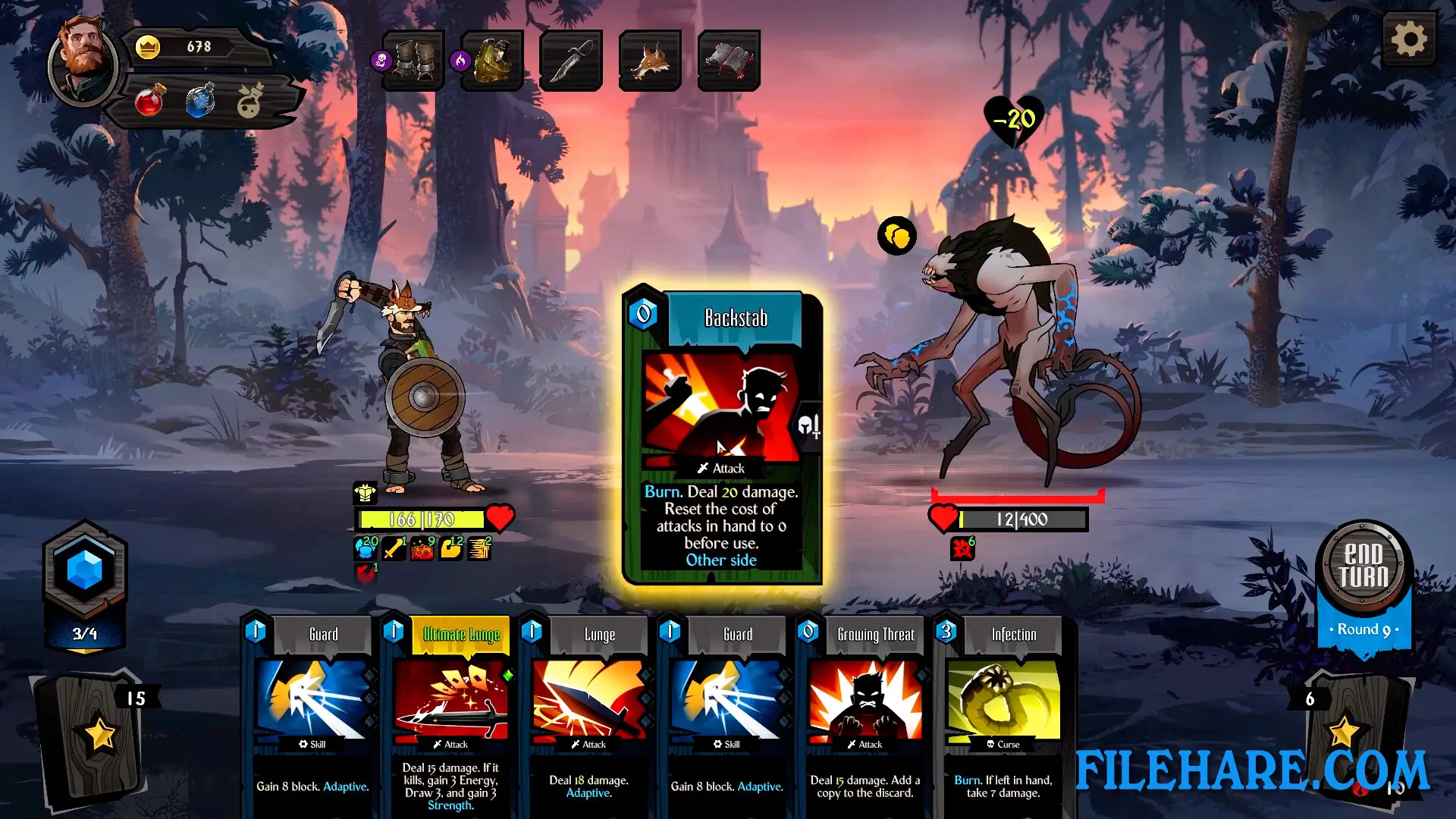
This is a card-based game where you build decks and fight enemies in battles. You collect cards, build strong decks, and use them to defeat opponents. You move across a map, face different battles, and collect powerful items called artifacts that help you in combat. When you lose, you start again. You can form alliances with other characters who join you temporarily in battles.
Gameplay Screenshots
| Name | Knock on the Coffin Lid: Complete Edition |
|---|---|
| Developer | RedBoon |
| File Size | 4 GB |
| Category | Indie |
| Minimum System Requirements | |
| CPU | Intel/AMD 2.6 Ghz Dual Core |
| RAM | 4 GB |
| Graphics | Graphics card with DX10 |
| Free Disk Space | 13 GB |
| Operating System | Windows 10 / 11 / 7 / 8 (64-bit) |
| User Rating | |
Buy this game to support the developer. Store Page
How to Download and Install Knock on the Coffin Lid: Complete Edition PC Game?
We have simple instructions for you to download and install the PC game. Before following the steps, Ensure your PC meets the minimum system requirements for Playing the game on your PC.
- First, click on the DOWNLOAD button and you will be redirected to the final Download page. Then, Download the Game on your PC.
- Once you have downloaded the Knock on the Coffin Lid: Complete Edition PC Game, Open the folder where you saved the Game.
- Then Right-click on the Zip file and click on the "Extract files" option from the dropdown menu. If your computer does not have a Zip file extract software installed, you must first install it. (such as WinRAR, 7Zip software)
- After Extracting the Zip file, Open the Knock on the Coffin Lid: Complete Edition PC Game folder.
- Then, double-click on the Setup.exe file to Install the Game.
- If asked to allow the program to make changes to your device, click Yes to continue.
- After the installation, if you get any missing ".dll" errors or the Game is not launching, open the Readme.txt file located in the game folder and follow the instructions shown in the document file to play the game.
Done!. Now, you can launch the game from your desktop.