Lovey-Dovey Lockdown PC Game Download for Windows 10/11/7/8
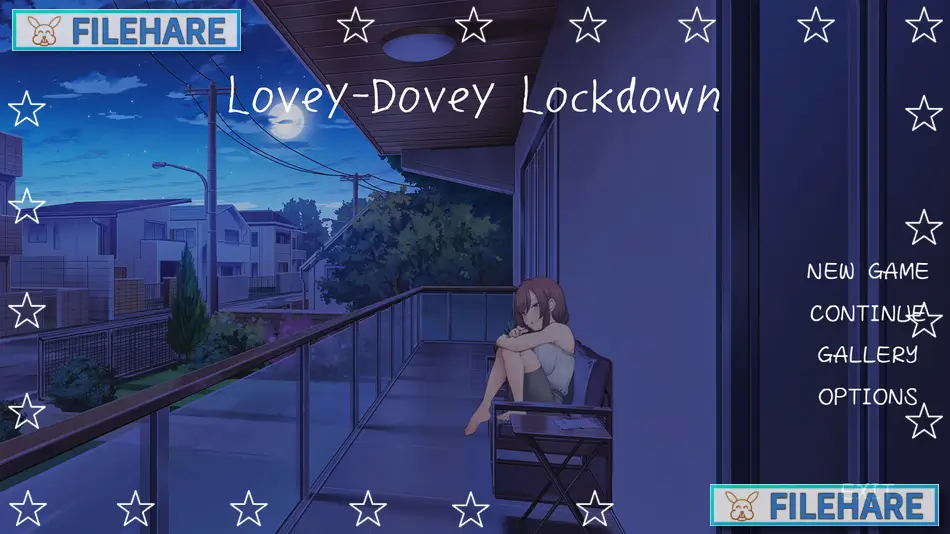
Lovey-Dovey Lockdown is a casual and simulation game developed by 樹懶叫工作室 (Sloth Studio), Sloth Gamer, and Maker製造機, and published by Mango Party, LewdLoco, and Mango Party News. The game was released on March 14, 2024, for PC on Steam. It is a single-player adult title with mature and NSFW content intended for players aged 18 and above. On Steam, the game has received positive reviews, with around 79% of players rating it positively.
Table of Contents
Lovey-Dovey Lockdown Story
The story begins when the main character unexpectedly runs into Olivia, a woman he had strong feelings for during his college years. He soon finds out that Olivia is now married to someone else. Before anything more can happen between them, a strange and unexplained higher power traps the two of them inside a room together. The only condition for their release is for them to become physically intimate. Day after day, the two of them are brought back to the same room, and as time passes, the feelings between them begin to grow stronger. Olivia slowly starts to open up to the main character, and the story centers on the complicated bond that builds between them in this unusual situation.
Lovey-Dovey Lockdown Gameplay
Lovey-Dovey Lockdown is played as a visual novel and simulation. The player reads story scenes and dialogue as the relationship with Olivia develops over time. The adult scenes in the game use Live2D animation, which makes the characters move and respond in a more expressive way. Players can also interact directly with Olivia during these scenes. The game is played with a mouse and runs as a single-player experience from beginning to end. The total playtime is around 2 to 3 hours on average.
Lovey-Dovey Lockdown Features
The game includes high-quality CG images and Live2D animated scenes that bring the characters to a more vivid visual presentation. A CG gallery is included so players can revisit their collected images. A digital art book DLC is available as a separate add-on for players who want extra character artwork. Lovey-Dovey Lockdown supports Steam Achievements and Steam Cloud saves. It is playable on Windows and is also compatible with the Steam Deck, though some features may not work fully on that device. The game is available in four languages: Traditional Chinese, English, Simplified Chinese, and Japanese.
Recommended System Requirements
- OS: Windows 7/8/10
- Processor: Intel Core i3
- Memory: 8 GB RAM
- Graphics: NVIDIA GeForce GTX 760 / AMD Radeon HD 6870
- DirectX: 11
- Sound Card: DirectSound
Gameplay Screenshots
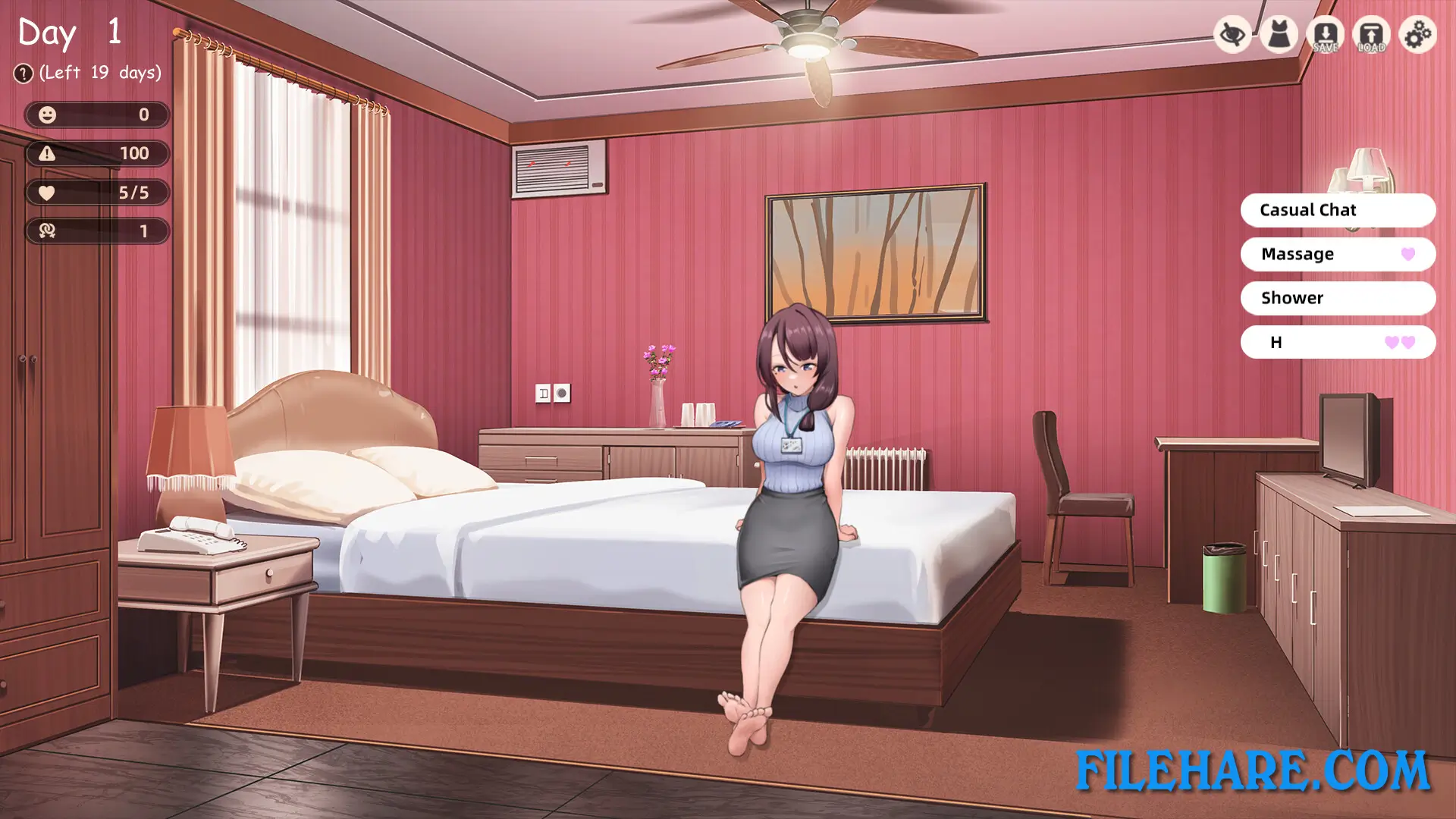
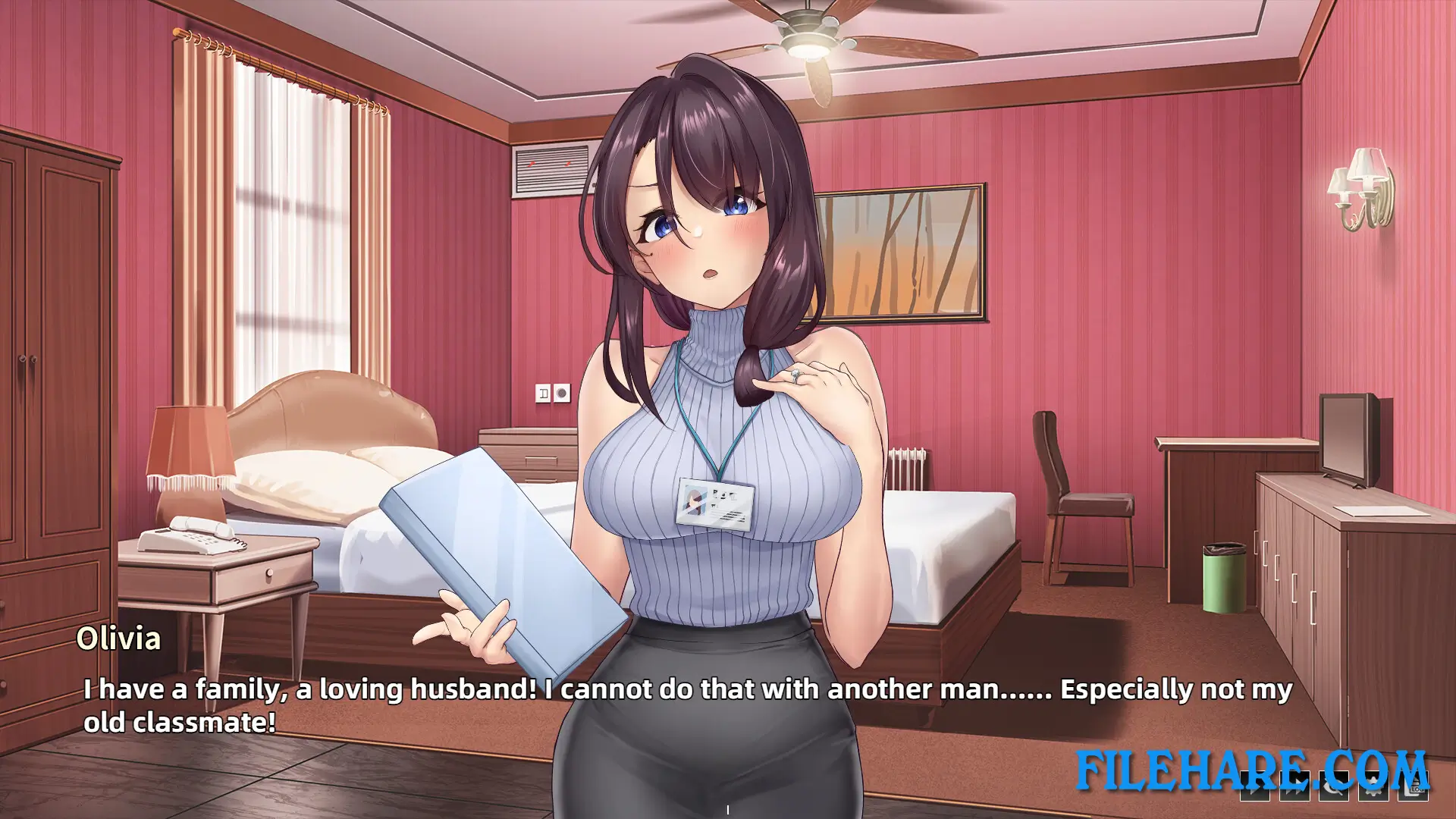
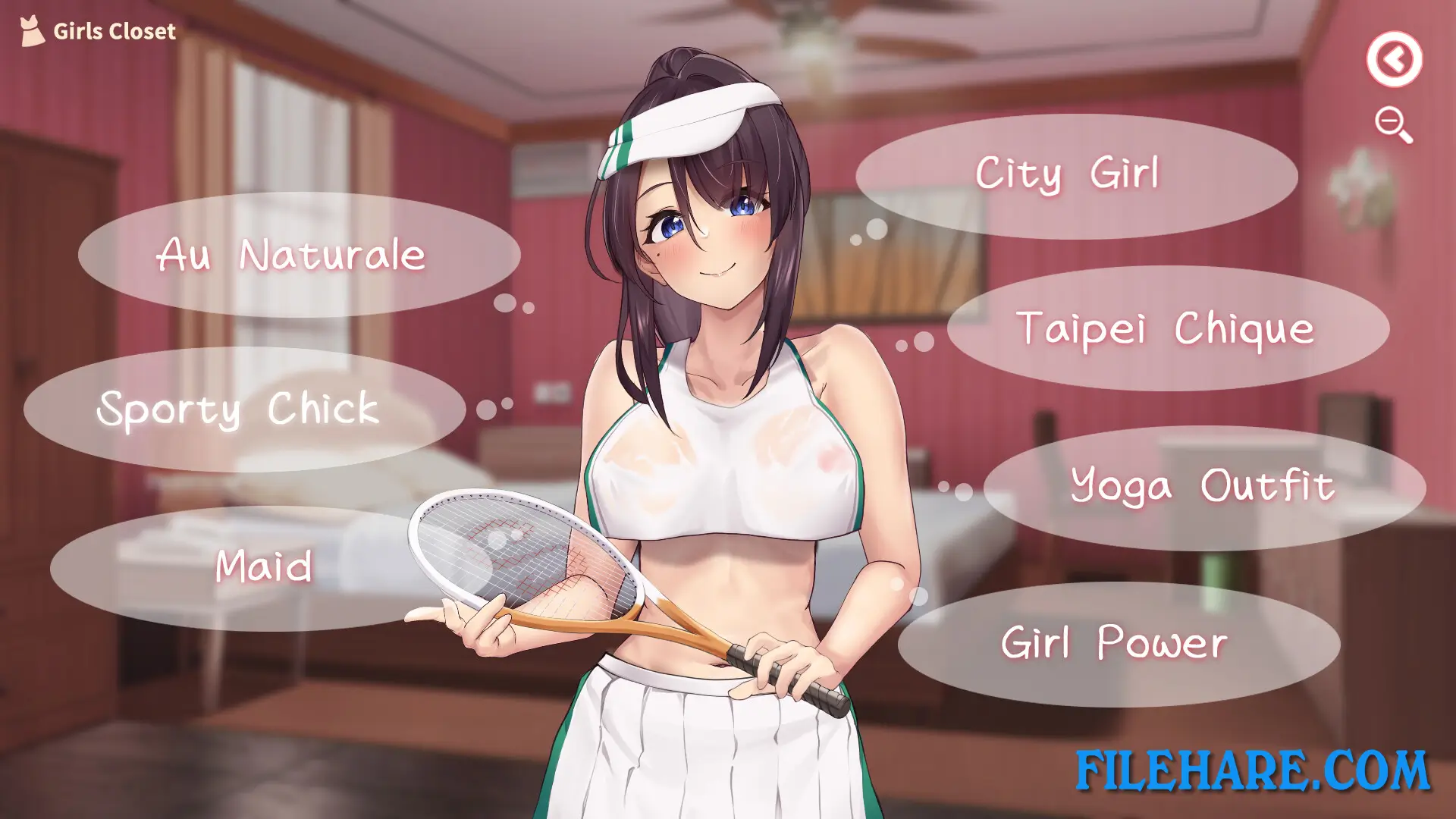
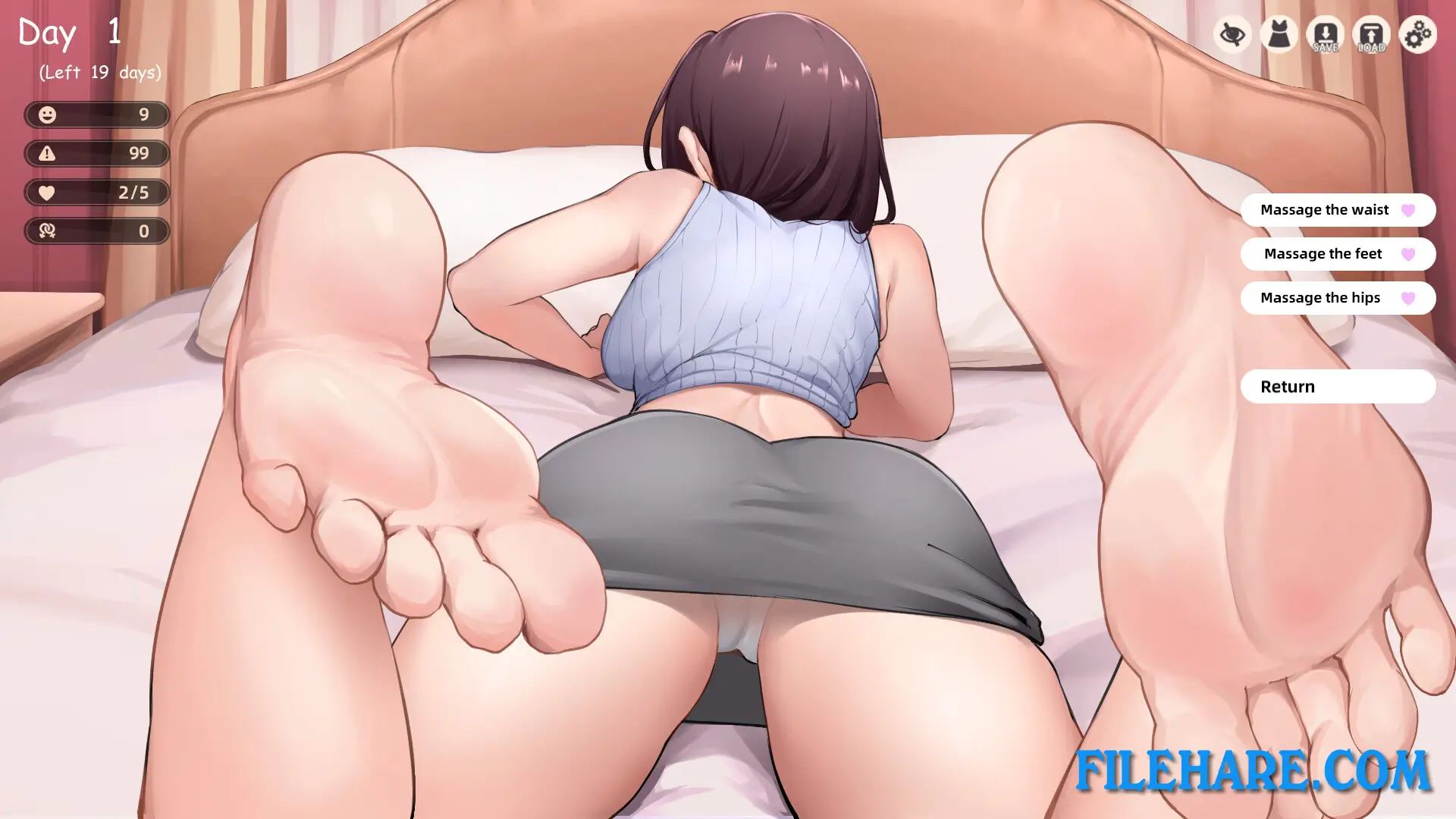
| Name | Lovey-Dovey Lockdown |
|---|---|
| Developer | 樹懶叫工作室, Sloth Gamer, Maker製造機 |
| File Size | 1.46 GB |
| Category | Adult |
| Minimum System Requirements | |
| CPU | Intel Core i3 |
| RAM | 4 GB |
| Graphics | NVIDIA GeForce GTX 560 / AMD Radeon HD 6870 DirectX 版本: 11 |
| Free Disk Space | 4 GB |
| Operating System | Windows 10 / 11 / 7 / 8 |
| User Rating | |
Buy this game to support the developer. Store Page
How to Download and Install Lovey-Dovey Lockdown PC Game?
We have simple instructions for you to download and install the PC game. Before following the steps, Ensure your PC meets the minimum system requirements for Playing the game on your PC.
- First, click on the DOWNLOAD button and you will be redirected to the final Download page. Then, Download the Game on your PC.
- Once you have downloaded the Lovey-Dovey Lockdown PC Game, Open the folder where you saved the Game.
- Then Right-click on the Zip file and click on the "Extract files" option from the dropdown menu. If your computer does not have a Zip file extract software installed, you must first install it. (such as WinRAR, 7Zip software)
- After Extracting the Zip file, Open the Lovey-Dovey Lockdown PC Game folder.
- Then, double-click on the Setup.exe file to Install the Game.
- If asked to allow the program to make changes to your device, click Yes to continue.
- After the installation, if you get any missing ".dll" errors or the Game is not launching, open the Readme.txt file located in the game folder and follow the instructions shown in the document file to play the game.
Done!. Now, you can launch the game from your desktop.