Mad Max PC Game Download for Windows 10/11/7/8

Mad Max is an open-world action-adventure game developed by Avalanche Studios and published by Warner Bros. Interactive Entertainment. It was released on PC on September 1, 2015. The game is based on the Mad Max film franchise and puts players in a vast, dangerous wasteland. It is a single-player game focused on vehicle combat and hand-to-hand fighting in a ruined land where fuel and water are rare.
Table of Contents
Mad Max Story
The game follows Max Rockatansky, a lone warrior trying to survive in a wasteland controlled by violent gangs. At the start of the game, a powerful warlord named Scabrous Scrotus and his gang ambush Max, steal his iconic car called the Interceptor, and leave him for dead in the desert. Max teams up with a deformed mechanic named Chumbucket, who believes Max is a holy warrior. Together, they work to build a powerful new car called the Magnum Opus and take revenge on Scrotus. The story moves forward as Max completes missions and weakens Scrotus and his gang across the wasteland.
Mad Max Gameplay
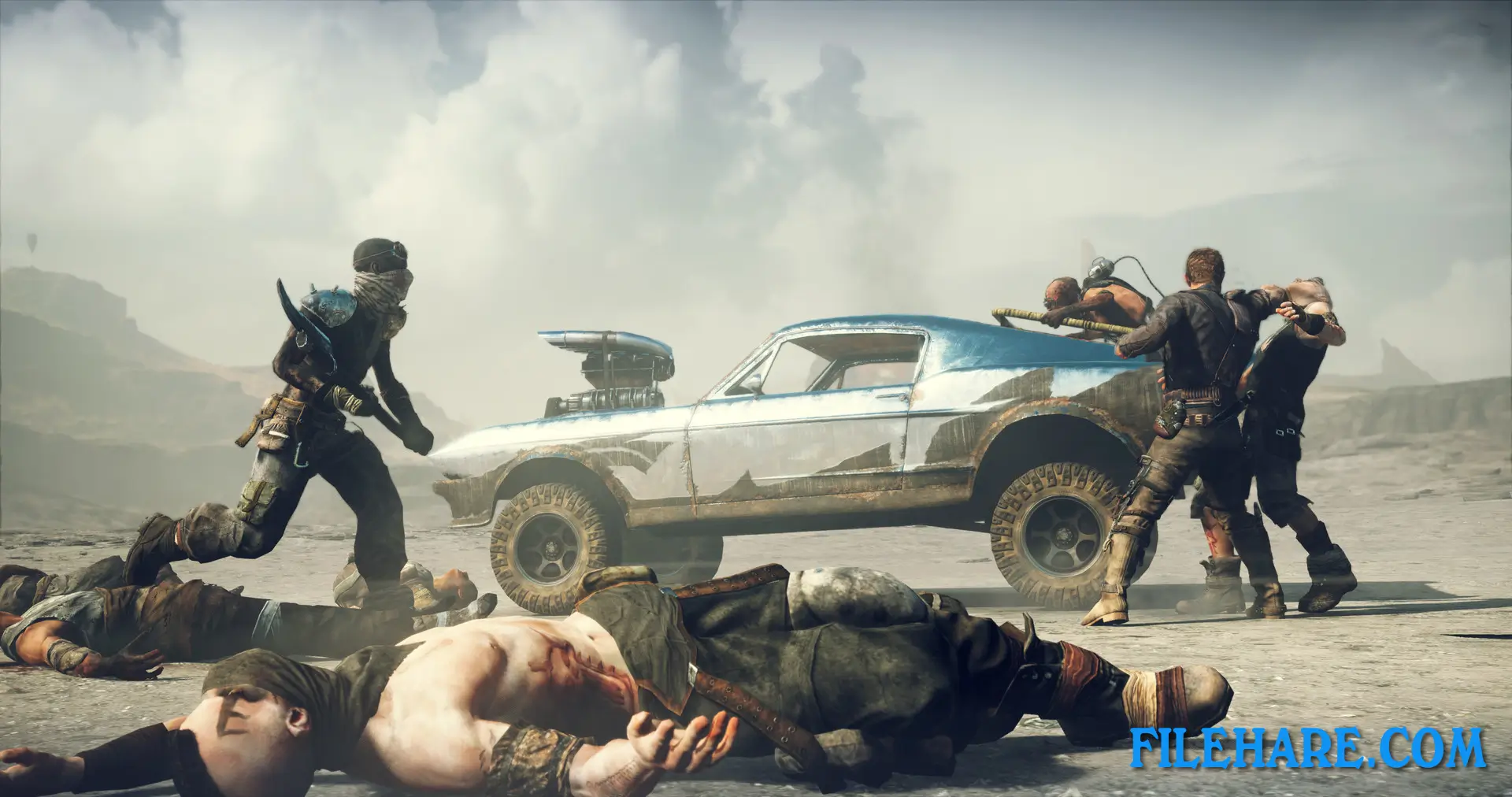
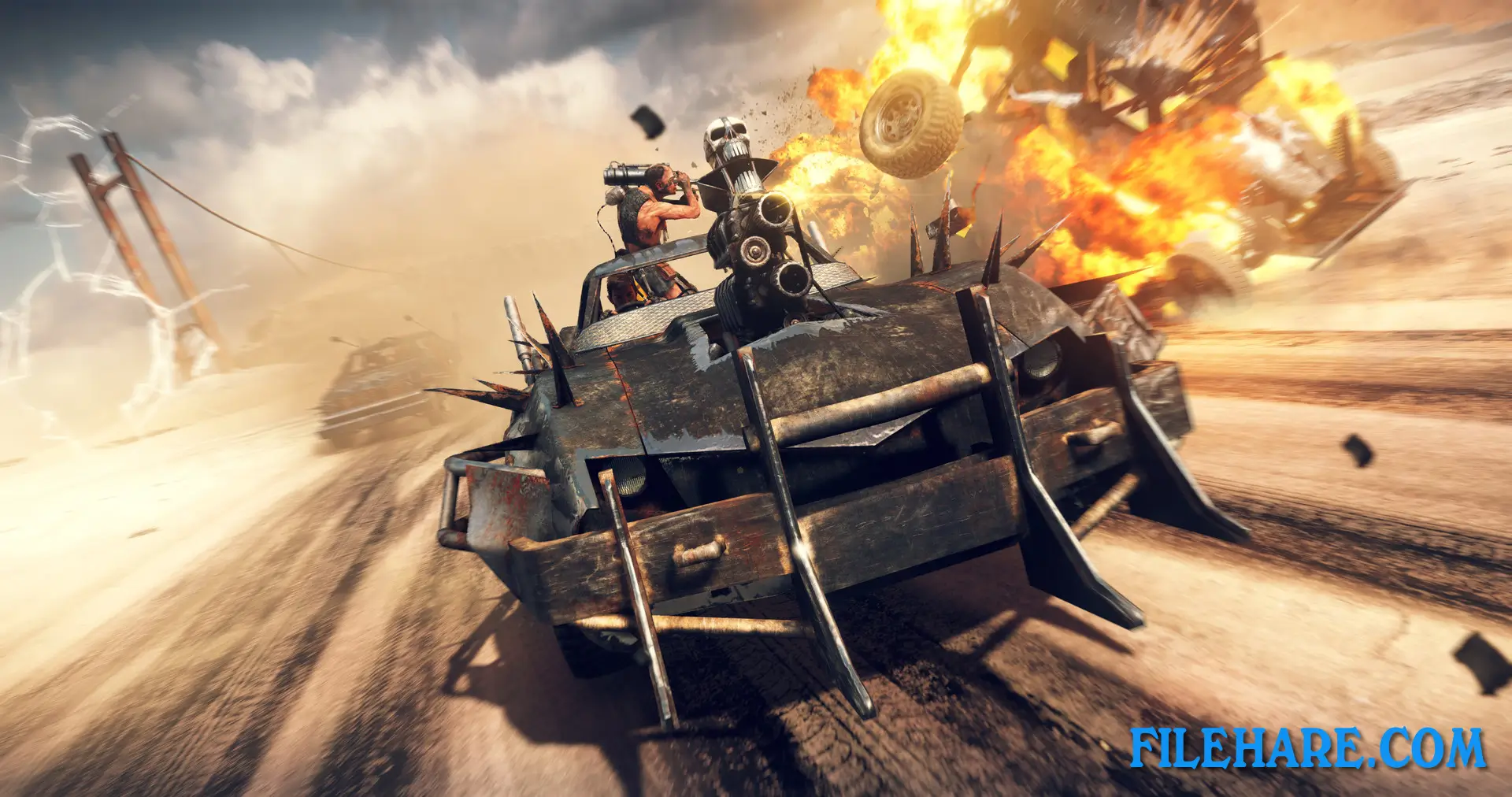
Mad Max is played from a third-person view. A large portion of the game takes place in the car, where players ram, shoot, and destroy enemy vehicles during high-speed chases. The Magnum Opus can be upgraded with better engines, armor, weapons, and tires over time. On foot, Max fights enemies using a close-range combat style similar to the Batman Arkham series — players time punches and counters to take down groups of enemies. Max can also use a shotgun called the Thunderstick for ranged attacks. Players explore a large open map, taking over enemy camps and completing missions to weaken the control of rival warlords in the region.
Mad Max Features
The game features a large open wasteland divided into several regions, with each area controlled by a different faction loyal to Scrotus. Players can clear enemy strongholds, destroy threat totems, and complete convoy missions to lower the threat level in each region. As Max gains resources like scrap metal, players can upgrade both Max and the Magnum Opus with new abilities and parts. Chumbucket rides in the car with Max and helps with repairs during combat. The game also includes a fuel and water management aspect, where Max needs to keep supplies stocked while traveling the wasteland. The visual presentation of the wasteland is detailed, with dust storms that roll across the map and change visibility conditions during play. Full controller support and adjustable graphics settings are included in the PC version.
Recommended System Requirements
Requires a 64-bit processor and operating system
- OS: 64 bit: Win 7 SP1, Win 8.1, Win 10
- Processor: Intel Core i7-3770, 3.4 GHz or AMD FX-8350, 4.0 GHz
- Memory: 8 GB RAM
- Graphics: NVIDIA GeForce GTX 760 (3 GB Memory or higher) or AMD Radeon HD 7970 (3 GB Memory or higher)
- DirectX: Version 11
- Storage: 32 GB available space
- Additional Notes: PlayStation 4 controller support
Gameplay Screenshots


| Name | Mad Max |
|---|---|
| Developer | Avalanche Studios |
| File Size | 3.87 GB |
| Category | Action |
| Minimum System Requirements | |
| CPU | Intel Core i5-650, 3.2 GHz or AMD Phenom II X4 965, 3.4 Ghz |
| RAM | 6 GB |
| Graphics | NVIDIA GeForce GTX 660ti (2 GB Memory or higher) / AMD Radeon HD 7870 (2 GB Memory or higher) |
| Free Disk Space | 32 GB |
| Operating System | Windows 10 / 11 / 7 / 8 / Vista (64-bit) |
| User Rating | |
Buy this game to support the developer. Store Page
How to Download and Install Mad Max PC Game?
We have simple instructions for you to download and install the PC game. Before following the steps, Ensure your PC meets the minimum system requirements for Playing the game on your PC.
- First, click on the DOWNLOAD button and you will be redirected to the final Download page. Then, Download the Game on your PC.
- Once you have downloaded the Mad Max PC Game, Open the folder where you saved the Game.
- Then Right-click on the Zip file and click on the "Extract files" option from the dropdown menu. If your computer does not have a Zip file extract software installed, you must first install it. (such as WinRAR, 7Zip software)
- After Extracting the Zip file, Open the Mad Max PC Game folder.
- Then, double-click on the Setup.exe file to Install the Game.
- If asked to allow the program to make changes to your device, click Yes to continue.
- After the installation, if you get any missing ".dll" errors or the Game is not launching, open the Readme.txt file located in the game folder and follow the instructions shown in the document file to play the game.
Done!. Now, you can launch the game from your desktop.