Magic Pussy: Chapter 3 PC Game Download for Windows 10/11

Magic Pussy: Chapter 3 is an adult RPG adventure game developed and published by Dirty Adventures. The game was released on October 18, 2025, for Windows PC on Steam. It is the third game in the Magic Pussy series, but it acts as a prequel to the two earlier chapters. The game is built in the Unity Engine and is played in a 3D open-world village called Wisterwood.
Table of Contents
Magic Pussy: Chapter 3 Story
The story follows a young man named Percival who comes to the cozy village of Wisterwood. He tries to uncover the mystery behind a set of powerful artifacts and an unknown cult that is active in the area. Since this chapter is a prequel, it takes place before the events of Chapter 1 and Chapter 2. Players who are new to the series can start here without missing any background from the earlier games. The story is long and has many new characters, as well as familiar faces from the Magic Pussy universe.
Magic Pussy: Chapter 3 Features
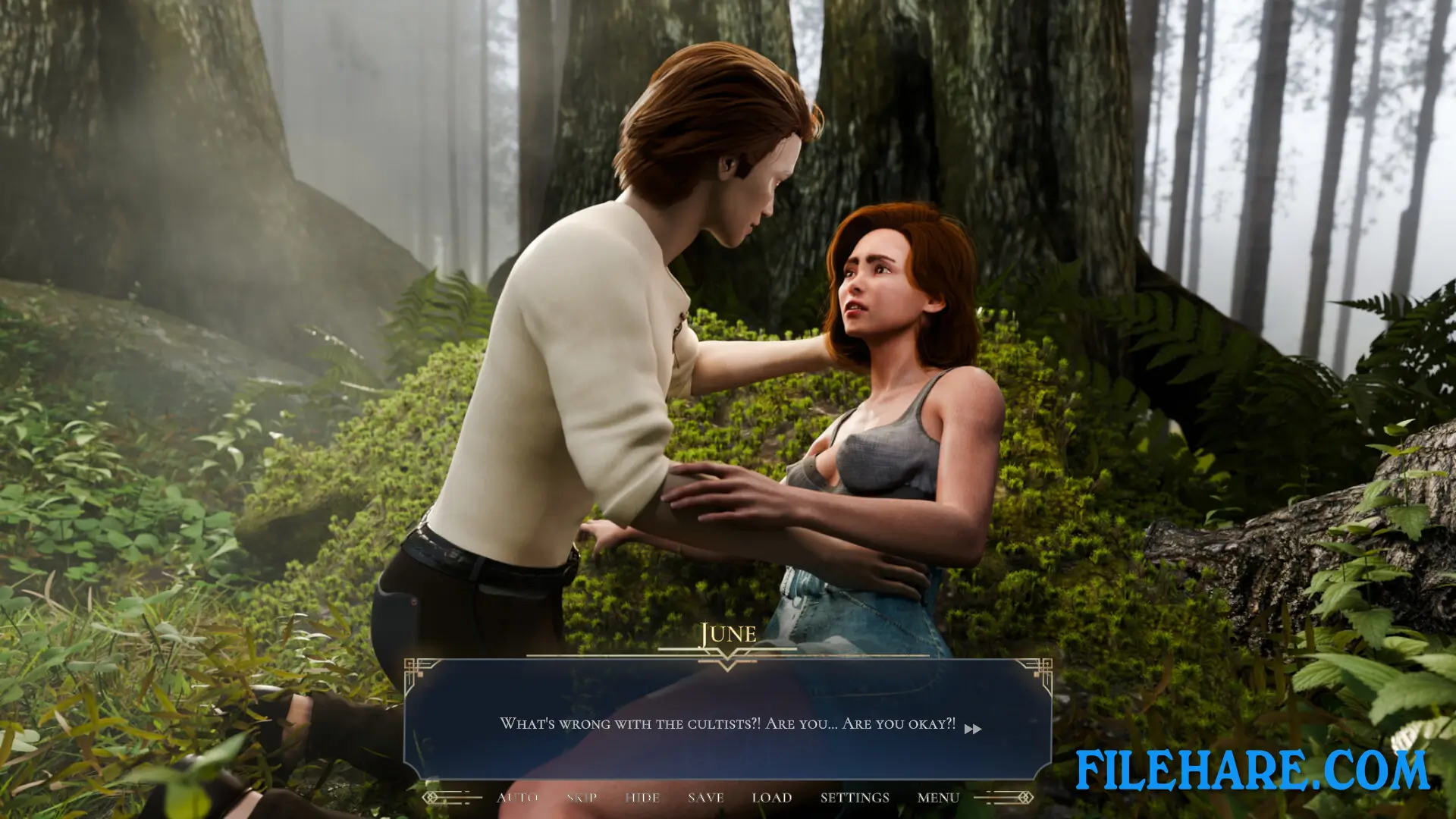
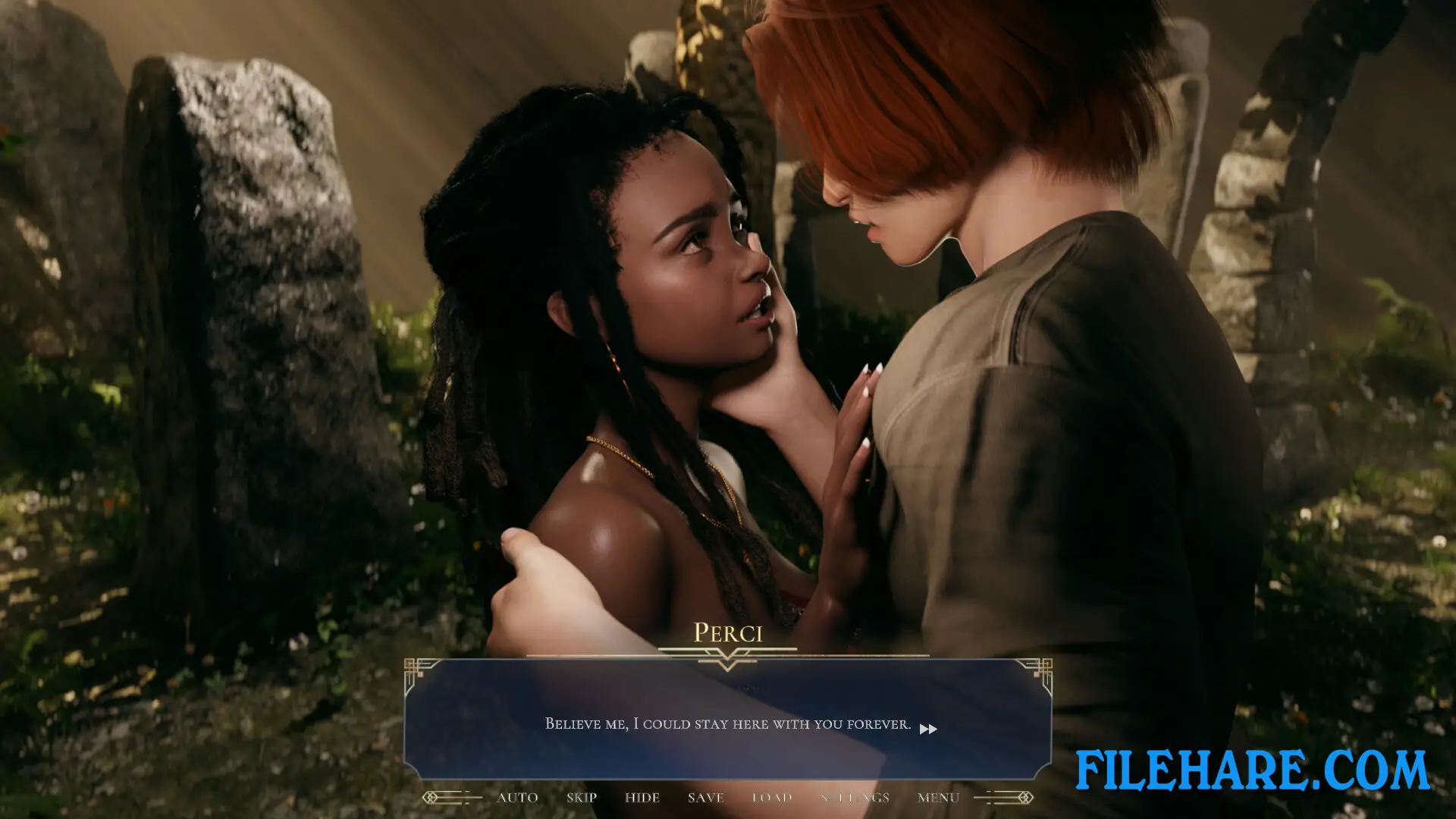
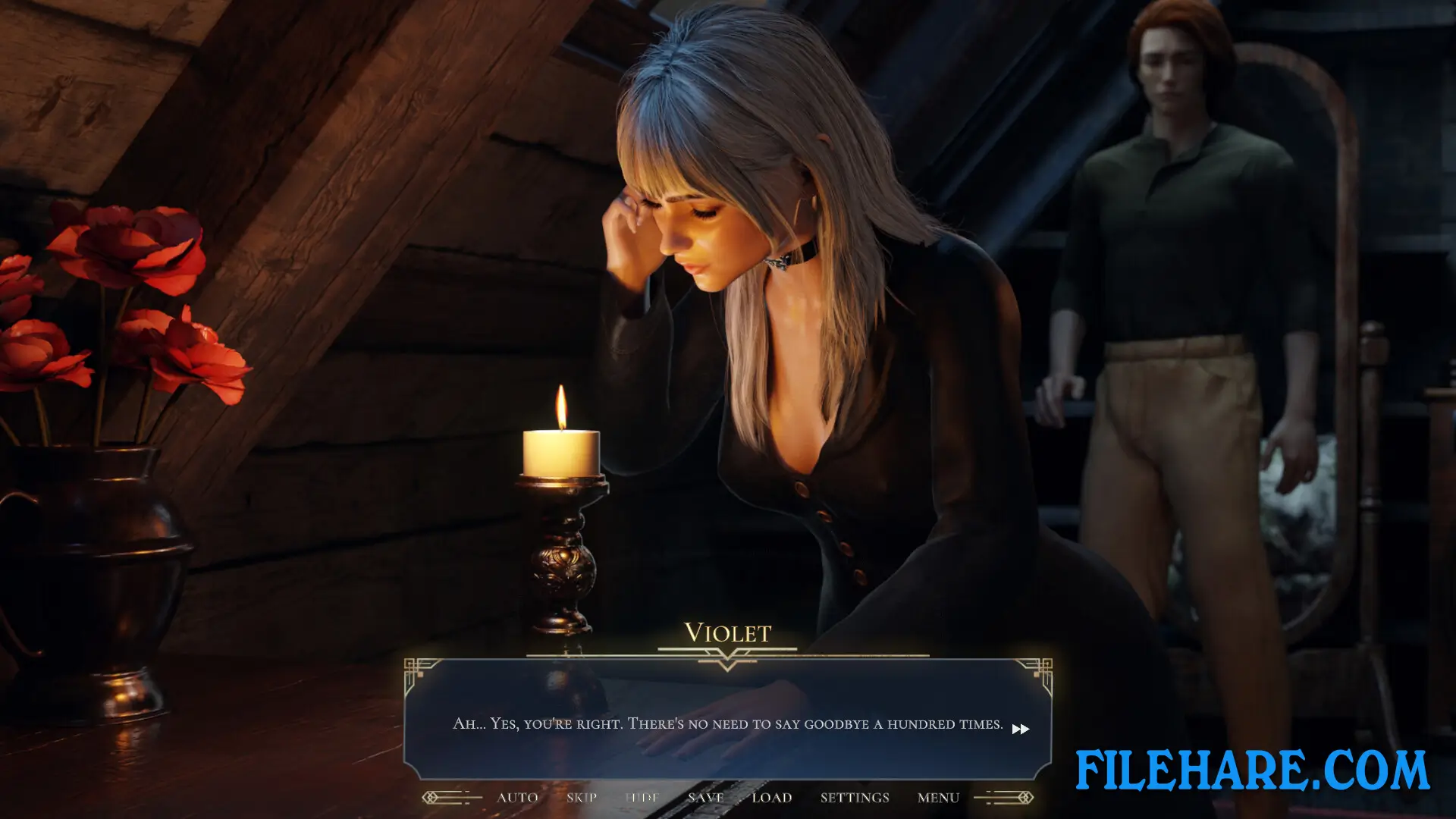
The game has 3D anime-style character models and high-quality adult animations. The developer noted that the animation quality in this chapter is better than in the two earlier games. The game supports 30 languages in full, including English, French, German, Japanese, Korean, Russian, Spanish, and more. Full English voice acting is included. The game also has Steam achievements for players to collect. A free demo was released before the full game launched, and the demo alone was longer than the entire first chapter of the series. Magic Pussy: Chapter 3 is for adult players only and contains mature content.
Gameplay Screenshots

| Name | Magic Pussy: Chapter 3 |
|---|---|
| Developer | Dirty Adventures 🖤 |
| File Size | 10.29 GB |
| Category | Adult |
| Minimum System Requirements | |
| CPU | Intel/AMD 2.0 GHz dual-core |
| RAM | 8 GB |
| Graphics | Direct X compatible |
| Free Disk Space | 11 GB |
| Operating System | Windows 10 / 11 |
| User Rating | |
Buy this game to support the developer. Store Page
How to Download and Install Magic Pussy: Chapter 3 PC Game?
We have simple instructions for you to download and install the PC game. Before following the steps, Ensure your PC meets the minimum system requirements for Playing the game on your PC.
- First, click on the DOWNLOAD button and you will be redirected to the final Download page. Then, Download the Game on your PC.
- Once you have downloaded the Magic Pussy: Chapter 3 PC Game, Open the folder where you saved the Game.
- Then Right-click on the Zip file and click on the "Extract files" option from the dropdown menu. If your computer does not have a Zip file extract software installed, you must first install it. (such as WinRAR, 7Zip software)
- After Extracting the Zip file, Open the Magic Pussy: Chapter 3 PC Game folder.
- Then, double-click on the Setup.exe file to Install the Game.
- If asked to allow the program to make changes to your device, click Yes to continue.
- After the installation, if you get any missing ".dll" errors or the Game is not launching, open the Readme.txt file located in the game folder and follow the instructions shown in the document file to play the game.
Done!. Now, you can launch the game from your desktop.