Mirai’s Midnight Stream PC Game Download for Windows 10/11
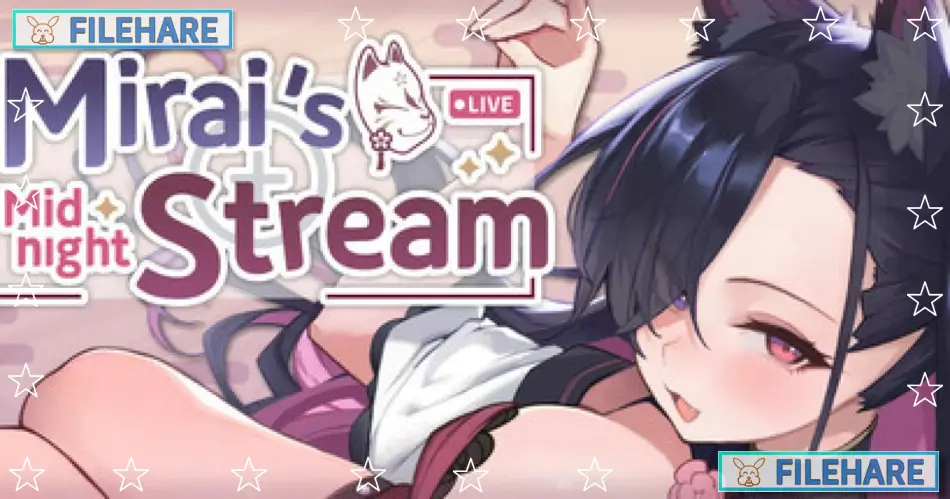
Mirai’s Midnight Stream is an adult management simulation and visual novel game developed by Fox House and published by Mango Party and Mango Party News. It was released on June 19, 2025, for PC on Windows. The game is intended for adult players only. It is a single-player title where the player takes on the role of a manager trying to help a fallen fox spirit goddess regain her lost power.
Table of Contents
Mirai’s Midnight Stream Story
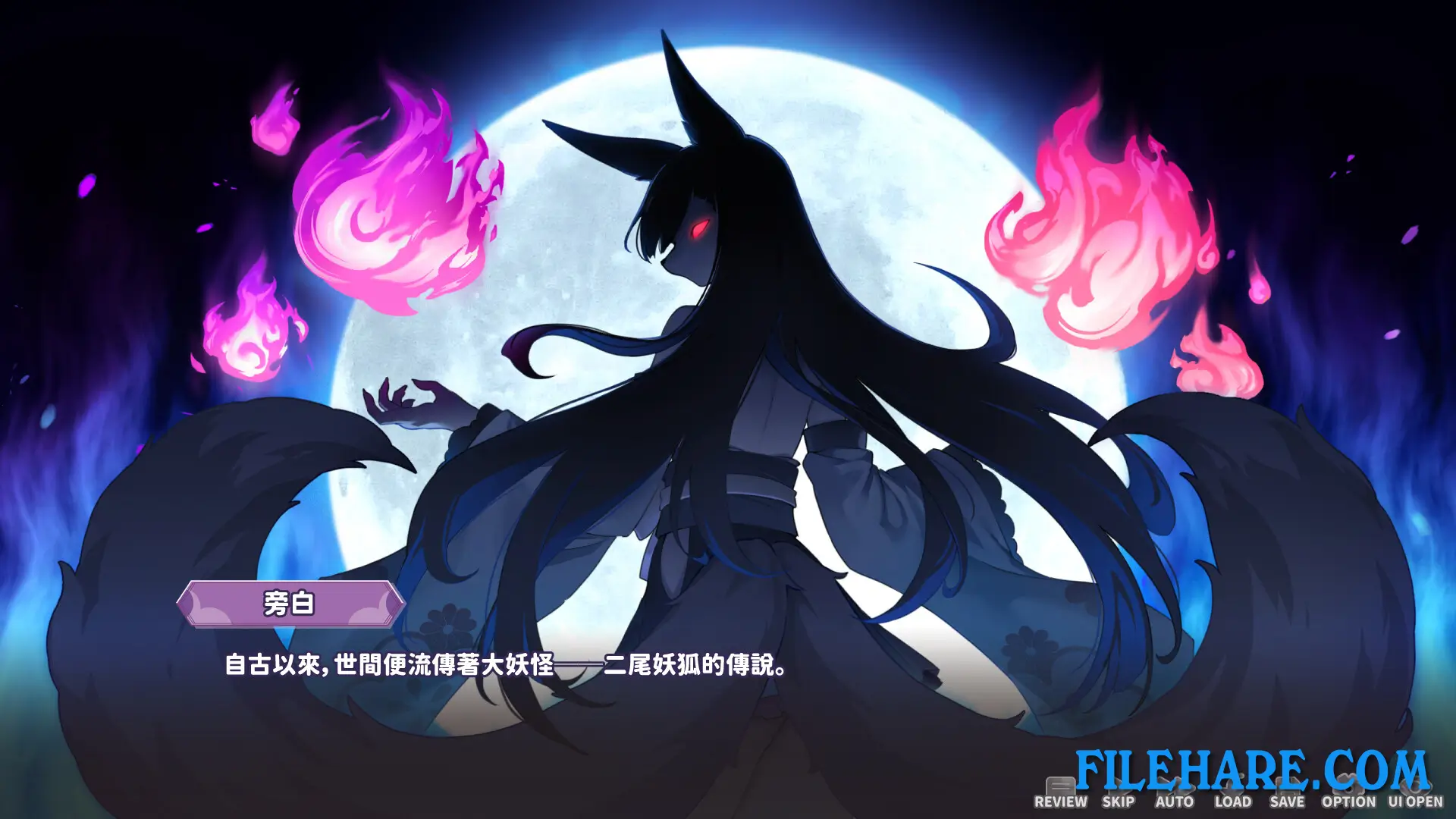
The player is an exorcist from the Sect of the Golden Staff who sets out to defeat the legendary two-tailed fox spirit Kanou Mirai. After subduing her much faster than expected, he discovers that Mirai has lost most of her divine power because the people no longer fear or believe in her. Mirai is a beautiful goddess who was once highly respected, but was later betrayed by the very villagers who worshipped her, leaving her traumatized and withdrawn. Since Mirai must be at her full strength for the exorcist to have a proper final battle, he agrees to help her recover her power. His plan is to turn her into a popular live streamer and adult cam performer to build up a new following and restore faith in her. The game runs across a 49-day in-game period during which the player works to raise her status before the final showdown.
Mirai’s Midnight Stream Gameplay
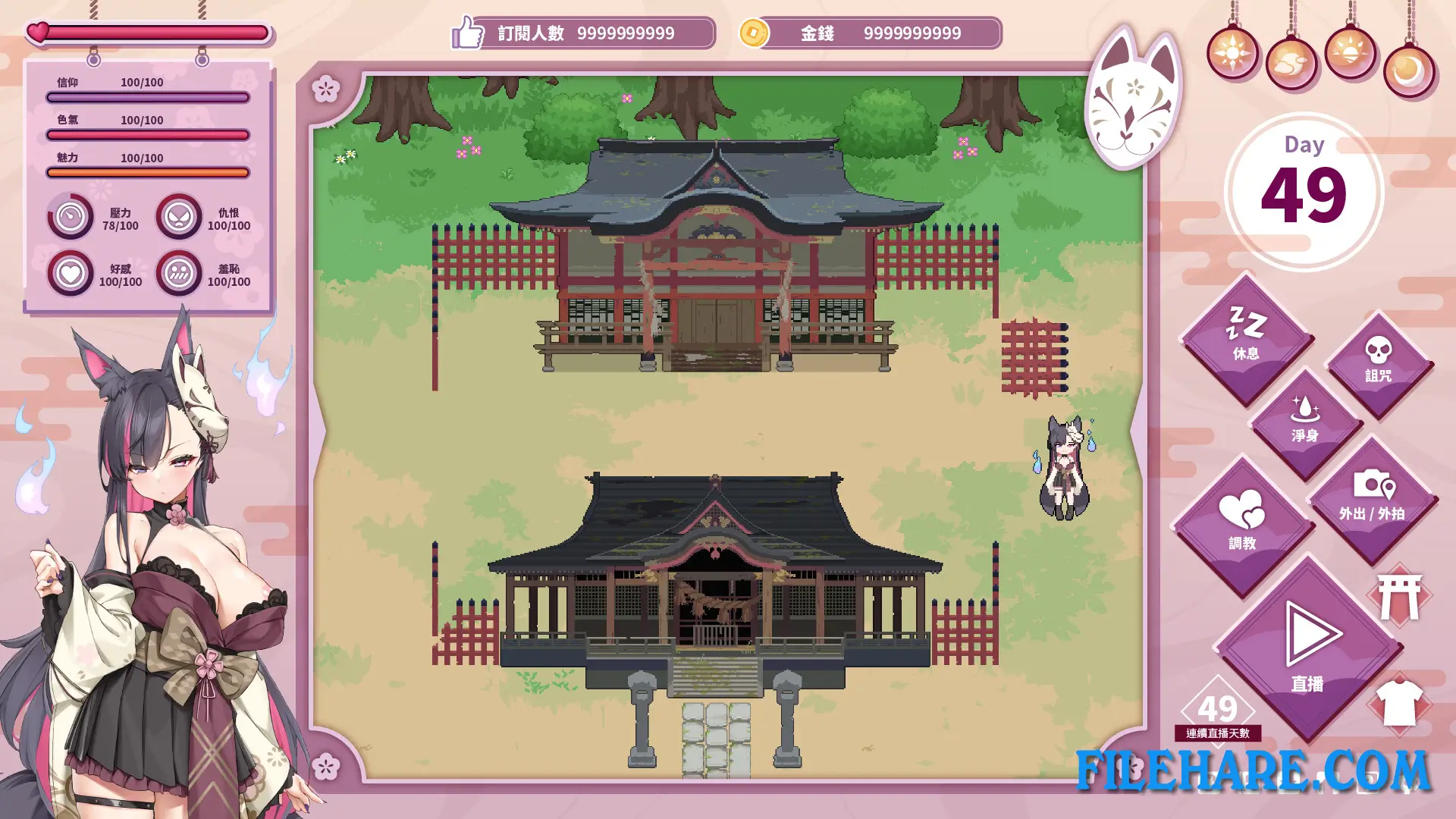
The game is played as a management simulation combined with a visual novel. The player plans and schedules Mirai’s livestreams day by day, choosing from over 11 stream themes including school girl, maid, swimsuit, bunny girl, and more. The player must monitor and balance several key stats including Affection, Stress, Hate, and Shame. Raising or lowering these stats unlocks new reactions and content from Mirai. The player can also rebuild and upgrade a shrine using money earned from the streams. The game has 15 possible endings that vary based on how the stats are managed over the 49 days.
Mirai’s Midnight Stream Features
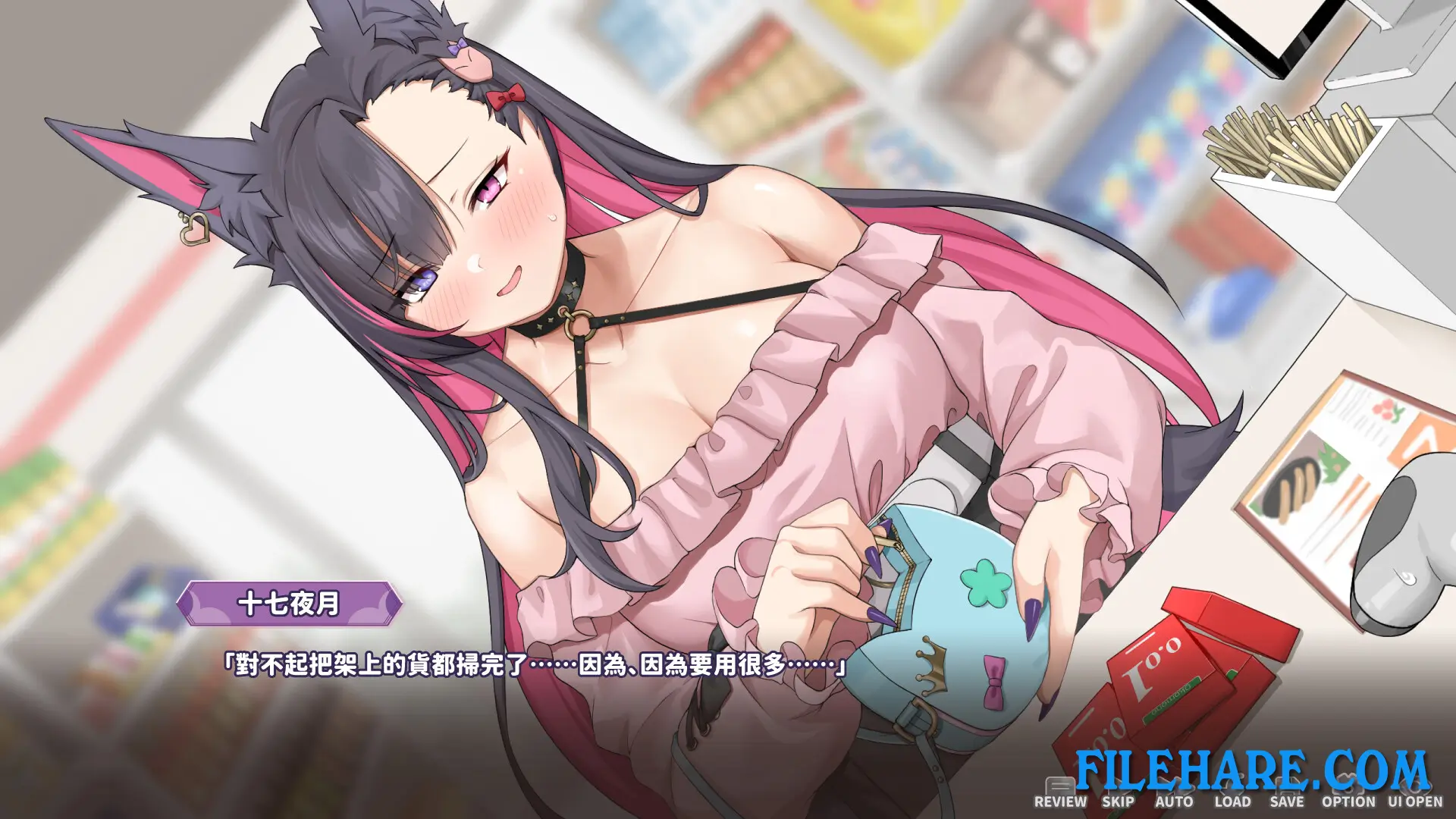
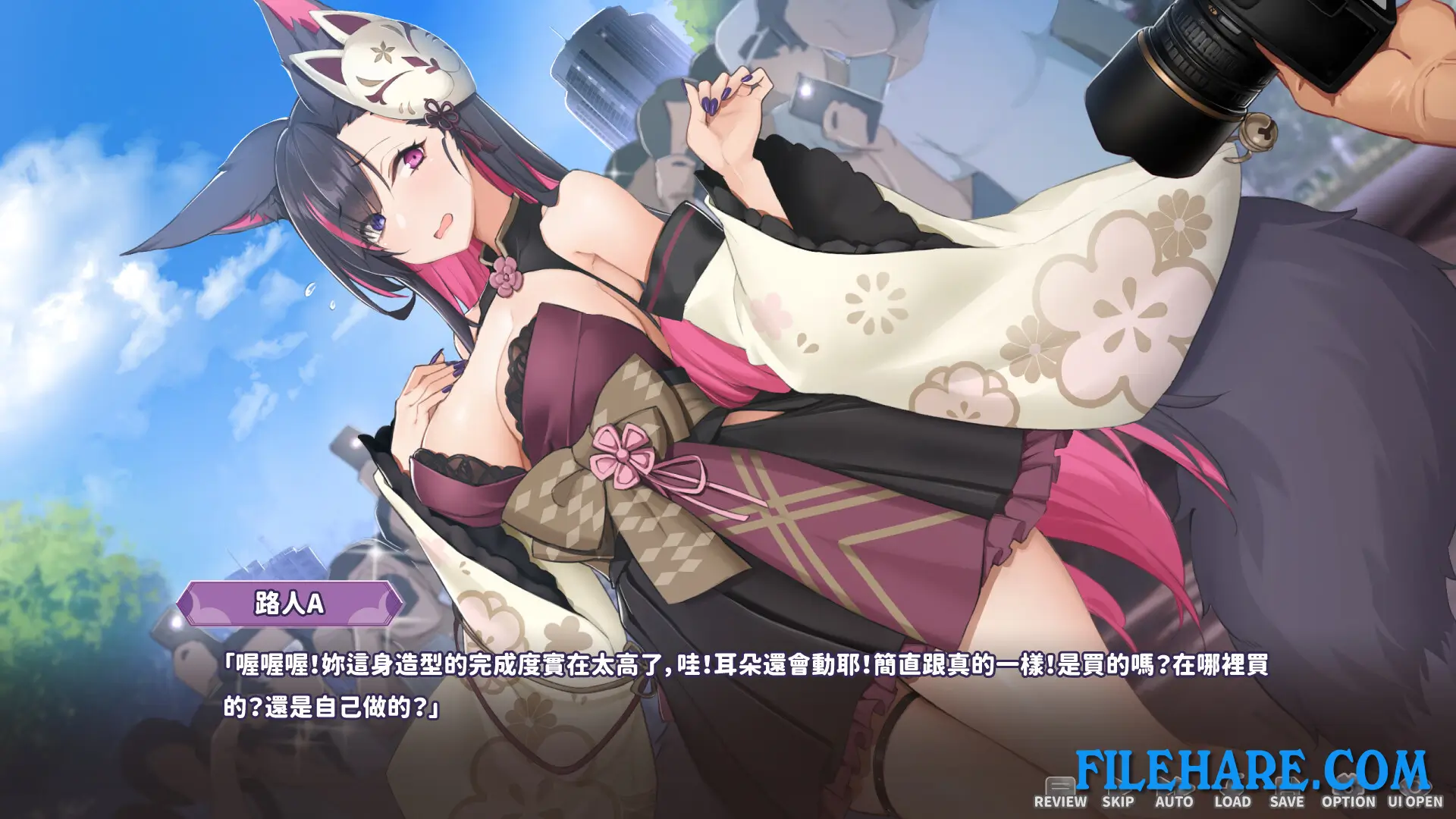
The game features Kanou Mirai as the main character, fully voiced in Japanese, with detailed animated CG scenes. It includes over 100 animated CG scenes and more than 11 stream theme categories with new animations added in updates. A Gallery mode is available to revisit unlocked scenes. A Collector’s Edition DLC and a Digital Artbook are also available separately. The game supports Steam Achievements and Steam Cloud saving. Languages supported include English, Japanese, Simplified Chinese, Traditional Chinese, and Korean. The game is also rated as playable on Steam Deck with some limitations.
Gameplay Screenshots
| Name | Mirai’s Midnight Stream |
|---|---|
| Developer | Fox House |
| File Size | 11.30 GB |
| Category | Adult |
| Minimum System Requirements | |
| CPU | Intel Core i7-8700 |
| RAM | 4 GB |
| Graphics | Nvidia GeForce RTX 3050 or above |
| Free Disk Space | 12 GB |
| Operating System | Windows 10 / 11 (64-bit) |
| User Rating | |
Buy this game to support the developer. Store Page
How to Download and Install Mirai’s Midnight Stream PC Game?
We have simple instructions for you to download and install the PC game. Before following the steps, Ensure your PC meets the minimum system requirements for Playing the game on your PC.
- First, click on the DOWNLOAD button and you will be redirected to the final Download page. Then, Download the Game on your PC.
- Once you have downloaded the Mirai’s Midnight Stream PC Game, Open the folder where you saved the Game.
- Then Right-click on the Zip file and click on the "Extract files" option from the dropdown menu. If your computer does not have a Zip file extract software installed, you must first install it. (such as WinRAR, 7Zip software)
- After Extracting the Zip file, Open the Mirai’s Midnight Stream PC Game folder.
- Then, double-click on the Setup.exe file to Install the Game.
- If asked to allow the program to make changes to your device, click Yes to continue.
- After the installation, if you get any missing ".dll" errors or the Game is not launching, open the Readme.txt file located in the game folder and follow the instructions shown in the document file to play the game.
Done!. Now, you can launch the game from your desktop.