Motel Manager Simulator PC Game Download for Windows 10/11
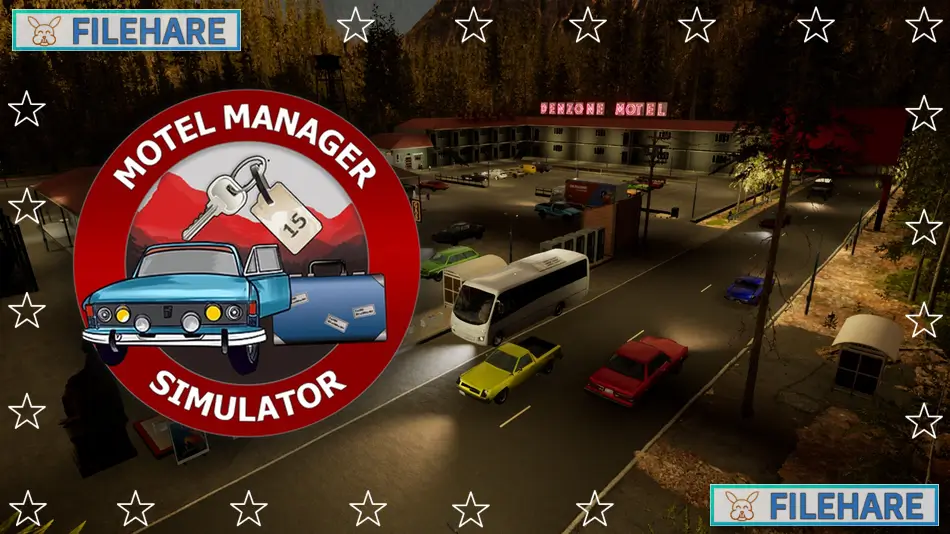
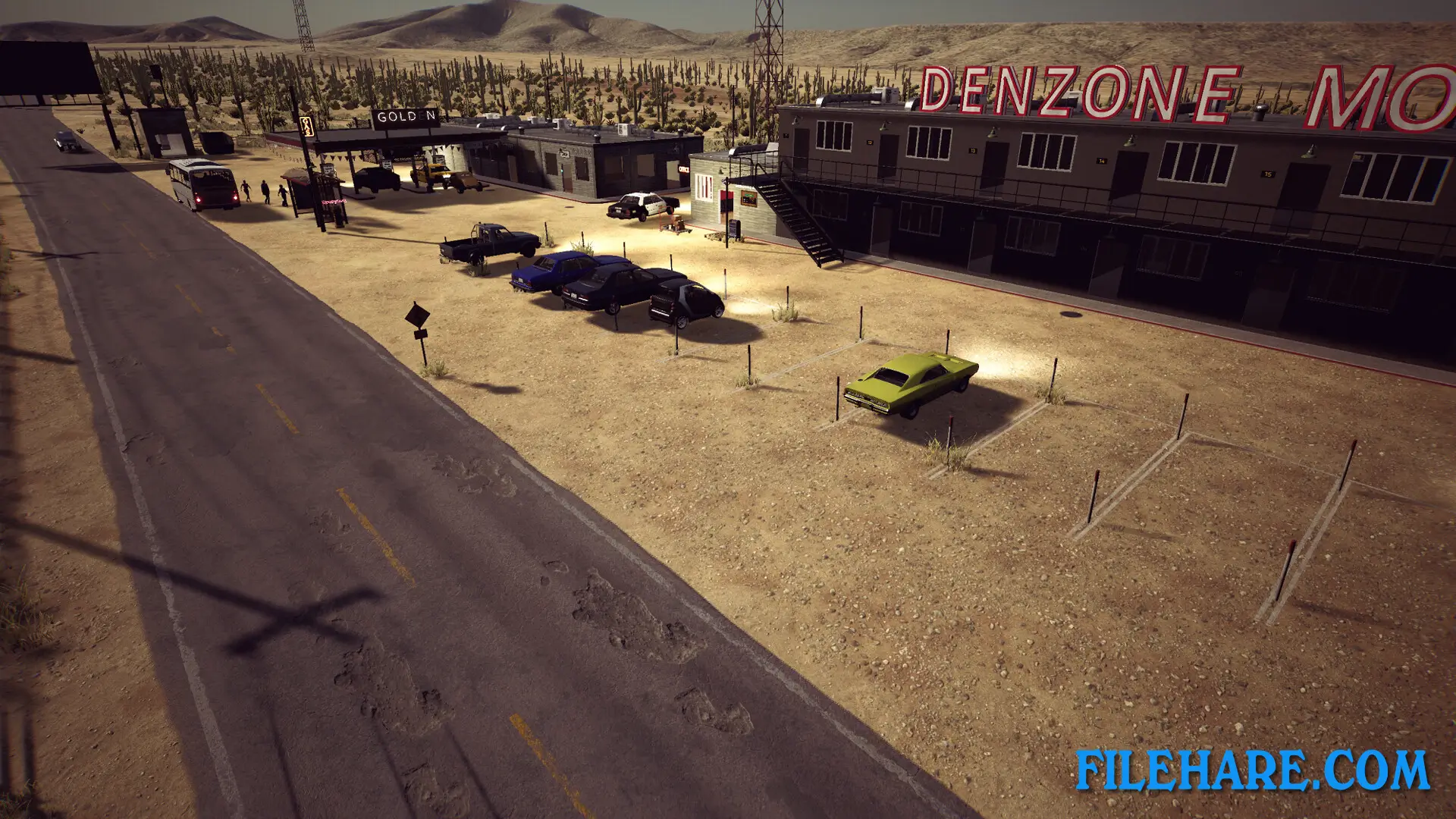
Motel Manager Simulator is a business simulation game where you run a motel, shop, and gas station. Denzone Games developed and published this game. It was released on August 26, 2024, for PC on Steam. You start with an old abandoned motel that needs repairs, and must turn it into a successful business by managing all three properties at once.
Table of Contents
Motel Manager Simulator Gameplay
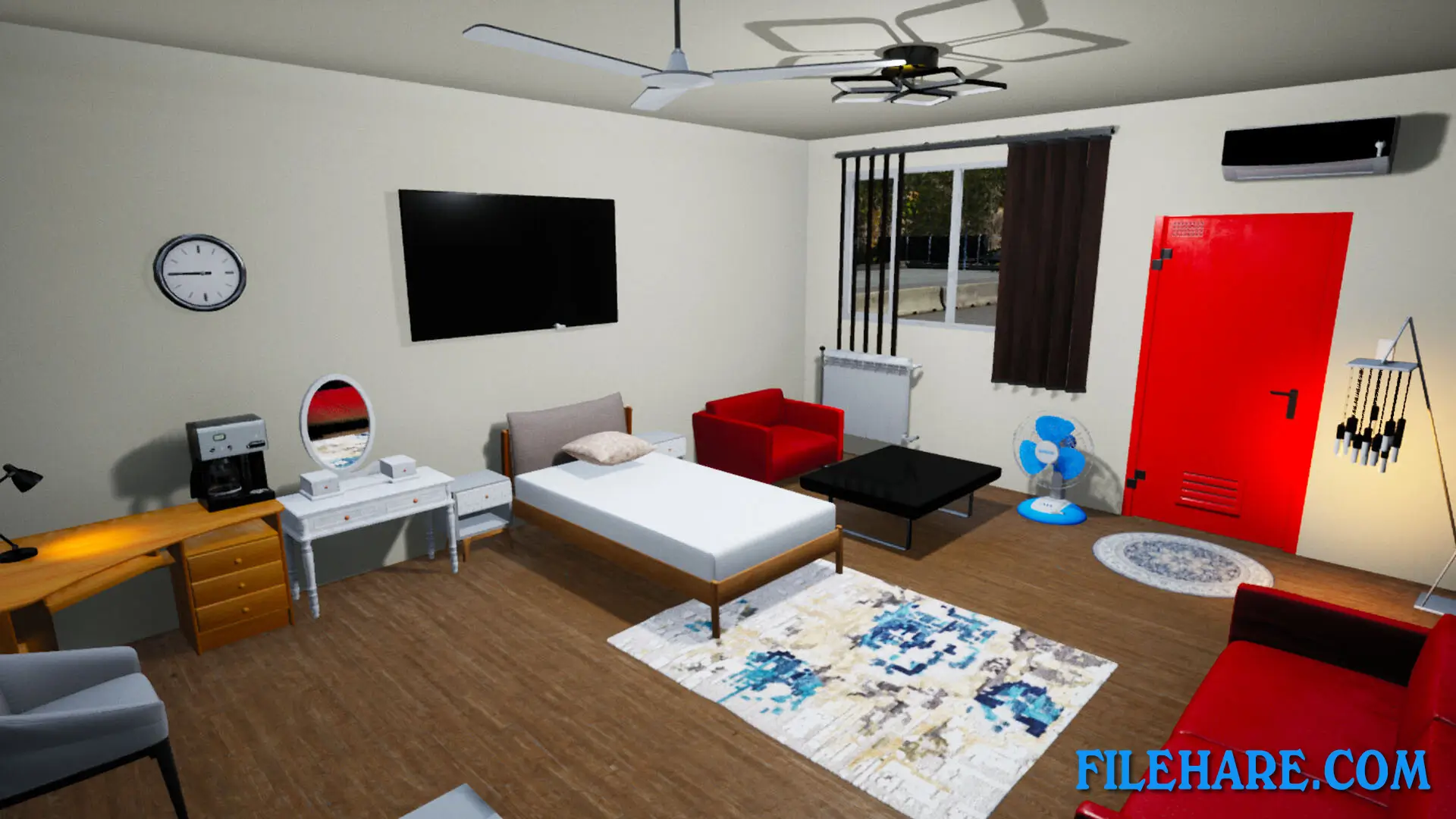
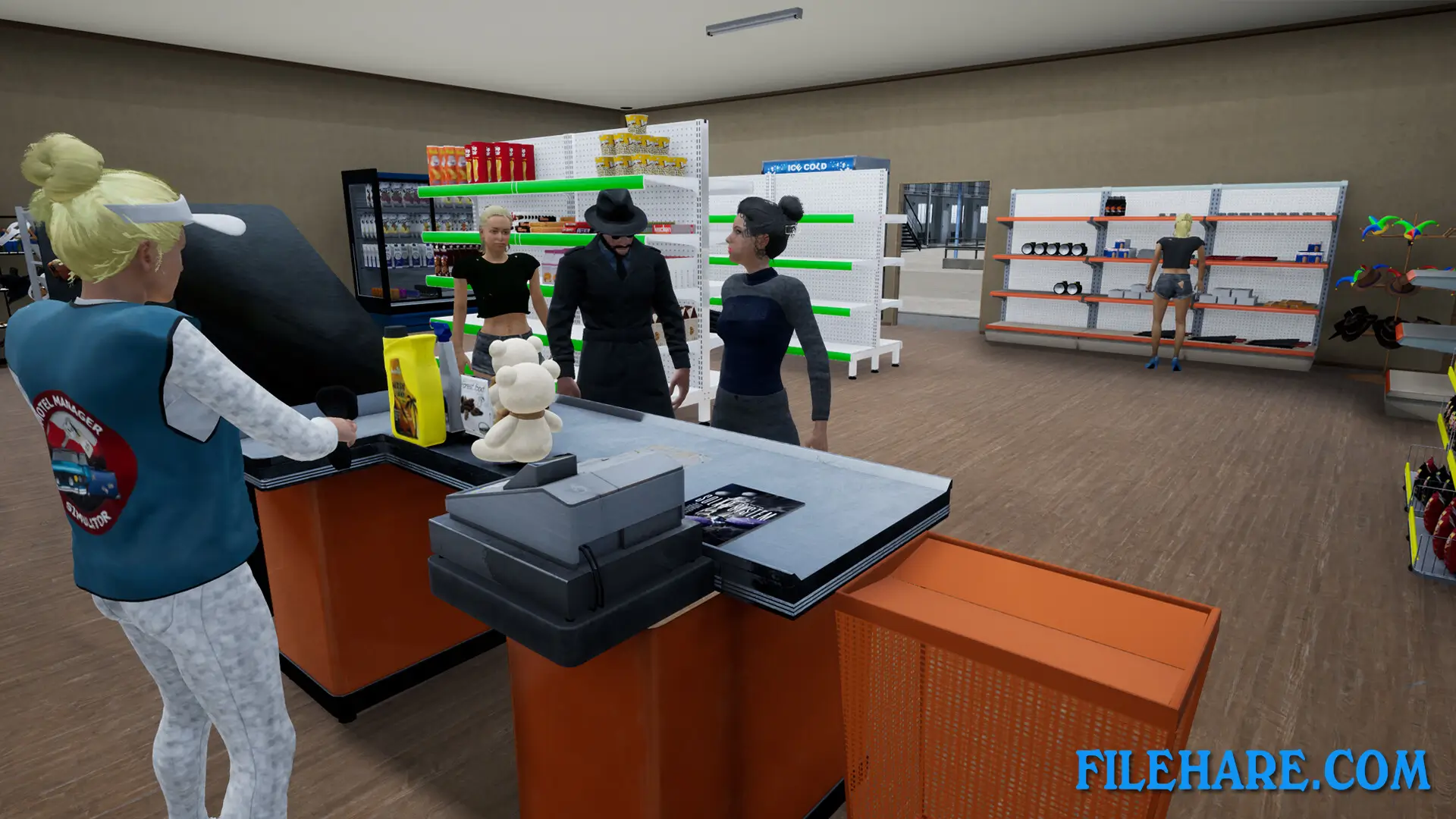
You renovate an abandoned motel and prepare it to welcome guests. You clean rooms, fix broken items, and decorate spaces to make them comfortable for visitors. You design rooms by choosing floor tiles, wall colours, and furniture. You must keep rooms clean because dirty rooms will upset customers.
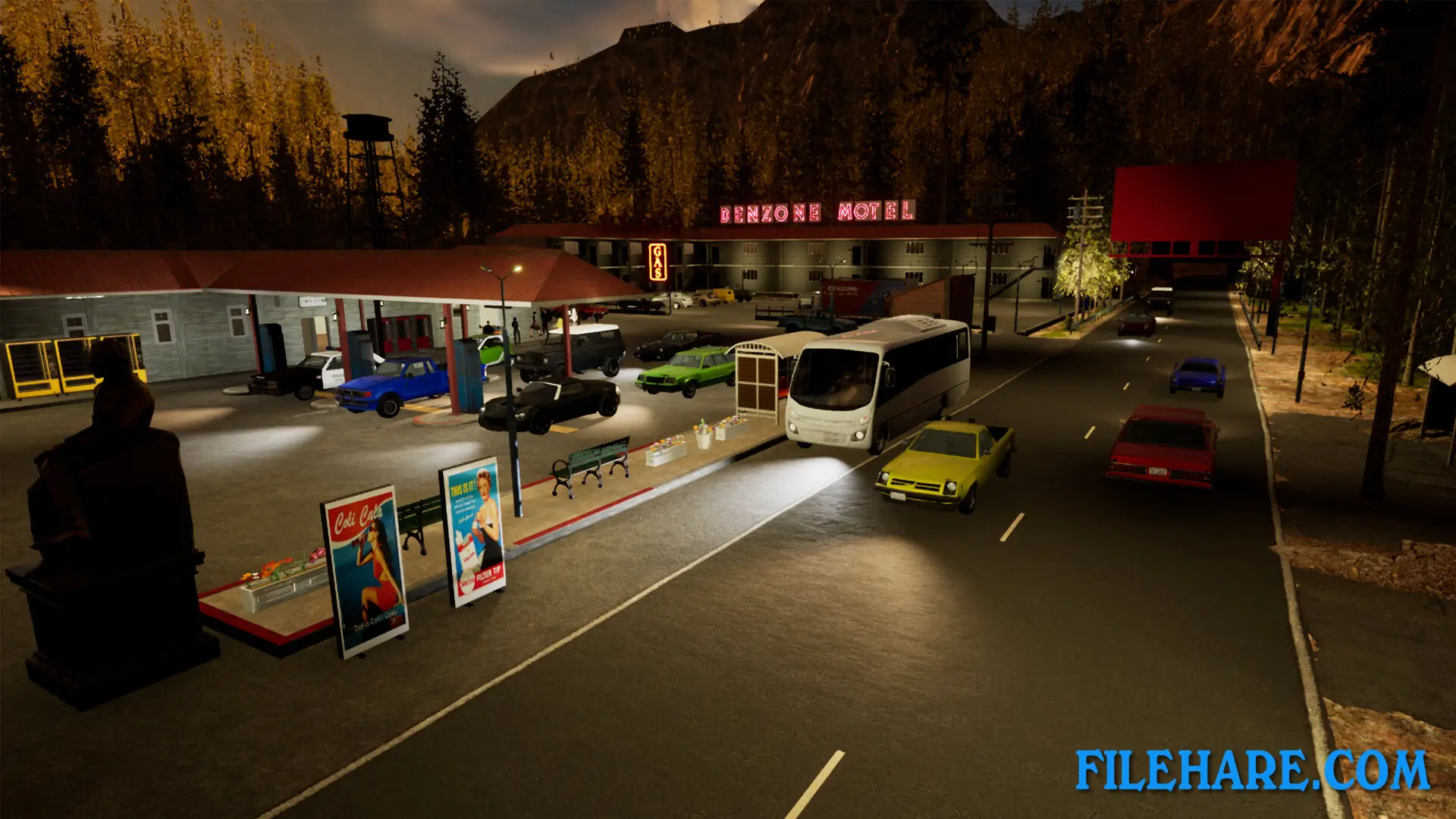
You also run a shop where you stock shelves with products that travellers need. You order shipments, manage inventory, and set prices to make a profit. The gas station needs fuel for vehicles, and you pump gas for customers who stop by. You earn money from renting rooms, selling shop items, and providing fuel. As you earn more money, you can expand your business by building more rooms, upgrading facilities, and buying better equipment. You hire employees to help with tasks like working the cash register, pumping fuel, cleaning rooms, and checking guests in and out of the motel. You assign jobs to workers and pay them salaries. The game is played from a first-person view as you walk around your property.
Motel Manager Simulator Features
You can decorate and furnish rooms with many styles and colours to create rooms that match your ideas. The game has a management side where you track stock levels, adjust prices, and watch your income and expenses. You can expand your business by building more fuel pumps, adding extra rooms to the motel, and increasing your shop size. The game includes extras like payphones and vending machines that you can place around your property for additional income. You can build a bus station to bring more customers to your motel. If your business becomes popular enough, you can place advertisements on your property to earn extra money.
The game requires you to balance multiple tasks at the same time, such as serving shop customers while also checking in motel guests. You must keep customers satisfied, or they will leave unhappy and give bad reviews.
Recommended System Requirements
Requires a 64-bit processor and operating system
- OS: Windows 10 64-bit
- Processor: 4 GHz Quad Core Processor
- Memory: 12 GB RAM
- Graphics: Nvidia GeForce GTX 1060 / Radeon RX 580
- DirectX: Version 12
- Storage: 3 GB available space
Gameplay Screenshots
| Name | Motel Manager Simulator |
|---|---|
| Developer | Denzone Games |
| File Size | 1.68 GB |
| Category | Simulation |
| Minimum System Requirements | |
| CPU | Intel/AMD 3 GHz Quad Core Processor |
| RAM | 6 GB |
| Graphics | Nvidia GeForce GTX 970 / Radeon RX 480 |
| Free Disk Space | 3 GB |
| Operating System | Windows 10 / 11 (64-bit) |
| User Rating | |
Buy this game to support the developer. Store Page
How to Download and Install Motel Manager Simulator PC Game?
We have simple instructions for you to download and install the PC game. Before following the steps, Ensure your PC meets the minimum system requirements for Playing the game on your PC.
- First, click on the DOWNLOAD button and you will be redirected to the final Download page. Then, Download the Game on your PC.
- Once you have downloaded the Motel Manager Simulator PC Game, Open the folder where you saved the Game.
- Then Right-click on the Zip file and click on the "Extract files" option from the dropdown menu. If your computer does not have a Zip file extract software installed, you must first install it. (such as WinRAR, 7Zip software)
- After Extracting the Zip file, Open the Motel Manager Simulator PC Game folder.
- Then, double-click on the Setup.exe file to Install the Game.
- If asked to allow the program to make changes to your device, click Yes to continue.
- After the installation, if you get any missing ".dll" errors or the Game is not launching, open the Readme.txt file located in the game folder and follow the instructions shown in the document file to play the game.
Done!. Now, you can launch the game from your desktop.