MULLET MADJACK: Deluxe Edition PC Game Download for Windows 10/11
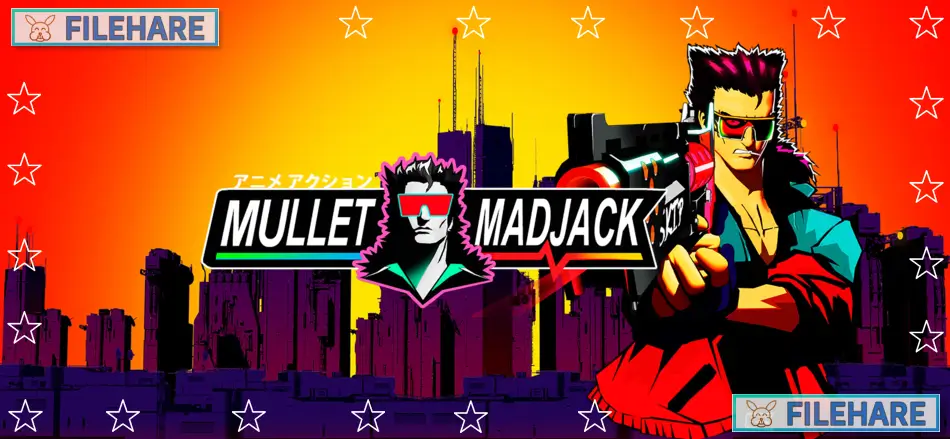
MULLET MADJACK: Deluxe Edition is a first-person shooter game with retro anime visuals from the 1990s. The game was developed by HAMMER95 and published by Epopeia Games. It was released on May 15, 2024, for PC on Windows. The Deluxe Edition includes the main game, an official artbook in PDF format, and over one hour of Synthwave music tracks. Players take on the role of Jack Banhammer, a moderator who must survive by killing enemies within strict time limits while rescuing a famous influencer.
Table of Contents
MULLET MADJACK: Deluxe Edition Story
The game takes place in the year 2090 in a cyberpunk future where humans and the internet have completely merged. People called moderators have become addicted to dopamine and need constant stimulation to survive. Jack Banhammer works as a moderator who must livestream his violent actions to get dopamine hits that keep him alive. A dangerous criminal organization run by powerful billionaire robots has kidnapped the most famous influencer in the entire galaxy.
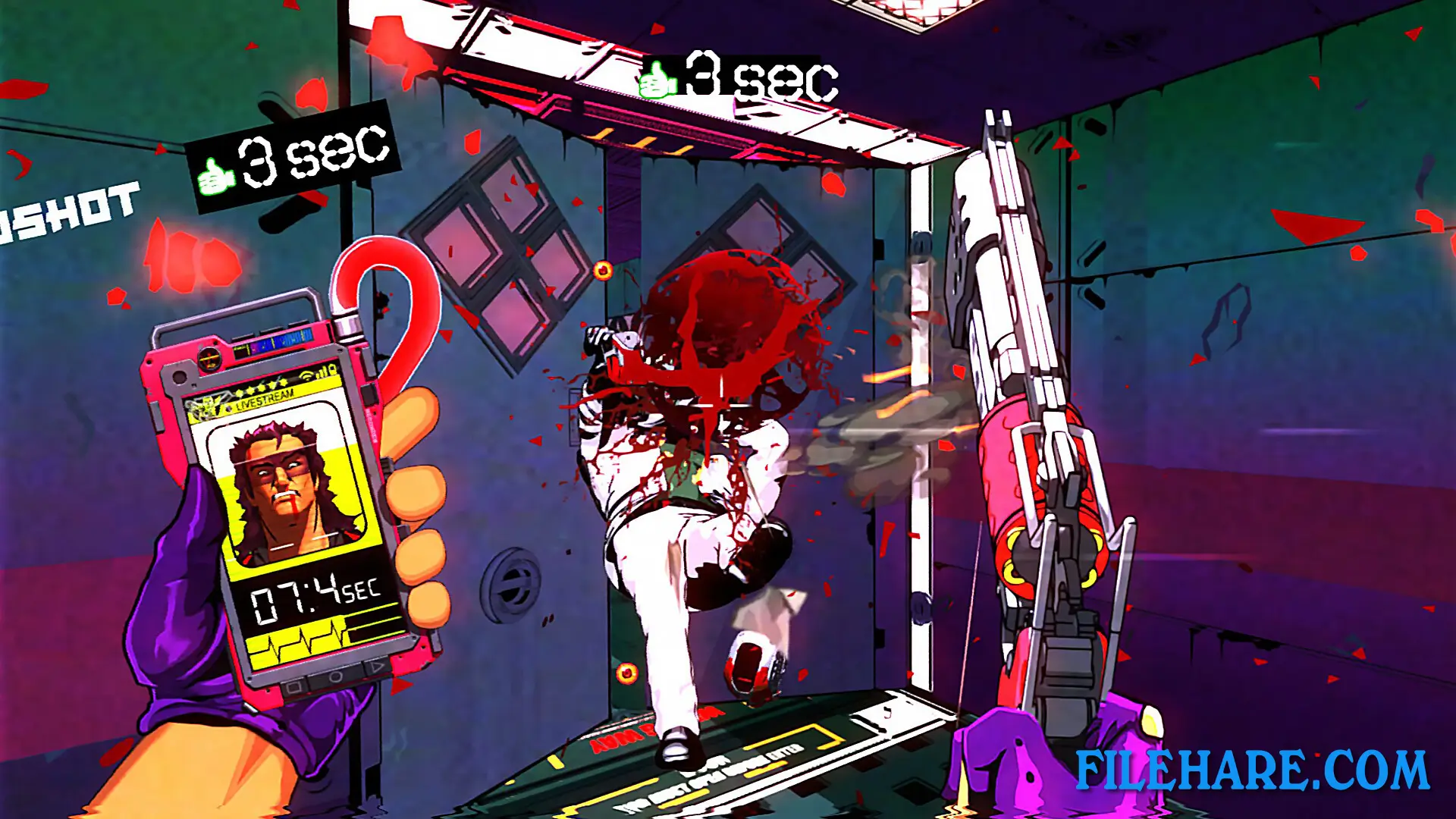
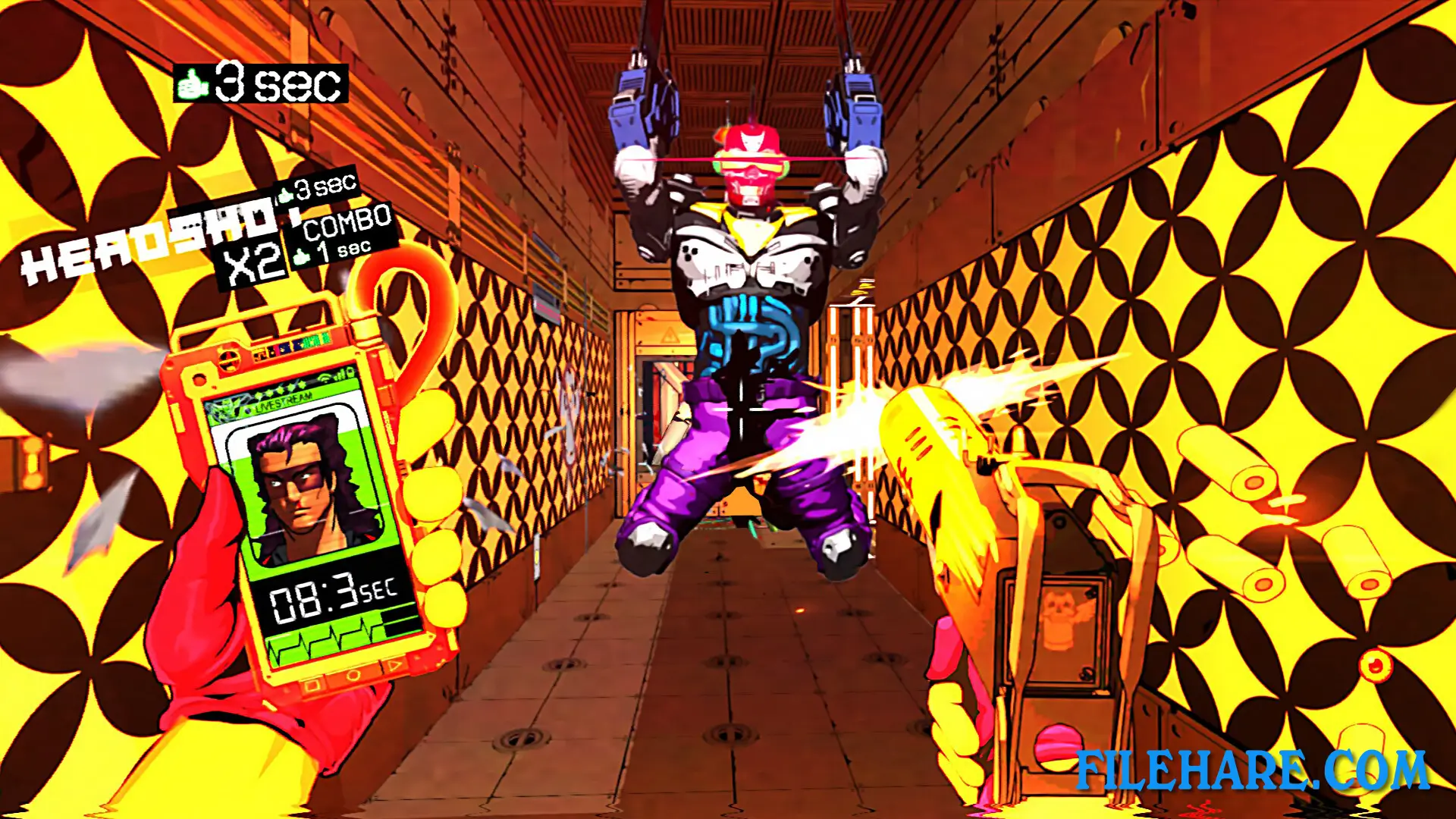
Jack must climb up a skyscraper floor by floor to rescue this influencer while millions of viewers watch his every move through live streaming broadcasts. The pressure increases with every floor as the audience expects more impressive and violent performances. Jack only has ten seconds to clear each floor before he dies from lack of dopamine. He must kill enemies quickly to gain more time and stay alive.
MULLET MADJACK: Deluxe Edition Gameplay
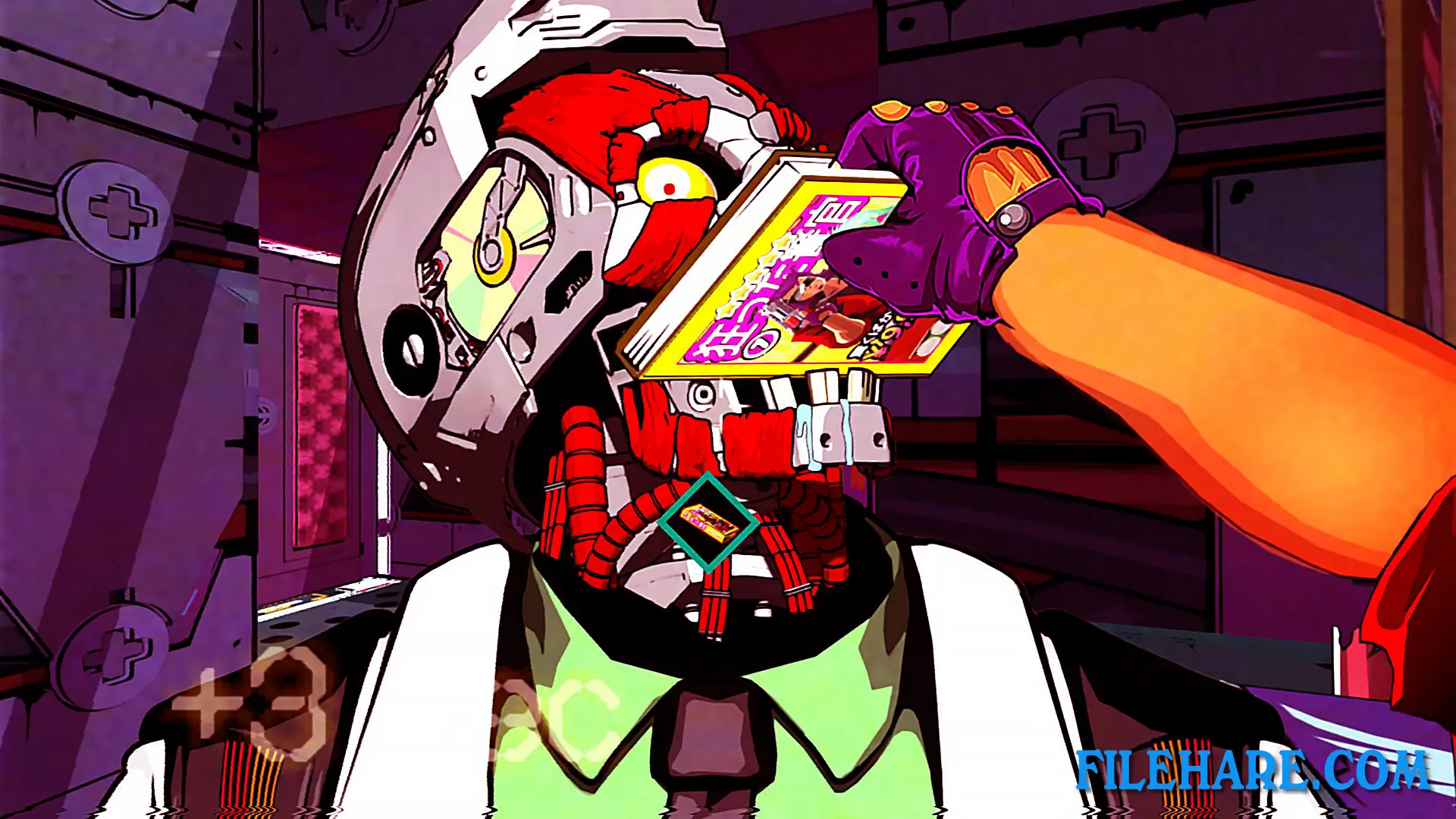
The core mechanic revolves around speed and time management. Players have exactly ten seconds to complete each floor. Killing enemies gives extra seconds to the clock, and destroying vending machines provides soda cans that also extend time. Players can perform finishing moves on enemies using various items found in the environment to earn bonus time. When Jack dies, he restarts from the last checkpoint with all upgrades removed.
Between floors, players can acquire new upgrades and weapons to improve their chances. The game offers several weapons, including revolvers, shotguns, rifles, submachine guns, railguns, plasma rifles, and elemental katanas. The stages are procedurally randomized, so room layouts change with every playthrough. Players need to memorize room designs and find the fastest routes to compete for better completion times. The game includes an arcade mode for the main campaign and an endless mode for continuous action. There are multiple difficulty options so players can adjust the challenge to their skill level. The game supports full controller compatibility, ultrawide monitors, customizable controls, and accessibility options like purple blood mode and the ability to turn off camera shake and flashing effects.
Recommended System Requirements
- OS: Windows 10
- Processor: 4 GHZ
- Memory: 16 GB RAM
- Graphics: GeForce 1060
- Storage: 5 GB available space
Gameplay Screenshots

| Name | MULLET MADJACK: Deluxe Edition |
|---|---|
| Developer | HAMMER95 |
| File Size | 2 GB |
| Category | Action |
| Minimum System Requirements | |
| CPU | Intel/AMD 2.4 GHz dual-core |
| RAM | 8 GB |
| Graphics | Geforce 970 |
| Free Disk Space | 5 GB |
| Operating System | Windows 10 / 11 |
| User Rating | |
Buy this game to support the developer. Store Page
How to Download and Install MULLET MADJACK: Deluxe Edition PC Game?
We have simple instructions for you to download and install the PC game. Before following the steps, Ensure your PC meets the minimum system requirements for Playing the game on your PC.
- First, click on the DOWNLOAD button and you will be redirected to the final Download page. Then, Download the Game on your PC.
- Once you have downloaded the MULLET MADJACK: Deluxe Edition PC Game, Open the folder where you saved the Game.
- Then Right-click on the Zip file and click on the "Extract files" option from the dropdown menu. If your computer does not have a Zip file extract software installed, you must first install it. (such as WinRAR, 7Zip software)
- After Extracting the Zip file, Open the MULLET MADJACK: Deluxe Edition PC Game folder.
- Then, double-click on the Setup.exe file to Install the Game.
- If asked to allow the program to make changes to your device, click Yes to continue.
- After the installation, if you get any missing ".dll" errors or the Game is not launching, open the Readme.txt file located in the game folder and follow the instructions shown in the document file to play the game.
Done!. Now, you can launch the game from your desktop.