My Wife Wants to Be a Professional Cosplayer?! PC Game Download
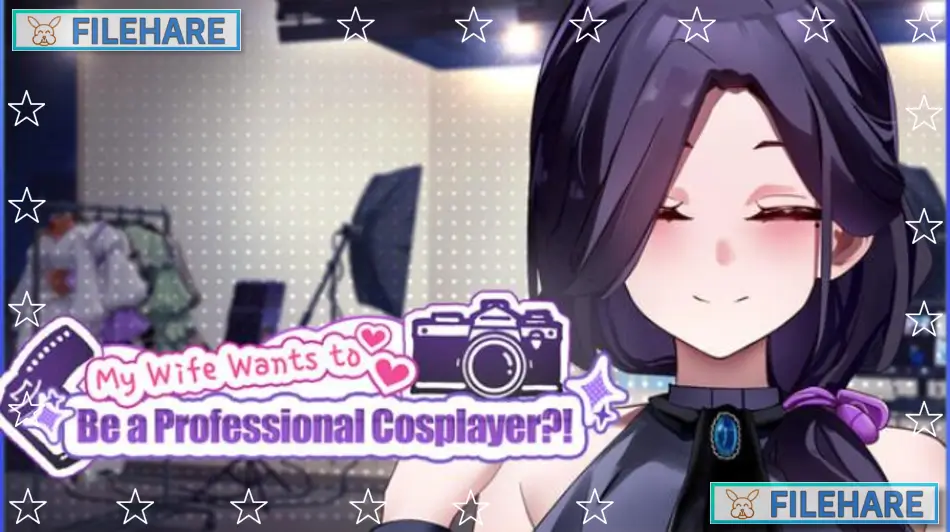
My Wife Wants to Be a Professional Cosplayer?! is a casual simulation game developed by Gentleman.LTD and published by Mango Party and Mango Party News. The game was released on November 22, 2025, for PC on Steam. It is a single-player adult game intended for players aged 18 and above. The game has received positive reviews on Steam, with around 82 to 85 percent of players rating it positively.
Table of Contents
My Wife Wants to Be a Professional Cosplayer?! Story
The story centers on a married couple. The wife is almost thirty years old and has a strong love for cosplay. She has always dreamed of becoming a professional cosplayer and wants to build a name for herself on the internet. As her husband, the player steps in to help her chase that dream. Together, they work on building her cosplay brand, taking photos, managing her online presence, and talking to her growing fan base. As the story goes on, more intimate moments between the couple are unlocked.
My Wife Wants to Be a Professional Cosplayer?! Gameplay
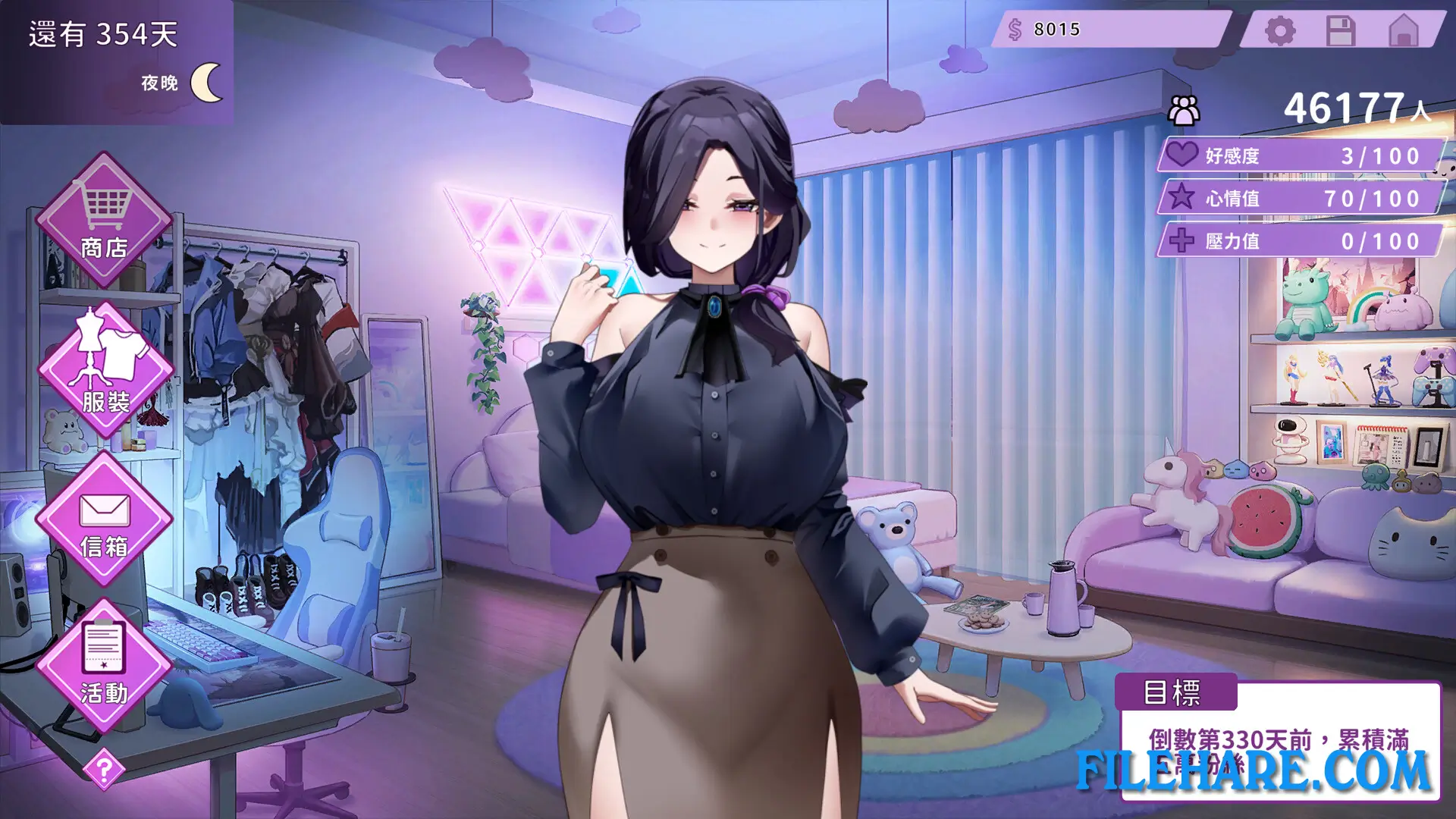
The game is played as a casual simulation with a series of mini-games. The player helps the wife by selecting outfits for her cosplay looks, directing photo shoots, and managing her social media account. The player also interacts with fans on live streams. These in-game tasks are simple and easy to learn. As the player handles daily planning for the wife’s career, the relationship and the career both grow. The game has two main endings depending on how the player manages the wife’s career and relationship, giving the game a degree of replay value.
My Wife Wants to Be a Professional Cosplayer?! Features
The game includes a wide variety of cosplay outfits that can be unlocked as the player progresses. There are 18 fully animated adult scenes included in the game. A digital art book and an original soundtrack are available as separate downloadable add-ons. The game supports Steam Achievements and Steam Cloud saves. It can also be played on the Steam Deck, though some features may not work fully on that device. My Wife Wants to Be a Professional Cosplayer?! is available in five languages: English, Simplified Chinese, Traditional Chinese, Japanese, and Korean.
Gameplay Screenshots
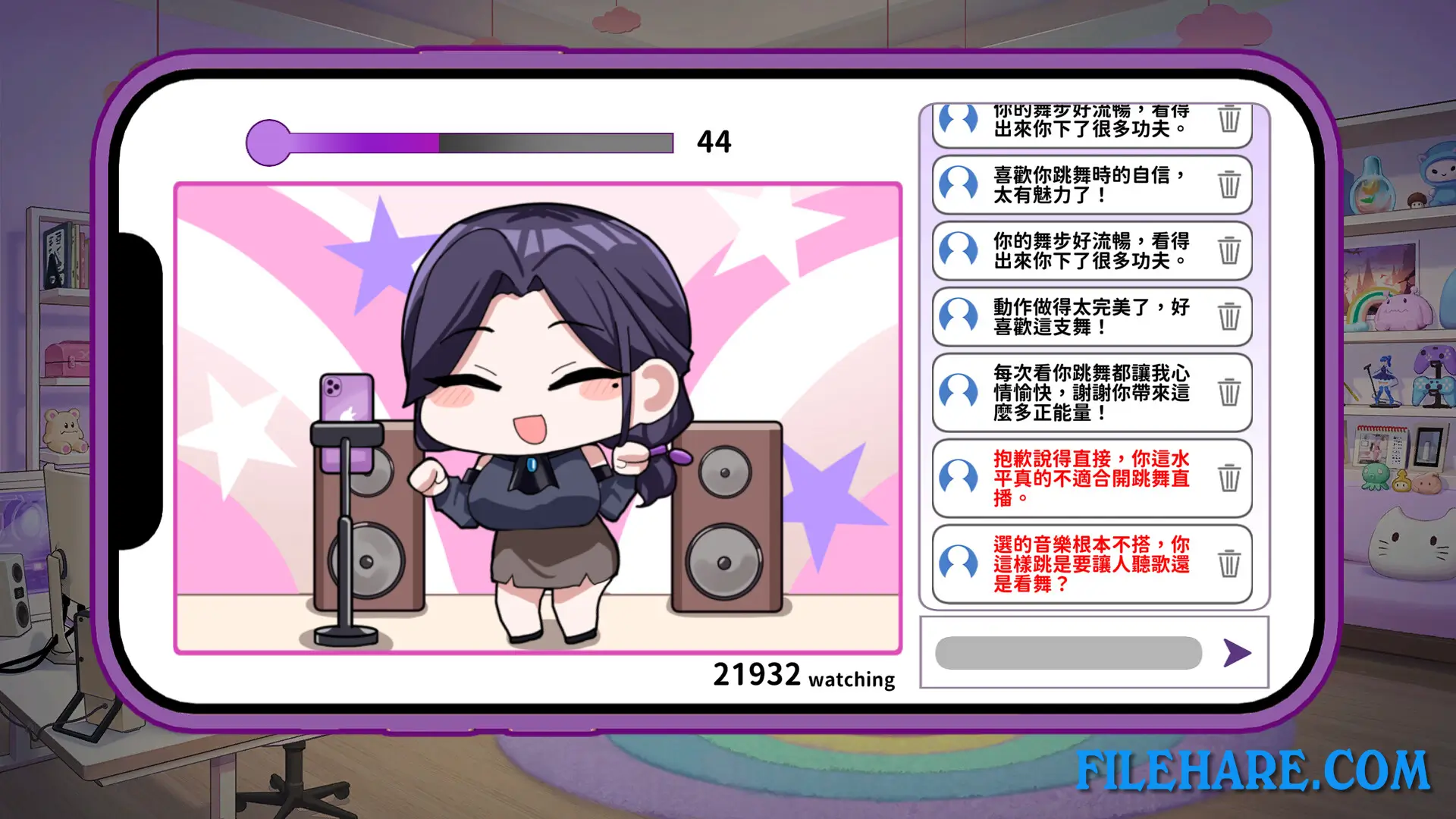
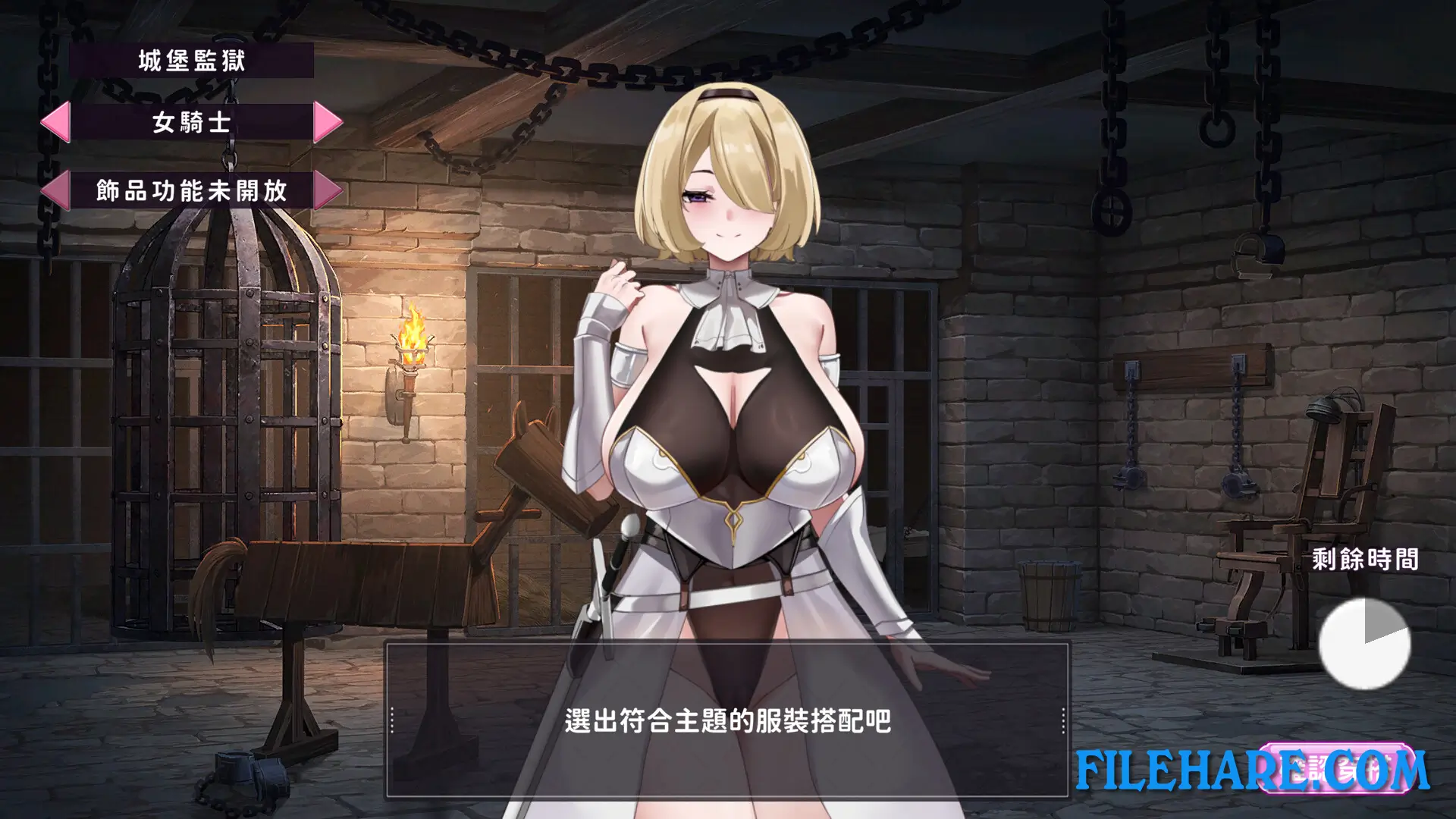
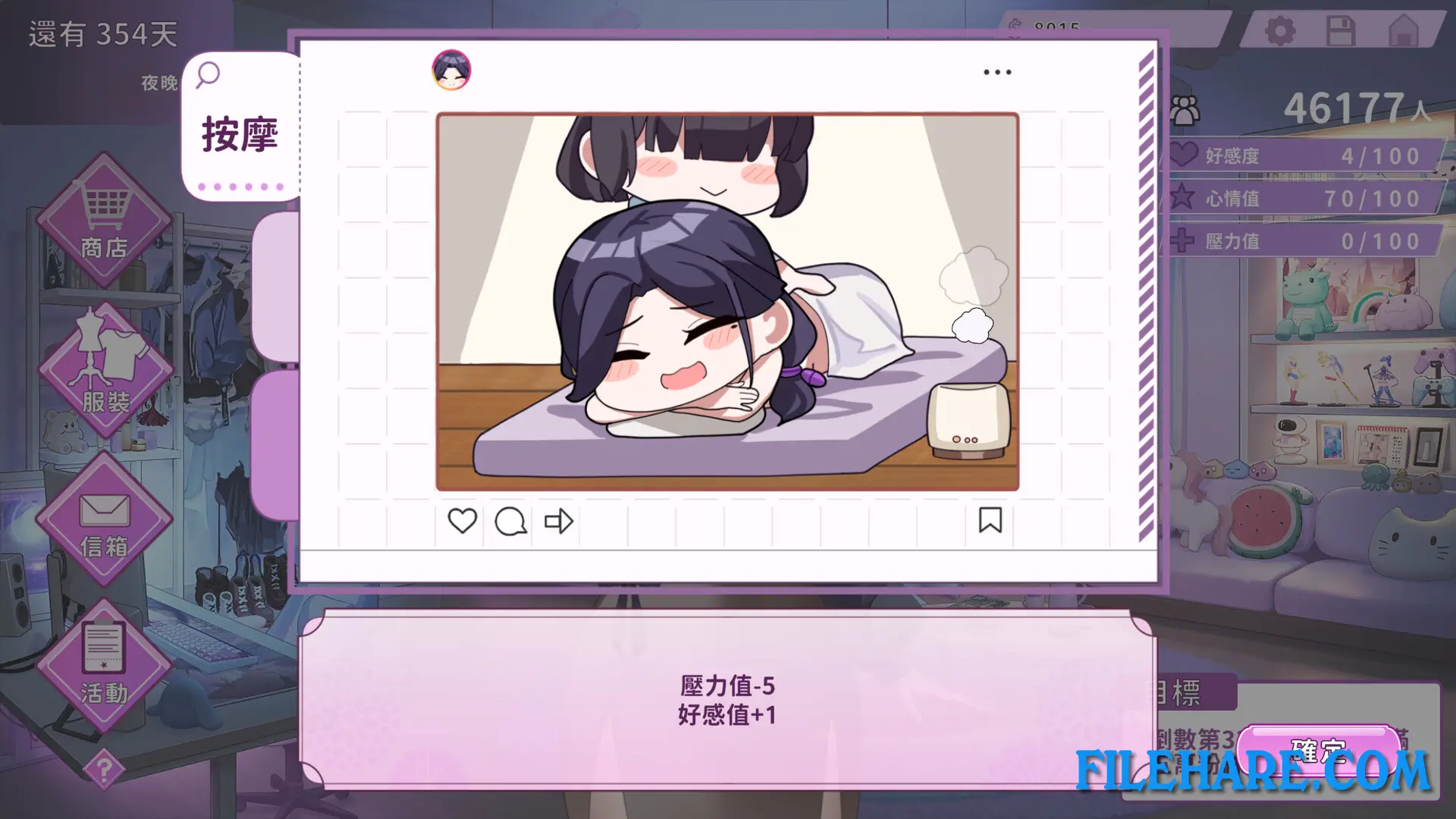
| Name | My Wife Wants to Be a Professional Cosplayer?! |
|---|---|
| Developer | Gentleman.LTD |
| File Size | 525.46 MB |
| Category | Adult |
| Minimum System Requirements | |
| CPU | Intel Core i5 10th gen or above |
| RAM | 8 GB |
| Graphics | GeForce GTX 960 4GB or above |
| Free Disk Space | 2 GB |
| Operating System | Windows 10 / 11 |
| User Rating | |
Buy this game to support the developer. Store Page
How to Download and Install My Wife Wants to Be a Professional Cosplayer?! PC Game?
We have simple instructions for you to download and install the PC game. Before following the steps, Ensure your PC meets the minimum system requirements for Playing the game on your PC.
- First, click on the DOWNLOAD button and you will be redirected to the final Download page. Then, Download the Game on your PC.
- Once you have downloaded the My Wife Wants to Be a Professional Cosplayer?! PC Game, Open the folder where you saved the Game.
- Then Right-click on the Zip file and click on the "Extract files" option from the dropdown menu. If your computer does not have a Zip file extract software installed, you must first install it. (such as WinRAR, 7Zip software)
- After Extracting the Zip file, Open the My Wife Wants to Be a Professional Cosplayer?! PC Game folder.
- Then, double-click on the Setup.exe file to Install the Game.
- If asked to allow the program to make changes to your device, click Yes to continue.
- After the installation, if you get any missing ".dll" errors or the Game is not launching, open the Readme.txt file located in the game folder and follow the instructions shown in the document file to play the game.
Done!. Now, you can launch the game from your desktop.