Police Simulator: Patrol Officers PC Game Download
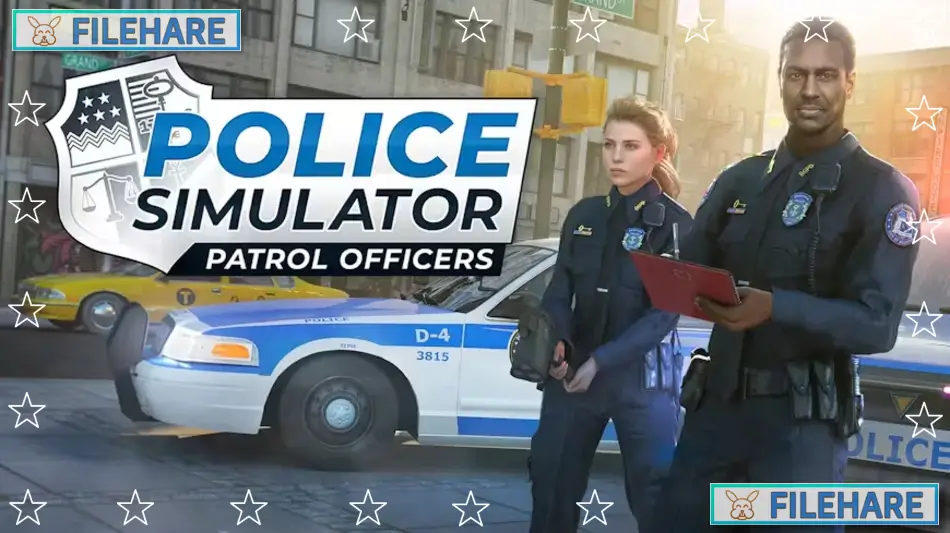
Police Simulator: Patrol Officers is a police simulation game developed by Aesir Interactive and published by astragon Entertainment. The game was released on November 10, 2022, for PC, PlayStation 4, PlayStation 5, Xbox One, and Xbox Series X/S. The PC version left Early Access on the same day after being available since June 17, 2021. Players take on the role of a police officer in the fictional American city of Brighton and experience the daily duties and responsibilities of law enforcement work.
Table of Contents
Police Simulator: Patrol Officers Gameplay
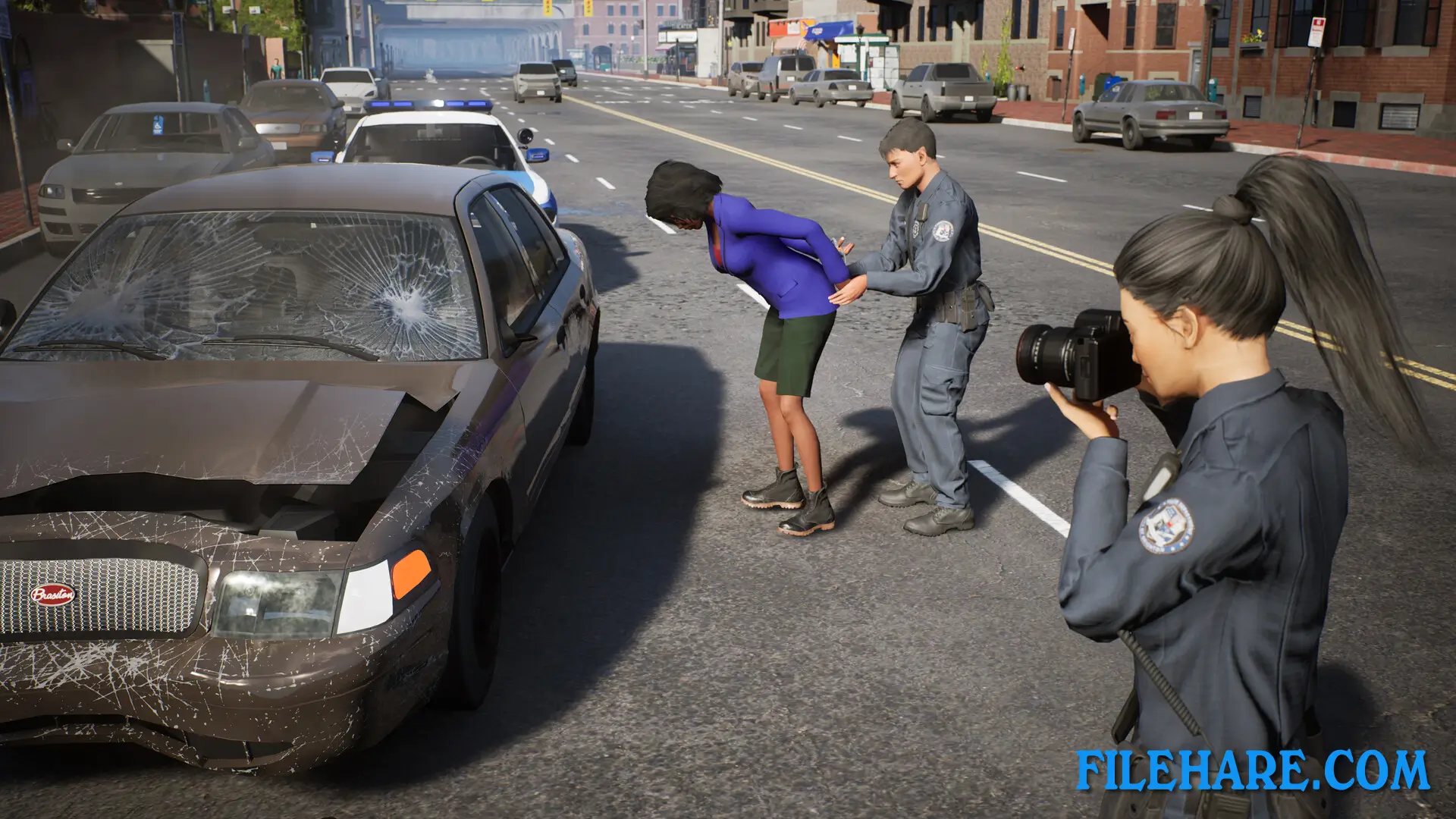
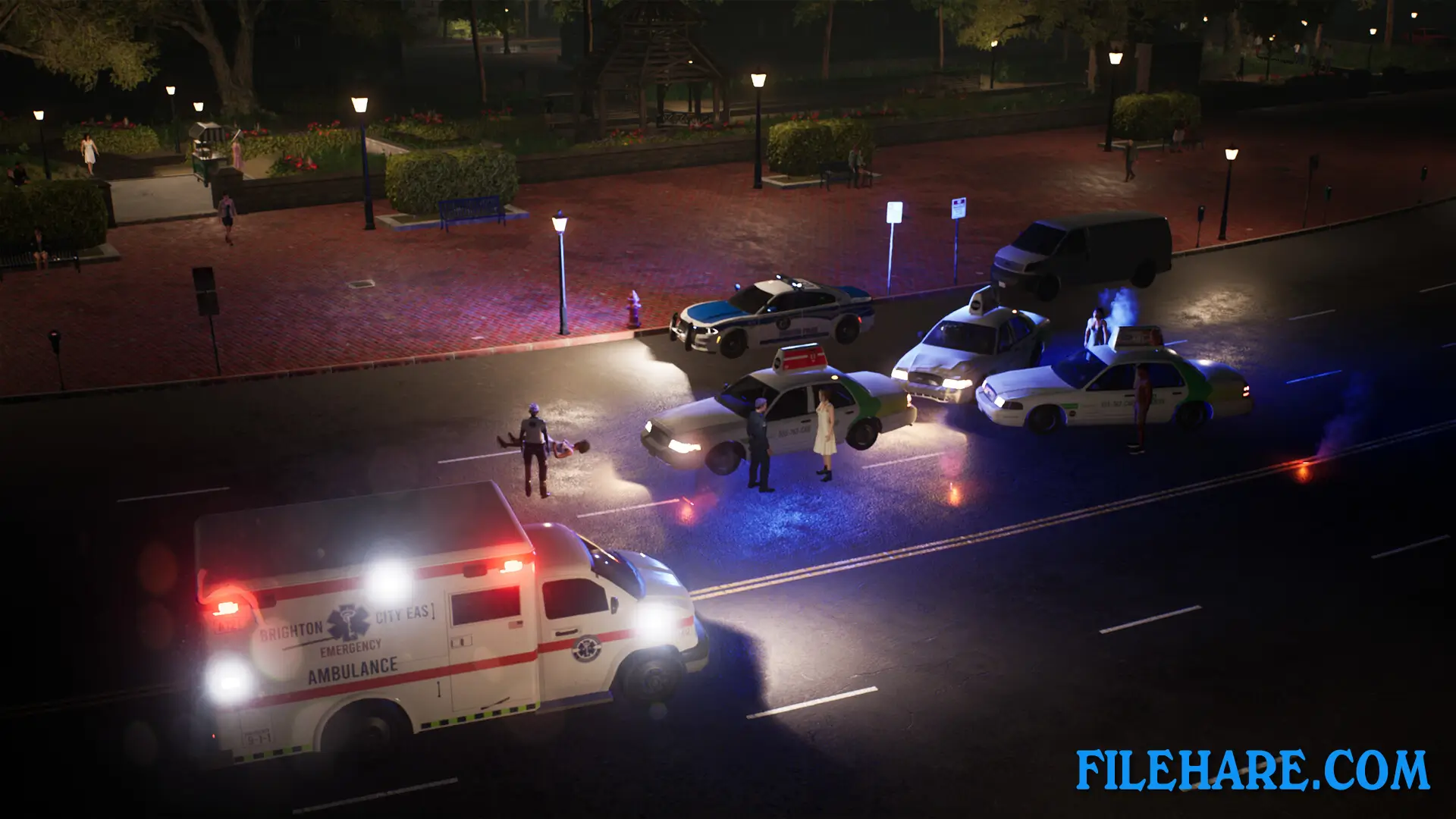
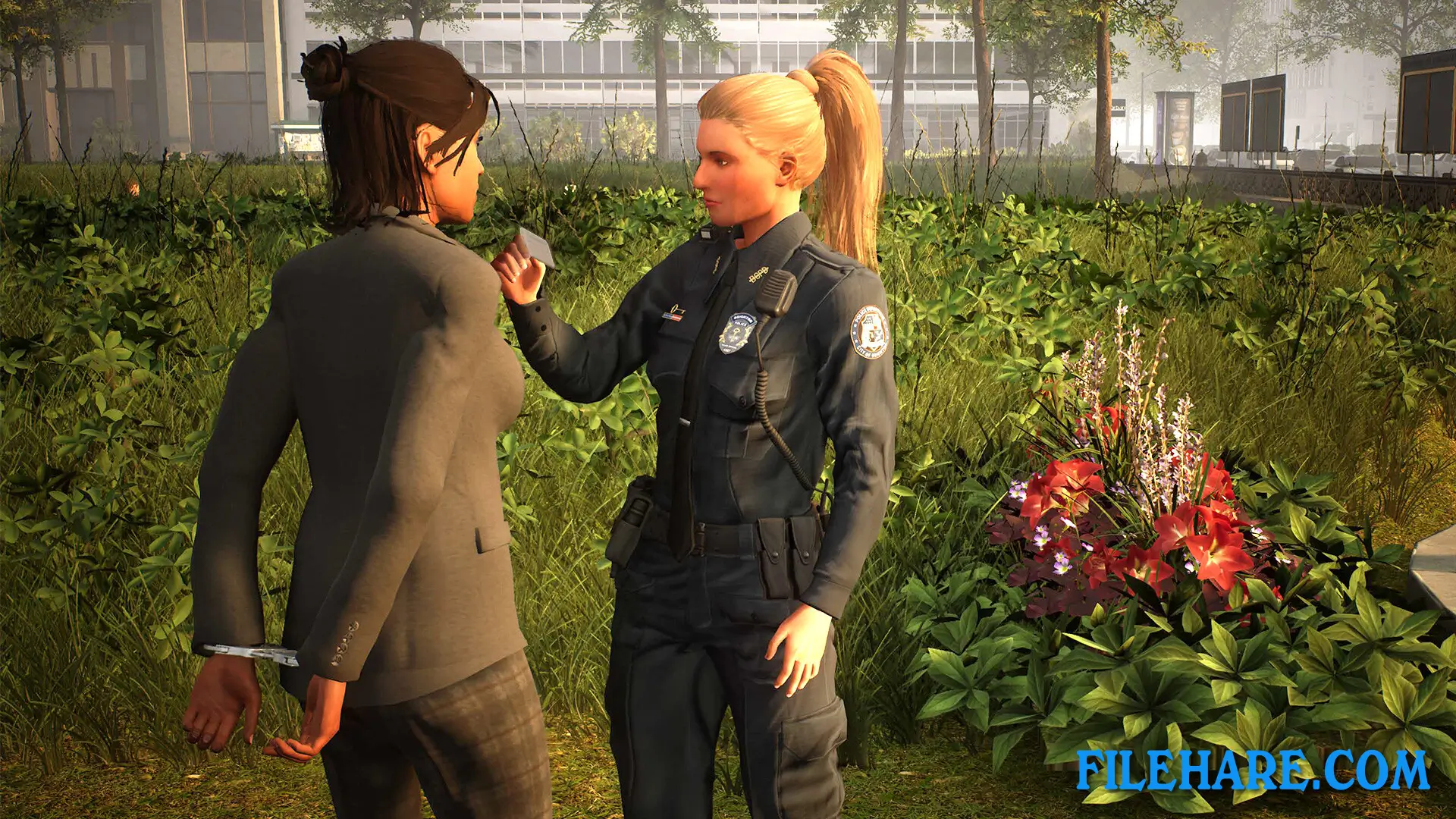
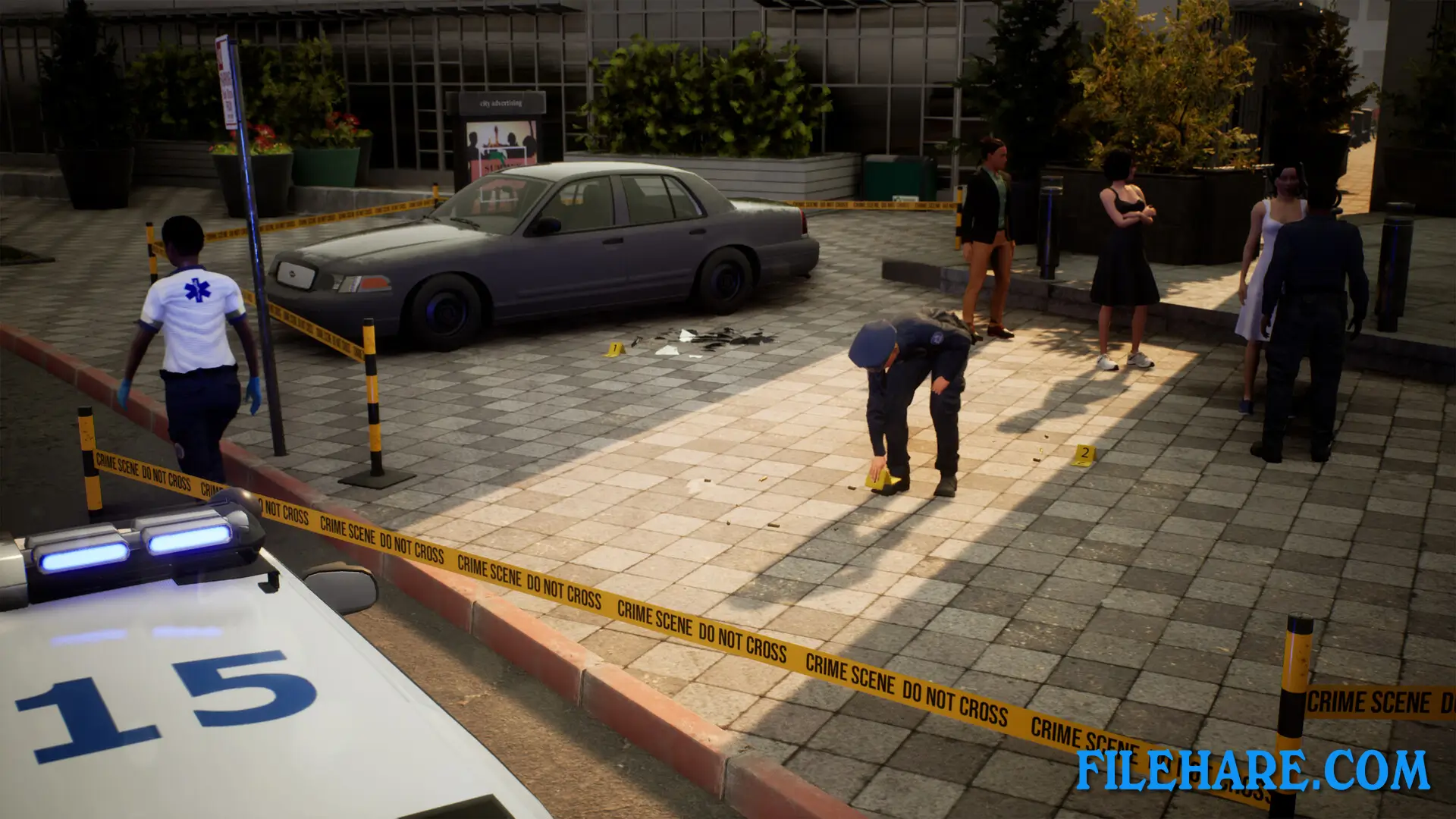
The player controls an officer of the Brighton Police Department and must patrol assigned beats during morning, evening, and night shifts. Players can choose to conduct foot patrols or vehicle patrols while handling various police duties throughout the city. The game starts with basic tasks like writing parking tickets and citing traffic violations, then gradually introduces more serious responsibilities as officers gain experience. Players must respond to emergency situations, including car accidents and crimes that occur randomly during shifts. Officers can use police equipment such as radar guns, handcuffs, and patrol cars to perform their duties.
Police Simulator: Patrol Officers Features
The game takes place in the open city of Brighton with realistic police procedures and equipment. Players can drive various police vehicles and use standard law enforcement tools during their patrols. The game includes a cooperative multiplayer mode for up to two players to work together as police partners. There are expansion packs available, including Highway Patrol Expansion and additional vehicle DLC. The game has received regular content updates since its Early Access release, with new features and improvements added over time. The game simulates real police work, including traffic stops, accident investigations, and crime response calls.
Recommended System Requirements
Requires a 64-bit processor and operating system
- OS: Windows 10 64-Bit
- Processor: Intel Core i7-4790 or higher
- Memory: 16 GB RAM
- Graphics: NVIDIA GeForce GTX 1060 (6 GB VRAM) or higher
- Storage: 12 GB available space
Gameplay Screenshots
| Name | Police Simulator: Patrol Officers |
|---|---|
| Developer | Aesir Interactive |
| File Size | 2.94 GB |
| Category | Simulation |
| Minimum System Requirements | |
| CPU | Intel Core i3-2120 or higher |
| RAM | 8 GB |
| Graphics | NVIDIA GeForce GTX 760 (2 GB VRAM) or higher |
| Free Disk Space | 12 GB |
| Operating System | Windows 10 / 11 (64-bit) |
| User Rating | |
Buy this game to support the developer. Store Page
How to Download and Install Police Simulator: Patrol Officers PC Game?
We have simple instructions for you to download and install the PC game. Before following the steps, Ensure your PC meets the minimum system requirements for Playing the game on your PC.
- First, click on the DOWNLOAD button and you will be redirected to the final Download page. Then, Download the Game on your PC.
- Once you have downloaded the Police Simulator: Patrol Officers PC Game, Open the folder where you saved the Game.
- Then Right-click on the Zip file and click on the "Extract files" option from the dropdown menu. If your computer does not have a Zip file extract software installed, you must first install it. (such as WinRAR, 7Zip software)
- After Extracting the Zip file, Open the Police Simulator: Patrol Officers PC Game folder.
- Then, double-click on the Setup.exe file to Install the Game.
- If asked to allow the program to make changes to your device, click Yes to continue.
- After the installation, if you get any missing ".dll" errors or the Game is not launching, open the Readme.txt file located in the game folder and follow the instructions shown in the document file to play the game.
Done!. Now, you can launch the game from your desktop.