Prison Simulator PC Game Download for Windows 10/11/7/8

Prison Simulator is a first-person simulation game where you play as a prison guard. The game was developed by Baked Games and published by Baked Games and PlayWay S.A. It was released on November 4, 2021, for PC. In this game, you work as a prison officer who is one month away from getting a promotion. You need to do many tasks while keeping both your superiors and the prisoners happy at the same time.
Table of Contents
Prison Simulator Gameplay
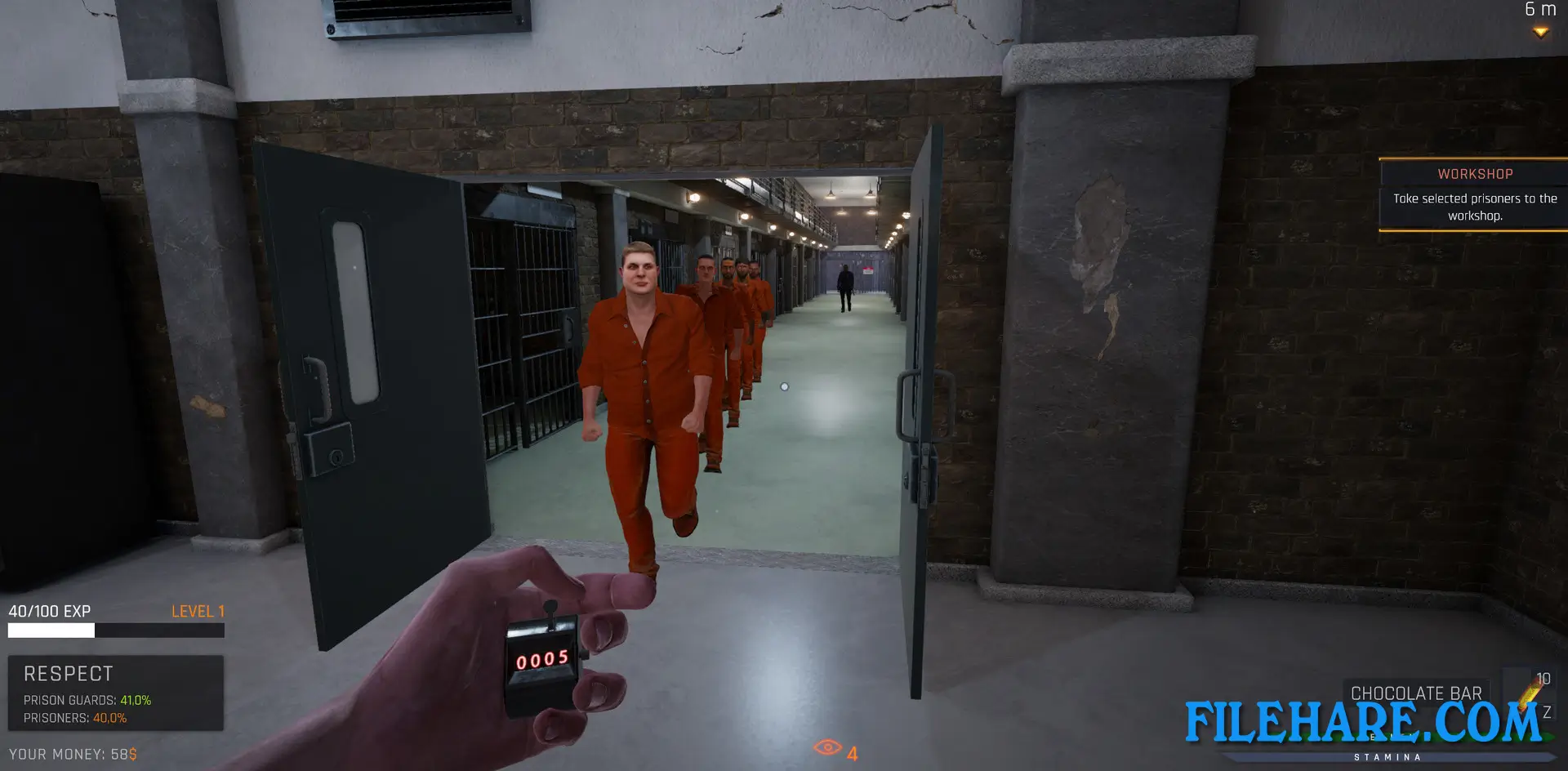
The game works on a day-to-day basis, where you get tasks to complete. You perform duties like receiving new prisoners, checking their documents and belongings, searching prison cells for illegal items, counting prisoners during roll call, watching security cameras, and stopping riots. You also send prisoners to work, supervise visits, and handle execution procedures. Between tasks, you get free time where you can do activities like working out to increase your strength and stamina, playing darts or basketball, or doing side jobs for extra money.
You need to balance two respect meters – one for guards and one for prisoners. If guard respect drops to zero, you get fired. If prisoner respect drops to zero, they start a riot. You can choose to follow the rules strictly or become corrupt by helping prisoners smuggle items for money. The game has both a campaign mode with assigned tasks and a free play mode where you can explore and do what you want.
Prison Simulator Features
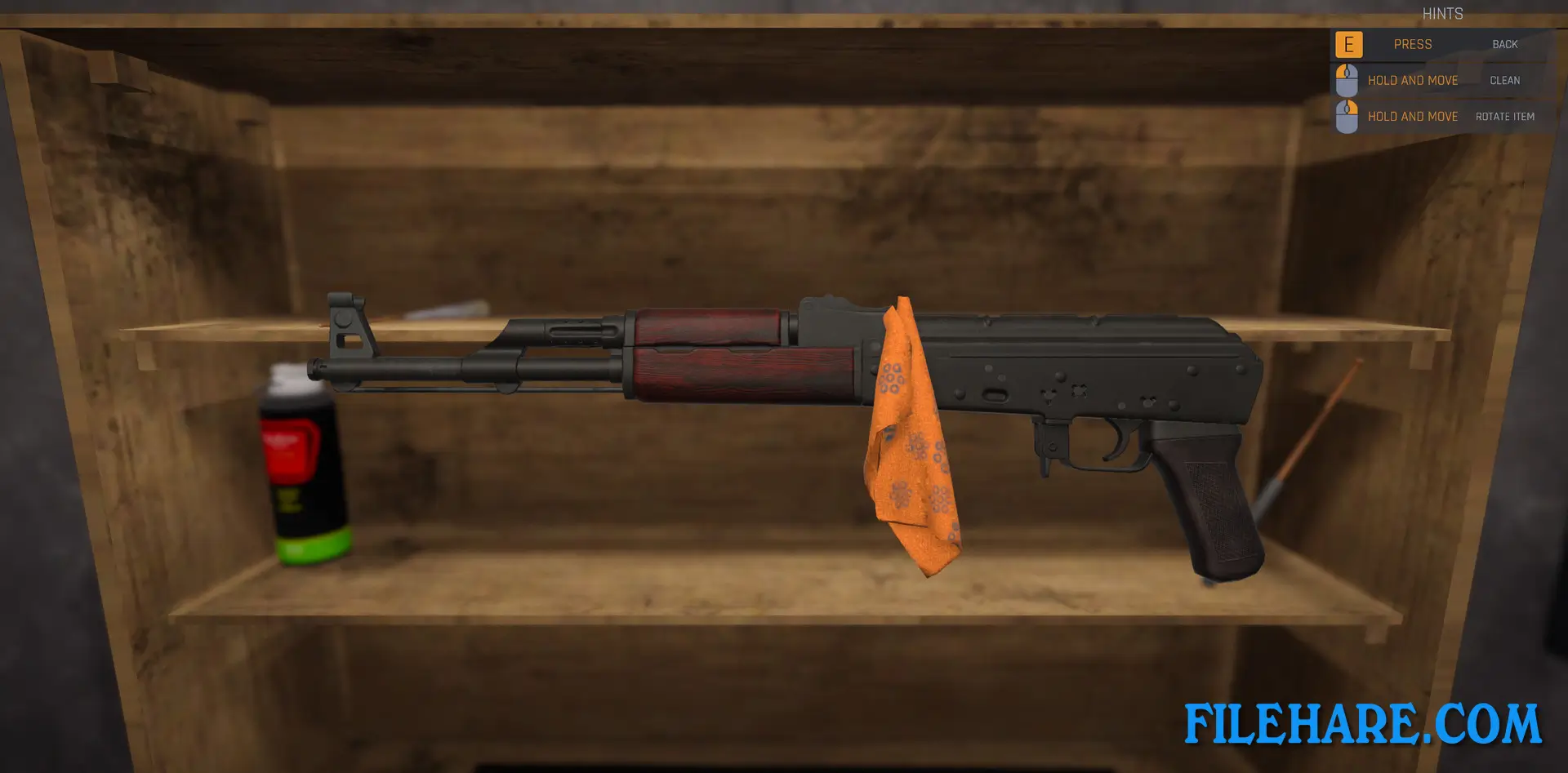
The game includes a prisoner creator tool where you can design custom inmates. You can upgrade prison facilities like workshops and cells to earn more money. The game has melee combat with a nightstick when prisoners become aggressive, and shooting sections during riots, where you use firearms. You also handle documents by checking prisoner applications, comparing signatures and stamps to spot fake papers. Money management is important as you buy supplies, upgrade cells.
Recommended System Requirements
Requires a 64-bit processor and operating system
- OS: Windows 10 64-bit
- Processor: Intel Core i5
- Memory: 12 GB RAM
- Graphics: GeForce GTX 960 / AMD R9-380 or better
- Storage: 6 GB available space
Gameplay Screenshots


| Name | Prison Simulator |
|---|---|
| Developer | Baked Games |
| File Size | 2.78 GB |
| Category | Simulation |
| Minimum System Requirements | |
| CPU | Intel Core i3 2.0 GHz dual-core |
| RAM | 8 GB |
| Graphics | GeForce GTX 960 / AMD R9-380 |
| Free Disk Space | 6 GB |
| Operating System | Windows 10 / 11 / 7 / 8 (64-bit) |
| User Rating | |
Buy this game to support the developer. Store Page
How to Download and Install Prison Simulator PC Game?
We have simple instructions for you to download and install the PC game. Before following the steps, Ensure your PC meets the minimum system requirements for Playing the game on your PC.
- First, click on the DOWNLOAD button and you will be redirected to the final Download page. Then, Download the Game on your PC.
- Once you have downloaded the Prison Simulator PC Game, Open the folder where you saved the Game.
- Then Right-click on the Zip file and click on the "Extract files" option from the dropdown menu. If your computer does not have a Zip file extract software installed, you must first install it. (such as WinRAR, 7Zip software)
- After Extracting the Zip file, Open the Prison Simulator PC Game folder.
- Then, double-click on the Setup.exe file to Install the Game.
- If asked to allow the program to make changes to your device, click Yes to continue.
- After the installation, if you get any missing ".dll" errors or the Game is not launching, open the Readme.txt file located in the game folder and follow the instructions shown in the document file to play the game.
Done!. Now, you can launch the game from your desktop.