Project Werewulf PC Game Download for Windows 10/11
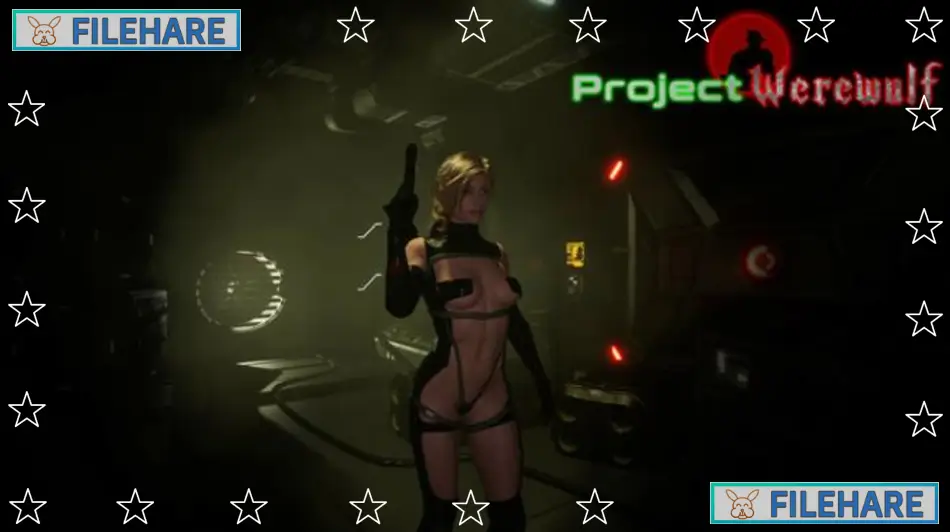
Project Werewulf is a 3D adult survival horror game developed and published by FTRGameStudio. It was released on May 6, 2025, for PC on Steam. The game is rated 18+ and is only meant for adult players. It is a third-person action RPG with horror and adventure, built using Unreal Engine 5. It has received 84% positive reviews from players on Steam.
Table of Contents
Project Werewulf Story
The story is set in the 1980s. A young woman named Jessica is wrongly put in a prison that is far away from any city or town. The prison is already a dark and scary place, but things get much worse when a werewolf follows her there. People inside the prison start to die one by one, and Jessica becomes the main target. The player must help her find out why the werewolf is hunting her and try to escape before it is too late.
Project Werewulf Gameplay
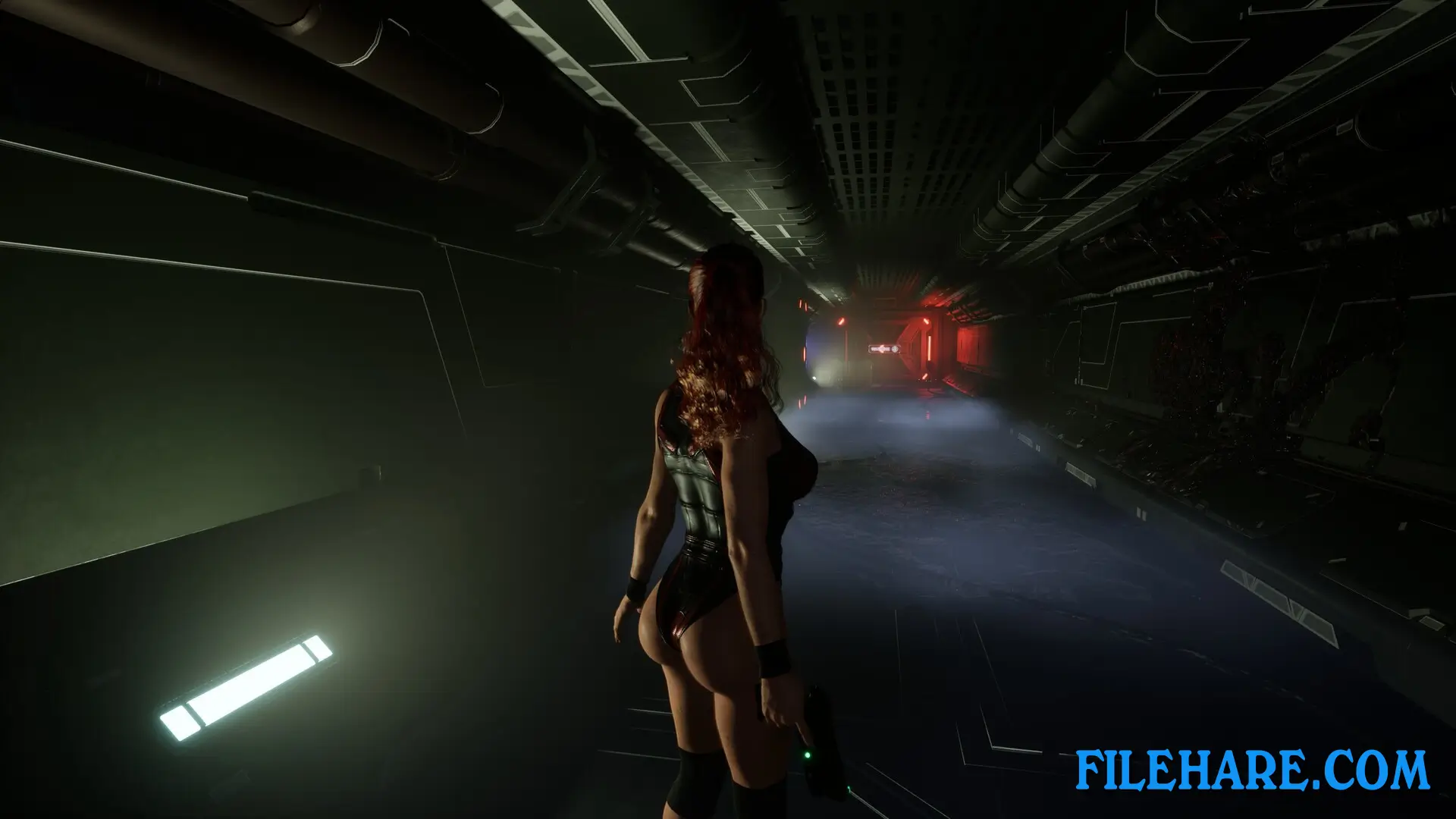
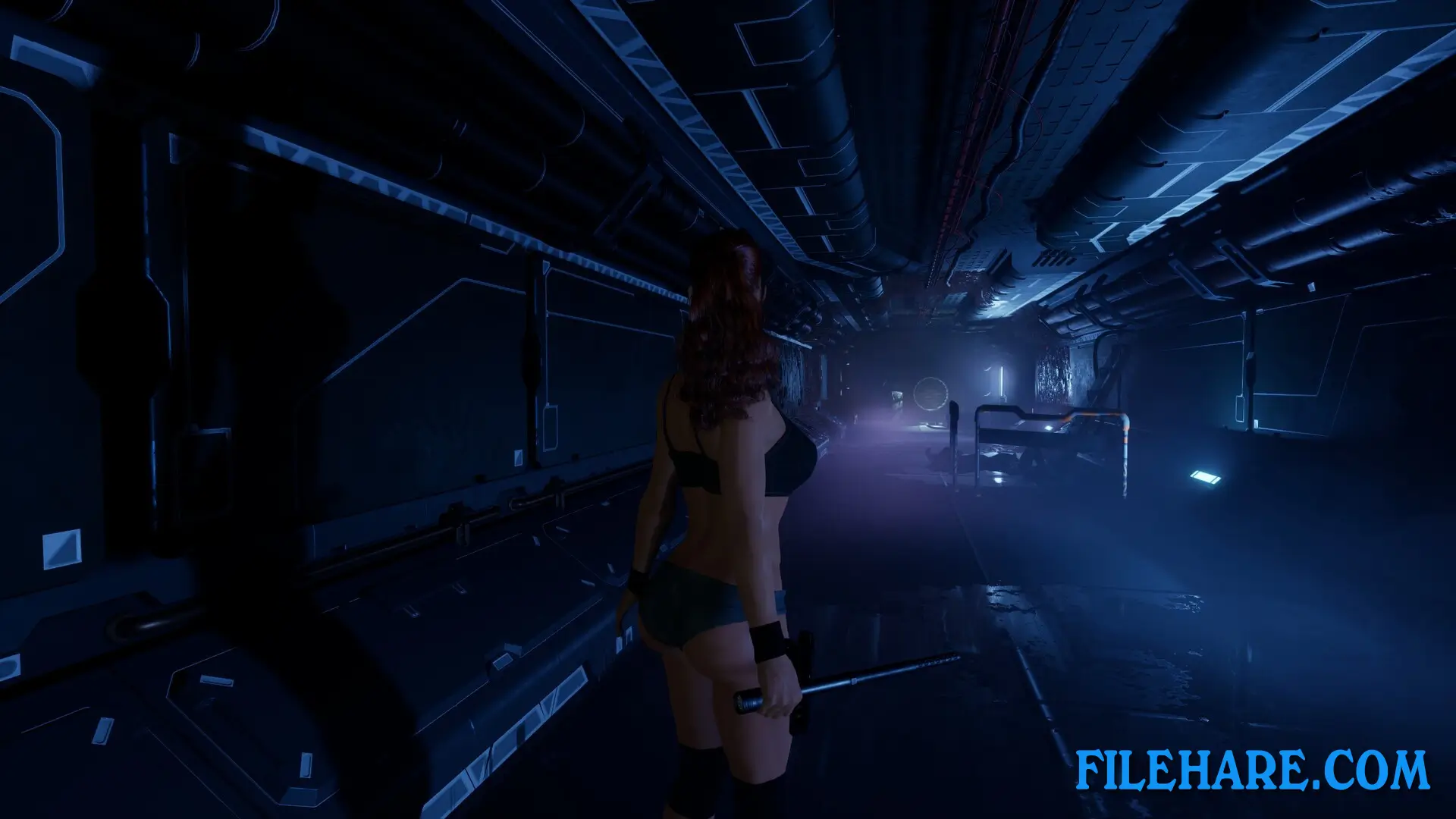
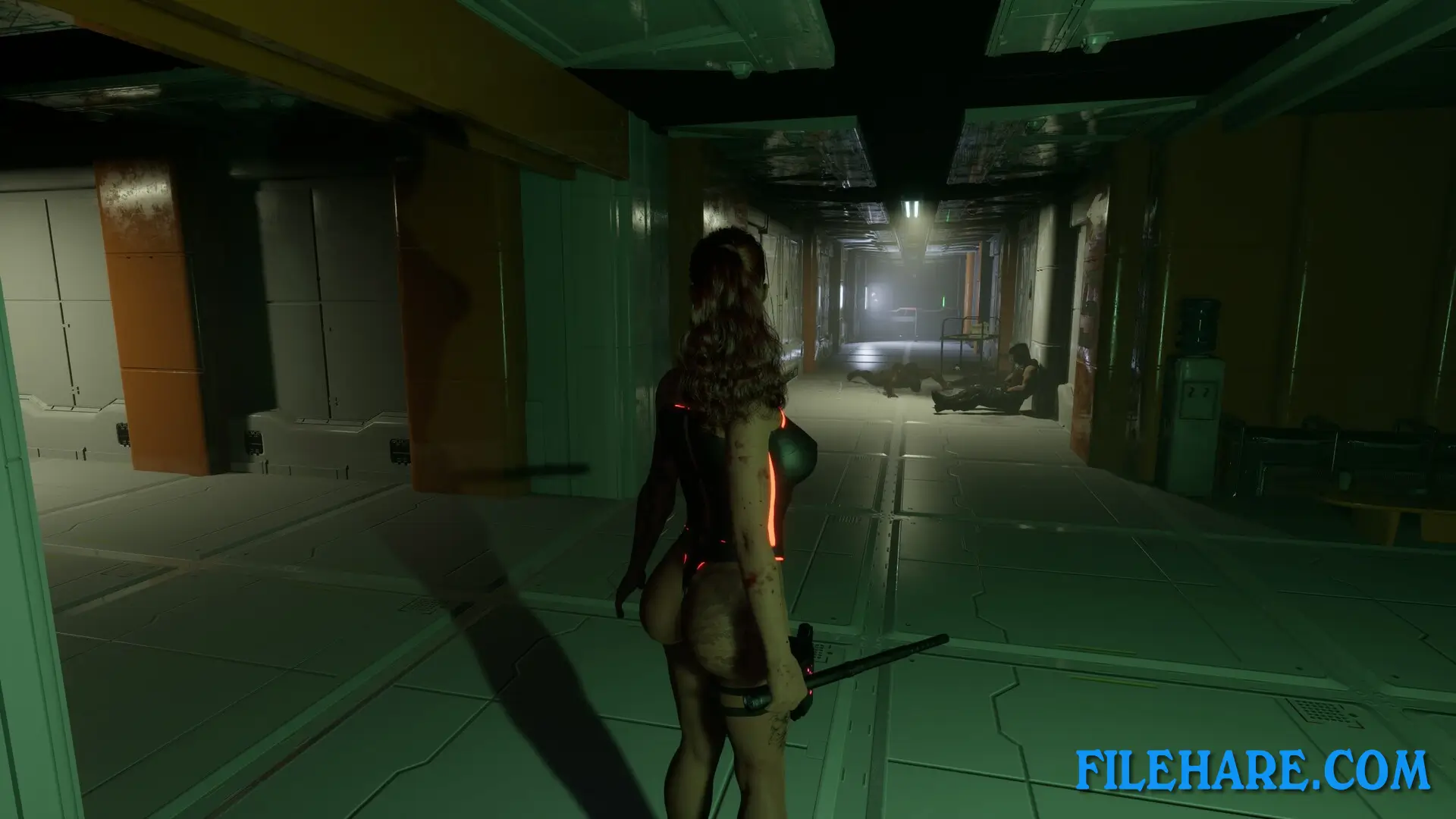
Project Werewulf is played from a third-person view. The player controls Jessica as she moves through the prison, fights enemies, and tries to stay alive. The game has both action and stealth. The player can choose to fight or hide depending on the situation. There are human enemies like Special Forces soldiers, as well as Half Lycans and the dangerous Alpha Lycan. The Alpha Lycan is the main threat, and the player must avoid it carefully. The game also has a close combat system with stealth kills and executions. Players can loot items and use them to survive. There are also friendly NPCs in safe areas where Jessica can rest and receive tasks.
Project Werewulf Features
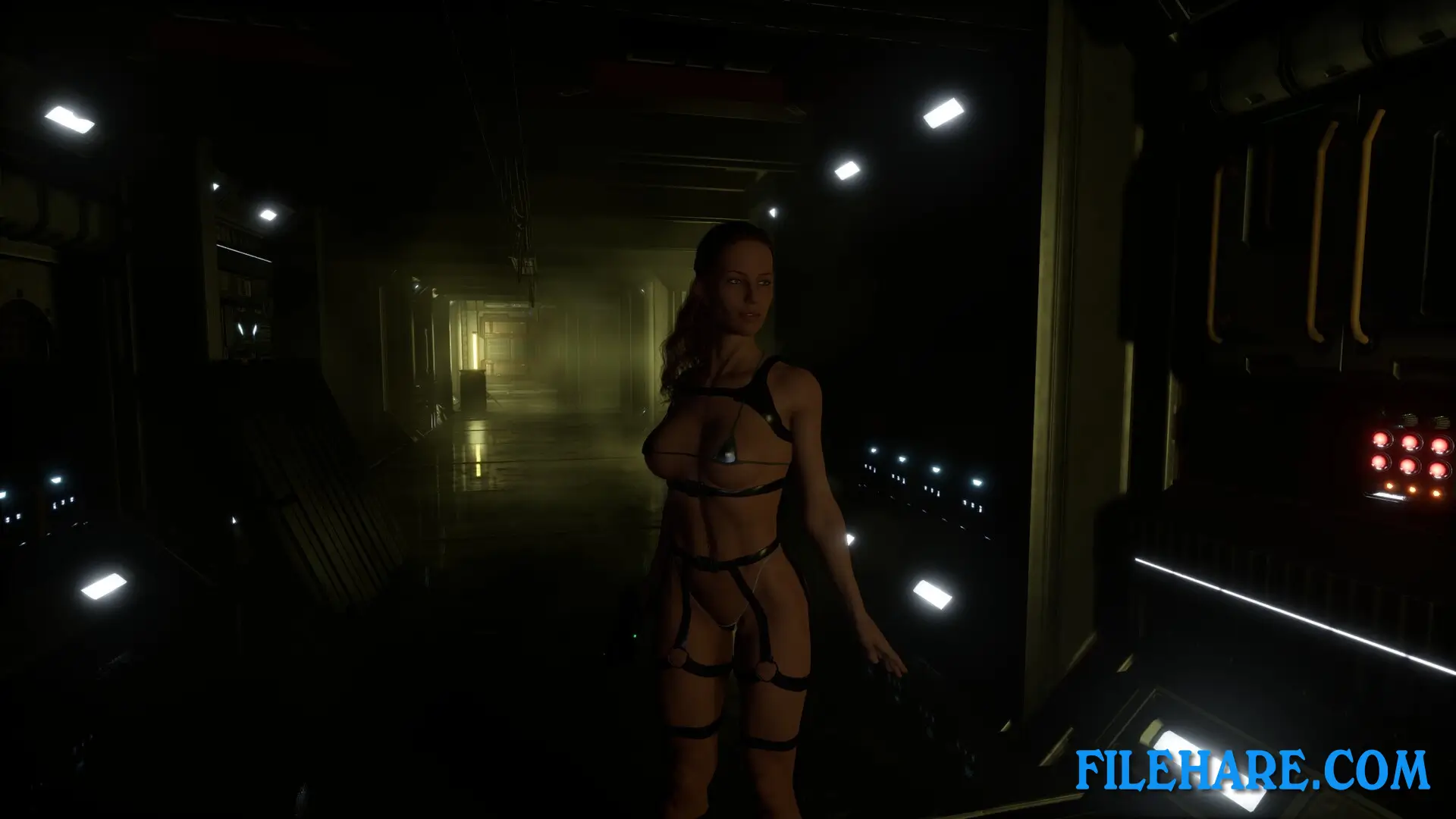
Project Werewulf has many notable features. The main character, Jessica, is modeled on a real woman and can be customized with different clothes, hair, tattoos, and makeup. The game includes a character customization option that players can use before and during the game. It supports multiple weapons for combat and has a save and checkpoint system. The game is built in Unreal Engine 5, which gives it high-quality graphics and good visual detail. It also includes adult animations and content, which is why it is restricted to players aged 18 and above. The game supports six languages, including English, Japanese, Russian, and Spanish. The developers at FTRGameStudio are still actively updating the game based on player feedback.
Recommended System Requirements
Requires a 64-bit processor and operating system
- OS: Windows 10 64-bit
- Processor: Core i5 10400
- Memory: 16 GB RAM
- Graphics: Geforece RTX 2060
- DirectX: Version 12
- Storage: 13 GB available space
- Additional Notes: SSD
Gameplay Screenshots
| Name | Project Werewulf |
|---|---|
| Developer | FTRGameStudio |
| File Size | 11.26 GB |
| Category | Adult |
| Minimum System Requirements | |
| CPU | Intel Core i5 6600 |
| RAM | 16 GB |
| Graphics | Geforce 1060 6GB |
| Free Disk Space | 13 GB |
| Operating System | Windows 10 / 11 (64-bit) |
| User Rating | |
Buy this game to support the developer. Store Page
How to Download and Install Project Werewulf PC Game?
We have simple instructions for you to download and install the PC game. Before following the steps, Ensure your PC meets the minimum system requirements for Playing the game on your PC.
- First, click on the DOWNLOAD button and you will be redirected to the final Download page. Then, Download the Game on your PC.
- Once you have downloaded the Project Werewulf PC Game, Open the folder where you saved the Game.
- Then Right-click on the Zip file and click on the "Extract files" option from the dropdown menu. If your computer does not have a Zip file extract software installed, you must first install it. (such as WinRAR, 7Zip software)
- After Extracting the Zip file, Open the Project Werewulf PC Game folder.
- Then, double-click on the Setup.exe file to Install the Game.
- If asked to allow the program to make changes to your device, click Yes to continue.
- After the installation, if you get any missing ".dll" errors or the Game is not launching, open the Readme.txt file located in the game folder and follow the instructions shown in the document file to play the game.
Done!. Now, you can launch the game from your desktop.