Prostitute Simulator PC Game Download for Windows 10/11
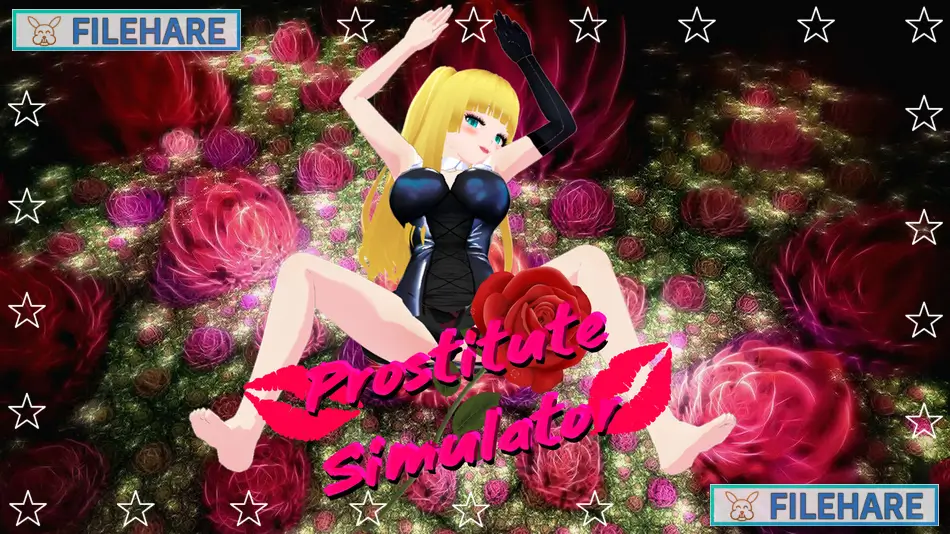
Prostitute Simulator is an adult indie simulation game developed by Capturedleek27 and Doky and published by Capky Games. The game was released on July 21, 2022, on PC. It is a single-player title available on Windows, Mac, Linux, and Steam Deck. The game supports three languages: English, Spanish, and Japanese. It is a short and fast-running simulation game set in Japan.
Table of Contents
Prostitute Simulator Story
The game follows a young woman named Mamimi, who works as a prostitute in a Japanese city where such activity is against the law. Mamimi must earn enough money to manage the struggles of her daily personal situation. The city is not safe for her — police officers patrol the streets ready to arrest her, members of the local mafia look to steal her earnings, and jealous women can also become a threat. The story mode gives players a closer look at Mamimi’s background and the difficult circumstances she faces while trying to survive and earn a living.
Prostitute Simulator Gameplay
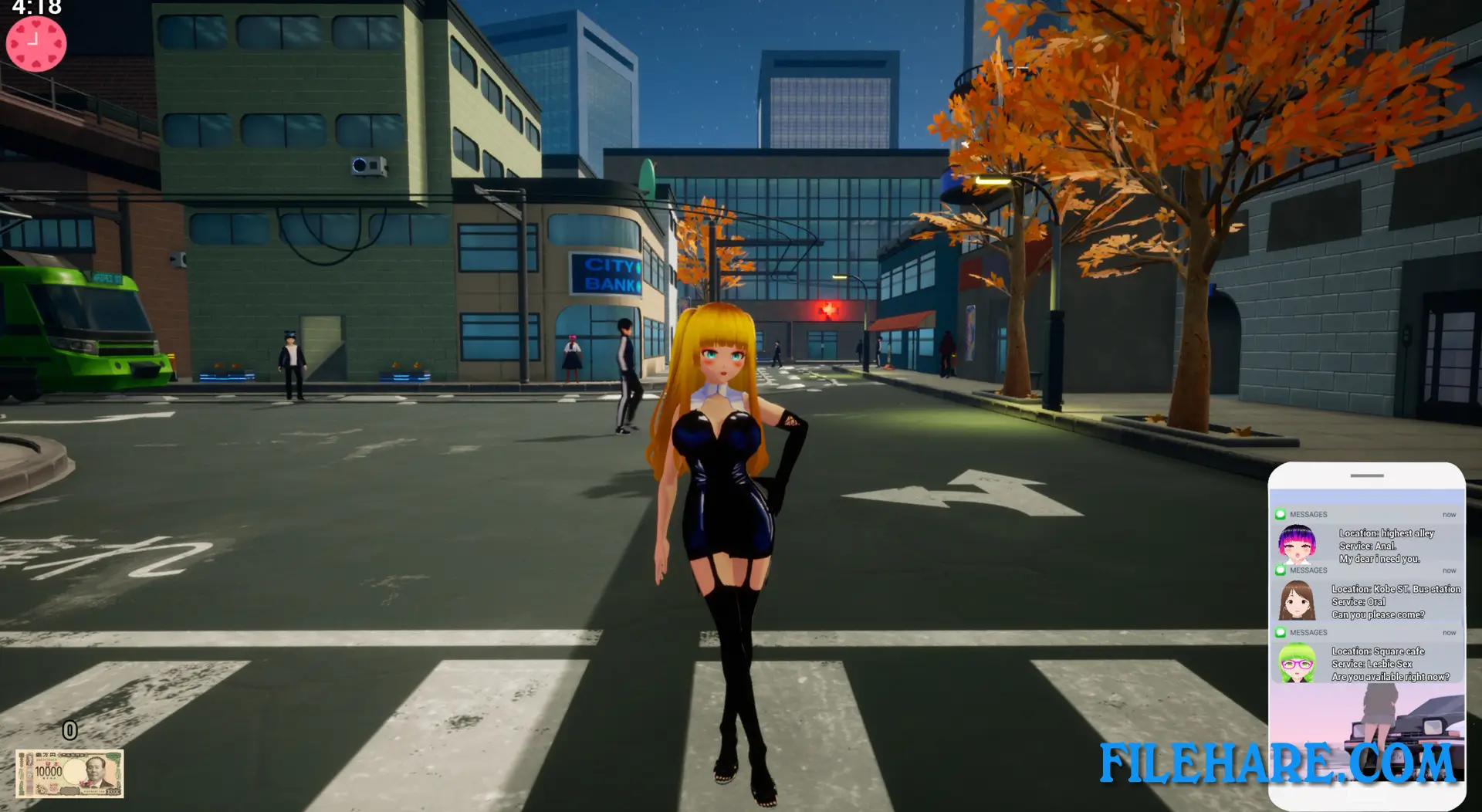
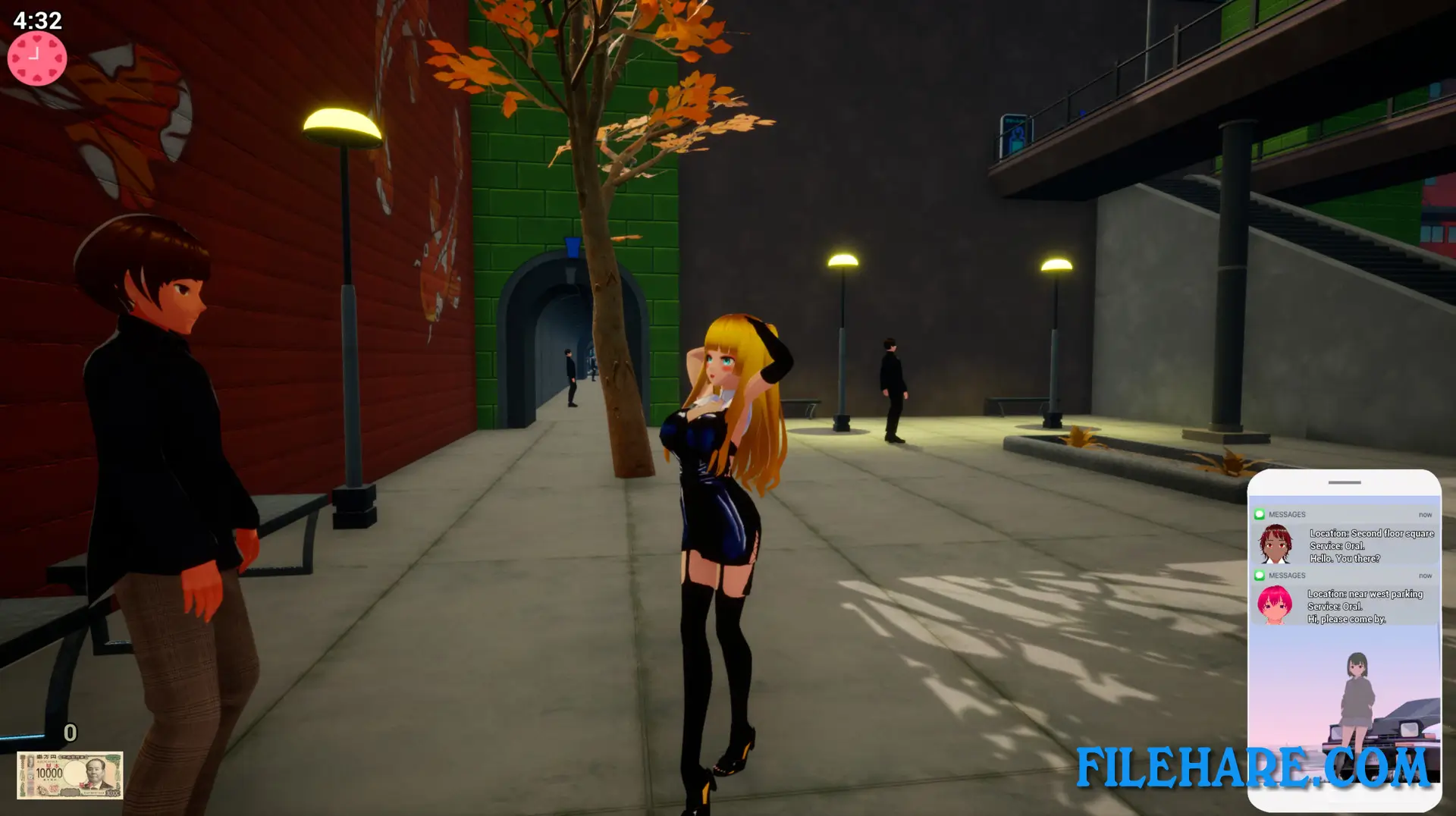
Prostitute Simulator is played from a third-person perspective in a 3D city environment. The game has two modes: story mode and arcade mode. In story mode, players take on Mamimi’s personal situation and work toward earning a set amount of money. In arcade mode, players have five minutes to serve as many clients as possible. A notification appears on the screen every fifteen seconds showing the face of a waiting client. The player must navigate the city map and reach the client before they leave. After each client interaction, the game applies a random positive or negative effect to the player — some raise movement speed or increase money earned, while others create more difficulty. Police officers cause an immediate game over if they catch the player, and mafia members will take the earned money away if encountered.
Prostitute Simulator Features
The game includes a cosmetic shop where players can spend their earned money to buy new outfits and gestures for Mamimi, such as a bunny costume. A censorship mode is available for content creators who want to record or stream the game without adult visuals appearing on screen. The game also includes Steam Achievements and supports partial controller input. The overall sessions are short by design, with arcade mode limited to five minutes per run, making Prostitute Simulator a compact title built for quick repeated play.
Recommended System Requirements
Requires a 64-bit processor and operating system
- OS: Windows 10 / 11
- Processor: Intel Core i5-3470 | AMD FX-6300
- Memory: 8 MB RAM
- Graphics: Nvidia GeForce GTX 1060 | AMD Radeon HD 6870
- Storage: 3 GB available space
Gameplay Screenshots
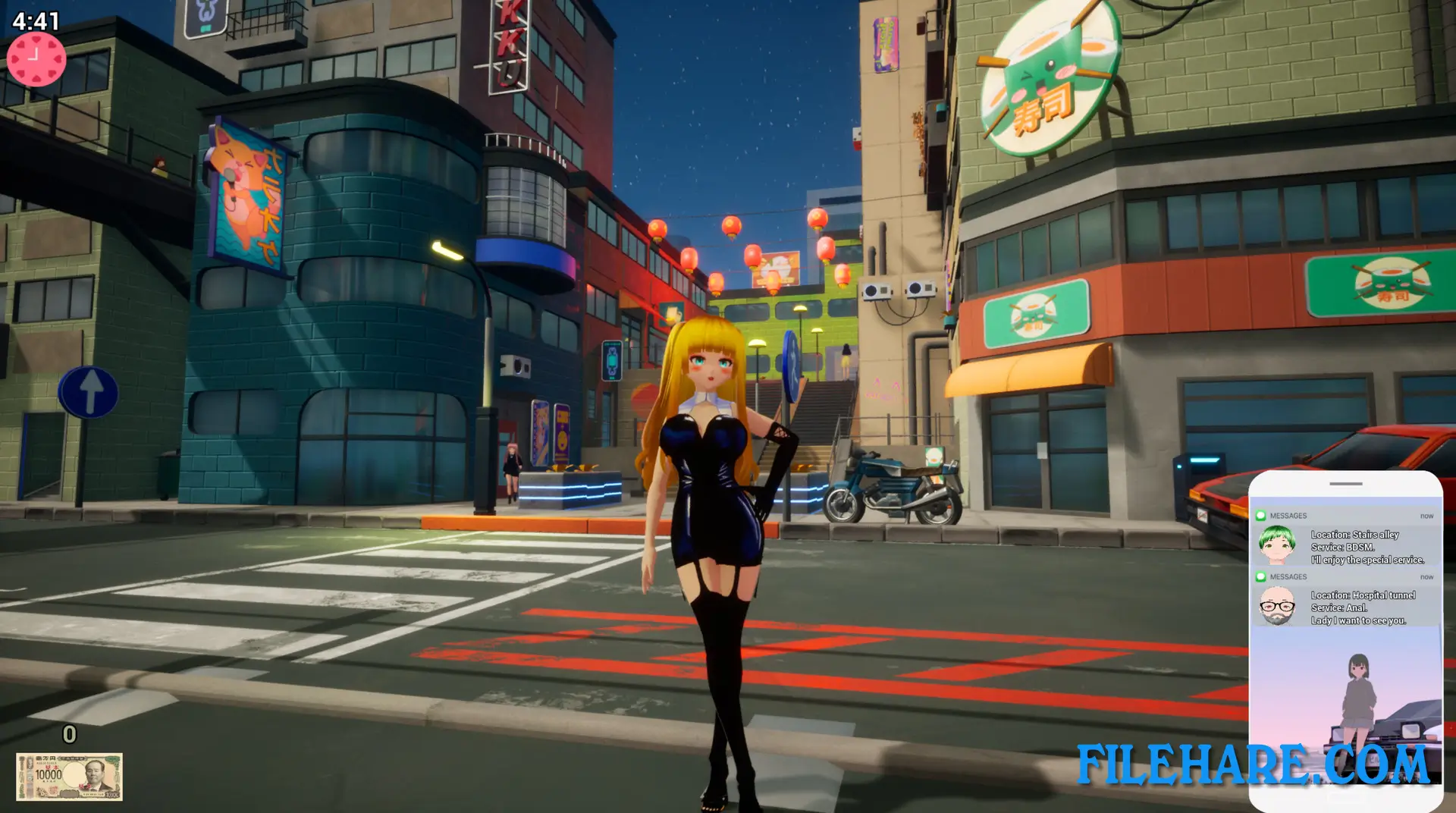
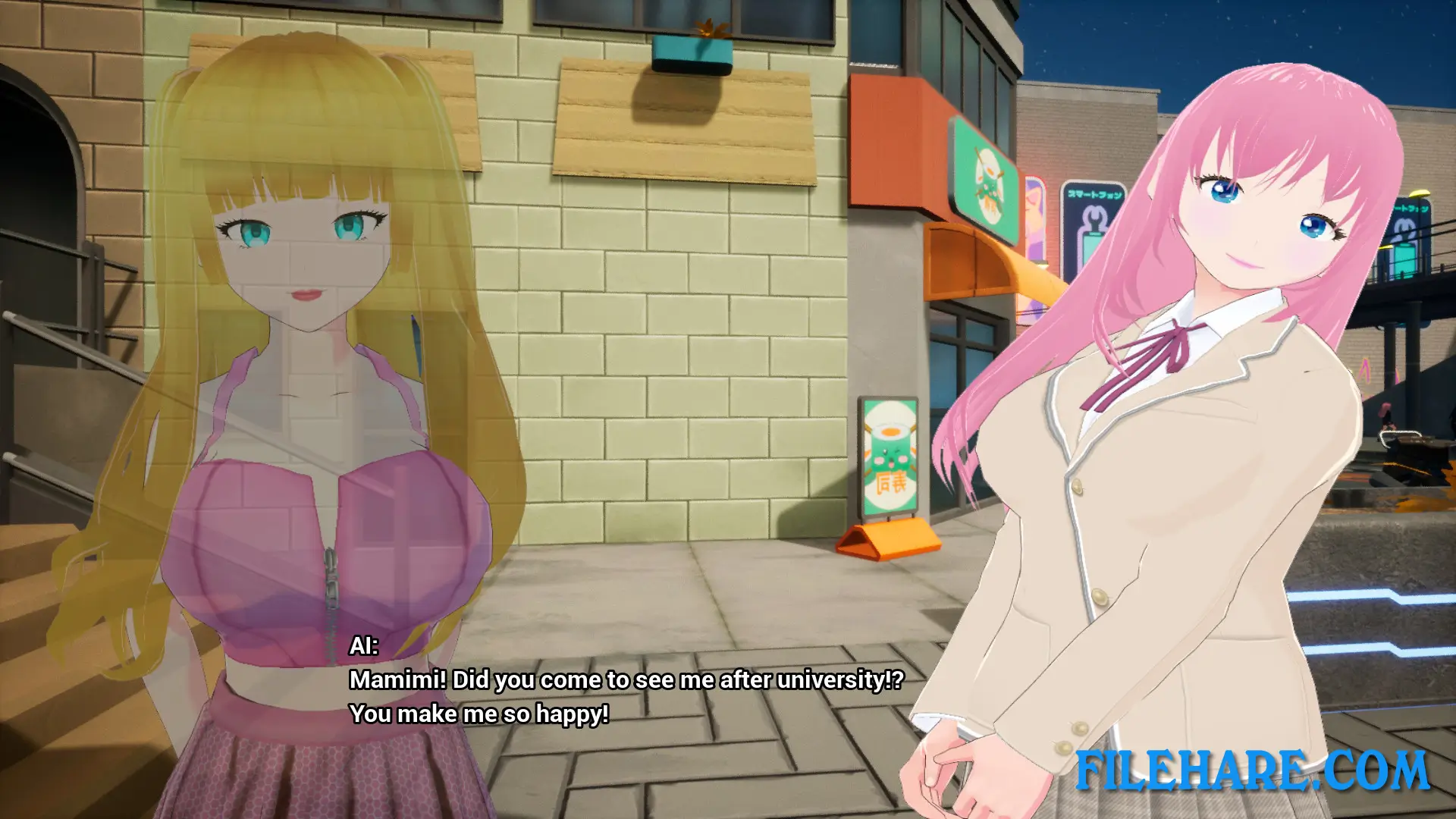
| Name | Prostitute Simulator |
|---|---|
| Developer | Doky, Capturedleek27 |
| File Size | 1 GB |
| Category | Adult |
| Minimum System Requirements | |
| CPU | Intel Core i5-3470 | AMD FX-6300 |
| RAM | 4 GB |
| Graphics | Nvidia GeForce GTX 560 | AMD Radeon HD 6870 |
| Free Disk Space | 3 GB |
| Operating System | Windows 10 / 11 (64-bit) |
| User Rating | |
Buy this game to support the developer. Store Page
How to Download and Install Prostitute Simulator PC Game?
We have simple instructions for you to download and install the PC game. Before following the steps, Ensure your PC meets the minimum system requirements for Playing the game on your PC.
- First, click on the DOWNLOAD button and you will be redirected to the final Download page. Then, Download the Game on your PC.
- Once you have downloaded the Prostitute Simulator PC Game, Open the folder where you saved the Game.
- Then Right-click on the Zip file and click on the "Extract files" option from the dropdown menu. If your computer does not have a Zip file extract software installed, you must first install it. (such as WinRAR, 7Zip software)
- After Extracting the Zip file, Open the Prostitute Simulator PC Game folder.
- Then, double-click on the Setup.exe file to Install the Game.
- If asked to allow the program to make changes to your device, click Yes to continue.
- After the installation, if you get any missing ".dll" errors or the Game is not launching, open the Readme.txt file located in the game folder and follow the instructions shown in the document file to play the game.
Done!. Now, you can launch the game from your desktop.