Ravenswatch PC Game Download for Windows 10/11
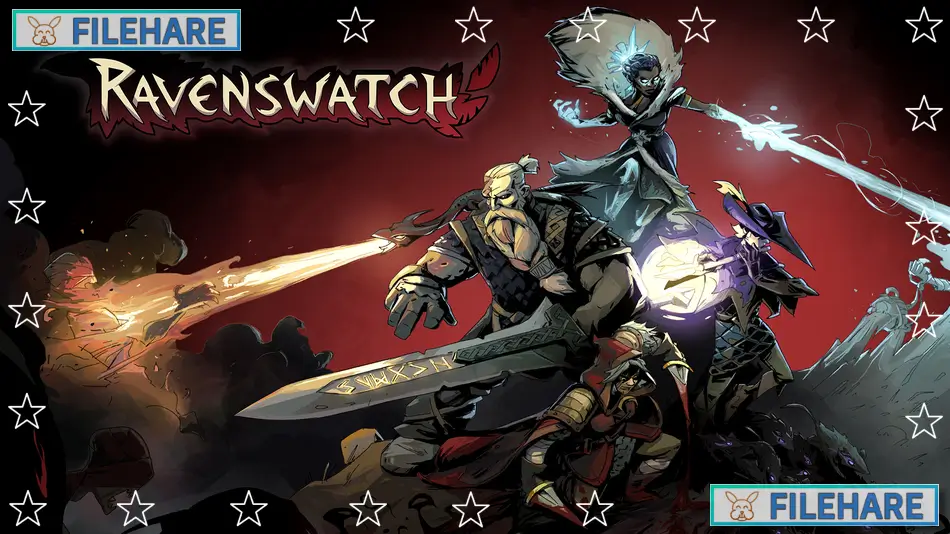
Ravenswatch is a top-down action video game developed by Passtech Games and published by Nacon. The game entered Early Access on April 6, 2023, for PC via Steam. It received its full release on September 26, 2024, for PC, PlayStation 4, PlayStation 5, Xbox One, and Xbox Series X/S. The game comes from the creators of Curse of the Dead Gods and can be played solo or with up to four players in online cooperative mode.
Table of Contents
Ravenswatch Story
The game takes place in Reverie, a land built on old fairy tales and legends. Reverie is under attack by the Nightmare, a dark force that corrupts and destroys everything in its path. You play as one of the Ravenswatch members, famous folklore heroes who have been stopping the invasion. These heroes come from various stories and myths, including Norse mythology, One Thousand and One Nights, and classic fairy tales.
Ravenswatch Gameplay
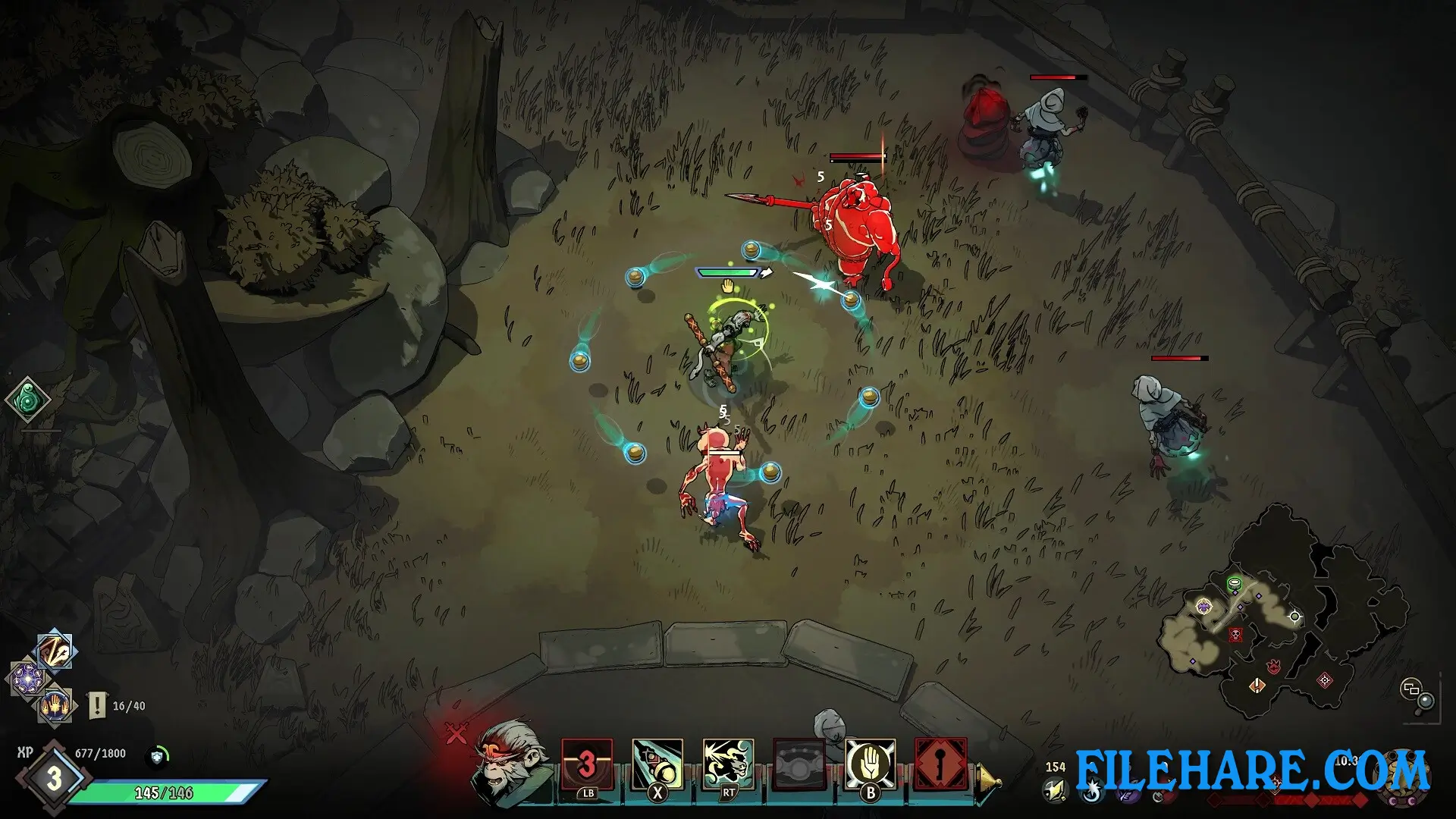
Combat is intense and requires quick reflexes. You can play as heroes inspired by characters like Little Red Riding Hood, Beowulf, the Pied Piper, and the three little pigs. The game can be played alone or with friends. In cooperative mode, up to four players team up and work together to defeat the Nightmare. Teamwork and strategy are necessary to survive difficult encounters. You can play in private sessions or use the matchmaking system to find other players online.
Ravenswatch Features
The game includes multiple playable heroes from folklore and mythology. Six heroes were available at the Early Access launch, and more have been added since then. Each hero can be ranked up by playing, which unlocks additional content about their backstory. Items and upgrades can be unlocked during gameplay to help you survive longer.
Maps are procedurally generated, so no two runs are the same. The game has high replay value due to its roguelike mechanics and random generation. Players who enjoyed Passtech Games’ previous title, Curse of the Dead Gods, will find a similar design philosophy but with new mechanics and cooperative play options.
Recommended System Requirements
Requires a 64-bit processor and operating system
- OS: Windows 10 x64 (Version 1909 or newer)
- Processor: Intel Core i7-6700K (4 * 4000) / AMD Ryzen 5 1500X (4 * 3500)
- Memory: 8 GB RAM
- Graphics: GeForce GTX 970 (2048 MB) / Radeon R9 Fury (4096 MB)
- DirectX: Version 12
- Storage: 3 GB available space
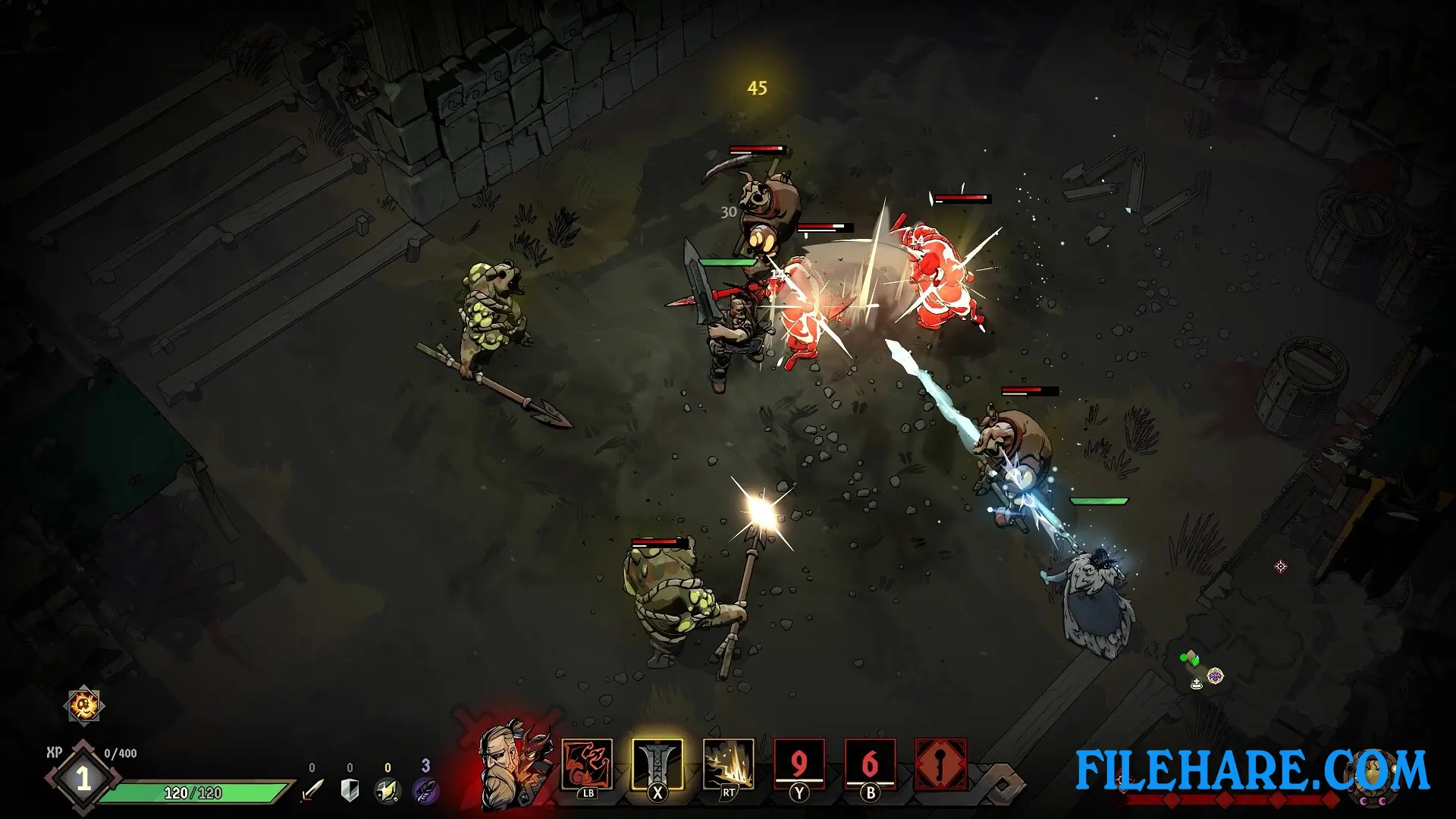
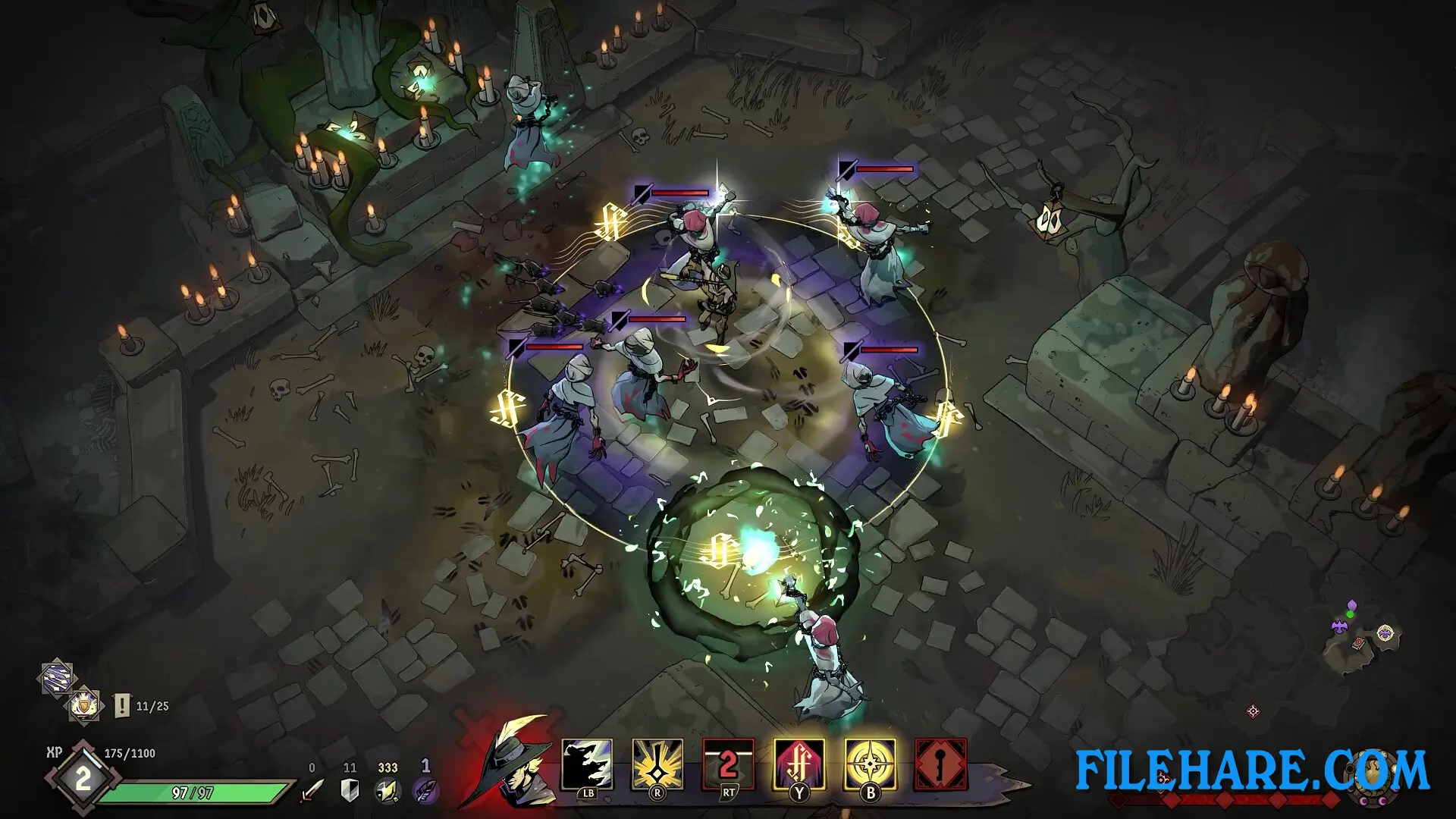
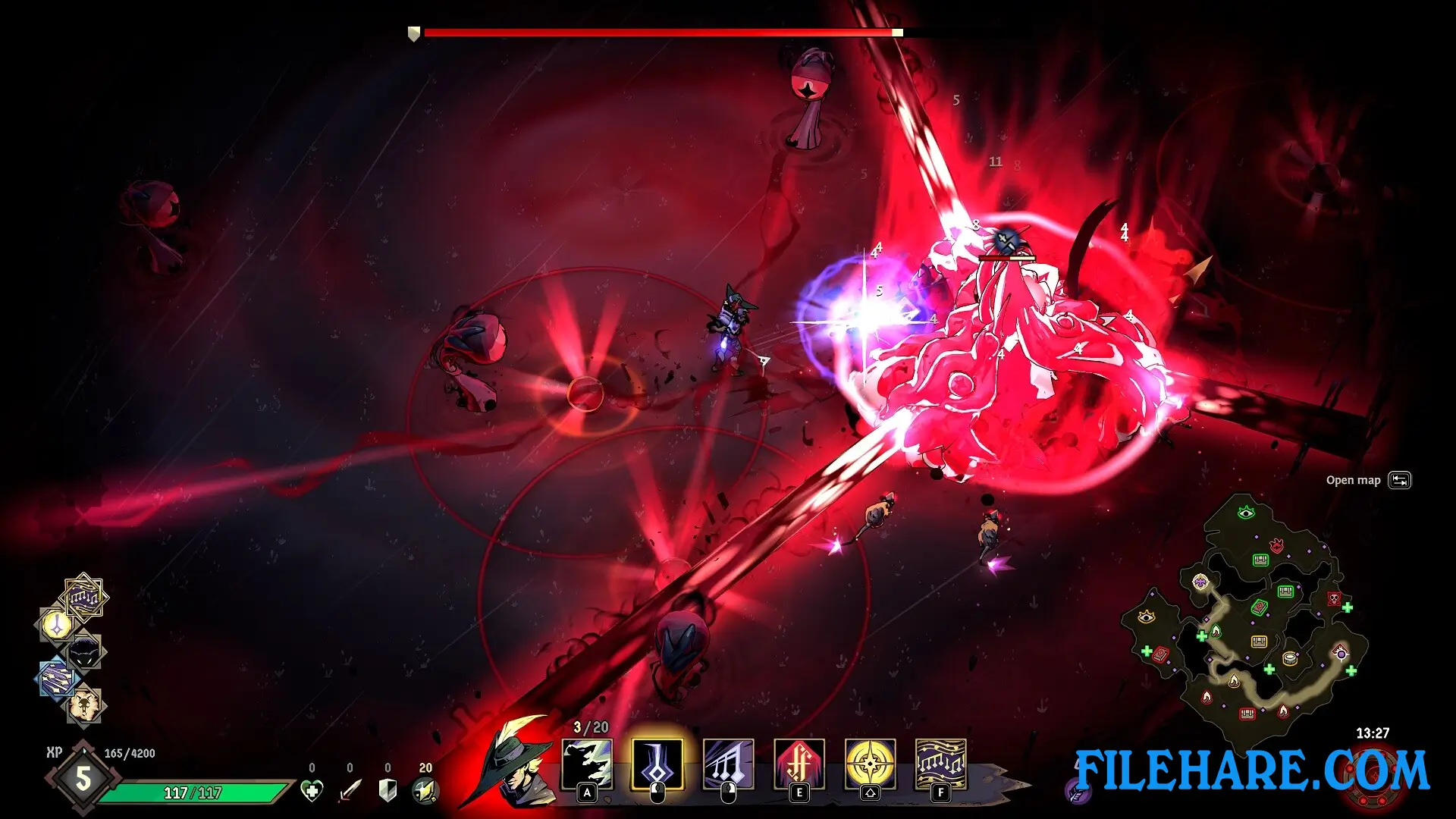
Gameplay Screenshots
| Name | Ravenswatch |
|---|---|
| Developer | Passtech Games |
| File Size | 1.67 GB |
| Category | Action |
| Minimum System Requirements | |
| CPU | Intel Core i5-4670K (4 * 3400) / AMD FX-8350 (4 * 4000) |
| RAM | 8 GB |
| Graphics | GeForce GTX 960 (2048 MB) / AMD Radeon RX 470 (2048 MB) |
| Free Disk Space | 3 GB |
| Operating System | Windows 10 / 11 (64-bit) |
| User Rating | |
Buy this game to support the developer. Store Page
How to Download and Install Ravenswatch PC Game?
We have simple instructions for you to download and install the PC game. Before following the steps, Ensure your PC meets the minimum system requirements for Playing the game on your PC.
- First, click on the DOWNLOAD button and you will be redirected to the final Download page. Then, Download the Game on your PC.
- Once you have downloaded the Ravenswatch PC Game, Open the folder where you saved the Game.
- Then Right-click on the Zip file and click on the "Extract files" option from the dropdown menu. If your computer does not have a Zip file extract software installed, you must first install it. (such as WinRAR, 7Zip software)
- After Extracting the Zip file, Open the Ravenswatch PC Game folder.
- Then, double-click on the Setup.exe file to Install the Game.
- If asked to allow the program to make changes to your device, click Yes to continue.
- After the installation, if you get any missing ".dll" errors or the Game is not launching, open the Readme.txt file located in the game folder and follow the instructions shown in the document file to play the game.
Done!. Now, you can launch the game from your desktop.