Robolife-Days with Aino PC Game Download for Windows 10/11/7/8
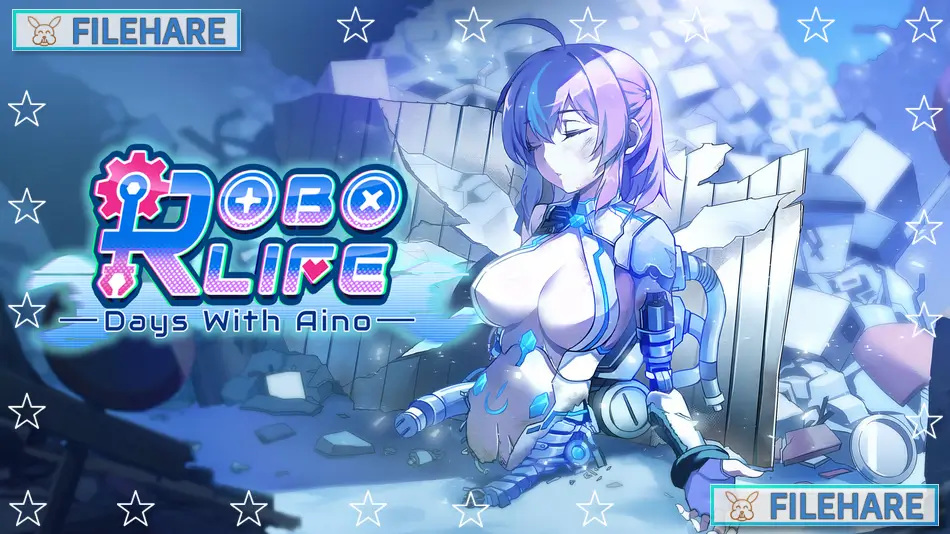
Robolife-Days with Aino is an indie RPG and simulation game developed by Barance Studio and published by Critical Bliss and Mango Party. The game was released on June 22, 2021, for PC on Steam. It is a single-player adult title with mature and NSFW content, intended for players aged 18 and above. The game received very positive reviews on Steam, with around 91% of players rating it positively.
Table of Contents
Robolife-Days with Aino Story
The story is a romantic comedy about a young man who gets to live with a robot girl named Aino. At first, she appears to be a standard android, but as the player spends more time with her, they begin to see that she may be more than just a machine. Aino starts to experience new feelings and go on a personal path of self-discovery. The story is told with over 8,000 lines of dialogue. As the relationship between the player and Aino grows closer, more special scenes and events are unlocked. The game has multiple endings depending on how the player interacts with Aino and what upgrades they apply to her.
Robolife-Days with Aino Gameplay
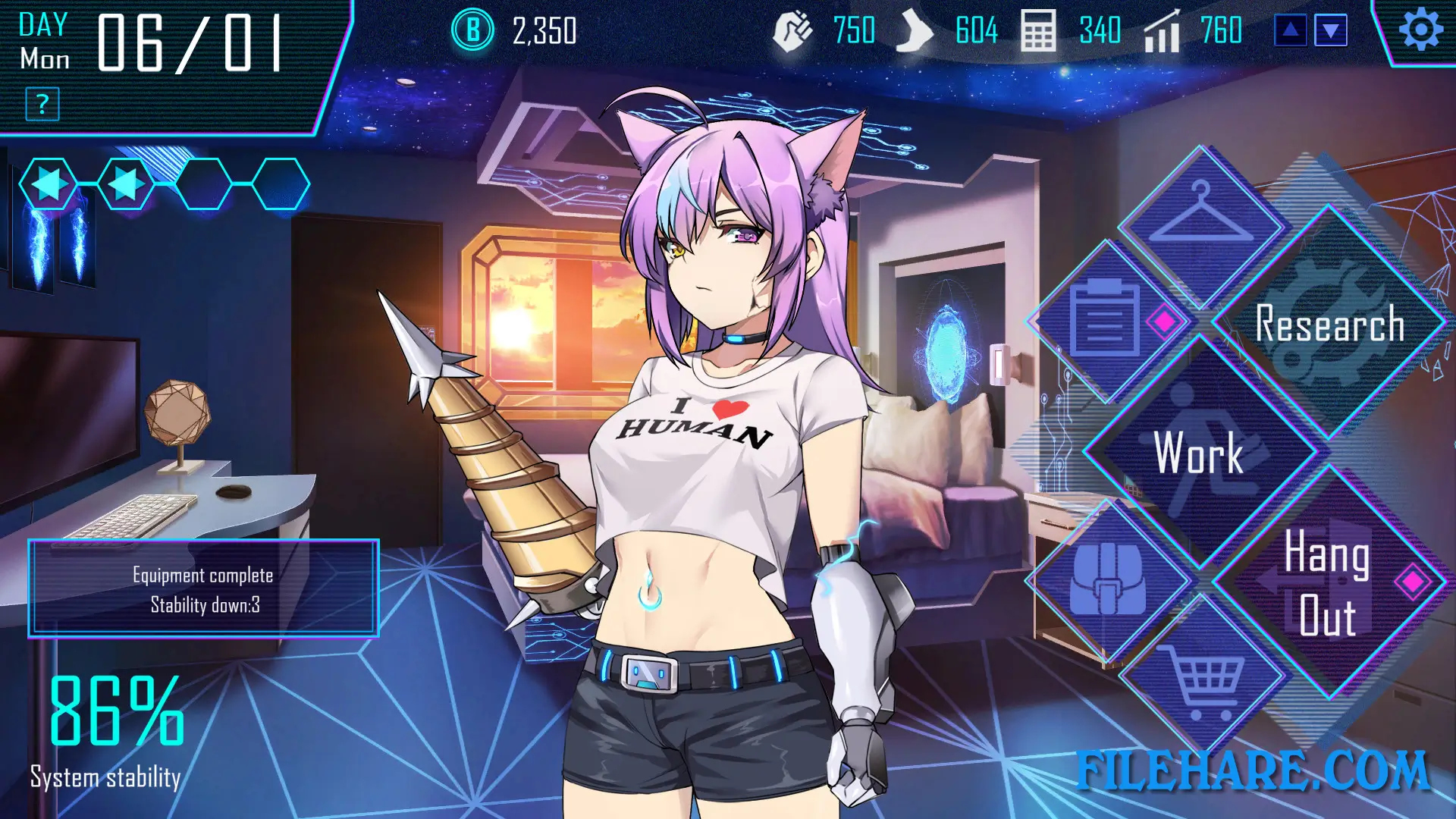
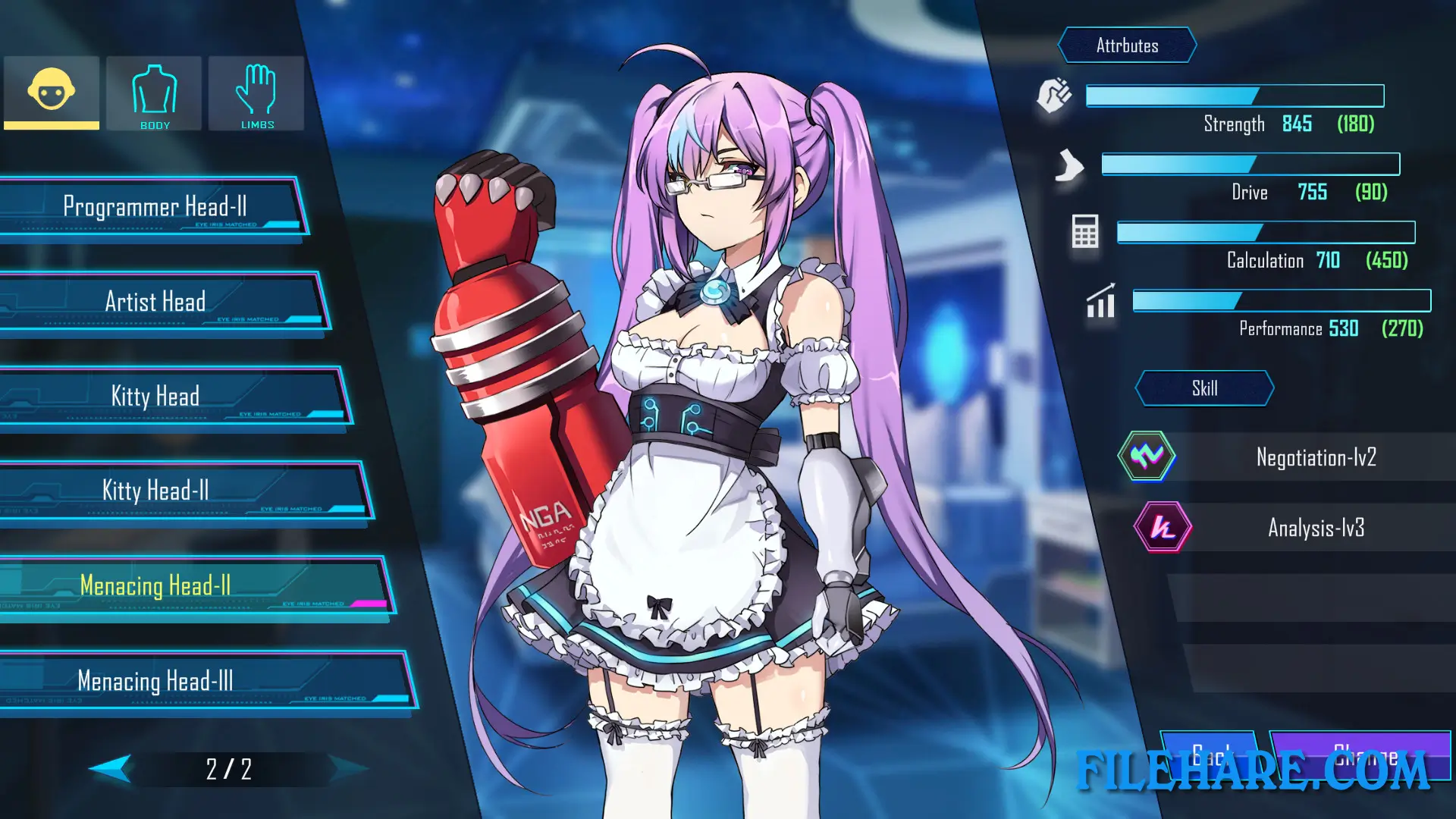
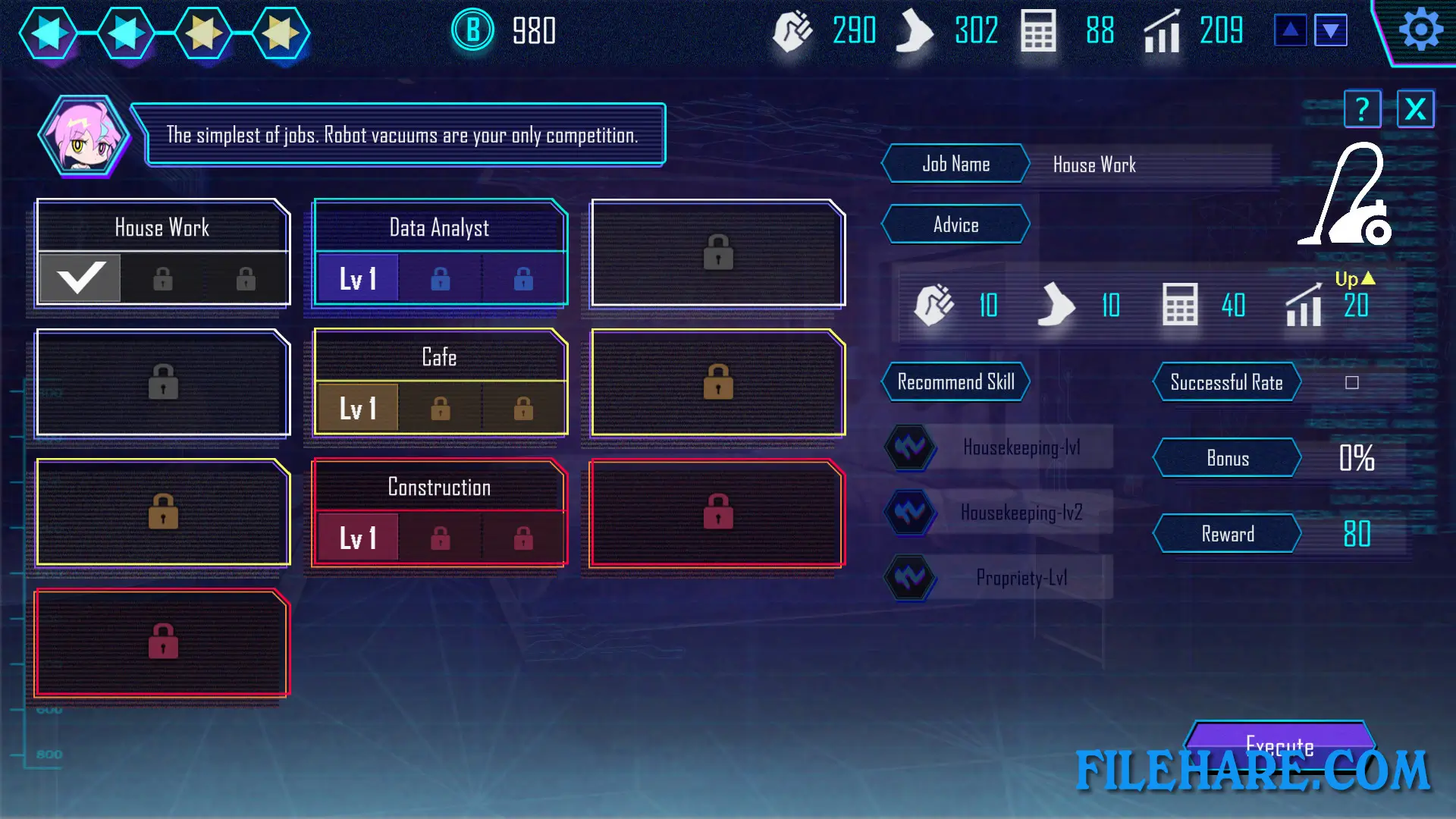
Robolife-Days with Aino is played from a 2D visual novel style with RPG and simulation features. The player spends time with Aino each day, talking to her, taking care of her, and managing her activities. Aino can be sent to work at her job, or the player can assist other people in the area to collect items and unlock new events. As Aino works, her internal code develops bugs, and the player must use repair actions, starting with simple headpats and becoming more intimate over time, to restore her to full function. The in-game upgrade and customization options allow the player to change and improve Aino in ways that appear visually in the game.
Robolife-Days with Aino Features
The game includes a CG gallery where players can view collected scene images. Characters are partially voiced, which helps bring the story to more vivid presentation. An original soundtrack is included in the game. The game supports Steam Achievements. It is available in five languages: English, Simplified Chinese, Traditional Chinese, Japanese, and Russian. An additional soundtrack DLC is offered as a separate purchase. The game is playable on Windows only and is a single-player experience from start to finish.
Recommended System Requirements
Requires a 64-bit processor and operating system
- OS: Windows 10 64-bit
- Processor: Core i5
- Memory: 4 GB RAM
- Graphics: HD Graphics
- Storage: 3 GB available space
Gameplay Screenshots

| Name | Robolife-Days with Aino |
|---|---|
| Developer | Barance Studio |
| File Size | 706.25 MB |
| Category | Adult |
| Minimum System Requirements | |
| CPU | Intel Core i3 |
| RAM | 2 GB |
| Graphics | HD Graphics |
| Free Disk Space | 2 GB |
| Operating System | Windows 10 / 11 / 7 / 8 (64-bit) |
| User Rating | |
Buy this game to support the developer. Store Page
How to Download and Install Robolife-Days with Aino PC Game?
We have simple instructions for you to download and install the PC game. Before following the steps, Ensure your PC meets the minimum system requirements for Playing the game on your PC.
- First, click on the DOWNLOAD button and you will be redirected to the final Download page. Then, Download the Game on your PC.
- Once you have downloaded the Robolife-Days with Aino PC Game, Open the folder where you saved the Game.
- Then Right-click on the Zip file and click on the "Extract files" option from the dropdown menu. If your computer does not have a Zip file extract software installed, you must first install it. (such as WinRAR, 7Zip software)
- After Extracting the Zip file, Open the Robolife-Days with Aino PC Game folder.
- Then, double-click on the Setup.exe file to Install the Game.
- If asked to allow the program to make changes to your device, click Yes to continue.
- After the installation, if you get any missing ".dll" errors or the Game is not launching, open the Readme.txt file located in the game folder and follow the instructions shown in the document file to play the game.
Done!. Now, you can launch the game from your desktop.