Sex Change Contract and Molester Girl PC Game Download

Sex Change Contract and Molester Girl is an adult casual RPG developed by FoxSister and published by Playmeow, ACG creator, and Playmeow News. The game was released on PC on August 19, 2025. It runs on Windows and is also playable on the Steam Deck, though some features may not work fully on the handheld. The game is based on the classic online novel “Molester Master: Transformed into a Girl” and has a completely rewritten script. It has received 88% positive reviews on Steam.
Table of Contents
Sex Change Contract and Molester Girl Story
The story centers on the president of the Molester Association, a man who has spent his life harassing women on public transport. His behavior brings down the anger of a goddess, who appears before him and transforms him into a woman as punishment. The goddess gives him one task: collect 1,000 ml of semen within two years — the equivalent of 96 in-game weeks — in order to turn back into a man. What starts as a punishment quickly becomes a strange and unexpected experience as the protagonist begins to discover a new side of themselves. The story has been fully rewritten from the original novel and features multiple storylines and endings.
Sex Change Contract and Molester Girl Gameplay
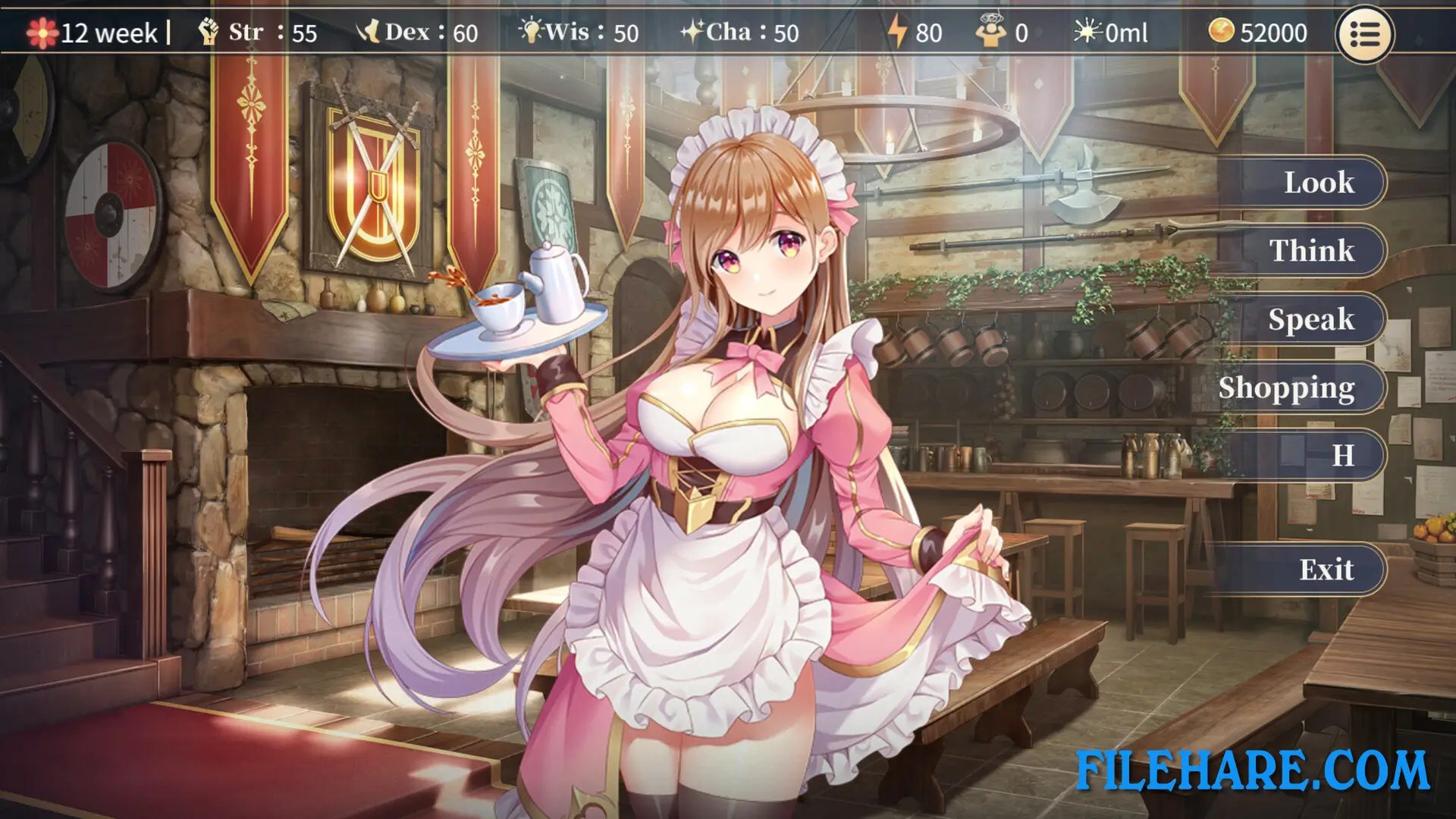
This game is designed like a tactical RPG. The player must manage time across 96 in-game weeks to complete the goal given by the goddess. Along the way, the player faces a series of situations and events that branch into multiple storylines. A tutorial is available on the first playthrough to help new players get started. The player can take different paths to reach various endings, including a hidden true ending that the developers recommend experiencing at least once. After clearing the true ending, an Endless Mode is unlocked in a new playthrough.
Sex Change Contract and Molester Girl Features
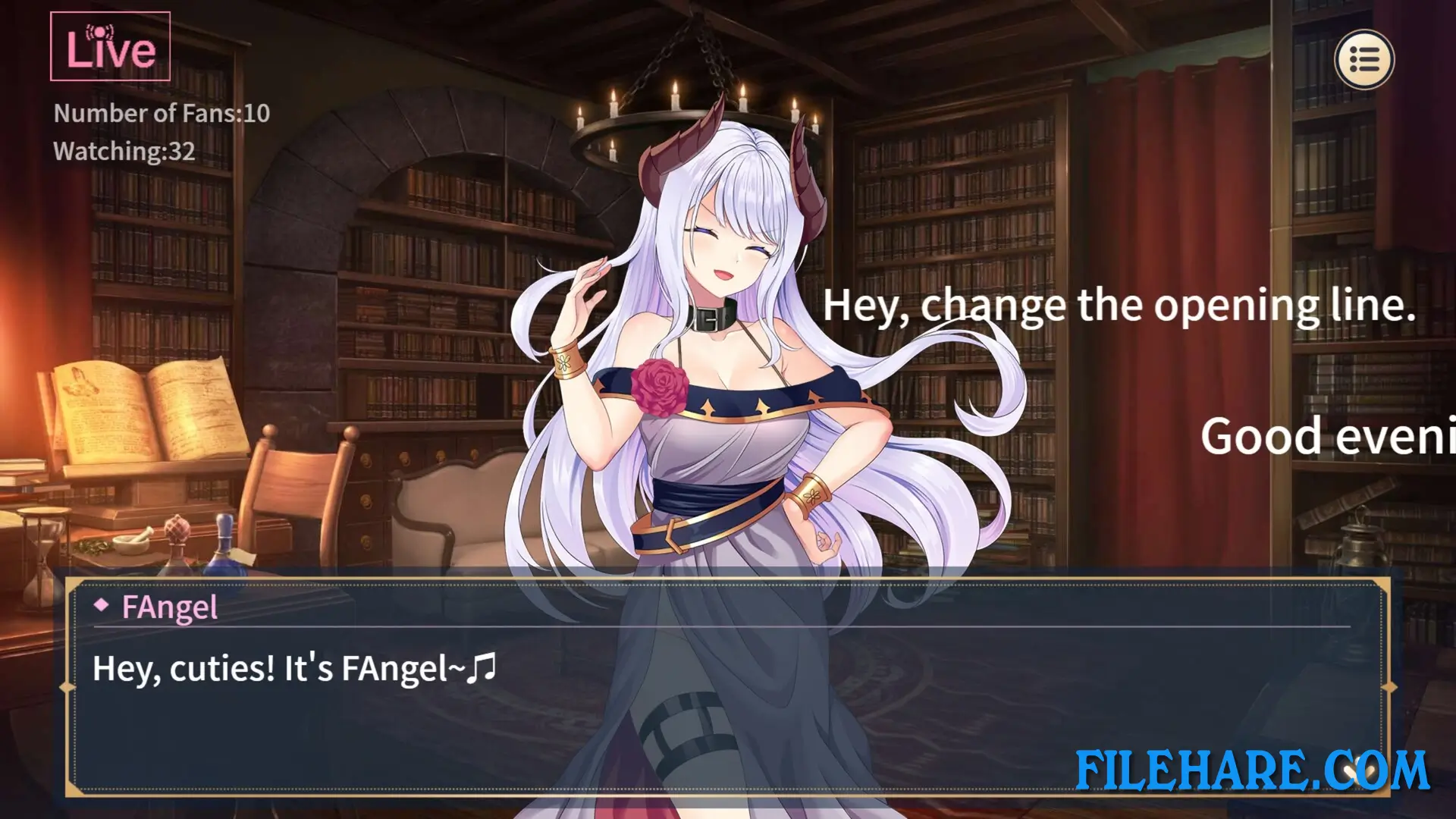
The game features multi-character voice acting, a large number of animated adult scenes, and a dress-up system. After completing the game once, a one-click unlock feature gives access to all HCGs in the game. Steam Achievements and Family Sharing are both supported. The game supports four languages: Traditional Chinese, English, Simplified Chinese, and Japanese.
Recommended System Requirements
Requires a 64-bit processor and operating system
- OS: WIN10/XP
- Processor: Intel/AMD 1.2 GHz
- Memory: 8 GB RAM
- Graphics: DirectX 9 compatible graphics card
- DirectX: Version 9.0
- Storage: 3 GB available space
Gameplay Screenshots


| Name | Sex Change Contract and Molester Girl |
|---|---|
| Developer | 狐狸姊姊(FoxSister) |
| File Size | 2.40 GB |
| Category | Adult |
| Minimum System Requirements | |
| CPU | Intel/AMD 1.2 GHz dual-core |
| RAM | 4 GB |
| Graphics | DirectX 9 compatible graphics card |
| Free Disk Space | 3 GB |
| Operating System | Windows 10 / 11 / 7 / 8 / Vista / XP (64-bit) |
| User Rating | |
Buy this game to support the developer. Store Page
How to Download and Install Sex Change Contract and Molester Girl PC Game?
We have simple instructions for you to download and install the PC game. Before following the steps, Ensure your PC meets the minimum system requirements for Playing the game on your PC.
- First, click on the DOWNLOAD button and you will be redirected to the final Download page. Then, Download the Game on your PC.
- Once you have downloaded the Sex Change Contract and Molester Girl PC Game, Open the folder where you saved the Game.
- Then Right-click on the Zip file and click on the "Extract files" option from the dropdown menu. If your computer does not have a Zip file extract software installed, you must first install it. (such as WinRAR, 7Zip software)
- After Extracting the Zip file, Open the Sex Change Contract and Molester Girl PC Game folder.
- Then, double-click on the Setup.exe file to Install the Game.
- If asked to allow the program to make changes to your device, click Yes to continue.
- After the installation, if you get any missing ".dll" errors or the Game is not launching, open the Readme.txt file located in the game folder and follow the instructions shown in the document file to play the game.
Done!. Now, you can launch the game from your desktop.