Shadow Lotus PC Game Download for Windows 10/11
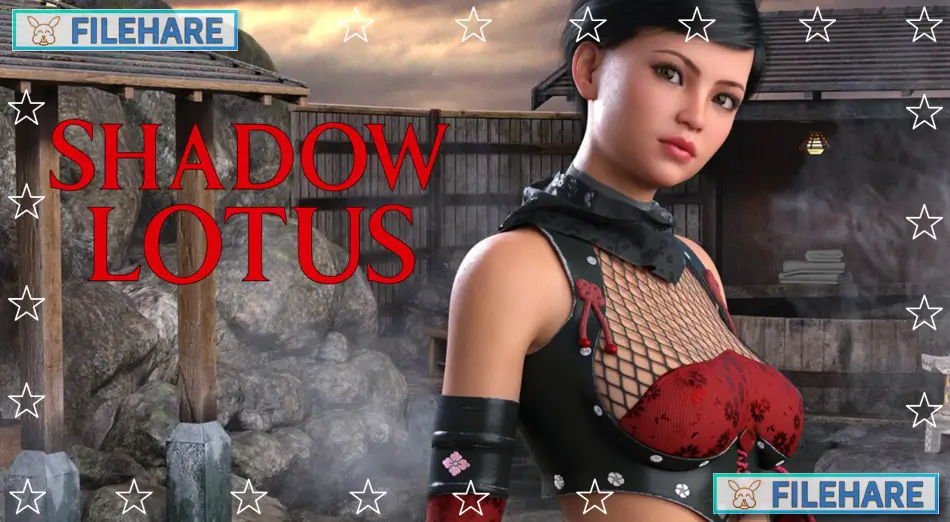
Shadow Lotus is an adult open-world action RPG game for PC. Entropy Digital Entertainment developed and published the game. It was released on August 28, 2025. The game takes place in Edo-era Japan and offers a mature experience with stealth, combat, and seduction. You play as a rogue shinobi who explores a large 3D environment. The game runs on Windows. It supports the English and Japanese languages.
Table of Contents
Shadow Lotus Story
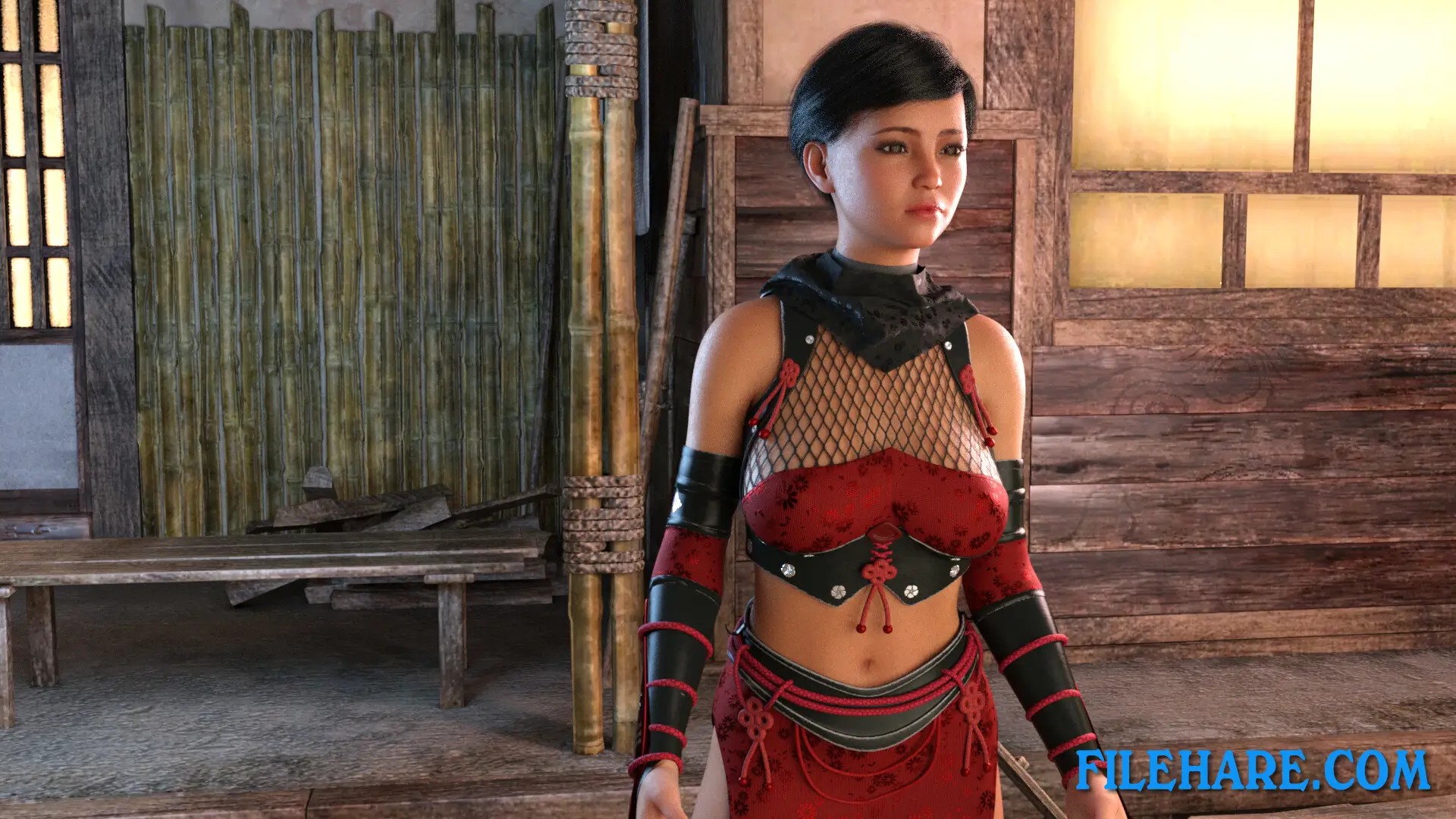
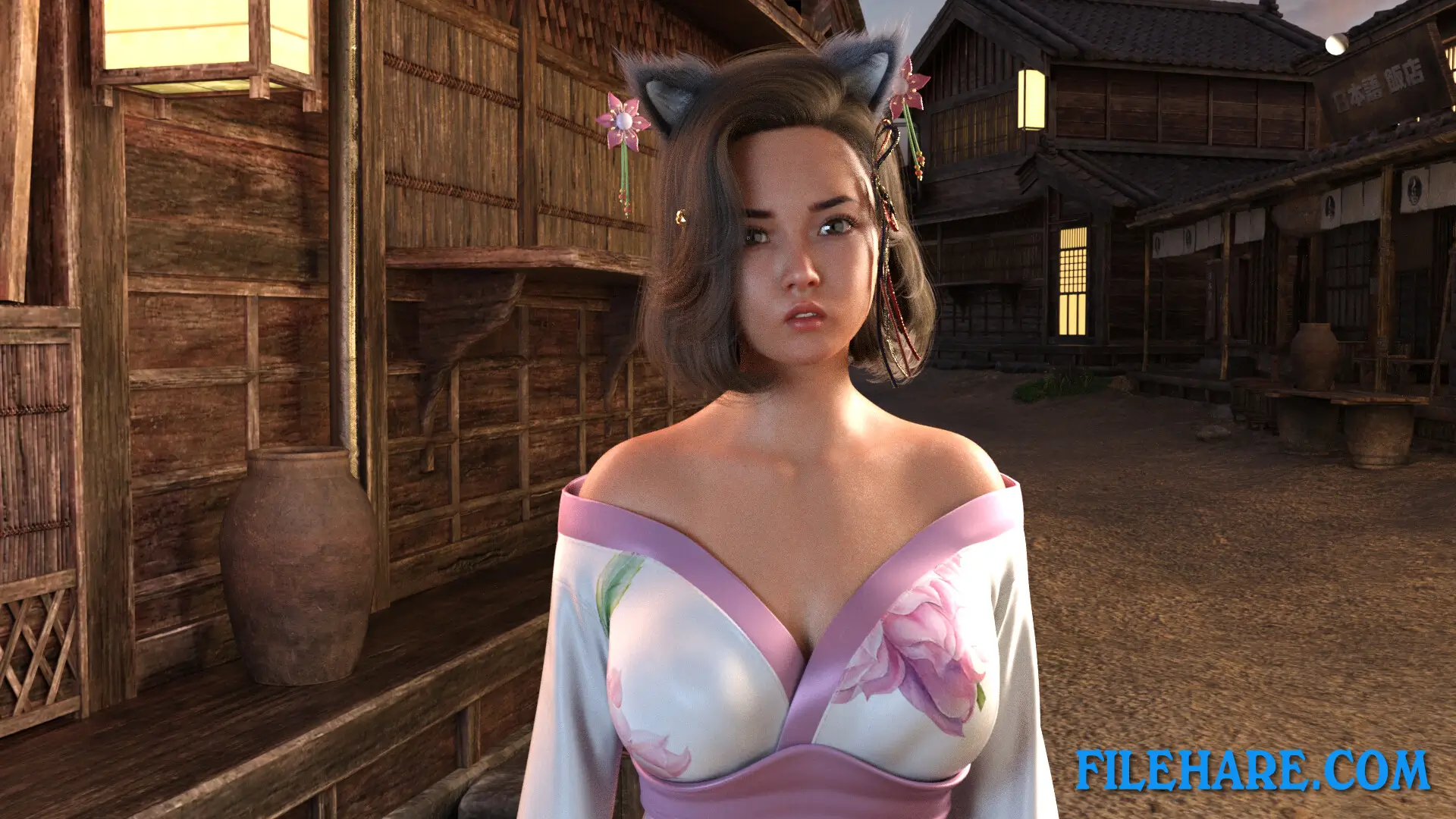
You play as a rogue shinobi who lost his clan in feudal Japan. You now walk a dangerous path where power, betrayal, and desire meet at every turn. You must navigate a treacherous situation where warring clans fight for control. During your adventure, you meet several noblewomen and princesses. Lady Akemi hides in a village and wants justice for her murdered husband. Princess Kayo runs an inn and provides refuge and important information. Lady Miyu serves as a shrine maiden who guards spiritual balance. Princess Yuriko schemes with ambition while caught between rival gangs. Lady Aiko prepares remedies but faces danger because of her ties to the yakuza. Lady Chiyo stitches clothes while spying in silence, torn by her own guilt.
Shadow Lotus Gameplay
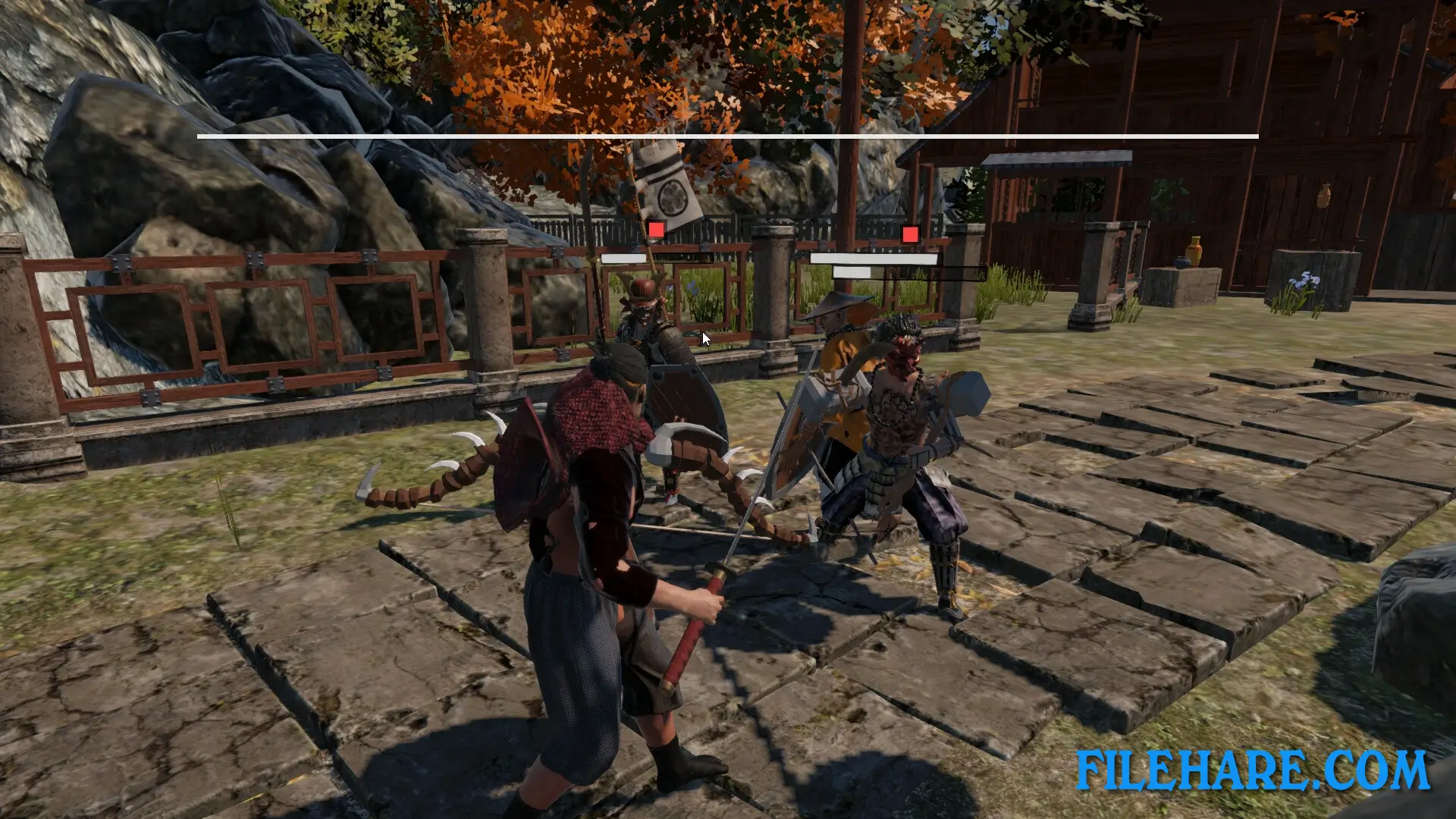
Shadow Lotus gives you an open-world environment to explore freely. You can sneak through bamboo forests, climb snowy mountains under moonlit skies, and visit bustling marketplaces. The game uses a fast, fluid, and brutal combat system where you fight enemies as a shinobi. You can perform stealth assassinations by sneaking up on enemies without being seen. As you advance, you unlock Lotus Techniques, which are powerful shinobi arts that draw strength from blood, shadow, and desire. You meet dynamic NPCs who react to your actions. The game includes branching missions. You can gamble in marketplaces, explore coastal villages, and enter daimyo castles. Romance and seduction play important roles, and you can pursue relationships with princesses and courtesans. The game features fully animated adult scenes.
Shadow Lotus Features
The game provides a fully explorable 3D recreation of Edo-period Japan. You visit many locations, including bamboo forests, Edo marketplaces, snow-capped mountains, and hidden temples. Combat combines action RPG mechanics with deadly stealth assassinations. The game uses high-resolution 3D animations for mature content. You meet multiple female characters, and each one has her own story, loyalty, and personality. The game runs on modern PC hardware and offers smooth performance.
Recommended System Requirements
- OS: Windows 10 or higher
- Processor: 2.4 Ghz equivalent or greater
- Memory: 16 GB RAM
- Graphics: NVIDIA GTX 1080 equivalent or greater ; ATI Radeon RX and higher
- Storage: 6 GB available space
- Sound Card: integrated or higher
Gameplay Screenshots

| Name | Shadow Lotus |
|---|---|
| Developer | Entropy Digital Entertainment |
| File Size | 3.27 GB |
| Category | Adult |
| Minimum System Requirements | |
| CPU | Intel/AMD 1.8+ Ghz dual-core |
| RAM | 8 GB |
| Graphics | Nvidia GeForce 1080 and higher / ATI radeon RX and higher |
| Free Disk Space | 6 GB |
| Operating System | Windows 10 / 11 |
| User Rating | |
Buy this game to support the developer. Store Page
How to Download and Install Shadow Lotus PC Game?
We have simple instructions for you to download and install the PC game. Before following the steps, Ensure your PC meets the minimum system requirements for Playing the game on your PC.
- First, click on the DOWNLOAD button and you will be redirected to the final Download page. Then, Download the Game on your PC.
- Once you have downloaded the Shadow Lotus PC Game, Open the folder where you saved the Game.
- Then Right-click on the Zip file and click on the "Extract files" option from the dropdown menu. If your computer does not have a Zip file extract software installed, you must first install it. (such as WinRAR, 7Zip software)
- After Extracting the Zip file, Open the Shadow Lotus PC Game folder.
- Then, double-click on the Setup.exe file to Install the Game.
- If asked to allow the program to make changes to your device, click Yes to continue.
- After the installation, if you get any missing ".dll" errors or the Game is not launching, open the Readme.txt file located in the game folder and follow the instructions shown in the document file to play the game.
Done!. Now, you can launch the game from your desktop.