Solo Breeding PC Game Download for Windows 10/11/7/8
Solo Breeding is an adult visual novel developed and published by Whiteleaf Studio. The game first entered Early Access on March 26, 2024, and was fully released on July 17, 2025. It is a single-player game intended only for adults. The game is known for its 2D hand-drawn artwork and focuses heavily on impregnation and breeding themes, along with romance and relationships with multiple female characters.
Table of Contents
Solo Breeding Story
The story takes place on a modern-day version of Earth where mysterious portals have appeared, leading to dungeons full of monsters and treasures. People who have the power to enter these dungeons and fight monsters are known as Hunters, and they are ranked based on how strong they are. The main character starts out as someone with no power at all. One day, he finds a strange book in his front yard. This book wakes up hidden hunter abilities inside him and gives him necromantic powers. With these new abilities, he becomes a Hunter and joins a well-known school called the Hunter’s Academy. There, he faces challenges, builds friendships and rivalries, and gets into romantic and sexual relationships with several girls.
Solo Breeding Features
Solo Breeding is a linear nukige-style visual novel, which means the story goes in one straight direction with no alternative endings or player decisions to make. The game puts sexual content first, with the story playing a secondary role. All sex scenes and character sprites in the game are hand-drawn by a human artist and are not AI generated. The developer does use AI for some minor parts, such as scene transitions. The game is available only in English and includes mature content such as sexual scenes, taboo themes, impregnation and breeding dirty talk, and some minor BDSM scenes. It supports Family Sharing on Steam.
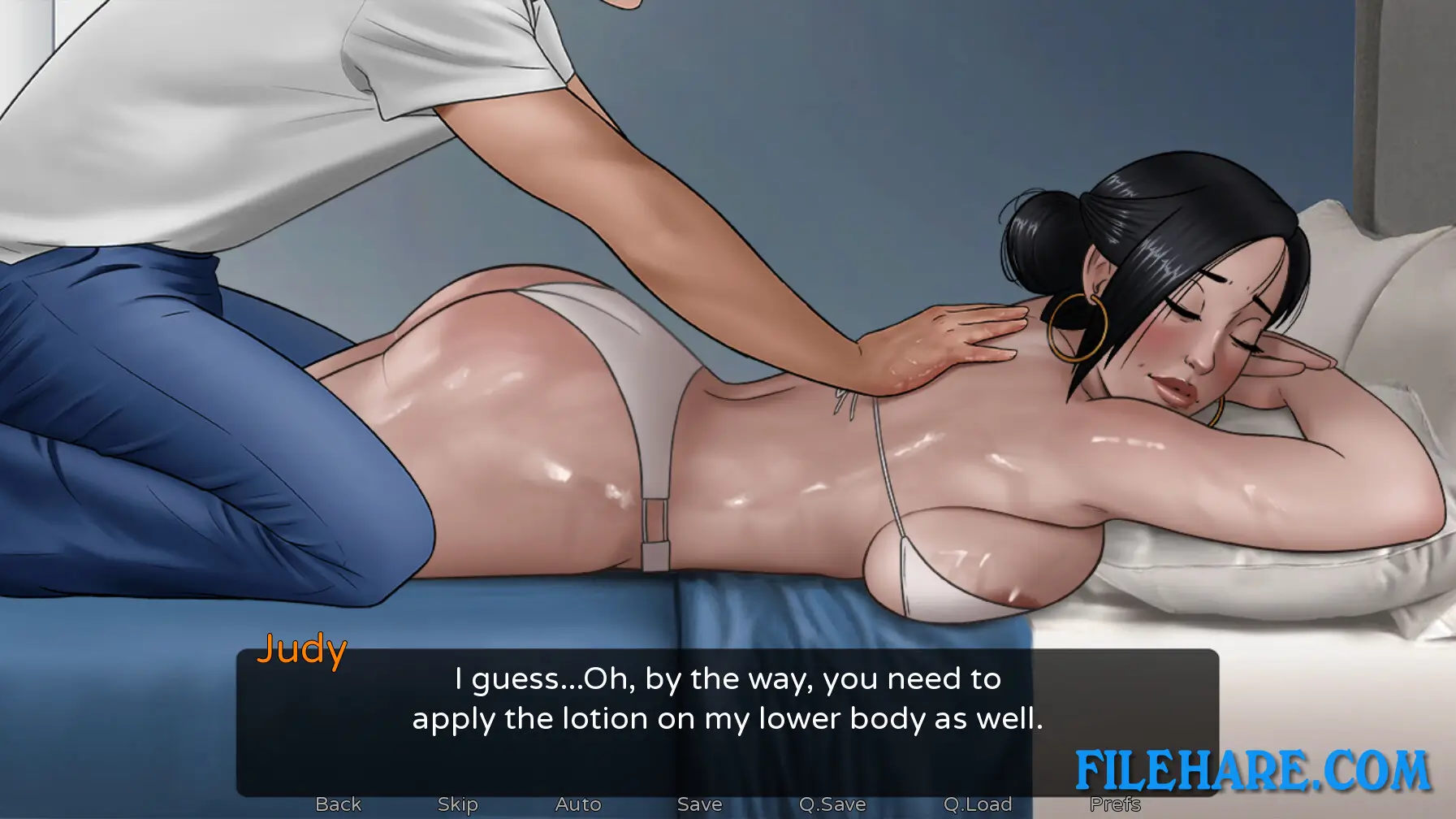
Gameplay Screenshots



| Name | Solo Breeding |
|---|---|
| Developer | Whiteleaf Studio |
| File Size | 1.82 GB |
| Category | Adult |
| Minimum System Requirements | |
| CPU | Intel/AMD 2.0 GHz dual-core |
| RAM | 2 GB |
| Graphics | Integrated or better |
| Free Disk Space | 2 GB |
| Operating System | Windows 10 / 11 / 7 / 8 |
| User Rating | |
Buy this game to support the developer. Store Page
How to Download and Install Solo Breeding PC Game?
We have simple instructions for you to download and install the PC game. Before following the steps, Ensure your PC meets the minimum system requirements for Playing the game on your PC.
- First, click on the DOWNLOAD button and you will be redirected to the final Download page. Then, Download the Game on your PC.
- Once you have downloaded the Solo Breeding PC Game, Open the folder where you saved the Game.
- Then Right-click on the Zip file and click on the "Extract files" option from the dropdown menu. If your computer does not have a Zip file extract software installed, you must first install it. (such as WinRAR, 7Zip software)
- After Extracting the Zip file, Open the Solo Breeding PC Game folder.
- Then, double-click on the Setup.exe file to Install the Game.
- If asked to allow the program to make changes to your device, click Yes to continue.
- After the installation, if you get any missing ".dll" errors or the Game is not launching, open the Readme.txt file located in the game folder and follow the instructions shown in the document file to play the game.
Done!. Now, you can launch the game from your desktop.