SWORD ART ONLINE Fractured Daydream – Deluxe Edition PC Game Download
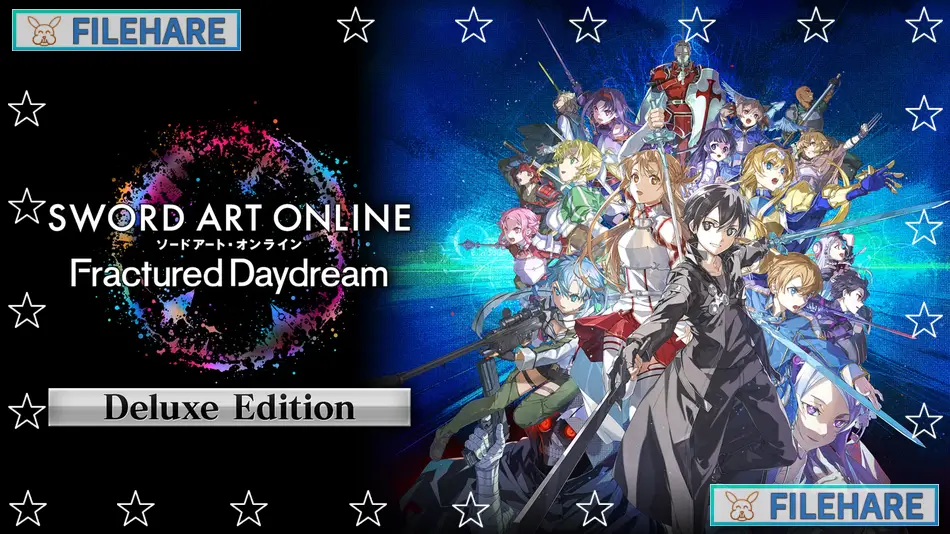
SWORD ART ONLINE Fractured Daydream – Deluxe Edition is an action RPG multiplayer game based on the popular anime series. The game was developed by Dimps Corporation and published by Bandai Namco Entertainment. It was released on October 4, 2024, for PC via Steam, and on October 3, 2024, for PlayStation 5, Xbox Series X and S, and Nintendo Switch. The Deluxe Edition includes three-day early access, Character Pass Vol.1, and the Prism Heart Costume Set.
Table of Contents
- SWORD ART ONLINE Fractured Daydream – Deluxe Edition Story
- SWORD ART ONLINE Fractured Daydream – Deluxe Edition Gameplay
- SWORD ART ONLINE Fractured Daydream – Deluxe Edition Features
- Recommended System Requirements
- Gameplay Screenshots
- How to Download and Install SWORD ART ONLINE Fractured Daydream – Deluxe Edition PC Game?
SWORD ART ONLINE Fractured Daydream – Deluxe Edition Story
The story happens when a new technology called Galaxia is added to ALfheim Online. Galaxia is supposed to let players experience past events from the SWORD ART ONLINE timeline. However, the technology breaks down and causes a major problem. All timelines and virtual places from the series collide and merge together. This malfunction pulls characters from many times and spaces into one location. Kirito must work with both friends and former enemies to fix the timeline and restore order. Characters who died in previous stories return, and enemies become unexpected allies.
The game celebrates the 10th anniversary of SWORD ART ONLINE by bringing 21 characters from various story arcs together. You will see interactions that never happened in the original series because characters from separate timelines meet for the first time.
SWORD ART ONLINE Fractured Daydream – Deluxe Edition Gameplay
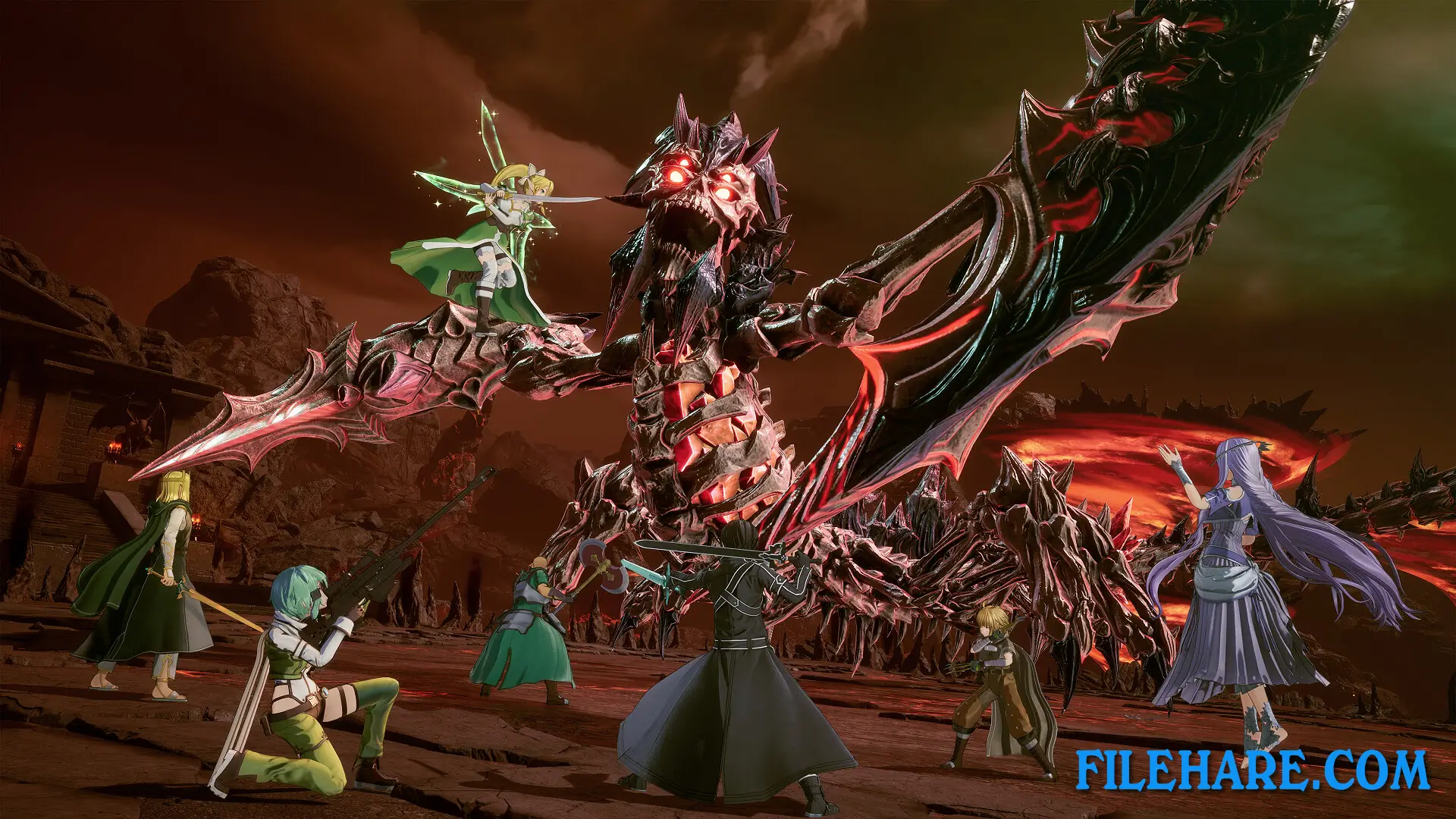
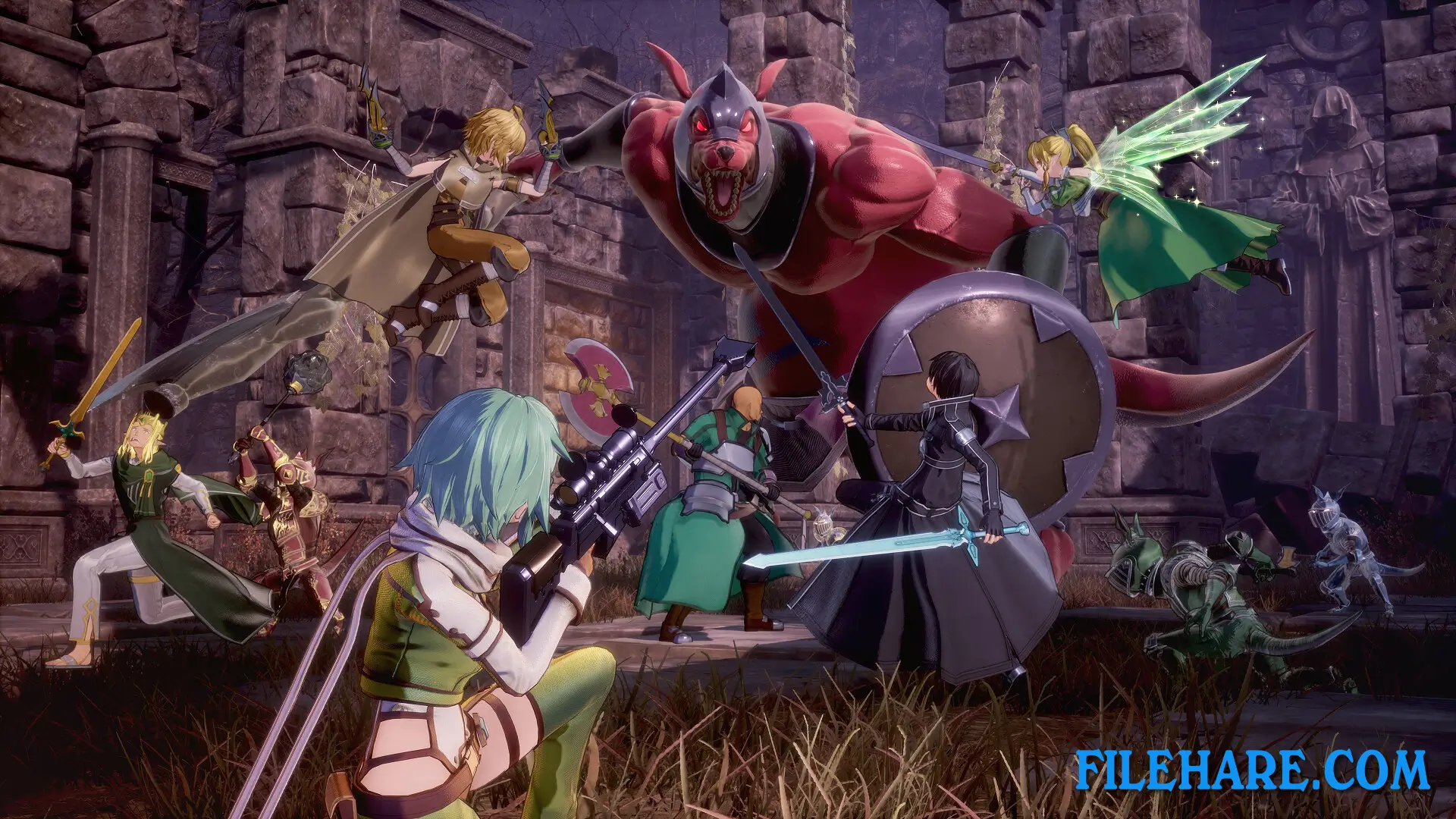
The game is mainly about online multiplayer cooperation. You can play with up to 20 players at the same time. Players are divided into five parties, and there are four players per party. You choose one of the 21 available characters to play, and your character determines your combat role. The game has different character classes that serve specific functions during battles. Some characters are attackers who deal damage, others are defenders who protect the team, and some are supporters who heal or buff teammates. You participate in raid battles where all parties work together to defeat powerful bosses. Combat requires teamwork and coordination.
During missions, you explore dungeons with your party members and fight large groups of enemies before facing the main enemy. Before starting a raid, you can prepare by choosing weapons, abilities, and equipment for your character. The game has both single-player and multiplayer modes. In single-player, you follow the story campaign and complete missions. Multiplayer lets you team up with other players online for cooperative raids. The combat is action-based, which means you control your character in real time. You can use sword attacks, magic spells, ranged weapons, and special skills depending on which character you play. The game supports crossplay between platforms, so players on PC, PlayStation, Xbox, and Switch can play together.
SWORD ART ONLINE Fractured Daydream – Deluxe Edition Features
The Deluxe Edition comes with several bonus items. You get Character Pass Vol.1, which includes two DLC packs: Worlds Beyond 1 and Worlds Beyond 2. These DLC packs add new characters, story scenarios, costumes, weapons, and stamps. The edition also includes the Prism Heart Costume Set for customizing character appearances.
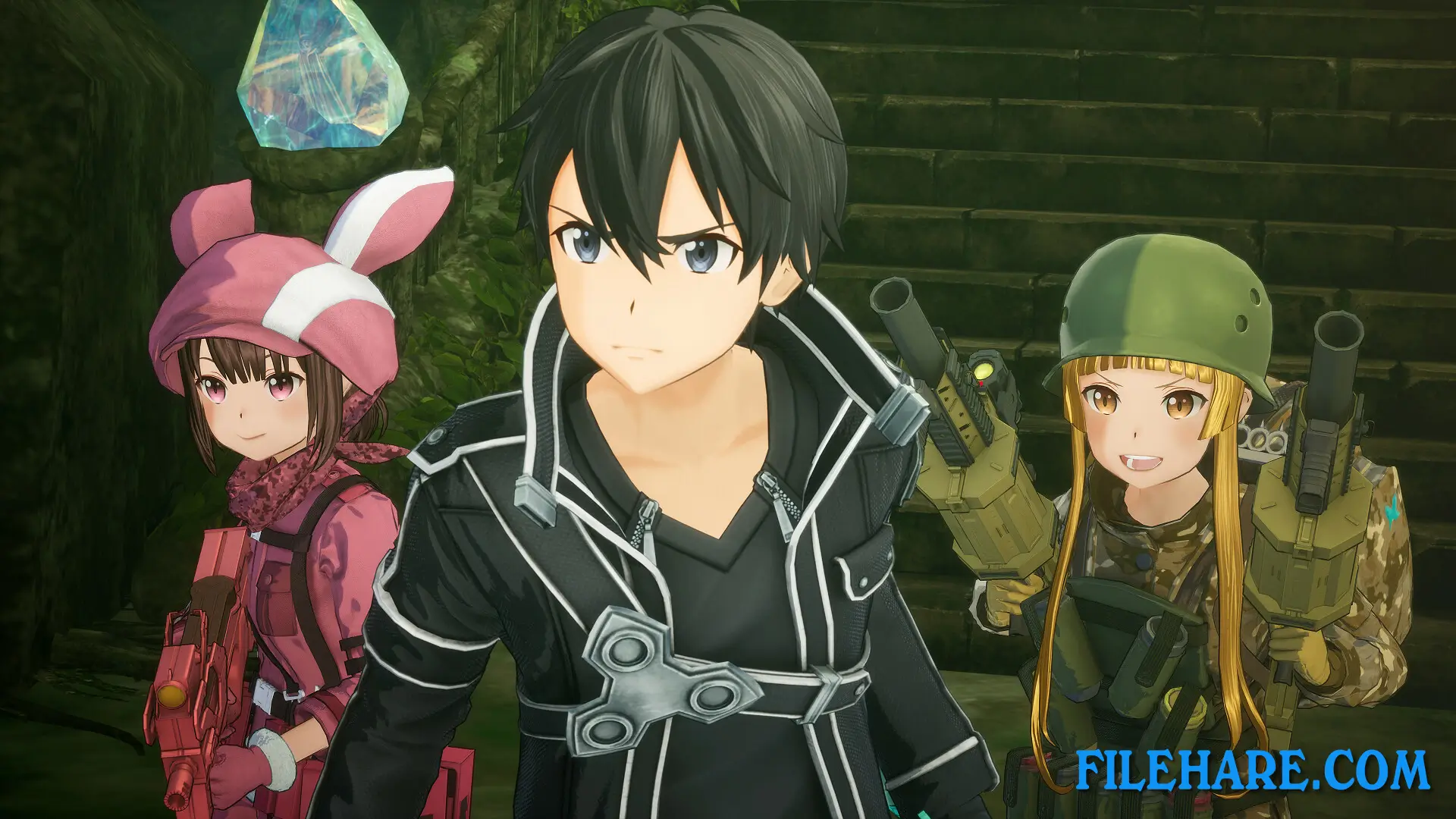
The Deluxe Edition gave buyers three-day early access to play before the official launch. The game has 21 playable characters from all SWORD ART ONLINE anime seasons and the movie. Characters include Kirito, Asuna, Sinon, Leafa, Yuuki, Klein, and many others. You can customize characters with different skins that can be equipped after completing Chapter 1. The game takes about 18 hours to complete the main story.
Recommended System Requirements
Requires a 64-bit processor and operating system
- OS: Windows 10 / Windows 11
- Processor: AMD Ryzen 5 3600 / Intel Core i7-10700K
- Memory: 16 GB RAM
- Graphics: AMD Radeon RX Vega 64 / Nvidia GeForce RTX 2060
- DirectX: Version 11
- Storage: 45 GB available space
- Additional Notes: Estimated performance: 1080p/60fps with graphics settings at “High” in 20 player multiplayer mode. Framerate might drop in graphics-intensive scenes.
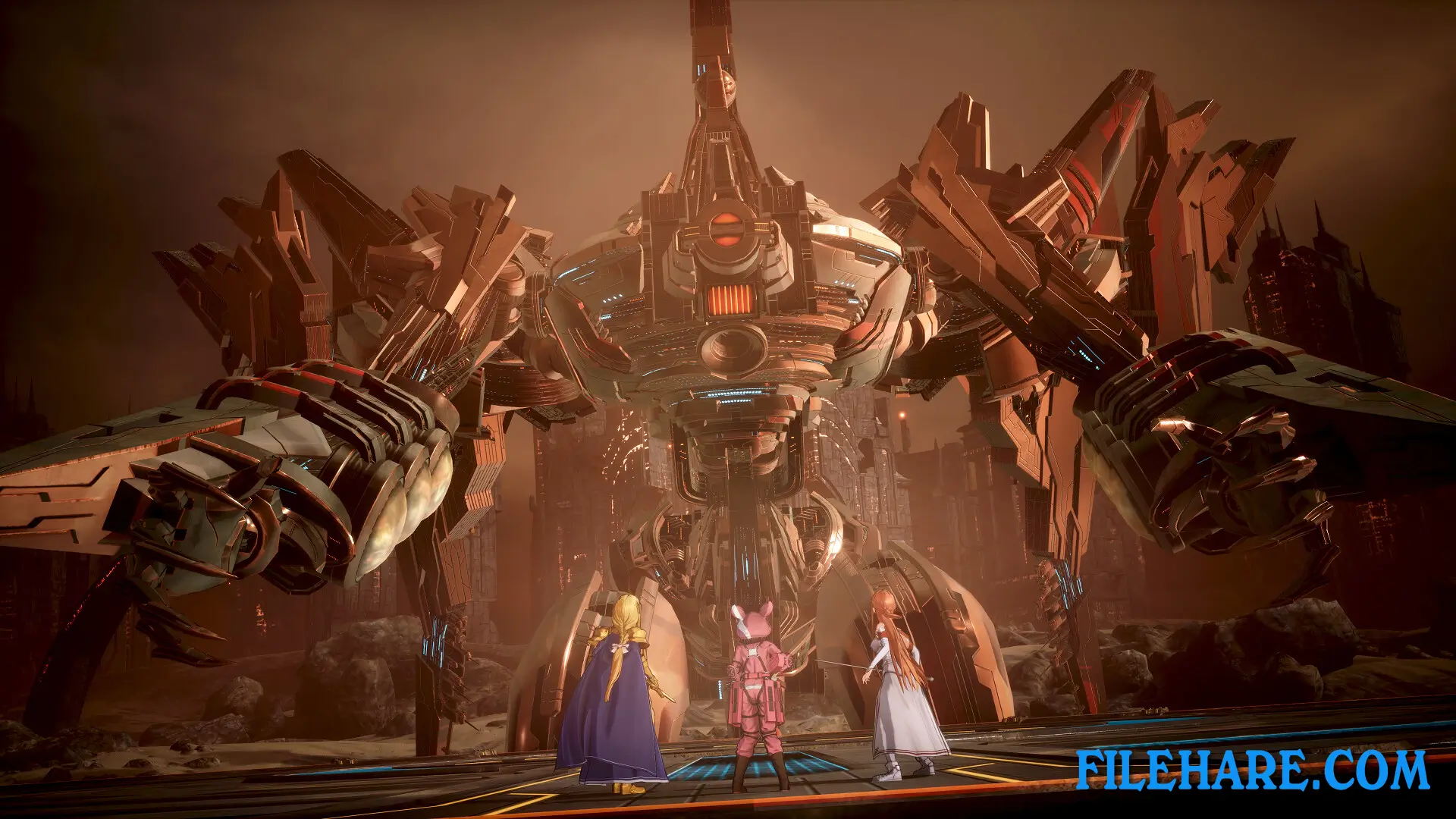
Gameplay Screenshots
| Name | SWORD ART ONLINE Fractured Daydream – Deluxe Edition |
|---|---|
| Developer | Dimps Corporation |
| File Size | 28 GB |
| Category | Action |
| Minimum System Requirements | |
| CPU | AMD Ryzen 3 3100 / Intel Core i5-8400 |
| RAM | 8 GB |
| Graphics | AMD Radeon RX 580 / Nvidia GeForce GTX 780 / Intel Arc A 380 |
| Free Disk Space | 45 GB |
| Operating System | Windows 10 / 11 (64-bit) |
| User Rating | |
Buy this game to support the developer. Store Page
How to Download and Install SWORD ART ONLINE Fractured Daydream – Deluxe Edition PC Game?
We have simple instructions for you to download and install the PC game. Before following the steps, Ensure your PC meets the minimum system requirements for Playing the game on your PC.
- First, click on the DOWNLOAD button and you will be redirected to the final Download page. Then, Download the Game on your PC.
- Once you have downloaded the SWORD ART ONLINE Fractured Daydream – Deluxe Edition PC Game, Open the folder where you saved the Game.
- Then Right-click on the Zip file and click on the "Extract files" option from the dropdown menu. If your computer does not have a Zip file extract software installed, you must first install it. (such as WinRAR, 7Zip software)
- After Extracting the Zip file, Open the SWORD ART ONLINE Fractured Daydream – Deluxe Edition PC Game folder.
- Then, double-click on the Setup.exe file to Install the Game.
- If asked to allow the program to make changes to your device, click Yes to continue.
- After the installation, if you get any missing ".dll" errors or the Game is not launching, open the Readme.txt file located in the game folder and follow the instructions shown in the document file to play the game.
Done!. Now, you can launch the game from your desktop.