Trader Life Simulator PC Game Download for Windows 10/11
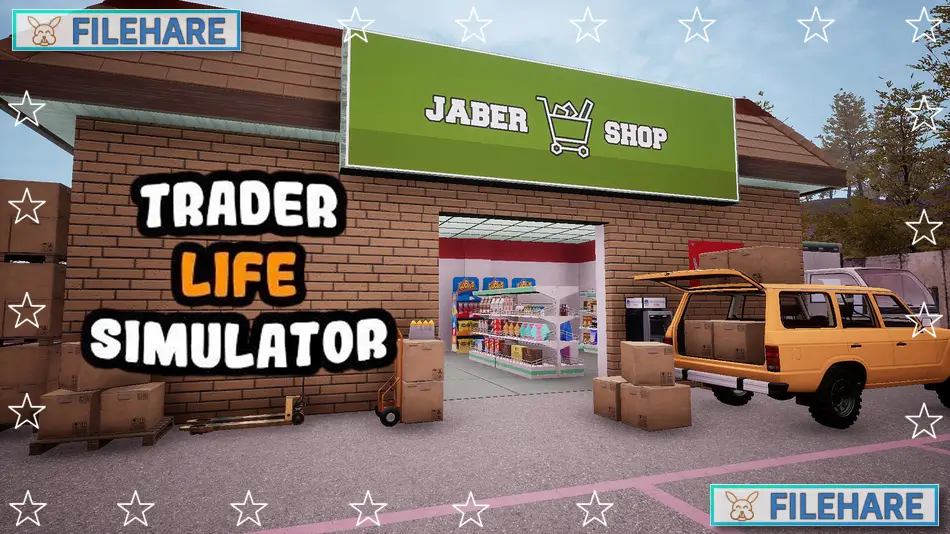
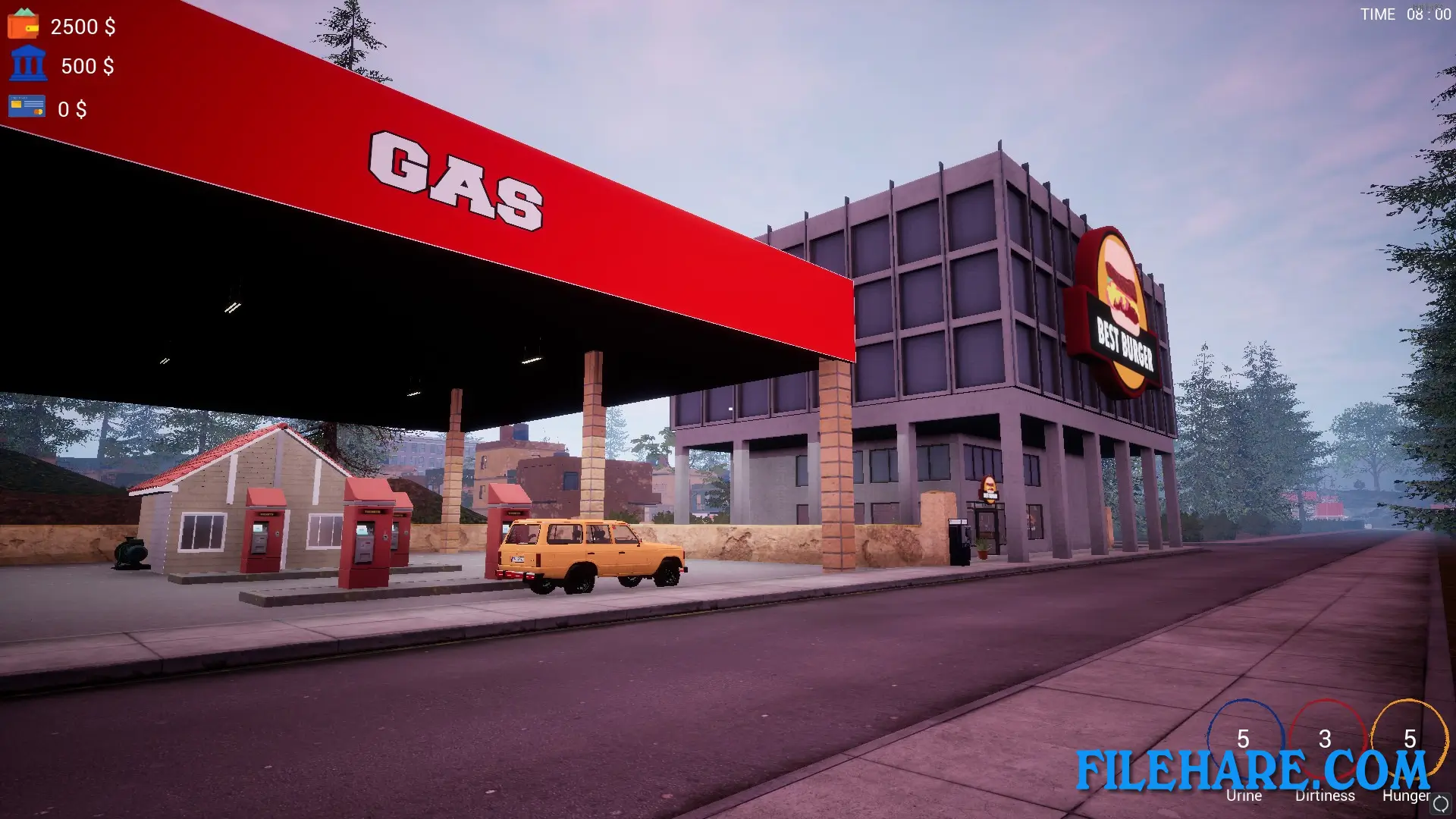
Trader Life Simulator is a business management simulation game that came out on February 22, 2021. The game was developed and published by DNA ARMY GAMING. It can be played on PC through Steam, as well as on mobile devices like Android and iOS. In this game, you run your own supermarket business and try to grow it from a small empty shop into a big store. You also need to take care of your character’s basic needs like eating and sleeping, while managing the store. The game has two map options where you can play, including a city map and a village map.
Table of Contents
Trader Life Simulator Gameplay
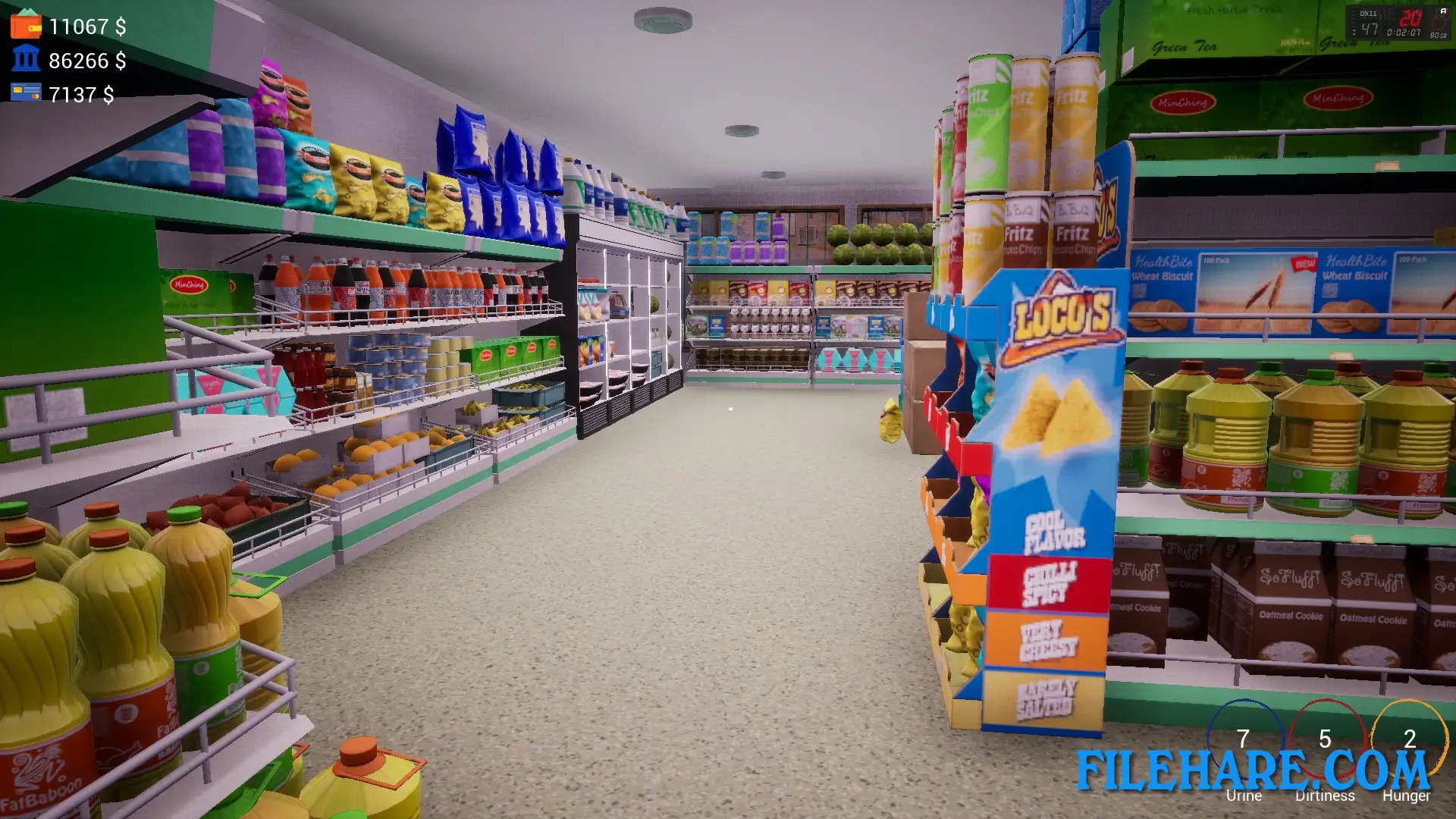
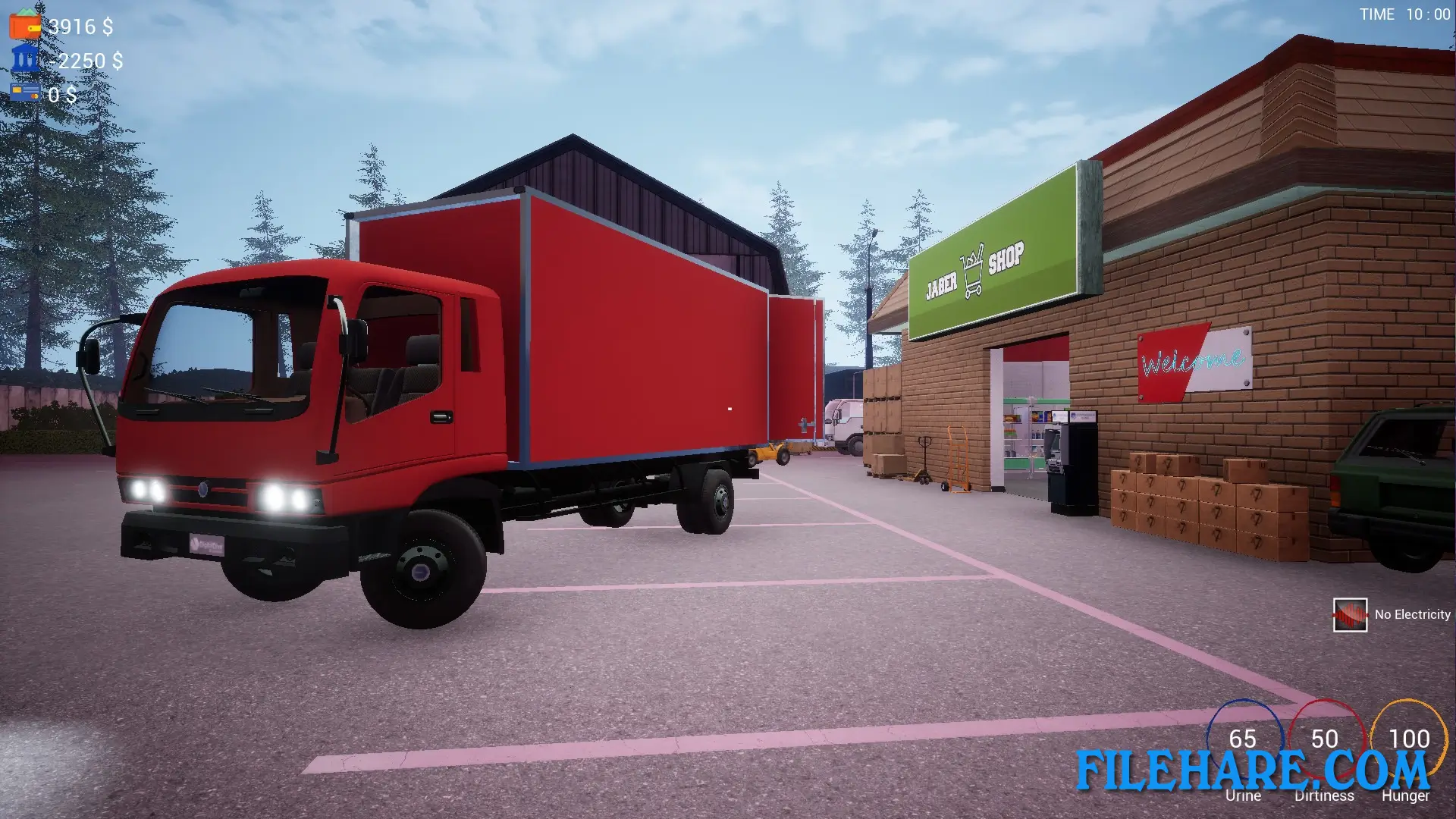
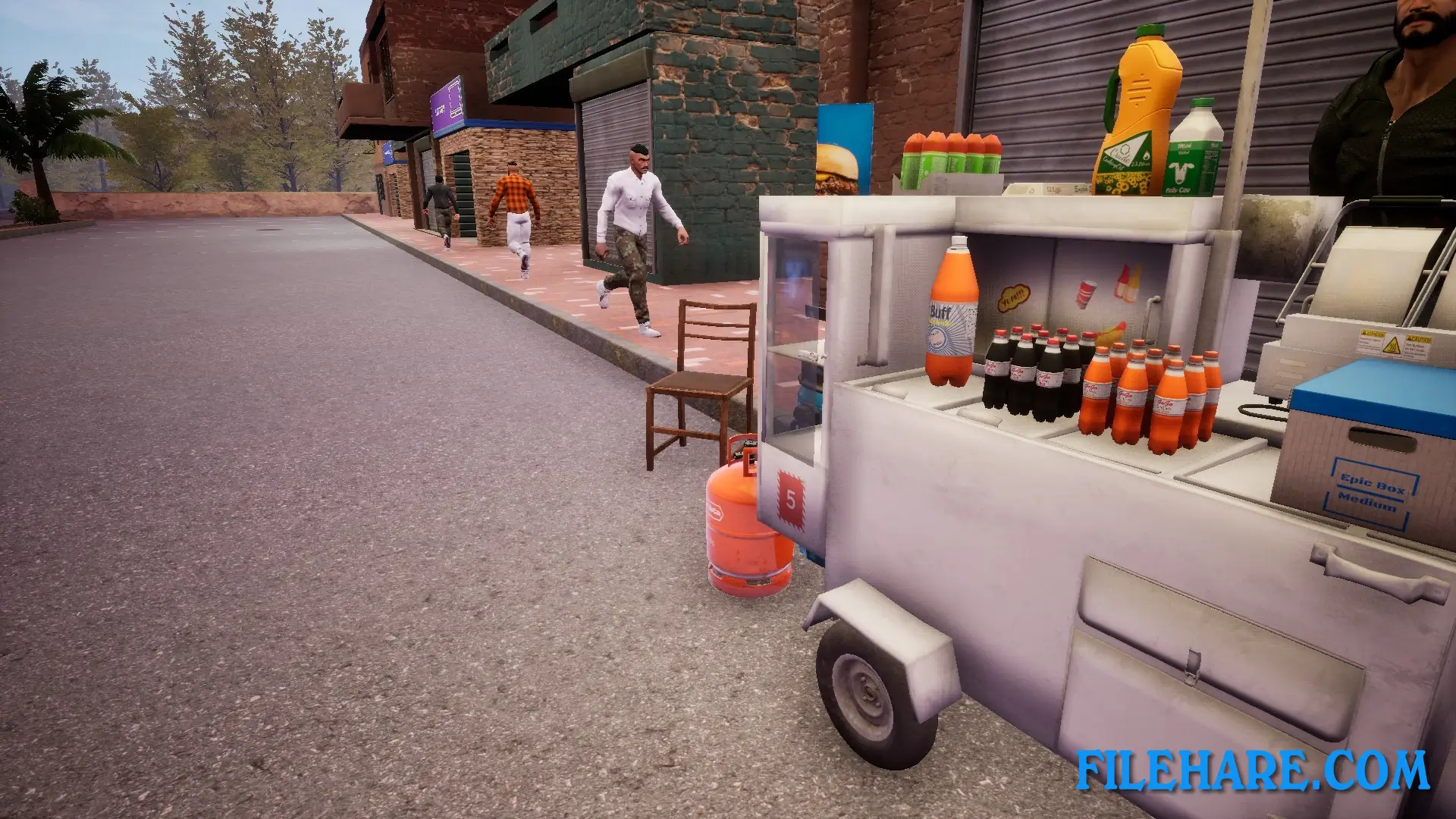
The game is played from a first-person view. You start with an empty supermarket that you need to fill with products. To stock your store, you drive to other shops in the city and buy items at wholesale prices. Then you take these products back to your store and put them on shelves. You set the price for each product and wait for customers to come in and buy them. The goal is to make enough profit to expand your store and buy more products.
You can sell over 100 types of products, including food, drinks, electronics, and many other items. Prices change every day in the game, so you need to watch the market and buy products when they are cheap and sell them when prices are high. You also need to pay bills, manage loans from the bank, and handle your credit card. The game has vehicles like cars and trucks that you can buy and use to transport goods from suppliers to your store. These vehicles need gas, oil, and repairs, and there is a car mechanic in the city who can fix them. You can hire workers to help run your store so you do not have to do everything yourself.
Trader Life Simulator Features
The game has survival elements where you must take care of your character. If you do not eat, drink, or shower, your character can get sick, which will hurt your ability to run the business. You have your own house that you can customize with furniture, computers, and other items you buy with the money you earn. You can watch TV in your home, and the game even lets you play videos from the internet on that TV. You can decorate your shop with many types of furniture, shelves, and wall designs.
The economy in the game is realistic, with a banking option where you can take loans, use ATMs, and manage credit cards. The game has a day and night cycle with weather changes. You must be careful with your spending because if you run out of money and cannot pay your bills, you can go bankrupt and lose the game. There are many other shops around the city where you can buy supplies and other things you need. You can also work for other companies to get extra money instead of just relying on your store income.
Recommended System Requirements
Requires a 64-bit processor and operating system
- OS: Windows 10 (64-Bit) / Windows 11
- Processor: Intel Core i5 6600K
- Memory: 8 GB RAM
- Graphics: NVIDIA GeForce GTX 970
- DirectX: Version 10
- Storage: 17 GB available space
Gameplay Screenshots
| Name | Trader Life Simulator |
|---|---|
| Developer | DNA ARMY GAMING |
| File Size | 5.11 GB |
| Category | Simulation |
| Minimum System Requirements | |
| CPU | Intel i5-3570 3.4 GHz 4 Core |
| RAM | 4 GB |
| Graphics | GTX 770 2GB or higher |
| Free Disk Space | 17 GB |
| Operating System | Windows 10 / 11 (64-bit) |
| User Rating | |
Buy this game to support the developer. Store Page
How to Download and Install Trader Life Simulator PC Game?
We have simple instructions for you to download and install the PC game. Before following the steps, Ensure your PC meets the minimum system requirements for Playing the game on your PC.
- First, click on the DOWNLOAD button and you will be redirected to the final Download page. Then, Download the Game on your PC.
- Once you have downloaded the Trader Life Simulator PC Game, Open the folder where you saved the Game.
- Then Right-click on the Zip file and click on the "Extract files" option from the dropdown menu. If your computer does not have a Zip file extract software installed, you must first install it. (such as WinRAR, 7Zip software)
- After Extracting the Zip file, Open the Trader Life Simulator PC Game folder.
- Then, double-click on the Setup.exe file to Install the Game.
- If asked to allow the program to make changes to your device, click Yes to continue.
- After the installation, if you get any missing ".dll" errors or the Game is not launching, open the Readme.txt file located in the game folder and follow the instructions shown in the document file to play the game.
Done!. Now, you can launch the game from your desktop.