V Rising + DLC Bundle PC Game Download for Windows 10/11
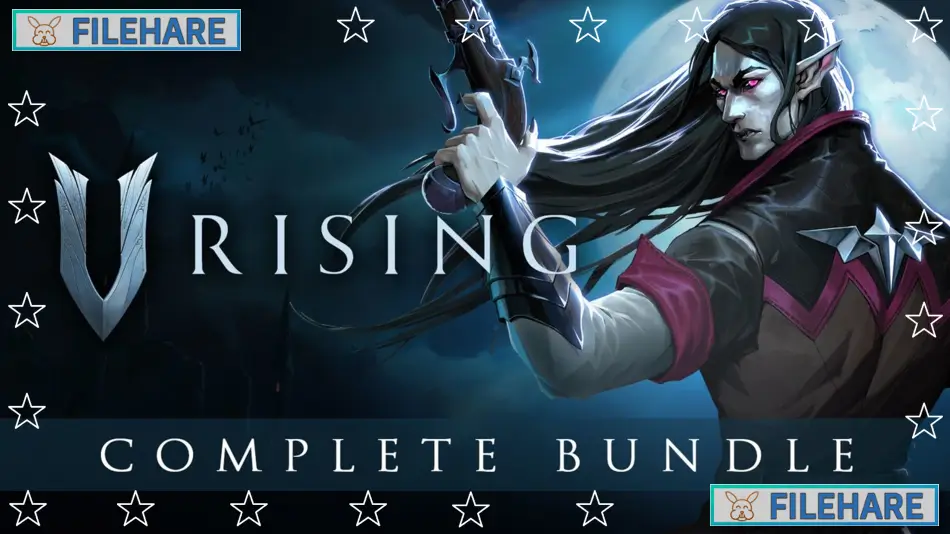
V Rising + DLC Bundle is an action survival game developed and published by Stunlock Studios. The base game, V Rising, was first released in Early Access in May 2022 and fully launched on May 8, 2024. The V Rising + DLC Bundle packages the full base game together with five additional content packs, offering players a complete collection of cosmetic items, castle decorations, accessories, and the official game soundtrack.
Table of Contents
V Rising + DLC Bundle Story
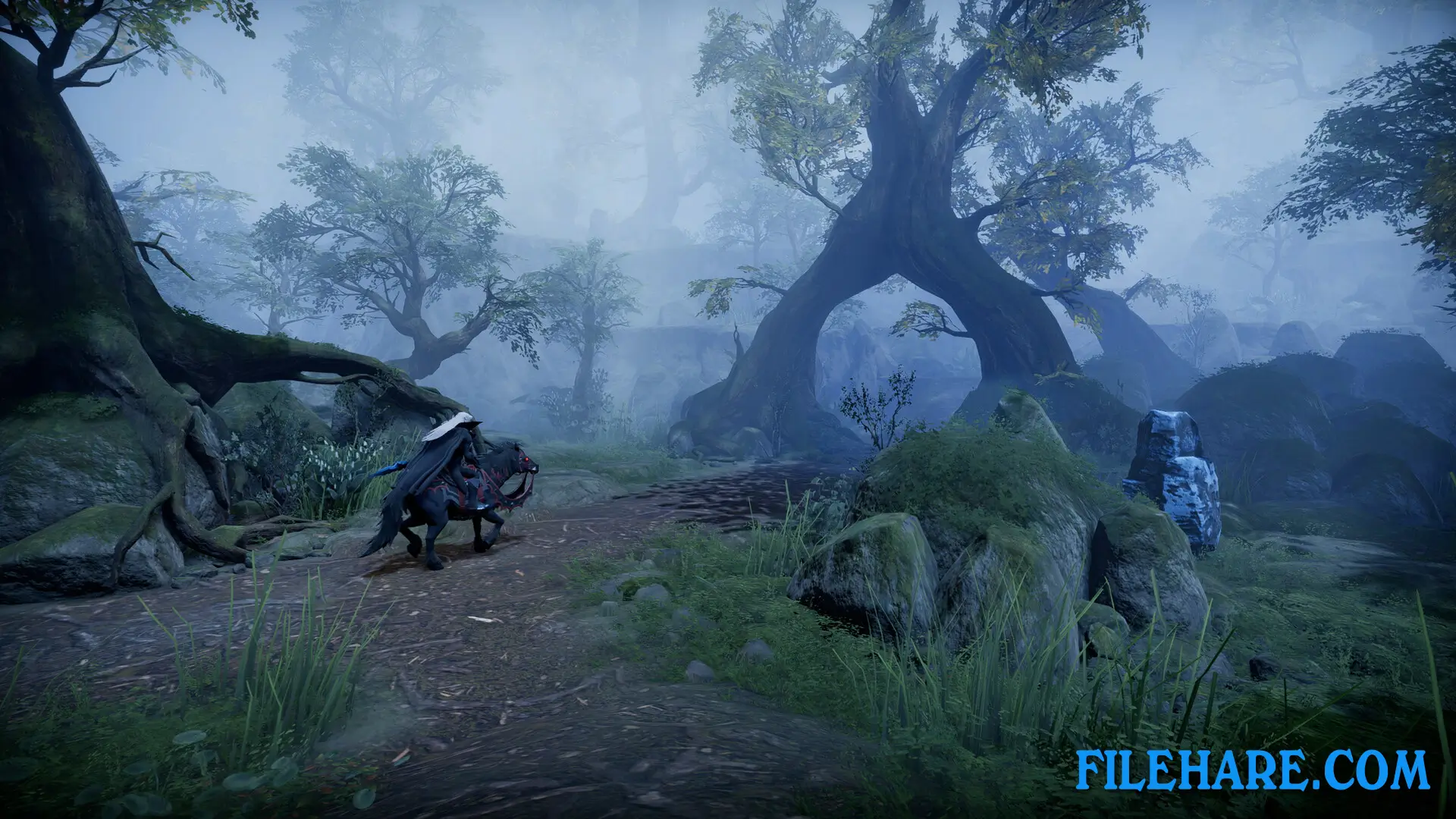
The game takes place in a dark open land called Vardoran, split into five areas. You play as a vampire who has just woken up after a long sleep, weak and nearly powerless. To regain strength, you must hunt for blood, build a castle, and grow powerful enough to face the vampire king. You must hunt other powerful creatures called V Bloods to unlock new spells and abilities. The game has a full story campaign with an endgame area called the Ruins of Mortium, where the vampire’s story reaches its conclusion.
V Rising + DLC Bundle Gameplay
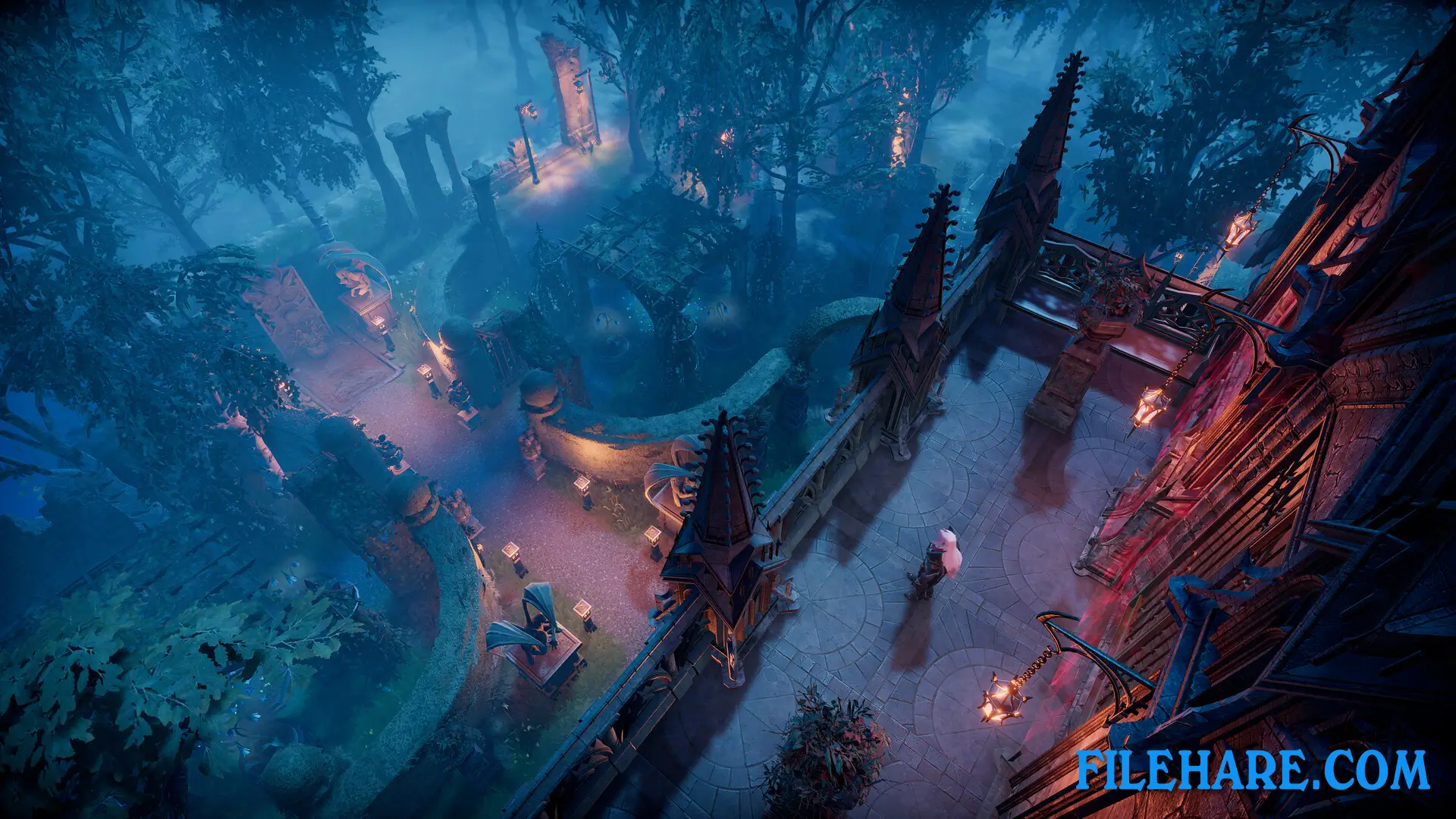
V Rising is an open-world survival game played from a top-down view. You gather resources, build and expand a castle that serves as your base, and craft weapons and gear to become more powerful. As a vampire, you must drink blood from enemies to survive and stay out of sunlight during the day. You can choose blood from different kinds of enemies, and the type of blood you drink affects your abilities temporarily. Combat is real-time and action-based, using spells, melee weapons, and ranged attacks. You can play alone or in a group of up to four players in online co-op or PvP servers. The April 2025 update, Invaders of Oakveil, added three new weapons — throwing daggers, claws, and a dual-bladed staff — along with a new zone, stables for horses, and player-built arenas for organized PvP duels.
V Rising + DLC Bundle Features
The V Rising + DLC Bundle includes the base game and five DLC packs. The Sinister Evolution Pack gives you a Plague Chemist outfit, a mechanically upgraded horse mount, and modern-themed castle decorations. The Founder’s Pack: Eldest Bloodline includes three legendary shapeshift skins, exclusive castle items, and the original game soundtrack. The Dracula’s Relics Pack provides a black, red, and gold visual style for your vampire and castle. The Legacy of Castlevania Premium Pack adds character skins, hairstyles, and shapeshift forms inspired by the classic Castlevania game series. The Eternal Dominance Pack offers a gold-themed luxury look for your castle and character.
Recommended System Requirements
Requires a 64-bit processor and operating system
- OS: Windows 10 64 bit
- Processor: Intel Core i5-11600K, 3.9 GHz or AMD Ryzen 5 5600X, 3.7 GHz
- Memory: 12 GB RAM
- Graphics: NVIDIA GeForce GTX 1070, 8 GB or AMD Radeon RX 590, 8 GB
- DirectX: Version 11
- Storage: 19 GB available space
- Additional Notes: Recommended System Requirements might change in the future
Gameplay Screenshots
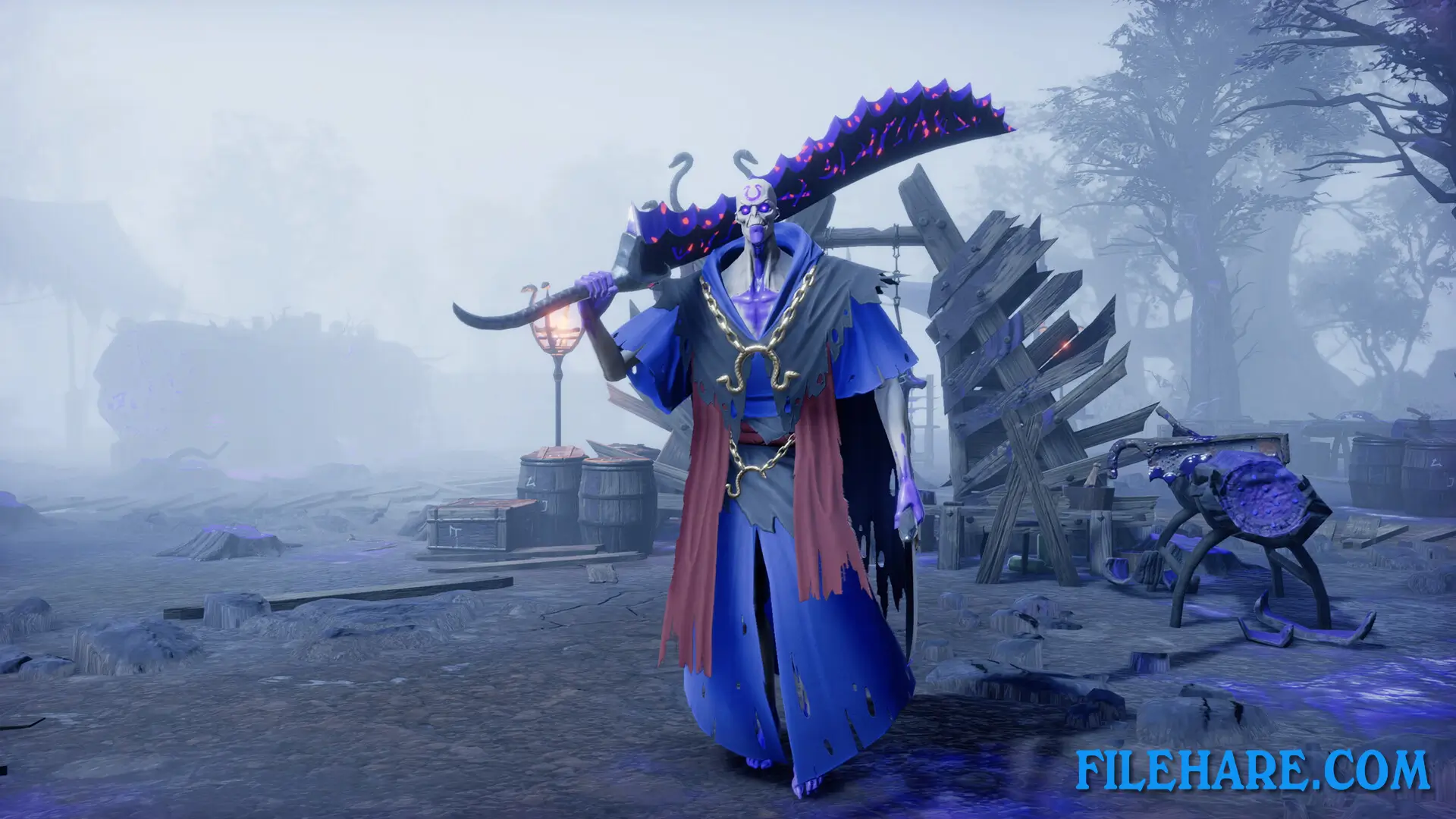
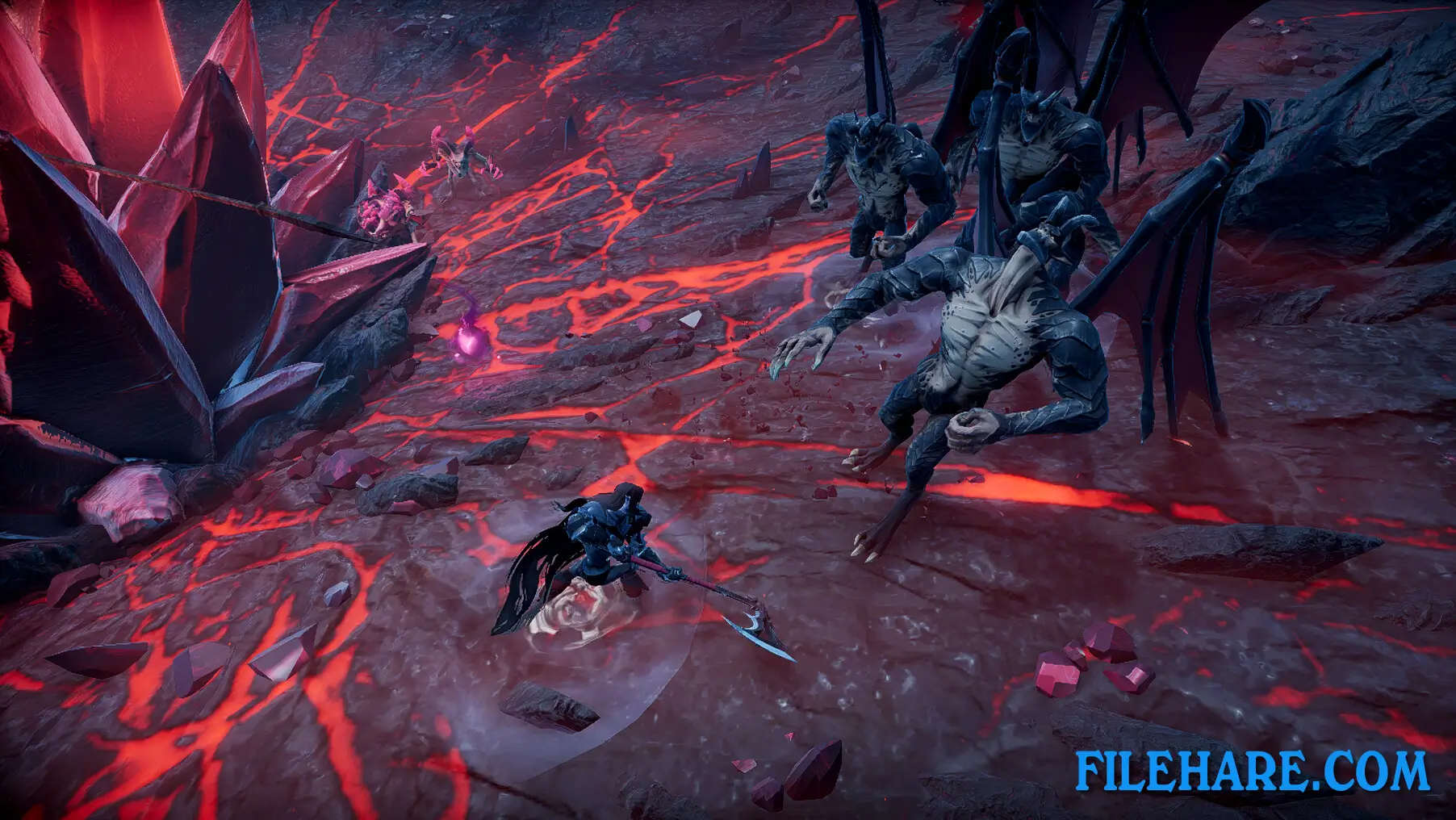
| Name | V Rising + DLC Bundle |
|---|---|
| Developer | Stunlock Studios |
| File Size | 3.43 GB |
| Category | Action, Adventure |
| Minimum System Requirements | |
| CPU | Intel Core i5-6600, 3.3 GHz or AMD Ryzen 5 1500X, 3.5 GHz |
| RAM | 12 GB |
| Graphics | NVIDIA GeForce GTX 750 Ti (Maxwell or newer), 2 GB or AMD Radeon R7 360, 2 GB |
| Free Disk Space | 19 GB |
| Operating System | Windows 10 / 11 (64-bit) |
| User Rating | |
Buy this game to support the developer. Store Page
How to Download and Install V Rising + DLC Bundle PC Game?
We have simple instructions for you to download and install the PC game. Before following the steps, Ensure your PC meets the minimum system requirements for Playing the game on your PC.
- First, click on the DOWNLOAD button and you will be redirected to the final Download page. Then, Download the Game on your PC.
- Once you have downloaded the V Rising + DLC Bundle PC Game, Open the folder where you saved the Game.
- Then Right-click on the Zip file and click on the "Extract files" option from the dropdown menu. If your computer does not have a Zip file extract software installed, you must first install it. (such as WinRAR, 7Zip software)
- After Extracting the Zip file, Open the V Rising + DLC Bundle PC Game folder.
- Then, double-click on the Setup.exe file to Install the Game.
- If asked to allow the program to make changes to your device, click Yes to continue.
- After the installation, if you get any missing ".dll" errors or the Game is not launching, open the Readme.txt file located in the game folder and follow the instructions shown in the document file to play the game.
Done!. Now, you can launch the game from your desktop.