Venus Vacation PRISM – DEAD OR ALIVE Xtreme – Digital Deluxe Edition PC Game Download
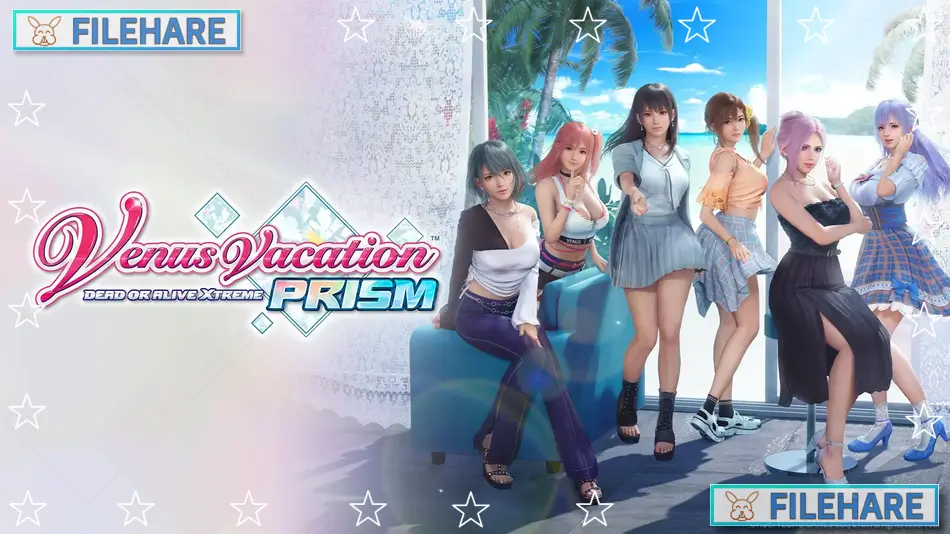
Venus Vacation PRISM – DEAD OR ALIVE Xtreme – Digital Deluxe Edition is a PC game focused on relaxation, character interaction, and visual presentation. The game was developed and published by KOEI TECMO GAMES CO., LTD.. It was released for PC on 27 March 2025. This version is a single-player experience based on the Venus Vacation series, where players manage activities on a private island with a mature environment. The Digital Deluxe Edition includes extra content that expands costumes and visual options.
Table of Contents
Venus Vacation PRISM – DEAD OR ALIVE Xtreme Gameplay
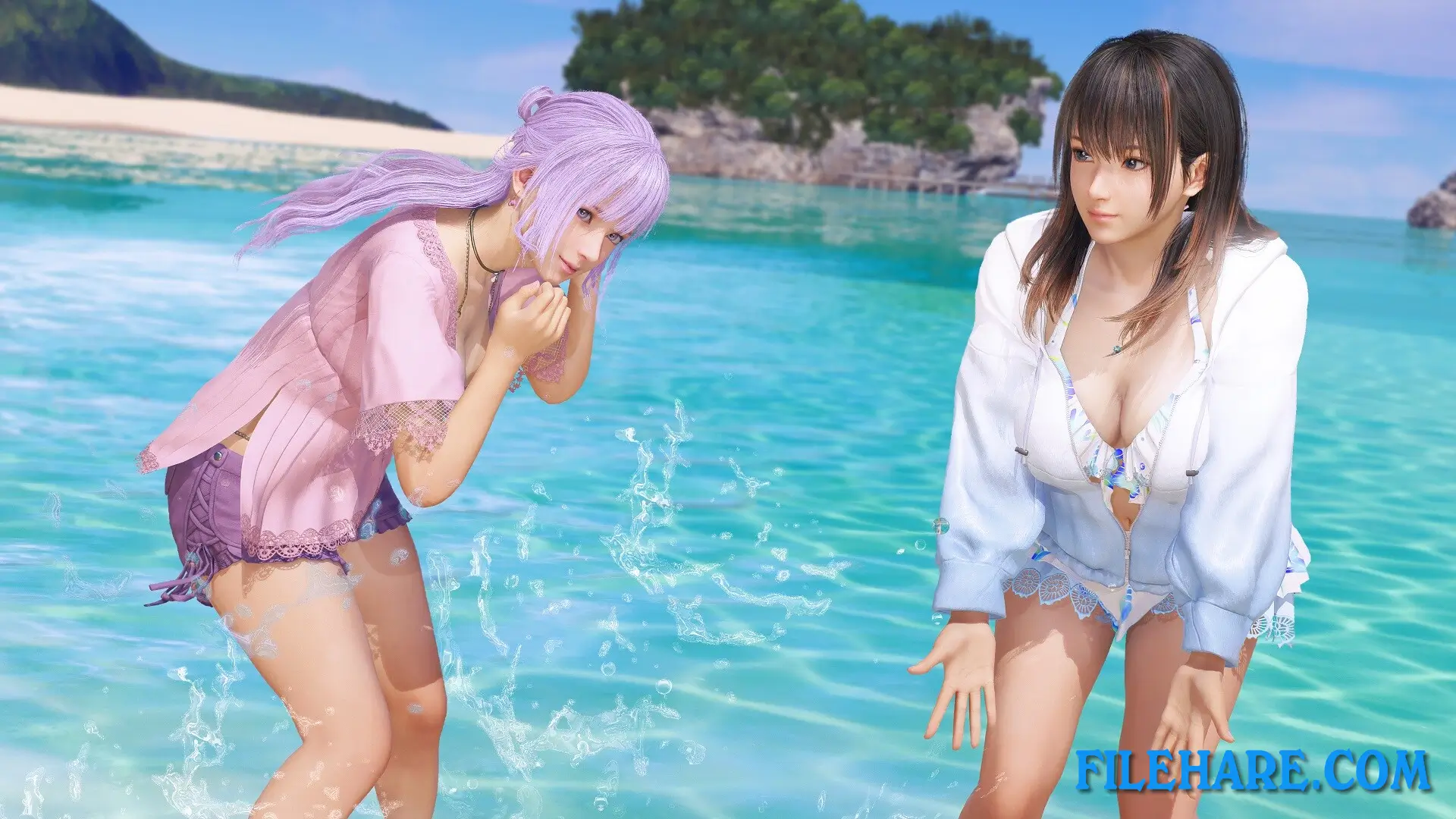
The gameplay centers on spending time with several female characters on a tropical island resort. You play as the owner of the island and guide daily activities. These include photo sessions, light mini games, and friendly matches. Volleyball is a key part of play, using easy controls that focus on timing rather than skill pressure. Players can move around the island, select activities, and choose how to spend time during the day. The goal is not competition but smooth progress and relaxed play. Menus are clear, and actions are simple to understand, making it suitable for long or short play sessions.
Venus Vacation PRISM – DEAD OR ALIVE Xtreme Features
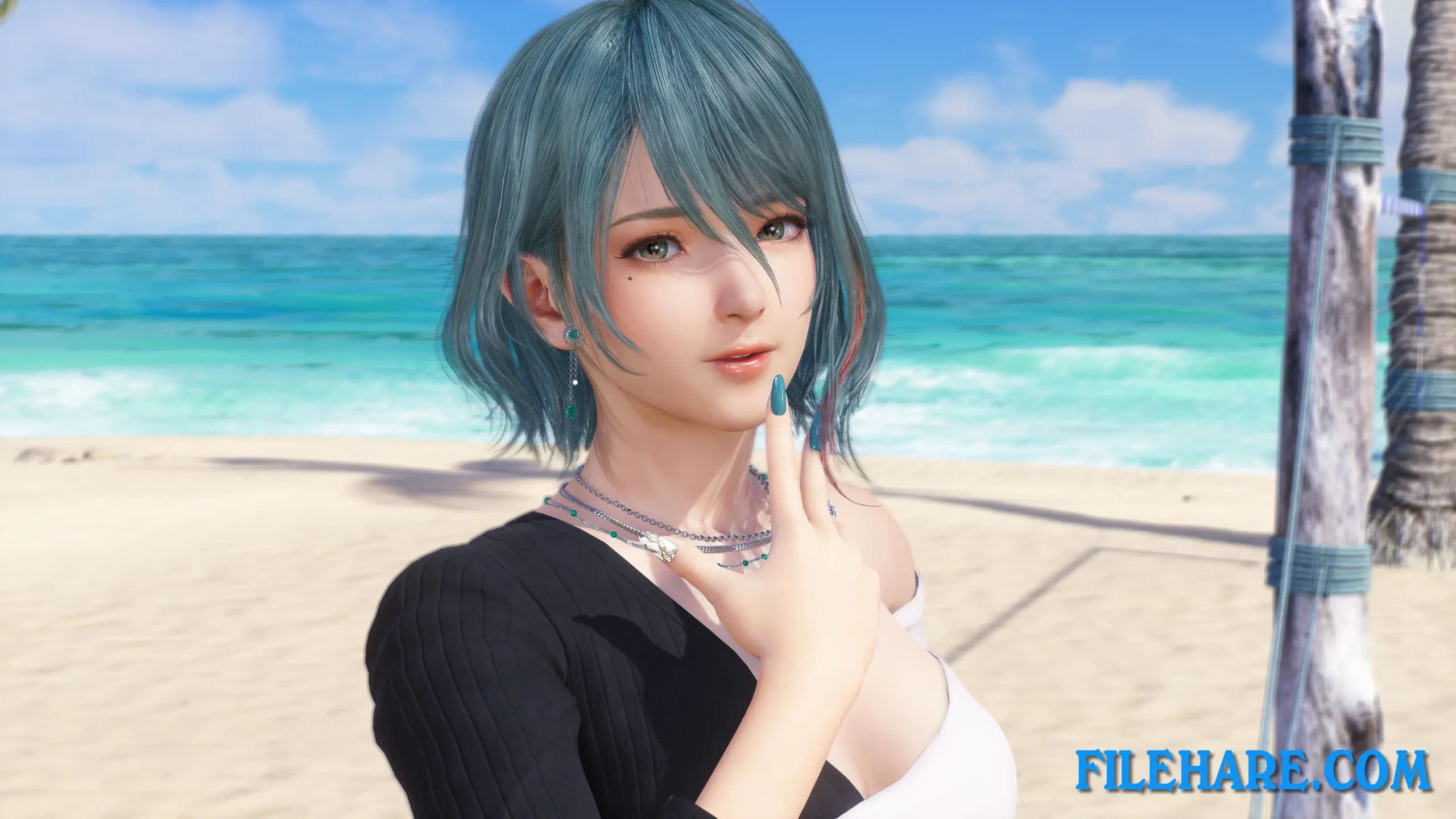
The game includes a wide cast of characters from the Dead or Alive series, each with unique looks and animations. Players can unlock many outfits, accessories, and photo poses. The photo mode allows camera movement, zoom, lighting control, and angle adjustment, which is a major part of the experience. Visual quality is sharp, with detailed character models and smooth motion. Island locations include beaches, pools, and resort areas designed for calm viewing. The Digital Deluxe Edition adds more costumes and items that enhance customization. The game’s focus stays on interaction, visuals, mature themes and easy enjoyment rather than challenge or action.
Recommended System Requirements
Requires a 64-bit processor and operating system
- OS: Windows 11 64bit
- Processor: Intel Core i7-8700 / AMD Ryzen 5 3600 XT
- Memory: 16 GB RAM
- Graphics: NVIDIA GeForce RTX 2070(VRAM 8GB)/ Radeon RX 5700 XT (VRAM 8GB)
- DirectX: DirectX 12 or over
- Storage: 32 GB available space
- Additional Information: SSD Recommended Based on “Standard” settings/type “AMD FSR 2″/1920×1080/60FPS
Gameplay Screenshots


| Name | Venus Vacation PRISM – DEAD OR ALIVE Xtreme – Digital Deluxe Edition |
|---|---|
| Developer | KOEI TECMO GAMES CO., LTD. |
| File Size | 6.10 GB |
| Category | Adult |
| Minimum System Requirements | |
| CPU | Intel Core i5-7400 / Ryzen 3 3200G |
| RAM | 8 GB |
| Graphics | GeForce GTX 1650(VRAM 4GB)/ AMD Radeon RX 570(VRAM 4GB) |
| Free Disk Space | 32 GB |
| Operating System | Windows 10 / 11 (64-bit) |
| User Rating | |
Buy this game to support the developer. Store Page
How to Download and Install Venus Vacation PRISM – DEAD OR ALIVE Xtreme – Digital Deluxe Edition PC Game?
We have simple instructions for you to download and install the PC game. Before following the steps, Ensure your PC meets the minimum system requirements for Playing the game on your PC.
- First, click on the DOWNLOAD button and you will be redirected to the final Download page. Then, Download the Game on your PC.
- Once you have downloaded the Venus Vacation PRISM – DEAD OR ALIVE Xtreme – Digital Deluxe Edition PC Game, Open the folder where you saved the Game.
- Then Right-click on the Zip file and click on the "Extract files" option from the dropdown menu. If your computer does not have a Zip file extract software installed, you must first install it. (such as WinRAR, 7Zip software)
- After Extracting the Zip file, Open the Venus Vacation PRISM – DEAD OR ALIVE Xtreme – Digital Deluxe Edition PC Game folder.
- Then, double-click on the Setup.exe file to Install the Game.
- If asked to allow the program to make changes to your device, click Yes to continue.
- After the installation, if you get any missing ".dll" errors or the Game is not launching, open the Readme.txt file located in the game folder and follow the instructions shown in the document file to play the game.
Done!. Now, you can launch the game from your desktop.