Zoochosis PC Game Download for Windows 10/11
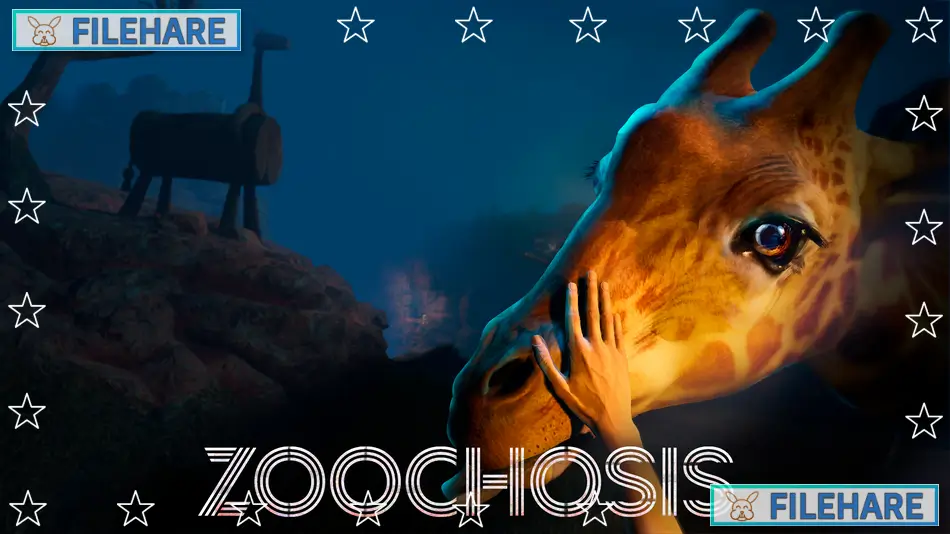
Zoochosis is a bodycam horror simulation game developed and published by Clapperheads. The game also has Playworks as a co-publisher. It was released on September 30, 2024, for PC on Steam. Later, the game came to PlayStation 4 and PlayStation 5 on August 25, 2025. It will be available on Xbox One and Xbox Series X/S on October 24, 2025. The game became popular for its unusual concept, where you work as a zookeeper dealing with mutant animals.
Table of Contents
Zoochosis Story
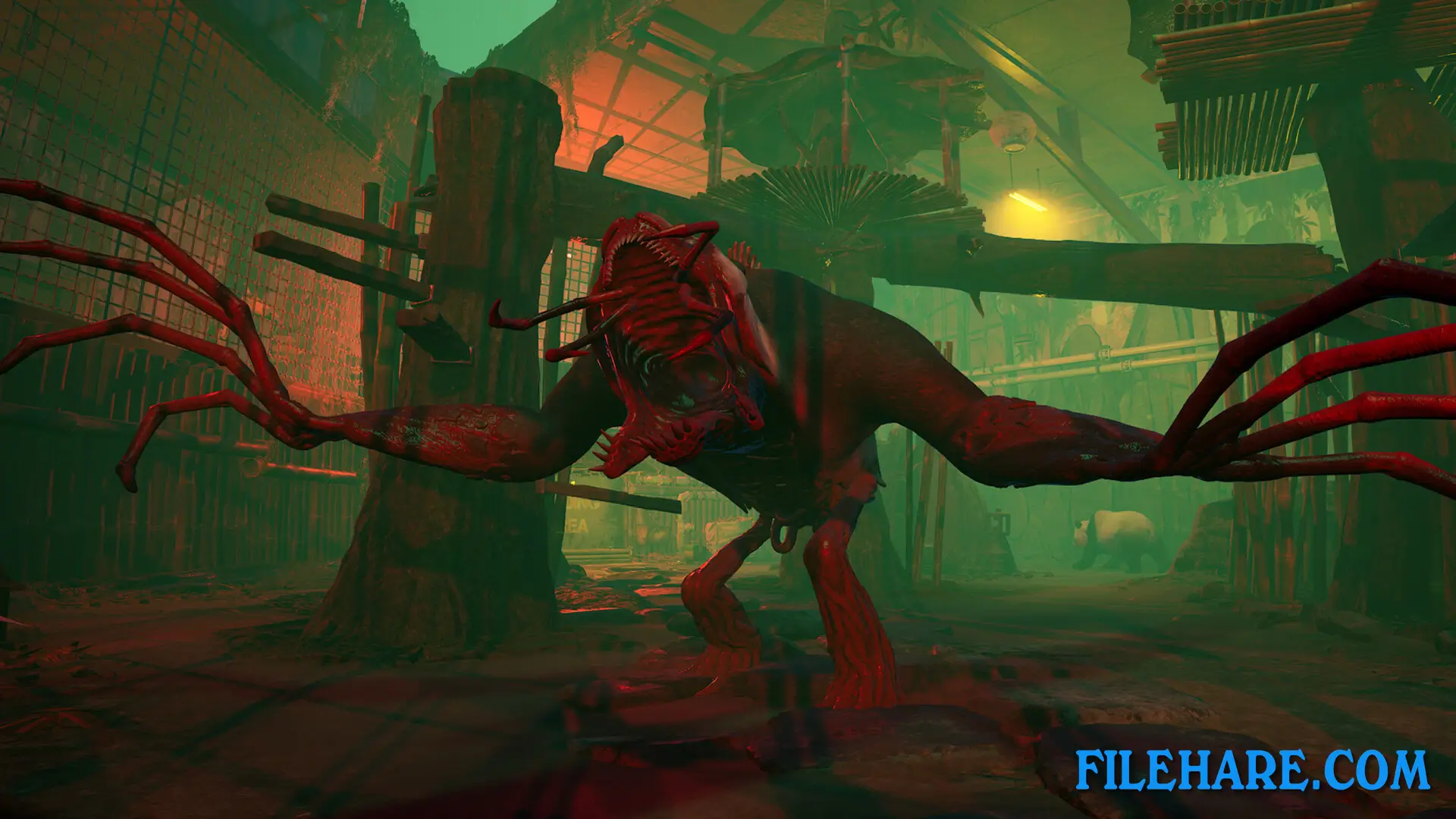
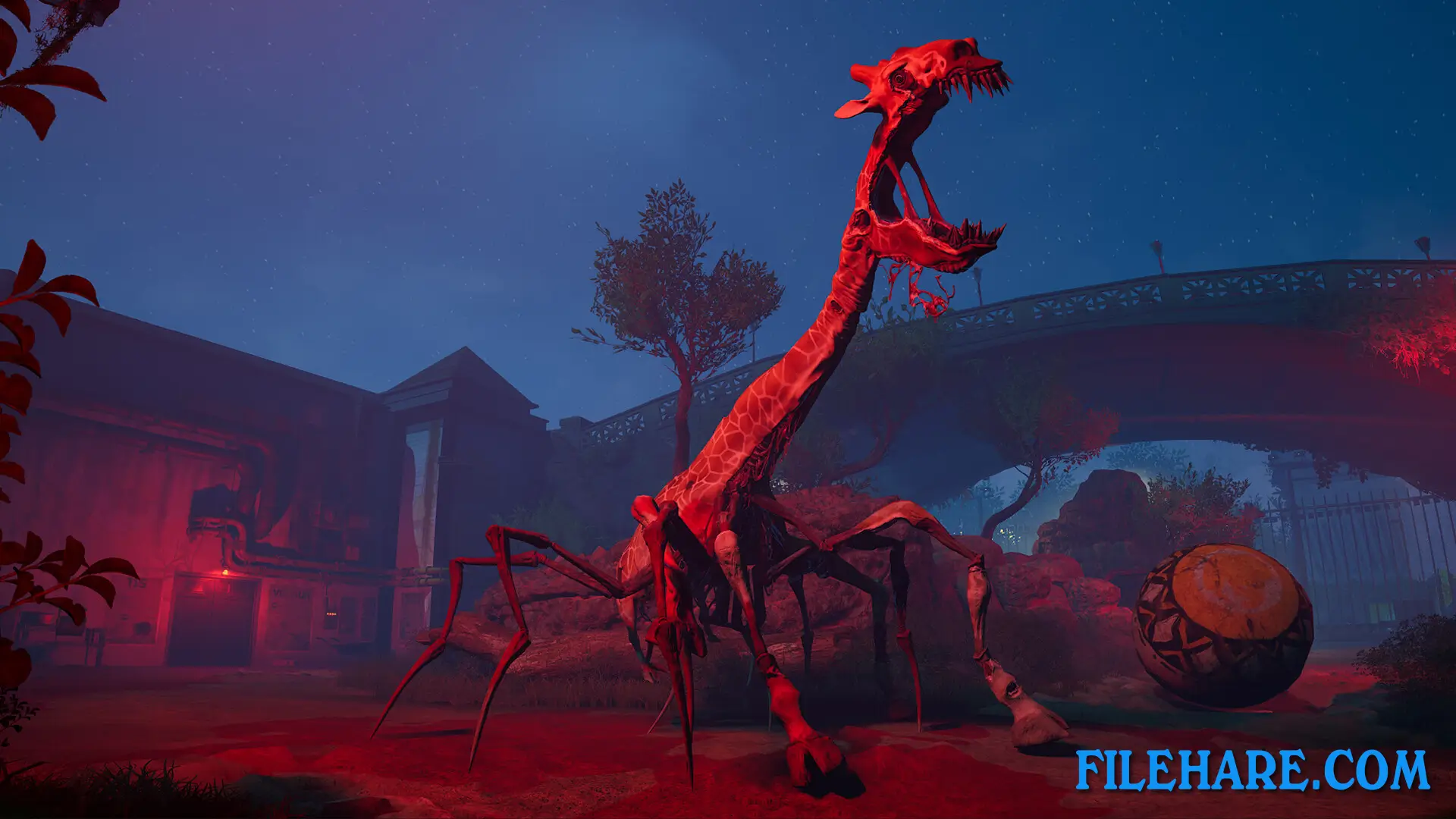
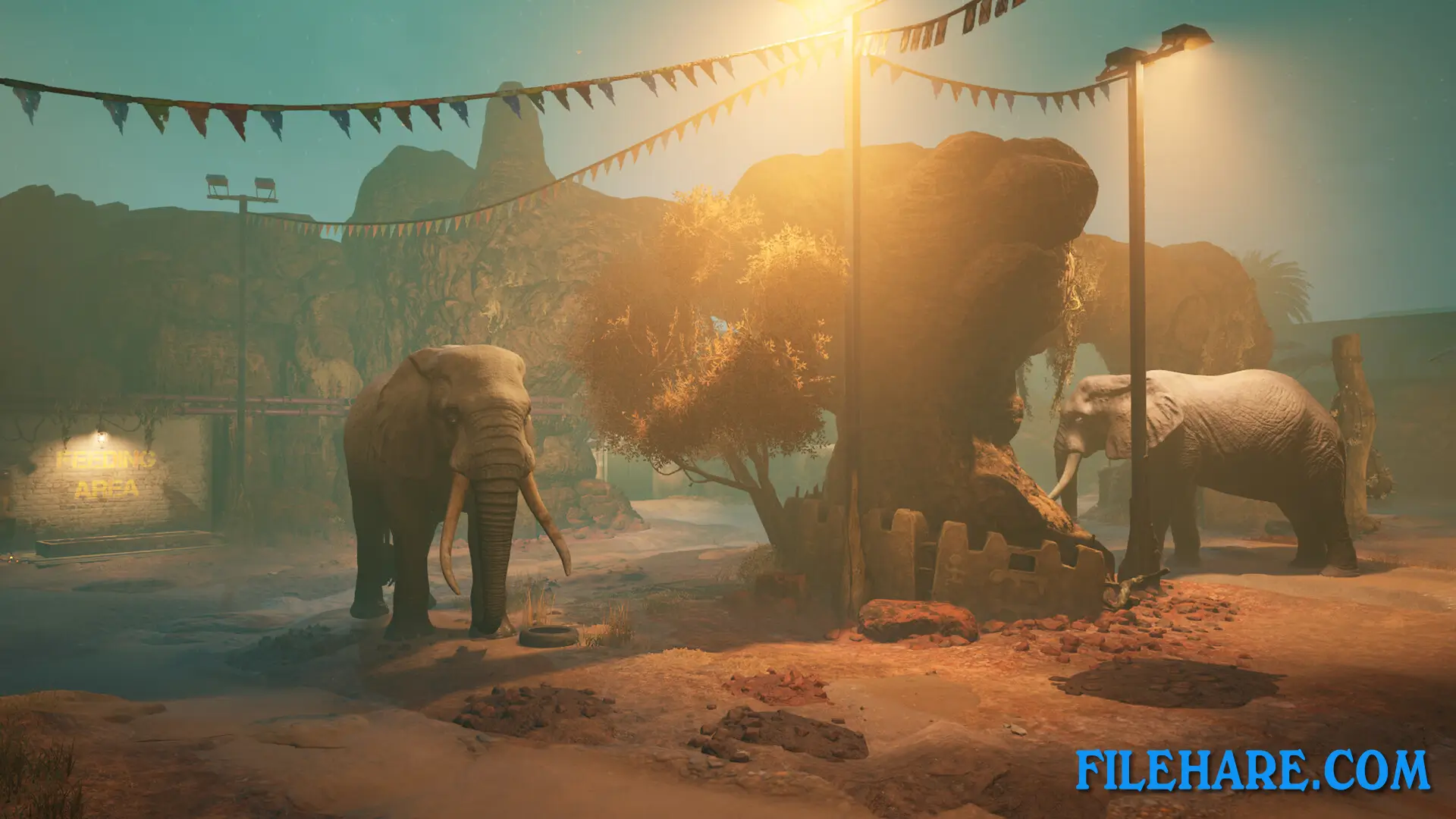
You play as Paul, a new zookeeper starting his first night shift at a zoo. When you begin your work, everything seems normal at first. But soon you notice the animals are acting strange. You discover that a parasite is infecting the zoo animals and turning them into dangerous mutants. Giraffes, zebras, elephants, gorillas, penguins, wallabies, giant pandas, ostriches, rhinoceroses, moose, and hippopotamuses can all become infected. The infected animals become violent and want to escape. You must find out why this is happening and stop the infection before it spreads outside the zoo.
Zoochosis Gameplay
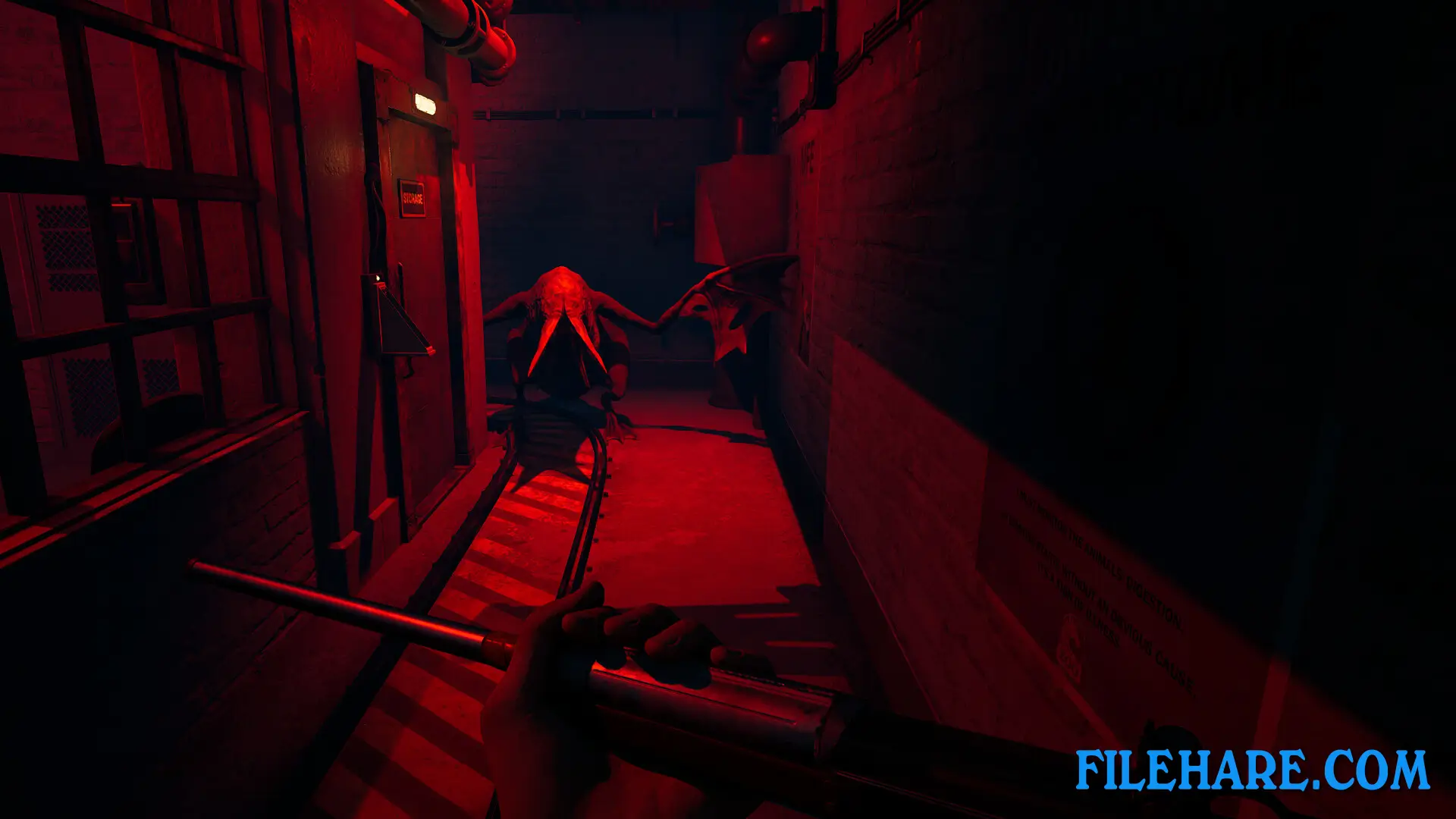
This is a first-person horror game shown from a bodycam view. You move around the zoo at night and check on the animals in their enclosures. When you find an infected animal, you need to identify it correctly. Then you must create a vaccine to cure the animal. To make the vaccine, you use various tools and equipment at the zoo. The game requires you to be careful because infected animals are very dangerous. If you make mistakes, the animals can attack you. You need to decide which animals to try to save.
Zoochosis Features
The game has a bodycam view that makes it feel more real and scary. There are many types of animals that can get infected and mutate. The mutant versions of the animals look very different from their normal forms. The game includes a vaccine-making mechanic where you must mix the right ingredients. You can explore other areas of the zoo during your shift. There are mystery elements as you try to understand what caused the parasite infection. The game warns that it contains graphic violence, blood, dismemberment, and gore. It also shows dead bodies and mutilation. Some mutant animals show body horror designs that are disturbing.
Recommended System Requirements
Requires a 64-bit processor and operating system
- OS: Windows 10 (64-bit)
- Processor: Intel Core i7-8700K / Ryzen 5 3600X
- Memory: 16 GB RAM
- Graphics: RTX 3050/ AMD 5600xt
- DirectX: Version 12
- Storage: 10 GB available space
- Sound Card: Integrated or dedicated DirectX 9 compatible soundcard
Gameplay Screenshots
| Name | Zoochosis |
|---|---|
| Developer | Clapperheads |
| File Size | 4.43 GB |
| Category | Horror, Simulation |
| Minimum System Requirements | |
| CPU | Intel Core i3-6100 / Ryzen 3 3200 |
| RAM | 8 GB |
| Graphics | AMD RX 570 / GTX 1050 |
| Free Disk Space | 10 GB |
| Operating System | Windows 10 / 11 (64-bit) |
| User Rating | |
Buy this game to support the developer. Store Page
How to Download and Install Zoochosis PC Game?
We have simple instructions for you to download and install the PC game. Before following the steps, Ensure your PC meets the minimum system requirements for Playing the game on your PC.
- First, click on the DOWNLOAD button and you will be redirected to the final Download page. Then, Download the Game on your PC.
- Once you have downloaded the Zoochosis PC Game, Open the folder where you saved the Game.
- Then Right-click on the Zip file and click on the "Extract files" option from the dropdown menu. If your computer does not have a Zip file extract software installed, you must first install it. (such as WinRAR, 7Zip software)
- After Extracting the Zip file, Open the Zoochosis PC Game folder.
- Then, double-click on the Setup.exe file to Install the Game.
- If asked to allow the program to make changes to your device, click Yes to continue.
- After the installation, if you get any missing ".dll" errors or the Game is not launching, open the Readme.txt file located in the game folder and follow the instructions shown in the document file to play the game.
Done!. Now, you can launch the game from your desktop.