Tales & Tactics PC Game Download for Windows 10/11
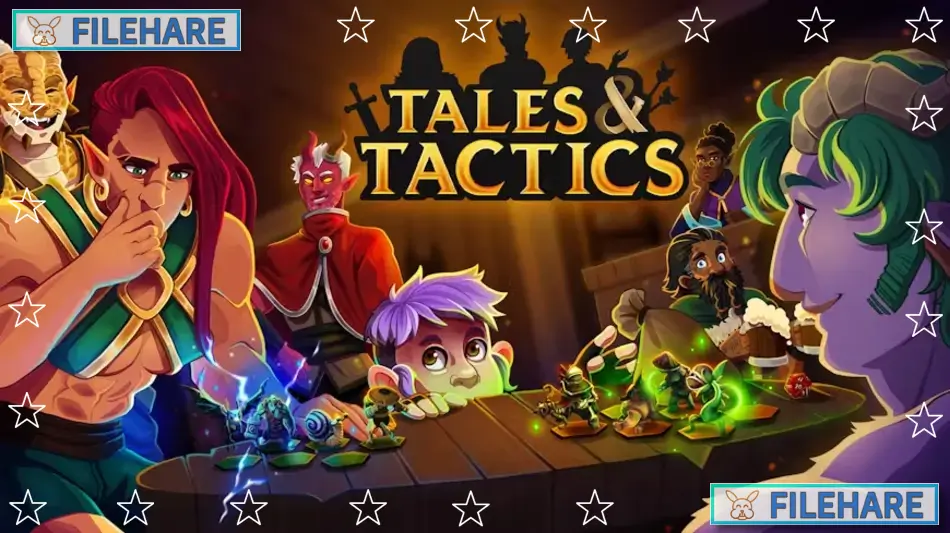
Tales & Tactics is a strategy video game that combines autobattler mechanics with tabletop RPG elements. The game was developed by Table 9 Studio and published by Yogscast Games and Gamersky Games. It was first released in Early Access on August 10, 2023, and then launched its full version on August 15, 2024. The game takes place in a fantasy world where players prepare their army to compete in the Grand Tournament, an annual competition that tests the strategic skills of all participants.
Table of Contents
Tales & Tactics Gameplay
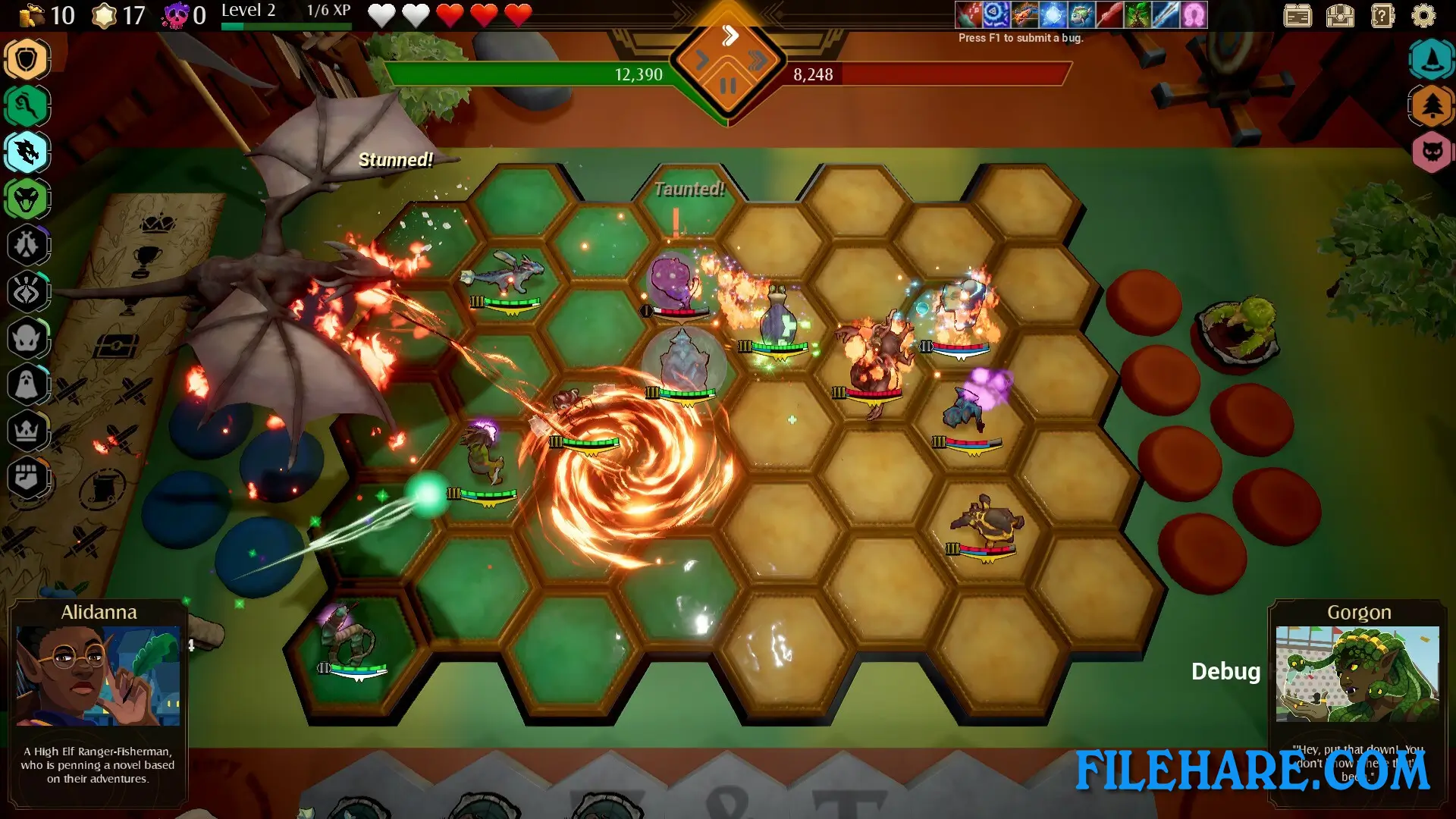
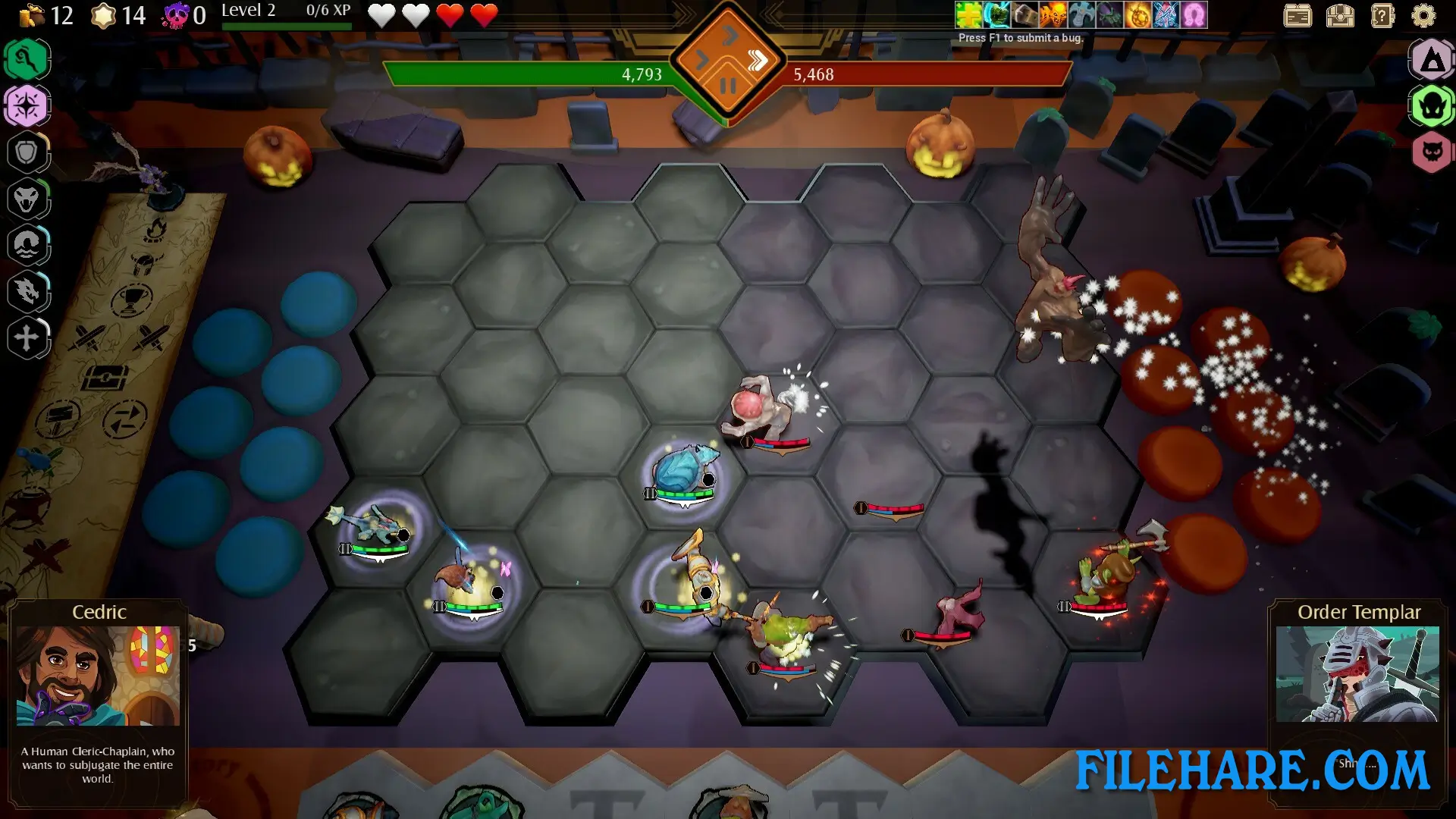
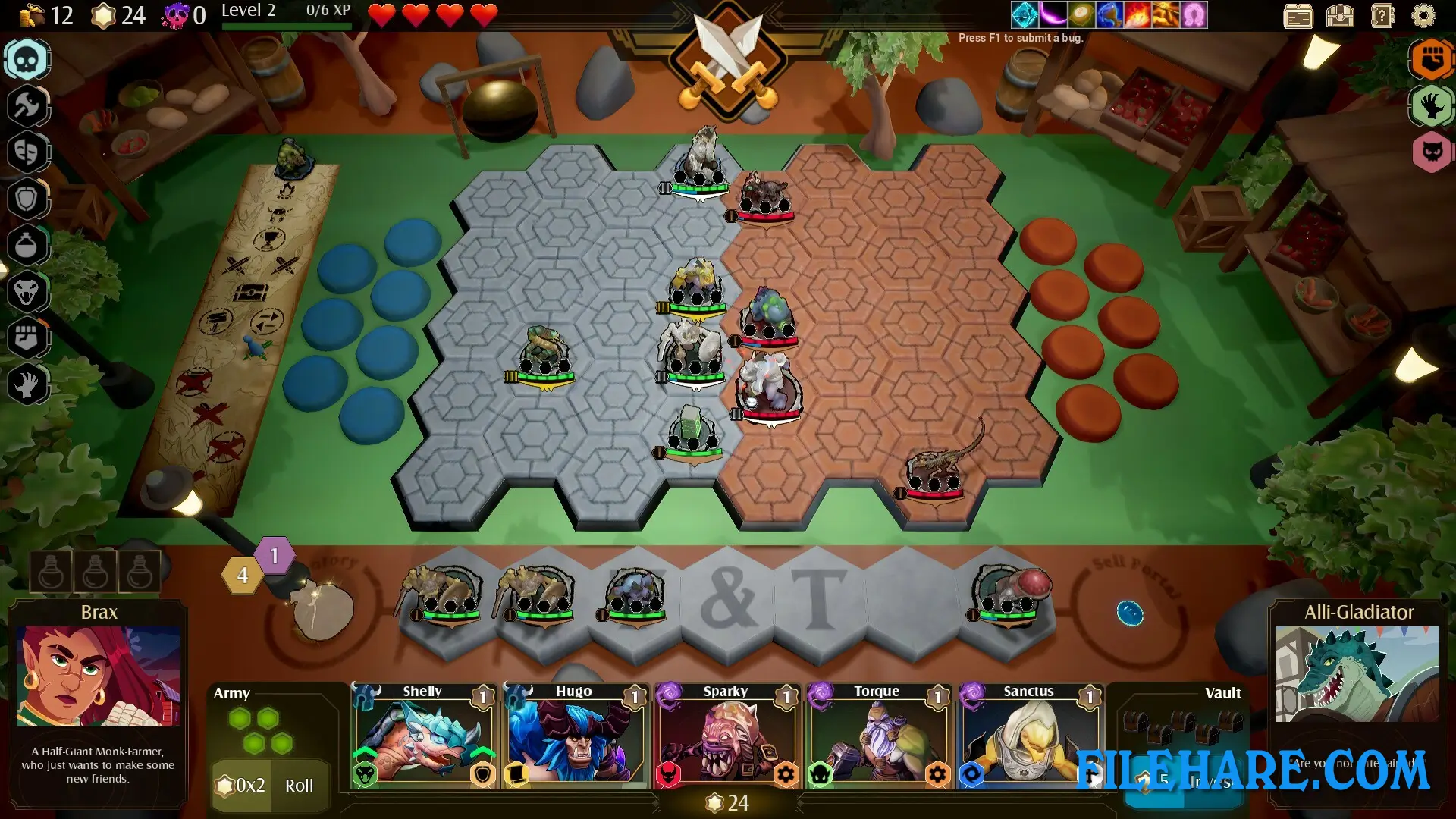
The game is an autobattler where you build an army of units and place them on a hexagonal board before the fight begins. Once you hit the battle button, the units fight automatically without your direct control, so you must plan carefully before combat starts. You collect units from a large pool of fantasy creatures, including Fae, Dragons, Treefolk, Skeletons, Ghouls, and Orcs. When you get three copies of the same unit, they merge together into a stronger version with more health and damage. You need to position your units wisely on the hex board. Healers and ranged units should stay at the back, while tanks and melee fighters belong at the front. Some units have special abilities like teleporting to attack enemies, so you must think about how this will change your formation. Between battles, you travel across a map and visit different locations. You can stop at shops to buy equipment that increases health, attack speed, or provides special bonuses like lifesteal.
Tales & Tactics Features
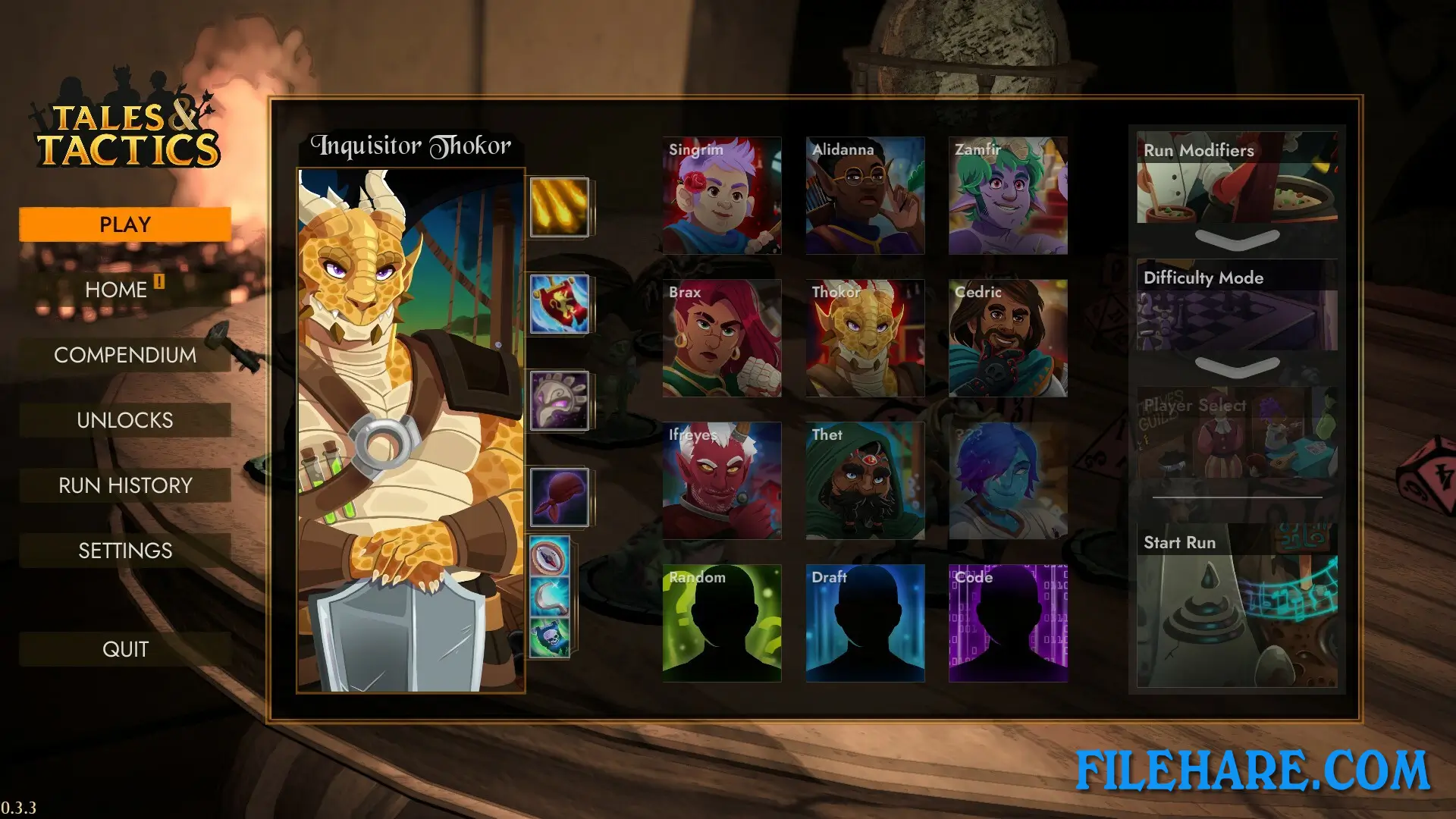
The game contains 120 different units to collect and use in your army. You can equip up to three items on any unit, including weapons, armor, and special equipment called banners that grant passive bonuses and can change a unit’s class type. Items can also be merged together using specific recipes to create stronger versions that take up only one equipment slot. There are nine playable characters you can unlock, and you can even create your own custom character by choosing different perks. You earn experience points and gold after every battle. When you level up, you choose from three upgrades to improve your power. Star points are used to buy units from the shop and to reroll the available units if you don’t like what’s offered. The game has multiple difficulty options, including personal, barebones, recommended, and custom settings. The game includes PvP modes where you can battle other players in ranked, unranked, or custom lobbies to test whose army is superior.
Recommended System Requirements
Requires a 64-bit processor and operating system
- OS: Windows 10+
- Processor: Intel Core i7 or equivalent
- Memory: 6 GB RAM
- Graphics: NVIDIA GeForce GTX 2000-Series or higher (8GB+ VRAM)
- DirectX: Version 12
- Storage: 4 GB available space
Gameplay Screenshots
| Name | Tales & Tactics |
|---|---|
| Developer | Table 9 Studio |
| File Size | 2.24 GB |
| Category | Strategy |
| Minimum System Requirements | |
| CPU | Intel Core i5 or equivalent |
| RAM | 4 GB |
| Graphics | NVIDIA GeForce GTX 1000-Series or higher (4GB+ VRAM) |
| Free Disk Space | 4 GB |
| Operating System | Windows 10 / 11 (64-bit) |
| User Rating | |
To buy this game, visit the Store Page
How to Download and Install Tales & Tactics PC Game?
We have simple instructions for you to download and install the PC game. Before following the steps, Ensure your PC meets the minimum system requirements for Playing the game on your PC.
- First, click on the DOWNLOAD button and you will be redirected to the final Download page. Then, Download the Game on your PC.
- Once you have downloaded the Tales & Tactics PC Game, Open the folder where you saved the Game.
- Then Right-click on the Zip file and click on the "Extract files" option from the dropdown menu. If your computer does not have a Zip file extract software installed, you must first install it. (such as WinRAR, 7Zip software)
- After Extracting the Zip file, Open the Tales & Tactics PC Game folder.
- Then, double-click on the Setup.exe file to Install the Game.
- If asked, provide administrator permissions for the installation to proceed. Click Yes to continue.
- Follow the on-screen installation wizard to install the game on your PC.
- After the installation, if you get any missing ".dll" errors or the Game is not launching, open the Readme.txt file located in the game folder and follow the instructions shown in the document file to play the game.
Done!. Now, you can launch the game from your desktop.