Terra Nil: Deluxe Edition PC Game Download for Windows 10/11/7/8
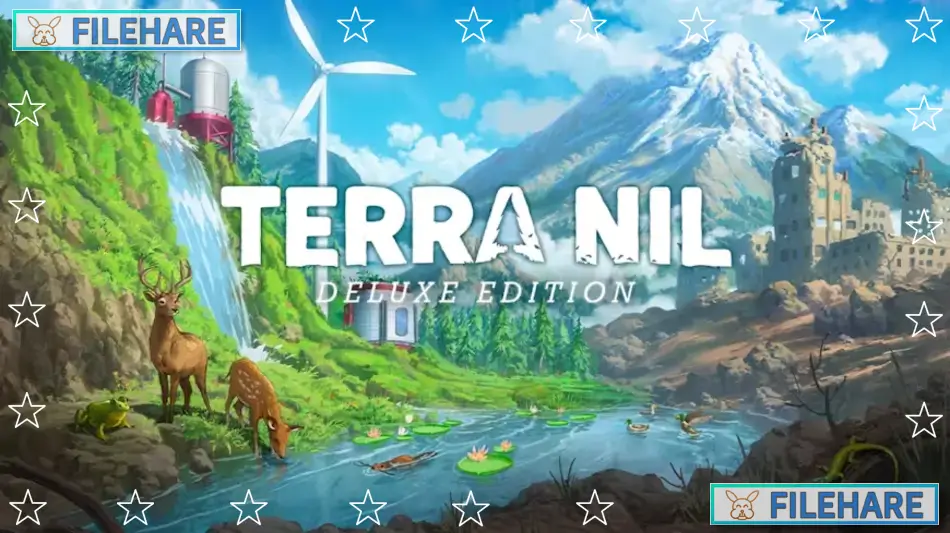
Terra Nil: Deluxe Edition is a reverse city builder strategy game where you restore nature instead of destroying it. Free Lives developed this game, and Devolver Digital published it. The game came out on March 28, 2023, for PC on Steam. The Deluxe Edition includes the base game, a soundtrack with 34 tracks, and a digital artbook that shows how the game was created.
Table of Contents
Terra Nil: Deluxe Edition Gameplay
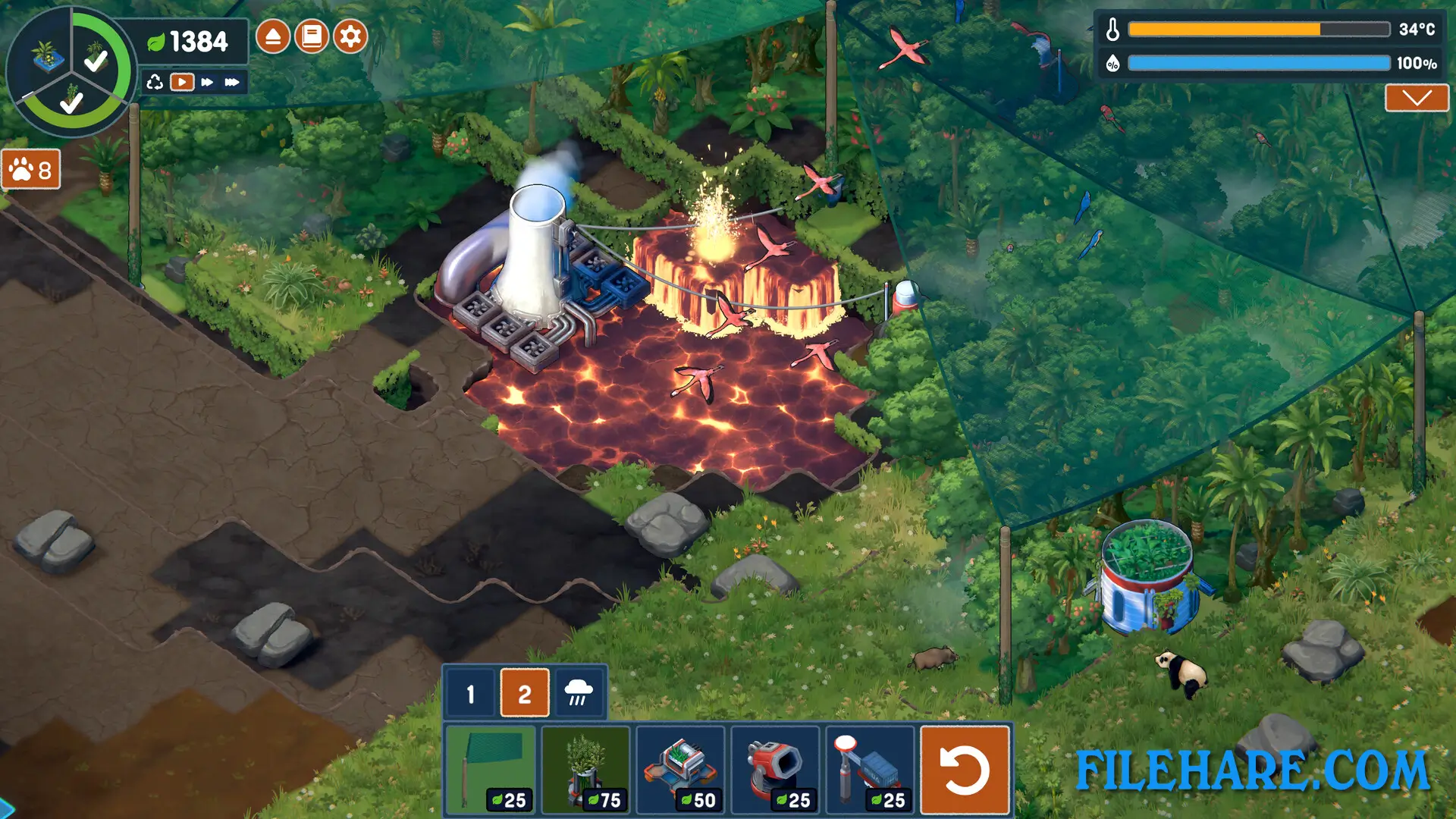
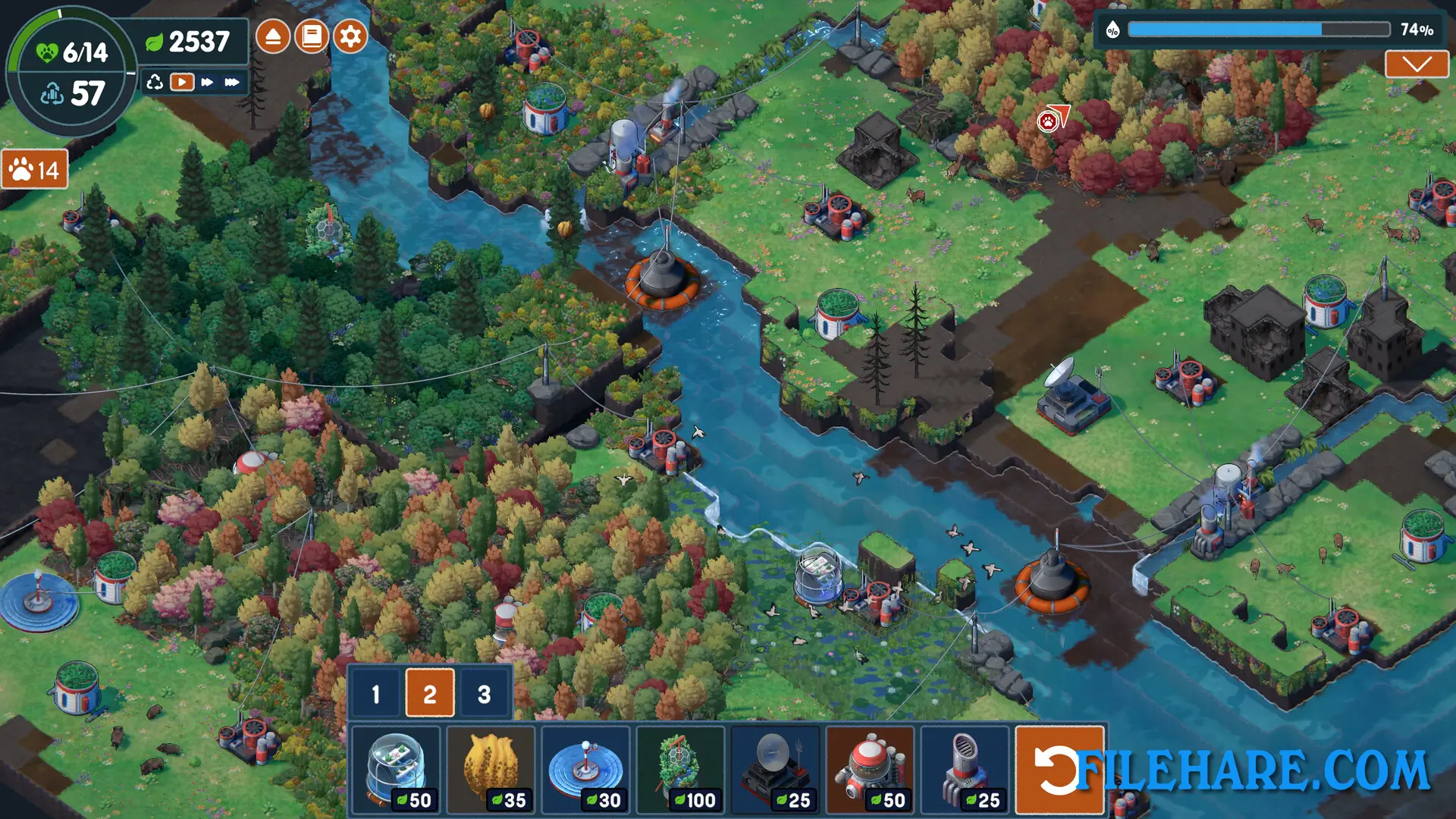
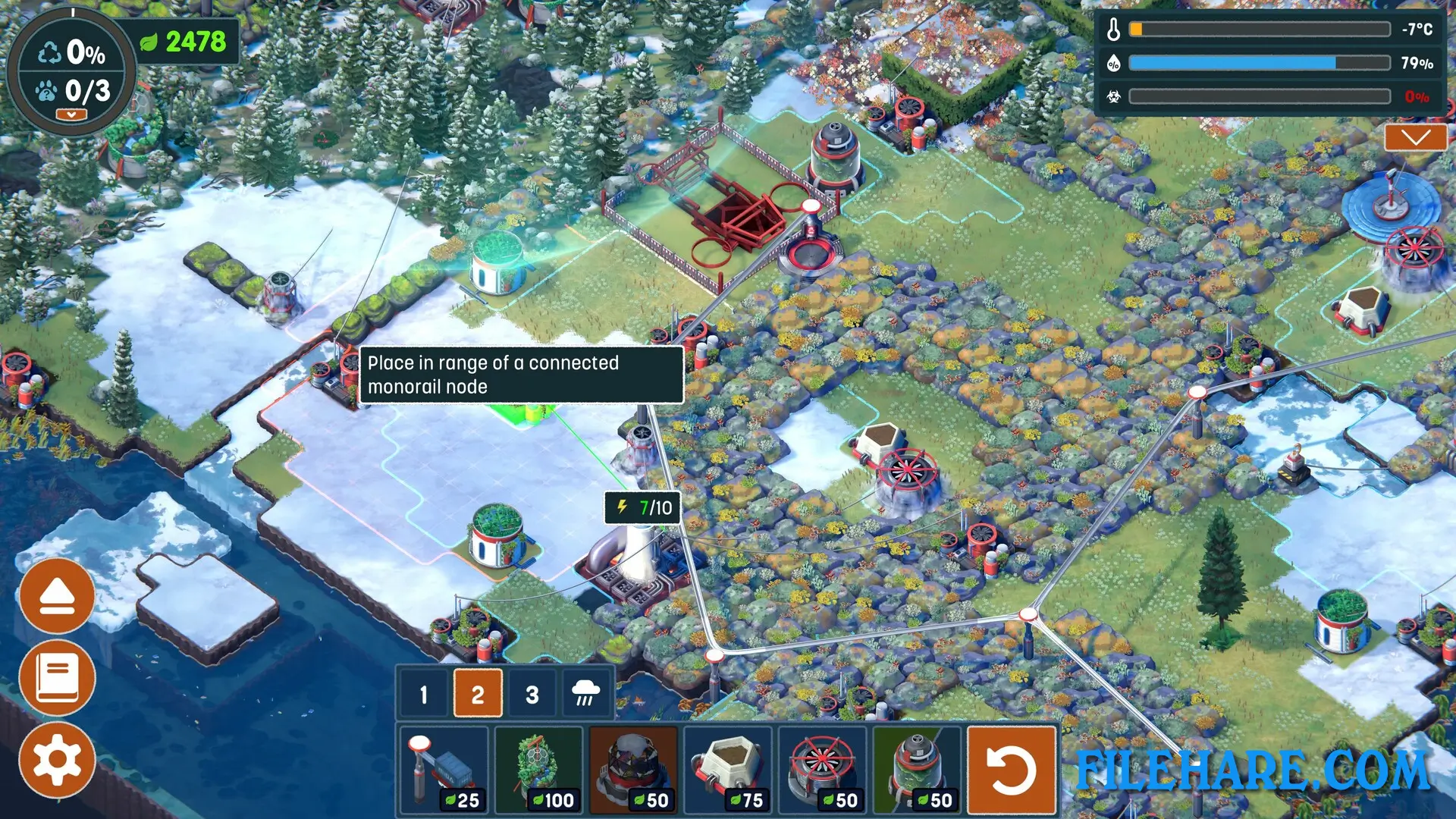
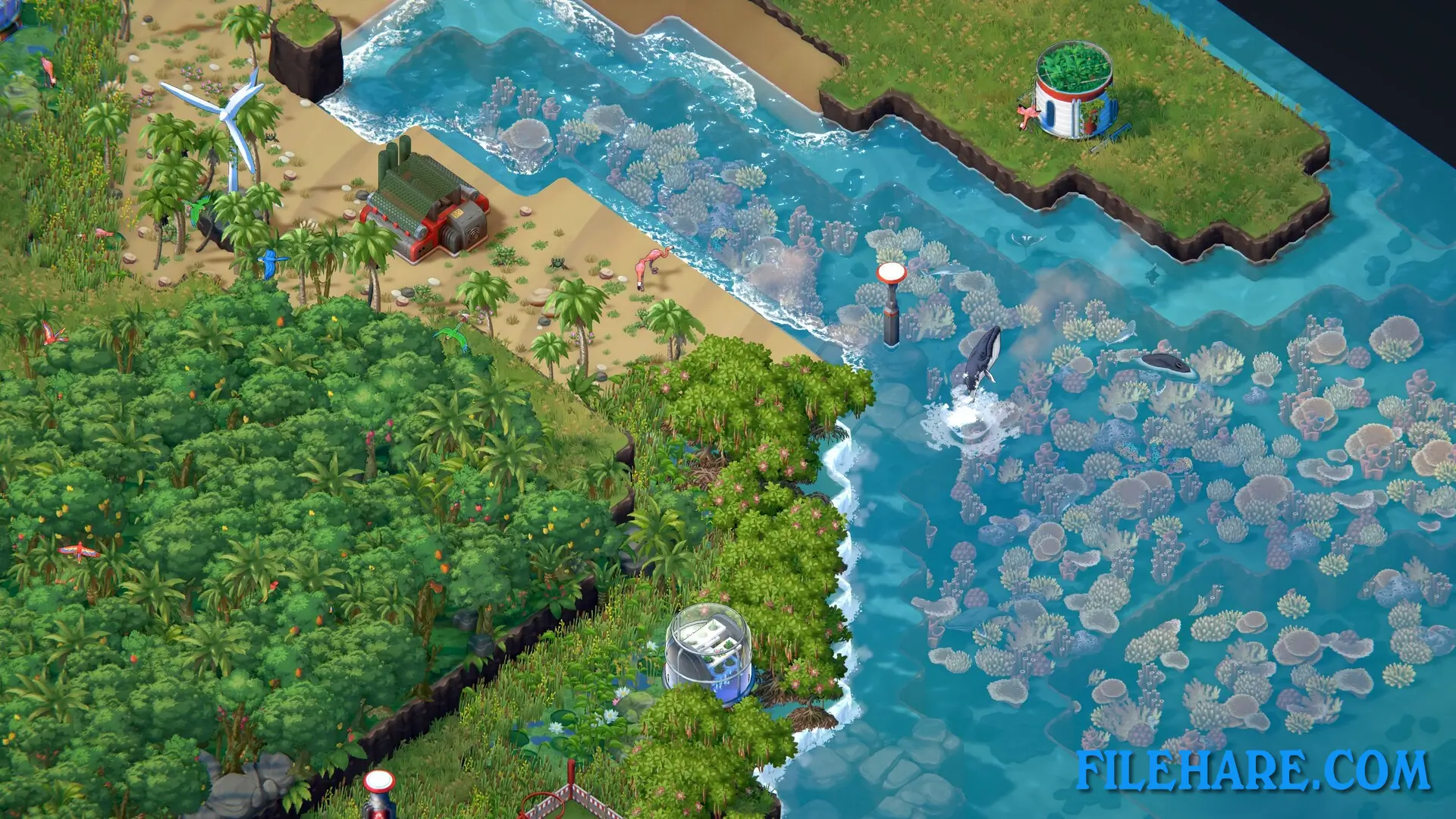
You start with barren land that has no plants or animals. Your goal is to bring nature back by placing special buildings that help the environment recover. You place wind turbines in stone areas to get power for other buildings. You use tools to clean dirty soil and turn it into healthy grass. You can create rivers, beaches, forests, and wetlands by using technology that helps nature grow. After you finish restoring an area, you must recycle all your buildings and remove them so the land looks natural again. The game has four main regions to restore, and you move through phases in each area until it becomes a complete ecosystem ready for animals.
Every map is randomly created, so the land is new every time you play. You need to plan where to put your buildings because mountains, rivers, and oceans appear in random places. The game has an Appreciate mode that you can use when finished to look at the beautiful nature you restored.
Terra Nil: Deluxe Edition Features
The game has no fighting or competition. You only focus on healing the environment. You can grow many types of nature like grasslands, rainforests, coral reefs, and flower fields. Animals come back to live in the areas after you restore them. The buildings you place include purifiers, irrigation systems, beehives, and solar amplifiers. Temperature and humidity are important because certain plants need specific conditions to grow. You must plan carefully because you have limited resources to work with.
The Deluxe Edition includes a 34-track music collection by Meydän that plays while you restore nature. The art book shows concept pictures, building designs, and textures used to make the game. A portion of the money from sales goes to the Endangered Wildlife Trust to help real ecosystems.
Recommended System Requirements
Requires a 64-bit processor and operating system
- OS: Windows 10 x64
- Processor: Intel Core i7-6950X / AMD Ryzen 5 2600
- Memory: 8 GB RAM
- Graphics: GeForce GTX 1080 / Radeon RX 5700 XT
- Storage: 2 GB available space
Gameplay Screenshots
| Name | Terra Nil: Deluxe Edition |
|---|---|
| Developer | Free Lives, Clockwork Acorn |
| File Size | 962.89 MB |
| Category | Strategy |
| Minimum System Requirements | |
| CPU | Intel Core i5-4590 / AMD FX-8350 |
| RAM | 8 GB |
| Graphics | GeForce GTX 760 / Radeon RX 560X |
| Free Disk Space | 2 GB |
| Operating System | Windows 10 / 11 / 7 / 8 (64-bit) |
| User Rating | |
To buy this game, visit the Store Page
How to Download and Install Terra Nil: Deluxe Edition PC Game?
We have simple instructions for you to download and install the PC game. Before following the steps, Ensure your PC meets the minimum system requirements for Playing the game on your PC.
- First, click on the DOWNLOAD button and you will be redirected to the final Download page. Then, Download the Game on your PC.
- Once you have downloaded the Terra Nil: Deluxe Edition PC Game, Open the folder where you saved the Game.
- Then Right-click on the Zip file and click on the "Extract files" option from the dropdown menu. If your computer does not have a Zip file extract software installed, you must first install it. (such as WinRAR, 7Zip software)
- After Extracting the Zip file, Open the Terra Nil: Deluxe Edition PC Game folder.
- Then, double-click on the Setup.exe file to Install the Game.
- If asked, provide administrator permissions for the installation to proceed. Click Yes to continue.
- Follow the on-screen installation wizard to install the game on your PC.
- After the installation, if you get any missing ".dll" errors or the Game is not launching, open the Readme.txt file located in the game folder and follow the instructions shown in the document file to play the game.
Done!. Now, you can launch the game from your desktop.