The Casting of Frank Stone: Deluxe Edition PC Game Download
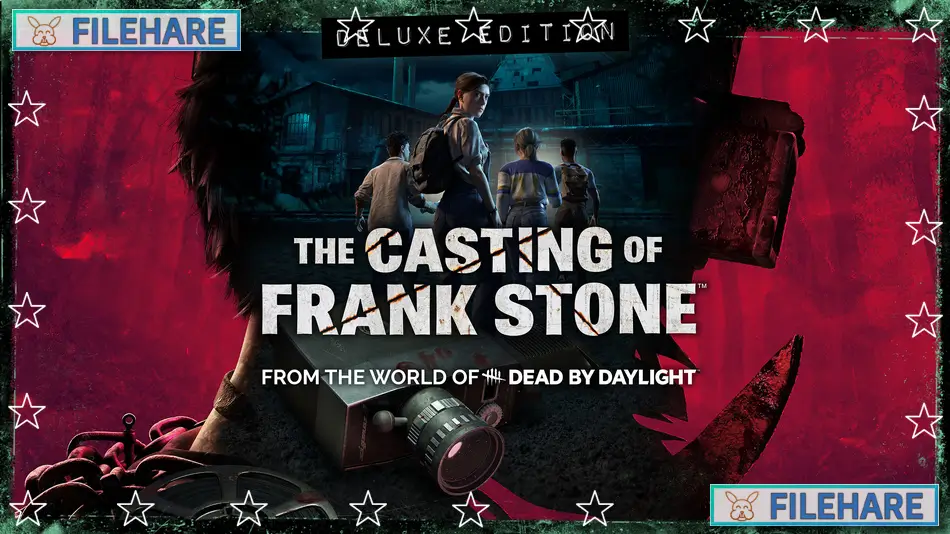
The Casting of Frank Stone: Deluxe Edition is a horror adventure game that takes place in the Dead by Daylight universe. Supermassive Games developed this game, and Behaviour Interactive published it. The game was released on September 3, 2024, for PC on Steam and Epic Games Store. The Deluxe Edition includes the base game, instant access to The Cutting Room Floor feature, and eight exclusive costumes.
Table of Contents
The Casting of Frank Stone: Deluxe Edition Story
The story happens in two time periods. In 1963, a police officer named Sam Green went to the Cedar Steel Mill to search for a missing child. He finds serial killer Frank Stone trying to throw a baby into a furnace. Sam shoots Frank to stop him, and Frank falls into the furnace, where a strange black mist covers his body. Years later, in 1980, three young friends named Linda, Chris, and Jaime decided to make a horror movie at the same abandoned mill. They want to include Frank Stone in their film. While filming, they start to see strange paranormal things happen. The story then moves to 2024, where Madison, Linda, and Stan are invited to Gerant Manor in England by a collector named Augustine. She wants to buy the film reels from the Murder Mill movie. As they explore the manor, they discover dark secrets about Frank Stone and how his evil continues to harm people across different timelines and generations.
The Casting of Frank Stone: Deluxe Edition Gameplay
You play as multiple characters throughout the story and switch between them at different points. The game is an interactive drama where you make decisions that control what happens next. You explore locations, talk to other characters, and search for clues. The camera you use in the game can capture paranormal activity that normal eyes cannot see. Characters can die permanently if you make wrong choices or fail important moments. The Cutting Room Floor feature in the Deluxe Edition allows you to go back to important decision points and change what you did before. This helps you see different story paths without starting the entire game over.
Recommended System Requirements
Requires a 64-bit processor and operating system
- OS: Windows 10 64-bit 1909 revision or higher / Windows 11
- Processor: Intel Core i5-12400F / AMD Ryzen 5 5600
- Memory: 16 GB RAM
- Graphics: Nvidia RTX 3070 / AMD RX 6800 or similar
- Storage: 70 GB available space
- Additional Notes: SSD recommended
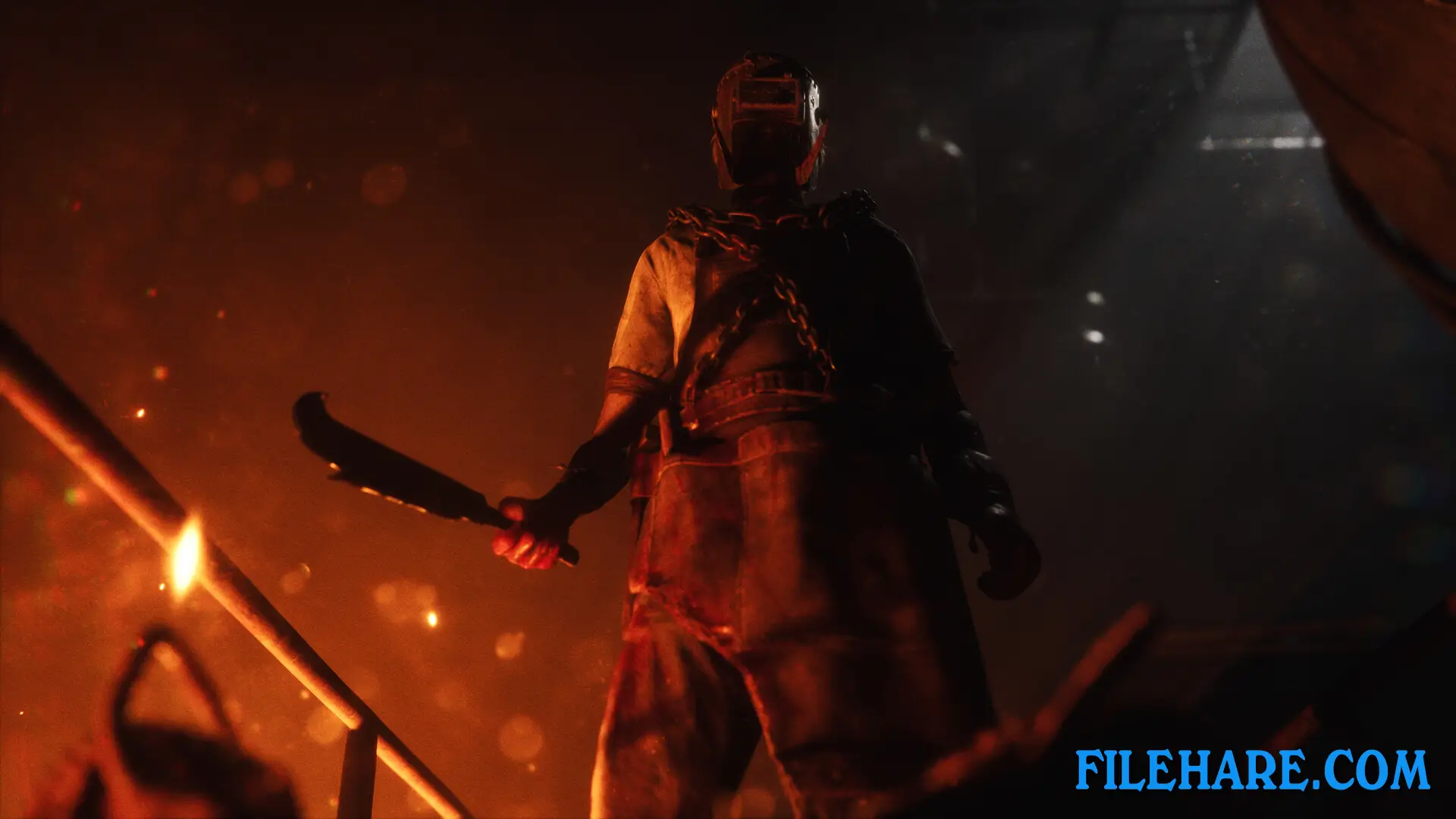
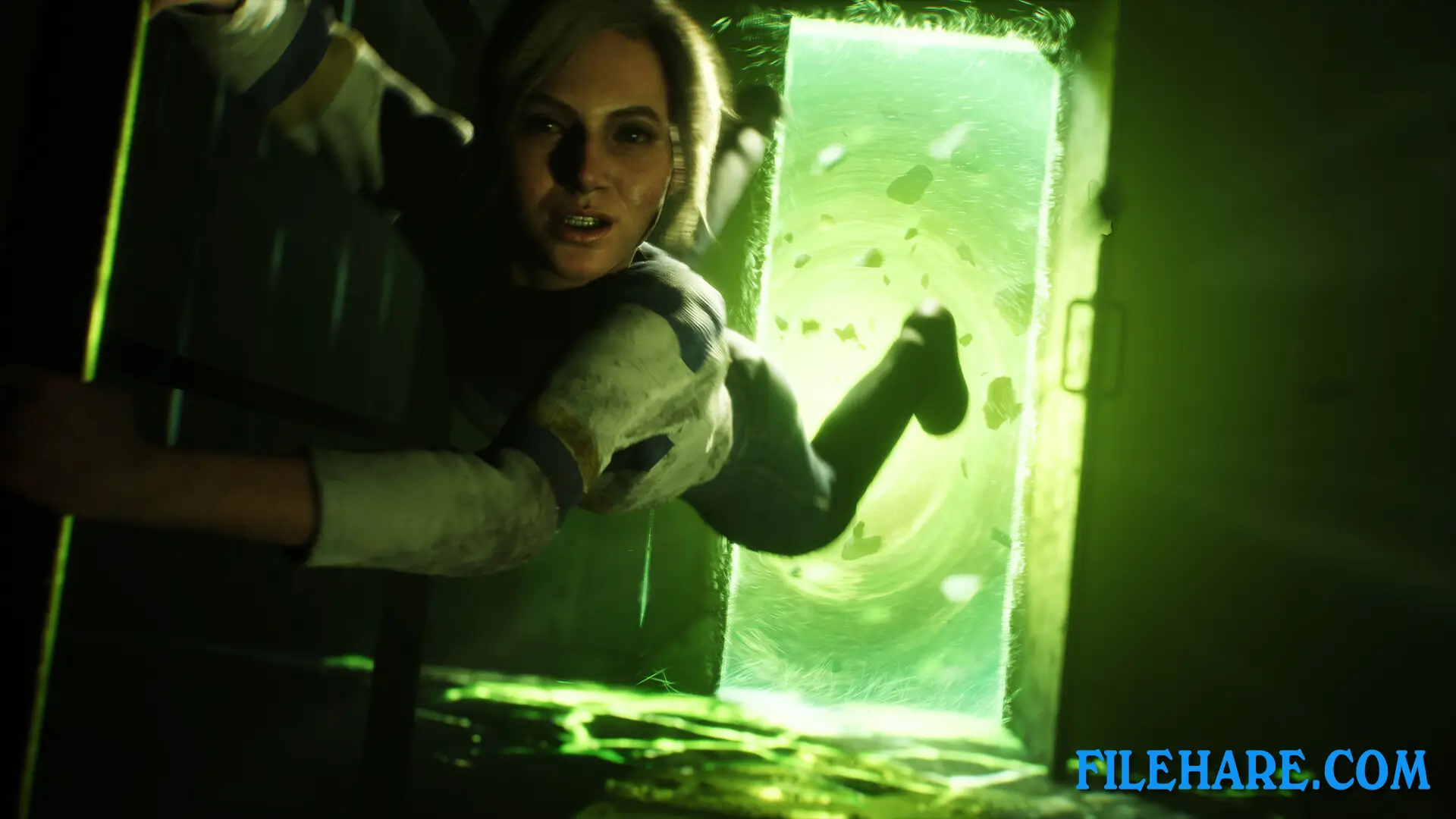
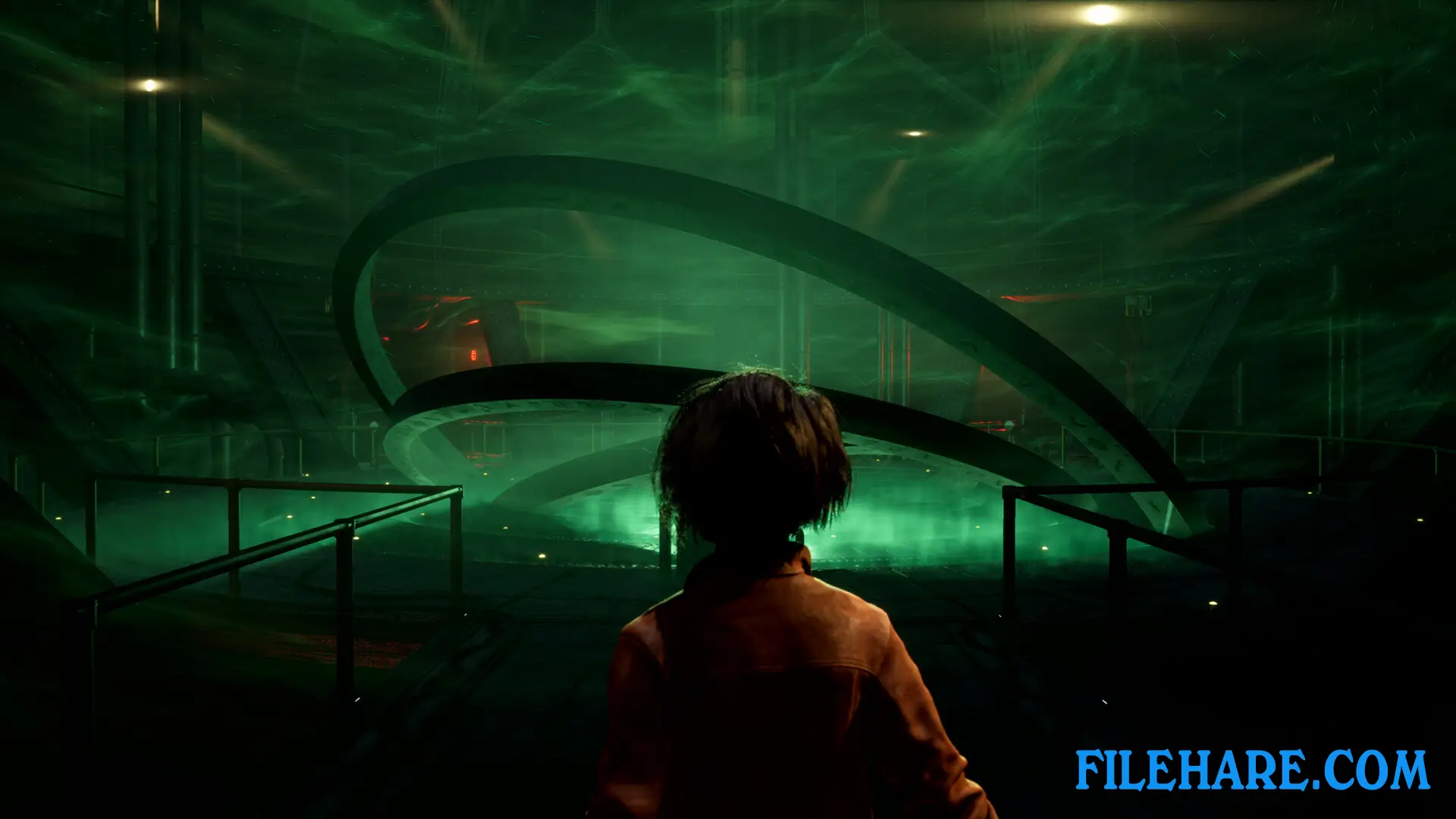
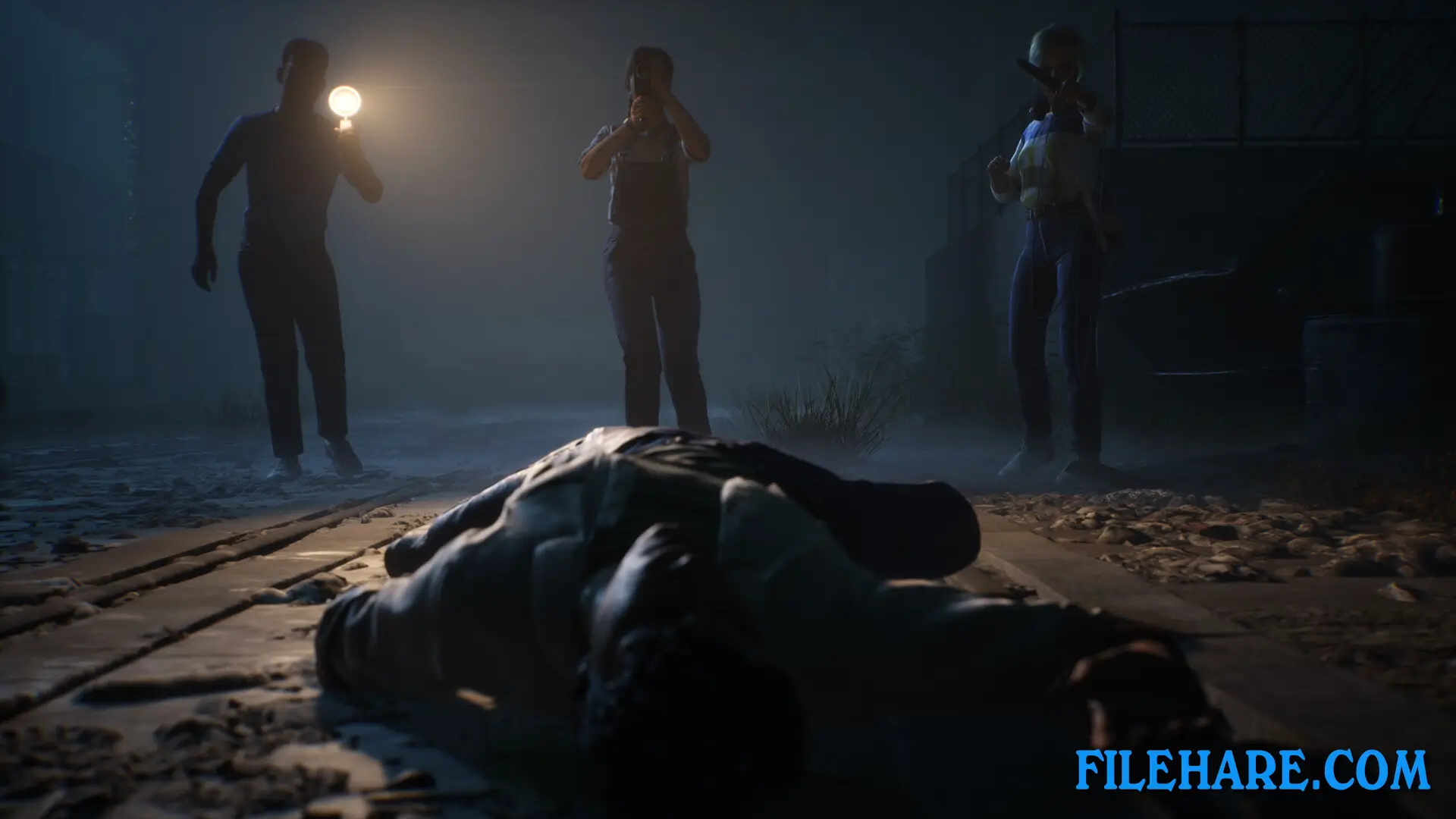
Gameplay Screenshots
| Name | The Casting of Frank Stone: Deluxe Edition |
|---|---|
| Developer | Supermassive Games |
| File Size | 32.42 GB |
| Category | Adventure, Horror |
| Minimum System Requirements | |
| CPU | Intel Core i5-8400 / AMD Ryzen 5 1600 |
| RAM | 12 GB |
| Graphics | Nvidia GTX 1080 / AMD RX 5700 XT or similar |
| Free Disk Space | 70 GB |
| Operating System | Windows 10 1909 revision or higher / 11 (64-bit) |
| User Rating | |
To buy this game, visit the Store Page
How to Download and Install The Casting of Frank Stone: Deluxe Edition PC Game?
We have simple instructions for you to download and install the PC game. Before following the steps, Ensure your PC meets the minimum system requirements for Playing the game on your PC.
- First, click on the DOWNLOAD button and you will be redirected to the final Download page. Then, Download the Game on your PC.
- Once you have downloaded the The Casting of Frank Stone: Deluxe Edition PC Game, Open the folder where you saved the Game.
- Then Right-click on the Zip file and click on the "Extract files" option from the dropdown menu. If your computer does not have a Zip file extract software installed, you must first install it. (such as WinRAR, 7Zip software)
- After Extracting the Zip file, Open the The Casting of Frank Stone: Deluxe Edition PC Game folder.
- Then, double-click on the Setup.exe file to Install the Game.
- If asked, provide administrator permissions for the installation to proceed. Click Yes to continue.
- Follow the on-screen installation wizard to install the game on your PC.
- After the installation, if you get any missing ".dll" errors or the Game is not launching, open the Readme.txt file located in the game folder and follow the instructions shown in the document file to play the game.
Done!. Now, you can launch the game from your desktop.