Gym Manager PC Game Download for Windows 10/11
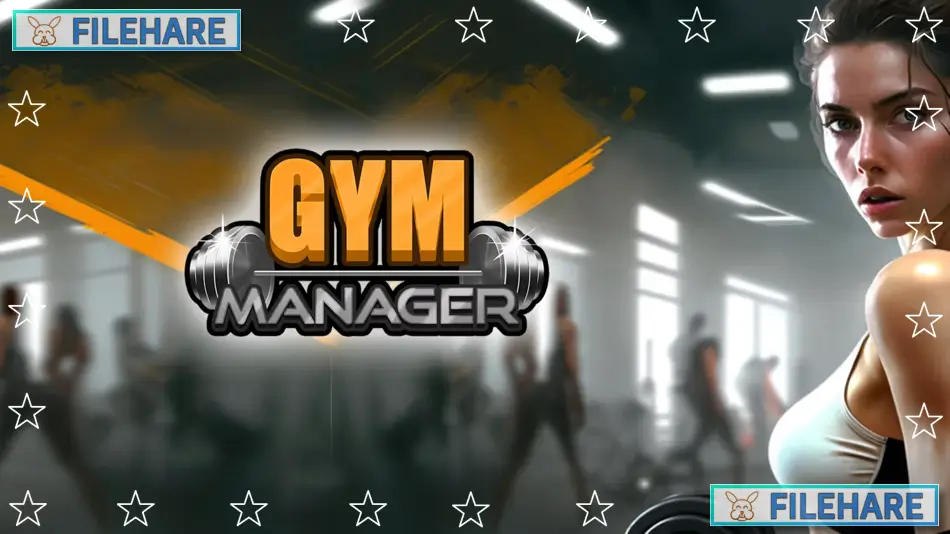
Gym Manager is a business simulation game where you build and run your own fitness center. Han GAMES developed this game, and PlayWay S.A. published it. The game was released on July 31, 2024, for PC on Steam. You start by opening a gym to compete against your former employer, who fired you, and your goal is to become more successful than they are.
Table of Contents
Gym Manager Gameplay
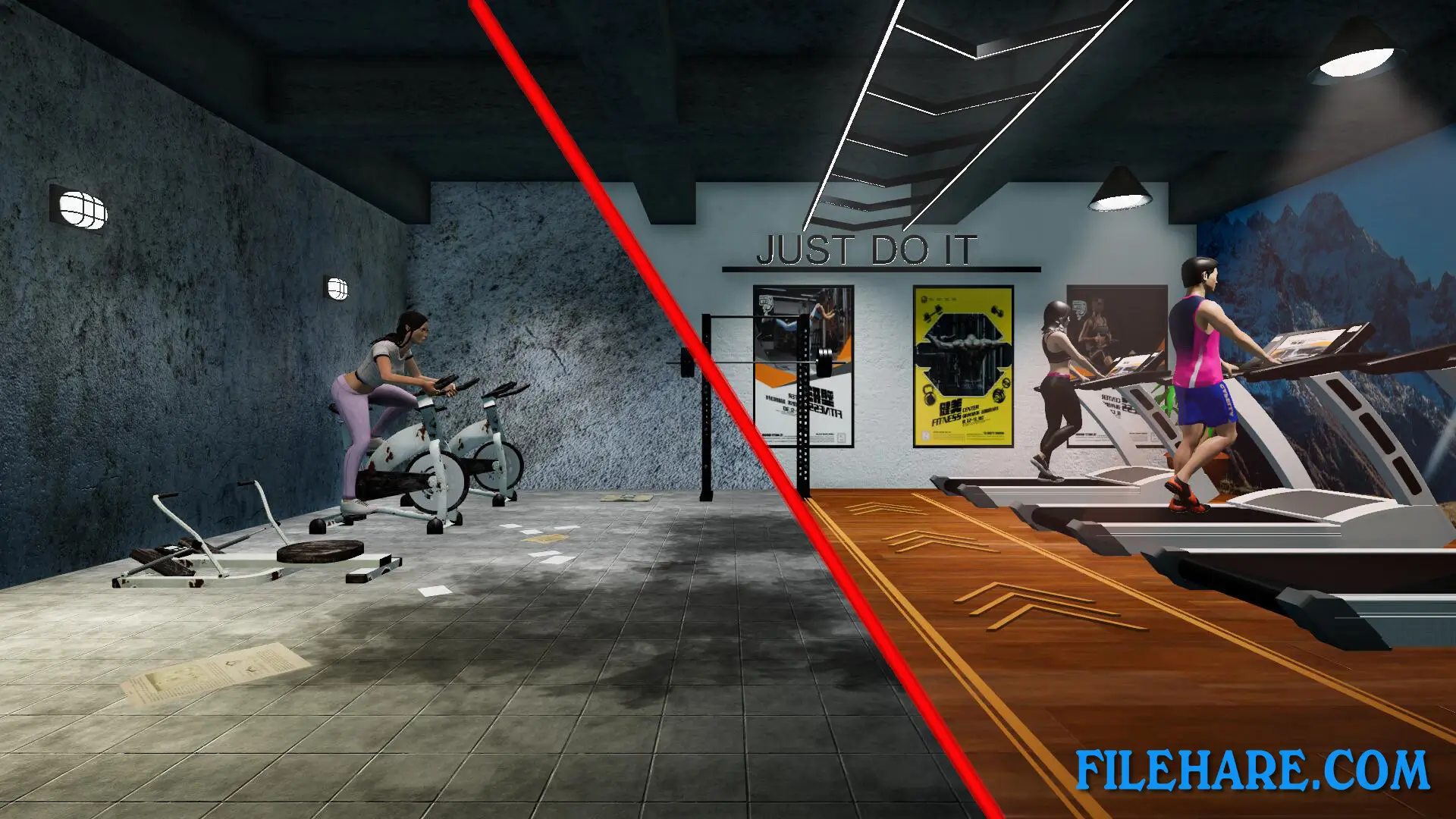
You manage all parts of running a gym business. You buy fitness equipment like treadmills, weight machines, and exercise bikes to attract customers. You must keep your gym clean by mopping floors and removing trash, because dirty gyms make members unhappy. You can expand your gym by knocking down walls to create more space for equipment and services. The game allows you to add extra facilities like a sauna, massage room, solarium, and locker rooms to earn more money. You sell supplements and nutrition products to members for additional income.
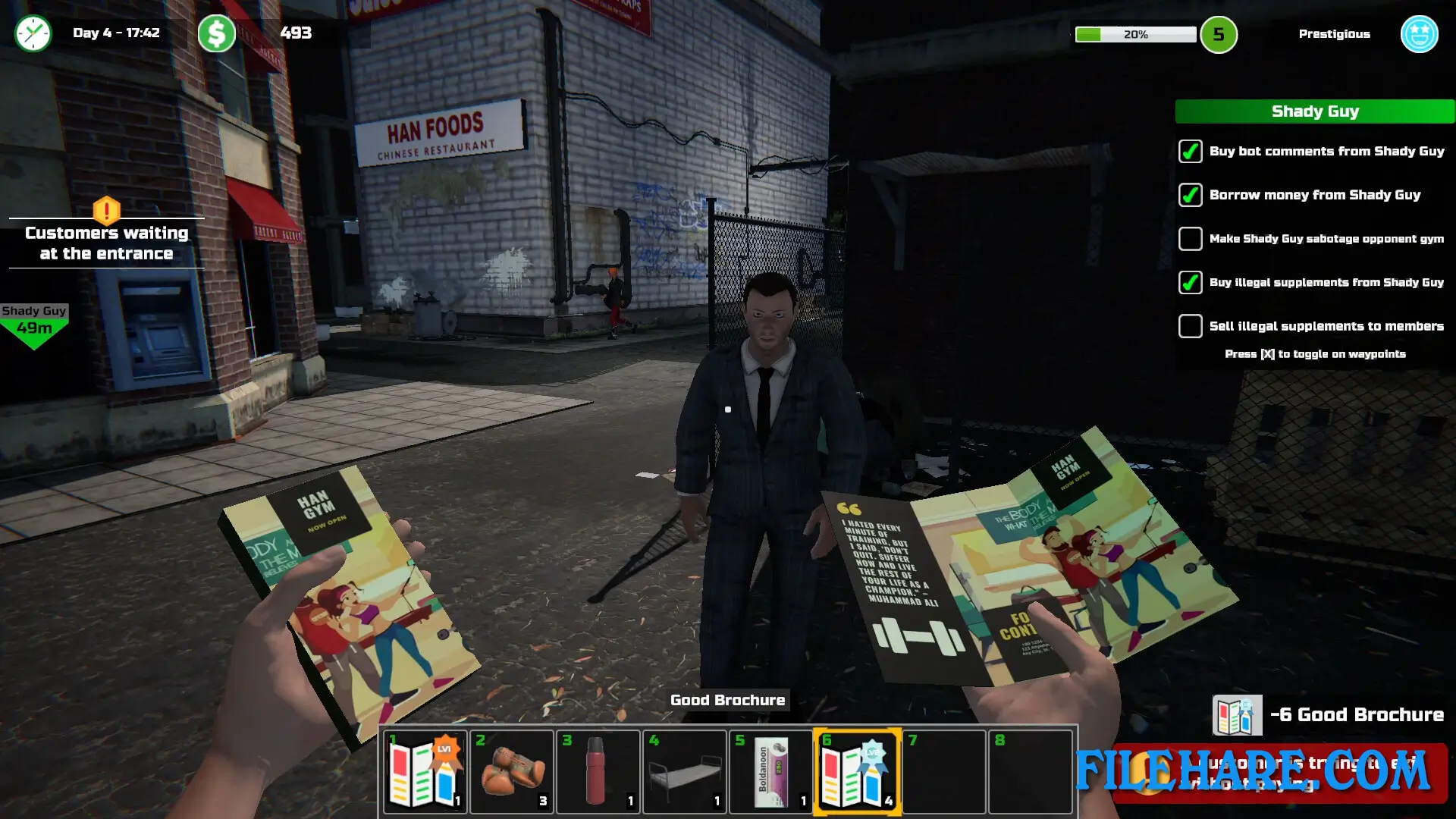
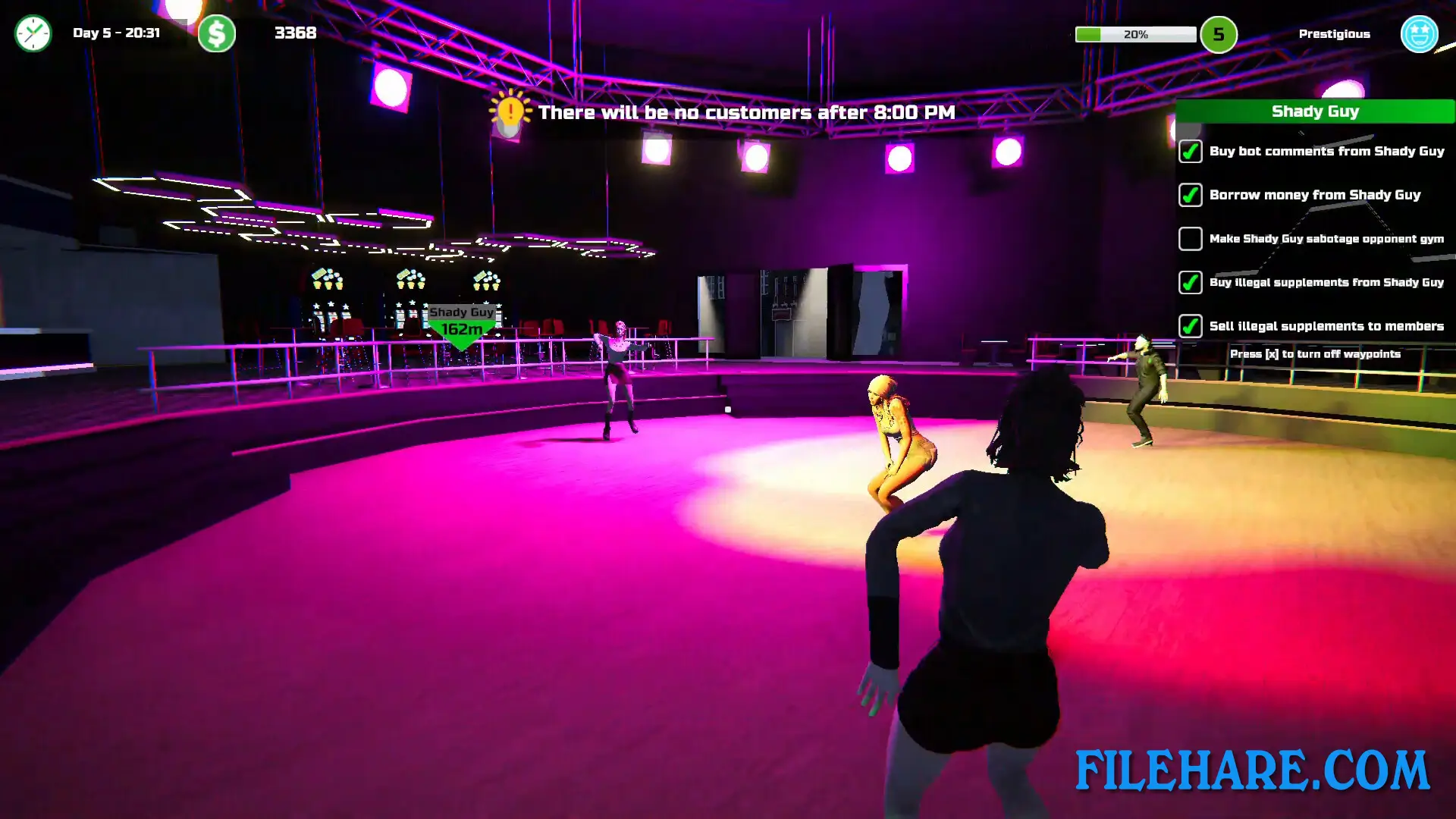
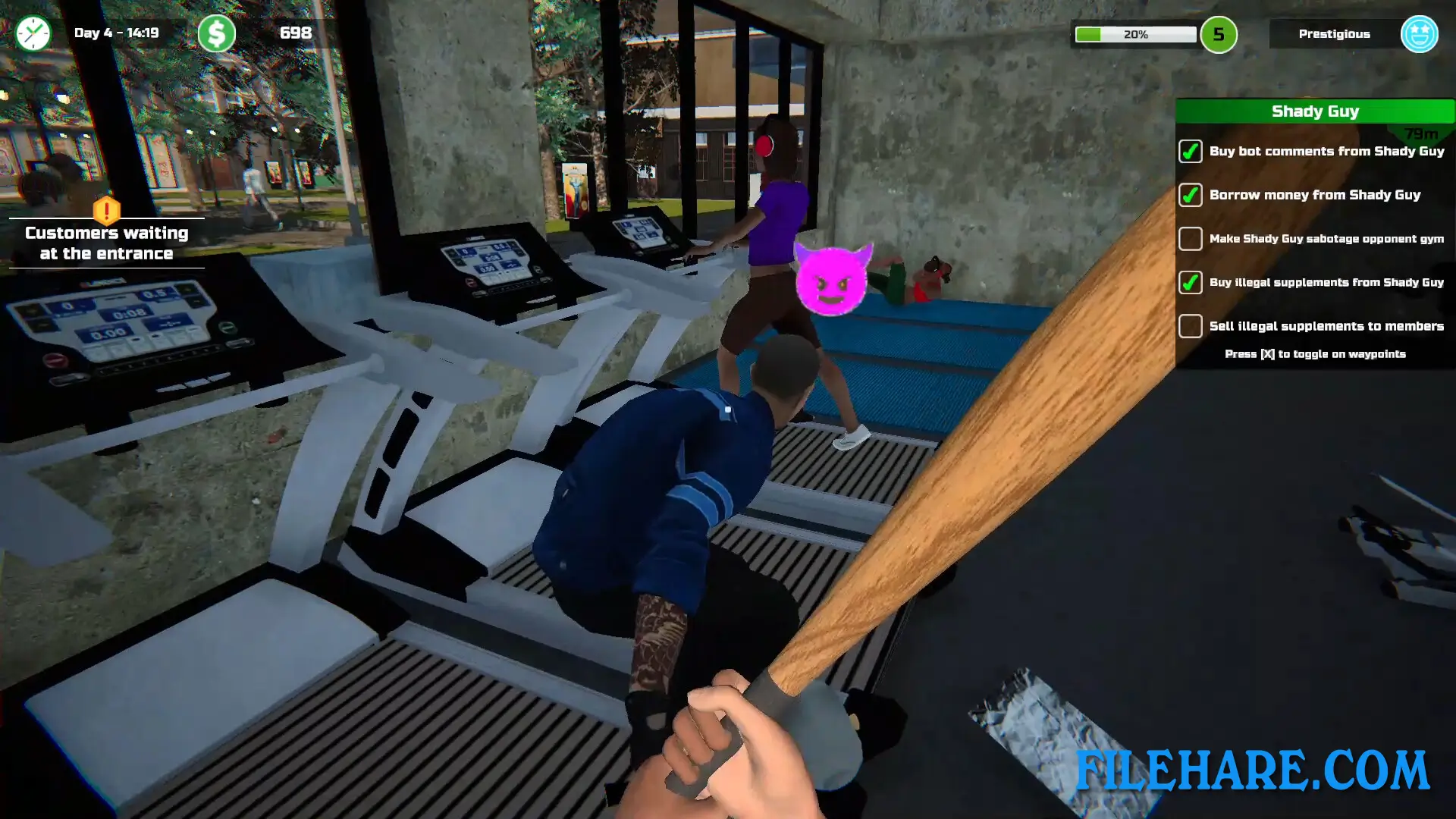
The game tracks your gym’s popularity based on cleanliness, equipment quality, member ratings, and music. You negotiate membership prices with potential customers through mini-games where you measure their body fat and suggest diet plans. You must also handle troublemakers who cause problems in your gym. The game is played from a first-person view as you walk around your property and interact with objects and people. Outside your gym, you can explore the town to find cheaper equipment at second-hand shops, buy a house, or sabotage your competitor’s gym to steal their customers.
Gym Manager Features
The game includes business management, where you track income and expenses to keep your gym profitable. You can customize your gym’s appearance by choosing decorations, wall colors, and floor designs. Members join your gym through subscriptions, and you must keep them satisfied or they will cancel and leave. The game has a rivalry element where you compete against your old boss, who runs another gym in town. You can damage their business by breaking into their facility at night and sabotaging their equipment.
The town has various locations you can visit, and you can do side activities like talking to people and attending parties. The game also includes illegal activities where you can lockpick buildings to steal items and sell them for extra cash, but you must avoid police who patrol the streets. Equipment needs regular maintenance, or it will break and upset members. You upgrade equipment to improve its quality and attract more customers. The ratio of male to female members in your gym also affects popularity.
Recommended System Requirements
Requires a 64-bit processor and operating system
- OS: Windows 10 x64 / Windows 11 x64
- Processor: 2.5 GHz Dual Core CPU
- Memory: 8 GB RAM
- Graphics: Geforce GTX 970/Radeon RX470 or better
- Storage: 7 GB available space
Gameplay Screenshots
| Name | Gym Manager |
|---|---|
| Developer | Han GAMES |
| File Size | 1.43 GB |
| Category | Simulation |
| Minimum System Requirements | |
| CPU | Intel/AMD 2 GHz Dual Core CPU |
| RAM | 4 GB |
| Graphics | Intel HD Graphics 4000 or better |
| Free Disk Space | 5 GB |
| Operating System | Windows 10 / 11 (64-bit) |
| User Rating | |
To buy this game, visit the Store Page
How to Download and Install Gym Manager PC Game?
We have simple instructions for you to download and install the PC game. Before following the steps, Ensure your PC meets the minimum system requirements for Playing the game on your PC.
- First, click on the DOWNLOAD button and you will be redirected to the final Download page. Then, Download the Game on your PC.
- Once you have downloaded the Gym Manager PC Game, Open the folder where you saved the Game.
- Then Right-click on the Zip file and click on the "Extract files" option from the dropdown menu. If your computer does not have a Zip file extract software installed, you must first install it. (such as WinRAR, 7Zip software)
- After Extracting the Zip file, Open the Gym Manager PC Game folder.
- Then, double-click on the Setup.exe file to Install the Game.
- If asked, provide administrator permissions for the installation to proceed. Click Yes to continue.
- Follow the on-screen installation wizard to install the game on your PC.
- After the installation, if you get any missing ".dll" errors or the Game is not launching, open the Readme.txt file located in the game folder and follow the instructions shown in the document file to play the game.
Done!. Now, you can launch the game from your desktop.